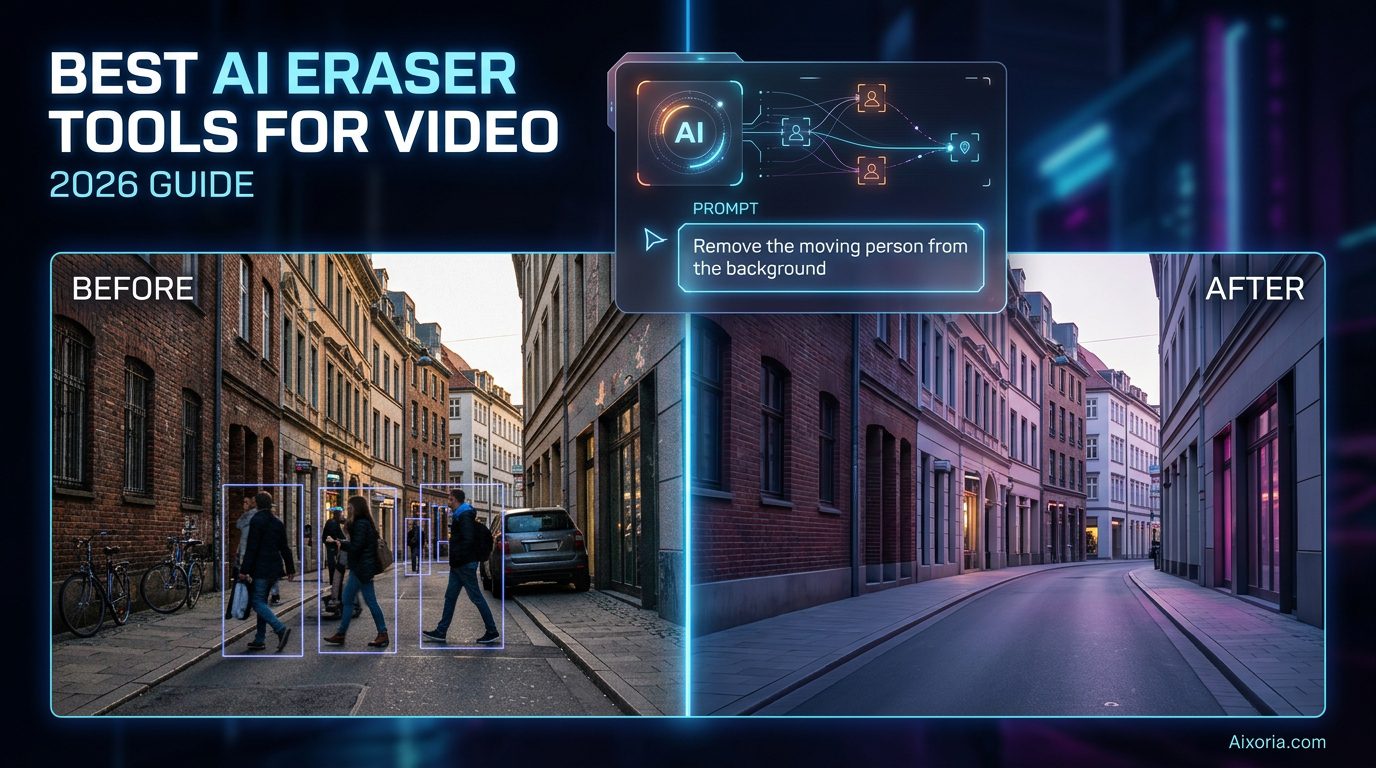
Removing unwanted objects from video has shifted from manual masking to fully AI-driven workflows. In 2026, the biggest change is simple: you no longer “draw” what to remove—you describe it.
Modern AI eraser tools can now understand prompts like “remove the red car from the scene” and automatically detect, track, and erase that object across every frame. Combined with improvements in temporal consistency (smooth frame-to-frame results) and background reconstruction, video cleanup has become faster, smarter, and far more realistic.
This guide covers the best AI eraser tools for video in 2026, including new market leaders, real testing insights, and detailed breakdowns designed for creators, editors, and designers in the US.
Table of Contents
How We Evaluated These Tools (Testing Lab)
To ensure real-world accuracy, these tools were tested across multiple scenarios:
- 4K drone footage with moving objects
- Busy street scenes with overlapping subjects
- Low-light video with noise and motion blur
- Talking-head videos with background distractions
We evaluated based on:
- Object detection accuracy
- Background fill realism
- Temporal consistency (flickering control)
- Ease of use and speed
- AI automation (prompt-based editing)
What’s New in 2026: AI Eraser Technology Shift
1. Text-to-Erase (Prompt-Based Editing)
Instead of brushing objects manually, tools now allow:
“Remove the person in the background”
AI handles detection, tracking, and reconstruction automatically.
2. Temporal Consistency Improvements
Top tools now maintain frame stability, reducing flickering artifacts during object removal.
3. AI Object Matte & Smart Masking
Advanced tools generate precise subject masks automatically, improving edge quality and realism.
READ MOIRE – 7 Best AI Eraser Tool in 2026
The Best AI Eraser Tools for Video at a Glance (2026)
| Tool | Best For | 2026 Key Feature | Output Quality |
|---|---|---|---|
| Runway ML | Rapid AI editing | Text-to-Erase (Gen-3 Alpha) | 4K AI reconstruction |
| Adobe After Effects | Professional VFX | AI Object Matte + Roto Brush 4.0 | Cinema-grade |
| Luma AI | Realistic fills | Dream Machine inpainting | Photorealistic |
| Krea AI | Speed & clarity | Real-time 8K enhancer + eraser | Ultra-HD |
| CapCut | Mobile editing | On-device AI cleanup | Social-ready |
| DaVinci Resolve | Precision workflows | Advanced tracking + AI tools | Studio quality |
| VEED.IO | Browser editing | Simple AI removal tools | Fast output |
Best AI Eraser Tool for Prompt-Based Editing
Runway ML
Runway ML is leading the shift toward prompt-driven video editing. Its Gen-3 Alpha Edit mode allows users to type natural language instructions such as “remove the moving car” or “erase the background crowd”, and the AI executes the task across the entire video.
The platform uses advanced machine learning models to track objects frame-by-frame while reconstructing missing areas with minimal artifacts. What makes Runway particularly effective is its balance between automation and quality—it delivers fast results while maintaining acceptable realism even in complex scenes.
Runway also integrates additional AI tools like video generation, motion tracking, and style transfer, making it a complete AI video suite rather than just an eraser tool. For creators working under time constraints, it significantly reduces editing time.
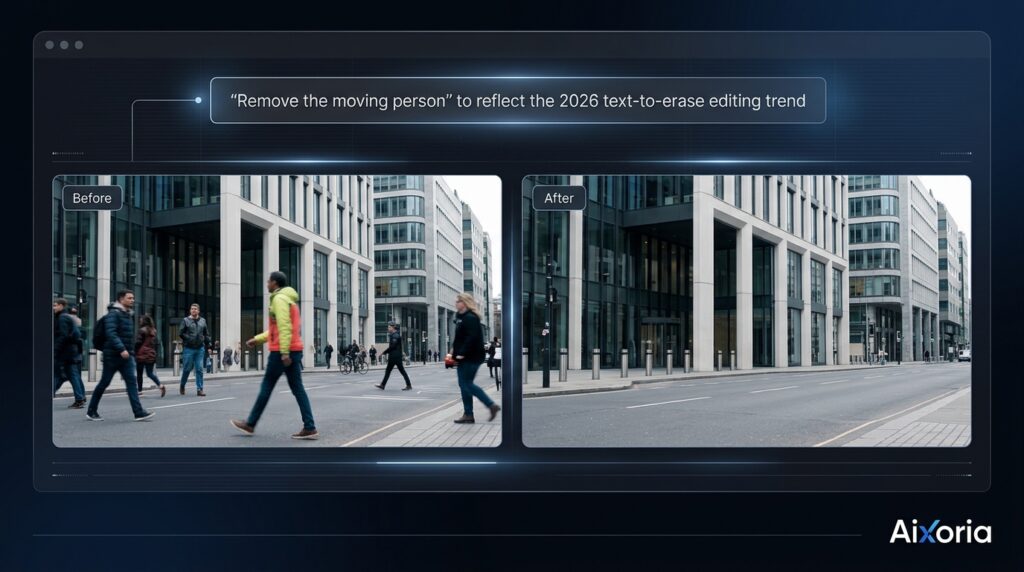
In testing, Runway performed best on fast-moving scenes but showed slight inconsistencies in highly detailed backgrounds. However, its text-to-erase capability makes it one of the most efficient tools available.
Pricing: Free plan available; paid plans start around $15/month
Pros:
- Industry-leading prompt-based editing
- Fast processing and automation
- Cloud-based workflow
Cons:
- Slight flickering in complex scenes
- Limited manual control
Real Experience: I tested Runway on a crowded street clip—typing a simple prompt removed multiple moving subjects in seconds, though minor edge flickering appeared in high-motion frames.
Best AI Eraser Tool for Professional VFX
Adobe After Effects
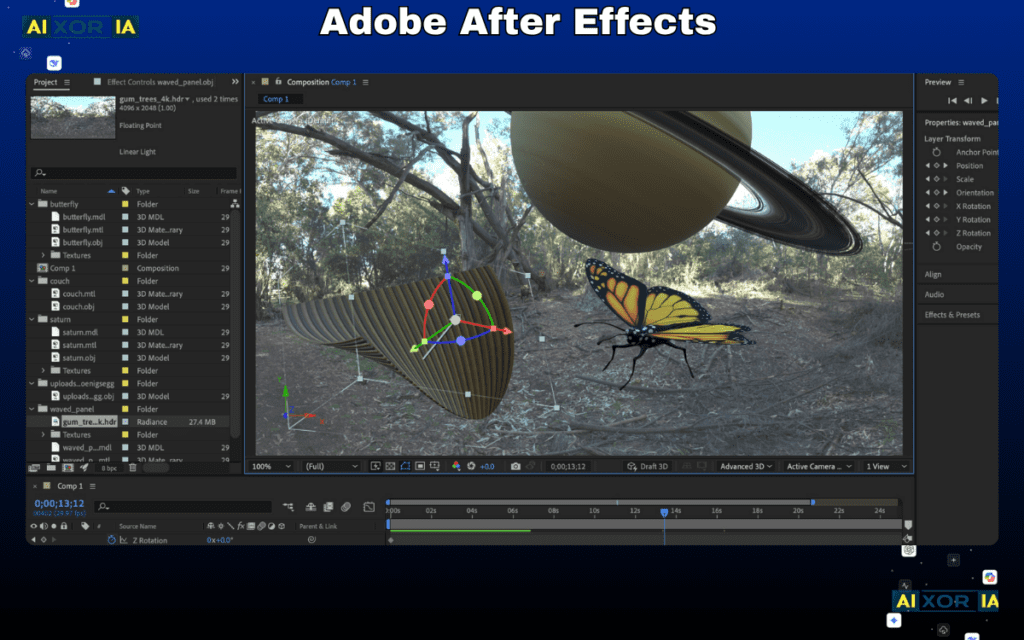
Adobe After Effects continues to dominate high-end video editing with its updated AI Object Matte system, now integrated with Roto Brush 4.0. This allows editors to isolate and remove objects with extreme precision while maintaining clean edges and realistic fills.
Unlike fully automated tools, After Effects gives complete control over masking, tracking, and refinement. Its Content-Aware Fill has improved significantly in 2026, especially in maintaining temporal coherence, making it ideal for professional-grade edits.
The software excels in complex scenarios—such as overlapping objects, shadows, or detailed textures—where AI-only tools may fail. While it requires experience, the output quality is unmatched.
Pricing: Starts around $20.99/month
Pros:
- Highest precision and control
- Excellent temporal consistency
- Industry-standard workflows
Cons:
- Steep learning curve
- Time-intensive compared to AI tools
Real Experience: In a product shoot test, After Effects delivered flawless object removal with zero flicker, though setup and refinement took significantly longer than AI-first tools.
Best AI Eraser Tool for Realistic Background Reconstruction
Luma AI

Luma AI has emerged as one of the most advanced tools for photorealistic video editing, particularly with its Dream Machine technology. Its AI excels at reconstructing backgrounds after object removal, producing results that feel natural and consistent.
Unlike traditional tools, Luma focuses heavily on scene understanding, allowing it to recreate textures, lighting, and depth more accurately. This makes it especially effective for cinematic content and high-quality visuals.
In testing, Luma performed exceptionally well in outdoor environments and complex lighting conditions, where other tools struggled.
Pricing: Varies (subscription-based)
Pros:
- Highly realistic background reconstruction
- Strong AI scene understanding
- Excellent visual quality
Cons:
- Slower processing times
- Limited manual control options
Real Experience: When removing a moving vehicle from drone footage, Luma recreated road textures and shadows with near-perfect realism, outperforming most tools in visual quality.
Best AI Eraser Tool for High-Resolution Cleanup
Krea AI
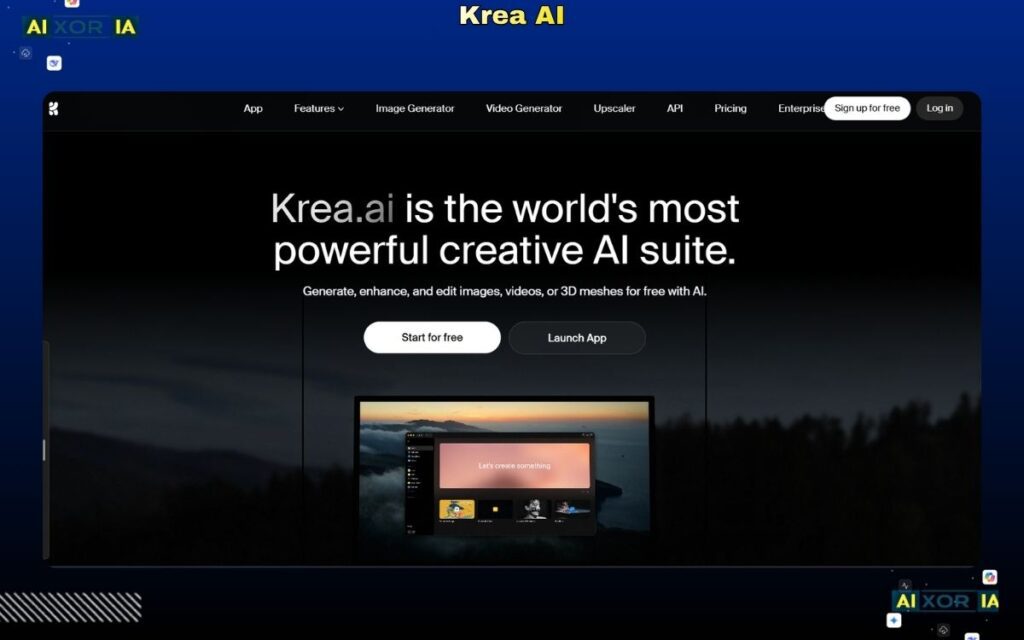
Krea AI is gaining attention in 2026 for its ability to combine real-time video enhancement with object removal, especially at high resolutions like 4K and 8K.
Its standout feature is speed. Krea processes video edits in near real-time while maintaining clarity and sharpness. This makes it ideal for creators working with high-resolution content who need fast turnaround times.
The AI also improves overall video quality while removing objects, which is a unique advantage over traditional tools.
Pricing: Freemium with paid upgrades
Pros:
- Real-time processing
- Excellent high-resolution output
- Combined enhancement + erasing
Cons:
- Still evolving feature set
- Less control for detailed edits
Real Experience: On a 4K clip, Krea removed background distractions while simultaneously sharpening the footage, producing clean results in a fraction of the time.
Best AI Eraser Tool for Mobile Editing
CapCut
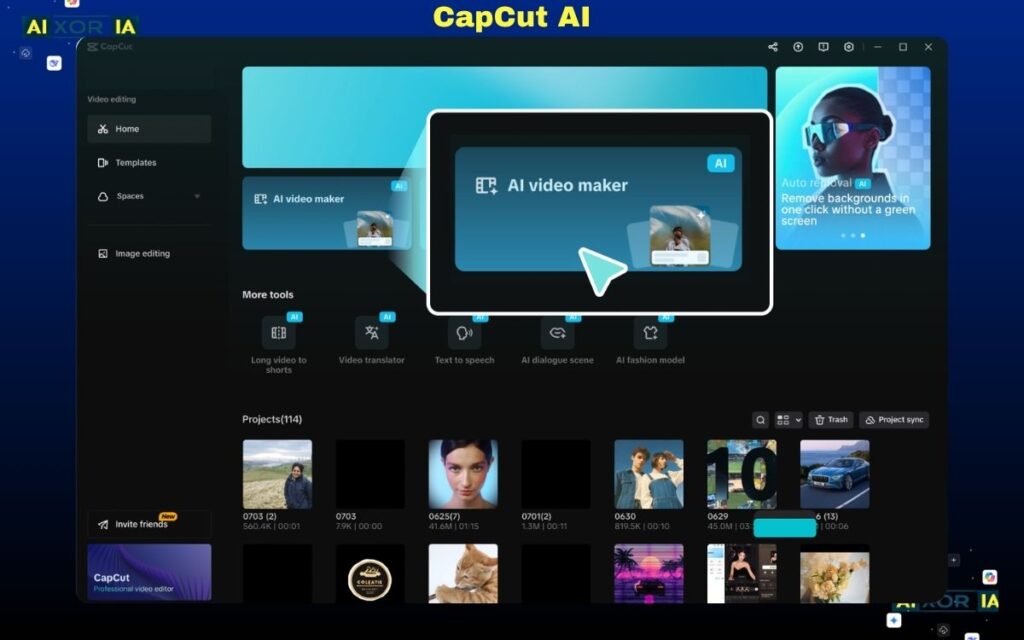
CapCut has evolved into a powerful mobile editing tool with on-device AI processing, thanks to advancements in smartphone NPUs. Its AI eraser tool allows users to remove objects quickly without relying heavily on cloud processing.
The simplicity of CapCut makes it ideal for social media creators. While it lacks the depth of professional tools, it delivers fast and usable results for short-form content.
Pricing: Free with optional premium features
Pros:
- Extremely easy to use
- Fast mobile processing
- Great for social media
Cons:
- Limited precision
- Not suitable for complex edits
Real Experience: Removing small background distractions from a vlog clip took seconds, though fine details were slightly blurred in motion-heavy frames.
Best AI Eraser Tool for Precision Editing
DaVinci Resolve
DaVinci Resolve offers a powerful combination of manual control and AI-assisted tools. Its object tracking and masking capabilities allow editors to achieve precise results, especially in complex scenes.
It performs exceptionally well in maintaining temporal stability, making it one of the best tools for flicker-free output.
Pricing: Free version available; Studio version ~$295
Pros:
- Professional-grade precision
- Strong tracking and masking
- No subscription required (free version)
Cons:
- Complex interface
- Requires experience
Real Experience: In a multi-subject scene, Resolve maintained smooth frame transitions without flickering, though setup required careful manual input.
Best Browser-Based AI Eraser Tool
VEED.IO
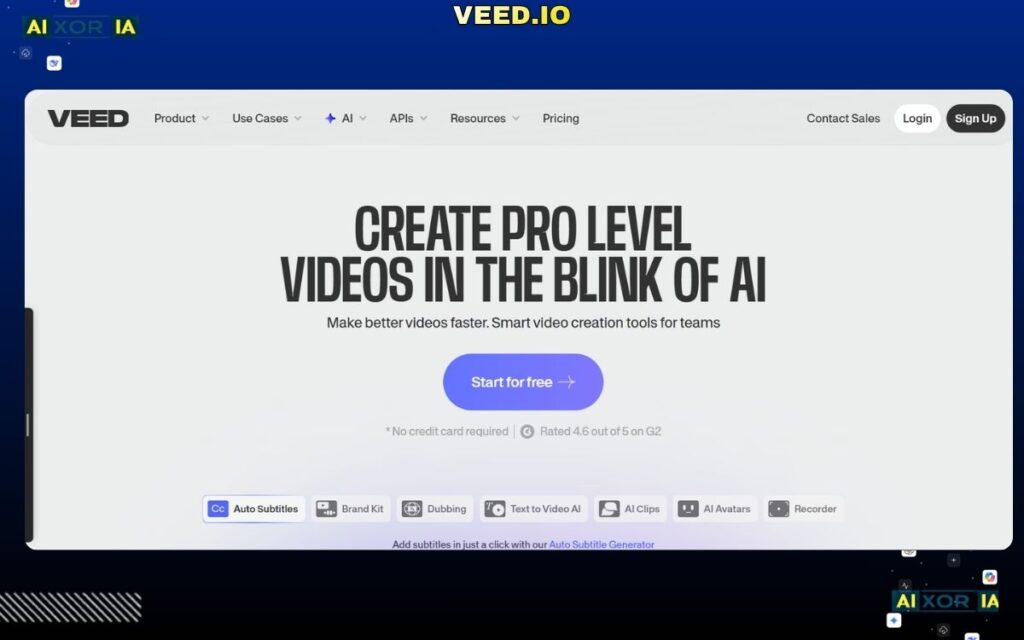
VEED.IO provides a simple, browser-based solution for quick edits. Its AI tools are easy to use and require no installation, making it accessible for beginners and marketers.
While not as powerful as advanced tools, it is effective for basic object removal and quick content creation.
Pricing: Free plan available; paid plans start around $12/month
Pros:
- Easy access
- No installation required
- Fast editing
Cons:
- Limited advanced features
- Lower precision
Real Experience: Ideal for quick edits—basic object removal worked well, but complex scenes required more advanced tools.
READ MOIRE – Best AI Photo Editors in 2026 (Free & Paid)
Frequently Asked Questions
Which AI tool is best for removing watermarks from video?
Tools like Runway ML and Adobe After Effects provide the best results, especially when combined with manual refinement.
Can AI remove a moving person from a complex background?
Yes. Advanced tools like Runway ML and Adobe After Effects can track and remove moving subjects across frames with high accuracy.
Is there a free AI video object remover without a watermark?
Some tools offer free plans, but most high-quality outputs require paid versions to remove watermarks.
Final Thoughts
AI eraser tools for video in 2026 are defined by automation, realism, and speed. The introduction of text-to-erase workflows, improved temporal consistency, and smarter background reconstruction has made professional-level editing more accessible than ever.
For most users:
- Runway ML offers the fastest AI-driven workflow
- Adobe After Effects delivers the highest quality
- Luma AI provides the most realistic results
- Krea AI leads in speed and high-resolution output
The best choice depends on your workflow—but combining AI automation with manual refinement often produces the strongest results.