The Best AI Eraser Tools for Video in 2026 (Quick Answer)
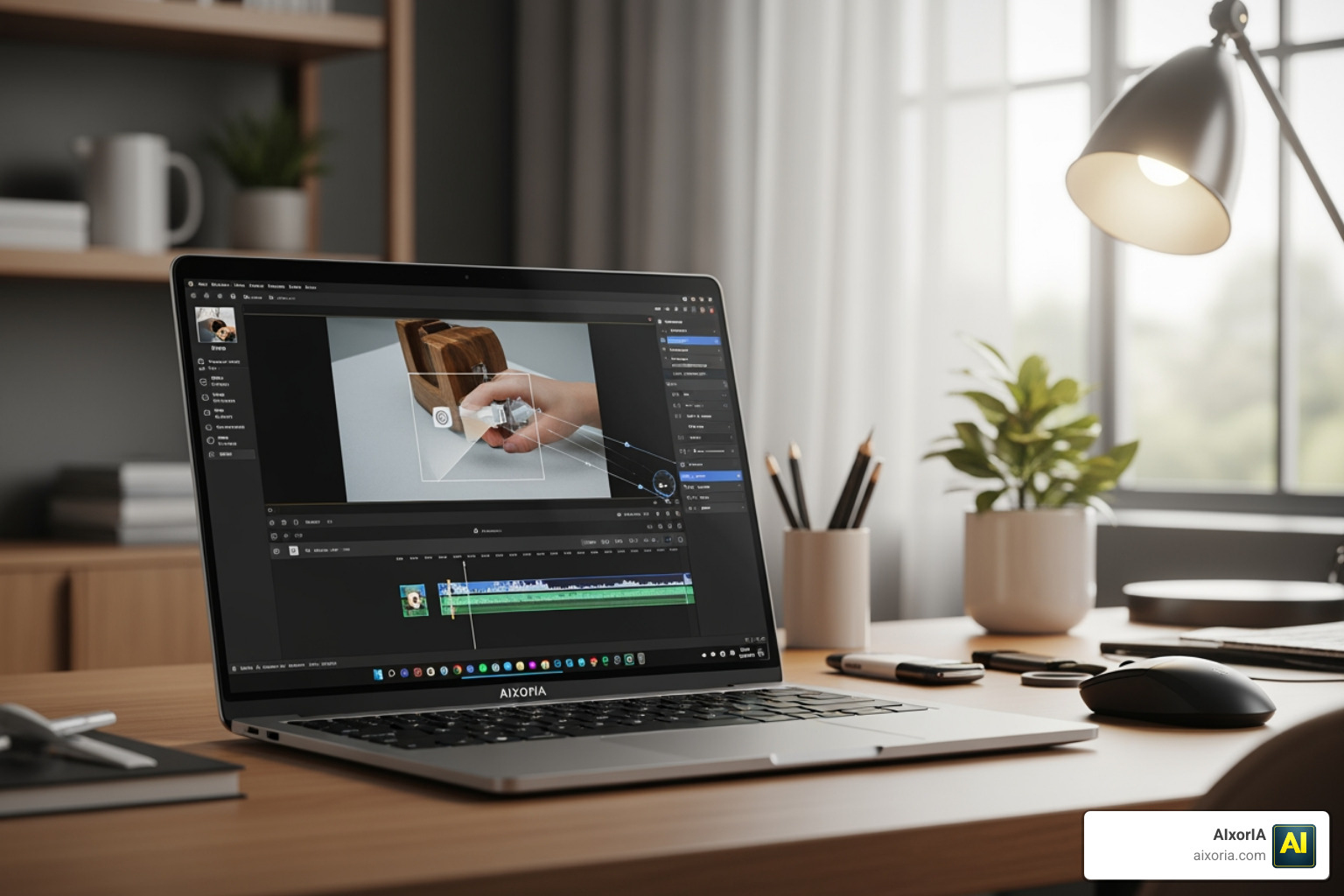
The best AI eraser tools for video available right now are:
- Media.io – Best overall browser-based tool; removes moving objects, watermarks, and logos
- Fotor – Best free option; supports up to 4K, 60fps, easy brush-based removal
- Runway ML – Best for professional and commercial post-production work
- DaVinci Resolve – Best free desktop option for serious editors
- CutVibe – Best mobile app for quick on-the-go object removal
- Airbrush – Best cross-platform tool for creators on any device
- Kapwing – Best for beginners needing a simple cloud-based solution
There’s nothing more frustrating than filming the perfect shot — only to notice a stray passerby, an unwanted logo, or a distracting watermark ruining the whole thing. In the past, fixing that meant hours of painful, frame-by-frame manual editing.
Not anymore.
AI has completely changed the game for video post-production. Today, tools powered by deep learning can automatically detect, track, and erase unwanted objects from your footage — and fill in the background so cleanly that most viewers will never know anything was removed.
Whether you’re a small business owner cleaning up a product demo, a content creator removing a watermark, or a marketer polishing a social media clip, there’s an AI video eraser built for your exact situation and budget.
This guide breaks down the best options available in 2026 — no technical expertise required.
How AI Video Object Removal Works in 2026
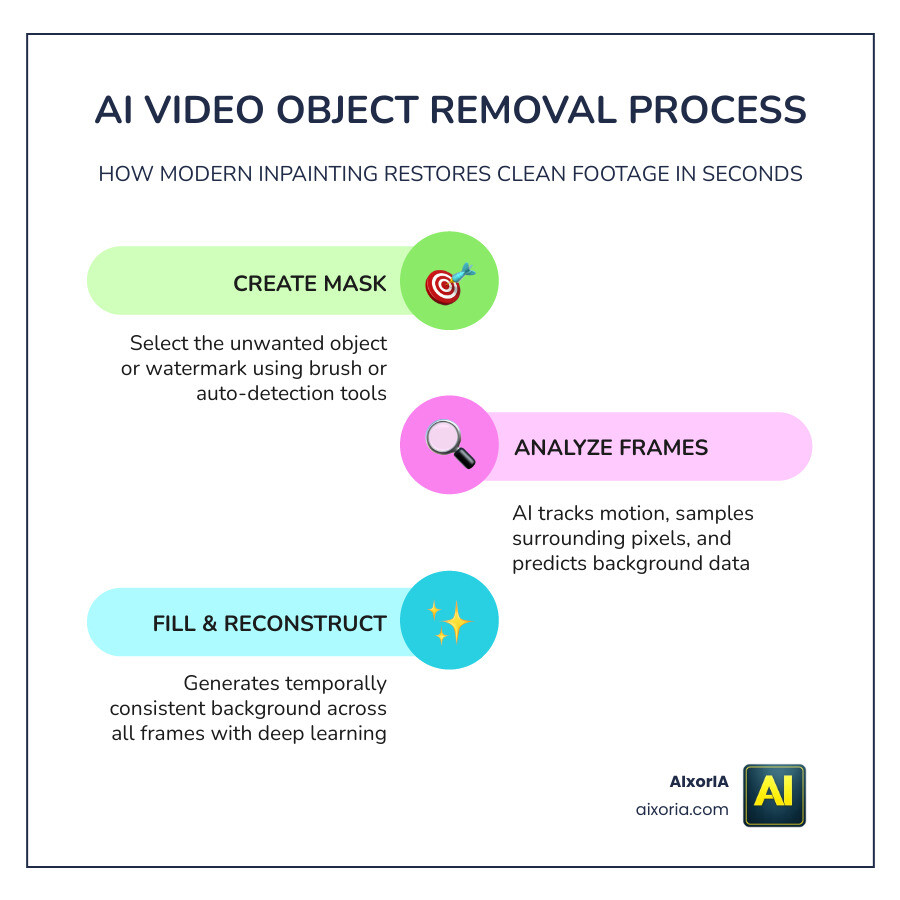
If you’ve ever wondered how a computer “knows” what is behind a person walking across a beach, you’re looking at the magic of AI video inpainting. In 2026, this technology has matured from simple blurring to sophisticated background reconstruction.
Mask-Based Inpainting and Temporal Consistency
The process usually starts with a “mask.” You paint over the object you want to disappear, and the AI creates a digital boundary. The real heavy lifting happens through temporal consistency. Unlike photo editing, where the AI only looks at one frame, video AI looks at the frames before and after the object appears. It uses this “temporal data” to find pixels that were hidden and uses them to fill the gap.
The Science of the “Clean Edit”
Modern tools use several advanced techniques to ensure the result looks natural:
- Gaussian Blur: Used in simpler modes to soften edges.
- Pixel Cloning and Smooth Filling: The AI intelligently copies textures from the surrounding environment (like grass, sky, or pavement) to patch the hole.
- Deep Learning: The AI has been trained on millions of video frames, allowing it to “predict” what a sidewalk or a brick wall should look like even if it was never fully visible in your shot.
By analyzing the video frame-by-frame, the AI ensures that the lighting, grain, and motion of the patch match the rest of the video perfectly. This prevents the “ghosting” or flickering artifacts that used to plague older editing software. To learn more about how these technologies can boost your workflow, check out our AI productivity services.
Top-Rated Best AI Eraser Tools for Video
Choosing the right tool depends on your hardware and your project’s complexity. We’ve categorized the top performers to help you decide.
| Tool Category | Best For | Typical Format Support | Quality |
|---|---|---|---|
| Browser-Based | Quick social media edits | MP4, MOV, WebM | High (up to 4K) |
| Mobile Apps | On-the-go creators | Mobile-native formats | Good (Social-ready) |
| Desktop Software | Professional films | All professional codecs | Ultra-High (Lossless) |
For a deeper dive into our performance benchmarks, see our guide on the 7 Best AI Eraser Tool in 2026 Tested for Real Results.
Leading Browser-Based AI Video Erasers
Browser-based tools are the most popular choice in 2026 because they don’t require a powerful computer; the heavy processing happens in the cloud.
- Media.io: This tool is a powerhouse for watermark and logo removal. It boasts a 4.7/5 quality rating from over 160,000 users. It offers multiple removal modes like “Smooth Filling” and “Clone Patch,” making it versatile for different backgrounds. It can handle videos up to 15 minutes, which is generous for a web tool.
- Fotor: If you need high-resolution results without a subscription, Fotor is a top contender. It supports 4K uploads and up to 60 FPS, ensuring your smooth footage stays smooth. It’s particularly good at removing static people or text overlays.
- Mootion: This tool uses a unique “reference image” approach. You edit one single frame to remove the object, and the AI regenerates the rest of the video based on that clean reference. It’s incredibly fast, often outperforming competitors by 65% in processing speed.
Versatile Multi-Platform AI Tools
Some creators need to start an edit on their phone and finish it on a laptop.
- Airbrush: Known for its “one-click” simplicity, Airbrush provides a consistent experience across iOS, Android, and desktop. It’s excellent for removing distracting backgrounds or “photobombers” from your vlogs.
- Kapwing: A favorite for marketing teams, Kapwing offers a collaborative cloud environment where you can mask objects and immediately add new text or branding to the cleaned footage.
Professional Desktop and Mobile Solutions
For those who need absolute control and privacy, local software is the way to go.
- DaVinci Resolve: The “Magic Mask” feature in Resolve is industry-standard. The free version is incredibly robust, though it benefits from a dedicated GPU. It’s the best choice for high-stakes projects where you need to manually refine the AI’s work.
- CutVibe: On the mobile side, CutVibe has seen over 100,000 downloads. It’s a specialized “Video Object Eraser” app that excels at “retouching” videos—think removing skin blemishes or small distracting items from a TikTok clip instantly.
Step-by-Step Process for Professional Results
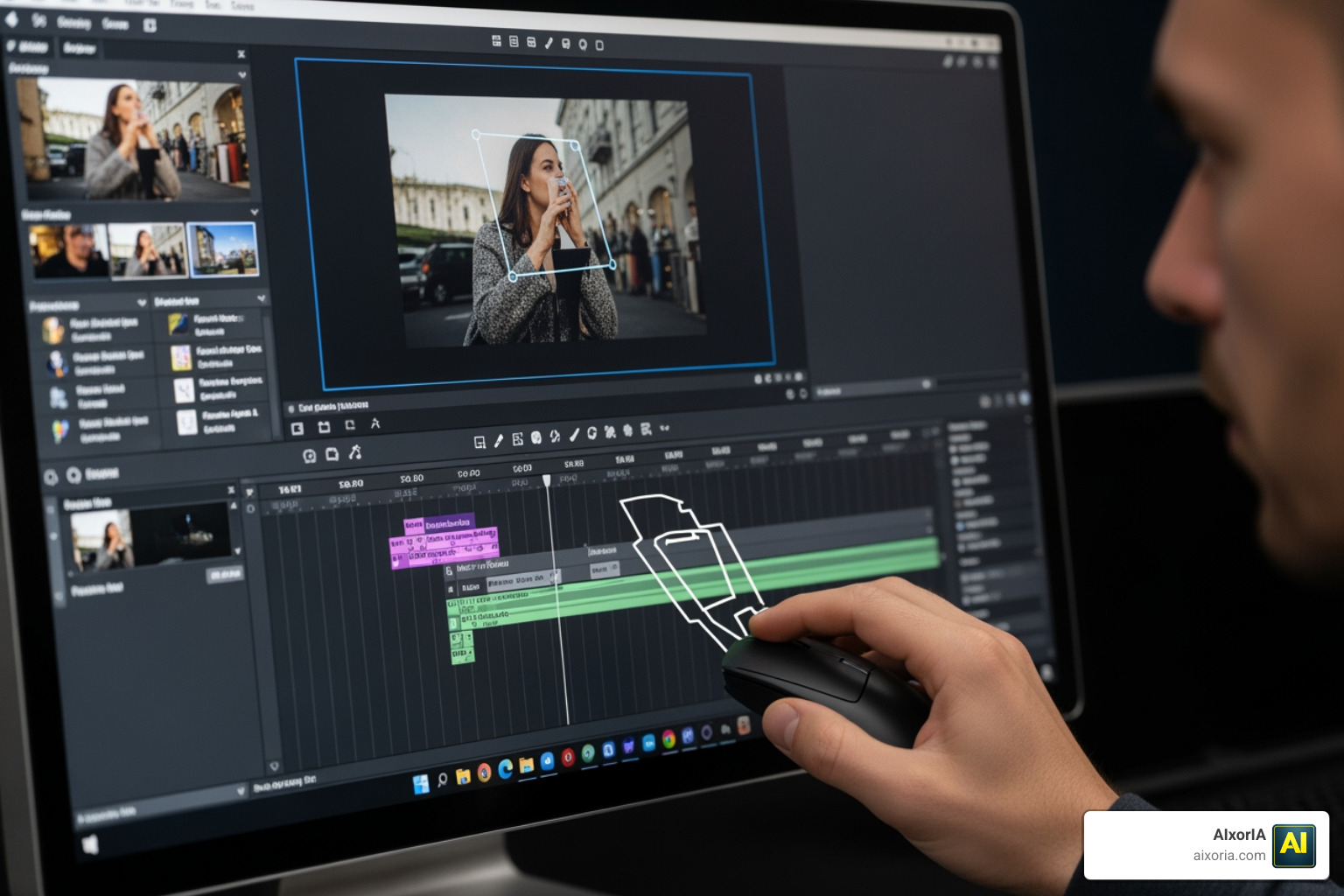
To get that “invisible” edit, follow this professional workflow used by our team at AIxorIA:
- Footage Preparation: Before uploading, ensure your video is trimmed to the necessary length. Most online tools have a 500MB or 10-minute limit.
- Select the Right Mode: If your object is moving, choose “Dynamic” or “Tracking” mode. If it’s a static logo, “Static” mode will save processing time.
- Masking Techniques: Use a brush tool to paint over the object. Pro Tip: Draw the mask slightly larger than the object itself. This gives the AI more “context” to blend the edges naturally.
- Timeline Adjustment: Ensure your mask covers the entire duration the object is on screen. For more tips on this, read our guide on Best AI Eraser Tools for Video in 2026: Top Picks for Clean Edits.
- Add a Prompt (Optional): Some advanced tools allow you to type what should replace the object (e.g., “green grass” or “blue sky”). This guides the AI for a more accurate fill.
- Preview and Export: Always watch the preview at full resolution to check for “flickering.” Once satisfied, export in MP4 or MOV format.
Frequently Asked Questions
Can AI remove moving objects reliably?
Yes! In 2026, AI uses temporal-aware inpainting. This means it doesn’t just look at the current frame; it tracks the object’s path across the entire timeline. By analyzing the “clean” pixels from previous or future frames, the AI can reconstruct the background behind a moving person or car with remarkable accuracy. While complex scenes with overlapping people can still be tricky, for 90% of use cases, the removal is seamless.
Are there free professional options?
Absolutely. DaVinci Resolve offers professional-grade object removal in its free version, though it requires a decent computer to run. For online options, tools like Remove Objects from Video Online Free – AI Inpainting Tool provide free credits to get you started. Many platforms use a “freemium” model where you get a few free exports daily or a set of starter credits.
How long does processing take?
Processing time depends on three factors: video length, resolution, and the tool you use. Cloud-based tools usually take about 2 to 5 times the length of the footage. For example, a 10-second 4K clip might take 30 to 50 seconds to process. Tools like Mootion have optimized this, generating results in nearly half the time of older models.
Conclusion
The Best AI Eraser Tools for Video have turned a once-impossible task into a simple “point and click” operation. Whether you’re using a browser-based tool for a quick fix or professional software for a cinematic masterpiece, the power to create clean, distraction-free content is now in your hands.
At AIxorIA, we specialize in helping businesses navigate these rapidly evolving technologies. From custom AI solutions to tool training workshops and performance audits, we’re here to ensure your team is using the most efficient tools available. Don’t let a stray object ruin your brand’s message — use AI to keep your edits sharp and professional.
Ready to take your content to the next level? Get EXCLUSIVE ACCESS for UNLIMITED GENERATIONS and start mastering the art of the clean edit today!
1 thought on “Best AI Eraser Tools for Video in 2026 (Tested & Ranked) | Remove Objects Fast”