Why Most Small Construction Businesses Are Still Losing Time and Money in 2026

Construction project management software for small business is a digital platform that centralizes scheduling, budgeting, documents, and team communication — replacing scattered emails, spreadsheets, and paper logs with one connected system.
Quick answer — the best options for small contractors in 2026:
| Software | Starting Price | Best For |
|---|---|---|
| Contractor Foreman | $49/month | Budget-conscious small teams |
| RedTeam Go | $199/month | End-to-end GC workflows |
| JobTread | ~$20/user/month | Remodelers and home builders |
| Buildertrend | $499/month | Residential builders with client portals |
| Procore | $667/month | Growing firms with $5M+ revenue |
| Raken | Contact for pricing | Field-first daily reporting |
Running a small construction business in 2026 is genuinely hard.
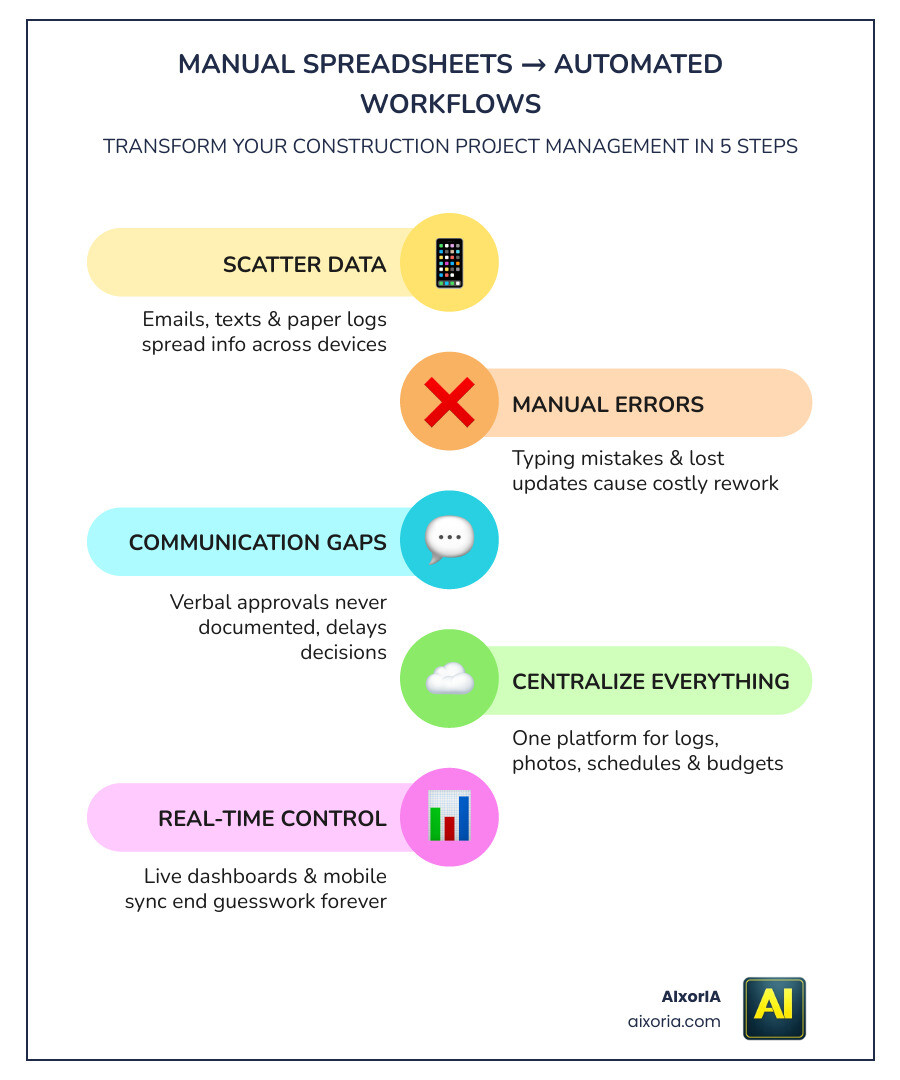
You’re juggling job sites, subcontractors, budgets, and clients — often all at once, with a lean team. And if you’re still managing projects through a mix of texts, phone calls, and spreadsheets, you’re not alone. Most small firms are.
The problem is that informal systems break down fast. Information gets lost across devices. Approvals happen verbally and are never documented. A missed change order or a billing delay can quietly kill your cash flow. In fact, research shows that 46% of contractors wait 60–90 days for payment — and 83% have filed liens because of it.
The good news? You don’t need enterprise-level software or an IT team to fix this. The right construction project management tool can bring structure to your daily operations without slowing your crew down.
This guide cuts through the noise and shows you exactly what to look for, what it costs, and how to get your team using it fast.
The Strategic Value of Construction Project Management Software for Small Business
We often see small firms hesitate to adopt new tech because they fear it will be too complex. However, in 2026, construction project management software for small business isn’t a luxury; it’s a survival tool. For a small firm, the strategic value lies in creating a “single source of truth.” When every daily log, photo, and cost code is in one place, you stop guessing and start managing.
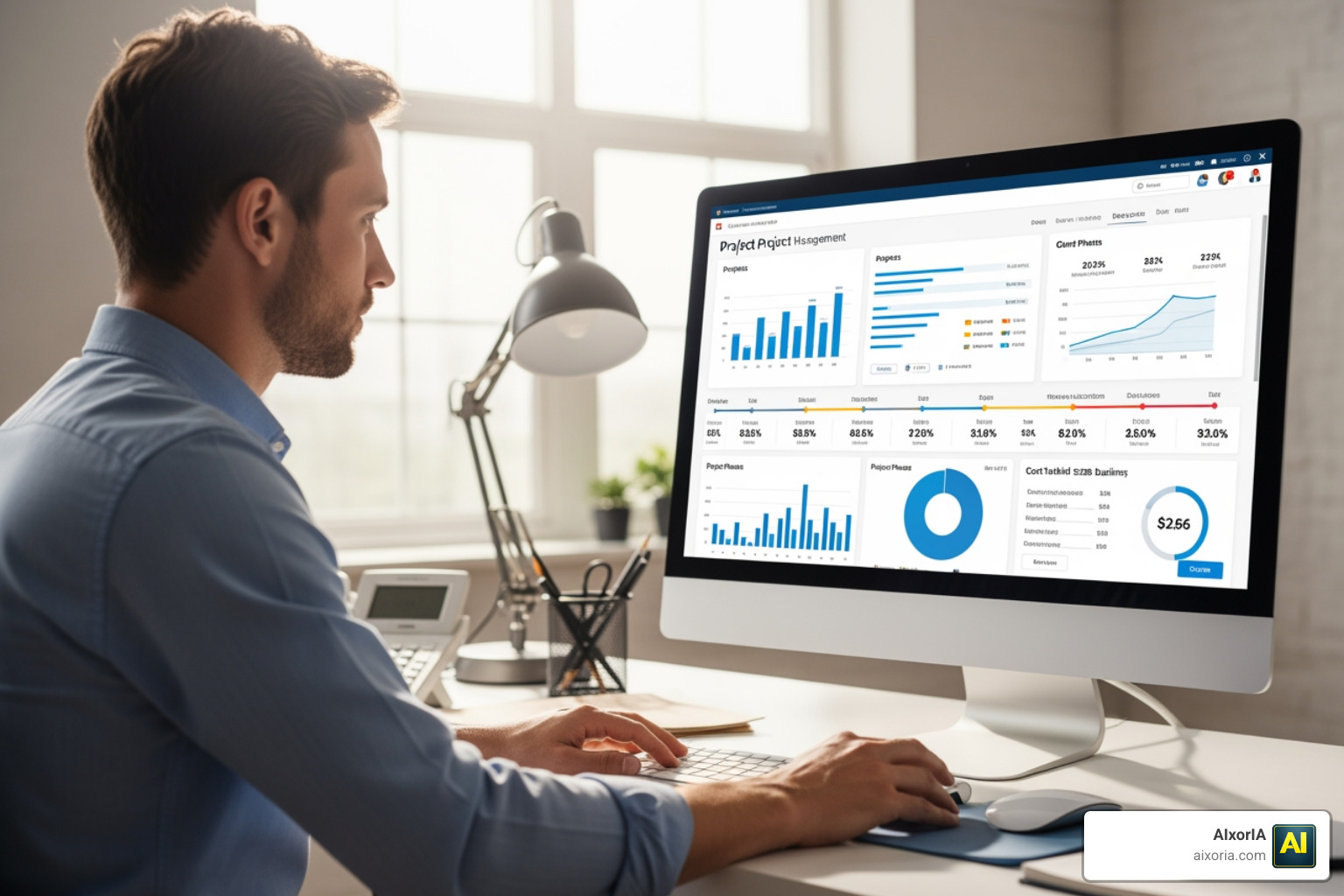
The real magic happens in the data. By using Project management tools, you can track activity-level costs in real-time. This means you know exactly where your money is going while the project is still active, rather than finding out you lost money three weeks after the job is finished. Audit trails also provide a safety net; if a dispute arises over a change order, you have a timestamped record of every communication and approval.
Solving Small Firm Pain Points
Small firms face unique hurdles. Unlike giant corporations, your office manager might also be your lead estimator, and your owner is likely still visiting job sites. This “multi-hat” reality leads to information dispersion. When project details are trapped in someone’s head or a private text thread, the business is at risk.
Manual errors are the silent profit-killers of the industry. A typo in a spreadsheet can lead to a massive under-bid, while a forgotten RFI (Request for Information) can stall a crew for days. By adopting the Best Project Management Software For Small Business In 2026, you eliminate these bottlenecks by automating notifications and centralizing schedules.
Core Features of Construction Project Management Software for Small Business
What should you actually look for? Don’t get distracted by “bloatware” features designed for skyscrapers if you’re building residential decks or remodeling kitchens. Focus on these essentials:
- RFIs and Submittals: Keep track of questions and material approvals so work never stops.
- Change Orders: Ensure every extra task is documented and signed off so you actually get paid for it.
- Centralized Document Storage: Use the 7 Best Construction Document Management Software In 2026 to keep blueprints and permits accessible to everyone.
- Daily Logs: Capture what happened on-site every day, including weather conditions and labor hours.
Essential Features for Field and Office Coordination
The biggest gap in any construction company is the one between the trailer and the field. If your field team feels like the software is “just for the office,” they won’t use it. That’s why the best construction project management software for small business is designed for the person wearing work boots, not just the person in the swivel chair.
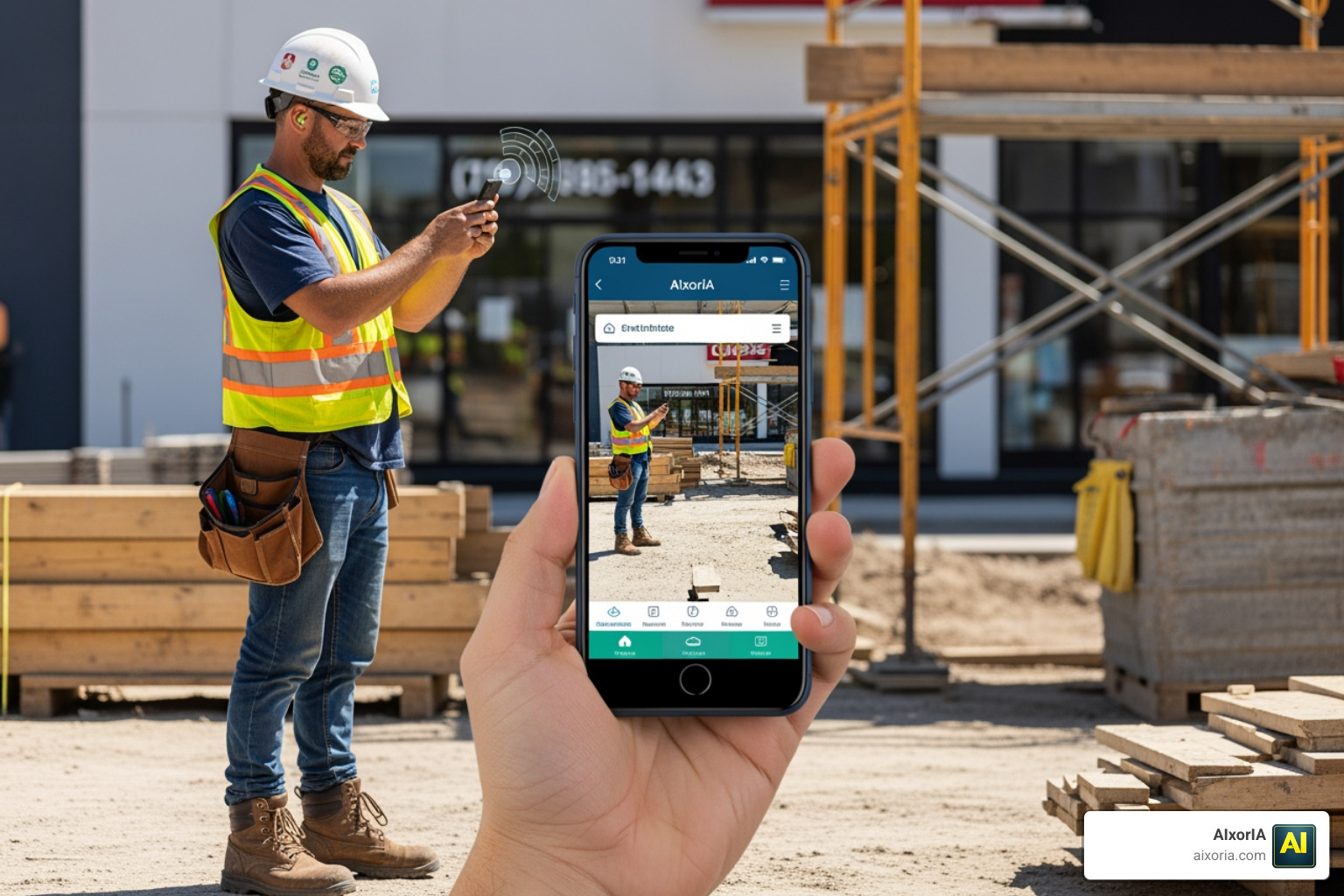
When your field-to-office connection is seamless, accountability skyrockets. We’ve found that tools like Small Business Construction Management Software – Raken excel here because they focus on speed. If a foreman can snap a photo and voice-to-text a daily report in two minutes, they’ll actually do it.
Mobile Accessibility and Real-Time Reporting
In 2026, “mobile-friendly” isn’t enough; it must be mobile-first. Essential mobile features include:
- Cloud-Based Syncing: Updates from the field should appear in the office instantly.
- GPS Timecards: Verify that crews are actually on-site when they clock in.
- Photo Capture: High-resolution evidence of progress and potential issues.
To see how modern tech is pushing these boundaries, check out the 8 Best Ai Tools For Construction Project Management 2026 Tested, which can even help categorize field photos automatically.
Financial Management and Accounting Integrations
Cash flow is the heartbeat of a small firm. You cannot wait until the end of the month to know if you’re over budget. Modern software allows for real-time spending impact analysis.
The most valuable integration for any small contractor is with their accounting software. Whether you use QuickBooks, Sage, or Xero, your project management tool must “talk” to your books. This prevents duplicate data entry and ensures that progress invoicing is accurate. For deeper insights into managing the “dollars and cents,” explore these Top Ai Tools For Managing Construction Finances.
Cost Analysis and Implementation Timelines
How much will this set you back? Pricing varies wildly, but for small businesses, it usually falls into three buckets:
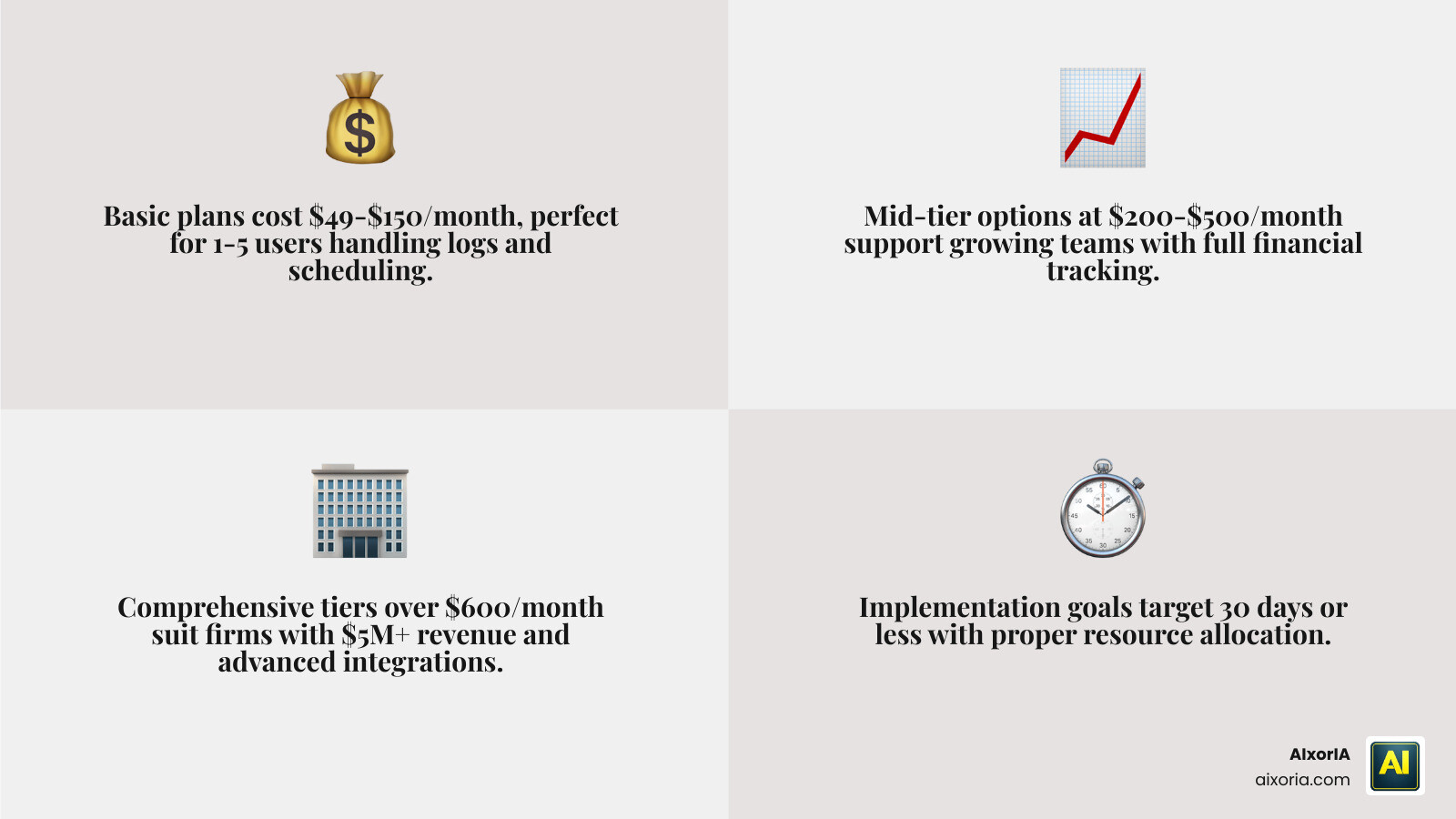
| Tier | Typical Cost | Best For |
|---|---|---|
| Basic | $49 – $150/mo | 1-5 users, basic logs & scheduling |
| Mid-Tier | $200 – $500/mo | Growing teams, full financial tracking |
| Comprehensive | $600+/mo | Firms with $5M+ revenue, advanced integrations |
Most small teams can aim for a 30-day implementation goal. While some simple tools like Measure can be operational in an hour, a full system that handles your bidding and financials usually requires a month of “staged rollout” to get right.
Understanding Pricing Models and Hidden Fees
Don’t just look at the monthly sticker price. We recommend asking vendors about:
- Per-User vs. Flat-Rate: Flat-rate (like RedTeam Go) is often better for firms with many subcontractors.
- Implementation Fees: Some “enterprise” tools charge thousands just to set up your account.
- Hidden Costs: Watch out for fees related to API access, data migration, or extra training hours.
If you are on a very tight budget, you might start with the Best Free Project Management Software For Small Business In 2026, though keep in mind these often lack construction-specific features like RFI tracking.
Overcoming Implementation Challenges in 2026
The biggest hurdle isn’t the software; it’s the people. Change is hard, especially for a crew that has been using paper notebooks for twenty years. To succeed, you need to map your current workflows before you touch the software. If your digital process clashes with how you actually build, your team will revolt.

We suggest a “pilot program” approach. Pick one project and one “internal champion” — someone on your team who is tech-savvy and respected by the crew. Let them master the tool first, then have them teach the others.
Best Practices for Construction Project Management Software for Small Business Adoption
To make the transition stick, follow these steps:
- Standardize Early: Create a standard operating procedure (SOP) for how daily logs and photos should be uploaded.
- Continuous Feedback: Ask your field team what’s working and what’s frustrating.
- Hands-On Training: Don’t just send them a login; do a live walkthrough on a real project site.
For more general advice on picking the right platform, you can review What Are The Top 10 Project Management Tools In 2026.
Frequently Asked Questions
How long does it take to implement construction software for a small team?
Implementation typically takes 30 days or less with dedicated support. However, field-first tools focused purely on reporting can be operational in under an hour. The key is to start with the most critical features first and add complexity later.
What are the most important integrations for small contractors?
Small businesses should prioritize integrations with accounting tools like QuickBooks or Sage to keep their finances in check. Cloud storage (like Dropbox or Google Drive) and communication platforms are also vital to ensure that data flows freely between the field and the office without manual re-entry.
Is specialized construction software better than generic project management tools?
Yes, absolutely. While tools like Asana or Trello are great for general tasks, they lack industry-specific “logic.” Specialized construction project management software for small business includes built-in workflows for RFI tracking, submittals, AIA invoicing, and safety logs that generic tools simply can’t handle without massive (and expensive) customization.
Conclusion
The shift from “gut feeling” management to data-driven management is the single biggest advantage a small contractor can have in 2026. By choosing the right construction project management software for small business, you aren’t just buying a tool; you’re buying back your time and protecting your profit margins.
Whether you’re looking for an affordable all-in-one like Contractor Foreman or a field-first powerhouse like Raken, the ROI is clear: fewer mistakes, faster payments, and a team that is finally on the same page.
At AIxorIA, we specialize in helping businesses navigate this digital transformation. From custom AI solutions that automate your data entry to performance audits that find the “leaks” in your current workflow, we make technology work for you.
Discover how AIxorIA can optimize your construction workflows