Project management software is no longer just about tracking tasks—it’s about running your entire business efficiently. In 2026, small businesses are moving away from simple to-do lists toward integrated platforms that combine tasks, collaboration, automation, and AI.
The challenge is not finding a tool—it’s choosing the right one.
Small businesses (5–50 people) need software that is:
- Easy to use (no long onboarding)
- Affordable and scalable
- Flexible across different workflows
- Equipped with automation and AI features

This guide breaks down the best project management software for small business in 2026, with detailed analysis, pricing, pros/cons, and AI capabilities for each tool.
Table of Contents
What Makes the Best Project Management Software for Small Business?
Before choosing a tool, it’s important to understand what actually matters.
Ease of use
If your team struggles to adopt the tool, it fails—no matter how powerful it is.
All-in-one functionality
Modern tools combine:
- Task management
- Docs
- Time tracking
- Collaboration
This reduces tool overload.
AI and automation
In 2026, AI is not optional. The best tools:
- Automate repetitive work
- Generate reports
- Suggest workflows
- Predict delays
Pricing flexibility
Small businesses need tools that offer:
- Free plans
- Low entry cost
- Upgrade as you grow
Integration ecosystem
Your tool should connect with:
- CRM
- Slack
- Google Workspace
READ MORE – Top 10 Project Management Tools in 2026
The Best Project Management Software for Small Business (2026)
| Tool | Best For | Starting Price |
|---|---|---|
| ClickUp | All-in-one platform | Free / $7 per user |
| Asana | Workflow automation | Free / $10.99 per user |
| Monday.com | Visual project tracking | Free / $9 per user |
| Notion | Docs + projects | Free / $10 per user |
| Trello | Simple workflows | Free / $5 per user |
| Jira | Agile teams | Free / $8+ per user |
Best Overall Project Management Software
ClickUp
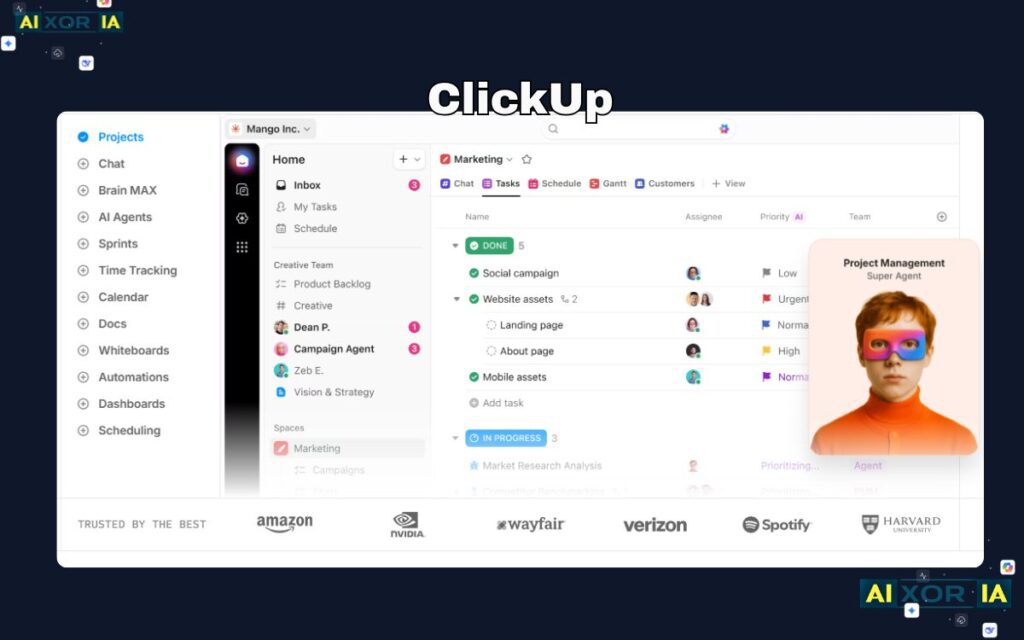
ClickUp has positioned itself as the “everything app for work,” and for small businesses, it delivers exceptional value. It combines tasks, documents, goals, dashboards, and time tracking into a single platform, reducing the need for multiple tools.
The biggest advantage is flexibility. You can manage projects using lists, boards, calendars, timelines, or Gantt charts—all within the same workspace. This makes it suitable for different industries, from marketing agencies to startups.
AI Capabilities
ClickUp’s AI (ClickUp Brain) is deeply integrated into the platform. It can:
- Generate task descriptions and updates
- Create summaries from project data
- Suggest automations based on usage
- Answer questions across your workspace
This significantly reduces manual reporting and improves team visibility.
Pricing
- Free plan (unlimited tasks, limited storage)
- Unlimited: $7/user/month
- Business: $12/user/month
Pros
- Extremely feature-rich
- Strong AI integration
- Great value for money
- Replaces multiple tools
Cons
- Can feel overwhelming at first
- Performance issues in large workspaces
Best for: Small businesses that want one platform to manage everything
Best for Workflow Automation
Asana
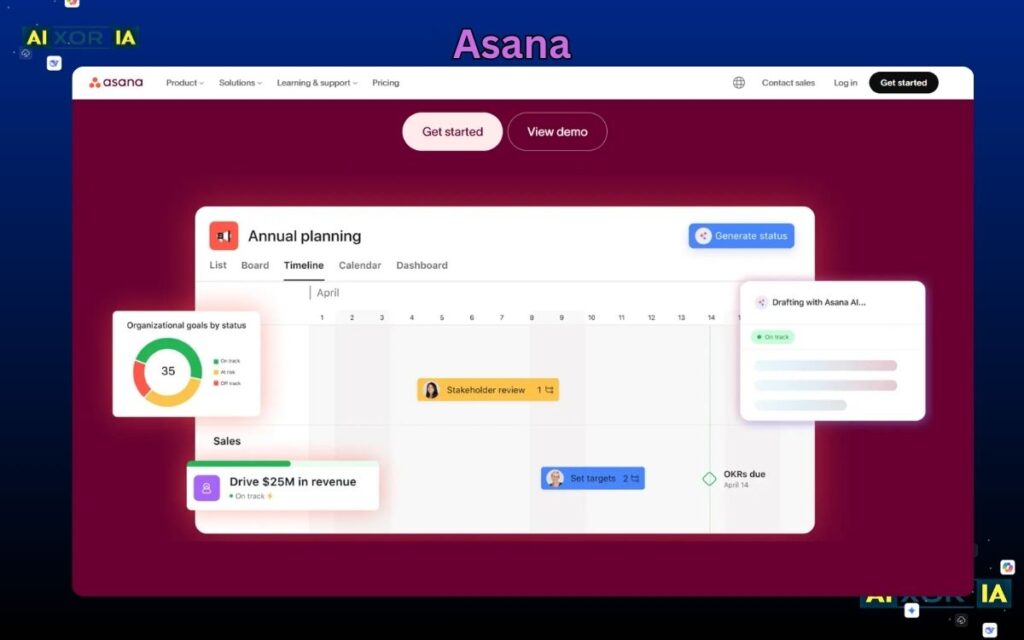
Asana is one of the most structured and widely used project management tools. It focuses on clarity—who is doing what, by when, and why.
It is particularly strong for teams managing multiple projects with dependencies, timelines, and goals.
AI Capabilities
Asana’s AI layer enhances productivity by:
- Generating status updates automatically
- Suggesting workflows and task structures
- Automating repetitive processes
- Providing insights into project progress
This makes it ideal for teams that need consistent reporting without manual effort.
Pricing
- Free (basic features)
- Starter: $10.99/user/month
- Advanced: $24.99/user/month
Pros
- Clean interface
- Strong automation features
- Excellent for team coordination
Cons
- Advanced features are expensive
- Learning curve for new users
Best for: Teams that want structured workflows and automation
Best for Visual Project Management
monday.com
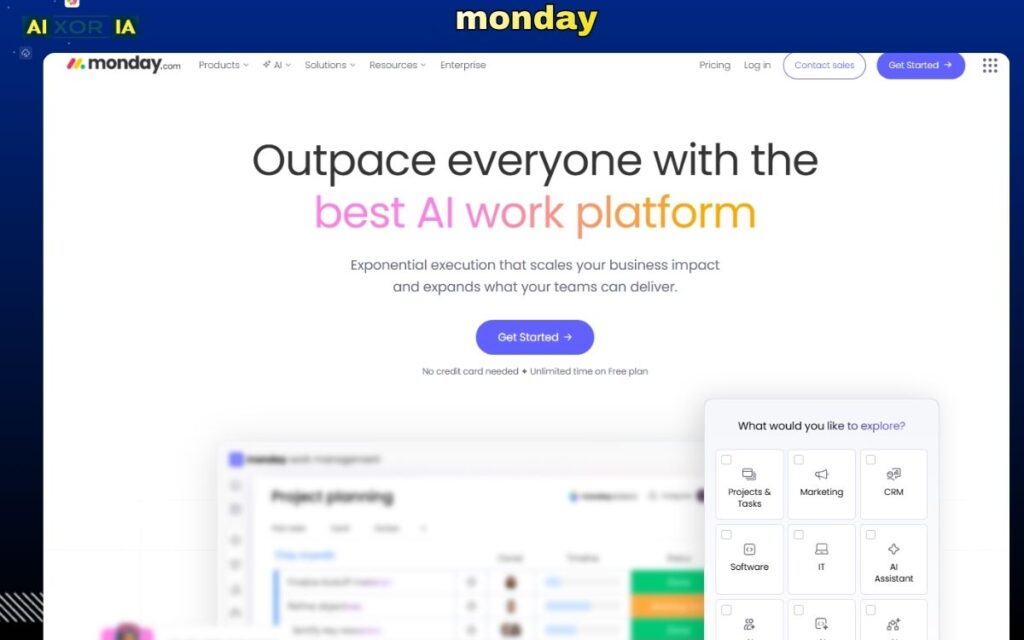
monday.com is built around visual workflows, making it one of the easiest tools to understand and adopt.
Its colorful dashboards and drag-and-drop interface make project tracking intuitive, even for non-technical users.
AI Capabilities
monday.com includes AI features that:
- Automate repetitive tasks
- Generate insights from project data
- Suggest workflow improvements
AI is designed to assist rather than overwhelm, making it ideal for small teams.
Pricing
- Free plan (limited users)
- Basic: $9/user/month
- Standard: $12/user/month
Pros
- Very user-friendly
- Strong visual dashboards
- Good for collaboration
Cons
- Limited features on lower plans
- Can get expensive as team grows
Best for: Teams that prefer visual workflows and simplicity
Best for Docs + Project Management
Notion
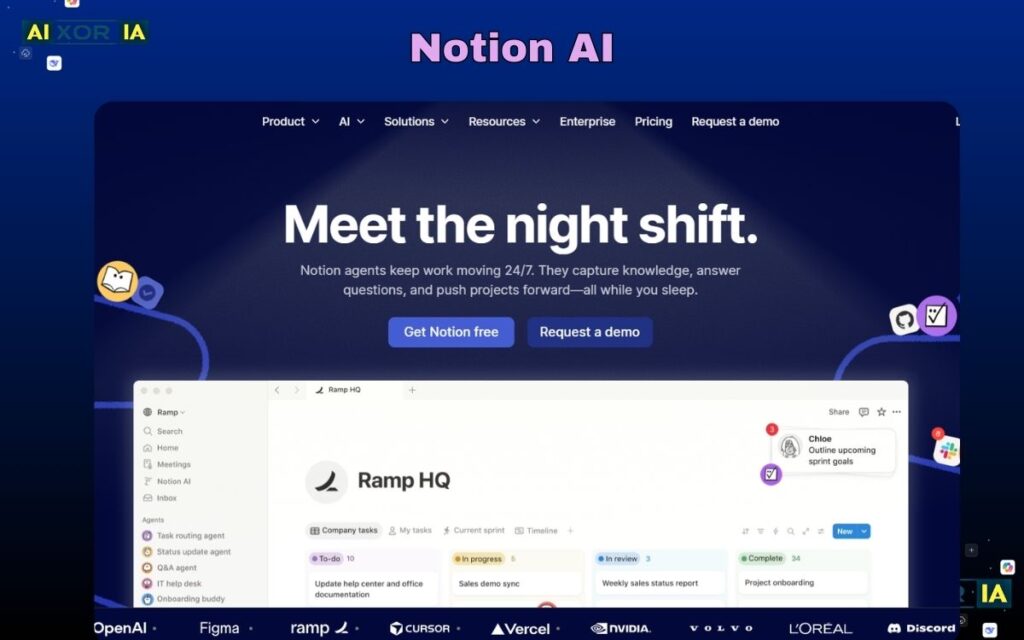
Notion is not just a project management tool—it’s a complete workspace combining notes, databases, and tasks.
This makes it ideal for small businesses that want everything in one place without switching tools.
AI Capabilities
Notion AI is one of the most advanced among PM tools:
- Answers questions using your workspace data
- Generates content and summaries
- Converts notes into tasks
- Organizes messy information automatically
This makes it especially powerful for knowledge-driven teams.
Pricing
- Free plan
- Plus: $10/user/month
Pros
- Highly flexible
- Combines docs + tasks
- Strong AI features
Cons
- Setup takes time
- Can become messy without structure
Best for: Teams that want a flexible, all-in-one workspace
Best for Simple Project Management
Trello
Trello is one of the simplest project management tools available. It uses a Kanban board system that is easy to learn and quick to use.
For small teams, simplicity is often more valuable than advanced features.
AI Capabilities
Trello includes automation through Butler:
- Rule-based task automation
- Workflow triggers
- Basic AI-assisted suggestions
While not as advanced as others, it’s enough for lightweight workflows.
Pricing
- Free plan
- Standard: $5/user/month
Pros
- Extremely easy to use
- Fast setup
- Great for small teams
Cons
- Limited advanced features
- Not ideal for complex projects
Best for: Small teams needing simple task tracking
Best for Agile and Development Teams
Jira
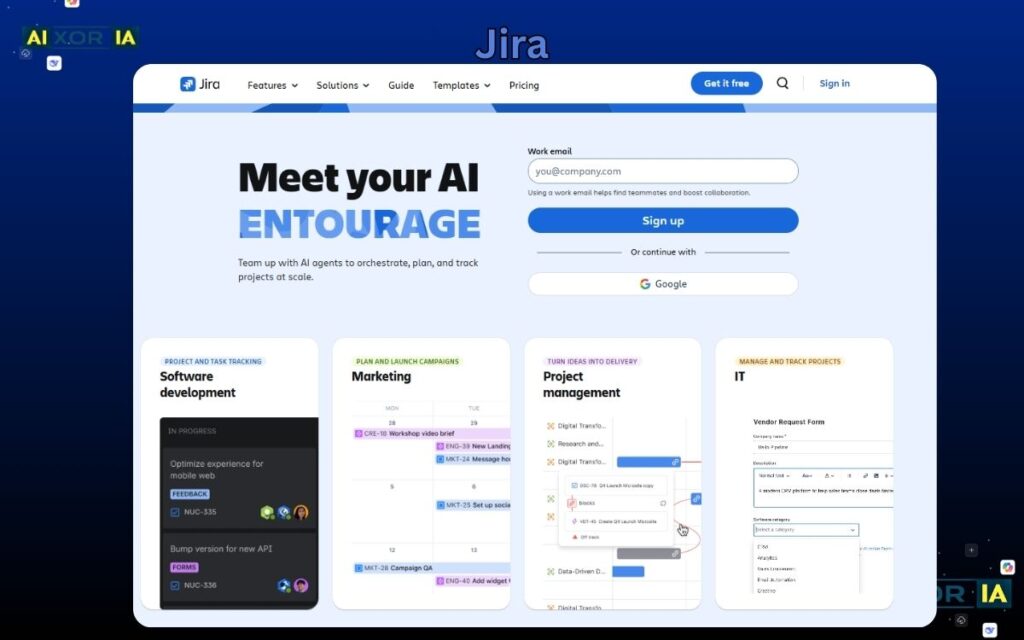
Jira is the industry standard for Agile project management, particularly for software development teams.
It supports sprint planning, backlog management, and advanced workflows.
AI Capabilities
Jira’s AI features include:
- Automatic issue summaries
- Ticket generation from text
- Smart automation suggestions
- Natural language queries
These features reduce manual work and improve planning accuracy.
Pricing
- Free (up to 10 users)
- Standard: ~$8/user/month
Pros
- Powerful for Agile workflows
- Deep customization
- Strong integrations
Cons
- Complex for beginners
- Overkill for non-technical teams
Best for: Development teams and technical projects
How to Choose the Best Tool for Your Business
The right tool depends on your needs:
- If you want everything in one place → ClickUp
- If you need structured workflows → Asana
- If you prefer visual simplicity → monday.com
- If you want flexibility + docs → Notion
- If you want simplicity → Trello
- If you run Agile teams → Jira
In 2026, many small businesses combine tools—for example:
- Notion (docs) + ClickUp (tasks)
- Trello (simple tasks) + Slack (communication)
The Role of AI in Project Management Software (2026)
AI is transforming project management in three major ways:
1. Automation of repetitive work
AI reduces time spent on:
- Status updates
- Task creation
- Reporting
2. Better decision-making
AI can:
- Predict delays
- Suggest priorities
- Identify risks
3. Unified workflows
Modern tools are becoming “execution systems,” not just trackers—combining data, communication, and automation in one place.
Final Answer: What Is the Best Project Management Software for Small Business?
There is no single “best” tool for everyone.
However:
- ClickUp is the best overall for most small businesses
- Asana is best for structured workflows
- monday.com is best for visual teams
- Notion is best for flexibility and knowledge management
The best choice depends on how your team works—not just features.
If your goal is growth in 2026, choose a tool that:
- Your team will actually use
- Scales with your business
- Uses AI to reduce manual work
That combination—not just features—is what drives real productivity and long-term success.
7 thoughts on “What Is the Best Project Management Software for Small Business in 2026?”