The Fastest Way to Make a Free AI Presentation in 2026
Which AI is best for PPT presentation free? Based on real testing, here are the top options right now:
| Tool | Free Allowance | Best For |
|---|---|---|
| Manus.ai | 300 credits/day (1-2 decks) | Speed + polished visuals |
| Gamma | 400 credits at signup | Quick, good-looking decks |
| Slidesgo | 3 presentations/month | Teachers & students |
| SlidesAI | 12 presentations/year | Google Slides users |
| PPT AI | 5 presentations/month | PPTX export + PDF conversion |
| SlideSpeak | 3 presentations free | Document-to-slide conversion |
Manus.ai and Gamma are the strongest all-around free options in 2026.
Creating a professional presentation used to eat up hours of your day. Picking fonts. Fixing alignment. Starting over.
Now, AI tools can take a simple prompt and return a complete, designed slide deck in under five minutes — for free.
But not all free AI presentation tools are equal. Some put watermarks on your slides. Some limit you to a handful of decks per month. Some produce beautiful designs with thin, inaccurate content. Others do the opposite.
As a small business owner, you don’t have time to test every option. That’s exactly what this guide is for. We’ve broken down the best free AI tools for making PPT presentations in 2026 — what they offer, where they fall short, and which one fits your needs.
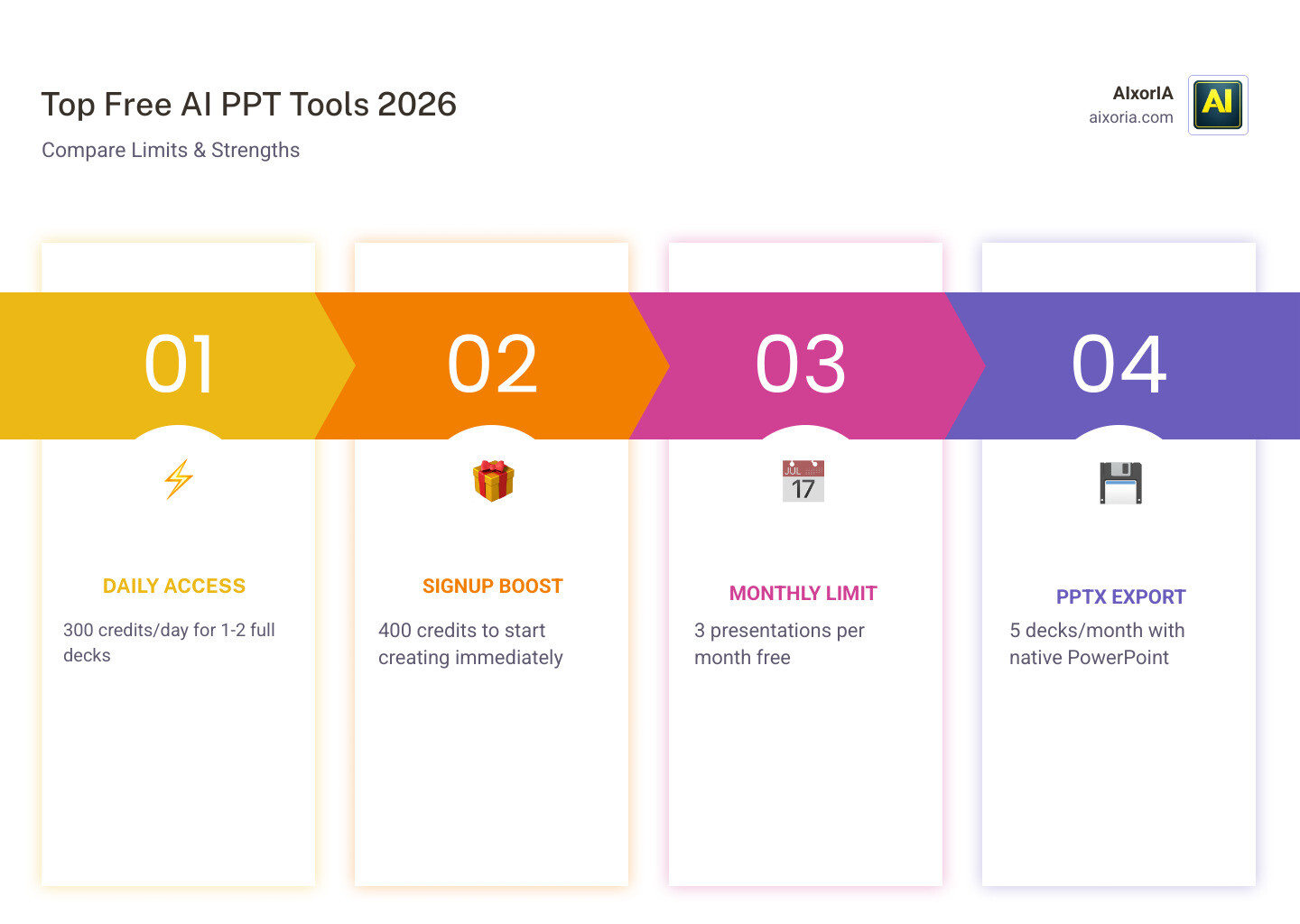
Top Free AI Presentation Makers in 2026
The landscape of AI presentation tools has shifted dramatically as we move through 2026. While many platforms have moved toward strict “pay-to-play” models, several heavy hitters still offer generous free tiers. If you are looking for the 20 best AI tools to create PowerPoint presentations, you’ll find that the leaders focus on balancing design automation with content depth.
Manus.ai has emerged as a top-tier contender, earning a 9/10 rating in recent benchmark tests. It is particularly loved for its “research view,” where it actually pulls real-world data and logos from the web to populate your slides. Gamma remains a fan favorite with over 50 million users. It treats a presentation more like a living document or a scrollable webpage, which is perfect for modern pitches.
For those who prefer a more traditional approach, Slidesgo is a powerhouse with over 70 million creators. They offer a specific AI presentation maker that leverages their massive library of over 100 free templates. Whether you are a student or a business professional, these tools have become the gold standard for 7 best AI tools for PPT presentations in 2026 tested.
Which AI is best for PPT presentation free?
When we ask Which AI is best for PPT presentation free?, we have to look at the “credit economy.” Most AI tools don’t give you unlimited access; they give you a digital currency.
| Feature | Manus.ai | Gamma | Slidesgo | PPT AI |
|---|---|---|---|---|
| Free Credits | 300 Daily | 400 (One-time) | 3 Decks/Month | 5 Decks/Month |
| Daily Refresh | Yes | No (Referral based) | No | No |
| Key Strength | Research Accuracy | Visual Style | Template Variety | PDF to PPT |
| Registration | Required | Required | Required | Required |
Manus.ai is arguably the most “unlimited” feeling tool because its 300 credits refresh every single day. This is usually enough to generate one or two full, high-quality decks every 24 hours. On the other hand, Gamma gives you a larger chunk upfront (400 credits), which is great for a project sprint where you need to generate several iterations at once.
If you need a tool that handles diverse file types, PPT AI – Free AI Presentation Maker | Generate Slides in Seconds is a fantastic choice. It allows you to convert PDFs and Word docs into slides, which is a lifesaver when you already have the research but lack the design.
Evaluating Quality and Export Flexibility
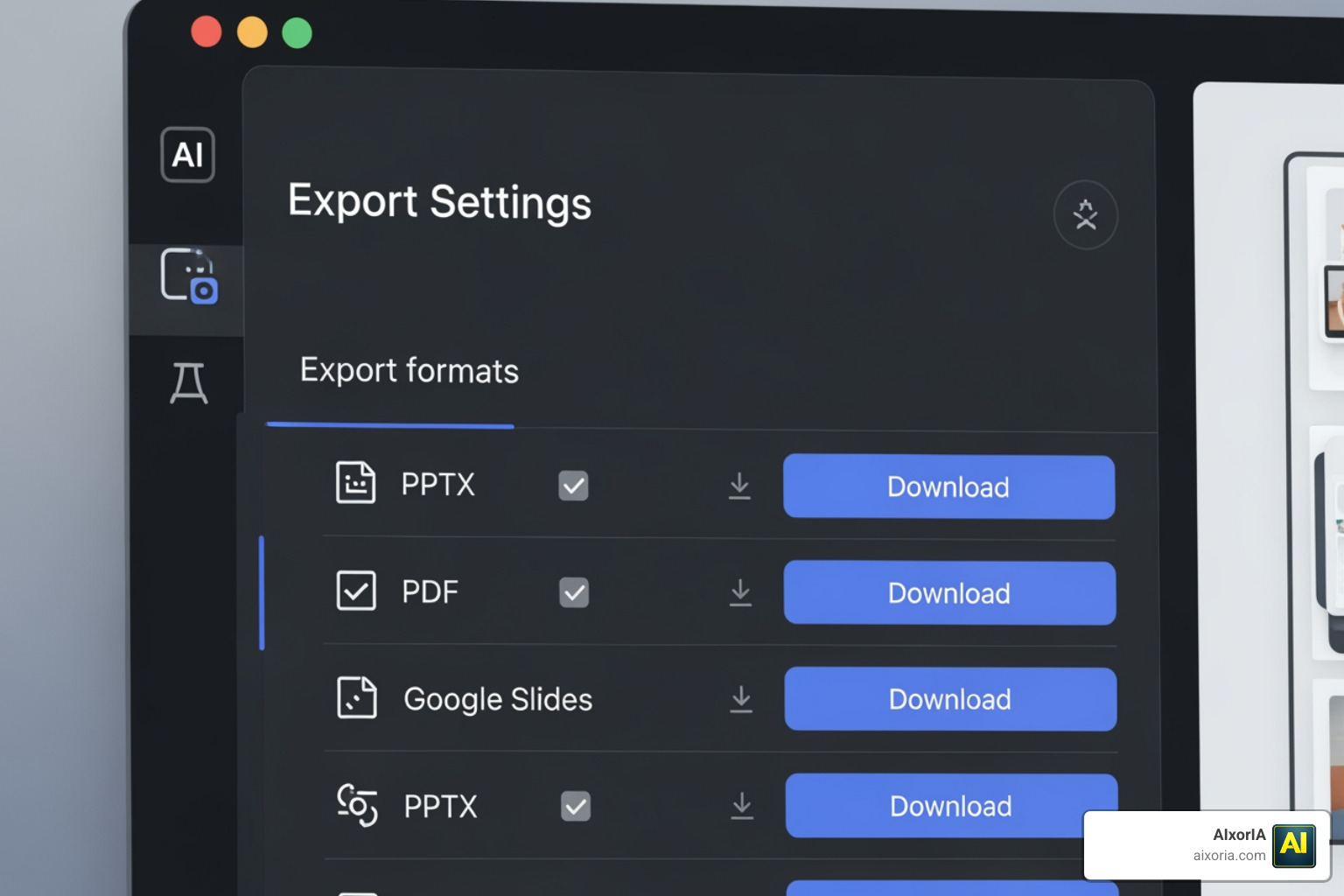
A beautiful presentation is useless if you can’t get it out of the app. Many free tools try to trap you in their ecosystem by making you share a “live link” rather than a file. However, in 2026, the demand for offline editing has forced many to allow PPTX exports.
PPTX export quality varies wildly. Some tools export “flat images,” meaning you can’t edit the text once you open it in PowerPoint. Others, like SlideSpeak and PPT AI, provide true editable layers. We have found that best AI tool for PPT download in 2026 tested results show that formatting fidelity—keeping the fonts and boxes exactly where they belong—is the biggest hurdle for free tiers.
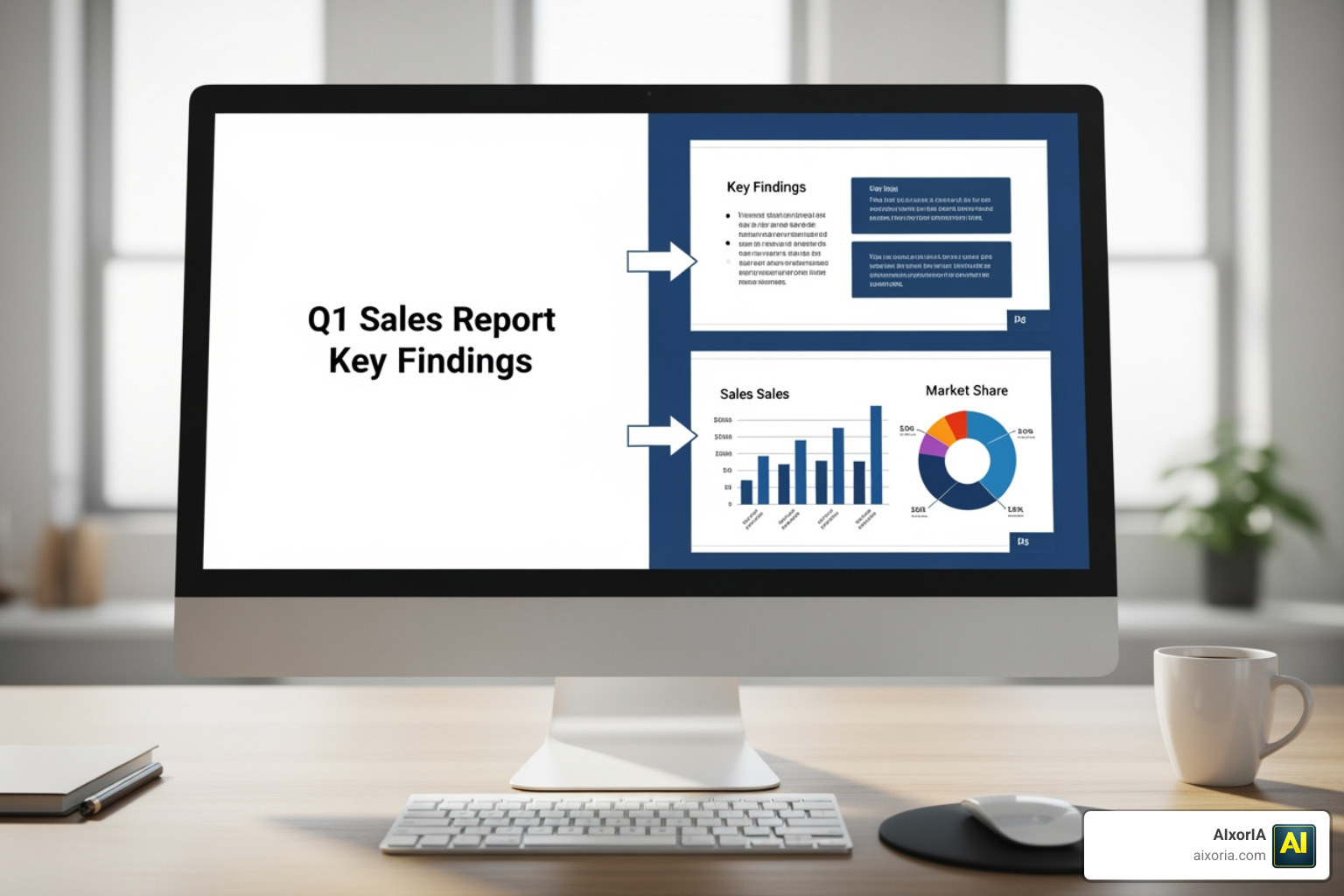
When you use AI to create PowerPoint presentations, always check if the tool supports “Anti-fragile templates.” These are smart layouts that automatically adjust if you add more text or a larger image, preventing your slide from looking like a cluttered mess.
Best Practices for High-Quality Free AI PPTs
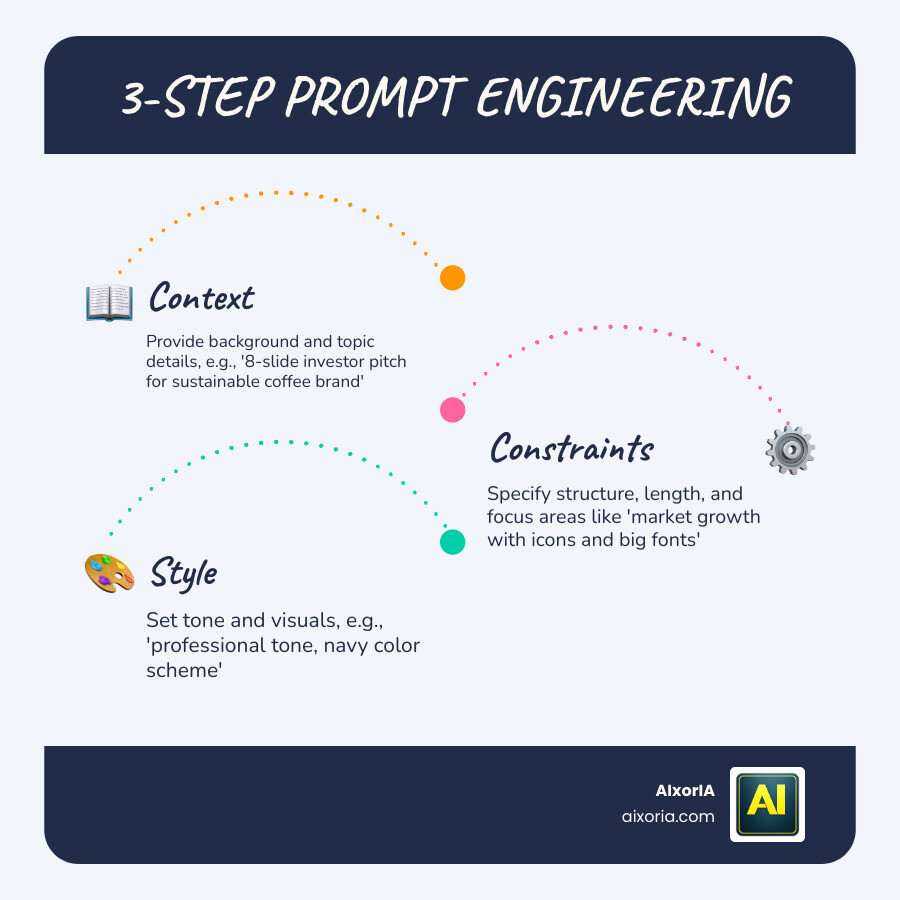
To get the most out of a free tool, you need to be a “prompt engineer.” If you give a vague prompt like “Make a deck about coffee,” you will get generic slides. Instead, try: “Create an 8-slide investor pitch for a sustainable coffee brand. Use a professional tone, focus on market growth, and include icons and big fonts.”
Research accuracy is another factor. While tools like Z.AI excel at citing specific papers (like NVIDIA research), you should always verify the statistics. AI can occasionally “hallucinate” facts to make a slide look more complete.
Which AI is best for PPT presentation free for business?
For business use, you need a tool that understands brand consistency. We recommend Free AI Presentation Maker & Google Slides Generator | SlidesAI because it integrates directly into your existing Google Workspace. This means you don’t have to learn a new interface.
Business presentations require a “hook” and a clear call to action. When using AI, look for tools that offer “Agent Mode.” This allows you to talk to the AI to make edits, such as saying, “Make the third slide more aggressive” or “Change the color scheme to navy and gold.” This is essential for finding what tool creates the best business presentations in 2026.
Which AI is best for PPT presentation free for students?
Students usually prioritize speed and visual flair. Slidesgo is the winner here because it offers over 100 free templates specifically designed for education. Whether it’s a history project or a biology lab report, the layouts are already tailored to the subject.
Another great option for students is SlideAI.net, which allows you to generate slides from a simple topic or a set of lecture notes. It’s perfect for turning a 2,000-word essay into a 10-slide presentation in about 90 seconds. You can find more student-focused reviews in our guide on 9 best AI tools for PowerPoint presentations in 2026.
Frequently Asked Questions about Free AI PPT Tools
Can I export AI slides to PowerPoint for free?
Yes, but it depends on the tool. PPT AI and SlideSpeak allow PPTX exports on their free tiers. Gamma allows exports but may include a small watermark on the final slide or in the corner of the PDF/PPTX. Always check the export settings before you spend an hour customizing!
Do free AI presentation makers have watermarks?
Most do. Tools like Slidesgo and Gamma usually include a “Made with AI” badge or a branded final slide. If you need a completely clean, unbranded export for a high-stakes meeting, you might need to do a quick manual cleanup in PowerPoint after exporting or consider a one-time credit purchase.
How many presentations can I make for free?
It varies by the credit system:
- Daily users: Manus.ai (1-2 decks per day).
- Occasional users: Slidesgo (3 per month) or PPT AI (5 per month).
- One-time power users: Gamma (starts with 400 credits, enough for ~5-8 decks).

Conclusion
Finding Which AI is best for PPT presentation free? really comes down to your specific workflow. If you want deep research and daily credits, Manus.ai is your best friend. If you want the most beautiful, modern designs with a generous startup gift, Gamma is the way to go.
At AIxorIA, we know that keeping up with these tools can feel like a full-time job. That’s why we provide custom AI solutions and tool training workshops to help businesses stay ahead of the curve. Whether you need a performance audit of your current tech stack or a simple tutorial to get your team up to speed, we are here to help with simple language and affordable services.
The world of presentations is changing fast. In 2026, you shouldn’t be fighting with text boxes; you should be focusing on your message. Let the AI handle the heavy lifting!
For more insights on how to leverage these technologies for your enterprise, check out our more info about AI business tools guide.
1 thought on “Which AI is Best for PPT Presentation Free in 2026? Top 7 AI Presentation Tools Tested”