Why AI Productivity Tools for Coders Are Dominating Developer Workflows in 2026
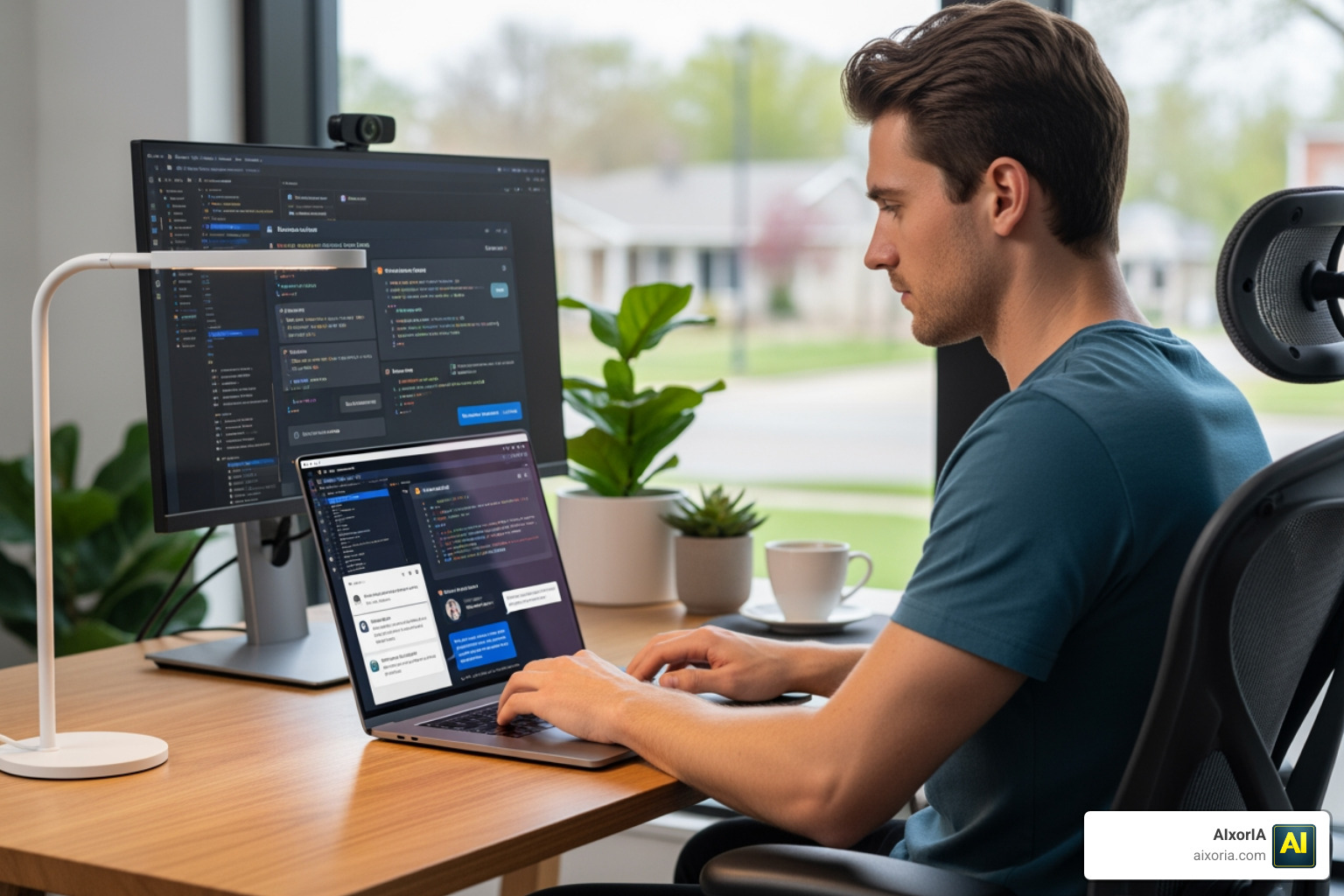
The best AI productivity tools for coders have gone from a nice-to-have to a must-have — and fast.
Here’s a quick look at the top options to know right now:
| Tool | Best For | Free Tier | Starting Price |
|---|---|---|---|
| GitHub Copilot | All-around coding assistant | Yes | $10/month |
| Cursor | Rapid iteration & agentic coding | No | Free trial |
| Tabnine | Beginners & privacy-focused teams | Yes | $9/month |
| Sourcegraph Cody | Large codebase understanding | Yes | $9/month |
| Replit Ghostwriter | Beginners & vibe-coding | Yes | Included in Replit |
| Amazon Q Developer | Enterprise teams | Yes | $19/month |
| DeepCode AI | Security scanning | Yes | Paid plans available |
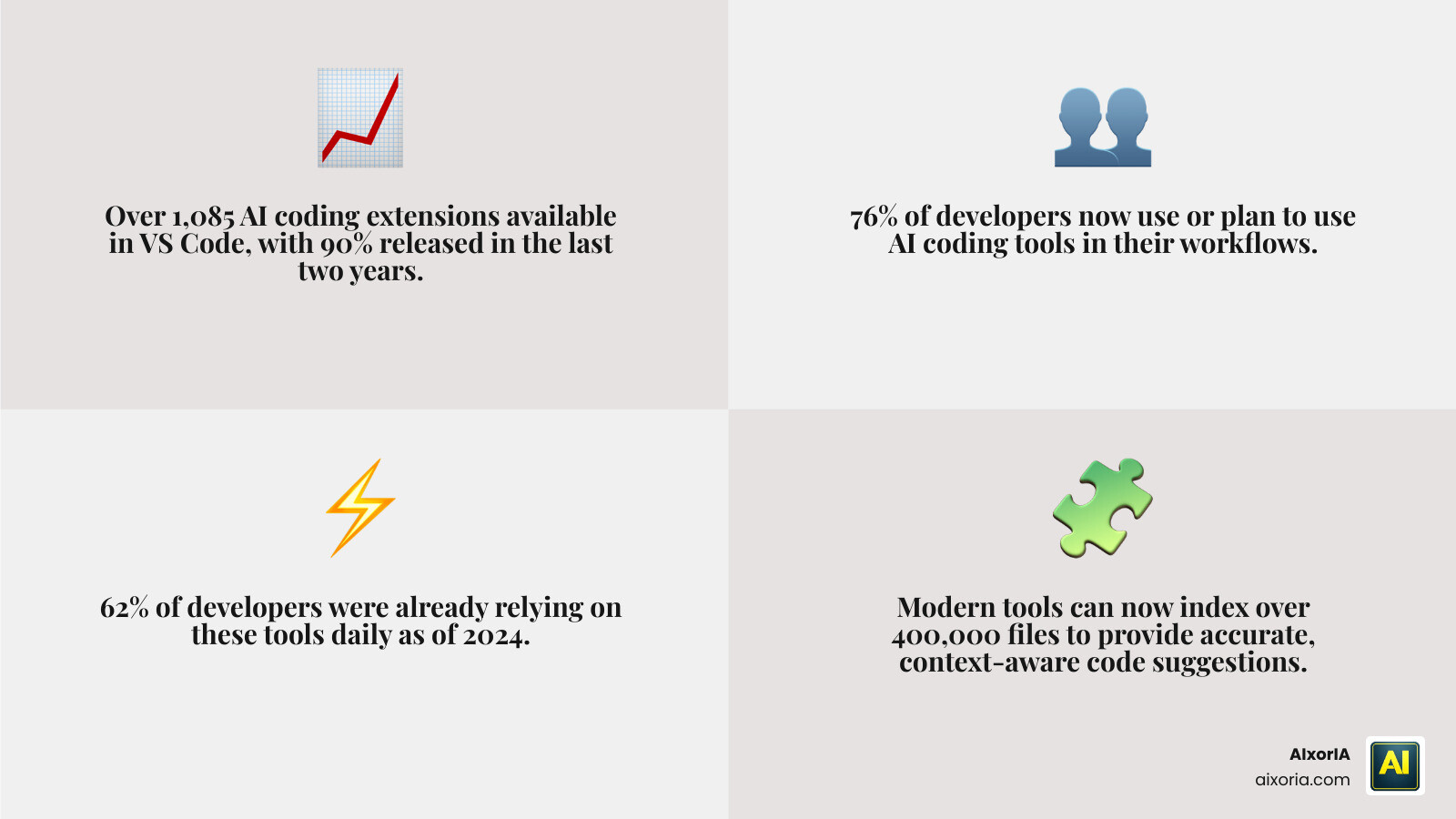
Nearly 76% of developers already use or plan to use AI coding tools — and in 2024, 62% were already using them daily. The market has exploded: one analysis found over 1,085 AI coding extensions in VS Code alone, with more than 90% released in just the last two years.
That growth is exciting. But it’s also overwhelming.
If you’re a small business owner or developer trying to pick the right tool without wasting time or money, the sheer number of options can feel paralyzing.
This guide cuts through the noise. We’ll show you which tools actually move the needle — whether you’re just getting started, managing a growing team, or dealing with a complex codebase.
Key Evaluation Criteria for AI Coding Assistants
Choosing the Best AI Productivity Tools for Coders isn’t just about finding the one with the most “magic” features. In 2026, we’ve learned that sustained productivity comes from tools that understand your specific world. When we perform performance audits at AIxorIA, we look at several critical factors.
First is context awareness. A tool that suggests a generic loop is fine, but one that knows your specific database schema and naming conventions is gold. Some modern tools now index over 400,000 files to ensure they don’t hallucinate code that doesn’t fit your architecture.
Second, we look at code quality and security. High-speed code generation is a liability if it introduces vulnerabilities. The best tools now combine generative AI with symbolic AI to scan for “tricky” backward compatibility issues or security leaks before you ever hit “commit.”
Lastly, integration and developer experience are paramount. If an AI tool forces you to switch tabs or wait ten seconds for a suggestion, it breaks your “flow state.” You want tools that live inside your IDE (like VS Code or JetBrains) or even your terminal. For a deeper dive into how we evaluate these, check out our guide on Best AI Productivity Tools for Coders in 2026 Tested and how they stack up against general Best AI Tools for Productivity and Time Management.
Top-Rated Best AI Productivity Tools for Coders in 2026
The landscape has shifted from simple autocomplete to “agentic” coding, where the AI can actually execute tasks. Here is how the heavy hitters compare:
| Feature | GitHub Copilot | Cursor | Tabnine | Sourcegraph Cody |
|---|---|---|---|---|
| Primary Strength | Speed & Reliability | End-to-end Features | Privacy & Local Models | Codebase Search |
| IDE Support | Most IDEs | Standalone (VS Code Fork) | Extensive | VS Code, JetBrains |
| Context Window | Standard | High (Agentic) | Medium | Very High |
| Best For | General Purpose | “Vibe-Coding” | Enterprise Privacy | Legacy Codebases |
GitHub Copilot
Still the industry leader, GitHub Copilot has evolved into a full-fledged agent. It now features a coding agent that can open pull requests, refactor entire classes, and even “see” images like mockups or bug screenshots. It remains the safest bet for most because of its balance of speed and contextual accuracy.
Cursor: The best way to code with AI
Cursor has taken the developer world by storm. Instead of being a plugin, it’s a standalone editor (forked from VS Code). This allows it to offer a much smoother workflow for rapid iteration. Its “agent” mode can work autonomously on separate computers to build, test, and demo features end-to-end. Many developers report that Cursor makes programming feel “fun” again.
Tabnine
If security and data residency are your top concerns, Tabnine is a standout. It offers private, secure models that can be trained on your specific codebase without your data ever leaving your environment. It’s excellent for reducing “low-value edits” and keeping code aligned with team conventions. You can find more details in our list of the 8 Best AI Coding Tools for Developers.
Best AI Productivity Tools for Coders: Beginner-Friendly Options
Starting your coding journey in 2026 is a very different experience than it was five years ago. For those just learning the ropes, we recommend tools that offer clear feedback and ease of setup.
Replit Ghostwriter is a fantastic entry point. Because Replit is a browser-based IDE, there is zero environment setup. Ghostwriter acts as a pair programmer that explains why it’s making a suggestion, which is vital for learning. It’s one of the Best AI Tools for Generating Code for those who want to move from idea to live app in minutes.
Gemini Code Assist (by Google) is another strong contender for beginners. It offers a massive context window (up to 1 million tokens), meaning you can feed it entire tutorials or documentation sets, and it will help you navigate them without getting lost. It’s great for stable reasoning during longer, more complex learning tasks.
Best AI Productivity Tools for Coders for Large-Scale Enterprise Teams
For large organizations, the challenges are different: security, scale, and “codebase rot.” 78% of enterprises currently struggle to integrate AI with their existing tech stacks, which is where specialized tools come in.
Amazon Q Developer is built specifically for the enterprise. It integrates deeply with AWS, helping teams modernize legacy applications and manage complex cloud infrastructure. It’s also one of the Best AI Productivity Tools for Enterprise in 2026 because of its high-level security protocols.
Sourcegraph Cody excels at “codebase intelligence.” In a company with millions of lines of code, finding where a specific decision was made three years ago is a nightmare. Cody indexes the entire repository, allowing developers to ask questions like “How do we handle auth in the legacy microservice?” and get an accurate answer in seconds.
Specialized AI Solutions for Codebase Intelligence and Security
Sometimes you need more than just an autocomplete tool. You need a “senior developer” looking over your shoulder.
Greptile is a unique tool that analyzes entire codebases rather than isolated files. It’s particularly helpful for onboarding new team members in complex architectures. By understanding cross-service dependencies, it can identify subtle bugs that a file-level AI would miss.
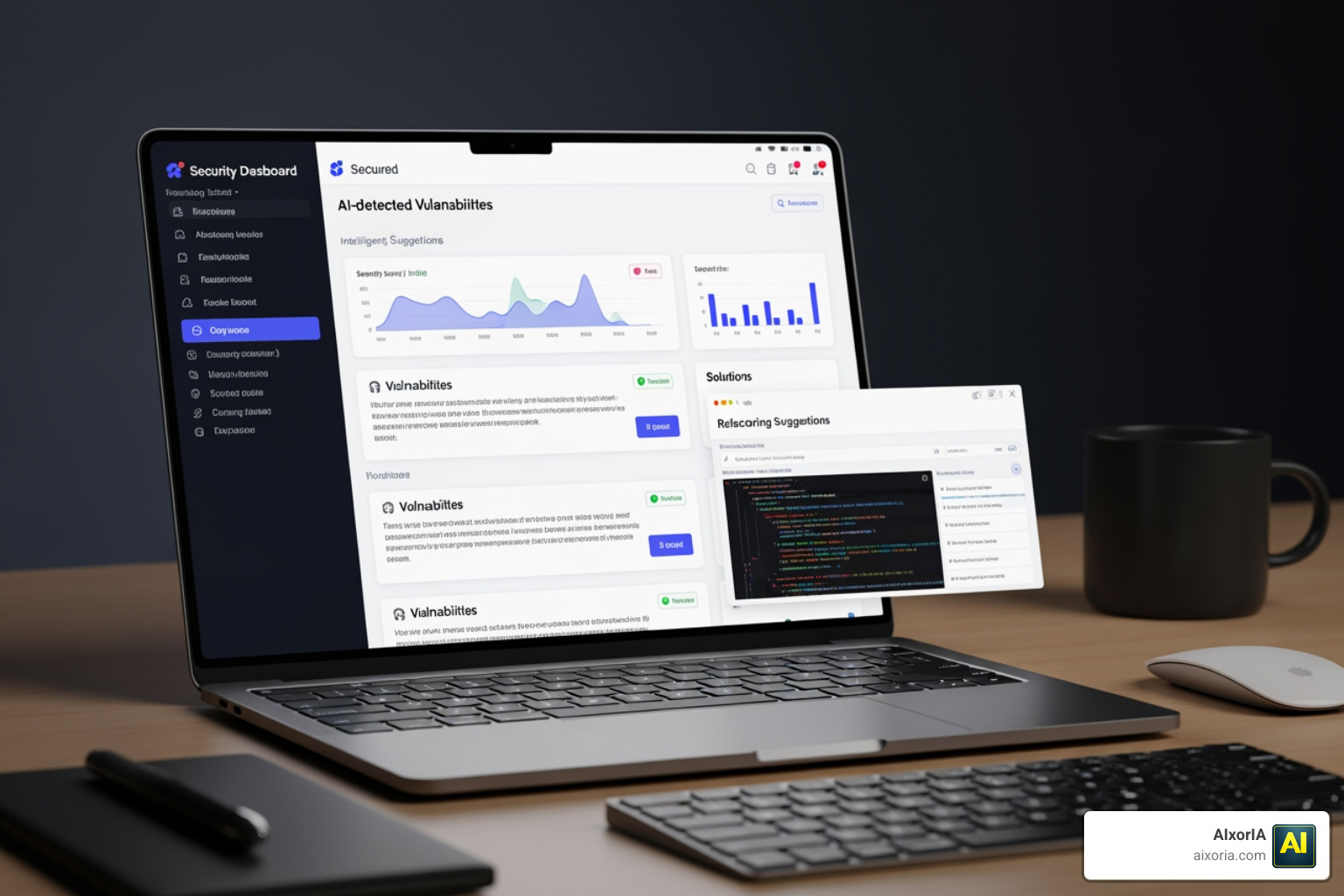
DeepCode AI (part of Snyk) focuses on the “un-fun” part of coding: security vulnerabilities. It uses a hybrid approach, combining generative AI with symbolic AI trained on millions of security data points. This minimizes “hallucinations” and ensures that the code you’re generating isn’t opening a backdoor for hackers. To see how these fit into a broader toolkit, read about The 7 Best AI Coding Tools for Developers in 2026.
Maximizing Efficiency with AI-Driven Developer Workflows
At AIxorIA, we don’t just look at how many lines of code an AI writes. We look at DORA metrics—things like Change Failure Rate and Deployment Frequency.
Research shows that developers using tools like GitHub Copilot can complete tasks up to 55.8% faster. However, the real gain is in the “cycle time.” By using AI to generate unit tests and initial documentation, developers can reduce the rework needed during code reviews.
Another emerging trend is “vibe-coding.” This is the practice of using natural language prompts to build entire features or apps. While it sounds casual, it’s actually a high-level orchestration of AI agents. Tools like Claude Code allow you to describe a bug, and the agent will read the issue, find the file, fix the code, run the tests, and submit the pull request—all from your terminal.
To learn more about the broader impact of these tools, check out our insights on the Best AI Productivity Tools for Developers in 2026 and our analysis of What is the Best AI for Productivity in 2026.
Frequently Asked Questions about Best AI Productivity Tools for Coders
Which AI tool is best for codebase understanding?
Sourcegraph Cody and Greptile are the leaders here. While standard assistants look at the file you’re currently editing, these tools index your entire repository (and sometimes multiple repositories) to provide answers based on your whole system architecture.
Are AI coding tools secure for proprietary code?
Most enterprise-grade tools (like Tabnine, Amazon Q, and GitHub Copilot for Business) offer “zero data retention” policies, meaning your code is not used to train their public models. If you are in a highly regulated industry, look for tools that offer local LLM execution or VPC deployment.
How do free tiers compare to paid AI plans?
Free tiers are usually limited by “completions” per month or use older models. Paid plans (typically $10-$20/month) unlock “Pro” models like GPT-4o or Claude 3.5 Sonnet, offer unlimited chat, and provide better context awareness. For professional developers, the time saved usually pays for the subscription in a single afternoon.
Conclusion
The era of manual boilerplate and hunting through Stack Overflow for hours is coming to an end. Whether you are a solo “vibe-coder” or part of a massive enterprise team, the best AI productivity tools for coders are designed to let you focus on what matters: solving problems and building great software.
At AIxorIA, we specialize in helping businesses navigate this fast-moving tech landscape. We provide custom AI solutions, tool training workshops, and performance audits to ensure your team isn’t just using AI, but using it effectively. Our goal is to make complex technology simple and affordable for everyone.

Ready to supercharge your development workflow? Explore our full category of Best AI Productivity Tools for Developers in 2026 or reach out to us for a personalized consultation today!
2 thoughts on “7 Best AI Productivity Tools for Coders in 2026”