Why So Many Beginners Struggle to Pick the Right 3D Modeling Software
If you’re looking for the best 3D modeling software for beginners, here’s a quick answer:
| Software | Best For | Free? | Browser-Based? |
|---|---|---|---|
| Tinkercad | Absolute beginners, 3D printing | Yes | Yes |
| SketchUp Free | Architecture, visual design | Yes | Yes |
| Womp | Creative beginners, no downloads | Yes | Yes |
| Blender | Beginners ready to level up | Yes | No |
| FreeCAD | Engineering, parametric design | Yes | No |
3D modeling used to be locked behind expensive software and years of training. Not anymore.
Today, tools like Tinkercad are used by over 15 million students and educators worldwide. Blender pulls in more than 10 million downloads every month. And over 60% of beginners now prefer browser-based tools because there’s nothing to install — you just open a tab and start creating.
But here’s the problem: there are too many options. And most comparison articles assume you already know what “parametric modeling” or “mesh sculpting” means.
You probably don’t. That’s fine.
This guide cuts through the noise. We’ll show you exactly which tools are worth your time in 2026 — and which ones will have you frustrated and quitting before you finish your first model.
Key Features of the Best 3D Modeling Software for Beginners
When we look for the best 3D modeling software for beginners, we aren’t just looking for “free.” We are looking for accessibility. For a new designer, the interface (the buttons and menus you see) should be intuitive. You want a “drag-and-drop” experience where you can see your progress instantly.
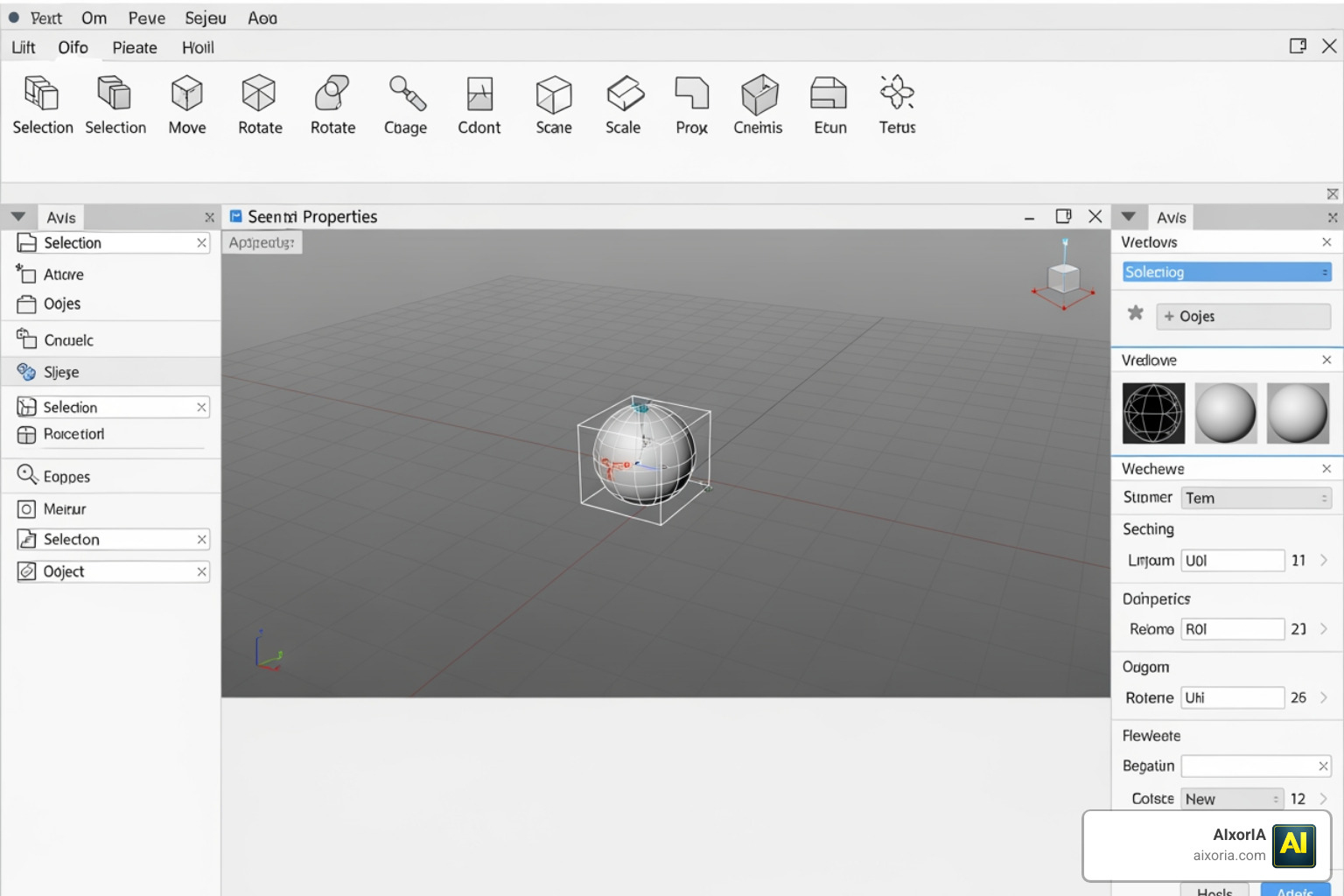
One of the first decisions you’ll make is whether to use a browser-based tool or downloadable software. Browser-based tools are fantastic because they require no installation and work on almost any computer. Downloadable software, like Free 3D Modeling Software | 3D Design Online | SketchUp Free Subscription | SketchUp, often offers more power but comes with a steeper learning curve.
| Feature | Browser-Based (e.g., Tinkercad) | Downloadable (e.g., Blender) |
|---|---|---|
| Installation | None | Required |
| Hardware | Low requirements | Often requires a GPU |
| Complexity | Simple, shape-based | Professional, feature-heavy |
| Offline Use | No | Yes |
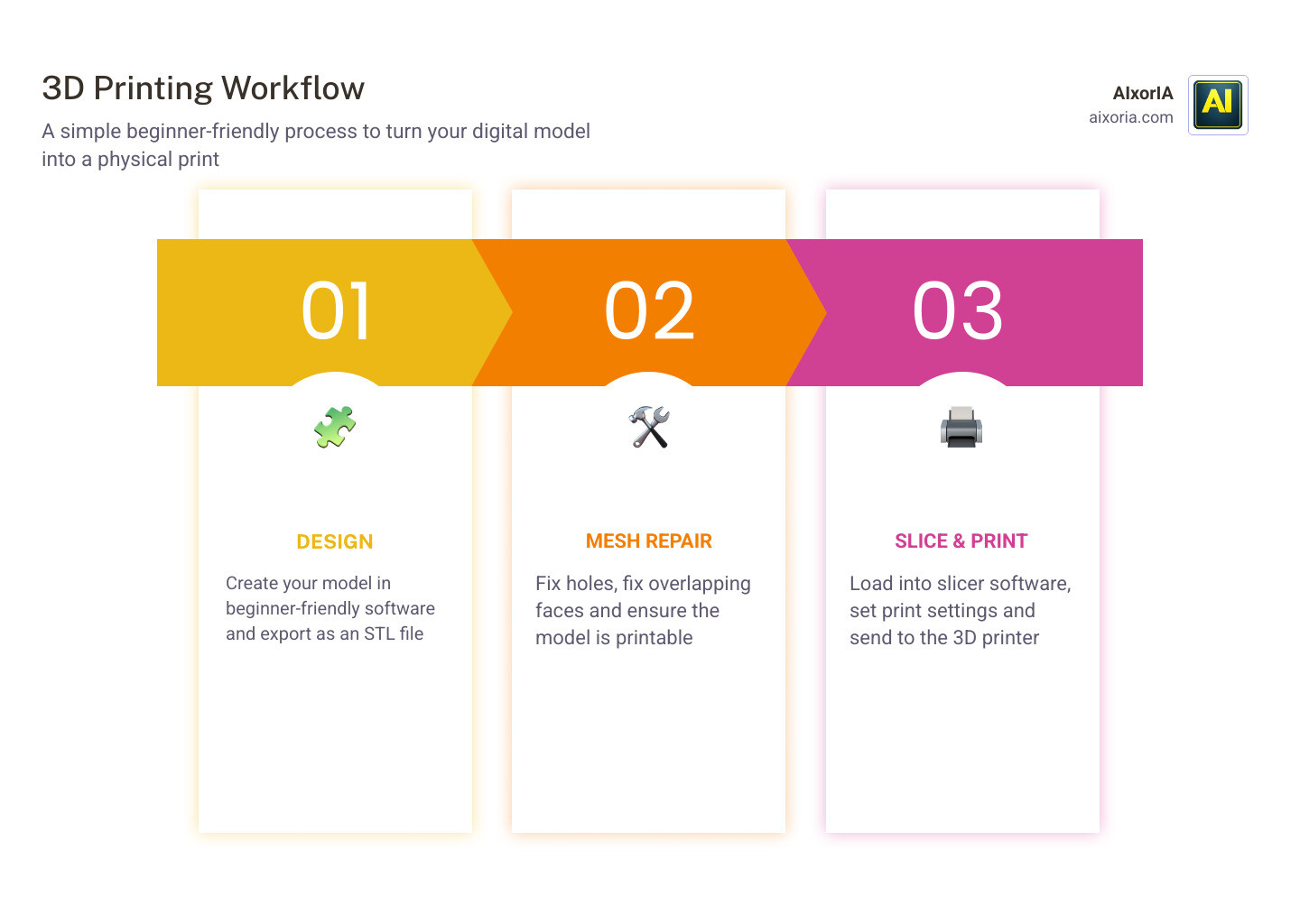
Beginners should also look for software that supports parametric modeling—this is a fancy way of saying you can change the dimensions of your object at any time by just typing in a new number. Additionally, check for 3D printing compatibility. Most beginners want to see their creations in the real world, so software that easily exports to STL format is a must.
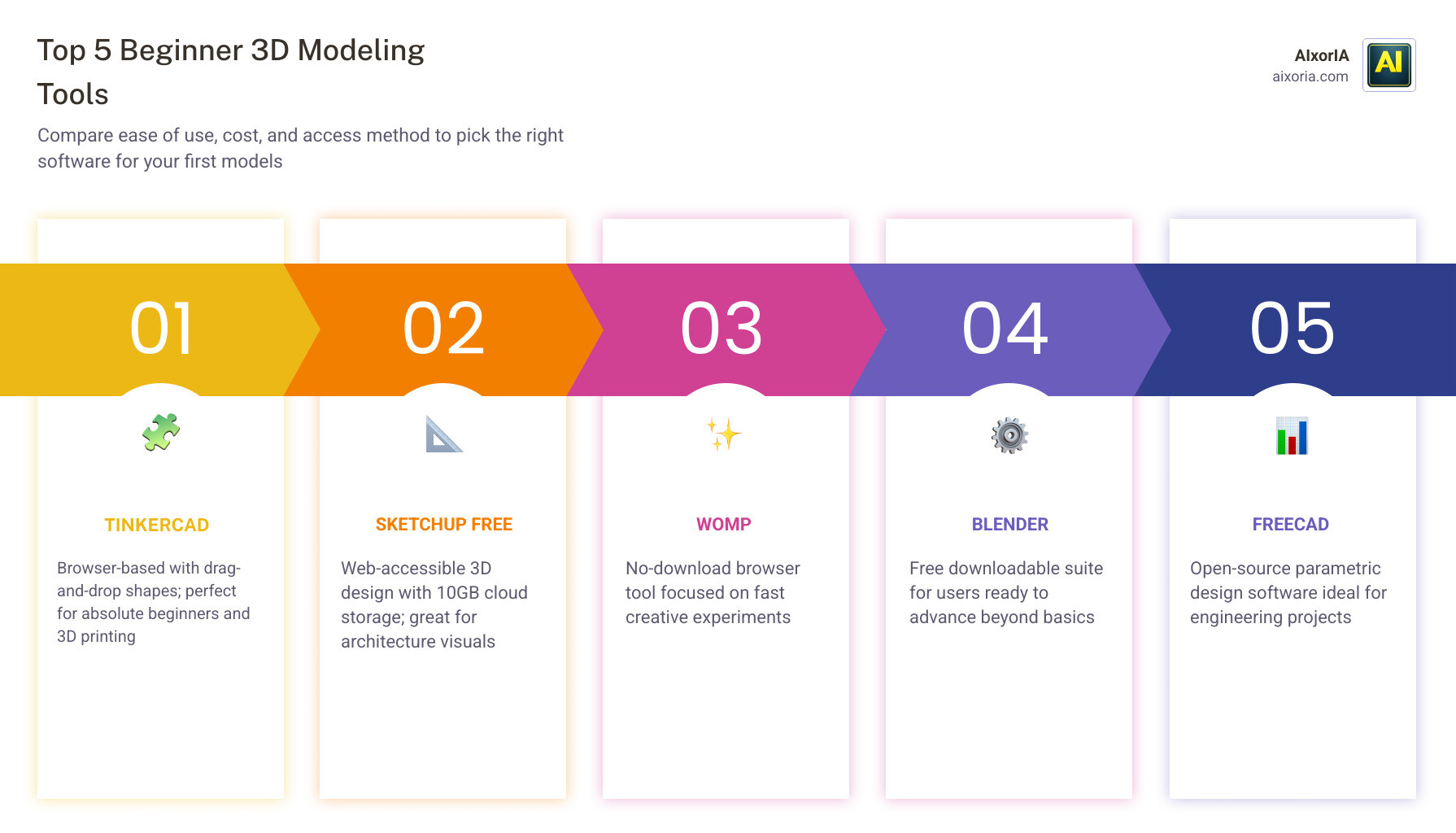
Top 5 Software Picks for New Designers
Choosing your first tool is like choosing your first car—you want something reliable that won’t crash while you’re still learning where the brakes are. Based on our research for 2026, these five tools stand out as the best 3D modeling software for beginners.
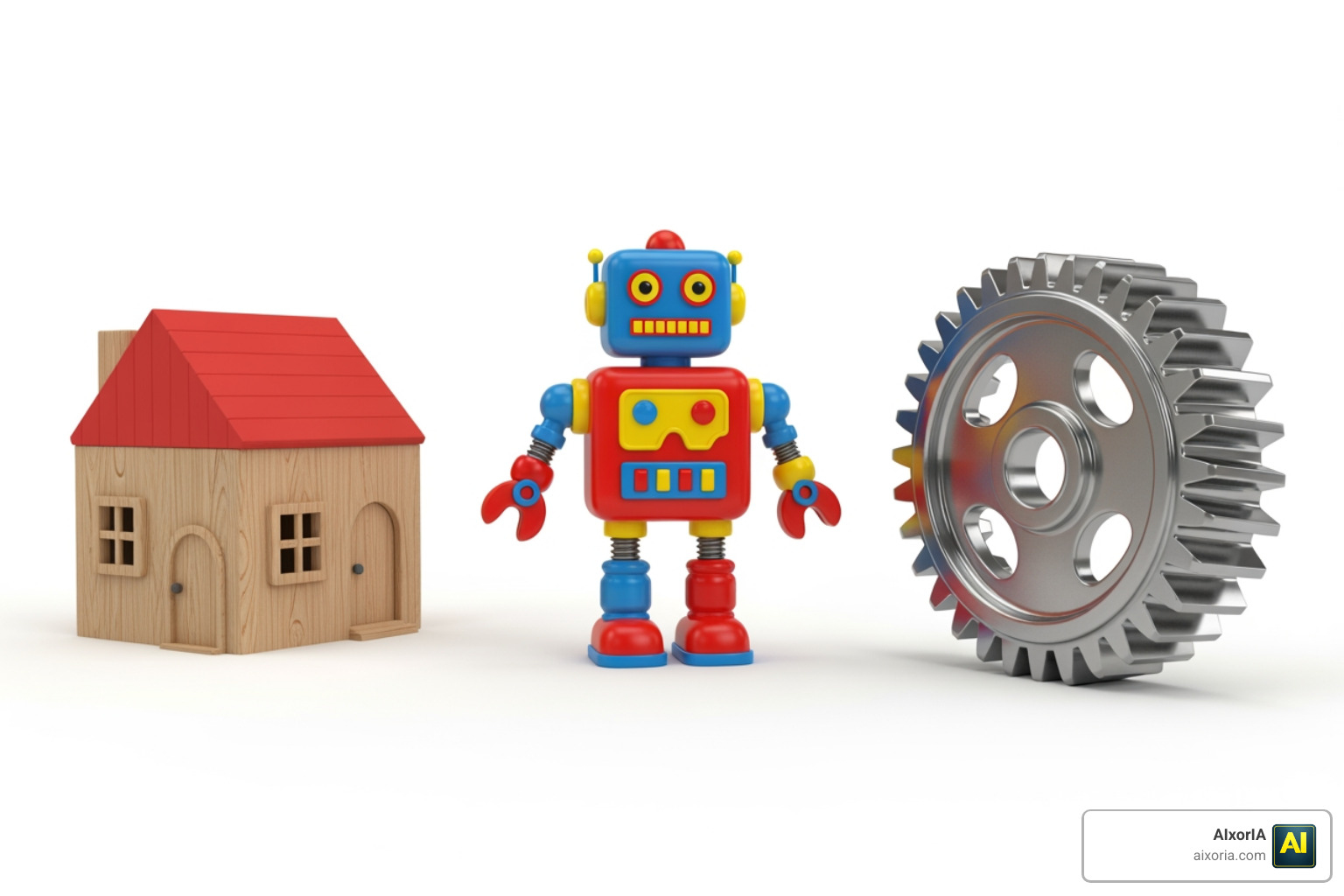
- Tinkercad: The undisputed king for absolute beginners. It has over 15 million users and focuses on combining primitive shapes (cubes, spheres, cones) to create complex objects. It’s also a great companion for students using the Best AI Tools for Students in 2026: Study Smarter with AI.
- SketchUp Free: Perfect for architectural visualization. It offers 10GB of cloud storage and is widely considered the simplest way to design in 3D for free. You can find it at SketchUp: 3D Design Software – Bring Your Vision to Life | SketchUp.
- SelfCAD: An “all-in-one” tool that bridges the gap between simple shape-building and professional sculpting. It’s browser-based but surprisingly powerful.
- Womp: A newer, highly creative browser-based tool that uses “liquid” modeling. It feels more like playing with clay than traditional CAD.
- Project Falcon: Developed by Autodesk, this tool uses a “kitbashing” approach. Instead of building from scratch, you snap pre-made parts together. Check out Project Falcon | Free 3D Modeling Software & Kitbashing | Autodesk.
Why Tinkercad is the Best 3D Modeling Software for Beginners with No Experience
If you have never touched a 3D design tool in your life, start with Tinkercad. It removes the technical jargon and replaces it with visual learning. You don’t “draw” lines; you move blocks. This block-based design is so effective that it’s the primary tool for educators worldwide.
Beyond just modeling, Tinkercad includes circuit simulation and code-based modeling. It’s the ultimate playground for digital prototyping. If you can move a mouse, you can use Tinkercad.
Transitioning to Professional Tools: The Best 3D Modeling Software for Beginners Ready to Level Up
Once you’ve mastered the basics, you might feel limited by simple shapes. This is when you “level up.”
Blender 5.1 is the gold standard for free, open-source 3D creation. While it has a reputation for being difficult, the latest updates have made the UI much friendlier for newcomers. You can find the latest version at Blender – The Free and Open Source 3D Creation Software — blender.org or Download Blender 5.0 – Professional 3D Creation Suite. Blender is also leading the charge in integrating the Top Rated Generative AI Tools for 3D Modeling, allowing you to use AI to speed up your workflow.
For those interested in engineering, Fusion 360 (free for personal use) and FreeCAD are the go-to choices. They focus on precision and parametric design, which is essential for mechanical parts.
Sculpting vs. CAD: Choosing Your Modeling Style
Not all 3D modeling is the same. Beginners often get confused between “Sculpting” and “CAD.”
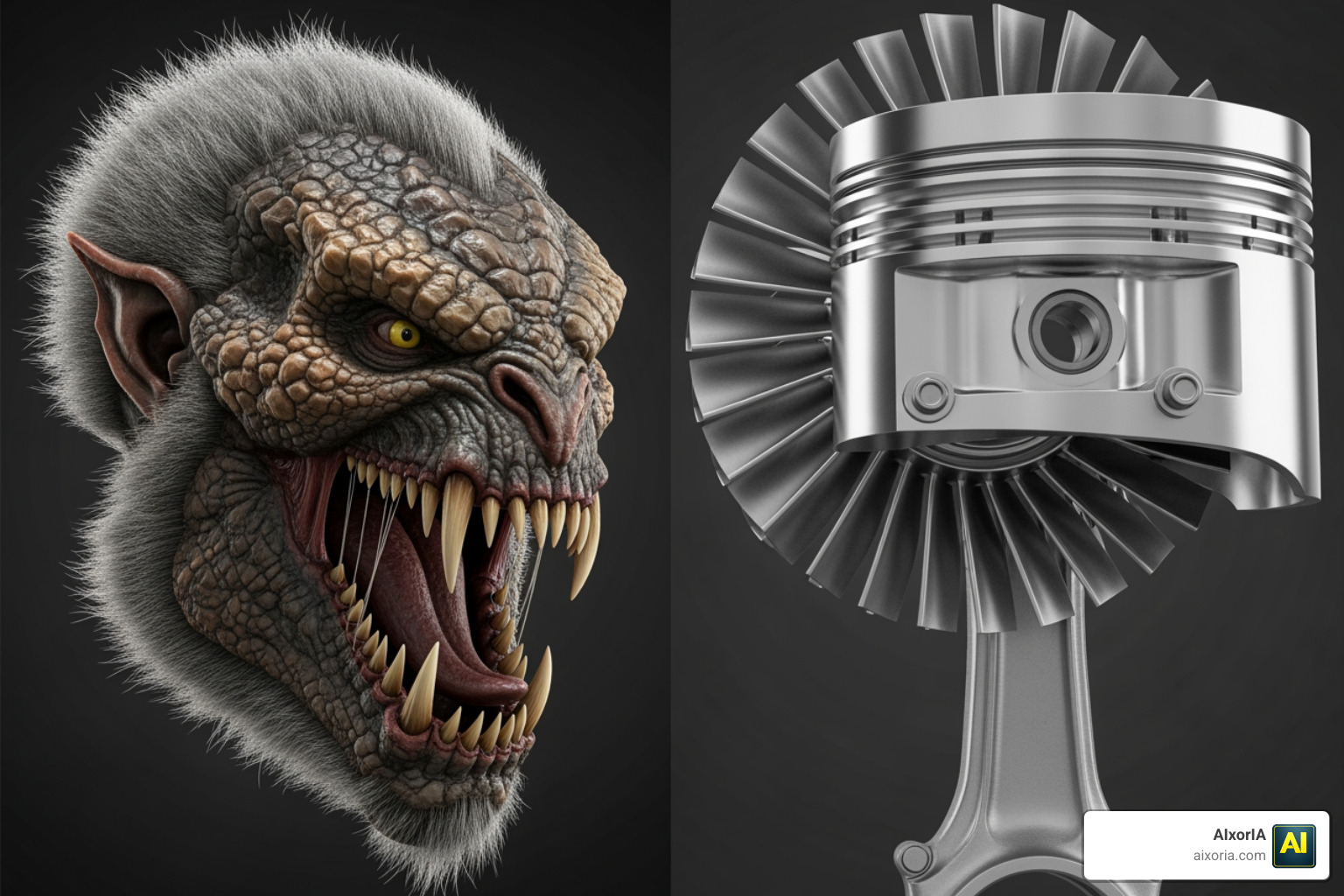
- Sculpting: Think of this as digital clay. Tools like SculptGL or ZBrushCoreMini allow you to push, pull, and smooth a mesh to create organic shapes like characters or animals.
- CAD (Computer-Aided Design): This is about precision. Tools like SketchUp or Easy 3D Modeling Software focus on measurements and geometry.
If you want to make a toy dragon, go for sculpting. If you want to design a replacement part for your dishwasher, stick with CAD. For 3D printing enthusiasts, Meshmixer is a fantastic free tool that helps optimize your models, ensuring they don’t collapse when they hit the printer bed.
Understanding Limitations and 3D Printing Workflows
While free software is amazing, we need to be realistic about the limitations. Most free versions of professional tools (like SketchUp Free) come with feature restrictions. You might have limited cloud storage or find that certain advanced export options are locked behind a paywall.
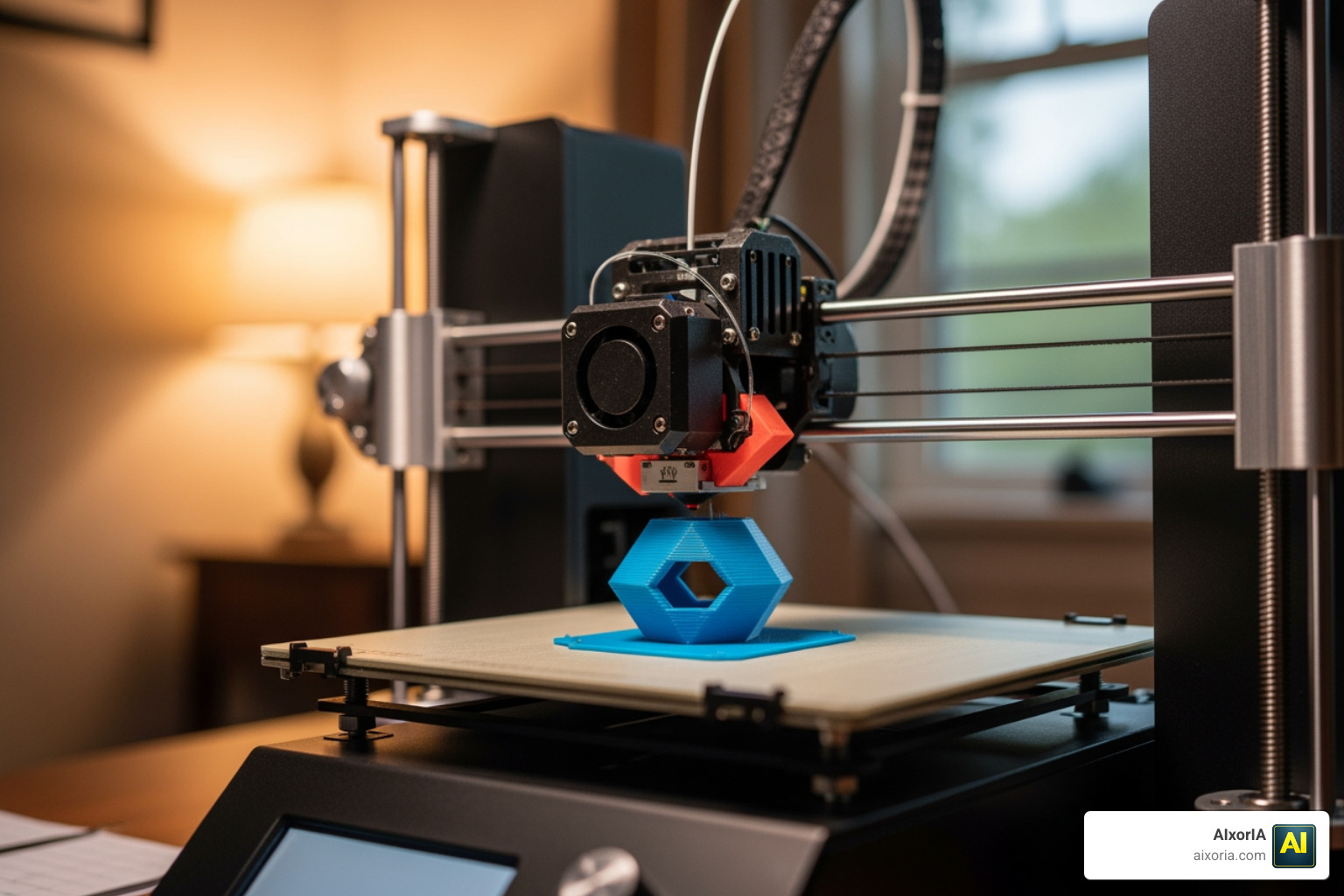
One common hurdle is hardware requirements. While Tinkercad runs on a potato, Blender 5.1 requires a decent graphics card to render images quickly. You should also watch out for “vendor lock-in”—some software makes it very hard to move your files to a different program later.
If you are using these tools to build a portfolio for a career change, don’t forget to check out our guide on the 20 Best AI Tools for Interview Preparation 2026 to help you land that first design gig!
Frequently Asked Questions about Beginner 3D Software
What are the best free 3D modeling software options for beginners in 2025?
In 2025 and 2026, the top free options are Tinkercad for absolute beginners, SketchUp Free for architecture, and Blender for those wanting a professional-grade suite without the price tag. Womp and SelfCAD are also excellent browser-based alternatives that offer a great balance of ease and power.
How do browser-based tools compare to downloadable software like Blender?
Browser-based tools like Tinkercad and SketchUp Free are much easier to start with because they require no installation and lower system specs. However, downloadable software like Blender or FreeCAD offers more advanced features, offline access, and better performance for complex, high-detail projects.
Which software provides the best community support for new users?
Blender has the largest community in the world, with millions of tutorials on YouTube and active forums. SketchUp also has a massive library of pre-built models (3D Warehouse) and a very helpful “SketchUp Campus” for free training.
Conclusion
Starting your journey in 3D design doesn’t have to be overwhelming. By choosing the best 3D modeling software for beginners that fits your specific goals—whether that’s 3D printing, character art, or architectural design—you can start creating in minutes.
At AIxorIA, we believe in making technology accessible. We provide custom AI solutions, tool training workshops, and performance audits to empower businesses and individuals alike. Our mission is to provide simple language help and affordable services to help you navigate the fast-moving world of digital creation.
Ready to take your productivity to the next level? More info about AI productivity services is just a click away. Whether you’re a hobbyist or a business looking to integrate 3D workflows, we’re here to help you succeed with fast customer support and expert guidance. Happy modeling!
1 thought on “Best 3D Modeling Software for Beginners (2026 Guide) – Free & Easy Tools Compared”