Choosing the Best 3D Modeling Software for 3D Printing
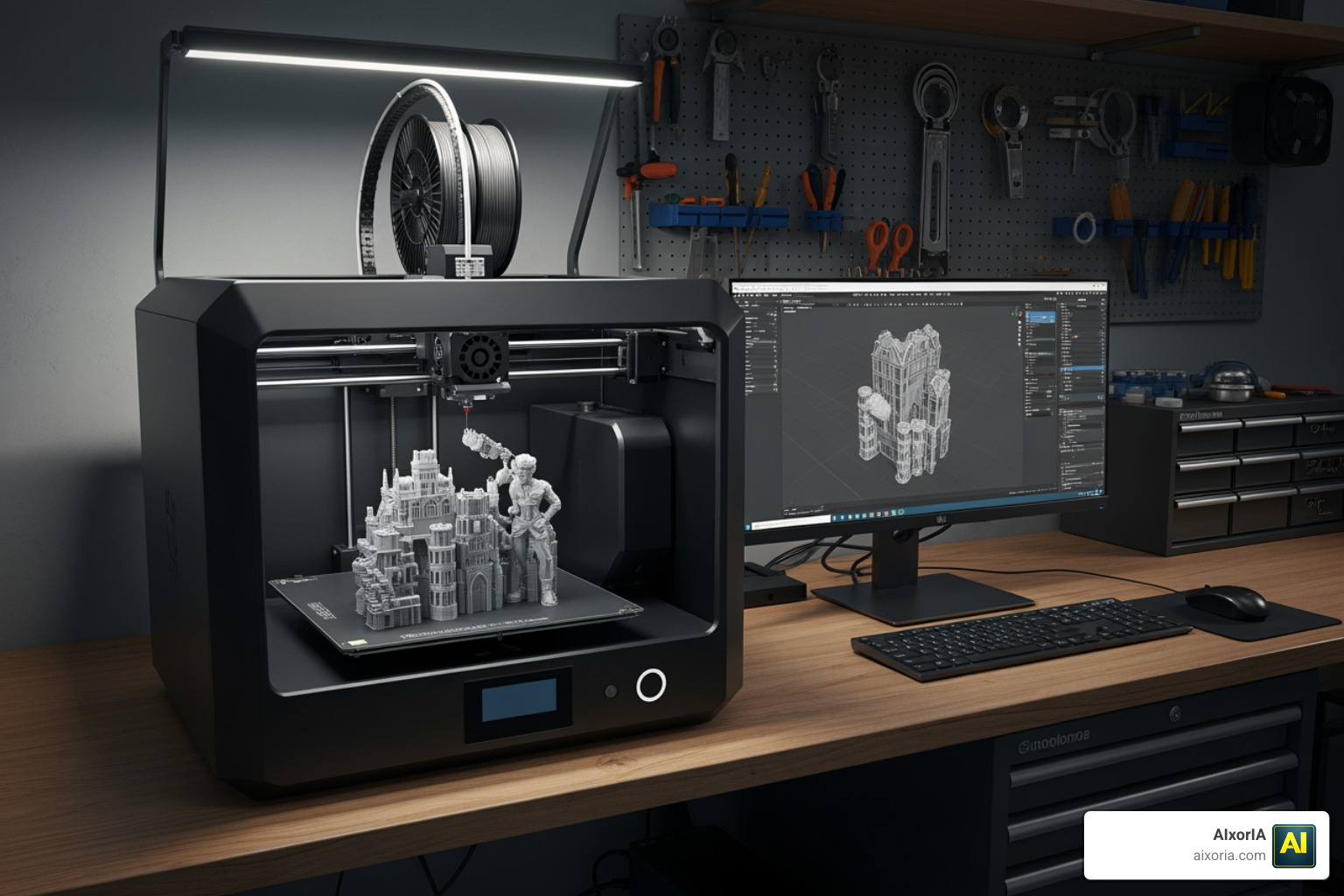
When searching for the best 3d modeling software for 3d printing, it is vital to understand that not all 3D models are created equal. In additive manufacturing, we categorize software by how it handles geometry. If the software doesn’t create a “watertight” or manifold model, your printer won’t know where the “inside” and “outside” of the object are, leading to failed prints and a lot of wasted filament.
There are three primary modeling approaches you will encounter:
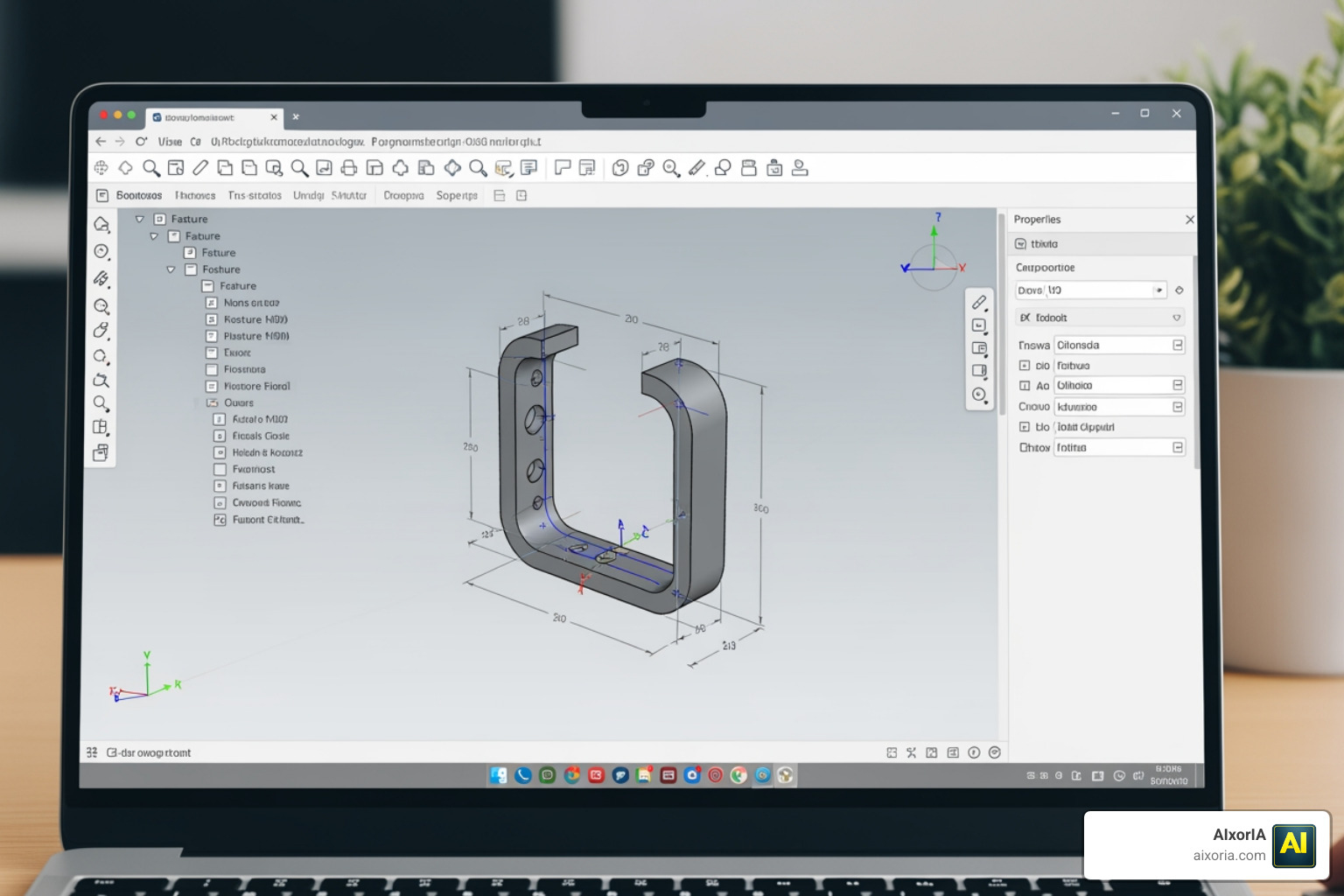
- Parametric Modeling: This is history-based. Every change you make is recorded in a “feature tree.” If you realize a hole is 2mm too small, you can go back in time, change that specific dimension, and the rest of the model updates automatically. This is essential for precision engineering.
- Mesh Modeling: Think of this like digital clay. The surface is made of thousands of tiny triangles or polygons. It is perfect for organic shapes like characters or jewelry, but harder to use for parts that need to fit together perfectly.
- Direct Modeling: This allows you to push and pull faces of an object without a history tree. It’s intuitive and fast for quick modifications but lacks the automated updates of parametric tools.
Comparison of Modeling Approaches
| Feature | Parametric Modeling | Mesh Modeling | Direct Modeling |
|---|---|---|---|
| Best Use Case | Engineering & Functional Parts | Sculpting & Artistic Models | Rapid Prototyping |
| Geometry | Precise B-Rep (NURBS) | Polygons/Vertices | B-Rep or Mesh |
| Ease of Editing | High (Change parameters) | Low (Manual manipulation) | Medium (Push/Pull) |
| 3D Printing Prep | Usually Watertight | Requires Mesh Repair | Generally Reliable |
Best 3D Modeling Software for 3D Printing Engineering Components
If your goal is to create mechanical parts, brackets, or tools, you need precision. Software that supports STEP and IGES files is preferred because these formats carry mathematical data rather than just a “shell” of triangles.
Autodesk Fusion is a heavy hitter here. With a G2 rating of 4.5/5, it is a professional-grade parametric tool. It allows you to create constrained 2D sketches that you then “extrude” into 3D objects. For students and hobbyists, there are often free versions available, though professional licenses start around $680 per year as of 2026.
Once your engineering part is designed, you’ll need a reliable way to turn it into instructions for your printer. Tools like Cura Slicer – Free 3D Printing Software | Download Ultimaker Cura are essential for this stage, as they convert your CAD files into G-code that your machine can understand.
Best 3D Modeling Software for 3D Printing Artistic Models
For those designing miniatures, statues, or flowing, organic jewelry, mesh modeling is the way to go. Blender is the king of the open-source world in this category, boasting a 4.6/5 rating on G2. While it has a famously steep learning curve, its sculpting brushes allow for incredible detail.
However, mesh models are notorious for having “holes” or non-manifold edges. To ensure these artistic creations actually print, we recommend using advanced slicers like PrusaSlicer | Original Prusa 3D printers directly from Josef Prusa . PrusaSlicer includes built-in model repair tools (often powered by Netfabb) that can fix broken meshes with a single click, ensuring your art doesn’t turn into a pile of spaghetti on the build plate.
Top Beginner-Friendly and Browser-Based Tools
If the thought of downloading 5GB of software makes you nervous, browser-based tools have come a long way. They are perfect for users who want to design on a Chromebook, a tablet, or a work computer without admin rights.
- Tinkercad: The ultimate starting point. It uses a “primitive” system where you combine simple shapes (cubes, cylinders) to create complex objects. It’s free, fun, and surprisingly capable for basic functional parts.
- Onshape: This is essentially “Google Docs for CAD.” It is a professional-grade parametric modeler that runs entirely in your browser. It’s excellent for cloud collaboration, though your files are public on the free tier.
- SelfCAD: A unique option that combines modeling and slicing in one window. It even has a G2 rating of 4.3/5, making it a solid choice for those who want an all-in-one workflow.
For more detailed guidance on getting started, check out our guide on the Best 3D Modeling Software For Beginners.
Professional and Open-Source Solutions for Makers
As you transition from simple designs to complex assemblies, you might find yourself needing more power. Here are the top-tier choices for 2026:
- FreeCAD (Open-Source): If you value digital sovereignty, FreeCAD is your “Swiss Army knife.” It is a parametric modeler that is completely free and multiplatform (Windows, Mac, Linux). It includes tools for Finite Element Analysis (FEA) and even CAM/CNC. While the interface can feel “clunky” compared to paid tools, it offers total freedom from subscription fees.
- Shapr3D: This software has revolutionized the industry by offering a professional Siemens Parasolid kernel on an iPad. With a G2 rating of 4.8/5, it’s widely considered the most intuitive pro-level tool. It’s perfect for engineers who want to model on the shop floor.
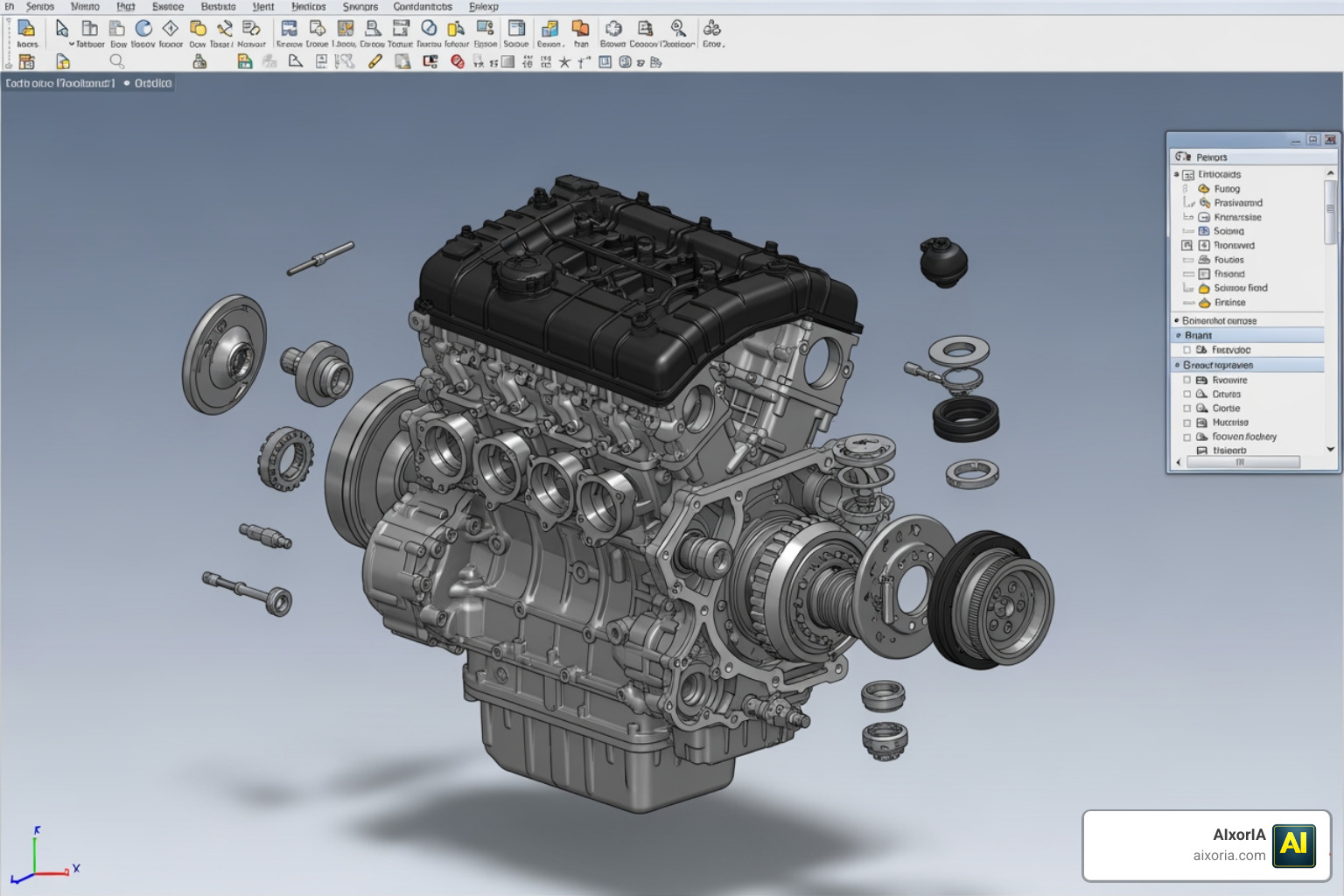
- SOLIDWORKS & CATIA: These are the industry standards for automotive and aerospace engineering. While expensive (CATIA subscriptions can exceed $2,000 per quarter), they offer unparalleled simulation and assembly management. For hobbyists, the SOLIDWORKS Maker plan (around $48/year) is an incredible bargain.
Essential File Formats and Slicer Compatibility
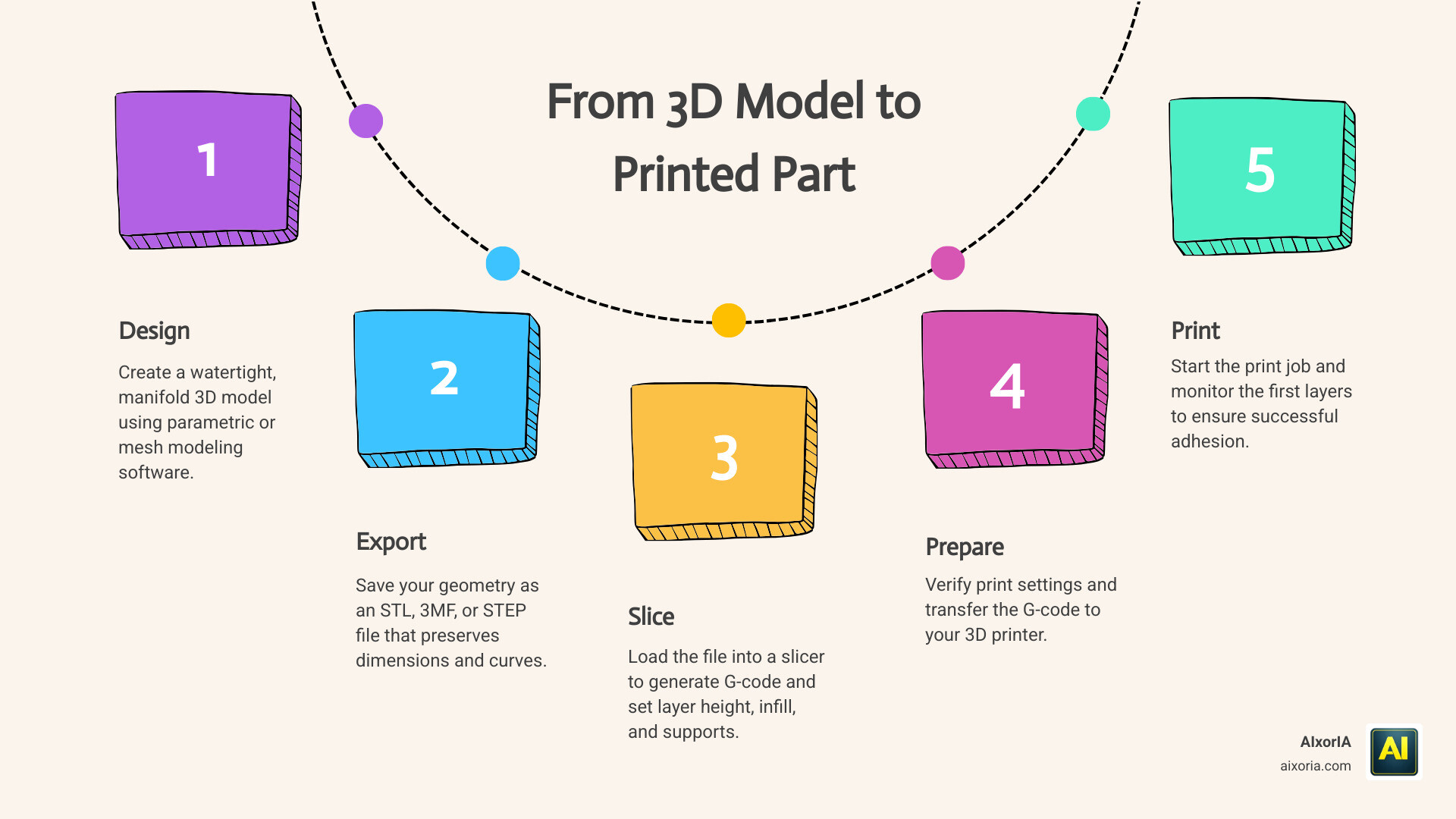
Creating the model is only half the battle. You must export it in a format your “slicer” can read.
- STL: The “old reliable.” It’s a simple mesh of triangles. Most printers accept this, but it’s hard to edit once exported.
- 3MF: The modern standard. Unlike STL, 3MF files can store color, material information, and even the printer settings. It is the preferred format for multicolor printing in slicers like Bambu Studio or PrusaSlicer.
- STEP: The gold standard for functional parts. It preserves the smooth curves of your geometry rather than turning them into jagged triangles.
Once you have your file, you’ll use a slicer like UltiMaker Cura – UltiMaker or Home | Simplify3D Software to prepare the print. Simplify3D is particularly popular in professional settings because its Version 5.0 engine is 3x faster than previous iterations and supports over 90 new printer models.
Frequently Asked Questions about 3D Modeling for Printing
What is the difference between parametric and mesh modeling for 3D printing?
Parametric modeling is based on dimensions and a history of steps, making it ideal for functional parts that need to be precise (e.g., a replacement gear). Mesh modeling uses a surface of polygons, making it better for organic, artistic shapes (e.g., a character bust) where exact dimensions are less critical than visual detail.
How do I ensure my 3D model is watertight and ready for a successful print?
A “watertight” or manifold model has no holes in its surface. Most CAD software like Shapr3D or Fusion automatically creates manifold geometry. If you are using mesh software like Blender or SketchUp, you can use repair tools like Microsoft 3D Builder or the ShrinkWrap feature in Rhino 8 to “wrap” your model in a continuous skin.
Which free 3D modeling software is best for creating functional mechanical parts?
FreeCAD is the best completely free, open-source option for mechanical parts. If you don’t mind a “personal use” restriction, the free tier of Autodesk Fusion is also an excellent choice due to its professional-grade feature set and extensive community tutorials.
Conclusion
Finding the best 3d modeling software for 3d printing is a journey that evolves with your skills. Whether you start with the simplicity of Tinkercad or dive into the professional depths of Fusion or FreeCAD, the goal remains the same: turning your digital imagination into a physical reality.
At AIxorIA, we understand that navigating new technology can be overwhelming. We specialize in providing custom AI solutions and tool training workshops designed to empower businesses and hobbyists alike. Our mission is to provide simple language help and affordable services to help you master the tools of the future.
If you’re looking to streamline your design workflow or need a performance audit of your current tech stack, we are here to help. Explore AIxorIA services today and let us help you build something amazing.