Why the Best AI Tools for PowerPoint Presentations Are Changing How We Work in 2026

The best AI tools for PowerPoint presentations can turn a blank slide into a polished, professional deck in under a minute — no design skills required.
Here’s a quick look at the top options:
| Tool | Best For | PowerPoint Export | Starting Price |
|---|---|---|---|
| Microsoft Copilot | Native PPT users | Native .pptx | Microsoft 365 plan |
| Gamma | Visual storytelling | .pptx (limited editability) | Free / $12/mo |
| Prezent | Enterprise brand compliance | Native .pptx | $40/mo |
| Canva AI | Visual design speed | .pptx (limited editability) | Free / paid plans |
| Plus AI | Google Workspace + M365 teams | Native .pptx | $10/mo |
| Presentations.AI | Data-driven recurring decks | Native .pptx | Free to start |
| ChatGPT | Outlines and text content | Via plugins/export | Free / $20/mo |
If you’re a small business owner, the time drain is real. Enterprise teams lose 20+ hours every week just building presentations manually. That’s half a workweek gone — before you’ve even started on the actual work.
AI presentation tools promise to fix that. Some generate a full deck in 45 seconds. Others plug directly into PowerPoint so you never leave your existing workflow.
But not all tools are equal. Some produce stunning visuals that fall apart when you export them to .pptx. Others keep everything editable but look plain. And almost all of them can occasionally invent facts that sound convincing but simply aren’t true.
This guide cuts through the noise so you can pick the right tool for your needs — fast.
Top Features of the Best AI Tools for PowerPoint Presentations
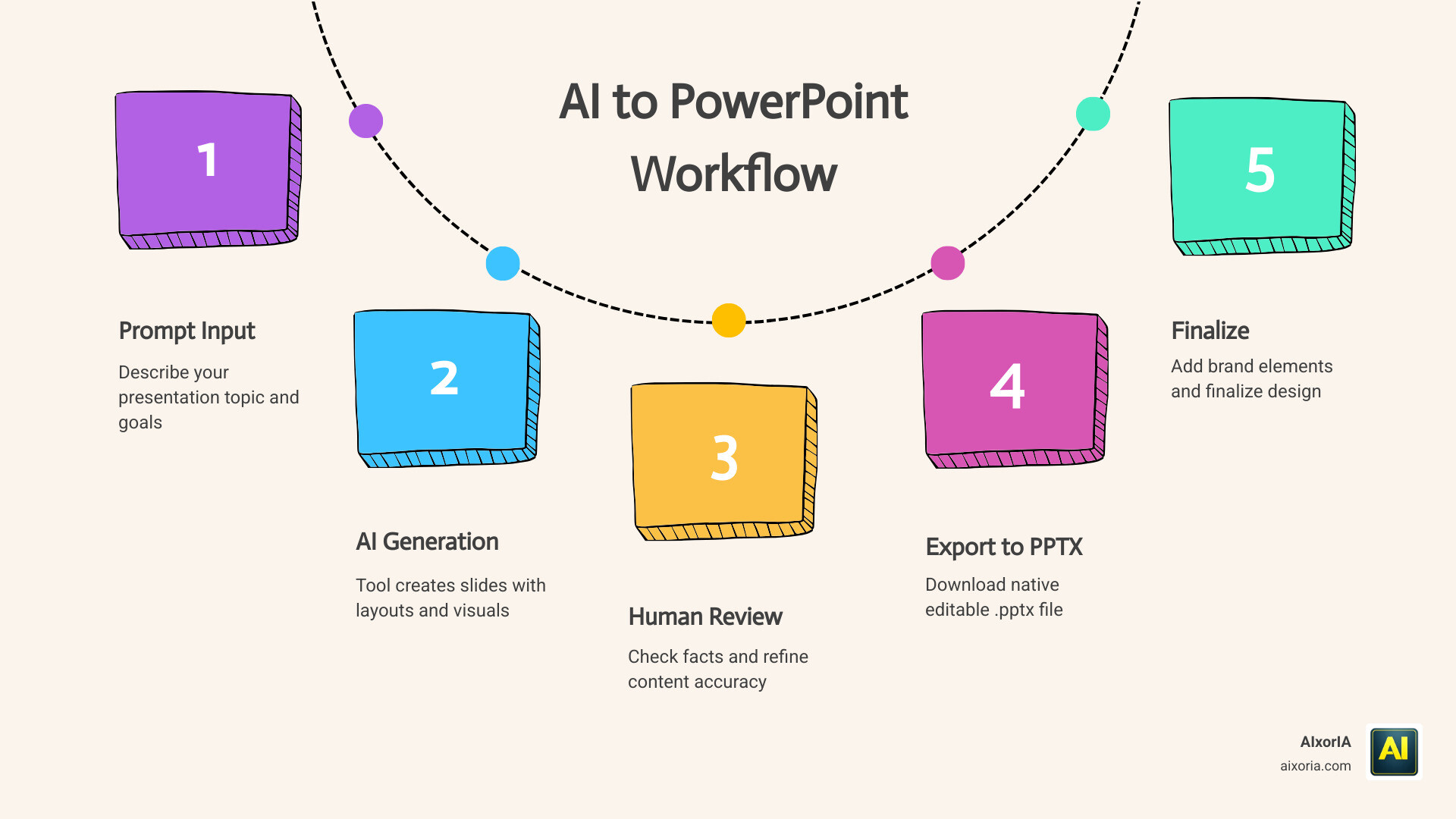
When we look for the Best AI Tools for PowerPoint Presentations, we aren’t just looking for a tool that writes text. We need a partner that understands the nuances of slide design. In 2026, the gold standard for these tools is the ability to generate natively editable .pptx files.
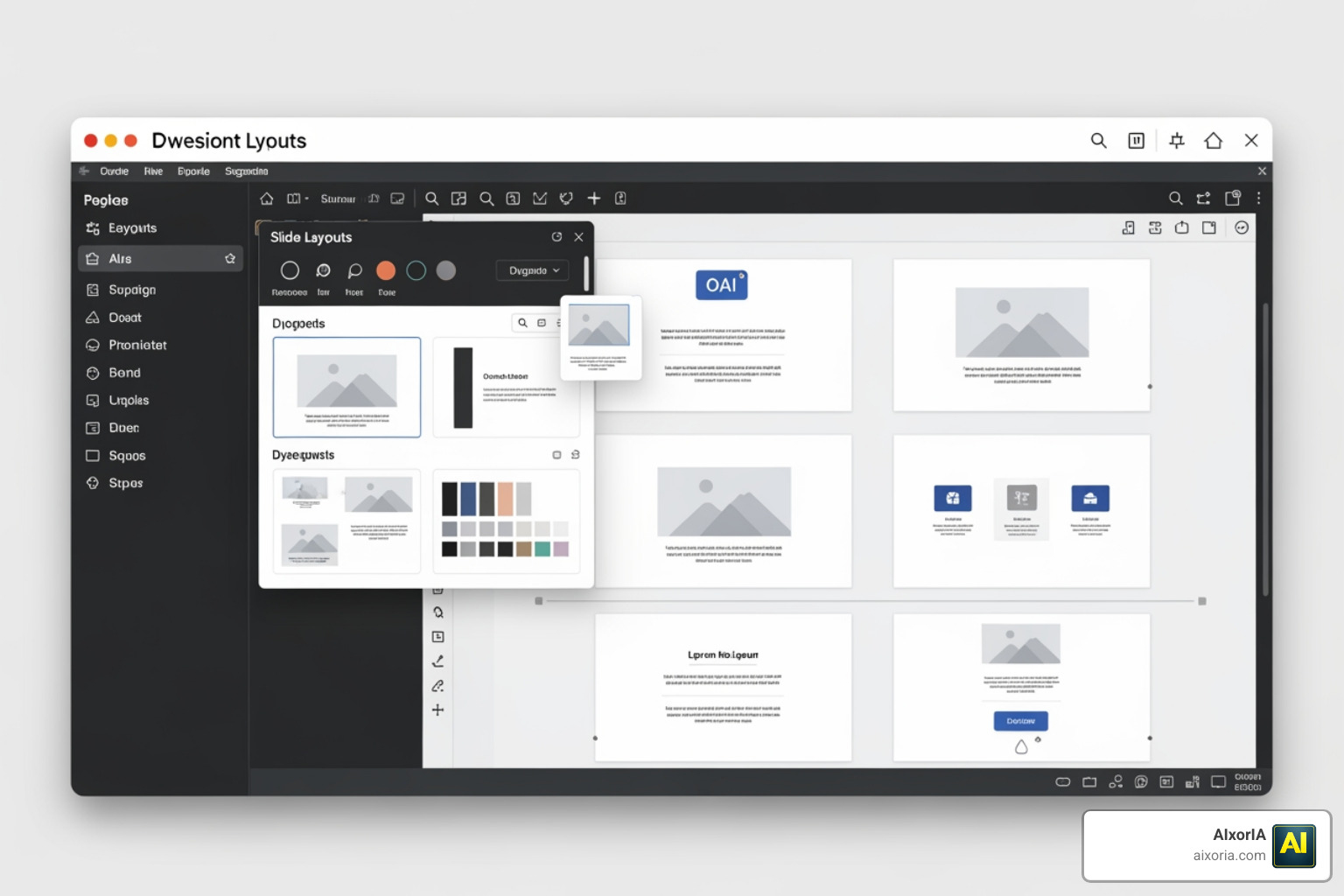
A major hurdle many users face is the “static image” problem. Some older AI generators simply paste a picture of a slide onto a PowerPoint page. This is a nightmare if you need to change a single word or move a logo. The tools we recommend focus on Best AI Tool for PPT Download in 2026 Tested capabilities, specifically using DrawingML objects. This means every shape, text box, and chart is a real PowerPoint element you can click and drag.
If you are wondering, “Can I Use AI to Create PowerPoint Presentations?” the answer is a resounding yes, provided the tool supports editable placeholders. This allows you to swap out AI-generated images for your own corporate photography without breaking the layout.
Below is a comparison of how the top contenders handle the transition from AI cloud to your desktop:
| Feature | Microsoft Copilot | Prezent | Gamma | Canva |
|---|---|---|---|---|
| Export Quality | 100% Native | 100% Native | High (Web-style) | Moderate (Flattened) |
| Design Flexibility | Traditional | High (Consultant-grade) | Modern/Fluid | Creative/Artistic |
| Placeholder Support | Full | Full | Limited | Limited |
We have found through our Best AI Tool for PPT Generation in 2026 Tested research that tools like Copilot and Prezent lead the pack for professional editability, while Gamma excels for those who want a “webpage-like” flow.
Achieving Brand Consistency with the Best AI Tools for PowerPoint Presentations
For businesses, a presentation isn’t just a collection of facts; it’s a reflection of the brand. This is where many free tools fall short. If your company uses a specific shade of navy and a custom font, an AI that only gives you “Neon Pink” templates is useless.
The 7 Best AI Tool for PPT in 2026 Tested Ranked shows that enterprise-level tools now offer template awareness. This means the AI “reads” your existing Slide Master. It learns where your logo goes, which fonts you use for headers, and how your color palette works.
When looking through the 20 Best AI Tools to Create PowerPoint Presentations, we prioritize those that support corporate governance. For example, Prezent uses an engine that ensures 100% brand compliance by pulling from a library of over 35,000 expert-quality slides. This is critical for answering What Tool Creates the Best Business Presentations in 2026?—the answer is always the one that keeps your brand looking professional and consistent.
Maximizing Results with the Best AI Tools for PowerPoint Presentations
To get the most out of these tools, we need to talk about prompt engineering. It isn’t enough to say “make a deck about sales.” To truly leverage the 9 Best AI Tools for PowerPoint Presentations in 2026, your prompts should include:
- The Goal: (e.g., “Persuade the board to increase the marketing budget.”)
- The Audience: (e.g., “Executive leadership who prefer data-heavy charts.”)
- The Tone: (e.g., “Professional, urgent, and evidence-based.”)
- The Length: (e.g., “12 slides total.”)
By being specific, you allow the AI to move beyond generic content refinement and into true visual storytelling. As we explore What AI Tool Creates PowerPoint Presentations Best AI Presentation Makers in 2026, we see a shift toward native AI integration. Instead of jumping between apps, you can now use Claude or Copilot directly inside the PowerPoint sidebar to rewrite bullet points into process diagrams or create native bar charts from raw data.
Workflow Optimization and Content Accuracy
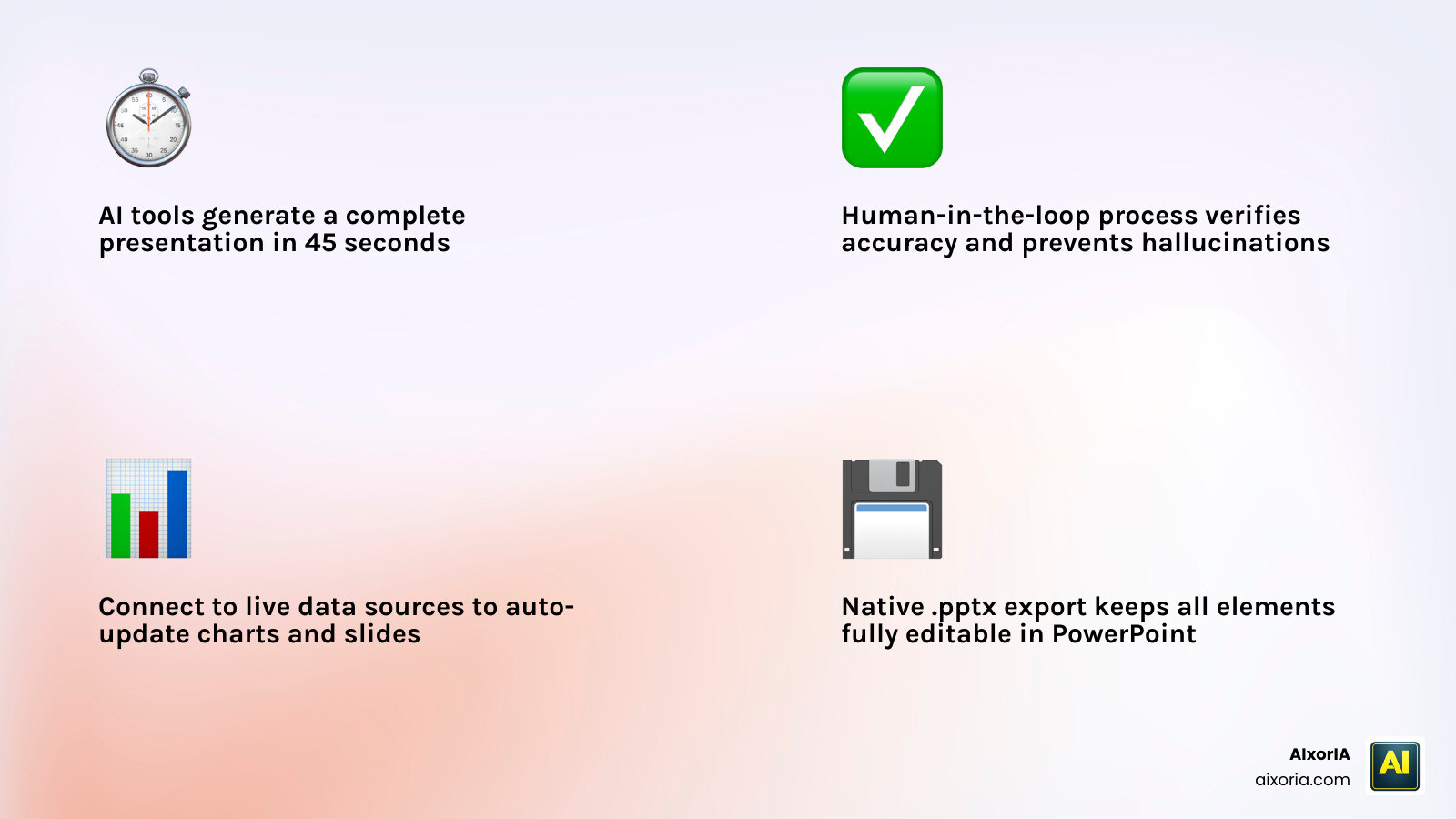
Speed is the most cited benefit of AI. We’ve seen Gamma generate a modern, presentation-ready deck in approximately 45 seconds. However, speed shouldn’t come at the cost of accuracy.
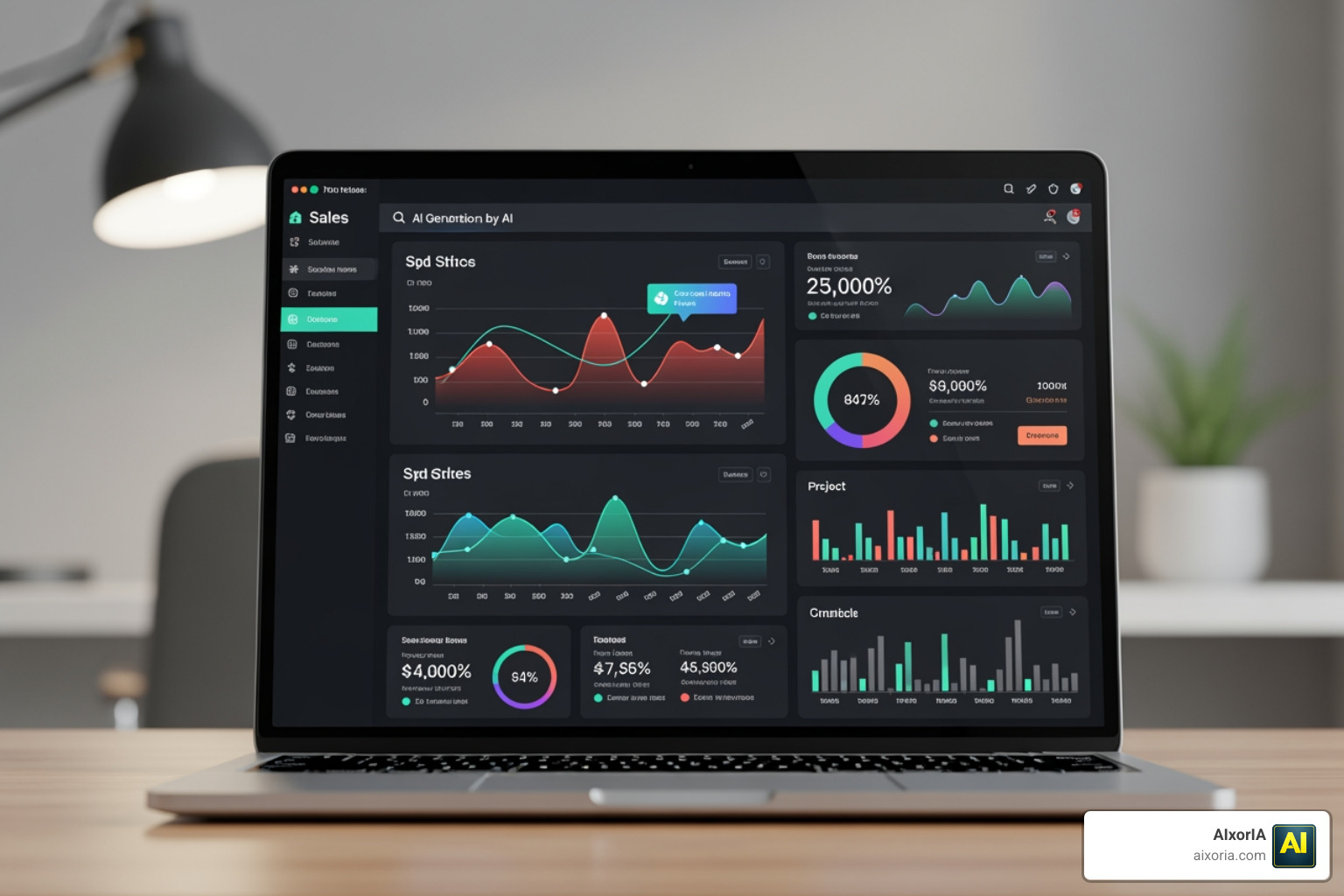
One of the biggest risks in 2026 remains AI hallucinations. AI tools are designed to be helpful, which sometimes leads them to “hallucinate” or invent statistics that look plausible but are entirely fake. This is why we always recommend a human-in-the-loop workflow.
If you are looking for the Which AI is Best for PPT Presentation Free in 2026 Top 7 AI Presentation Tools Tested, consider tools like Manus or Z.AI. Manus provides 300 credits per day—enough for 1–2 full decks for free—and it even researches logos and icons from the web for you. However, you must still verify the data.
For those needing the Best Tool for Clickable Presentations in 2026, look for tools that support interactive elements and data visualization. Presentations.AI, for example, allows you to connect your slides to live data sources like Salesforce or Google Sheets. When your sales numbers change, your slides update automatically. This saves teams from the “rebuild from scratch” cycle that plagues most offices.
Frequently Asked Questions about AI Presentation Makers
Can AI tools export fully editable .pptx files?
Yes, but with caveats. Microsoft Copilot, Prezent, and Plus AI offer the best native formatting. They use DrawingML, which ensures that text boxes stay as text boxes and shapes remain shapes. Tools like Gamma and Canva are getting better, but sometimes their exports can result in “layout drift” where fonts or alignments change slightly when opened in PowerPoint.
How do AI tools handle sensitive corporate data?
Security is a top priority for our business clients. Most top-tier tools like Prezent and Microsoft Copilot are SOC 2 Type II certified and GDPR compliant. They use enterprise-grade encryption and, crucially, many have policies stating that your input data is not used to train their global AI models. Always check the privacy settings of any tool before uploading sensitive internal reports.
Which tool is best for beginners with no design skills?
For absolute beginners, Gamma and Canva are fantastic because they handle the “aesthetic” side of things automatically. They offer smart themes that look designer-made with zero effort. If you are already comfortable in the Microsoft ecosystem, Copilot is the easiest transition because it lives right inside the “Home” tab of PowerPoint. These tools can make the workflow 90% faster, allowing you to focus on your message rather than where to place a text box.
Conclusion
The landscape of the Best AI Tools for PowerPoint Presentations in 2026 is all about bridging the gap between “fast” and “functional.” Whether you are a founder raising a seed round with Gamma or a consultant building a 50-slide deck with Prezent, there is a tool designed to save you those precious 20 hours a week.
At AIxorIA, we believe that technology should empower you, not overwhelm you. We specialize in providing custom AI solutions and tool training workshops to help your team master these new workflows. If you’re ready to stop fighting with bullet points and start focusing on your brilliant ideas, we’re here to help.
From performance audits to personalized tutorials, we make AI simple and affordable. Ready to supercharge your presentation game? Visit us at https://aixoria.com/ to explore how we can help you integrate these powerful tools into your business today.
The point about “static image” exports vs. real DrawingML objects is something most of these roundups skip, so I’m glad you called it out — nothing worse than getting a slick AI deck that turns into an uneditable screenshot the moment you open it in PowerPoint. Your human-in-the-loop reminder is spot on too; I’ve had Gamma spin up a deck in under a minute but confidently invent a stat that would’ve been embarrassing in front of a client. Fast is only useful if you still verify. Great breakdown of the editability vs. design-flexibility tradeoff.