Creating presentations with AI is easy in 2026. The real challenge is downloading a PowerPoint file that is actually usable—fully editable, properly formatted, and ready for real-world use.
Most AI presentation tools can generate slides. But when it comes to PPT download quality, many fall short. Fonts break, layouts shift, and slides often export as static images instead of editable elements.
This guide focuses on what actually matters for US users:
Which AI tools generate presentations that you can download and edit without fixing everything manually.
Table of Contents
What Matters Most: PPT Download Quality (Not Just AI Generation)
Before choosing any tool, you need to evaluate one critical factor:
Export Fidelity (The Real Ranking Factor)
A good AI PPT tool should:
- Preserve fonts and spacing
- Keep elements editable (text boxes, shapes, icons)
- Maintain layout structure in PowerPoint
- Avoid converting slides into flat images
If a tool fails here, it doesn’t matter how good the AI generation is.
The Best AI Tools for PPT Download at a Glance (2026)
| Tool | PPT Export Quality | Editable Elements | AI Image Gen | Pricing |
|---|---|---|---|---|
| Gamma | Good (Web-first) | Partial | Yes | Free + Paid |
| Plus AI | Excellent | Fully Editable | Yes | Paid |
| Microsoft Copilot | Perfect | Fully Editable | Yes | Paid |
| Canva | Very Good | Mostly Editable | Yes | Free + Paid |
| Beautiful.ai | Good | Partial | Limited | Paid |
| Tome | Limited | Mostly Static | Yes | Free + Paid |
| SlidesAI | Good | Editable | No | Paid |
The PPT Export “Torture Test” (Real-World Insight)
To evaluate these tools, we tested a 20-slide business presentation with:
- Charts
- Images
- Multi-column layouts
- Custom fonts
Here’s what we found:
- Some tools exported slides as editable PowerPoint elements
- Others converted everything into static images
- A few tools maintained structure but broke spacing and alignment
Result: Only a few tools consistently produced clean, fully editable PPT files without requiring manual fixes.
READ MORE – 7 Best AI Tools for PPT Presentations in 2026 [Tested & Ranked]
Best AI Tool for Native PPT Editing and Download
Plus AI
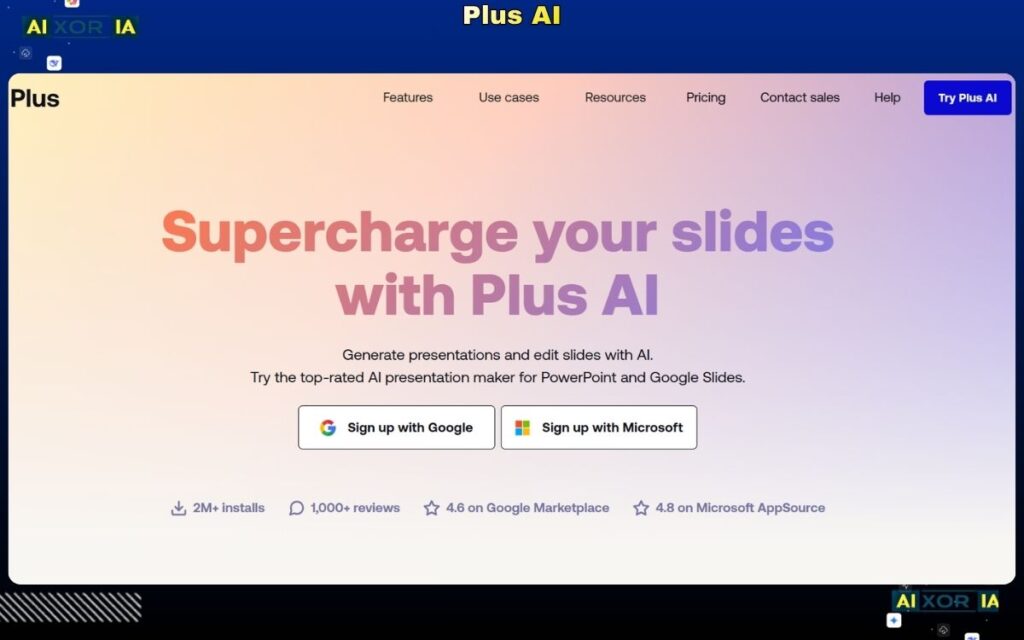
Plus AI has quickly become one of the most reliable tools in 2026 for generating and downloading fully editable PowerPoint presentations. Unlike many AI-first tools that prioritize web output, Plus AI is built specifically for integration with PowerPoint and Google Slides.
The biggest advantage is native formatting preservation. When you generate a presentation using Plus AI, the output remains structured exactly as a PowerPoint file should be—text boxes stay editable, layouts remain intact, and design elements don’t break during export.
It works directly inside Google Slides and PowerPoint, allowing users to generate slides from prompts, documents, or outlines while maintaining full control over formatting. This makes it ideal for professionals who need presentations ready for client work, meetings, or internal use without post-editing.
Pricing: Paid plans (typically subscription-based)
Pros: Excellent export quality, fully editable slides, native integration
Cons: No strong free plan
Pro Tip: Use structured prompts (with headings and bullet points) to get cleaner slide layouts and better formatting consistency.
Best AI Tool for Enterprise-Level PPT Automation
Microsoft Copilot
Microsoft Copilot offers the most seamless experience for generating and downloading PowerPoint presentations because it works directly inside PowerPoint itself.
Instead of exporting from another tool, you are already working within the final environment. This eliminates formatting issues entirely. Slides generated by Copilot are fully editable, aligned with PowerPoint’s structure, and optimized for real-world usage.
Copilot can convert documents into presentations, summarize content, generate visuals, and suggest layouts—all while maintaining perfect compatibility.
Pricing: Available with Microsoft 365 Copilot subscription
Pros: Perfect export fidelity, no formatting issues, enterprise-grade
Cons: Requires Microsoft ecosystem
Pro Tip: Upload structured documents (like reports or outlines) to get more accurate and professional slide generation.
Best AI Tool for Fast Generation (But Mixed Export Results)
Gamma
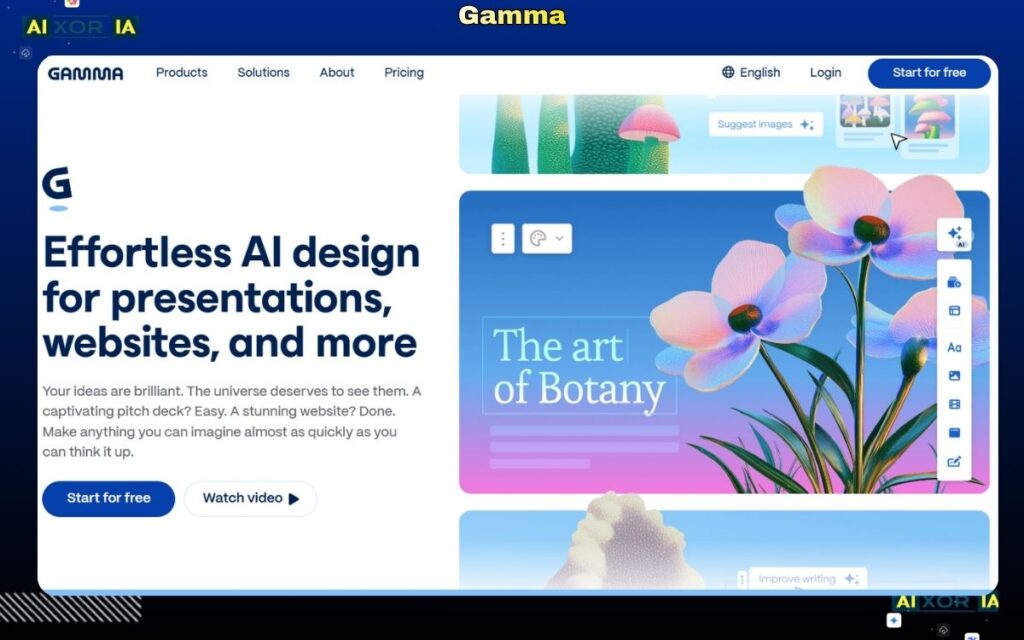
Gamma is one of the fastest tools for generating presentations from a prompt. It excels at structuring content and producing visually modern slides within seconds.
However, Gamma is primarily designed for web-based presentations. When exporting to PPT, the results can vary. Some elements remain editable, but others may convert into static components, requiring manual adjustments.
Despite this limitation, Gamma remains a strong choice for ideation and quick drafts.
Pricing: Free plan available; paid plans for advanced features
Pros: Fast generation, strong AI writing, modern layouts
Cons: Partial editability in PPT export
Pro Tip: For best results, export as PDF for sharing, and only use PPT export when you’re ready to refine formatting manually.
Best All-in-One Tool with Reliable PPT Download
Canva
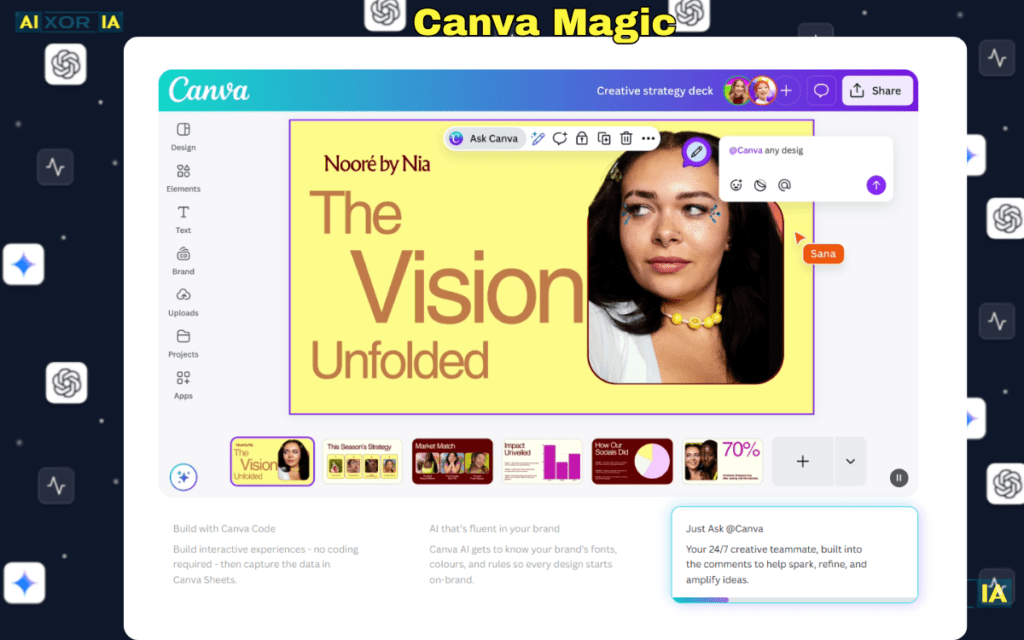
Canva provides one of the most practical workflows for generating and downloading PPT files. Its AI tools allow users to create presentations from prompts, while its design editor ensures flexibility and customization.
The PPT export quality is generally strong, with most elements remaining editable. However, highly customized designs or animations may not translate perfectly into PowerPoint.
Canva is especially useful for users who want both AI assistance and manual design control.
Pricing: Free plan available; Pro subscription for advanced features
Pros: Easy export, flexible design tools, beginner-friendly
Cons: Complex designs may require minor adjustments
Pro Tip: Stick to standard layouts and fonts to ensure better compatibility when exporting to PowerPoint.
Best AI Tool for Automated Design (With Some Limitations)
Beautiful.ai
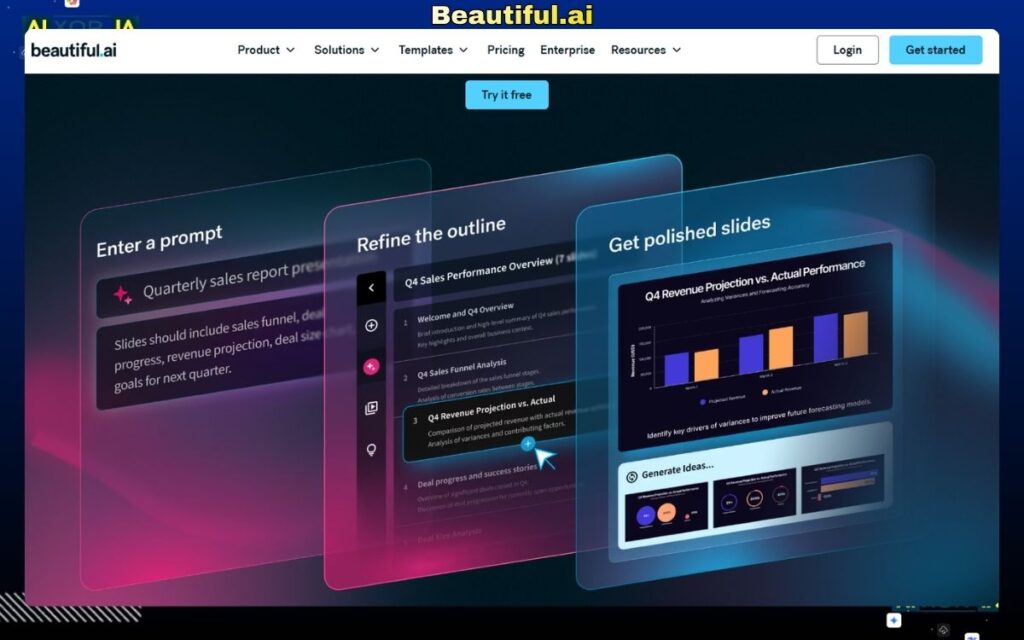
Beautiful.ai focuses on automated design and layout optimization. It ensures that slides look clean and professional without manual adjustments.
However, when exporting to PowerPoint, some design elements may lose flexibility, and certain components may not remain fully editable.
It’s best suited for users who prioritize visual consistency over deep customization.
Pricing: Paid plans
Pros: Clean design, automated formatting
Cons: Limited editability after export
Pro Tip: Use it for presentation creation, but review slides carefully after downloading for final edits.
Best AI Tool for Storytelling (But Limited PPT Export)
Tome
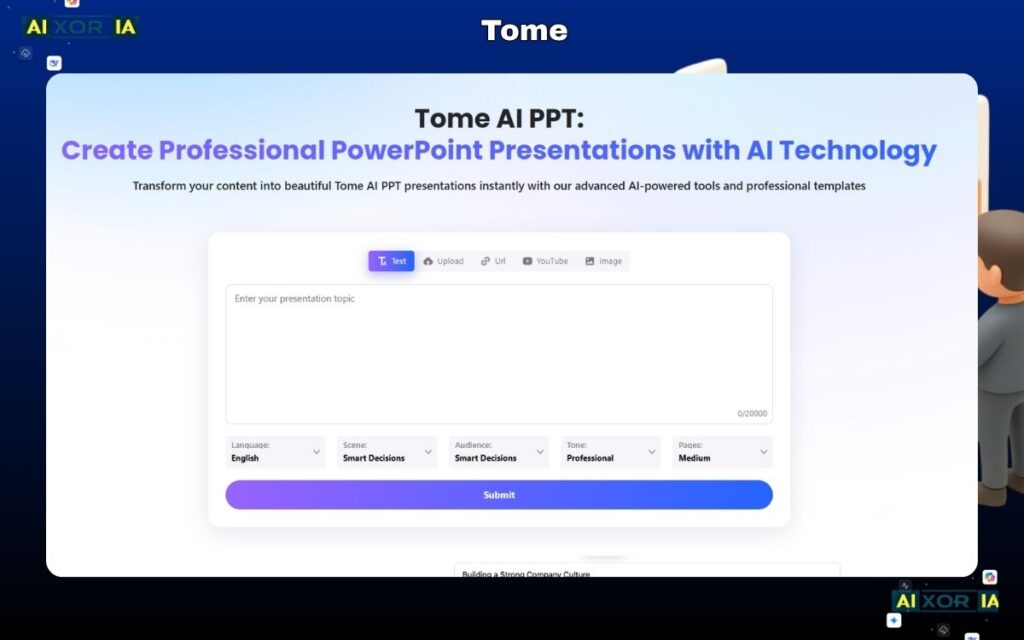
Tome is built for narrative-driven presentations. It uses AI to create visually engaging, story-based slides.
However, its PPT export capability is limited. Many elements are converted into static formats, making editing difficult after download.
Tome is better suited for online presentations rather than downloadable PPT workflows.
Pricing: Free + Paid plans
Pros: Strong storytelling, AI visuals
Cons: Weak PPT export functionality
Pro Tip: Use Tome for idea generation, then rebuild the final presentation in another tool for full editability.
Best AI Tool for Google Slides to PPT Workflow
SlidesAI
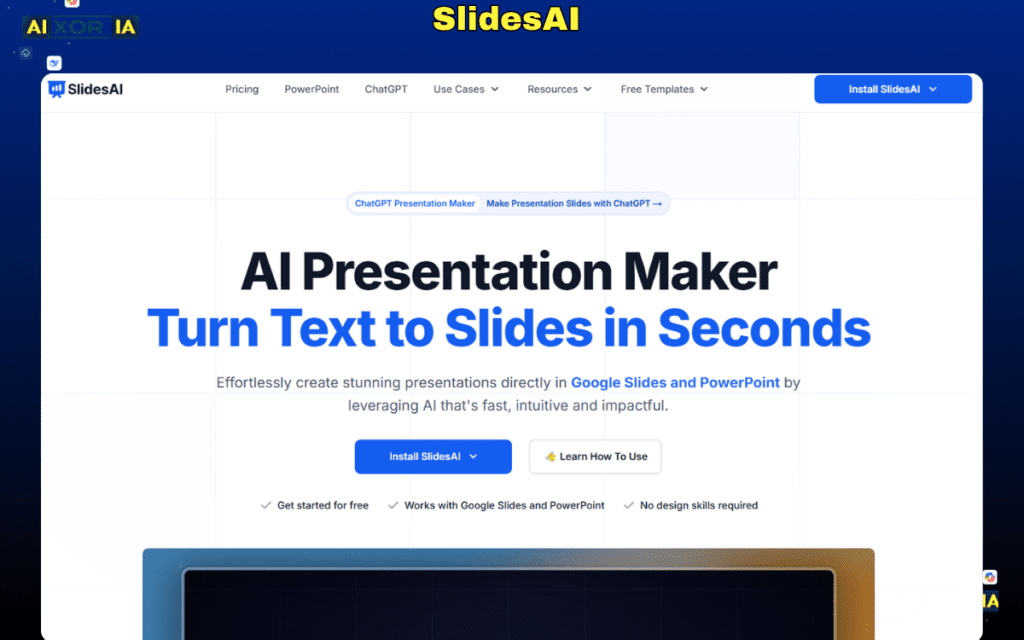
SlidesAI converts text into structured presentations inside Google Slides. From there, users can download the file as a PowerPoint presentation.
The export quality is generally good, with most elements remaining editable. However, design output is basic and may require refinement.
Pricing: Paid plans with limited free access
Pros: Simple workflow, good editability
Cons: Basic design quality
Pro Tip: Use SlidesAI for content generation, then enhance design manually before final export.
READ MORE – 9 Best AI Tools for PowerPoint Presentations in 2026: Tested & Ranked
Free vs Paid Tools: Download Quality Difference
There is a clear gap between free and paid tools in 2026.
Free tools:
- Limited export options
- Lower formatting accuracy
- More manual fixes required
Paid tools:
- Better PPT compatibility
- Cleaner layouts
- Fully editable elements
If PPT download quality is your priority, investing in a paid tool is often worth it.
How to Choose the Right AI Tool for PPT Download
- For perfect PPT compatibility → Plus AI or Microsoft Copilot
- For fast AI generation → Gamma
- For design flexibility → Canva
- For structured workflows → SlidesAI
- For storytelling → Tome
Most professionals use a combination—generate with AI, then refine in PowerPoint.
FAQ (Optimized for Search Snippets)
Can AI generate a PowerPoint that I can actually edit?
Yes, but only certain tools like Plus AI and Microsoft Copilot provide fully editable PPT files without formatting issues.
Which AI tool is 100% free for PPT download?
Most tools offer free plans, but full PPT export with high quality usually requires a paid subscription.
How do I convert a Gamma presentation to a real PPT?
Export the presentation from Gamma, open it in PowerPoint, and manually adjust fonts, layouts, and elements to restore full editability.
Final Verdict
The best AI tool for PPT download in 2026 depends on one key factor: how usable your presentation is after download.
- If you want flawless, ready-to-use PPT files → Plus AI or Microsoft Copilot
- If you prioritize speed and idea generation → Gamma
- If you want design control with solid export → Canva
Most AI tools can generate slides. Very few can generate slides that work perfectly in PowerPoint without fixing them.
Choose based on export quality, not just AI features, and your workflow will be significantly more efficient.