Stop Chasing Payments: Why the Best Automated Invoicing Software Changes Everything
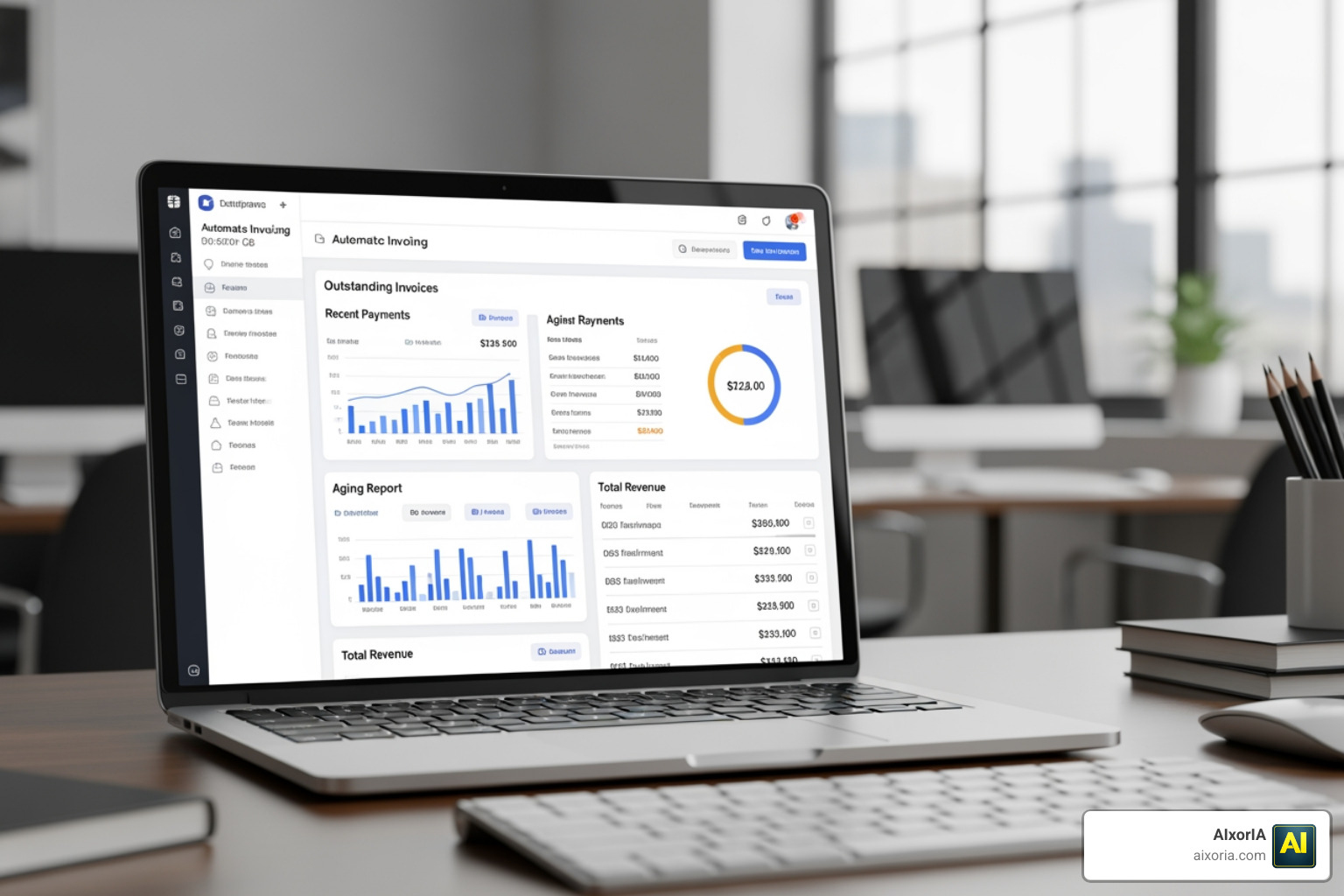
The best automated invoicing software can be the difference between a healthy cash flow and a business constantly chasing overdue payments. Here’s a quick look at the top options to consider in 2026:
| Software | Best For | Starting Price |
|---|---|---|
| FreshBooks | Small businesses & freelancers | Paid plans from ~$19/mo |
| Wave | Solopreneurs & zero budget | Free (Pro plan available) |
| Invoice Ninja | Feature-rich free option | Free (Pro available) |
| BILL | Growing businesses | Contact for pricing |
| Rossum | High-volume AP automation | Contact for pricing |
| Square Invoices | Retail & service businesses | Free (transaction fees apply) |
| Invoiced | B2B enterprise AR | Contact for pricing |
Manual invoicing is quietly costing you more than you think.
Companies with low process maturity pay around $6.20 per invoice when doing things by hand, according to APQC research. With full automation, that drops to as little as $1.45 per invoice. That’s not a small difference — it adds up fast.
And it’s not just about cost. 61% of late invoice payments in the US happen because of invoicing errors. Errors that automation largely eliminates.
For small business owners, the admin burden is real. Creating invoices in Word or Excel, tracking who’s paid, sending follow-up emails — it eats hours every week. Hours you could spend actually running your business.
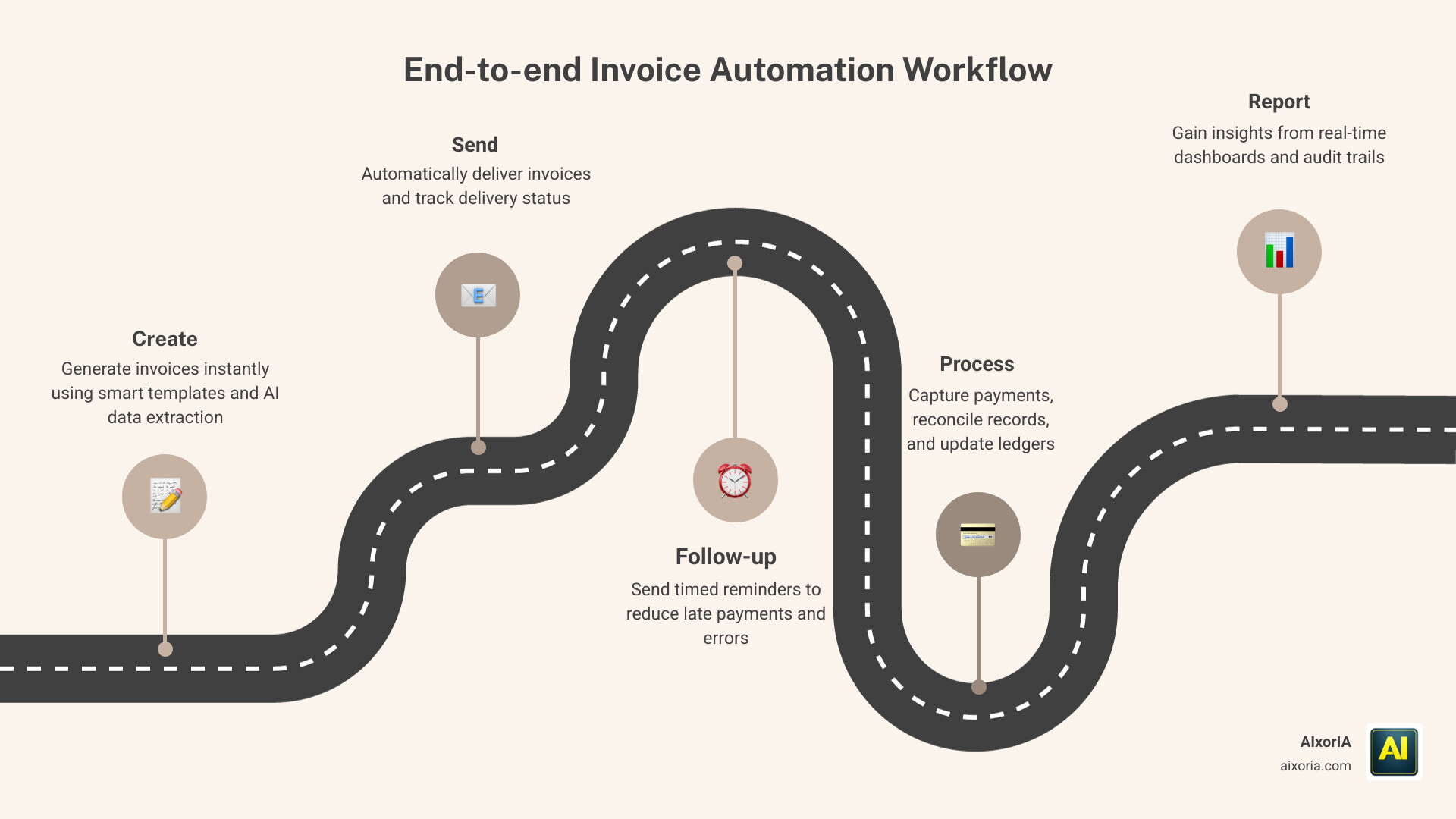
Automated invoicing software handles the repetitive work for you. It sends invoices, follows up on overdue payments, processes recurring billing, and syncs with your accounting tools — often without you lifting a finger.
The good news? You don’t need a big budget or a technical background to get started. Many of the best tools are free or low-cost, and most are designed to be simple enough to use on day one.
Why Your Business Needs the Best Automated Invoicing Software
The transition from traditional methods to automated systems isn’t just a trend; it’s a survival strategy. Traditional invoicing — relying on paper, PDFs, or manual spreadsheets — is fraught with friction. Every manual entry is a chance for a typo, and every day an invoice sits on a desk is a day your cash flow is stalled.
When we look at the numbers, the argument for automation becomes undeniable. Research shows that companies operating with the highest level of process maturity and end-to-end automation pay only $1.45 per invoice to process, compared to $6.20 for those stuck in manual cycles. These efficiency benchmarks highlight the massive ROI of digital transformation.
Beyond the dollar signs, the best automated invoicing software addresses the “human element” of business. Late payments are often the result of simple mistakes. In fact, 61% of late invoice payments in the US are attributed to invoicing errors. By automating the data entry and calculation stages, you effectively eliminate these hurdles.
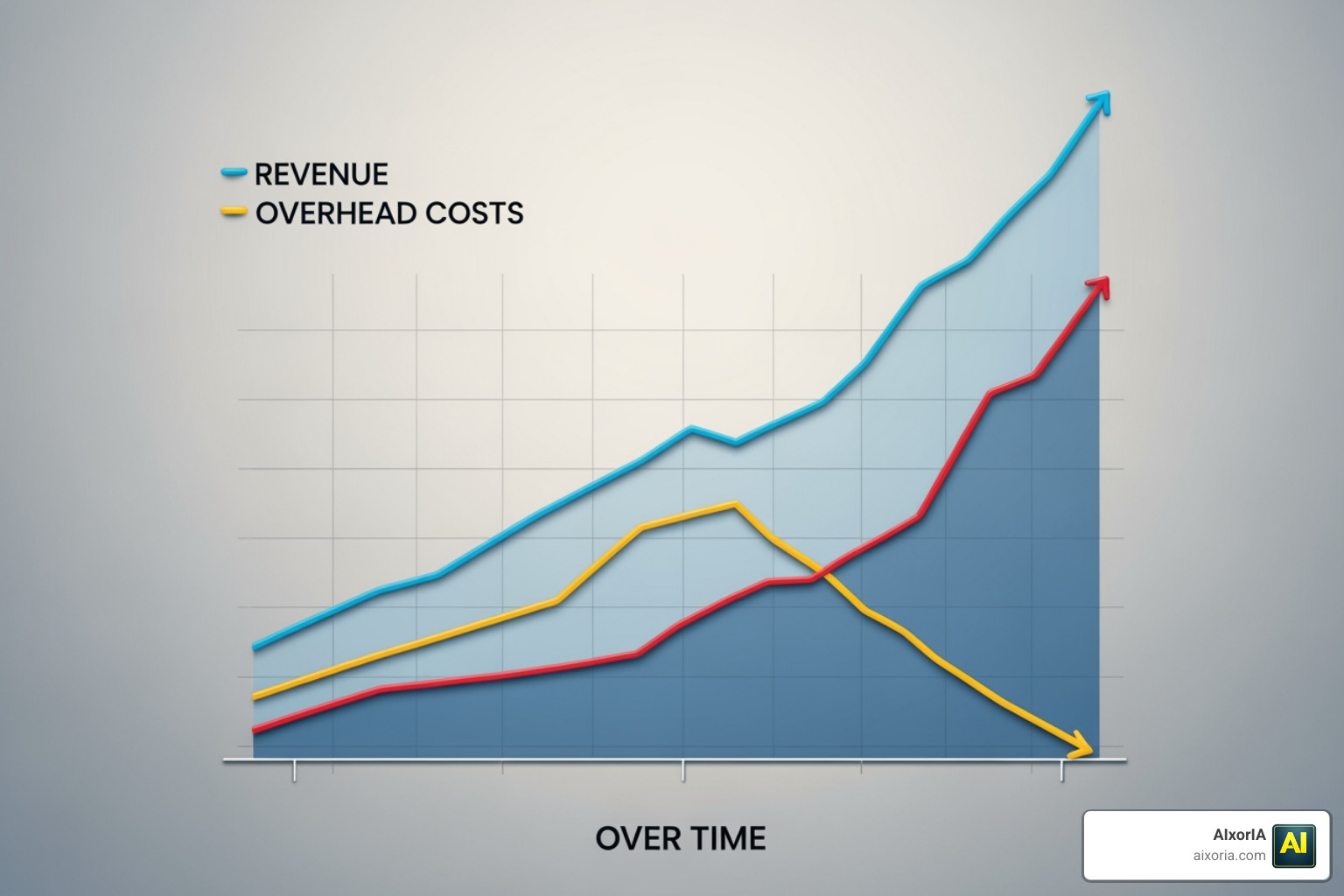
Furthermore, automation provides a massive boost to your cash flow. Features like automatic payment reminders ensure you aren’t the “annoying” debt collector; the system handles the follow-up professionally and consistently. This allows you to reclaim significant time — some platforms report saving users over 550 hours per year. For a deeper dive into how this fits into your broader financial strategy, check out our Benefits of Finance Automation Software 2026 Guide.
Essential Features of the Best Automated Invoicing Software
To truly qualify as the best automated invoicing software, a tool must do more than just send an email. We look for these high-impact features:
- High OCR and AI Accuracy: Modern tools like Rossum use AI document processing to achieve a 96% average accuracy rate, eliminating up to 98% of manual data entry work.
- Template-Free Processing: The best tools don’t require you to manually map out every invoice format. AI systems now learn from mouse movements and keystrokes to understand any invoice layout automatically. This is a core part of modern data strategy, as explored in our guide on the Best AI Tools for Data Integration in 2026.
- Recurring Billing: For service providers or subscription models, the ability to “set it and forget it” is vital. The software should generate and send invoices on a preset schedule without manual intervention.
- Automatic Reminders: Systems that send polite nudges before, on, and after due dates significantly reduce Days Sales Outstanding (DSO).
- Custom Branding: Your invoice is often the only financial document a client sees. Professional white-labeling and custom templates ensure you maintain a credible image.
Comparing the Best Automated Invoicing Software Options
Choosing the right tool depends on your business stage and volume. Here is how the top contenders stack up:
| Category | Top Platforms | Key Strength |
|---|---|---|
| AI-Native Automation | Rossum, Invoicematic | Uses natural language and high-accuracy AI to eliminate data entry. |
| Legacy Accounting Modules | QuickBooks, Sage Intacct | Robust accounting features with invoicing as a core module. |
| Enterprise AR Solutions | Invoiced, BILL | Focuses on high-volume B2B collections and complex approval workflows. |
| Cloud-Based Small Biz Tools | FreshBooks, Wave, Square | User-friendly interfaces perfect for freelancers and small teams. |
For a more detailed breakdown, see our 7 Best Automated Invoicing Software in 2026 Complete Guide for Businesses.
Compliance and Reporting in Modern Invoicing
As your business grows, especially if you work with international clients, invoicing becomes a compliance challenge. The best automated invoicing software acts as a safeguard against regulatory errors.
Modern platforms now support multi-currency transactions (some handling 100+ currencies) with automatic exchange rate updates. This is crucial for global businesses that need to remain competitive and transparent. Additionally, top-tier tools offer support for dozens of languages — Invoicematic, for example, supports 37 languages for UI and PDF exports — ensuring your clients receive documents they can actually read.
Compliance also means staying on the right side of the tax man. Automated tools calculate local and international taxes for you, reducing the risk of audit red flags. They also maintain detailed audit trails, tracking every change, approval, and payment. For businesses focusing on the accounts receivable side, Invoiced: Accounts Receivable Automation Software provides the key controls and security steps needed to strengthen AR operations.
Security is the final piece of the compliance puzzle. Ensure your chosen software uses 256-bit SSL encryption and is a PCI-DSS Level 1 Service Provider (compliant with PCI Security Standards) to protect both your data and your customers’ payment information.
Best Practices for Implementing Automated Invoicing
Switching to an automated system is exciting, but it requires a bit of strategy to get right. We recommend the following steps for a smooth transition:
- ERP and Accounting Integration: Your invoicing software shouldn’t live on an island. It must sync seamlessly with your existing tools like QuickBooks, Xero, or Oracle NetSuite. This ensures that when an invoice is paid in one system, your books are updated in the other automatically.
- API Connectivity: For tech-forward businesses, look for platforms with a complete REST API. This allows you to build custom workflows, such as triggering an invoice the moment a project is marked “complete” in your CRM.
- Workflow Customization: Don’t change your business to fit the software; find software that fits your business. Whether you need 2-way or 3-way matching for purchase orders, ensure the tool supports your specific approval hierarchy. You can find more on this in our review of the 9 Best Corporate Finance Automation Software in 2026.
- Staff Training and KPI Tracking: Even the best AI needs a human touch. Train your team on how to handle exceptions and monitor key metrics like “Cost per Invoice” and “Average Days to Pay” to measure your ROI.
- Clean Data Migration: Before moving your client list, take the time to clean up your data. Ensure email addresses and contact names are current to avoid “bounce backs” on your first automated run.
Frequently Asked Questions about Automated Invoicing
How does automated invoicing improve cash flow?
Automated invoicing speeds up the entire “quote-to-cash” cycle. By sending invoices instantly upon job completion and using automatic reminders, businesses often get paid up to 2x faster. Additionally, features like “Buy Now Pay Later” or “Card on File” remove the friction of the payment process for the customer, making it easier for them to say “yes” to the bill.
Is my financial data secure in the cloud?
Yes, provided you choose a reputable provider. Leading platforms use the same level of encryption as major banks (256-bit SSL). They also offer role-based access control, meaning you can decide exactly which employees can see sensitive financial data and who can only create drafts.
Can I manage invoices on mobile devices?
Absolutely. Most modern tools like FreshBooks, Wave, and Square offer dedicated iOS and Android apps. This allows you to create an invoice, snap a photo of a receipt, or check payment status while you’re on-site or traveling, ensuring you never miss a billable moment.
Conclusion
The era of manual data entry and “chasing checks” is coming to a close. By adopting the best automated invoicing software, you aren’t just buying a tool; you’re buying back your time and securing your business’s financial future. From reducing processing costs from $6.20 to $1.45 per invoice to eliminating the errors that cause 61% of late payments, the benefits are clear.
At AIxorIA, we believe that technology should be accessible and simple. Whether you are a freelancer looking for your first professional template or an enterprise seeking to automate thousands of transactions with AI, the right software is out there. The future of invoicing is template-free, AI-driven, and incredibly fast.
Ready to take the next step in your digital transformation? More info about AI tools for business can help you discover how autonomous agents and advanced integrations can further boost your ROI in 2026. Let’s stop the manual grind and start growing.
3 thoughts on “Best Automated Invoicing Software 2026 | Get Paid Faster”