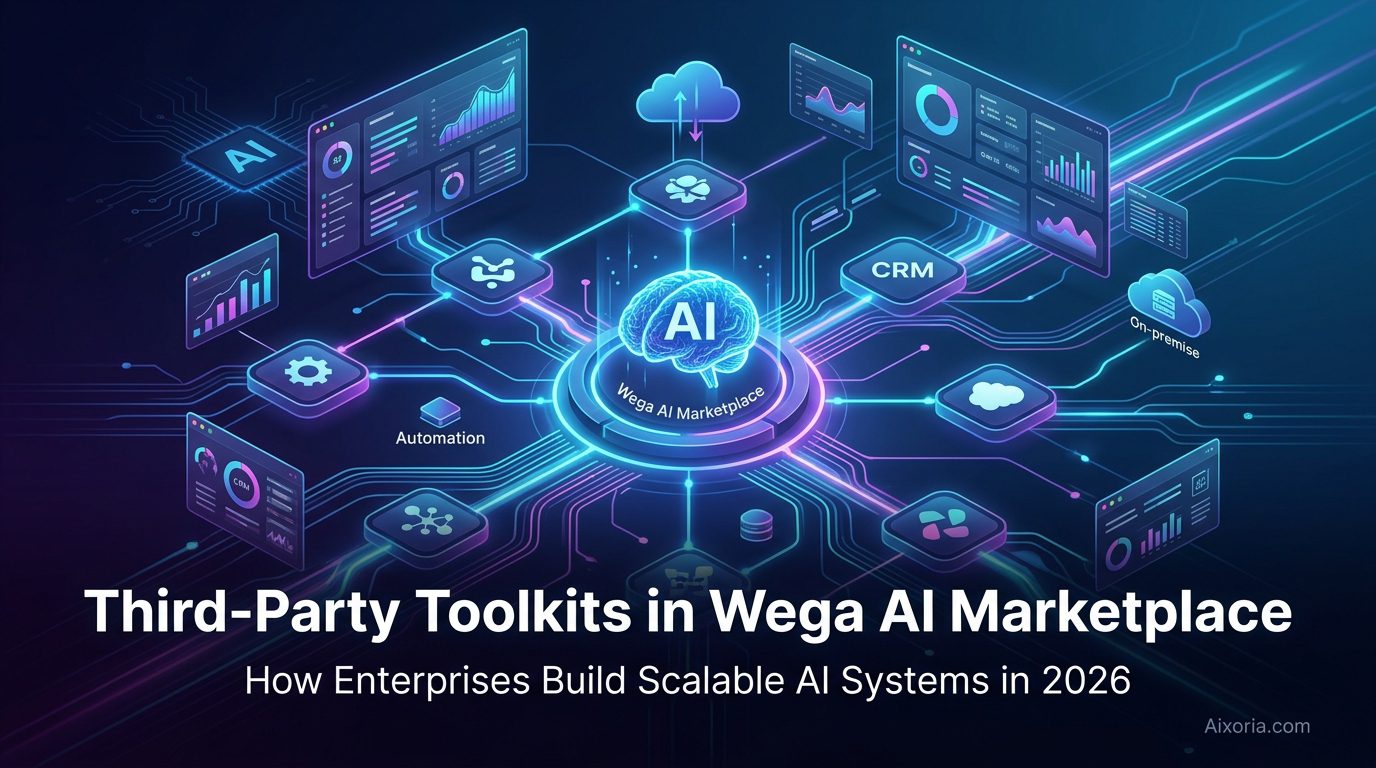
Artificial intelligence platforms have shifted from standalone AI Tools to interconnected ecosystems. In 2026, the most effective AI platforms are not defined by what they include—but by what they can connect.
This is where the Wega AI Marketplace(Third-Party Toolkits in the Wega AI Marketplace) becomes strategically important. Third-party toolkits are part of the Wega AI Marketplace, allowing enterprises to extend AI capabilities beyond native features and build fully integrated, intelligent systems across their technology stack.
Instead of operating in isolation, AI now works as a central orchestration layer—connecting automation tools, data systems, collaboration platforms, and business applications into one unified workflow.
For US-based enterprises, this is not just a feature. It is a requirement for scaling AI across departments, teams, and operations.
Table of Contents
What It Really Means: Third-Party Toolkits in Wega AI Marketplace
At a surface level, a marketplace is a collection of integrations. But in practice, the Wega AI Marketplace functions as a modular AI infrastructure layer.
Third-party toolkits include:
- Workflow automation platforms
- API and integration engines
- CRM and customer data systems
- Collaboration and visualization tools
- Developer and DevOps platforms
The key difference is not access—it is orchestration.
Instead of simply connecting tools, Wega AI enables these toolkits to operate within AI-driven workflows. This means AI can trigger actions, analyze data across systems, and continuously optimize processes without manual intervention.
This transforms AI from a passive tool into an active decision-making layer across the organization.
Why Third-Party Toolkits Are Critical for Enterprise AI
Most enterprise environments are fragmented. Marketing uses one system, operations another, and engineering something entirely different. Without integration, AI remains limited.
Third-party toolkits solve this problem.
System-Level Scalability
AI can extend across multiple departments instead of being confined to a single use case.
Operational Flexibility
Organizations can choose best-in-class tools rather than relying on a single vendor ecosystem.
Faster Deployment Cycles
Pre-built integrations reduce development time and eliminate the need for custom infrastructure.
Continuous Innovation
External tools evolve faster than core platforms, bringing new AI capabilities into the ecosystem automatically.
Core Capabilities Enabled by Third-Party Toolkits
AI-Orchestrated Automation
AI does not just analyze—it acts. Toolkits allow AI to trigger workflows across systems in real time.
Unified Data Flow
Data moves seamlessly between platforms, eliminating silos and enabling better decision-making.
Governance at Scale
Enterprises maintain control through permissions, audit logs, and compliance frameworks.
Hybrid Execution
Workflows can operate across cloud applications, internal systems, and legacy infrastructure simultaneously.
Leading Third-Party Toolkits Powering AI Marketplaces
Below are the most impactful categories and tools that integrate effectively within ecosystems like the Wega AI Marketplace.
AI Workflow Orchestration Layer
Zapier
Zapier functions as a central automation engine, enabling AI systems to interact with thousands of applications without requiring custom code. In the context of Wega AI Marketplace, Zapier acts as the execution layer that translates AI decisions into real-world actions.
It supports multi-step workflows triggered by events such as data updates, user actions, or AI-generated outputs. For example, an AI model detecting a high-value lead can automatically trigger CRM updates, assign sales representatives, and initiate follow-up communication—all within seconds.
Zapier’s AI capabilities further enhance this process. Users can describe workflows in natural language, and the system generates automation logic automatically. This reduces dependency on developers while maintaining enterprise-level scalability.
Pricing: Free plan available; paid plans start from approximately $19.99/month
Pros:
- Extensive integration ecosystem (thousands of apps)
- No-code workflow builder with AI assistance
- Scalable across teams and departments
Cons:
- Complex workflows require careful structuring
- Costs increase with higher task volume
Real Experience Insight:
In real-world usage, Zapier significantly reduces manual coordination between tools, but workflows need proper planning to avoid unnecessary complexity at scale.
READ MORE – Best AI Productivity Software in 2026
Enterprise Integration and API Management
Boomi
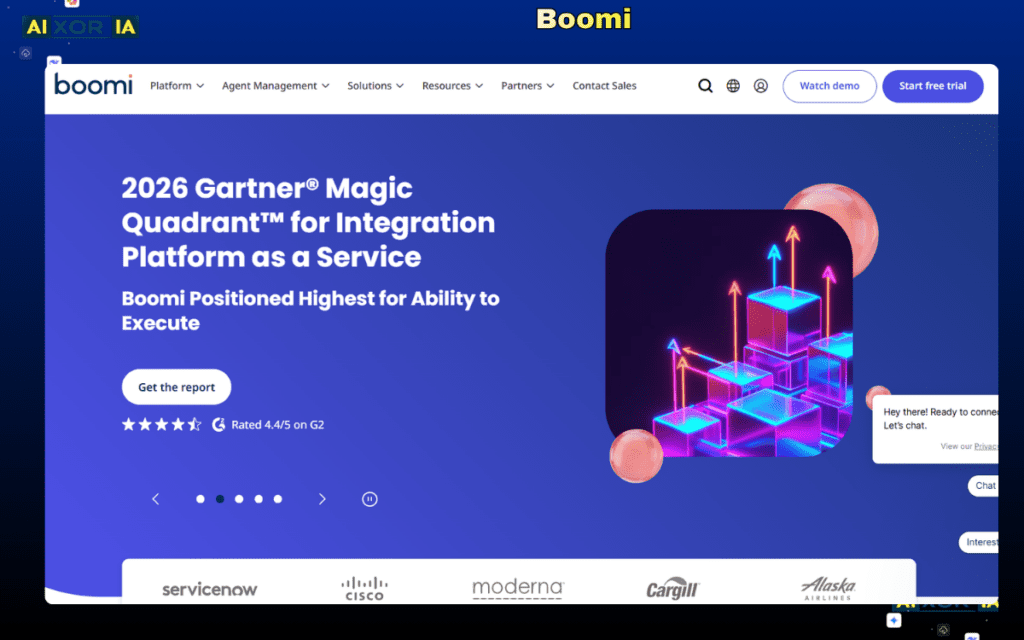
Boomi is designed for enterprises operating in hybrid environments where cloud applications and on-premise systems must work together. Within Wega AI Marketplace, it enables deep integration across legacy systems, ERPs, and databases.
Its low-code interface allows teams to design data pipelines and workflows while maintaining strict governance. Boomi also supports API lifecycle management, making it easier to expose AI capabilities across multiple applications.
This is particularly valuable for organizations with complex infrastructure where AI must interact with both modern and legacy systems.
Pricing: Custom enterprise pricing (varies by usage and deployment scale)
Pros:
- Strong hybrid integration capabilities
- Enterprise-grade data and API management
- Highly scalable infrastructure
Cons:
- Requires technical expertise
- Implementation time can be significant
Real Experience Insight:
Boomi excels in structured enterprise environments, but it performs best when supported by experienced integration teams.
Visual Collaboration and AI Workflow Design
Miro
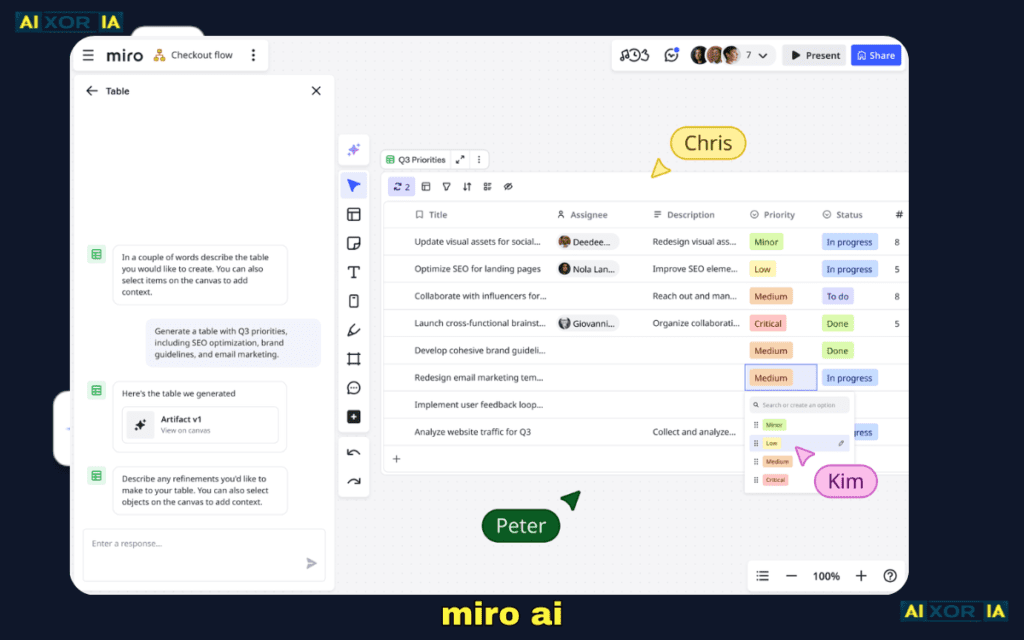
Miro plays a critical role in the planning and visualization phase of AI workflows. Within an AI marketplace, it allows teams to map processes, design user journeys, and align on system architecture before implementation.
Its AI features can convert unstructured ideas into structured diagrams, summarize discussions, and generate workflow concepts. This makes it particularly useful for cross-functional teams working on AI initiatives.
While it does not execute workflows, it significantly improves clarity and collaboration during the design phase.
Pricing: Free plan available; paid plans start from approximately $8/user/month
Pros:
- Strong real-time collaboration capabilities
- Intuitive visual interface
- AI-assisted brainstorming and structuring
Cons:
- Not designed for execution-level automation
- Large boards can become difficult to manage
Real Experience Insight:
Miro is highly effective for aligning teams early in a project, though it needs to be paired with execution tools for full workflow implementation.
Customer Data and Automation Platform
HubSpot

HubSpot integrates CRM, marketing, sales, and customer service into a unified platform. When connected to Wega AI Marketplace, it enables AI-driven customer lifecycle automation.
AI can analyze behavioral data, trigger personalized campaigns, and automate lead management processes. HubSpot’s workflow builder allows teams to design complex customer journeys that adapt dynamically based on user interactions.
This makes it a powerful toolkit for organizations focused on growth, customer engagement, and revenue optimization.
Pricing: Free CRM available; paid plans start from approximately $9/seat/month
Pros:
- Comprehensive customer platform
- Advanced automation and personalization
- Large integration ecosystem
Cons:
- Broad feature set can be overwhelming
- Advanced automation requires higher-tier plans
Real Experience Insight:
HubSpot performs exceptionally well for marketing and sales alignment, but teams need time to fully utilize its automation capabilities.
Microsoft-Centric Automation Environment
Microsoft Power Automate
Microsoft Power Automate is optimized for organizations using Microsoft 365. It enables automation across tools such as Outlook, Teams, SharePoint, and Excel.
Within Wega AI Marketplace, it allows AI-generated insights to trigger workflows inside the Microsoft ecosystem. Its integration with AI assistants like Copilot enables natural language workflow creation and intelligent automation.
This makes it a natural fit for enterprises already standardized on Microsoft infrastructure.
Pricing: Starts from approximately $15/user/month
Pros:
- Deep integration with Microsoft tools
- AI-powered automation capabilities
- Strong enterprise security and compliance
Cons:
- Limited flexibility outside Microsoft ecosystem
- Mixed environments may require additional tools
Real Experience Insight:
Power Automate works seamlessly within Microsoft environments but may require complementary tools for broader integrations.
Agile Development and DevOps Integration
Jira
Jira is widely used for managing software development workflows. In an AI-powered ecosystem, it enables automation of issue tracking, sprint planning, and deployment pipelines.
AI can trigger actions such as ticket creation, priority assignment, and workflow updates based on real-time inputs. Jira’s automation engine supports complex rules, making it suitable for development teams operating at scale.
Pricing: Free plan available; paid plans start from approximately $7.91/user/month
Pros:
- Strong support for Agile and DevOps workflows
- Highly customizable automation rules
- Extensive integration ecosystem
Cons:
- Steep learning curve for new users
- Primarily designed for technical teams
Real Experience Insight:
Jira is extremely powerful for structured development workflows, but it requires proper configuration to avoid unnecessary complexity.
READ MORE – Best Accounting Workflow Automation Software
How to Choose the Right Toolkit Strategy
Enterprises rarely rely on a single tool. The most effective approach is to combine toolkits based on functional needs:
- Automation across apps → Zapier
- Deep system integration → Boomi
- Workflow design and collaboration → Miro
- Customer lifecycle automation → HubSpot
- Microsoft-based operations → Power Automate
- Development workflows → Jira
The goal is not tool selection—it is system design.
The Emerging Role of AI in Toolkits
AI is transforming these toolkits from passive systems into intelligent agents.
Modern capabilities include:
- Natural language workflow creation
- Predictive automation and decision-making
- Real-time data analysis across systems
- Autonomous execution of multi-step processes
This evolution allows enterprises to move from manual coordination to fully automated, adaptive systems.
Final Analysis
Third-party toolkits are part of the Wega AI Marketplace because modern AI systems must operate within complex, multi-tool environments.
The real advantage is not the marketplace itself—but the ability to orchestrate tools, data, and AI into a unified system that scales across the enterprise.
Organizations that leverage this approach effectively will not just automate tasks—they will build intelligent systems that continuously improve, adapt, and drive business outcomes.
1 thought on “Third-Party Toolkits in the Wega AI Marketplace: How Enterprises Build Scalable AI Systems in 2026”