Why Finding the Best AI for Microsoft Visual Studio Matters in 2026
Finding the best AI for Microsoft Visual Studio can feel overwhelming — there are built-in tools, marketplace extensions, free tiers, and paid plans all competing for your attention.
Here’s a quick answer if you’re short on time:
Top AI Tools for Microsoft Visual Studio (2026)
| Tool | Type | Cost | Best For |
|---|---|---|---|
| GitHub Copilot | Built-in | Free tier / Paid | Code completion, chat, agent mode |
| Visual Studio IntelliCode | Built-in | Free | Smart completions, refactoring |
| TONGYI Lingma | Marketplace | Free | Alibaba Cloud SDK users |
| Fitten Code | Marketplace | Free | High-rated code suggestions |
| Visual chatGPT Studio | Marketplace | Free | ChatGPT-powered coding help |
| Windsurf Plugin | Marketplace | Free | Former Codeium users |
| Tabnine | Marketplace | Free / Paid | Privacy-focused AI completions |
Visual Studio 2026 ships with GitHub Copilot built right in — including a free tier with 2,000 code completions and 50 chat messages per month. Developers using Copilot report up to 55% more productivity when writing code.
But GitHub Copilot isn’t your only option. The Visual Studio Marketplace has several free AI extensions with strong install numbers — and some of them might suit your workflow better.
This guide breaks down every major option so you can pick the right tool without wasting time or money.
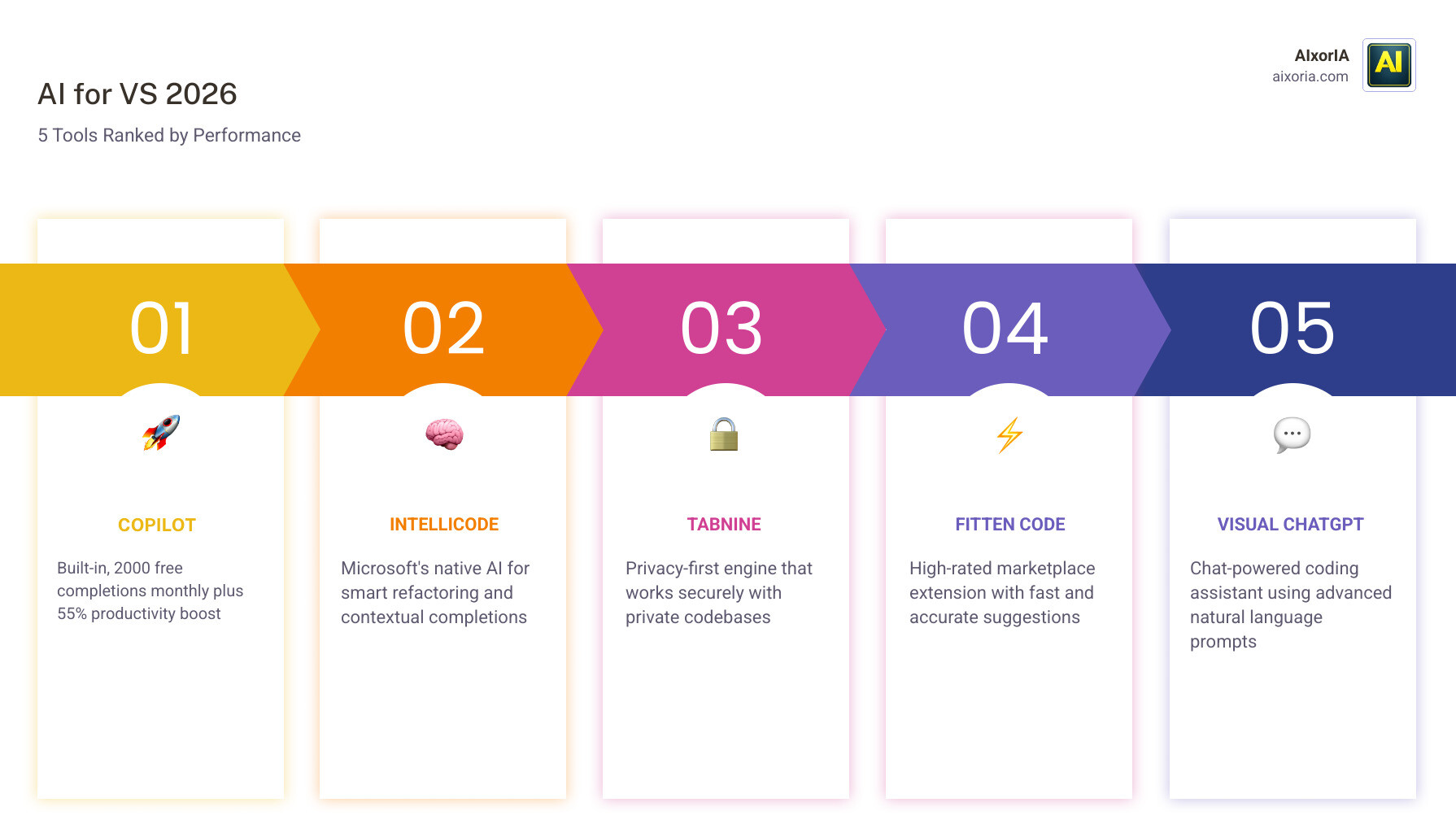
Top-Rated Extensions: The Best AI for Microsoft Visual Studio in 2026
As we navigate through 2026, the landscape of software development has shifted from “manual labor” to “AI-orchestrated creation.” While many developers are familiar with the standard IntelliSense that has been around for decades, the modern Visual Studio Marketplace offers a sophisticated array of AI-powered engines designed to handle the heavy lifting.
The Visual Studio IDE – AI for coding debugging and testing has become the gold standard for integrated development environments. When searching for the best ai for microsoft visual studio, we look at more than just code completion; we look at how these tools integrate into the full development lifecycle. According to recent data, the Marketplace is thriving with options, though it remains more curated than the sprawling VS Code ecosystem.
If you are looking for a broader perspective on the industry, you might find our guide on The 7 Best AI Coding Tools for Developers in 2026 helpful for comparing cross-platform options.
GitHub Copilot: The Flagship AI for Microsoft Visual Studio
In 2026, GitHub Copilot isn’t just a plugin; it’s the core engine of the Visual Studio experience. The integration is seamless, moving beyond simple “ghost text” suggestions to what Microsoft calls “Agent Mode.” This feature allows the AI to reason through complex problems, coordinate multiple steps, and even apply changes across several files simultaneously.
We love the “Copilot Edits” feature, which provides a multi-file editing experience with built-in code review and rollback capabilities. If the AI makes a mistake or moves in a direction you don’t like, you can simply revert the changes. This level of control makes it a top contender for the best ai for microsoft visual studio. You can explore more about this partnership at Visual Studio With GitHub Copilot – AI Pair Programming.
Visual Studio IntelliCode: Built-in Contextual Logic
While Copilot focuses on generative logic, IntelliCode provides the “smart” foundation. It is included by default in most workloads and uses machine learning trained on thousands of high-rated open-source projects.
The standout feature here is “Repeated Edit Detection.” If you start making the same manual change in three different places in a C# file, IntelliCode will notice the pattern and offer to apply the change to the rest of the file for you. It also provides “starred suggestions” at the top of your completion list, prioritizing the API calls you are most likely to need based on your current context. Learn more about these features at Visual Studio IntelliCode: AI Code Completion and Automation.
Comparing Free and Premium AI Assistants
Choosing between free and paid tools often comes down to your specific project needs and privacy requirements. GitHub Copilot offers a generous free tier (2,000 completions and 50 chat messages per month), but professional developers often find they hit these limits quickly.

For those who aren’t ready to commit to a monthly subscription, there are high-quality alternatives. We’ve detailed many of these in our list of the 8 Best AI Coding Tools for Developers.
High-Performance Third-Party AI for Microsoft Visual Studio
If you venture into the Marketplace, you’ll find several heavy hitters that rival the built-in features:
- TONGYI Lingma: With over 195,000 installs, this tool is highly optimized for those working within the Alibaba Cloud ecosystem but performs exceptionally well for general Java and C# tasks.
- Fitten Code: Boasting a stellar 4.8 out of 5 rating, it is praised for its speed and accuracy in generating code snippets from natural language.
- Visual chatGPT Studio: This extension brings the power of OpenAI’s models directly into a dedicated window within the IDE, perfect for explaining complex algorithms.
- Windsurf Plugin: Formerly known as Codeium, this remains a favorite for developers who want a robust, free alternative with high performance.
For a deeper dive into the broader software development toolset, check out The 20 Best AI Software Development Tools in 2026.
Specialized AI Workflows for Debugging and Testing
One of the most significant advancements in 2026 is how AI handles the “boring” parts of coding: testing and debugging. The best ai for microsoft visual studio shouldn’t just write code; it should help you fix it.
GitHub Copilot Chat now offers deep insights into exceptions and deadlocks. Instead of staring at a stack trace, you can ask the AI to explain why the error occurred and suggest a fix. Furthermore, the ability to generate unit tests automatically has saved us countless hours. By right-clicking a method and selecting “Generate Tests,” the AI creates comprehensive test cases based on the existing logic.
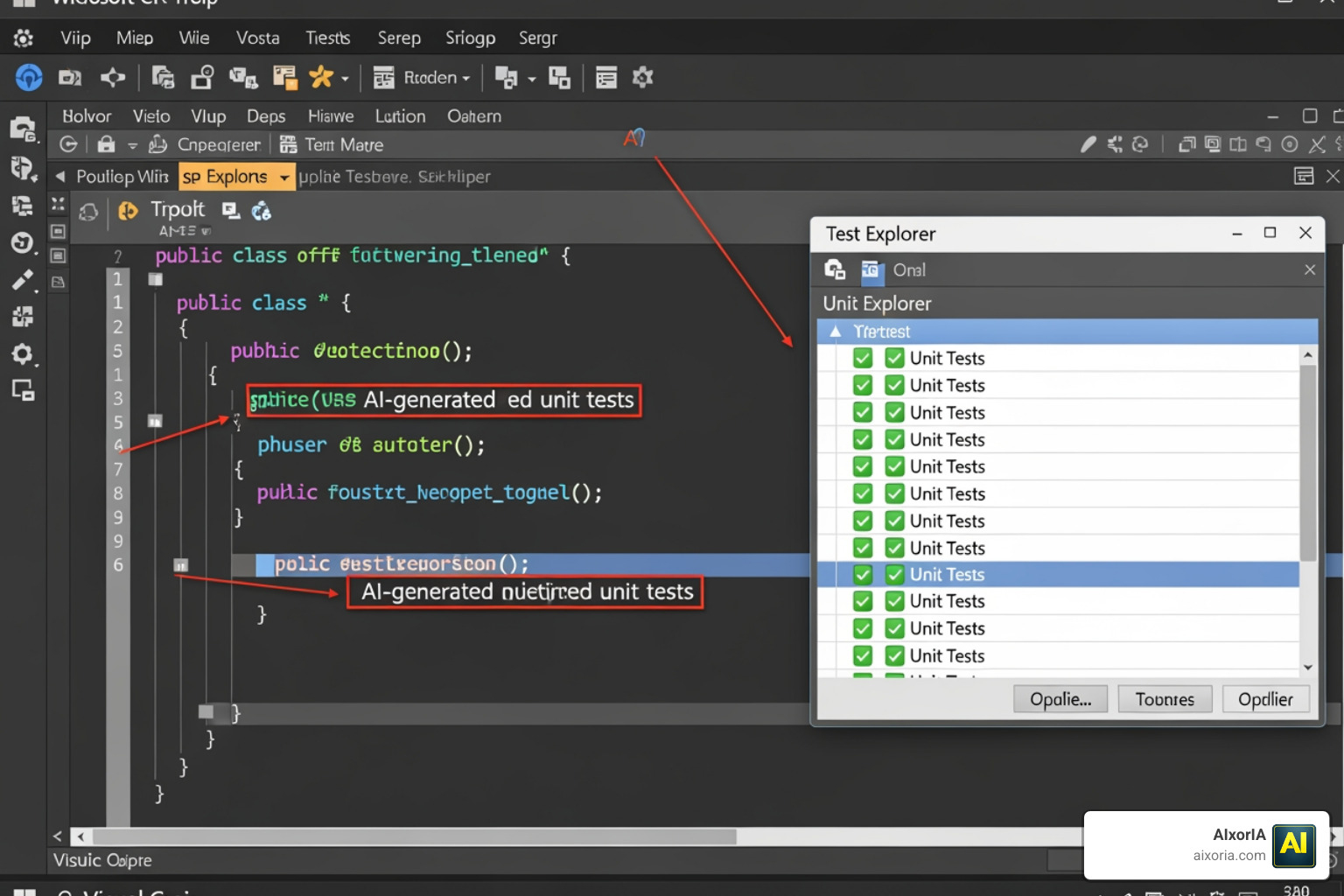
Detailed documentation on how to leverage these features can be found at IntelliCode for Visual Studio | Microsoft Learn.
Advanced Tools for AI Engineers and Data Scientists
For those of us building the AI models of tomorrow, the Foundry Toolkit (formerly known as the AI Toolkit) is essential. It supports both cloud-based and local AI models through ONNX and Ollama. This is a game-changer for privacy-conscious projects where you cannot send your code to an external server.
The toolkit includes:
- Model Catalog: To discover and download models from OpenAI, Anthropic, and Meta.
- Model Evaluation: To test model performance using metrics like F1 scores.
- Agent Builder: To create and test AI agents directly within your development workflow.
Using these tools can significantly boost your output, as discussed in our article on Best AI Tools for Productivity and Time Management.
Installation and Setup for AI-Powered Development
Setting up your AI environment in Visual Studio 2026 is more straightforward than ever. Most AI features are now part of the standard installation process.
- Open the Visual Studio Installer: Ensure you are running version 17.10 or later.
- Select Components: Under the “Individual Components” tab, ensure “GitHub Copilot” is checked.
- Link Your Account: Once installed, sign in to your GitHub account within Visual Studio. If you are using the free tier, the limits will be applied automatically.
- Marketplace Extensions: For third-party tools, navigate to Extensions > Manage Extensions and search for the specific tool (e.g., Tabnine or Fitten Code).
For a direct link to the most popular extension, visit the GitHub Copilot – Visual Studio Marketplace.
Frequently Asked Questions about Visual Studio AI
Is there a free version of AI for Visual Studio?
Yes! Microsoft provides a free tier for GitHub Copilot that includes 2,000 code completions and 50 chat messages per month. Additionally, many Marketplace extensions like Fitten Code and TONGYI Lingma are completely free to use.
How does Visual Studio AI compare to VS Code?
Visual Studio (the IDE) offers deeper integration for enterprise-level tasks like heavy debugging, profiling, and large-scale C# or C++ project management. While VS Code has a larger volume of extensions, the AI tools in Visual Studio are often more “aware” of the entire solution structure, providing better context for complex refactoring.
Can I use AI for local, private code development?
Absolutely. Tools like Tabnine offer local model options that run entirely on your machine. Similarly, IntelliCode processes much of its logic locally to ensure your private code patterns stay private. For advanced users, the Foundry Toolkit allows you to run local LLMs using Ollama.
Conclusion
The best ai for microsoft visual studio in 2026 is the one that fits your specific workflow. Whether you choose the deep integration of GitHub Copilot, the privacy of Tabnine, or the specialized features of the Foundry Toolkit, the goal is the same: to spend less time on boilerplate and more time on innovation.
At AIxorIA, we specialize in helping businesses navigate this rapidly changing landscape. We provide custom AI solutions, performance audits, and tool training workshops to ensure your team is getting the most out of these powerful technologies. Our mission is to provide simple language help and affordable services to empower your development team.
If you’re looking to boost your overall business efficiency, don’t miss our guide on the Best AI Tools for Business Productivity. Ready to take the next step? Visit us at https://aixoria.com/ to learn how we can help you integrate these tools into your professional workflow.
1 thought on “Best AI for Microsoft Visual Studio Matters in 2026”