Why Choosing the Right Presentation Software Matters in 2026

Which software is best for presentations? It depends on what you need — but here’s a quick answer:
| Use Case | Best Tool |
|---|---|
| All-around power & design control | Microsoft PowerPoint |
| Team collaboration | Google Slides |
| Beautiful templates, ease of use | Canva |
| AI-first deck generation | Gamma |
| Enterprise branding at scale | Prezent |
| Non-linear storytelling | Prezi |
| Audience engagement & polling | Mentimeter |
| Small teams on a budget | Zoho Show or Pitch |
There are dozens of presentation tools out there in 2026. Some have been around for decades. Others are brand new and built around AI from the ground up.
It’s a lot to sort through.
If you’ve ever stared at a blank slide at 11pm wondering where to even start — you’re not alone. Most people don’t have hours to spend tweaking layouts or learning a new tool from scratch. They just need something that works, looks professional, and doesn’t break the budget.
The good news? There’s genuinely a great option for almost every situation. The tricky part is knowing which one fits your situation.
This guide cuts through the noise. We’ll compare the top tools side by side — features, pricing, AI capabilities, and real-world use cases — so you can make a confident choice fast.
Determining Which Software is Best for Presentations in 2026
When we look at the landscape in 2026, the question of Which software is best for presentations? has shifted from “how many transitions does it have?” to “how much of the work will it do for me?” We’ve moved beyond simple slide flippers into an era of intelligent design assistants.
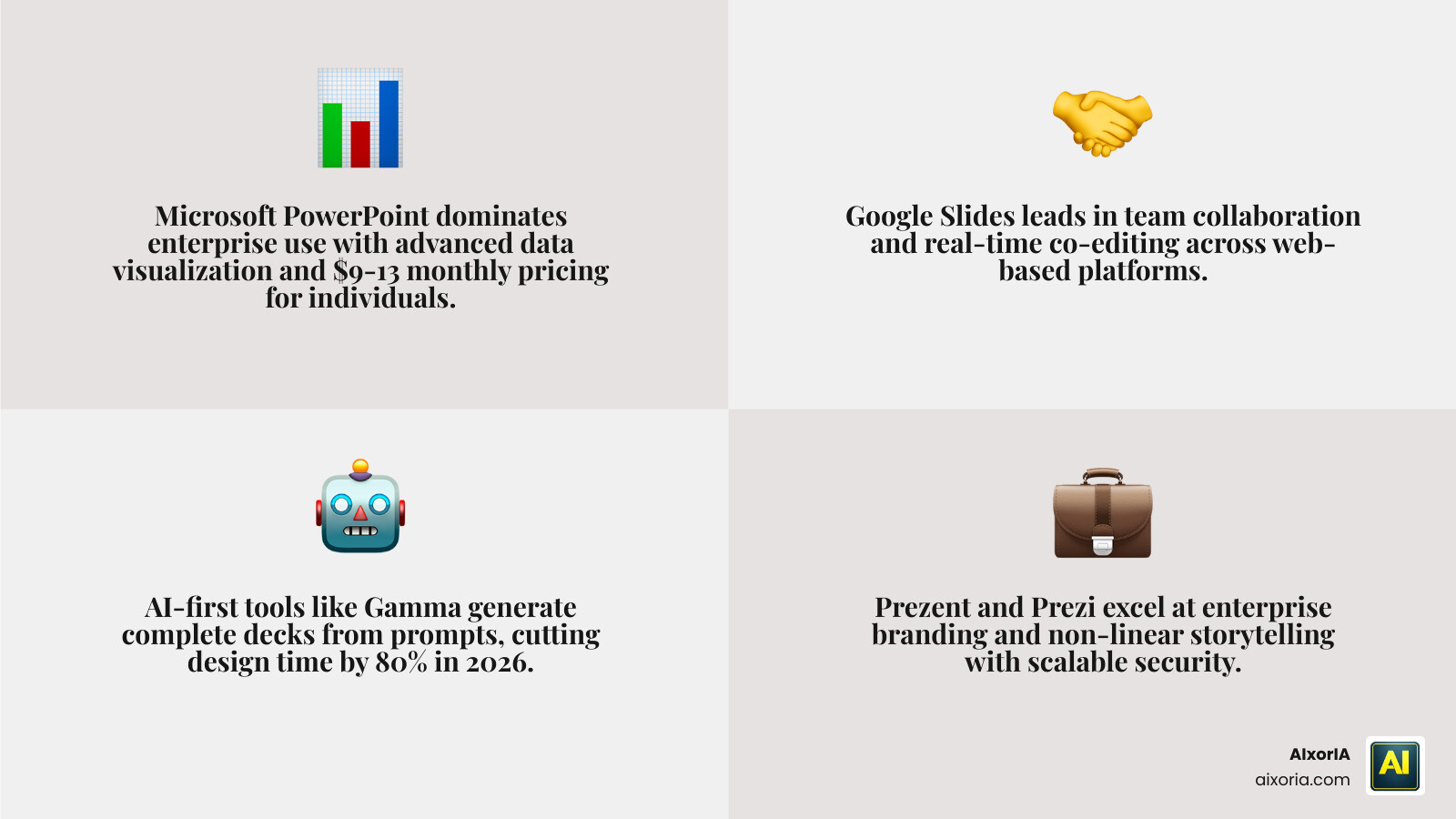
Microsoft PowerPoint remains the titan of the industry, especially for those who need deep design control and advanced data visualization. For many academics and data scientists, it is still the clear winner because it handles complex SVG icons and drawing animations that newer, web-based tools sometimes struggle with. It currently costs between $9 and $13 per month for individuals, while business plans range from $6 to $22 per user.
Google Slides is the go-to for many of us who live in a browser. It’s free for personal use and starts at about $6 per user for businesses. While its design options can feel a bit “plain vanilla” compared to the cinematic flair of Canva, its integration with the Google Workspace ecosystem is unmatched.
For those on the Apple side of the fence, Keynote – Official Apple Support provides a sleek, polished experience that is famous for its high-end transitions and “Magic Move” feature. It’s a favorite for creatives who want their decks to look like a high-budget film.
Evaluating Traditional vs. AI-First Platforms
The biggest debate in 2026 is whether to stick with “Legacy” tools or jump into AI-first platforms. Traditional tools like PowerPoint have added AI layers (like Copilot), but AI-first platforms like Gamma or Beautiful.ai were built with generative intelligence as their engine, not just a spare tire.
If you are asking, Can I Use Ai To Create Powerpoint Presentations, the answer is a resounding yes. Modern AI tools can take a single text prompt and turn it into a structured, 10-slide deck in seconds. This significantly boosts workflow efficiency, especially when you’re facing a tight deadline.
However, legacy tools still win when you need “pixel-perfect” control. AI-first platforms are great for speed, but sometimes they can be a bit stubborn if you want to move a specific text box three millimeters to the left. For a deeper dive into these options, check out our list of the 9 Best Ai Tools For Powerpoint Presentations In 2026.
The Importance of Real-Time Collaboration
In our modern, hybrid-work world, collaboration is no longer a “nice to have”—it’s essential. We’ve all been through the nightmare of “v3FINALFINALactualfinal.pptx” email chains. Modern software solves this with real-time co-editing.
Google Slides: Presentation Slideshow Maker | Google Workspace set the standard here. Multiple team members can jump into the same deck, leave contextual comments, and see changes happen live. This level of transparency prevents version control issues and allows for instant team feedback.
If you’re looking for the top tier of collaborative AI tools, we’ve evaluated them in our guide on the 7 Best Ai Tool For Ppt In 2026 Tested Ranked. The goal is to spend less time managing files and more time refining the story you’re telling.
The Role of AI in Modern Presentation Design

AI has completely changed the “blank page” problem. Tools like Beautiful.ai (starting at $12/month) use smart templates that automatically adjust the layout as you add content. If you add a fourth bullet point, the AI shrinks the other three and realigns everything so it still looks professional. No more manual resizing!
Gamma is another standout in 2026, offering a “Plus” plan for $8/user/month. It creates web-style, scrollable card-based presentations from a simple prompt. It’s perfect for those who want a modern, interactive feel rather than a traditional slideshow. For a look at how these stack up in our recent tests, see the Best Ai Tool For Ppt Generation In 2026 Testedbest Ai Tool For Ppt Generation In 2026 Tested.
Design automation isn’t just about making things look pretty; it’s about consistency. AI ensures that your fonts, colors, and spacing remain uniform across fifty slides without you having to check each one manually. To find out which specific tool reigns supreme for this, read our analysis: What Ai Tool Creates Powerpoint Presentations Best Ai Presentation Makers In 2026.
Strongest AI Capabilities for Visual Storytelling
Visual storytelling is where AI truly shines. It can now help us create context-aware decks that align with a specific brand voice. Storydoc, for example, specializes in interactive decks that read more like a personalized microsite than a static document, with paid plans starting at $17/month.
Presentations and slides for any occasion | Canva has also doubled down on its “Magic Studio.” Their AI can generate entire outlines and even suggest images based on the tone of your text. It’s an incredibly robust option, especially since Canva Pro is affordable (around $12–$13/month) and offers an almost overwhelming number of templates. For more practical tips on using these tools, we recommend What Are The Best Ai Tools For Creating Presentations A Practical Guide For Fast Polished Decks.
Automating Data Visualization and Storylines
We know that data can be dry, but AI is making it much more digestible. Zia AI (within Zoho Show) can turn raw ideas into structured slides, while Microsoft’s Copilot can summarize long documents into a concise presentation outline.
The 2026 landscape features tools that don’t just “show” data but “tell” it. By using expert-designed templates and AI-driven storylines, you can ensure your audience understands the why behind the numbers. Check out our list of the 20 Best Ai Tools To Create Powerpoint Presentations to see which ones handle data visualization best.
For those who need the ultimate industry standard, PowerPoint | Presentations and Slides Online | Microsoft 365 continues to offer the most sophisticated charting tools for high-stakes business reporting.
Use Case Comparison: Enterprise vs. Small Business

When deciding Which software is best for presentations?, your organizational size matters. A freelancer needs something quick and cheap; a global corporation needs security, scalability, and strict brand governance.
For larger organizations, the focus is often on What Tool Creates The Best Business Presentations In 2026. They require features like domain-wide templates, granular sharing permissions, and deep analytics to see who is actually viewing the slides.
For specialized environments like live production or worship services, ProPresenter: The #1 Choice in Presentation Software is often the top pick. It handles multi-screen management and broadcast-quality outputs that standard office software simply can’t touch.
Which software is best for presentations in an enterprise environment?
In the enterprise world, Prezent is a rising star. It offers custom plans and focuses on creating on-brand, expert-level decks from rough notes. It’s designed for teams that need to stay “on message” across thousands of employees.
Security and data privacy are paramount here. Tools integrated into Microsoft 365 or Google Workspace often win because they already meet the rigorous compliance standards of IT departments. If you’re looking for free enterprise-grade AI trials, you might find our review of the Which Ai Is Best For Ppt Presentation Free In 2026 Top 7 Ai Presentation Tools Tested helpful.
Which software is best for presentations for individuals and small teams?
Small teams usually prioritize ease of use and value. Zoho Show is a fantastic free option for individuals, offering a “true presentation powerhouse” feel without the price tag. Pitch is another great choice, with paid plans starting at $25/month for two editors, focusing on sleek design and presentation analytics.
For those who need something highly interactive, we recommend exploring the Best Tool For Clickable Presentations In 2026. These tools allow you to create “choose your own adventure” style decks that are perfect for sales pitches or educational content.
Frequently Asked Questions about Presentation Software
How do free presentation apps compare to paid solutions?
Free versions are great for basic needs, but they often come with “gotchas.”
- Canva Free: Offers thousands of templates but locks some of the best graphics and AI features behind the Pro wall.
- Google Slides: Entirely free for personal use with very few limitations, making it the king of value.
- Zoho Show: Offers a very generous free tier for individuals.
- Paid Limitations: Paid plans usually unlock things like viewer analytics, custom branding (removing the software’s logo), and unlimited AI generations.
What are the best options for interactive presentations?
If you want to stop your audience from checking their phones, you need interaction.
- Mentimeter: Starts at $13/month and is the gold standard for live polling and Q&A sessions.
- Canva Live: Allows you to start a live Q&A where the audience can send questions from their devices directly to your screen.
- Magic Shortcuts: Canva also has fun shortcuts — press ‘C’ for confetti or ‘D’ for a drumroll to keep things light!
Which tool is best for non-linear storytelling?
Prezi is still the king of non-linear flow. Instead of a straight line of slides, it uses a “zoomable canvas.” You can start with a big picture and zoom into specific details as the conversation evolves. This “conversational presenting” style is great for marketing reviews where you might want to dive deep into one specific data point based on audience interest. Prezi paid plans start at $5/month.
Conclusion
At AIxorIA, we believe that the “best” software is the one that removes the friction from your workflow. Whether you’re a small business owner looking for the speed of Gamma or an enterprise team needing the brand control of Prezent, the tools available in 2026 are more powerful and accessible than ever.
We recommend testing a few tools using their free tiers before committing. Focus on how well the tool integrates with your current workflow and whether its AI features actually save you time. If you need help navigating these digital transformations or want to audit your team’s performance, we’re here to help.