Why AI Tools for Project Reports Are Changing How Work Gets Done
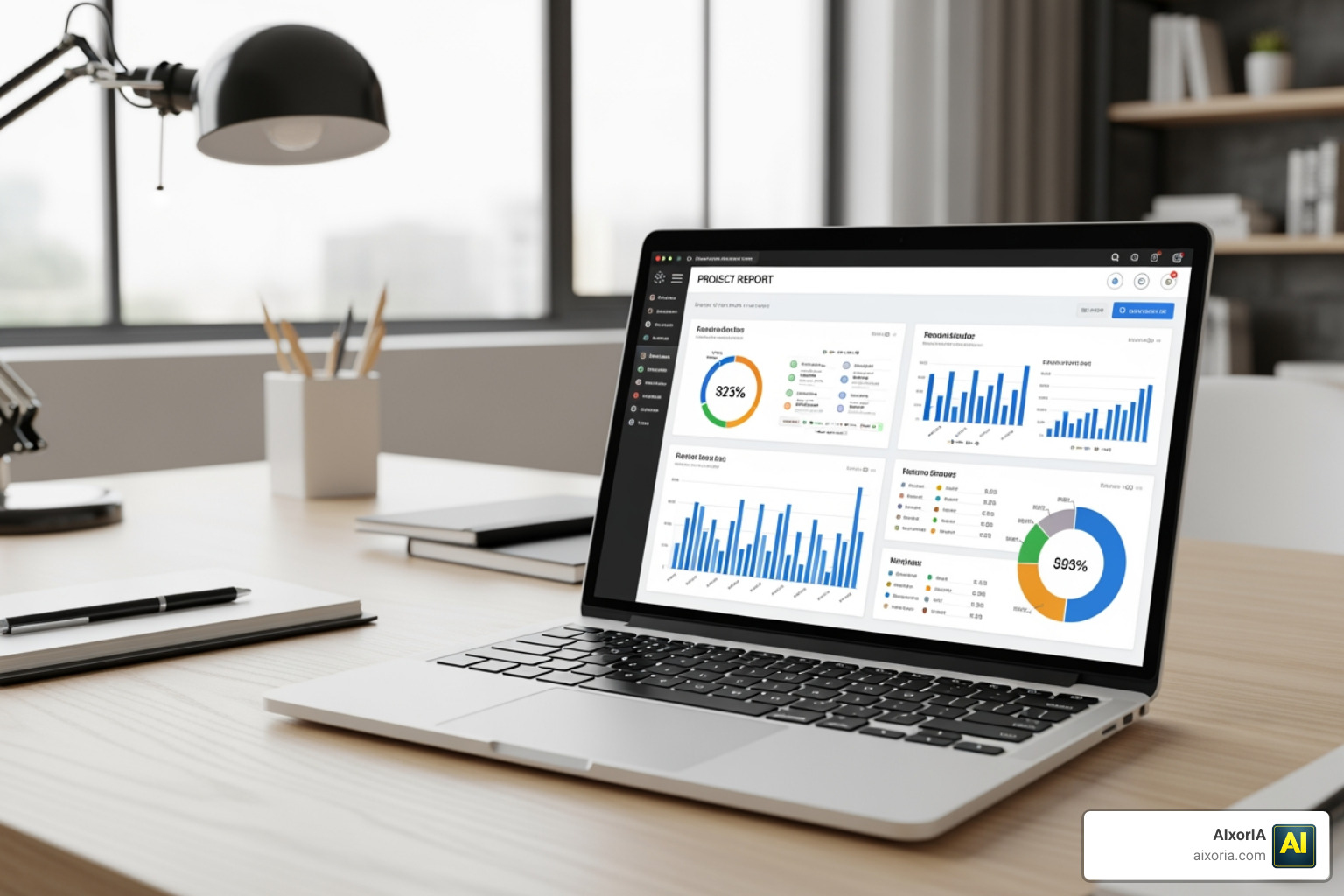
The best AI tools for project report writing available in 2026 include:
| Tool | Best For | Key Strength | Free Tier |
|---|---|---|---|
| Manus | Business & financial reports | Autonomous multi-agent research | Trial credits |
| Taskade | Team project documentation | Workspace integration | Yes |
| Venngage | Visual reports & branding | Design flexibility | Yes |
| Piktochart AI | Data-driven visual reports | 10-second generation | 60 credits/month |
| ReportMaker.ai | Academic & student reports | 20+ language support | Yes |
| AI Doc Maker | General business reports | Multi-model AI (GPT + Claude + Gemini) | Generous free tier |
| AI Report Studio | Student final-year projects | Academic formatting + plagiarism check | Free preview |
| NextDocs | Branded professional docs | Multiple draft options + brand kit | 500 free credits |
| Sembly AI | Meeting-based reporting | Generates from transcripts | Yes |
Writing a project report used to mean hours of formatting, structuring, and editing. For most professionals, that’s time they simply don’t have.
The average professional spends 2 to 4 hours writing and formatting a single report. That’s time taken away from actually running the project.
AI has changed that math completely.
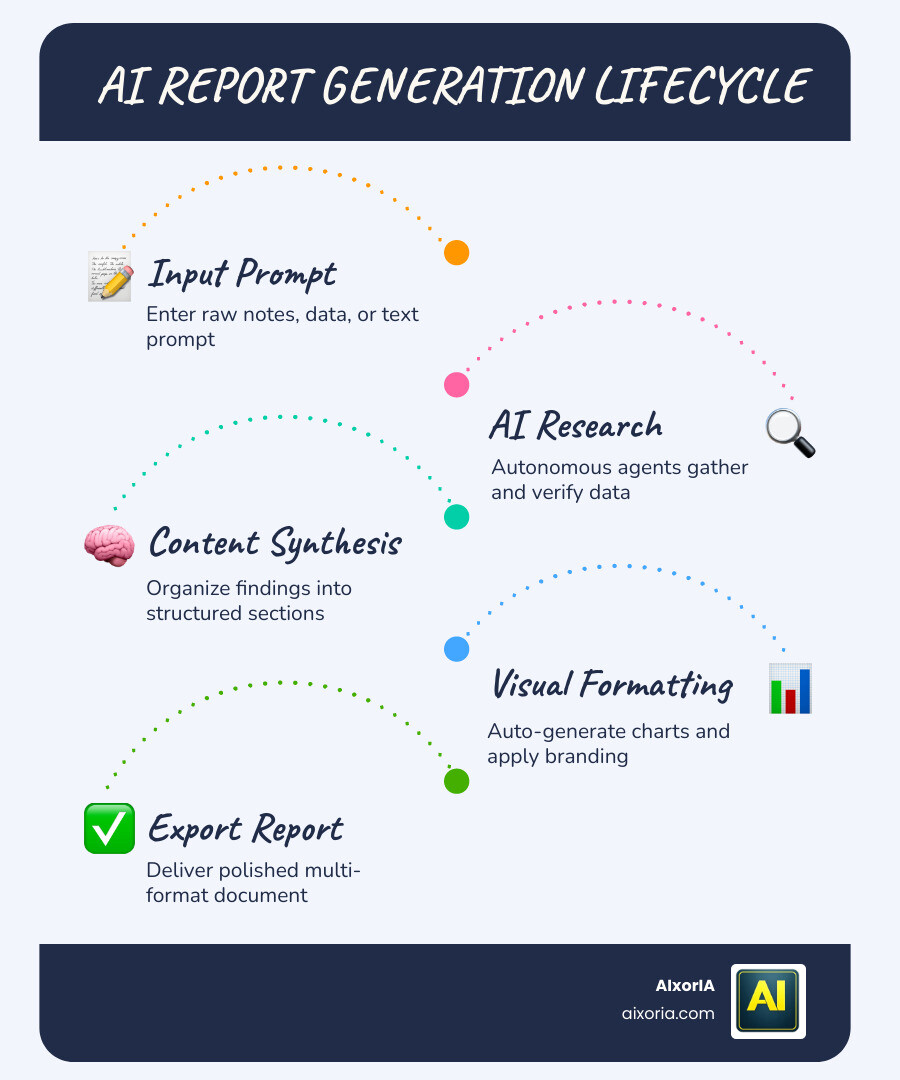
In 2026, a new wave of AI-powered tools can take your raw notes, data, or a short text prompt — and turn them into a polished, structured report in seconds. Not hours. Not even minutes, in some cases.
These tools don’t just write faster. They research, organize, cite sources, generate charts, and format everything to professional standards — automatically.
Whether you’re a small business owner putting together a quarterly review, a student submitting a final-year project, or a manager sending weekly status updates to stakeholders, there’s now an AI tool built specifically for your needs.
This guide covers the best AI tools for project report creation in 2026 — what they do, who they’re for, and how to pick the right one without wasting time on tools that don’t fit.
The Rise of AI tools for project report Generation in 2026
As we navigate through 2026, the landscape of business documentation has shifted from manual labor to intelligent automation. We no longer see report writing as a “writing” task, but rather as a “synthesis” task. Modern platforms have evolved into autonomous agents capable of gathering information, checking it for accuracy, and presenting it in a way that humans can actually digest.
To understand the impact, look at how the workflow has changed:
| Feature | Traditional Manual Writing | AI-Powered Generation (2026) |
|---|---|---|
| Research Time | 2–6 hours of browsing/reading | 2–5 minutes of autonomous scraping |
| Data Analysis | Manual Excel charts & pivot tables | Instant visualization from raw data |
| Formatting | Fighting with Word/LaTeX margins | Template-based auto-structuring |
| Error Rate | High (typos, calculation errors) | Low (data-grounded logic) |
| Consistency | Varies by author/mood | Standardized across all documents |
By integrating best AI tools for business productivity, teams are finding that the “blank page syndrome” is a thing of the past. Instead of starting from scratch, we now start with a 90% complete draft that only requires a final human touch for nuance and strategic direction.
Autonomous Research and Data Analysis
The most significant leap in 2026 is the “Wide Research” capability. Tools like Manus don’t just search for a keyword; they deploy hundreds of autonomous agents to conduct parallel research. These agents can scrape the web, verify sources, and synthesize complex topics—like analyzing a competitor’s Q4 performance—in the time it takes you to grab a coffee.
This autonomous approach ensures that your report is backed by real-time data rather than outdated statistics. When coupled with the best AI tools for data analysis and visualization in 2026, these generators can transform a messy CSV file into an interactive dashboard or a set of professional charts within the report body.
Automated Formatting and Visualization
Formatting is often the most frustrating part of project documentation. In 2026, smart layouts have become standard. Platforms like Venngage and Piktochart AI use “Design AI” to automatically suggest headers, insert relevant icons, and align text according to visual hierarchy principles.
For businesses, this means brand consistency is guaranteed. You can upload a “Brand Kit” once, and every report generated will automatically use your company’s specific hex codes, fonts, and logos. This level of polish was previously only possible with a dedicated graphic designer, but now it’s a standard feature of the best AI tools for creating presentations and polished decks.
Essential Features of a Modern AI Project Report Generator
When we help clients at AIxorIA choose the right software, we look for more than just a text generator. A true AI tool for project report creation must act as a comprehensive documentation hub.
Key features to look for in 2026 include:
- Voice-to-Report: The ability to dictate a project update while driving or walking, which the AI then structures into a formal document.
- Multilingual Support: Generating reports in 20+ global languages while maintaining regional formatting standards (e.g., US vs. UK business styles).
- Integration: Seamlessly pulling data from your productivity tools in project management.
Multi-Agent Research Capabilities
Why settle for one AI model when you can use an army? The latest research on multi-agent systems shows that when AI agents work in parallel—one researching, one drafting, and one fact-checking—the output quality rivals that of professional consultants. This parallel processing allows for a level of depth that a single-prompt chatbot simply cannot reach. These systems manage citations automatically, ensuring every claim in your project report is linked back to a verifiable source.
Customization for Professional Branding
A report that looks like it came from a generic template won’t impress stakeholders. Modern tools allow for deep customization. You can adjust the “tone” from “highly technical” for engineering reports to “visionary and persuasive” for sales proposals. This flexibility is similar to what we see in the best AI tools for professional email writing, where the context dictates the style.
Top Use Cases for AI-Powered Documentation
The versatility of these tools means they are being adopted across every sector. Whether it’s a high-stakes business review or a university submission, the AI adapts to the required structure.
Academic and Student Project Documentation
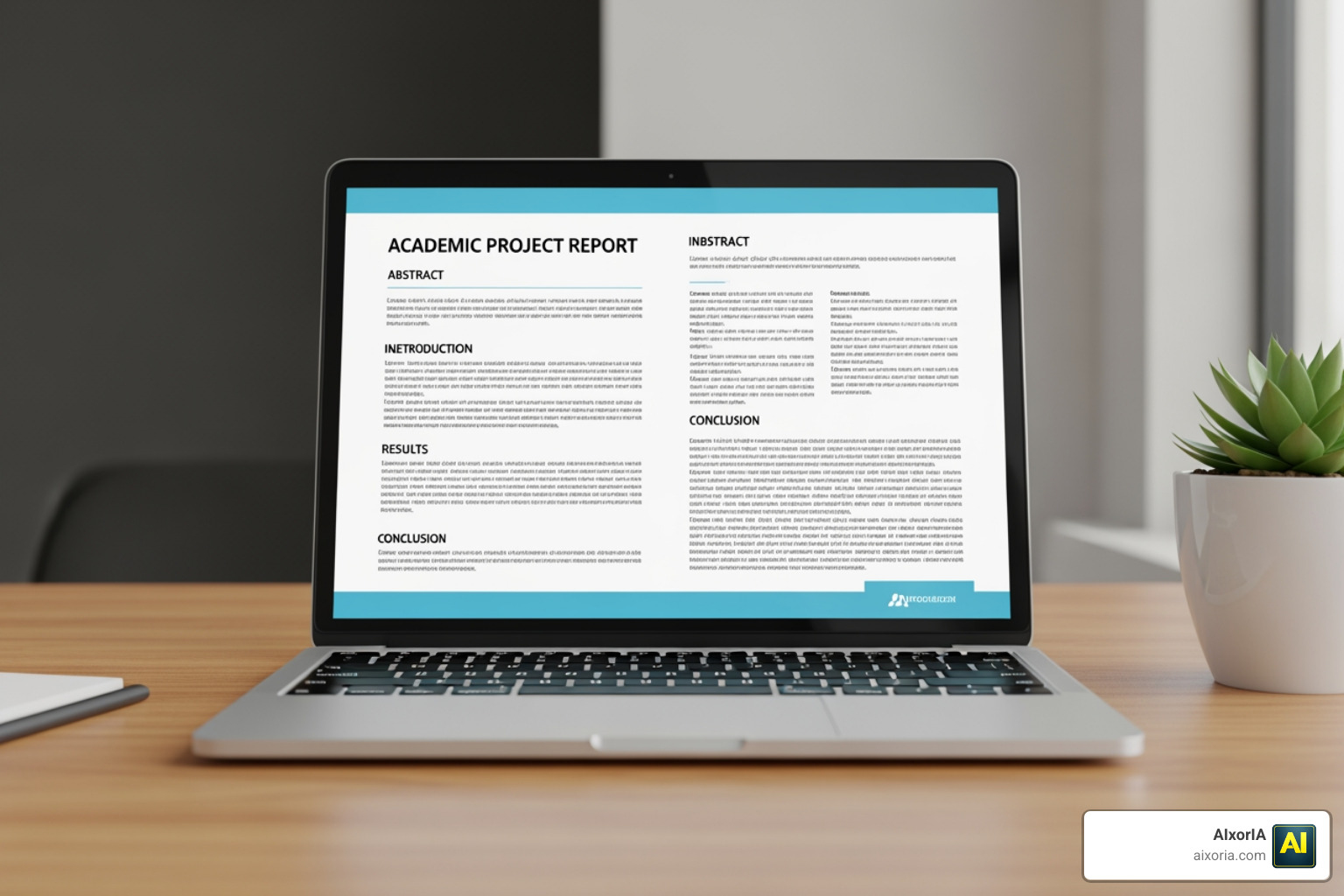
Students are seeing massive benefits, with some reporting 40% higher grades due to better organization and 60% less time spent on formatting. Tools like AI Report Studio and ReportMaker.ai are designed specifically for:
- Engineering Reports: Automating sections like Methodology and Results.
- MBA Capstones: Creating executive summaries and ROI projections.
- Lab Reports: Structuring data into standard scientific formats with APA/MLA citations.
- Plagiarism Detection: Ensuring that while the AI helps structure the work, the content remains original and academically sound.
Business and Financial AI tools for project report Creation
In the corporate world, time is money. Businesses use these tools for:
- Quarterly Business Reviews (QBRs): Summarizing team performance and key metrics.
- Project Status Updates: Instantly turning meeting transcripts (using Sembly AI) into stakeholder-ready summaries.
- Risk Assessment: Identifying potential bottlenecks by using AI tools for project risk management.
Maximizing Efficiency: The AI Report Writing Workflow
To get the most out of an AI tool for project report generation, we recommend a structured workflow. It’s not just about clicking “generate”; it’s about providing the right context.
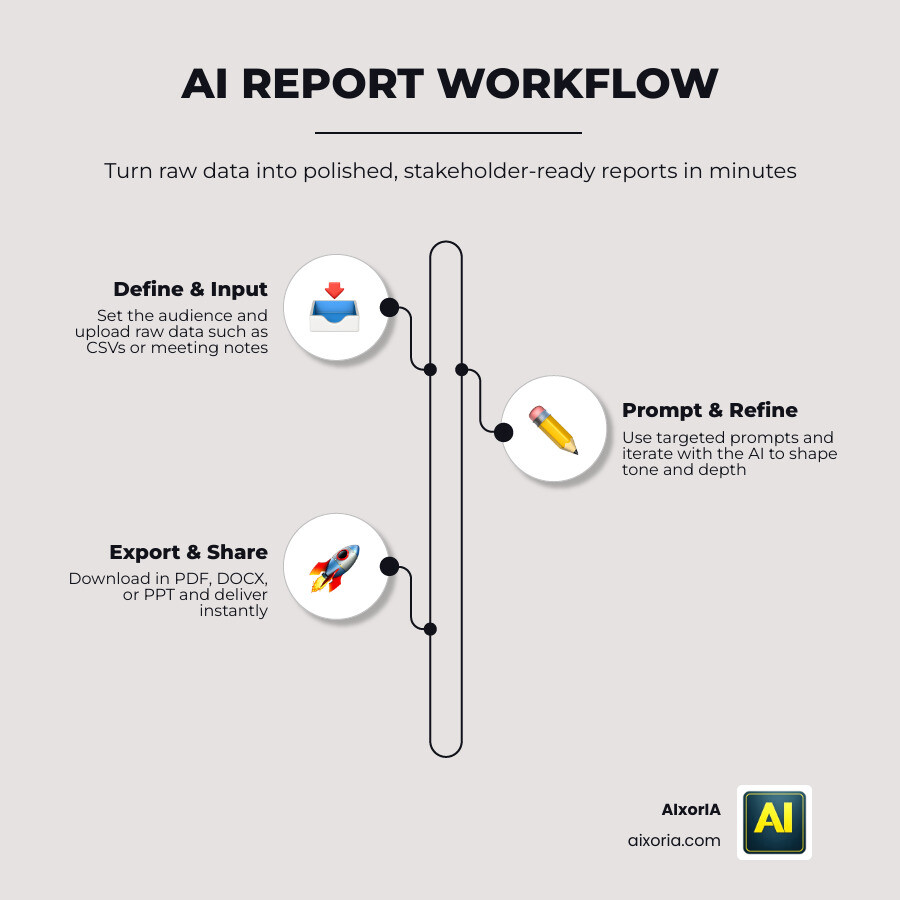
- Define the Objective: Tell the AI exactly who the report is for (e.g., “A board-level summary of our 2026 software launch”).
- Input Raw Data: Upload your CSVs, meeting notes, or bullet points. Tools like AI Doc Maker can handle messy notes and turn them into a narrative.
- Prompt Engineering: Use specific prompts. Instead of “Write a report,” try “Generate a 5-page project report with a SWOT analysis and a focus on budget utilization.”
- Iterative Editing: Use the AI assistant to “shorten this section” or “make this more professional.”
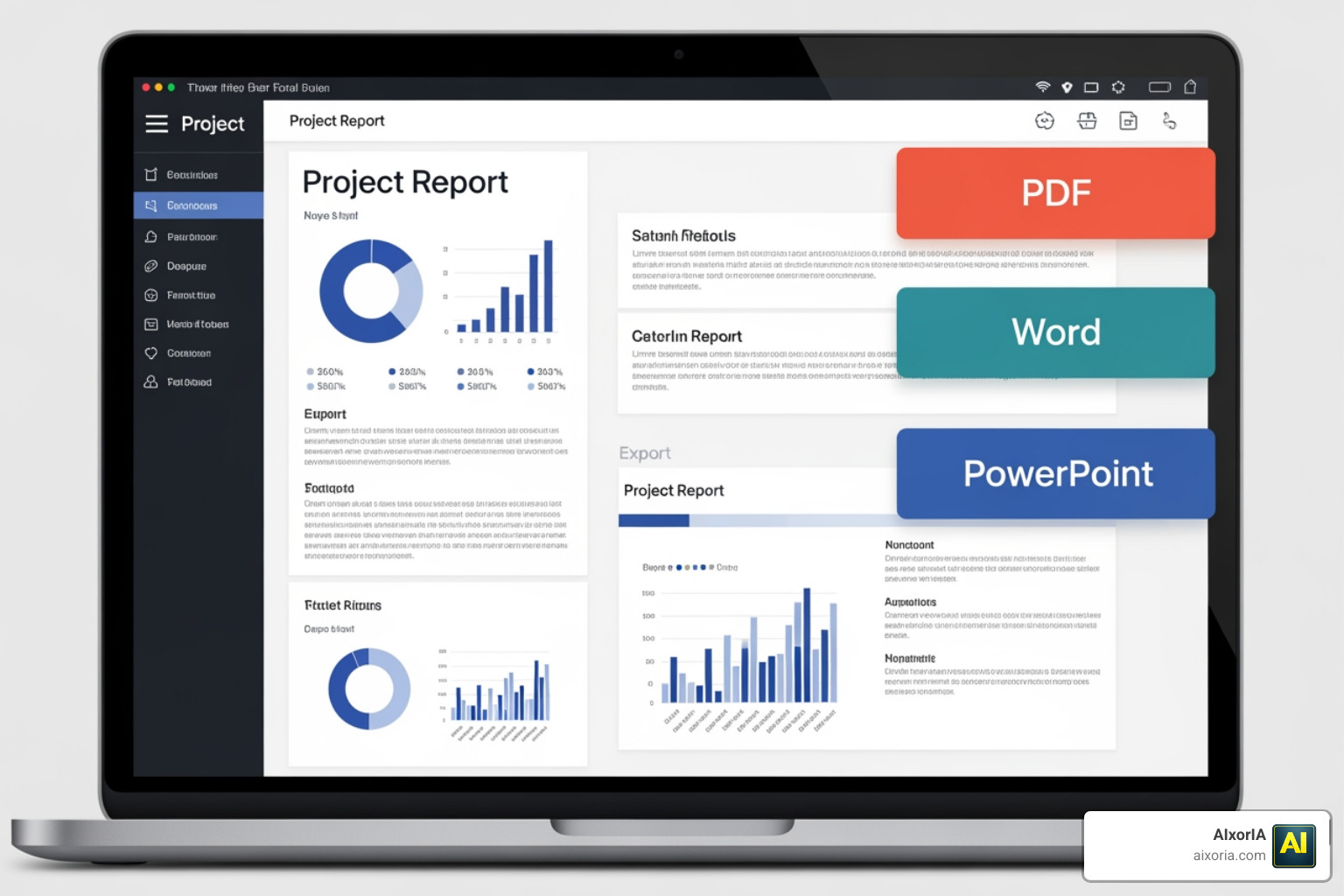
- Export and Share: Download in PDF, DOCX, or even PowerPoint to present your findings immediately.
By following this flow, many of our users at AIxorIA find they can integrate these outputs directly into their top project management tools for a seamless end-to-end experience.
Frequently Asked Questions about AI Tools for Project Reports
Are AI-generated reports accurate and reliable?
Reliability depends on the “grounding” of the AI. Tools in 2026 use “Source Grounding,” meaning they only generate text based on the data you provide or verified web sources they cite. However, we always recommend a human-in-the-loop approach. Use the AI to do the heavy lifting of 80% of the work, then spend your time on the 20% that requires human judgment and data verification.
Can I use AI tools for project report formatting in different languages?
Yes! Most leading tools like ReportMaker.ai and Sembly support over 20 global languages. They don’t just translate; they adapt the formatting to regional standards. For example, a business report for a German client might follow different structural expectations than one for a US-based startup.
Is there a free version of these AI report generators?
Most platforms offer a “Freemium” model.
- Free Tiers: Usually offer a set number of “AI Credits” per month (e.g., Piktochart gives 60 credits).
- No Signup Options: Tools like ReportMaker.ai allow you to generate basic reports without even creating an account.
- Premium Upgrades: Paid plans (ranging from $18 to $90/month) unlock higher page limits, advanced multi-agent research, and high-resolution exports.
Conclusion
The era of struggling with margins and spending weekends on documentation is officially over. In 2026, the AI tools for project report generation have reached a level of maturity where they are no longer just “nice to have”—they are essential for staying competitive.
At AIxorIA, we specialize in helping businesses and individuals master these technologies. Whether you need a custom AI solution for your department or a workshop to train your team on the latest automation workflows, we are here to simplify the complex. The future of work is autonomous, efficient, and beautifully formatted.
Explore more about AI productivity services and tutorials to stay ahead of the curve in 2026.
2 thoughts on “Best AI Tools for Project Reports in 2026 | Top AI Report Generators”