Why Learning How to Use Project Management Software Can Save Your Business Time and Money

Here’s a quick breakdown of how to get started with project management software:
- Choose a tool that fits your team size and budget (free options like Trello or ClickUp work well for small teams)
- Create your first project by naming it and inviting your team members
- Add your tasks and organize them into sections or stages
- Pick a view — Kanban boards for visual workflows, Gantt charts for timeline planning
- Assign owners and due dates to every task for clear accountability
- Set up automation to reduce manual updates and reminders
- Review progress regularly using dashboards or status updates
Running a small business often feels like spinning plates. You’re juggling tasks, deadlines, team members, and budgets — all at once. One dropped plate and a project falls apart.
That’s exactly the problem project management software is built to solve.
And here’s a number worth knowing: 77% of high-performing projects rely on structured digital tools rather than spreadsheets or email threads. Yet the majority of project managers still report being dissatisfied with how well their organization handles projects.
The gap isn’t usually the tool. It’s knowing how to use it — and choosing one that fits your budget and workflow without unnecessary complexity.
The good news? You don’t need to spend a fortune or have a technical background to get real value from these tools. This guide walks you through everything in plain language.
Understanding the Basics: What is Project Management Software?
At its core, project management software is a digital hub that helps you plan, execute, and track work from start to finish. While many people start out using simple spreadsheets or sticky notes, these “old school” methods often lead to what we call “email chaos”—where updates get lost in long threads and nobody knows who is doing what.
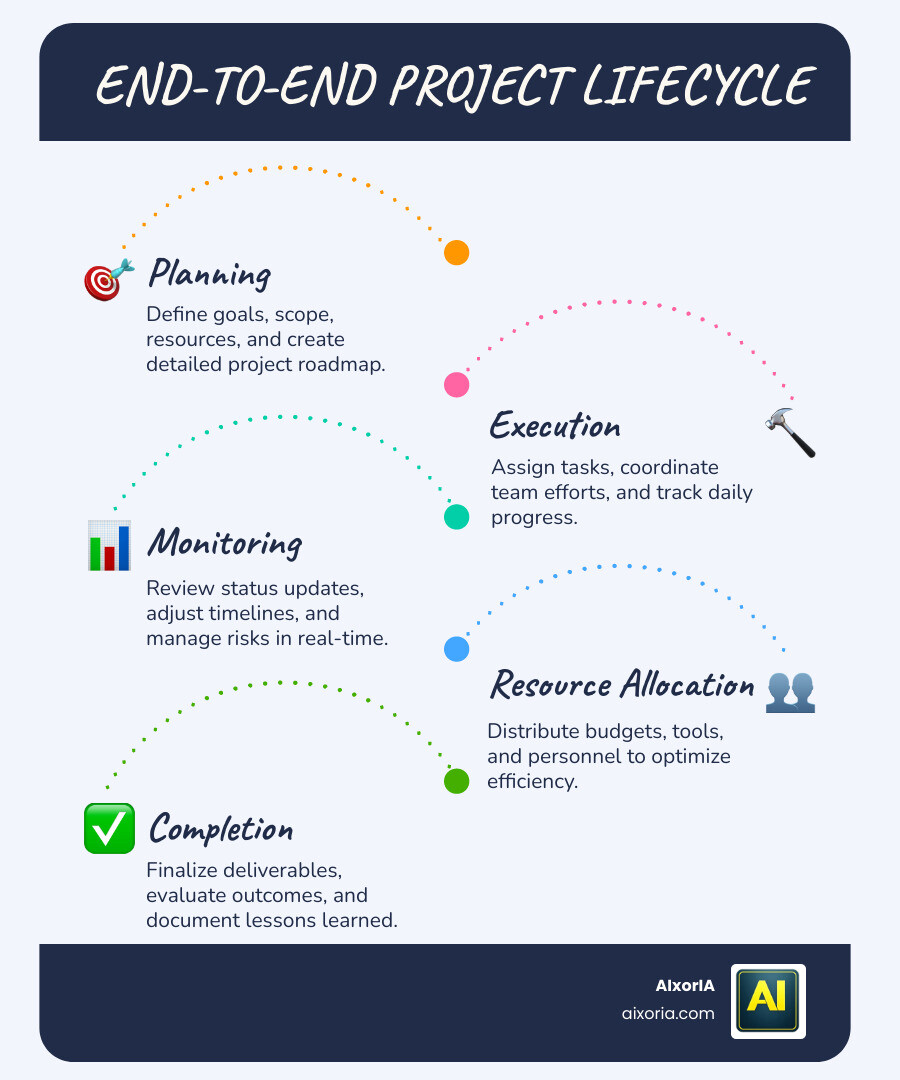
The biggest distinction to understand is the difference between project management and task management. Think of a task list as a simple “to-do” list (like buying groceries). Project management, however, looks at the entire project lifecycle. It handles resource allocation, budgets, and how different tasks depend on each other.
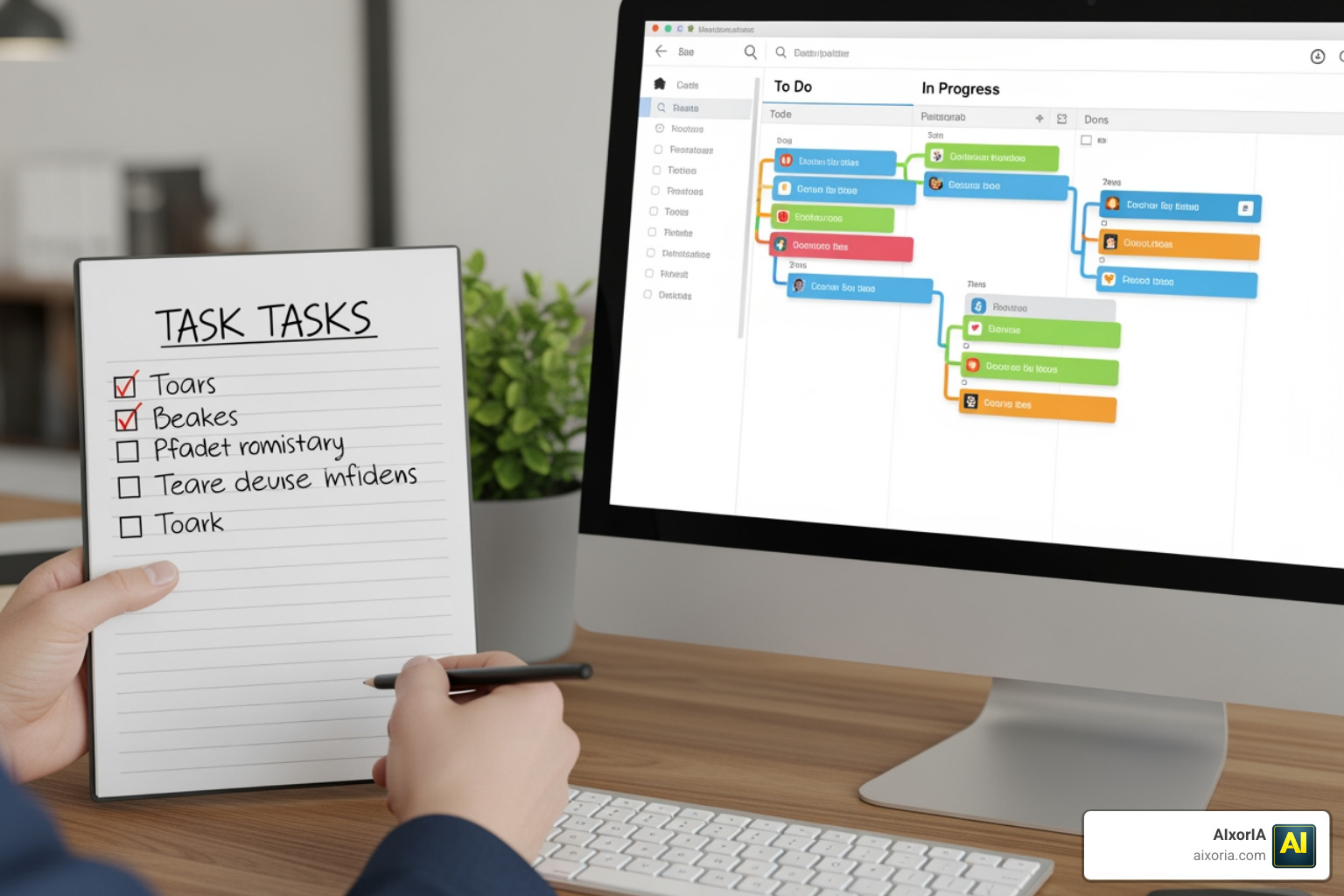
When researching how to use project management software, you’ll find two main types:
- Web-based/Cloud-hosted: These are the most popular in 2026. You access them via your browser, and they are generally more affordable and easier for remote teams to use.
- Installed Software: This lives on your specific computer or server. It’s often used by large enterprises with high-security needs but can be overkill for small businesses.
Is it necessary for small teams or personal use? Absolutely. Even if you are a “team of one,” using a tool like Todoist can help you brain-dump your ideas and organize them into a “vomit draft” of tasks that you can later refine. For those looking for the right fit, we’ve compared various tools to use for project management to help you decide.
Industries benefiting from structured tools
While any business can benefit, certain industries see a massive jump in productivity:
- Construction: Managing subcontractors, equipment, and tight deadlines.
- IT and Software: Tracking bugs and managing development “sprints.” For specialists, finding the best tools for software consultants is key to keeping clients happy.
- Marketing and Creative Teams: Coordinating content calendars and campaign launches.
How to Use Project Management Software to Streamline Workflows
Once you’ve picked a tool, the magic happens in the workflow. The goal is to create a “single source of truth” where all data is centralized. This means no more asking “did you see my email?” because the update is right there on the project board.
To maximize efficiency, we recommend focusing on these three pillars:
- Visibility: Ensure everyone can see the project’s health at a glance.
- Automation: Set up “if this, then that” rules. For example, when a designer finishes a graphic, the software can automatically notify the manager to review it.
- Risk Management: By seeing deadlines in real-time, you can flag potential delays before they become disasters.
Learning how to use productivity tools effectively involves moving beyond just “listing tasks” and into “managing flow.” For example, some tools like Ora allow you to “freeze” your backlog so you only focus on the most urgent tasks in your “To-Do” list.
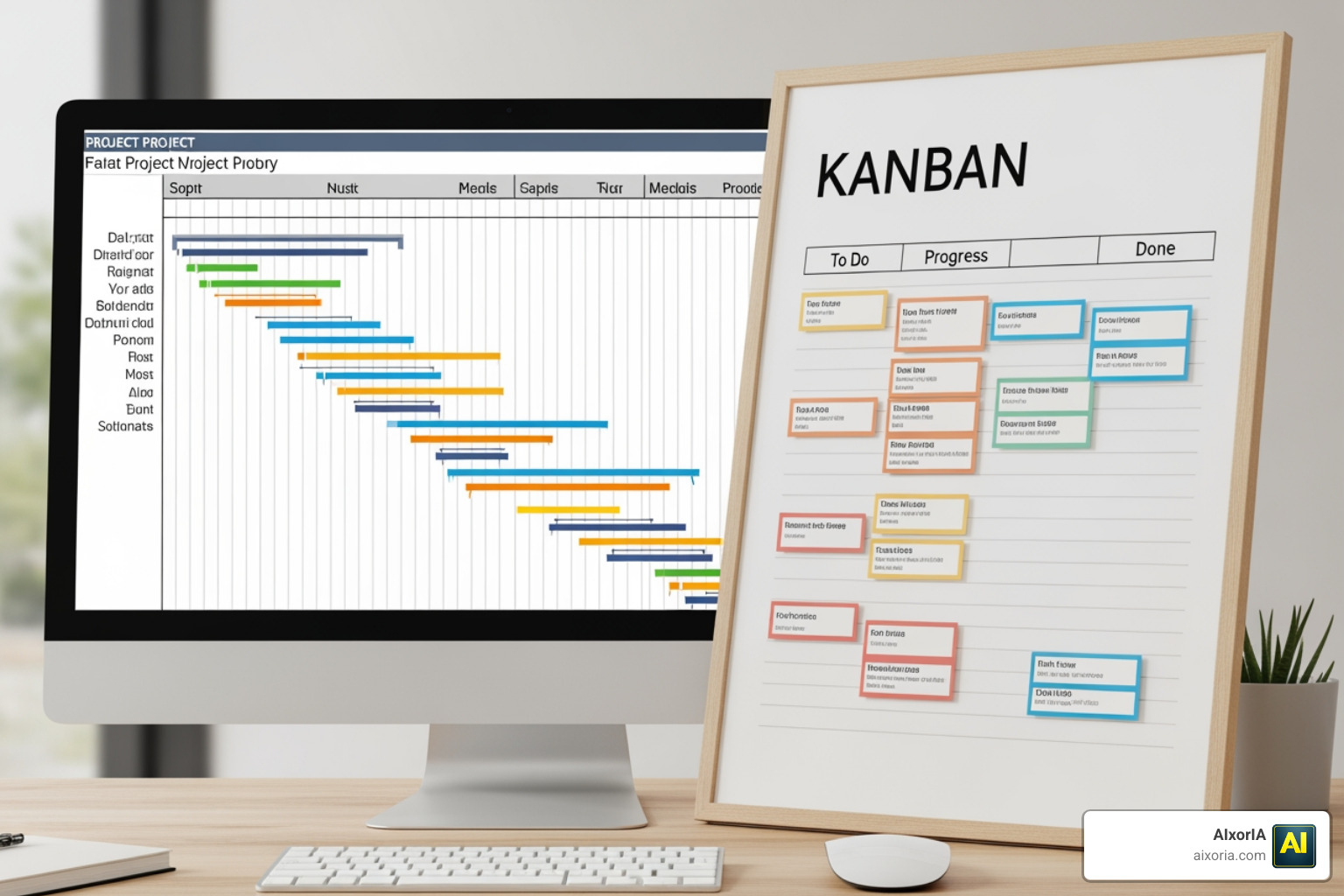
| Feature | Kanban View | Gantt Chart |
|---|---|---|
| Best For | Continuous workflows (Agile) | Linear timelines (Waterfall) |
| Visual Style | Cards moving across columns | Horizontal bars on a calendar |
| Key Benefit | Spotting bottlenecks quickly | Visualizing task dependencies |
How to use project management software for Agile and Waterfall
Different projects require different styles.
- Agile/Scrum: This is great for projects that change quickly. You work in short “sprints” and use Kanban tools to move work forward.
- Waterfall: This is for linear projects where Step A must finish before Step B starts (like building a house).
If you’re just starting, Jira offers excellent templates for Scrum, while other platforms help you set up your first project using simple Gantt charts.
How to use project management software to generate actionable insights
One common mistake is treating your software like a data dump. You don’t just want data; you want information.
- Real-time KPIs: Is the project under budget?
- Forecasting: Based on our current speed, will we finish by Friday?
- Status Updates: Use built-in reporting to send quick summaries to stakeholders.
Tools like Asana allow you to connect high-level goals to daily tasks, ensuring everyone knows how their work contributes to the big picture. You can even use AI tools for risk management to predict which tasks are likely to fall behind.
Choosing and Implementing the Right Tool Without Breaking the Bank
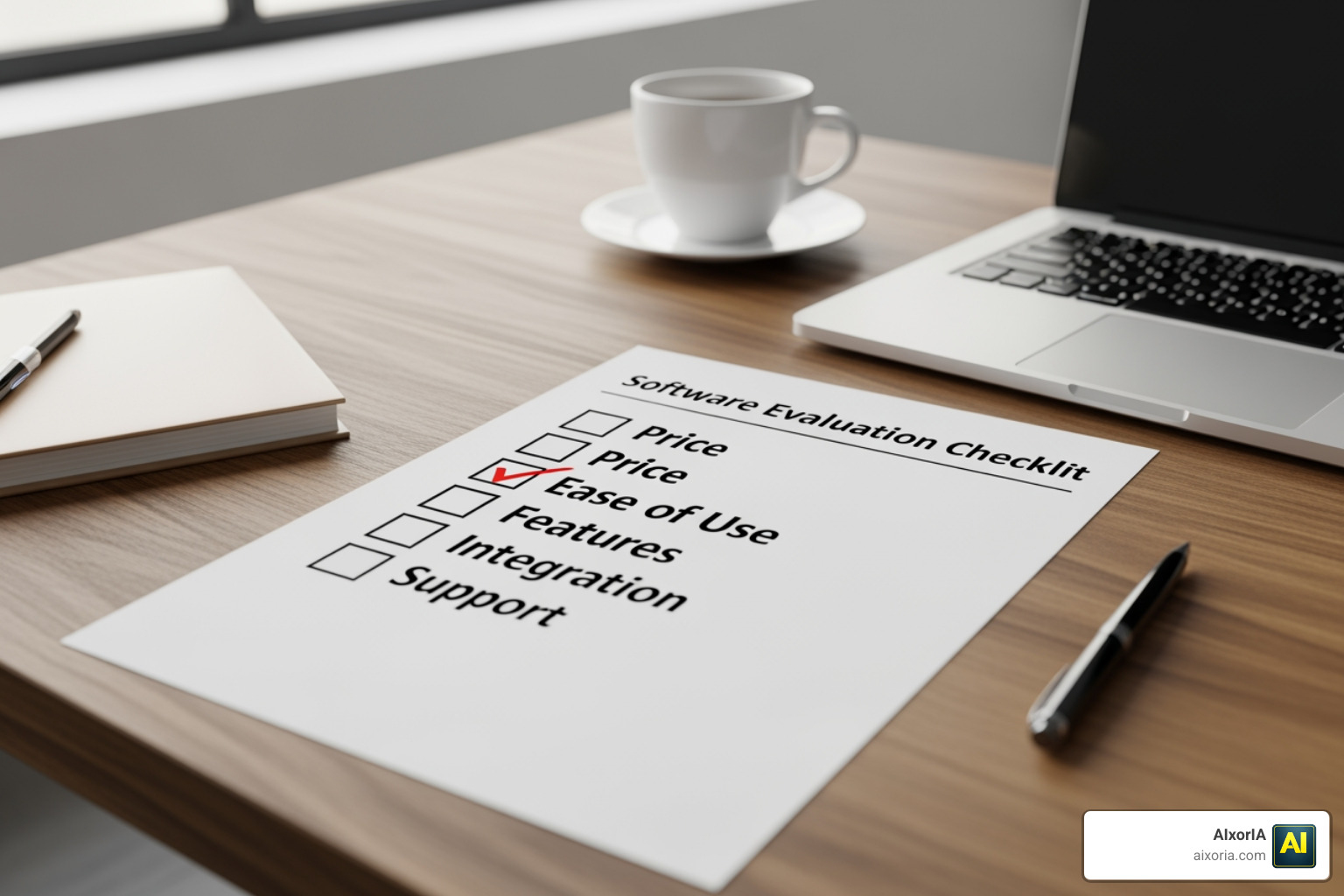
You don’t need a “Rolls Royce” software if your needs are more “Honda Civic.” To choose objectively, we suggest creating a weighted checklist based on your specific business requirements.
Start by looking at free project management software for small business. Many tools offer generous free plans for up to 10 users, which is plenty for most startups. When you’re ready to scale, you can look into specific software for small businesses that offers more robust features like time tracking and invoicing.
User interface and the learning curve
A tool is only useful if your team actually uses it. If the interface is as complicated as climbing Mount Everest, adoption will fail. Look for tools with:
- Intuitive GUI (Graphic User Interface): Drag-and-drop features are a must.
- In-app Tutorials: Help your team learn as they go.
- Integrations: Can it talk to your email, Slack, or Google Drive?
Checking a getting started guide can give you a feel for the learning curve before you commit.
Security and access control considerations
As you grow, you’ll need to think about who sees what. Role-based access control allows you to give “View Only” access to clients while giving “Admin” access to your project leads. This protects your sensitive data and prevents accidental deletions. For larger organizations, portfolio management software provides even deeper levels of audit logs and data encryption.
Avoiding Common Pitfalls and Maximizing Value
Project management is like a plate-spinning trick — it takes practice. One of the biggest myths is that software is a “silver bullet.” A bad project manager with great software is still a bad project manager. The software is just an enabler.
Common pitfalls to avoid:
- Complexity Overload: Don’t pay for features you won’t use.
- Training Gaps: Don’t give an espresso machine to someone who only drinks instant coffee without showing them how it works.
- Data Overload: Don’t generate 50-page reports if a simple dashboard will do.
For specific industries like construction, we’ve even tested AI tools for construction management to see which ones actually reduce the headache of manual data entry.
Traditional tools vs. no-code alternatives
In May 2026, we are seeing a huge shift toward no-code alternatives. Traditional tools can sometimes feel rigid. No-code solutions allow you to build a custom workspace that fits your exact workflow without needing to hire a developer. This offers better ownership and scalability. You can explore different software guides or look into Kanban tools for workflows to see how flexible modern systems have become.
Frequently Asked Questions about Project Management Tools
Is project management software necessary for small teams?
Yes! Even for a team of two, it prevents “he-said-she-said” confusion. It centralizes communication and ensures that deadlines are visible to everyone, not just buried in someone’s brain.
What is the difference between project management and task management?
Task management is about the “what” (individual items). Project management is about the “how, when, and who” (the bigger picture, including budgets, timelines, and dependencies).
How do I choose between a free and a paid plan?
Start with a free plan. Only upgrade when you hit a “wall”—such as needing more users, more storage, or advanced automation features that will save you more money in time than the subscription costs.
Conclusion
Mastering how to use project management software doesn’t have to be daunting. By starting small, choosing a tool that fits your budget, and focusing on clear workflows, you can turn a chaotic business into a well-oiled machine.
At AIxorIA, we specialize in making technology simple. Whether you need custom AI solutions to automate your project data, tool training workshops for your team, or a performance audit to see where you’re losing time, we’re here to help. Our mission is to provide affordable, fast, and simple language support to empower your business in the digital age.
Ready to take your productivity to the next level? Explore more about our AI productivity services and let us help you stop spinning plates and start scaling your success.
2 thoughts on “How to Use Project Management Software in 2026 (Save Time & Reduce Costs)”