Why Finding the Best AI Tool for Professional Email Writing Matters in 2026

Finding the best AI tool for professional email writing can be the difference between spending your workday buried in your inbox — or actually running your business.
Here’s a quick answer if you need it fast:
Top AI Tools for Professional Email Writing (2026)
| Tool | Best For | Key Strength |
|---|---|---|
| Grammarly | Polishing & tone | Grammar + tone analysis |
| ChatGPT / Claude | Drafting from scratch | Flexible, multi-purpose |
| Lavender | Sales outreach | Real-time email scoring |
| Superhuman | Power inbox users | Speed + keyboard shortcuts |
| Fyxer | Personalized replies | Learns your writing style |
| Read AI | Meeting follow-ups | Pulls context from meetings |
| MailerLite | Email marketing | End-to-end campaign AI |
Here’s the uncomfortable truth: the average professional spends 4.1 hours a day managing email. That’s more than half of a standard 40-hour workweek — gone.
And most of that time? It’s spent writing the same kinds of emails over and over. Follow-ups. Status updates. Meeting recaps. Messages that follow completely predictable patterns, yet we draft each one from scratch like it’s the first time.
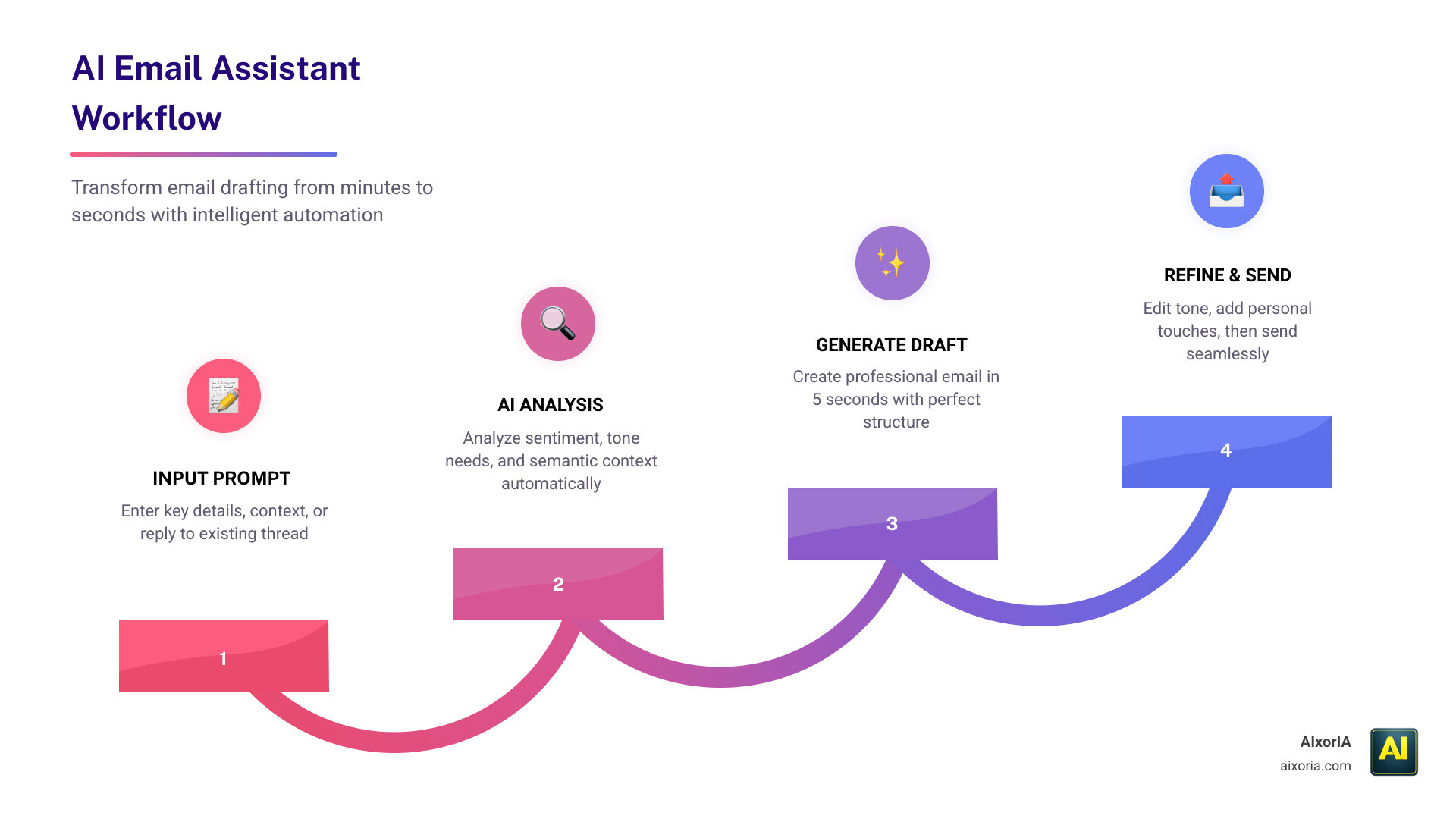
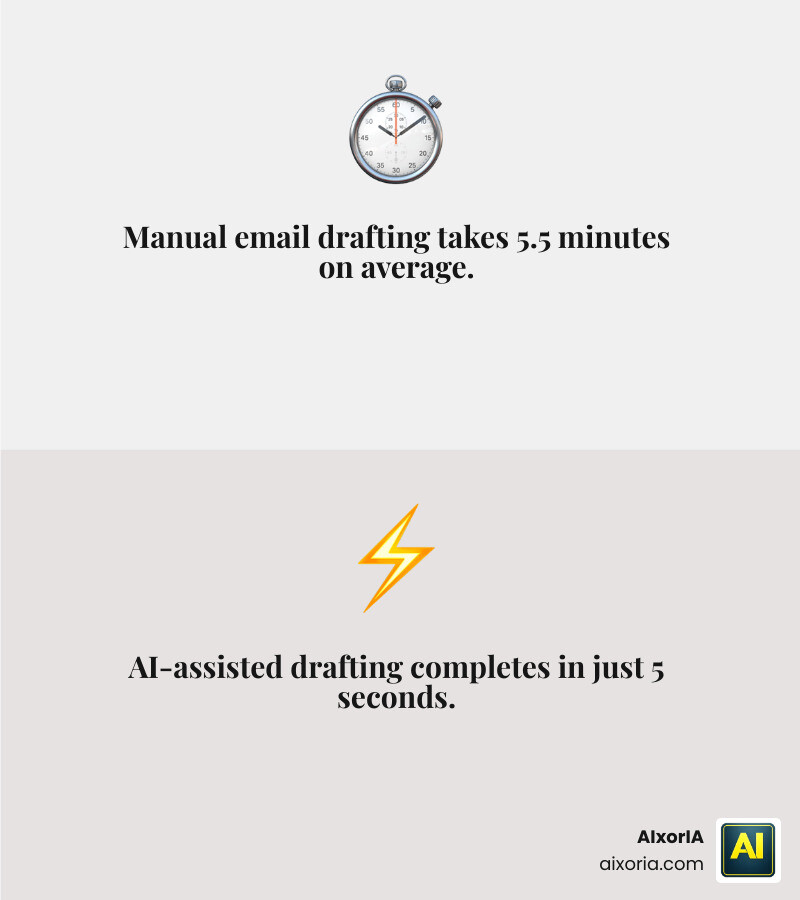
By 2026, 45% of U.S. employees are using AI at work in some capacity. The professionals pulling ahead aren’t working harder — they’re writing smarter, using AI to cut email drafting time from 5.5 minutes down to 5 seconds.
This guide breaks down exactly which tools do that best, and which one is right for your specific situation.
What Defines the Best AI Tool for Professional Email Writing?
In 2026, the best AI tool for professional email writing is no longer just a fancy autocomplete. It is a sophisticated assistant powered by Large Language Models (LLMs) and advanced Natural Language Processing (NLP). To truly stand out, these tools must go beyond basic grammar and enter the realm of context awareness.
Modern AI assistants utilize “Semantic Search” and “Sentiment Analysis” to understand not just what you are saying, but how you are saying it. For instance, if you are replying to an unhappy client, the AI should detect the tension and suggest a more empathetic, de-escalating tone. This level of sophistication is why we’ve seen employee AI adoption spike to 45%, with nearly a quarter of workers using these tools daily.
The top-tier tools also integrate your “Personal Knowledge Graph.” This means the AI understands your calendar, your previous threads, and your specific business goals. If you’re looking for tools that specialize in specific sectors, you might explore the 7 Best Email Marketing Tools For E Commerce In 2026 to see how niche platforms handle these complex tasks. The goal is to bridge the gap between human intent and digital execution. At AIxorIA, we focus on helping businesses bridge this gap through custom implementations that make these tools feel like a natural extension of your team.
Key Features to Look for in Professional AI Writing Assistants
When we evaluate the best AI tool for professional email writing, we look for a specific “DNA” of features that ensure the tool is actually helpful rather than just another tab to manage.
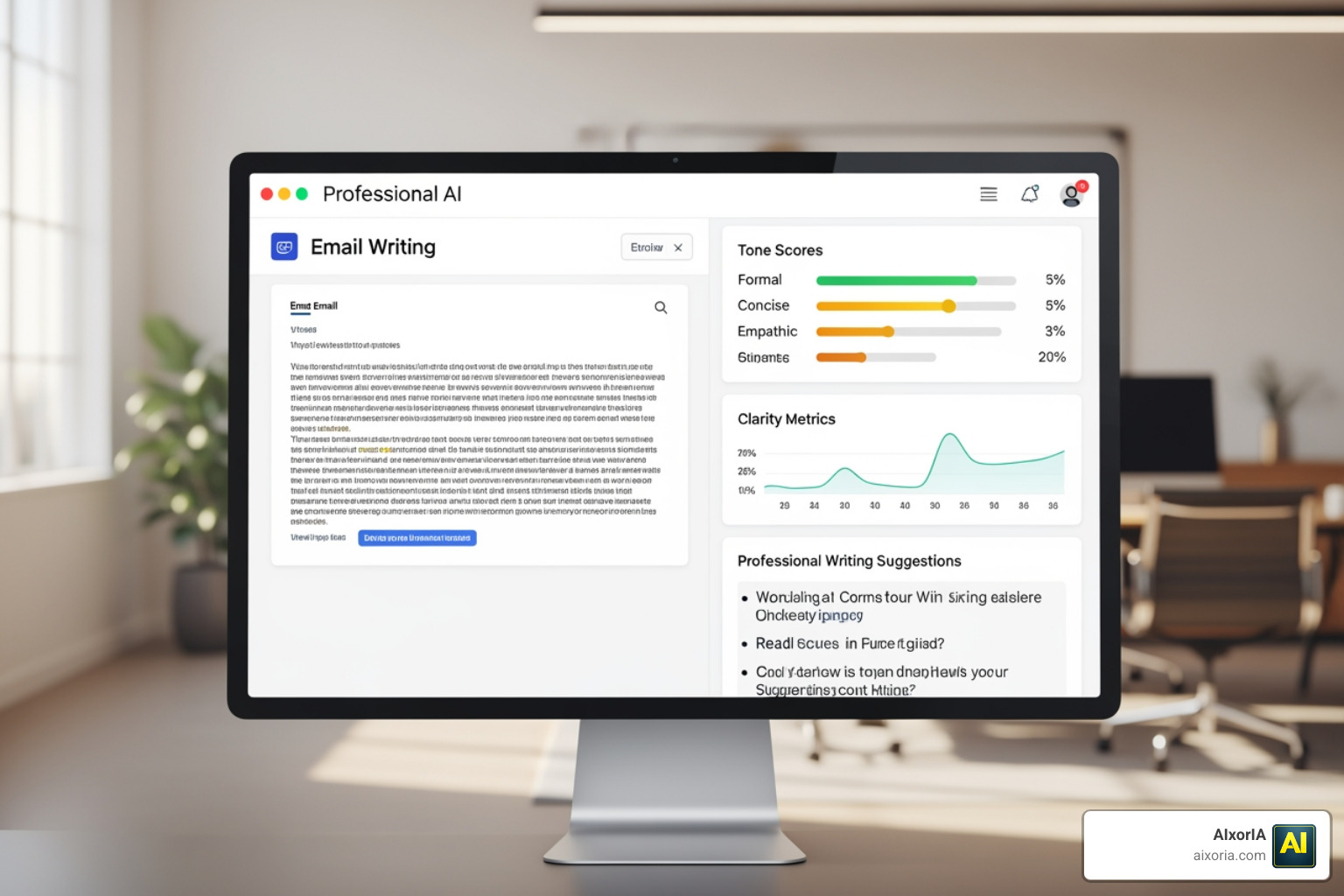
- Custom Tone Profiles: You shouldn’t sound like a robot. The best tools, like Professionally, allow you to create personas (e.g., “CEO Direct,” “Support Friendly,” or “Sales Persuasive”).
- Real-Time Research: Tools like AiSDR or Lummie AI can pull live data from LinkedIn or company websites to personalize an outreach email in seconds.
- Security and Compliance: For any professional setting, SOC 2 Type II compliance is the gold standard. You need to know that your data isn’t being used to train public models.
- CRM Integration: A tool that doesn’t talk to your CRM is a silo. High-performing assistants sync with Salesforce or HubSpot to ensure every email is logged. Check out The 7 Best Email Marketing Tools For Crm Software In 2026 for more on this.
- Multi-Language Support: In a globalized 2026 economy, the ability to draft in 50+ languages—as seen with tools like QuillBot—is essential for international operations.
Integration with Existing Workflows as the Best AI Tool for Professional Email Writing
The best tool is the one you actually use. This is why we prioritize tools that live where you do: your inbox. Whether it’s a Letterbot AI extension for Gmail or a Fyxer add-in for Outlook, the goal is “zero-click” productivity.
We often recommend browser plugins that work across LinkedIn and Slack as well. This cross-platform syncing ensures your professional voice remains consistent whether you are sending a formal proposal or a quick DM. For startups just beginning this journey, choosing the right foundation is key—see our guide on 9 Best Email Newsletter Platforms For Startups In 2026 to see how integration plays a role from day one.
Evaluating the ROI and Benefits of AI-Driven Communication
Is it actually worth the subscription cost? The data says yes. Organizations deploying specialized AI agents report positive ROI within the first year.
| Metric | Manual Process | AI-Assisted Process |
|---|---|---|
| Average Drafting Time | 5.5 Minutes | 5 Seconds |
| Monthly Time Saved | 0 Hours | ~20 Hours |
| Reply-to-Demo Rate | ~2-5% | Up to 32% (with AI research) |
| Inquiry Volume Reduction | 0% | 30% (via automated agents) |
By cutting down the “hunting for information” phase—which Search Copilot users report saves them 20 hours a month—professionals can focus on high-value tasks. For those in retail, the efficiency gains are even more pronounced; see The 7 Best Email Marketing Tools For Online Stores In 2026 to see how AI handles high-volume customer communication.
Maximizing Engagement with the Best AI Tool for Professional Email Writing
Writing the email is only half the battle; getting it read is the other half. The best AI tool for professional email writing uses intent signals to determine the “Smart Send” time—the moment your recipient is most likely to be in their inbox.
Furthermore, these tools help in Avoiding Spam Filters In Email Marketing by scanning your text for “trigger words” that modern filters hate. By optimizing subject lines and using AI to vary the sentence structure, you ensure your emails feel human and land in the primary tab, not the promotions folder.
Security, Privacy, and Ethical Considerations in 2026
As we move deeper into 2026, security is the top concern for our clients at AIxorIA. You cannot afford to have sensitive project details or financial data leaked into a public AI’s training set.

When selecting a tool, look for:
- Zero-Retention Policies: The provider should delete your prompts after the draft is generated.
- Encryption: Enterprise-grade AES-256 encryption for all data in transit and at rest.
- Human-in-the-Loop: Never let an AI send an email completely unsupervised. We always recommend a quick 30-second human review to ensure “Brand Voice Alignment.”
While AI is powerful, it is important to understand its boundaries. We discuss these in detail in our article on What Are The Limitations Of Current Ai Email Marketing Tools, highlighting why human oversight remains your best security feature.
Frequently Asked Questions about AI Email Writing
Are AI email tools secure for sensitive business data?
Security varies wildly by provider. The best AI tool for professional email writing will be SOC 2 Type II certified and offer HIPAA compliance if you are in healthcare. Tools like FlyMail and Fyxer emphasize that they do not store your data for training. At AIxorIA, we help businesses vet these tools to ensure they meet enterprise-grade security protocols before deployment.
Can AI tools write in multiple languages for global outreach?
Yes. Most modern tools support between 12 and 50+ languages. For example, Professionally supports 12 major languages, while Lummie AI can handle over 50. These tools don’t just translate; they use NLP to maintain cultural nuances and appropriate levels of formality for each region.
How do I avoid the “robotic” tone in AI-generated emails?
The “robotic” feel usually comes from generic prompts. To avoid this, use tools that offer “Style Mimicry.” These assistants scan your sent folder to learn your specific phrasing and sign-offs. Additionally, using a “Personal Knowledge Graph” allows the AI to reference specific past meetings or shared documents, making the email feel deeply personal rather than mass-produced.
Conclusion
The era of staring at a blank screen and a blinking cursor is over. By adopting the best AI tool for professional email writing, you aren’t just saving time—you’re increasing your professional impact. Whether you need the meeting-context brilliance of Read AI, the sales-focused precision of Lavender, or the all-in-one polishing power of QuillBot, there is a solution tailored for your 2026 workflow.
At AIxorIA, we believe that AI should be accessible and simple. We provide custom AI solutions, tool training workshops, and performance audits to ensure your team isn’t just using AI, but mastering it. If you’re ready to reclaim those 4.1 hours a day and Transform your professional communication with AIxorIA, we are here to help you lead the charge into the future of work.
1 thought on “Best AI Tool for Professional Email Writing in 2026 (Tested Tools + Time-Saving AI Picks)”