The Evolution of Presentation Design in 2026
If you’re looking for the best AI tools to create PowerPoint presentations in 2026, here’s a quick answer:
Top AI Tools for PowerPoint Presentations (2026)
| Tool | Best For | Free Tier | PowerPoint Export |
|---|---|---|---|
| Microsoft Copilot | Native PowerPoint users | No (Microsoft 365 required) | Yes (native) |
| Gamma | Fast, modern slide decks | Yes | Yes (PPTX) |
| Canva | Visual design and branding | Yes | Yes (PPTX) |
| Beautiful.ai | Data-driven presentations | Trial only | Yes (PPTX) |
| Plus AI | Google Slides + PowerPoint users | No | Yes (PPTX) |
| SlidesAI | Google Slides integration | Yes (3 decks/month) | Yes (PPTX) |
| Tome | Storytelling | Yes | Yes (PPTX) |
Not long ago, building a solid slide deck meant losing an entire evening to font choices, image alignment, and blank slide anxiety. That was the reality for most small business owners working without a designer on hand.
That’s changed fast.
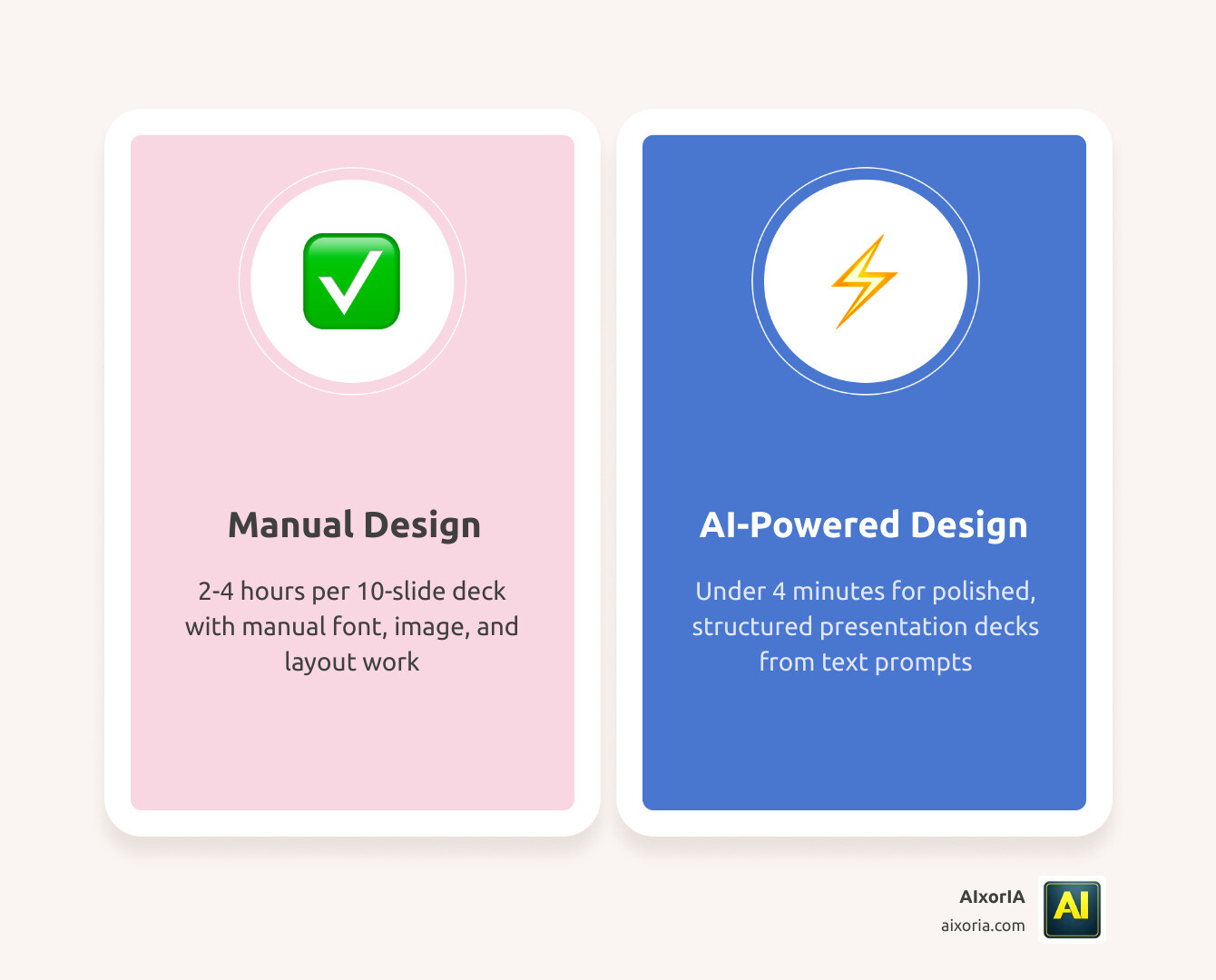
In 2026, AI presentation tools can take a rough text prompt and return a polished, structured deck in under four minutes. One benchmark clocked a 10-slide deck at just 3 minutes and 42 seconds — compared to the 2 to 4 hours the same deck would take to build manually in PowerPoint.
That’s not a small improvement. That’s your afternoon back.
But with dozens of tools now claiming to be the best, choosing the right one isn’t obvious — especially when you’re running a business and don’t have time to test them all yourself.
This guide cuts through the noise.
Best AI Tools to Create PowerPoint Presentations
The market for AI-driven design has exploded, and finding the Best AI Tools to Create PowerPoint Presentations requires looking at more than just a “generate” button. We need tools that understand business logic, respect brand guidelines, and—most importantly—allow us to export back into the PowerPoint ecosystem we already use.
In our testing, we’ve found that the “best” tool often depends on your specific workflow. If you are looking for a comprehensive list, you can explore the 20 Best Ai Tools To Create Powerpoint Presentations to see the full breadth of the current market.
Why These are the Best AI Tools to Create PowerPoint Presentations for Business
For professional environments, “pretty” isn’t enough. We need layouts that communicate authority and data that updates in real-time. Tools like Microsoft Copilot and Beautiful.ai have risen to the top for enterprise users because they address six critical criteria: security, brand consistency, team collaboration, data integration, narrative flow, and editable exports.
When we look at the 7 Best Ai Tool For Ppt In 2026 Tested Ranked, the winners are those that maintain design principles automatically. Instead of you worrying about whether your logo is perfectly aligned on slide 42, the AI enforces your brand kit across every page. This isn’t just a gimmick; Scientific research on AI productivity shows that workers using AI are significantly faster at creative tasks, allowing them to focus on the message rather than the margin size.
Choosing the Best AI Tools to Create PowerPoint Presentations for Education
In the classroom, the goal shifts from “closing the deal” to “capturing the imagination.” Educators are increasingly using tools like SlidesAI and Gamma to turn lecture notes into interactive stories. These tools excel at visual storytelling and can even generate “choose-your-own-adventure” style presentations for students.
According to Research on AI in education, AI assists teachers by summarizing complex topics into digestible slides, which allows for more one-on-one time with students. A teacher can take a dense chapter on the industrial revolution and, in under five minutes, have a 15-slide deck with relevant imagery and comprehension questions ready to go.
Comparing Output Quality and PowerPoint Export Capabilities
One of the biggest frustrations with early AI tools was the “walled garden” problem—you could build a beautiful deck in their app, but you couldn’t get it out into a standard PowerPoint file. In 2026, the Best AI Tools to Create PowerPoint Presentations have largely solved this.
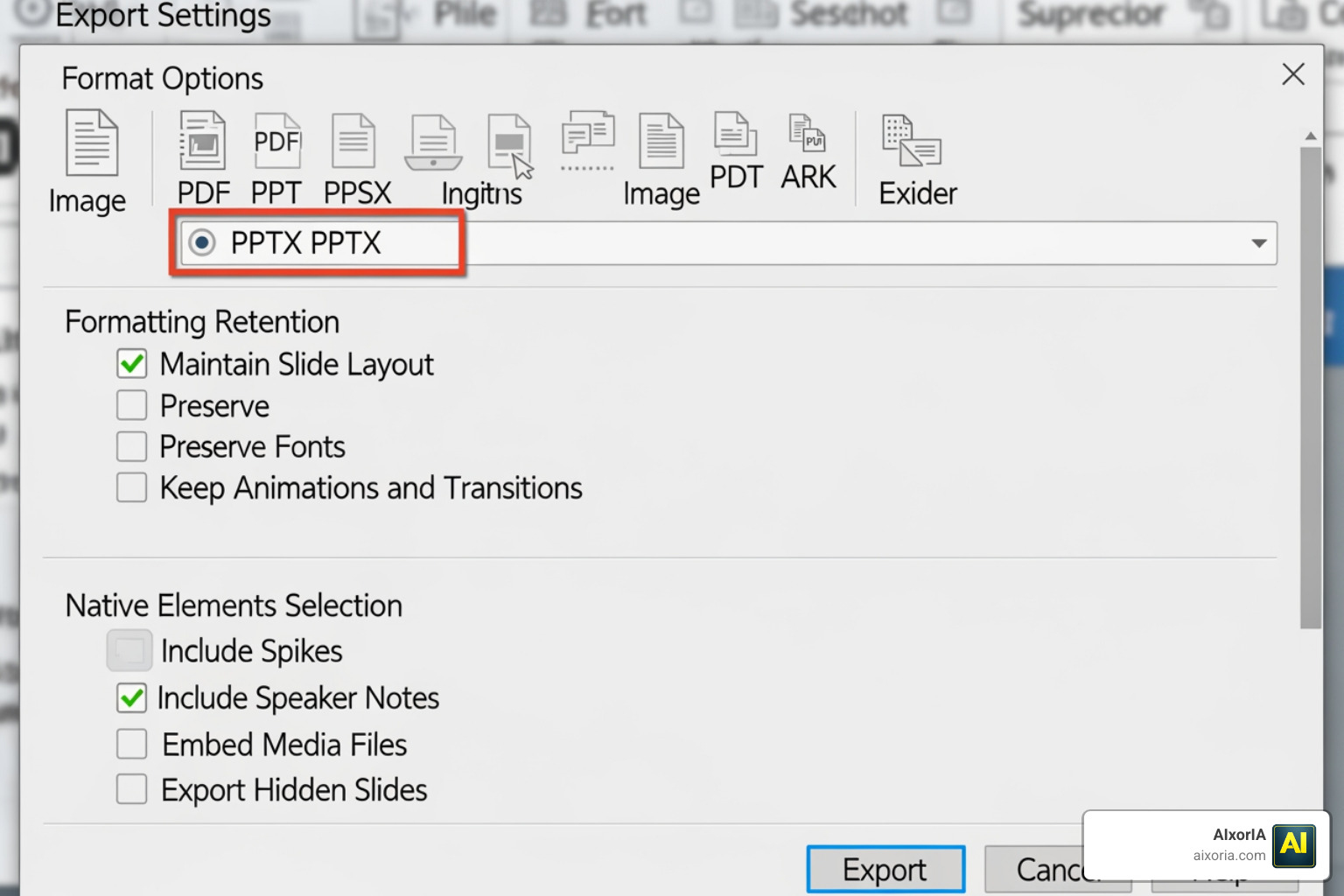
However, not all exports are created equal. When you download a file, you want it to be fully editable, not just a series of static images pasted onto slides.
- Formatting Retention: Does the font stay the same? Do the bullet points remain bullet points?
- Native Elements: Can you click on a chart and edit the data in PowerPoint?
- Animations: Does the AI-generated transition survive the move to Microsoft’s software?
For a deeper dive into which tools offer the cleanest files, check out our guide on the Best Ai Tool For Ppt Download In 2026 Tested.
Native PowerPoint Integration vs Web-Based Tools
There is a fundamental divide in how these tools work.
- Native Integration (Microsoft Copilot): This lives inside PowerPoint. You don’t have to export anything because you’re already in the app. It’s unbeatable for security-conscious enterprises and those who want to use their existing company templates.
- Web-Based Tools (Gamma, Canva, Beautiful.ai): These offer more “modern” web-first layouts. Gamma, for example, creates “cards” that feel like a mix between a presentation and a website. While they offer PPTX exports, the layouts are often more adventurous than what you’d typically find in a standard corporate template.
If you are looking for cost-effective options, we have evaluated Which Ai Is Best For Ppt Presentation Free In 2026 Top 7 Ai Presentation Tools Tested to help you find the best balance between features and price.
Best Practices for Professional AI-Generated Slides
Using AI to build a presentation is a bit like having a very fast junior designer. You still need to be the Creative Director. If you simply type “Make a deck about marketing” and hit go, you’ll get a generic result.
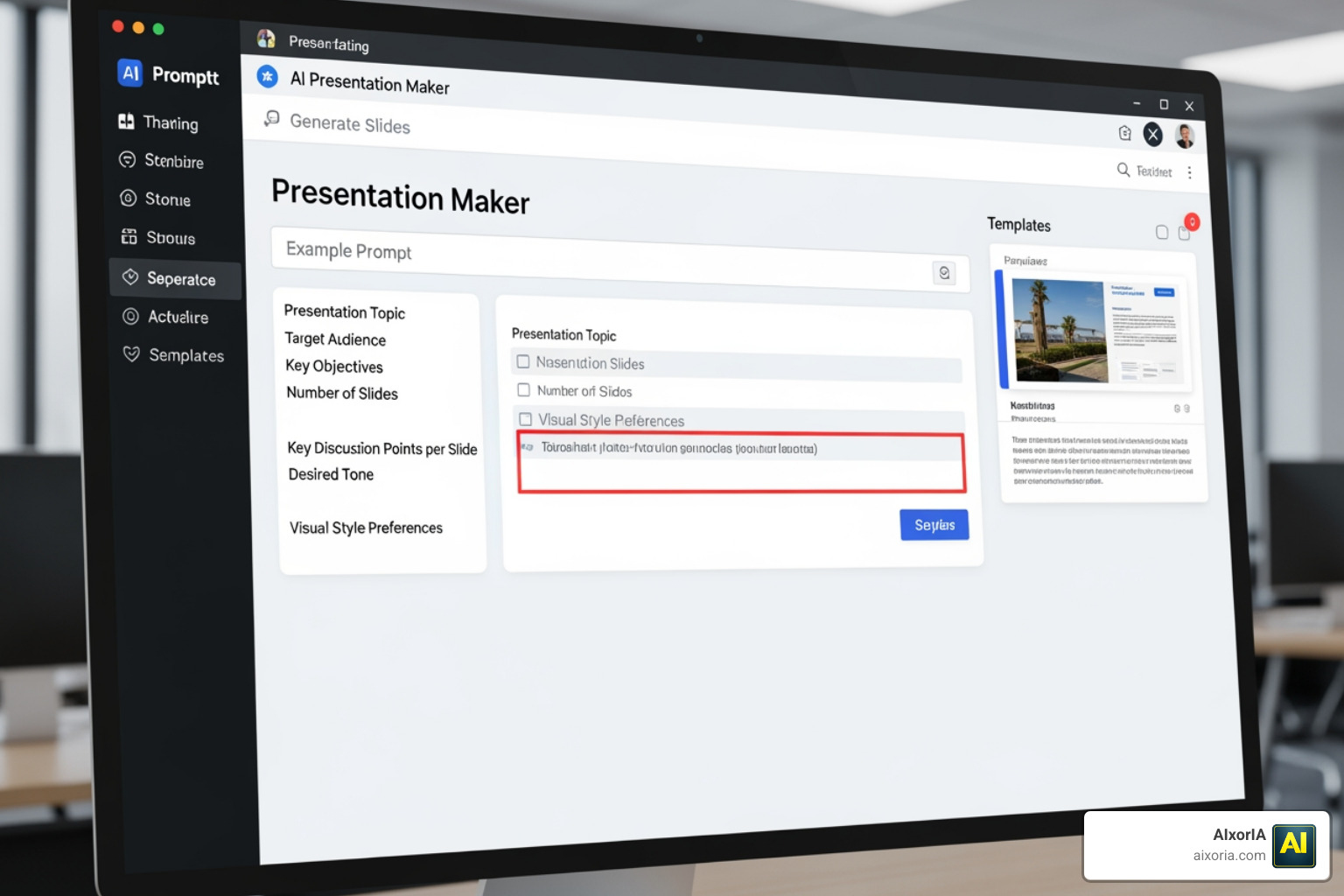
To get the best results, we recommend a “Guided Workflow” rather than a “One-Shot” approach:
- The Prompt: Be specific. Include your audience (e.g., “Seed-stage investors”), your tone (“Professional but urgent”), and your specific data points.
- The Outline: Most top tools will show you an outline before they build the slides. Do not skip this step. Fix the narrative flow here so the AI doesn’t waste time designing slides you don’t need.
- Brand Kits: Upload your logo, fonts, and colors before you start. This ensures the AI doesn’t just pick a random “blue” that clashes with your company identity.
If you’re still wondering, “Can I Use Ai To Create Powerpoint Presentations?” the answer is a resounding yes—provided you maintain human oversight.
Overcoming Limitations and Ensuring Accuracy
We must address the elephant in the room: AI hallucinations. AI presentation makers are excellent at design, but they can occasionally invent “facts” or statistics that sound plausible but are entirely false.
How to stay safe:
- Source Your Own Data: Tools like Plus AI allow you to connect directly to Google Sheets or Salesforce. This ensures the numbers on the slide are coming from your “source of truth,” not the AI’s imagination.
- Fact-Check Everything: Never present a slide containing a statistic you haven’t verified.
- Placeholders: Some AI tools use “lorem ipsum” text or generic stock photos. Always do a final pass to ensure every image is relevant and every text box is filled with actual information.
Tools like Gamma and Beautiful.ai are particularly good at layout optimization, meaning if you add more text to a slide, the AI automatically resizes the elements so they don’t overlap. This saves you the “grunt work” of manual formatting.
Frequently Asked Questions about AI Presentation Makers
Which AI tool is best for creating editable PowerPoint files?
Microsoft Copilot is the gold standard for editability because it works natively within the PPTX format. However, Plus AI and SlidesAI also provide very high-quality exports that don’t break when you open them in PowerPoint.
Can I use AI to generate a presentation from a PDF or Word document?
Yes! Modern tools like Plus AI and Gamma allow you to upload a PDF or paste a URL. The AI analyzes the document structure, extracts the key points, and builds a slide deck based on that specific content. This is one of the fastest ways to turn a long report into a presentation.
Are there free AI tools for PowerPoint in 2026?
Many tools offer a “freemium” model. Gamma and Canva provide free credits to get started. SlidesAI allows you to create up to three presentations per month for free, which is perfect for occasional users or students.
Conclusion
The era of manual slide-by-slide construction is ending. By leveraging the Best AI Tools to Create PowerPoint Presentations, you can transform a four-hour chore into a four-minute review. Whether you are a founder pitching your next big idea or a manager delivering a quarterly report, these tools empower you to focus on what really matters: your message and your audience.
At AIxorIA, we specialize in helping businesses navigate this rapidly changing landscape. We provide custom AI solutions, tool training workshops, and performance audits to ensure your team isn’t just using AI, but using it effectively. Our goal is to make complex technology simple and affordable, backed by fast customer support that understands your business needs.
Ready to supercharge your team’s productivity? Visit us at https://aixoria.com/ to explore how we can help you integrate these powerful tools into your daily workflow. Let’s build something great together—without the “blank slide” stress.
1 thought on “7 Best AI Tools to Create PowerPoint Presentations in 2026 (Tested & Ranked)”