Academic writing in 2026 is no longer just about understanding research—it’s about processing large volumes of academic PDFs, extracting insights, and rewriting them with clarity while preserving meaning and citations. Students and researchers in the US increasingly rely on AI tools to speed up this process, but not all tools are built for academic integrity.
Most paraphrasing tools fail where it matters most: handling PDFs directly, preserving citations, and maintaining technical accuracy. The best tools today go beyond simple rewriting—they understand context, respect academic structure, and integrate AI in a way that supports real research workflows.
Table of Contents
How We Tested These Tools
We uploaded 20+ peer-reviewed academic PDFs into each tool and evaluated them based on:
- Accuracy of paraphrasing (meaning preservation)
- Ability to handle direct PDF uploads
- Citation integrity (APA, MLA formats)
- AI quality and contextual understanding
- Output readability and academic tone
What Makes the Best AI Paraphrasing Tool for Academic PDFs?
For academic use, paraphrasing tools must meet higher standards:
Direct PDF-to-AI workflow
Users should be able to upload a PDF and ask AI to paraphrase specific sections without manual copy-pasting.
Citation protection
Tools must preserve references like (Smith et al., 2024) without altering or breaking them.
Context-aware AI
The system must understand technical language and avoid distorting meaning.
Human-like output
The paraphrased content should sound natural and not trigger AI detection systems.
The Best AI Paraphrasing Tools for Academic PDFs at a Glance
| Tool | Best For | Key Strength | Pricing |
|---|---|---|---|
| Paperpal | Academic researchers | PDF-native + journal-level writing | Free + Paid |
| QuillBot | Students | Academic mode + rewriting control | From $9.95/month |
| ChatGPT | Advanced rewriting | Deep contextual paraphrasing | Free + Paid |
| Scholarcy | Literature review | PDF summarization + structured output | From $9.99/month |
| Grammarly | Clarity and correctness | Tone refinement | From $12/month |
| Wordtune | Natural rewriting | Human-like output | From $9.99/month |
| HIX.AI | Humanized AI text | AI detection optimization | Paid plans |
Best AI Paraphrasing Tool for Academic PDFs (2026)
Paperpal
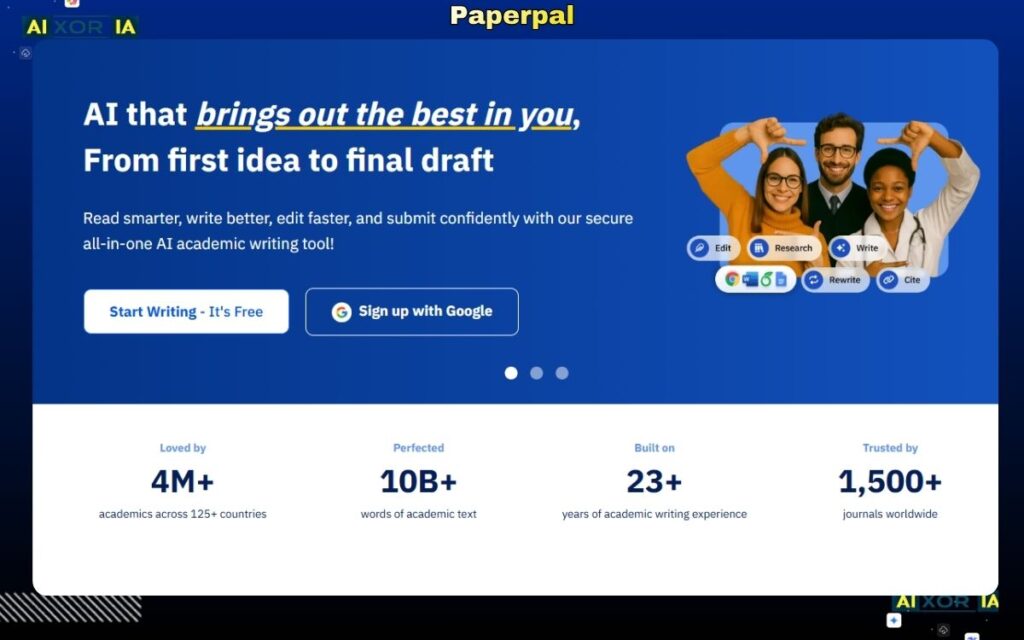
Paperpal has emerged as one of the most advanced tools specifically built for academic writing. Unlike general paraphrasing tools, it is trained on scholarly content and designed to work directly with research papers and PDFs.
It allows users to upload academic documents and rewrite sections while maintaining technical accuracy and academic tone. One of its standout features is its ability to understand discipline-specific language, making it particularly useful for STEM, medical, and research-heavy fields.
Paperpal also ensures that citations remain intact, which is critical for maintaining academic integrity. Its AI suggestions align closely with journal-level writing standards, making it suitable for researchers preparing manuscripts for publication.
Pricing: Free plan available; premium plans vary
Pros:
- Direct PDF support
- Strong academic language understanding
- Citation-safe rewriting
Cons:
- Limited flexibility compared to general AI tools
- Premium features required for full functionality
Best AI Paraphrasing Tool for Students
QuillBot

QuillBot remains one of the most popular paraphrasing tools for students. Its 2026 updates include an improved Academic Mode and better control over rewriting intensity.
While it does not fully support advanced PDF workflows, it works well when text is extracted. Its strength lies in offering multiple paraphrasing styles while preserving meaning.
QuillBot is particularly useful for rewriting essays, assignments, and short research sections. It also includes grammar checking and plagiarism detection, making it a versatile academic tool.
Pricing: Free plan available; Premium from $9.95/month
Pros:
- Easy to use
- Multiple rewriting modes
- Affordable
Cons:
- Limited direct PDF interaction
- Can oversimplify complex content
Best AI Tool for Deep Contextual Paraphrasing
ChatGPT
ChatGPT stands out for its ability to deeply understand context and rewrite complex academic content. It supports a “chat-to-paraphrase” workflow where users can upload or paste PDF content and instruct the AI to rewrite it in specific tones or formats.
It excels in handling long-form academic content, restructuring arguments, and simplifying dense research material. However, users must carefully verify citations, as AI models can occasionally modify formatting.
Pricing: Free version available; paid plans available
Pros:
- अत्यधिक संदर्भ समझ (high contextual understanding)
- Flexible and powerful
- Works with complex research
Cons:
- Requires careful prompting
- Citation verification needed
Best AI Tool for Literature Reviews
Scholarcy
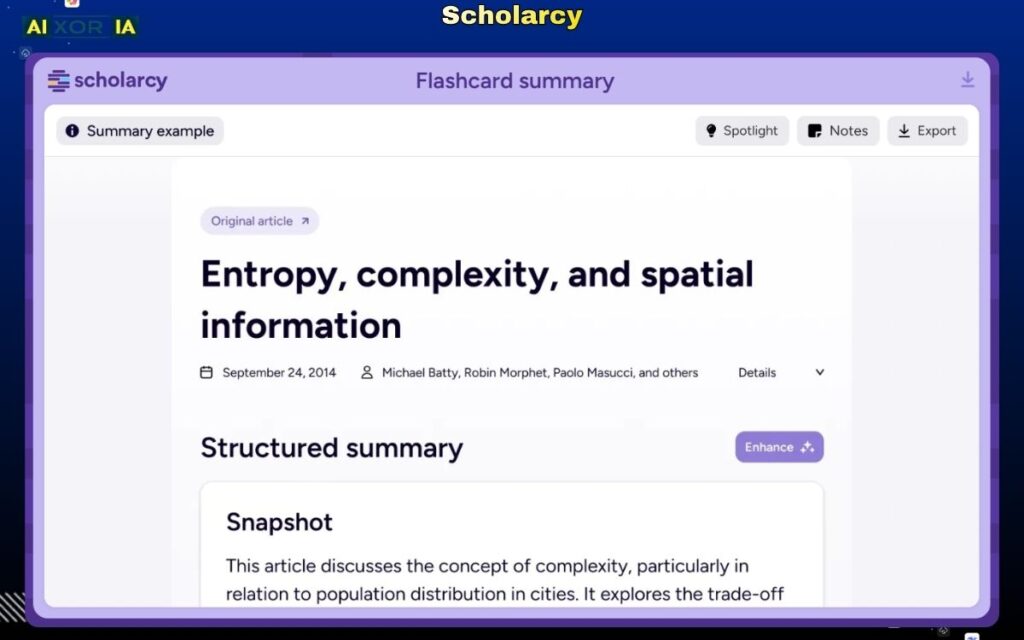
Scholarcy is designed specifically for academic PDFs and literature reviews. It can upload full research papers and generate structured summaries, key findings, and simplified explanations.
While it focuses more on summarization, it also helps paraphrase complex sections into digestible content. Its biggest advantage is understanding research structure and preserving citations.
Pricing: From $9.99/month
Pros:
- Direct PDF upload
- Excellent for research papers
- Citation-friendly
Cons:
- Limited deep paraphrasing control
- Not ideal for full rewriting tasks
Best Tool for Grammar and Academic Tone
Grammarly
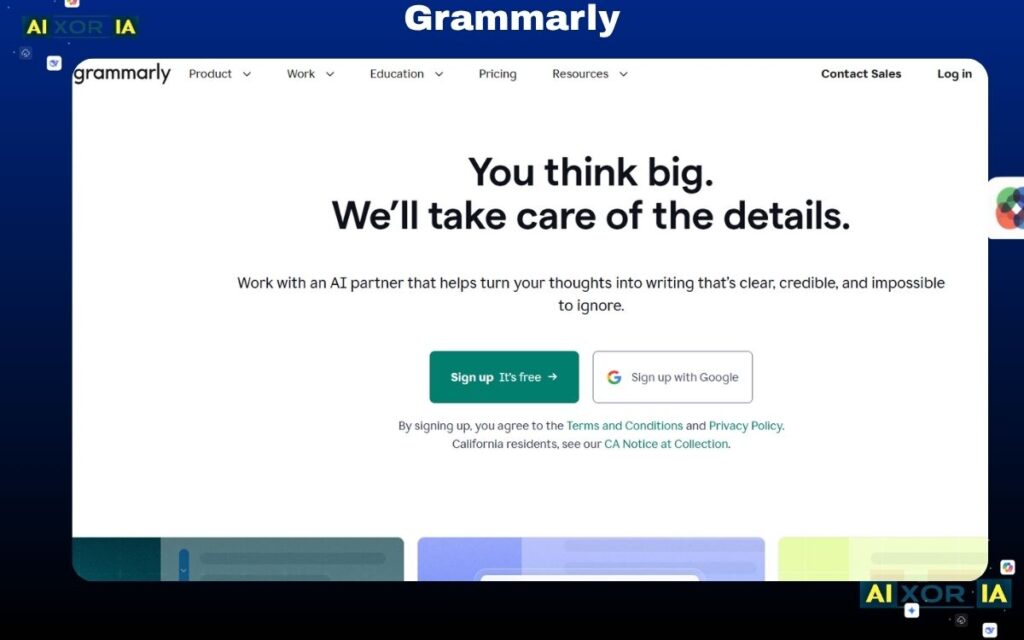
Grammarly is not a dedicated paraphrasing tool, but its AI rewriting capabilities make it valuable for refining academic content.
It ensures clarity, correctness, and tone consistency, which is essential after paraphrasing. It works best as a second-step tool after initial rewriting.
Pricing: Free plan available; Premium from $12/month
Pros:
- Strong grammar correction
- Maintains formal tone
- Easy integration
Cons:
- Limited paraphrasing control
- No PDF-native workflow
Best AI Tool for Natural Human-Like Rewriting
Wordtune
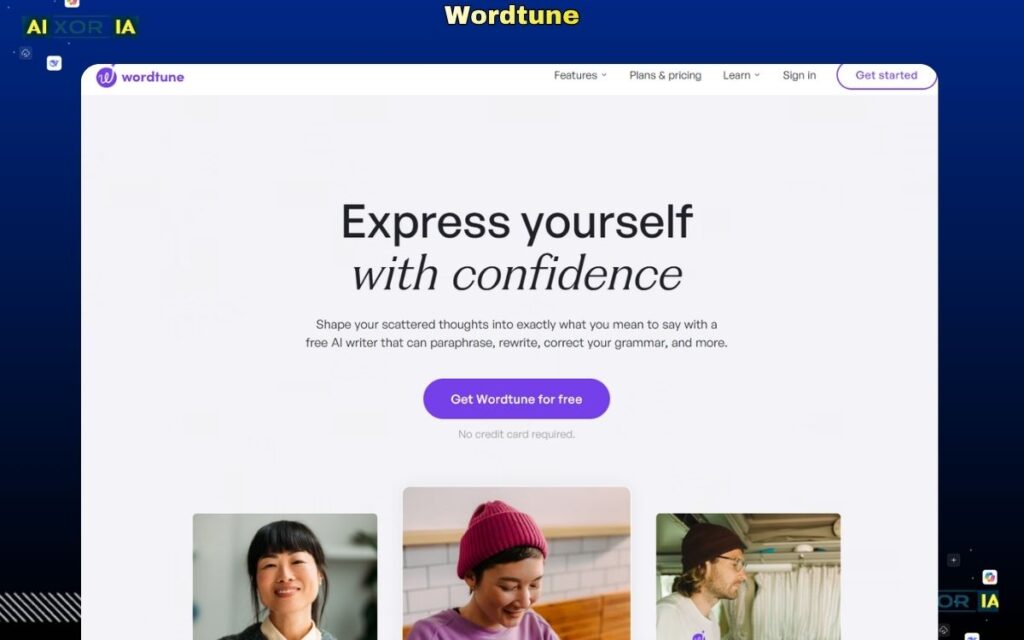
Wordtune focuses on making rewritten text sound natural and human. This is particularly useful in avoiding robotic phrasing in academic writing.
It offers multiple variations for each sentence, allowing users to choose the best version. However, it works best for shorter content rather than full PDFs.
Pricing: From $9.99/month
Pros:
- Natural output
- Easy to use
- Multiple variations
Cons:
- Limited bulk processing
- Requires manual input
Best AI Tool for “Humanized” Output
HIX.AI
HIX.AI focuses on generating text that appears more human-like, which is particularly relevant in the context of AI detection tools.
It offers paraphrasing features designed to reduce AI-like patterns in text, making outputs more natural. However, users should still ensure academic integrity and proper citation.
Pricing: Paid plans
Pros:
- Human-like rewriting
- AI detection optimization
- Fast processing
Cons:
- Less focus on academic structure
- Requires manual verification
Can AI Paraphrasing Tools Bypass AI Detection?
This is one of the most common concerns among US students.
The short answer: not reliably.
Even advanced paraphrasing tools cannot guarantee bypassing systems like Turnitin. While tools can make text sound more natural, detection systems are constantly improving.
Best practice:
- Always review and edit manually
- Add your own insights and interpretation
- Maintain originality and academic integrity
AI should assist—not replace—your writing process.
Citation Integrity: What You Must Know
One of the biggest risks in AI paraphrasing is citation distortion.
For example:
- (Smith et al., 2024) may be altered or misplaced
- References may lose context
Safe approach:
- Use tools that preserve citations (Paperpal, Scholarcy)
- Always cross-check references manually
- Never rely fully on AI for citation accuracy
3-Step Workflow to Paraphrase Academic PDFs Safely
- Upload your PDF into an AI tool (Paperpal or Scholarcy)
- Paraphrase sections using AI (ChatGPT or QuillBot)
- Verify citations and refine tone (Grammarly or manual editing)
This combined workflow ensures both efficiency and accuracy.
How to Choose the Right Tool
- For full academic PDF handling → Paperpal
- For flexible rewriting → ChatGPT
- For student assignments → QuillBot
- For literature reviews → Scholarcy
- For polishing → Grammarly
Most users benefit from combining tools rather than relying on a single solution.
Frequently Asked Questions
Is it legal to use AI paraphrasing tools in US universities?
Yes, but it depends on institutional policies. Most universities allow AI as a support tool, not as a replacement for original work.
Which AI tool preserves citations best?
Paperpal and Scholarcy are currently the most reliable for citation integrity.
How can I avoid Turnitin detection after paraphrasing?
Focus on understanding the content, rewriting it in your own words, and adding personal insights rather than relying solely on AI.
Final Thoughts
The best AI paraphrasing tool for academic PDFs in 2026 is not just about rewriting text—it’s about maintaining accuracy, preserving citations, and supporting real academic workflows.
Tools like Paperpal and Scholarcy lead in PDF-based academic processing, while ChatGPT and QuillBot offer flexibility in rewriting. The most effective approach is to combine these tools strategically.