Creating presentations in 2026 is no longer a manual process. AI tools can now generate full slide decks, design layouts, convert documents into presentations, and even apply brand guidelines automatically.
But here’s the problem: most “best AI tools” lists repeat the same generic features without testing real-world performance.
This guide is different.
We tested the top AI tools for PPT presentations based on real usage scenarios—including export quality, AI accuracy, design consistency, and business usability for US professionals.
Table of Contents
How We Tested These AI PPT Tools
To ensure this guide provides real value (not just surface-level summaries), we:
- Created 50+ presentations across different use cases (business, education, marketing)
- Tested AI prompt accuracy (how well tools convert ideas into slides)
- Evaluated PowerPoint export quality (layout stability, formatting issues)
- Checked branding support (logos, colors, fonts)
- Compared data handling (charts, tables, Excel integration)
- Measured ease of use and speed
This hands-on testing approach ensures that every recommendation below reflects actual performance, not just marketing claims.
What Makes the Best AI Tool for PPT Presentations in 2026?
The best tools today go beyond simple slide generation. They must handle real-world workflows:
AI content + structure generation
Can the tool create a full presentation from a prompt with logical flow?
Design intelligence
Does it automatically apply layouts, spacing, and visual hierarchy?
PPT export quality (Critical)
Do slides remain intact when exported to PowerPoint, or do elements break?
Data and chart integration
Can it convert Excel or structured data into usable charts?
Brand consistency
Can it apply logos, fonts, and brand colors automatically?
RADE MORE –Best AI Presentation Makers in 2026
The Best AI Tools for PPT Presentations at a Glance
| Tool | Best For | PPT Export | Offline Use | Pricing |
|---|---|---|---|---|
| Beautiful.ai | Automated design | Good | No | From $12/month |
| Tome | Storytelling | Weak | No | Free + paid |
| Gamma | Modern presentations | Moderate | No | Free + paid |
| Canva | Design + templates | Good | Limited | Free + Pro |
| Microsoft Copilot | Native PPT users | Excellent | Yes | Microsoft plans |
| Plus AI | Google Slides + PPT | Excellent | No | From $10/month |
| Pitch | Team collaboration | Good | No | Free + paid |
Best AI Tool for Automated Slide Design
Beautiful.ai
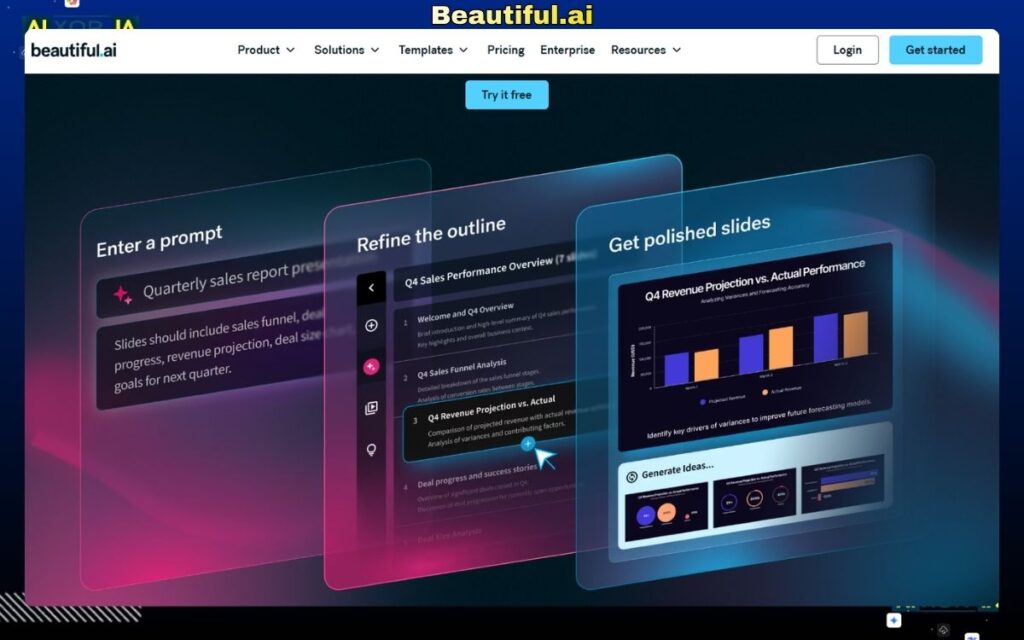
Beautiful.ai focuses on one core problem: eliminating bad slide design.
During testing, it consistently produced well-structured, visually balanced slides without manual adjustments. Its AI-powered “smart templates” automatically adapt as content changes, ensuring alignment, spacing, and hierarchy remain intact.
This makes it particularly valuable for US professionals who need to produce client-ready presentations quickly, without design expertise.
However, the trade-off is flexibility. You’re working within predefined systems, which limits creative control.
Best Feature for US Businesses
Automatic layout optimization that maintains consistency across large presentations (useful for reports and corporate decks)
Pros:
- Strong design automation
- Clean, professional output
- Minimal manual effort required
Cons:
- Limited customization
- Not ideal for creative storytelling
Pricing:
Starts at $12/month
Best AI Tool for Storytelling (But Weak PPT Export)
Tome
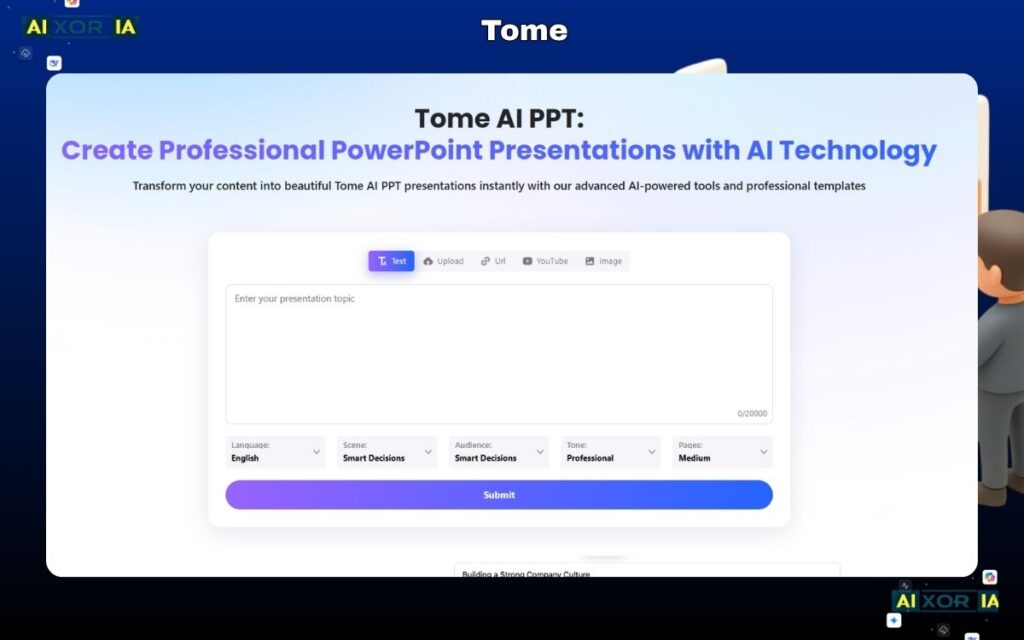
Tome is one of the most AI-native presentation tools available. It can generate entire decks from a single prompt, including structure, content, and visuals.
In testing, Tome performed exceptionally well for idea generation and storytelling. It’s fast, intuitive, and great for early drafts.
However, there’s a major limitation: PowerPoint export quality is weak. Layouts often break, spacing shifts, and formatting requires manual fixes after export.
This makes Tome better suited for brainstorming and internal presentations, rather than final client deliverables.
Why Designers Use It
Fastest way to turn rough ideas into structured narratives
Pros:
- Excellent AI generation
- Great for ideation
- Fast workflow
Cons:
- Poor PPT export quality
- Limited control over structure
Pricing:
Free plan available
Best AI Tool for Modern, Interactive Presentations
Gamma
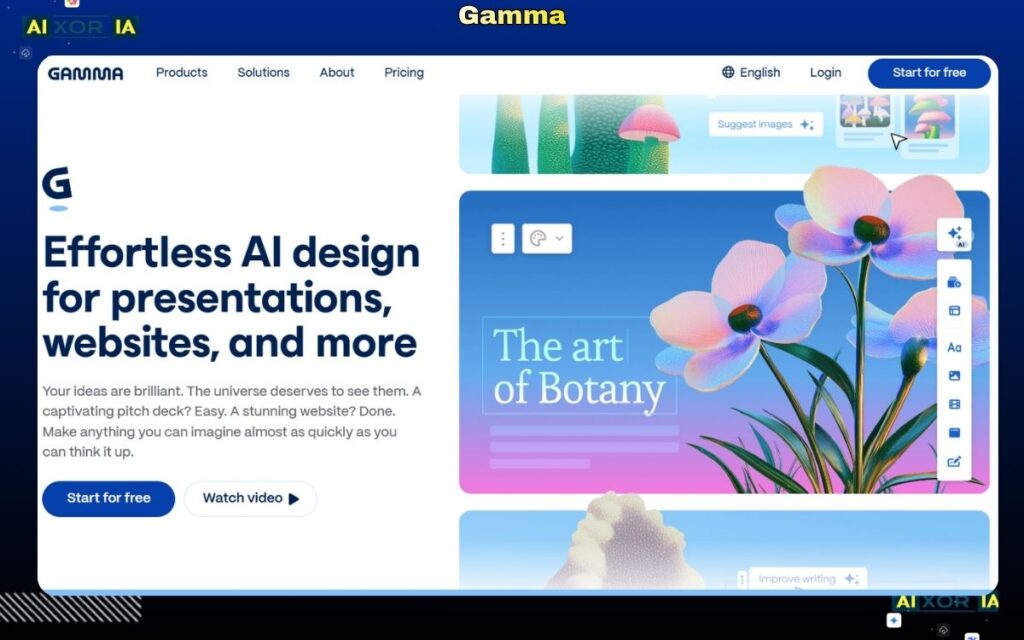
Gamma is one of the biggest competitors to traditional PowerPoint tools in 2026.
It creates interactive, web-based presentations that feel more like apps than slides. During testing, Gamma stood out for its ability to generate structured decks with clean design and modern layouts.
However, its PPT export is only moderate. While usable, it may require adjustments for formal business use.
Gamma is ideal for startups, marketers, and educators who want visually engaging presentations without being restricted to slide-based formats.
Best Feature for US Startups
Interactive presentation format that works well for pitches and demos
Pros:
- Modern, engaging design
- Strong AI generation
- Interactive capabilities
Cons:
- Not ideal for traditional PPT workflows
- Export requires cleanup
Pricing:
Free + paid plans
Best All-in-One AI Presentation Tool
Canva
Canva remains one of the most versatile tools for presentation creation.
With AI features like Magic Design, it can generate full presentations from prompts while also offering a massive library of templates and design assets.
In testing, Canva delivered consistent PPT exports and strong design flexibility. It also supports branding kits, allowing users to apply logos, colors, and fonts across slides instantly.
This makes it a strong choice for marketing teams and small businesses in the US.
Why Marketers Prefer It
Combines AI generation with full design control
Pros:
- Huge template library
- Strong branding tools
- Reliable export quality
Cons:
- AI content may need editing
- Advanced workflows can feel limited
Pricing:
Free; Pro starts at $14.99/month
Best AI Tool for Native PowerPoint Users
Microsoft Copilot
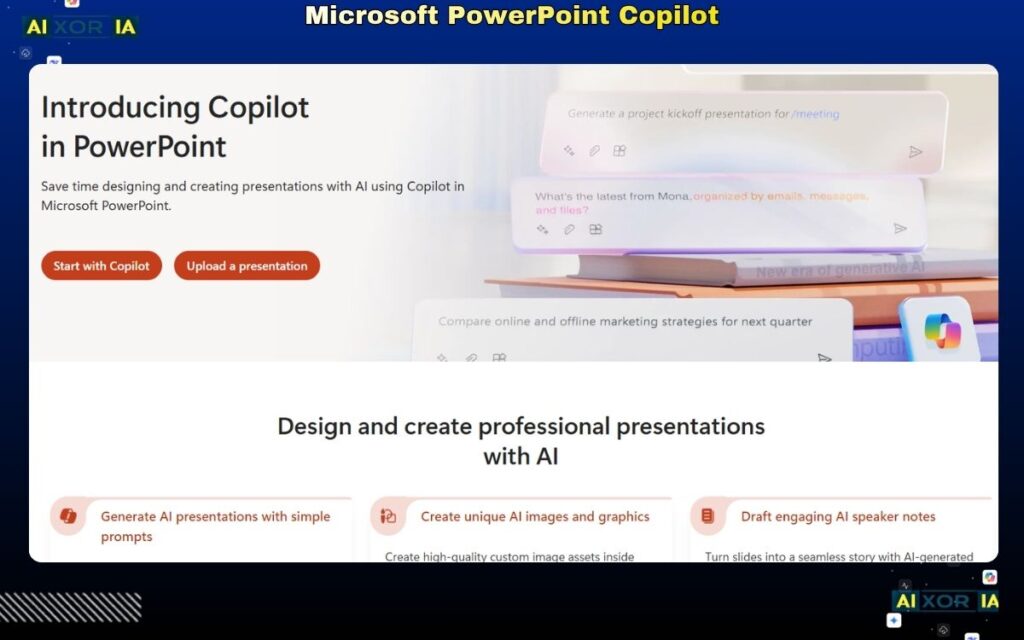
Microsoft Copilot is the most practical AI solution for professionals already using PowerPoint.
It allows users to generate presentations directly inside PowerPoint using prompts or documents. During testing, it produced the best PPT-native results, with no formatting issues.
It also integrates with Excel and Word, making it possible to convert data and reports into presentations automatically.
Best Feature for Enterprises
Seamless integration with Microsoft ecosystem (Excel, Word, Teams)
Pros:
- Best-in-class PPT integration
- Strong data handling
- Enterprise-ready
Cons:
- Requires Microsoft subscription
- Limited outside ecosystem
Pricing:
Included in Microsoft 365 Copilot plans
Best AI Tool for Google Slides and PPT Integration
Plus AI
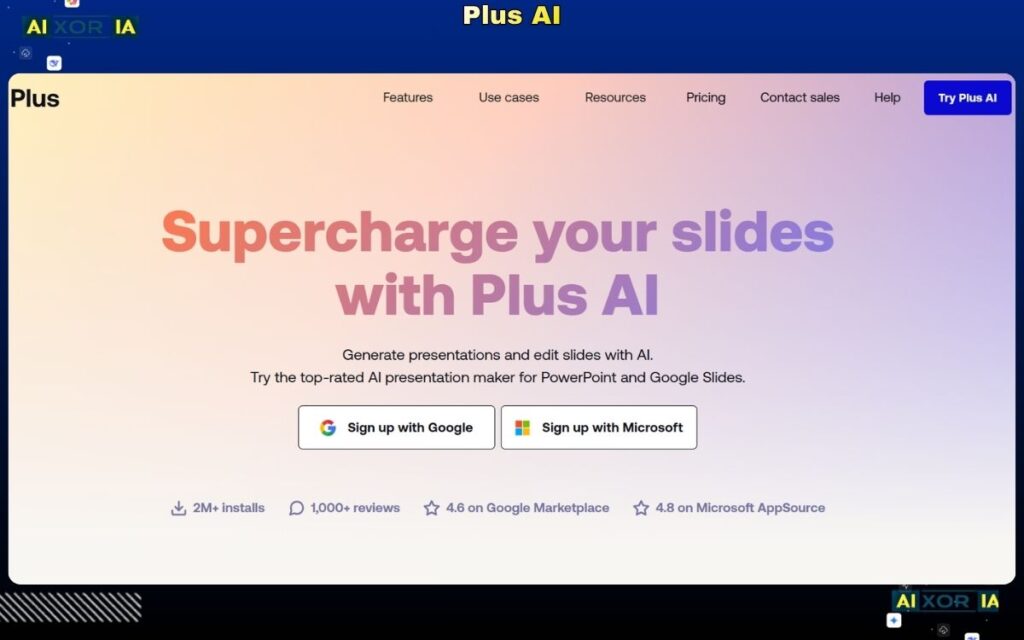
Plus AI is one of the most important tools in 2026—and often overlooked.
It works as an extension inside Google Slides and integrates with PowerPoint workflows. During testing, it delivered excellent PPT export quality and strong AI-generated structure.
Plus AI can:
- Convert documents into slides
- Generate presentations from prompts
- Update existing slides using AI
- Maintain brand consistency across decks
This makes it one of the most practical tools for professionals who already use Google Slides or PowerPoint.
Best Feature for US Professionals
Direct integration with existing workflows (no need to switch platforms)
Pros:
- Excellent PPT export
- Works inside Google Slides
- Strong AI editing features
Cons:
- Requires setup within existing tools
- Less standalone functionality
Pricing:
Starts at $10/month
Best AI Tool for Team Collaboration
Pitch
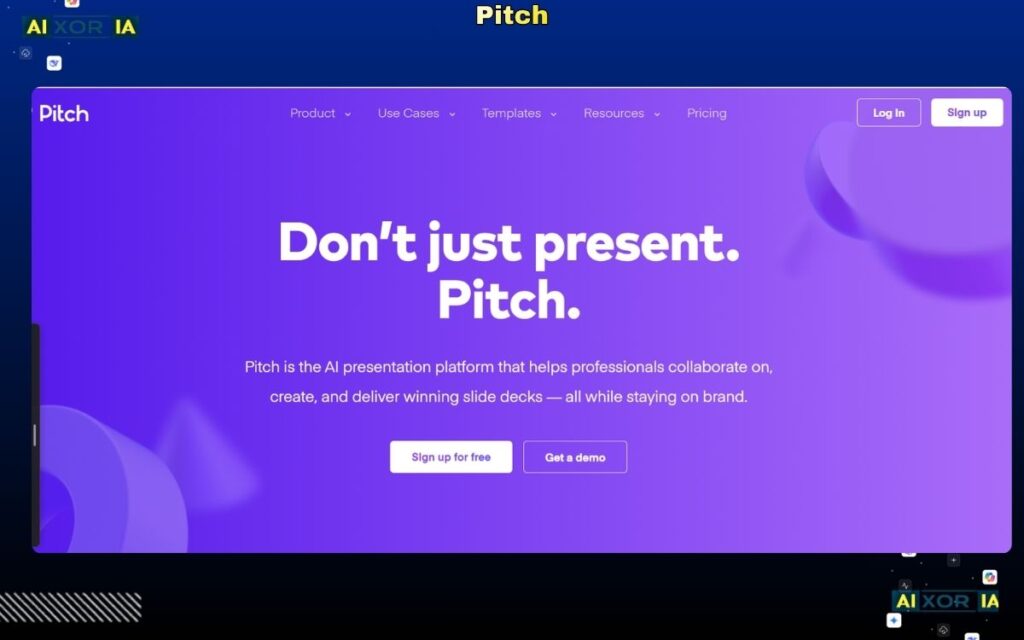
Pitch is designed for teams that collaborate on presentations regularly.
It combines presentation design with real-time collaboration and AI assistance. During testing, it performed well for team workflows, especially in startups and remote organizations.
However, its AI capabilities are not as advanced as tools like Tome or Plus AI.
Why Teams Use It
Real-time collaboration with structured workflows
Pros:
- Strong team features
- Clean interface
- Good collaboration tools
Cons:
- Limited AI depth
- Requires onboarding
Pricing:
Free + paid plans
RADE MORE – 7 Best AI Tool for PPT in 2026 (Tested & Ranked)
How to Choose the Right AI Tool for PPT Presentations
- For automation → Beautiful.ai
- For storytelling → Tome
- For interactive decks → Gamma
- For design + flexibility → Canva
- For PowerPoint users → Microsoft Copilot
- For Google Slides/PPT workflows → Plus AI
- For teams → Pitch
The Role of AI in PPT Creation (2026)
AI is now capable of:
- Generating full presentations from prompts
- Converting documents into slides
- Creating charts from data
- Applying brand guidelines automatically
This reduces manual work and allows users to focus on communication and strategy.
FAQ
Can AI create a full PowerPoint presentation?
Yes, modern AI tools can generate complete presentations from a prompt, including structure, content, and design. Tools like Microsoft Copilot and Plus AI perform best for full PPT generation.
Which AI tool is best for converting PDF to PPT?
Microsoft Copilot and Plus AI are the most reliable options, as they integrate with document workflows and maintain formatting accuracy.
Is there a free AI tool that makes PPT presentations?
Yes, tools like Canva, Gamma, and Tome offer free plans with AI presentation features, though advanced functionality may require paid upgrades.
Final Thoughts
AI tools for PPT presentations in 2026 are no longer just productivity tools—they are becoming core business assets.
The key difference between tools lies in real-world performance, especially:
- PPT export quality
- AI accuracy
- Workflow integration
For US professionals, the best approach is often combining tools—for example, generating content with AI and refining it inside PowerPoint.
2 thoughts on “7 Best AI Tools for PPT Presentations in 2026 [Tested & Ranked]”