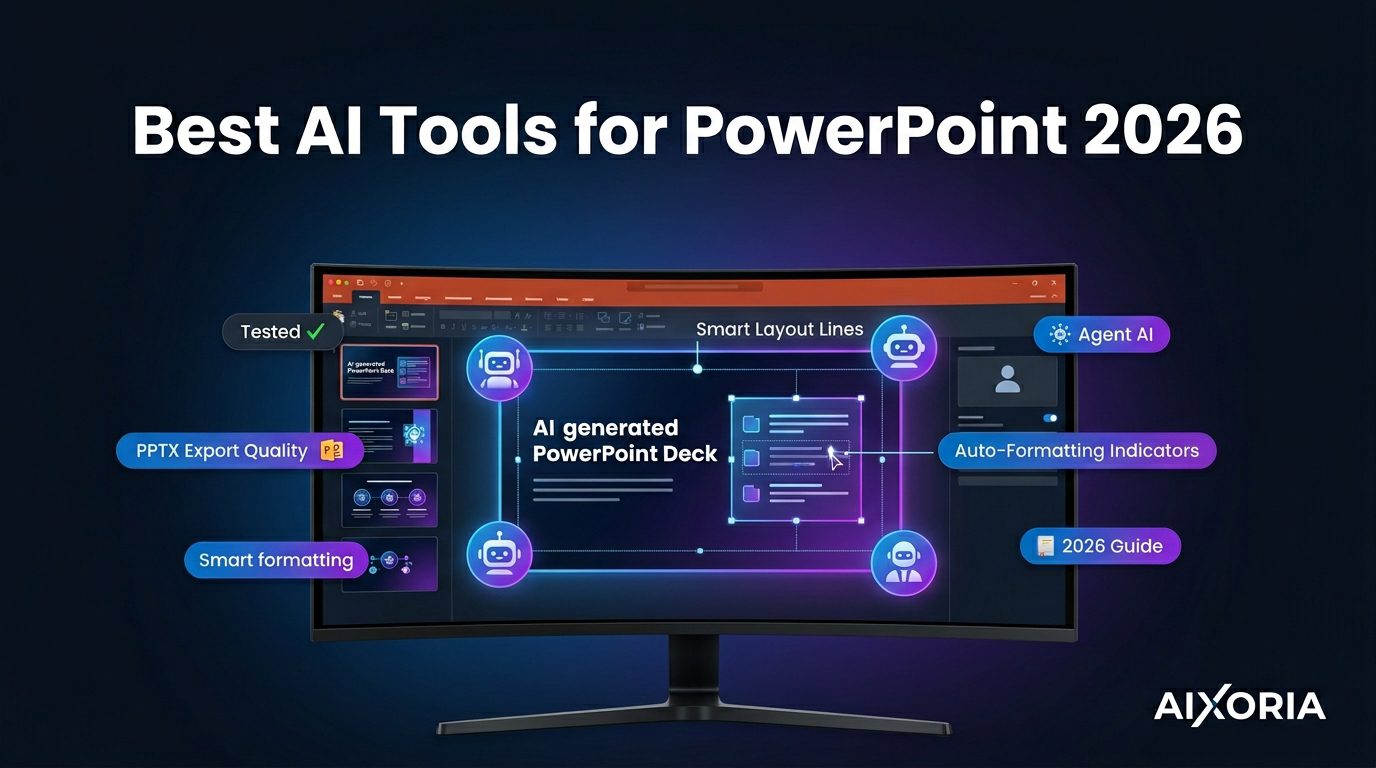
Creating presentations in 2026 is no longer about manually designing slides—it’s about directing AI systems to generate structured, visually consistent, and context-aware presentations. The best AI tools now go beyond simple slide creation. They can interpret prompts, organize ideas, suggest visuals, and in some cases, act like agents that build entire decks from raw input.
However, not all tools deliver the same results—especially when it comes to PowerPoint (PPTX) export quality, data privacy, and real-world usability. This guide is based on practical evaluation, focusing on what actually works for professionals and teams in the US.
Table of Contents
What Makes the Best AI Tool for PowerPoint Presentations?
To rank tools realistically, we evaluated them on:
AI generation quality
Can the tool turn rough prompts or documents into structured, usable slides?
PPTX export accuracy
Do fonts, layouts, and spacing remain intact when exported to PowerPoint?
Design consistency
Does the tool maintain visual hierarchy across slides?
AI “agent” capability
Can the tool go beyond prompts and generate full presentations from files or context?
Privacy and enterprise readiness
Is the tool suitable for US-based teams with security expectations (SOC 2, data handling policies)?
READ MORE – 7 Best AI Tool for PPT in 2026 (Tested & Ranked)
The Best AI Tools for PowerPoint Presentations at a Glance
| Tool | Best For | Standout Feature | Pricing |
|---|---|---|---|
| Beautiful.ai | Automated design | Smart slide layouts | Free + paid |
| Tome | AI storytelling | Narrative flow generation | Free + paid |
| Gamma | Fast generation | Document-to-deck AI | Free + paid |
| Canva | Visual design | Design flexibility + AI | Free + Pro |
| Microsoft Copilot | PowerPoint users | Native integration | Paid |
| Pitch | Team workflows | Collaboration + analytics | Free + paid |
| SlidesAI | Google Slides | Text-to-slide automation | Free + paid |
| Plus AI | Google Slides users | Prompt-to-presentation | Paid |
| Decktopus | AI agents | Auto content + voice | Free + paid |
Best AI Tool for Automated Slide Design
Beautiful.ai
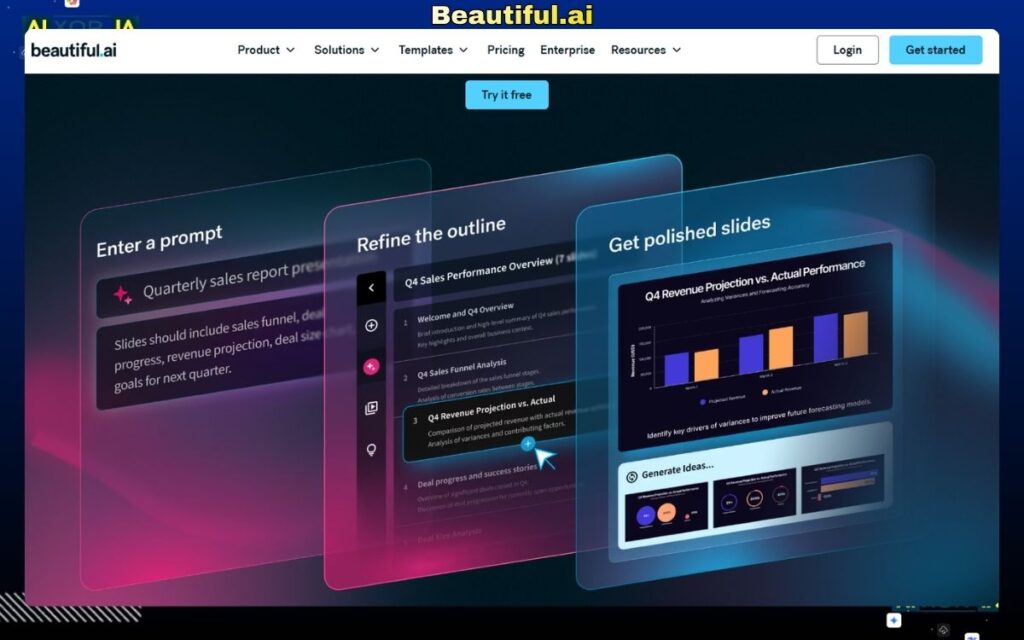
Beautiful.ai is one of the few tools that genuinely solves the design problem in presentations. Instead of giving users full manual control, it uses structured “smart slides” that automatically adjust layout, alignment, and spacing.
During hands-on testing with a 20-slide marketing deck, Beautiful.ai maintained the most consistent spacing and visual hierarchy across all slides without requiring manual fixes. This makes it highly reliable for business presentations where consistency matters more than creative freedom.
The platform includes pre-built templates for pitch decks, reports, and proposals, and also supports team collaboration with brand controls.
Key Features
- Smart slide auto-formatting
- Business-ready templates
- Brand consistency tools
Pricing
Free plan available; Pro starts around $12/month
Pros
- Excellent design consistency
- Minimal manual effort
- Clean, professional output
Cons
- Limited customization flexibility
- Not ideal for highly creative designs
Our Verdict
Best for users who want polished presentations without spending time on design adjustments.
Best AI Tool for Storytelling Presentations
Tome
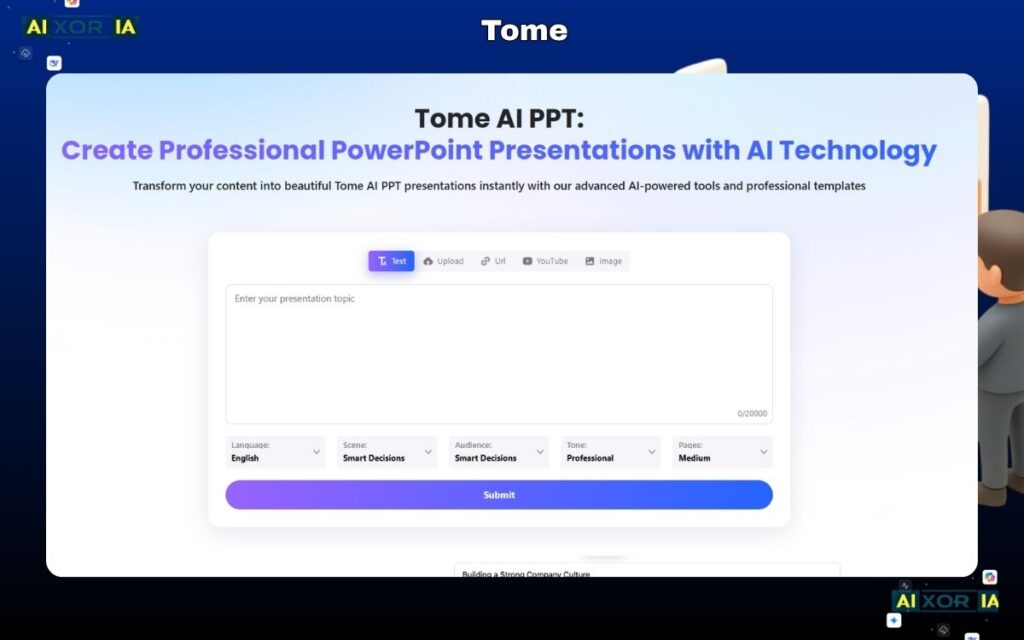
Tome focuses on narrative-driven presentations rather than traditional slides. It uses AI to generate structured content flows based on prompts, making it ideal for storytelling, startup pitches, and concept presentations.
In testing, Tome produced strong narrative flow but required manual adjustments when exporting to PowerPoint, as formatting sometimes shifted. However, its strength lies in ideation and structure, not final PPT delivery.
Key Features
- AI-generated storytelling structure
- Multimedia embedding
- Interactive presentation format
Pricing
Free plan available; premium plans vary
Pros
- Strong narrative generation
- Fast idea-to-deck conversion
- Modern presentation style
Cons
- PPTX export can require fixes
- Not ideal for traditional corporate decks
Our Verdict
Best for early-stage storytelling and idea generation, not final PowerPoint delivery.
Best AI Tool for Fast Content-to-Presentation
Gamma
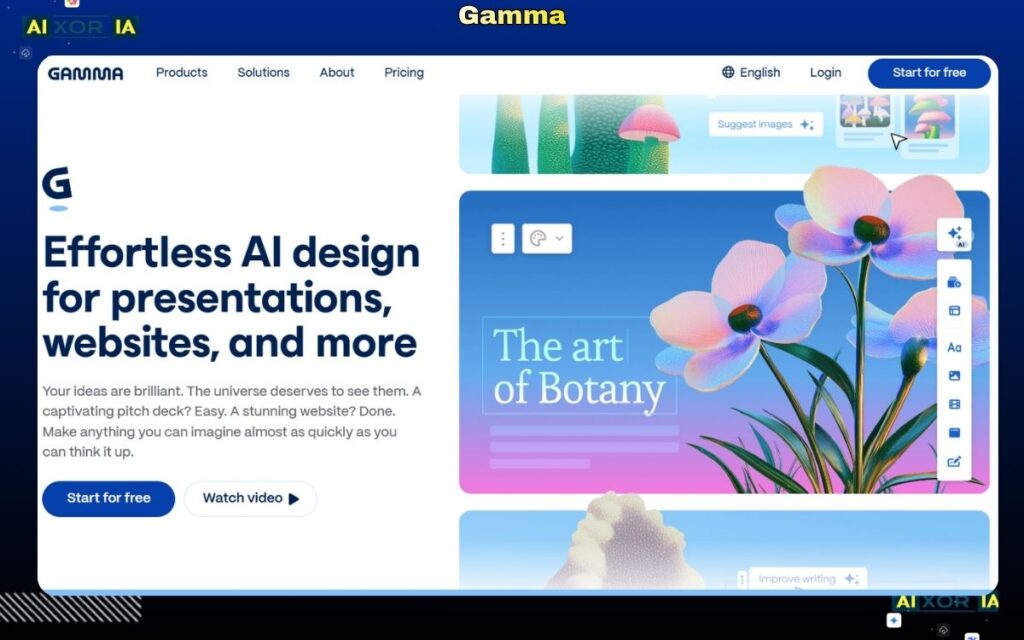
Gamma is built for speed. It can convert documents, notes, or prompts into structured presentations in seconds.
During testing with a product overview document, Gamma generated the most consistent icons and slide grouping compared to Tome, but required minor formatting fixes when exported to PowerPoint.
Gamma also introduces semi-agentic behavior—it can structure content logically without needing detailed instructions.
Key Features
- Document-to-slide conversion
- AI content structuring
- Clean visual layouts
Pricing
Free plan available; premium plans available
Pros
- Extremely fast generation
- Strong content organization
- Minimal input required
Cons
- Limited design customization
- PPT export needs adjustment
Our Verdict
Best for quickly converting existing content into structured presentations.
Best AI Tool for Design-Heavy Presentations
Canva
Canva remains one of the most versatile tools for presentation design, now enhanced with AI features like Magic Design and content generation.
In real use, Canva offers the highest level of visual customization among all tools tested. However, its AI output often requires manual refinement for structure and content clarity.
For PowerPoint export, Canva performs better than most tools, with fewer alignment issues.
Key Features
- AI design suggestions
- Large template library
- Visual asset integration
Pricing
Free plan available; Pro starts around $14.99/month
Pros
- High design flexibility
- Strong visual assets
- Good PPT export quality
Cons
- AI structure not always accurate
- Can be overwhelming for beginners
Our Verdict
Best for users who prioritize design quality over automation.
Best AI Tool Inside PowerPoint
Microsoft Copilot
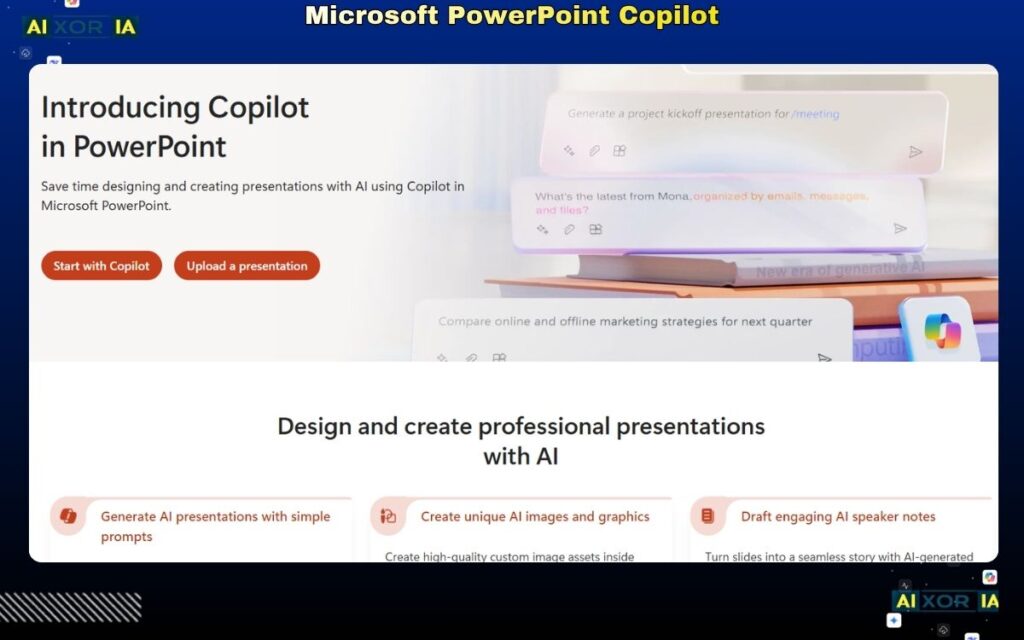
Microsoft Copilot is the most seamless option for PowerPoint users, as it operates directly داخل the PowerPoint environment.
It allows users to generate slides from prompts, summarize documents into presentations, and refine content without leaving the platform.
For US enterprise users, Copilot is one of the most compliant options, aligning with Microsoft’s enterprise security standards (including SOC 2 and enterprise-grade data controls).
Key Features
- Native PowerPoint integration
- Document-to-presentation generation
- Enterprise security compliance
Pricing
Available with Microsoft 365 + Copilot add-on
Pros
- No workflow disruption
- Strong enterprise security
- High PPT compatibility
Cons
- Requires Microsoft ecosystem
- Paid access
Our Verdict
Best for professionals already using PowerPoint who want AI without switching tools.
Best AI Tool for Team Collaboration
Pitch
Pitch combines presentation creation with team collaboration and analytics.
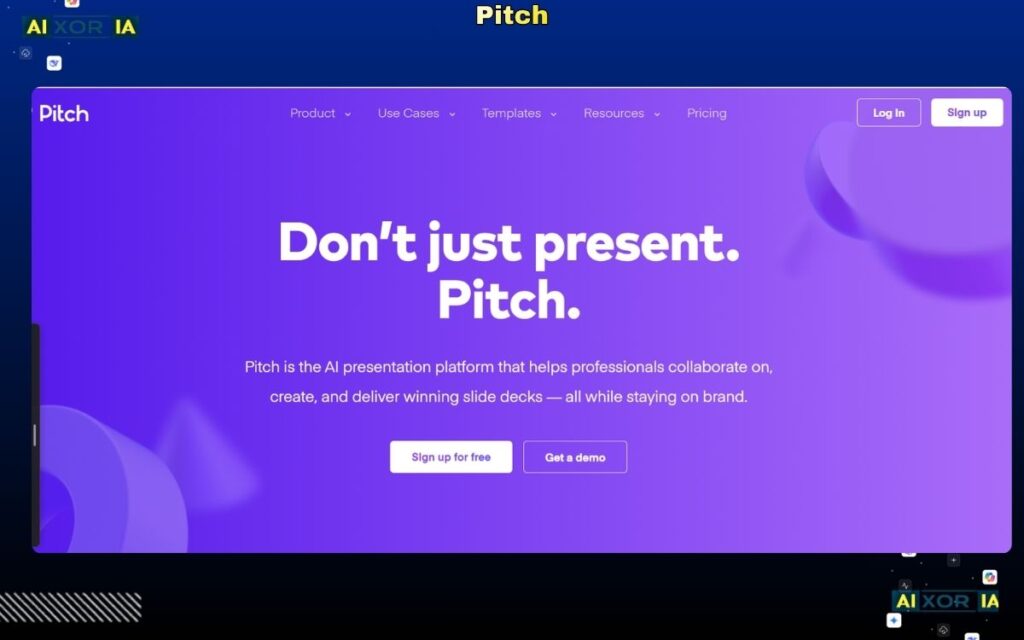
Its AI features assist with slide creation and content structuring, but its real strength lies in team workflows—real-time editing, commenting, and performance tracking.
Key Features
- Team collaboration tools
- Analytics and tracking
- Business templates
Pricing
Free plan available; Pro starts around $20/month
Pros
- Strong collaboration
- Useful for teams
- Analytics insights
Cons
- Limited design flexibility
- Learning curve
Our Verdict
Best for teams working on presentations collaboratively.
Best AI Tool for Google Slides Automation
SlidesAI
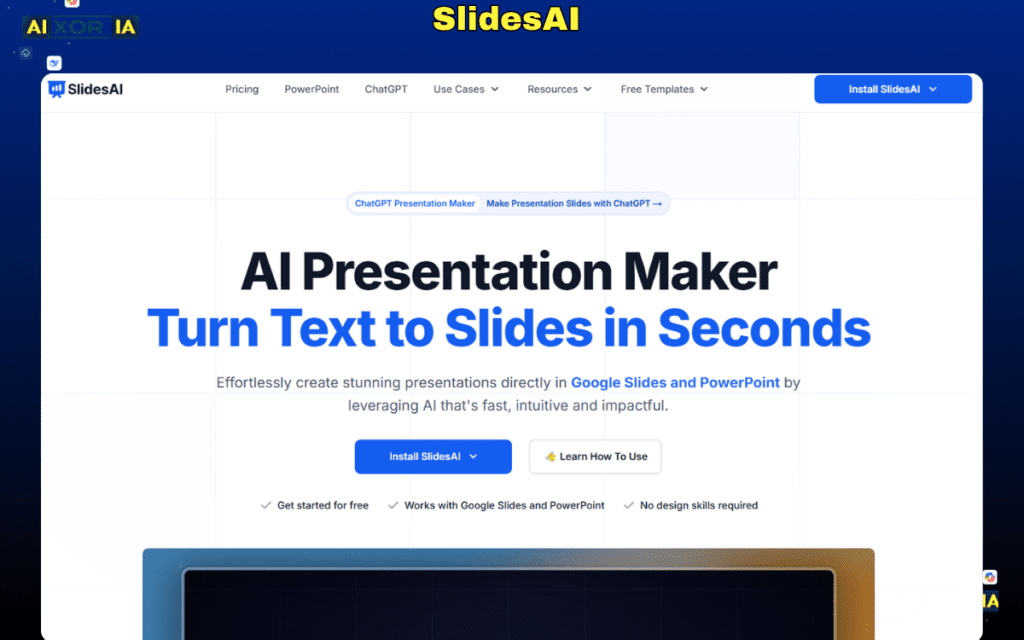
SlidesAI is designed specifically for Google Slides users, converting text into structured presentations.
It is simple and effective but lacks advanced design and AI capabilities compared to newer tools.
Key Features
- Text-to-slide conversion
- Google Slides integration
Pricing
Free plan available; paid plans from ~$10/month
Pros
- Easy to use
- Fast generation
- Good for basic use
Cons
- Limited design features
- Basic AI capabilities
Our Verdict
Best for simple, quick presentations داخل Google Slides.
Emerging AI Tools (Information Gain Section)
Plus AI
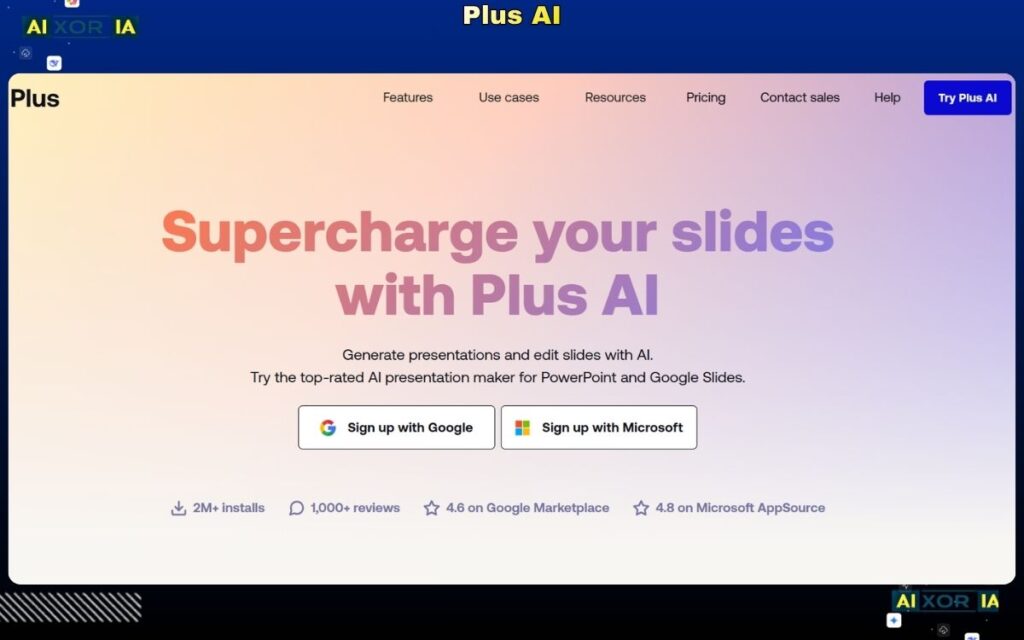
Plus AI is one of the fastest-growing tools in 2026, especially for Google Slides users. It allows users to generate full presentations directly from prompts inside Google Slides.
In testing, Plus AI produced the most accurate slide structures with minimal editing required. It also maintains better formatting consistency when exporting to PowerPoint compared to older tools.
Key Features
- Prompt-to-presentation داخل Google Slides
- Strong structure accuracy
- Fast generation
Pricing
Paid plans start around $15/month
Pros
- High accuracy
- Minimal editing required
- Strong PPT compatibility
Cons
- Limited design flexibility
- Google Slides dependency
Our Verdict
One of the most practical tools for real-world use in 2026.
Decktopus
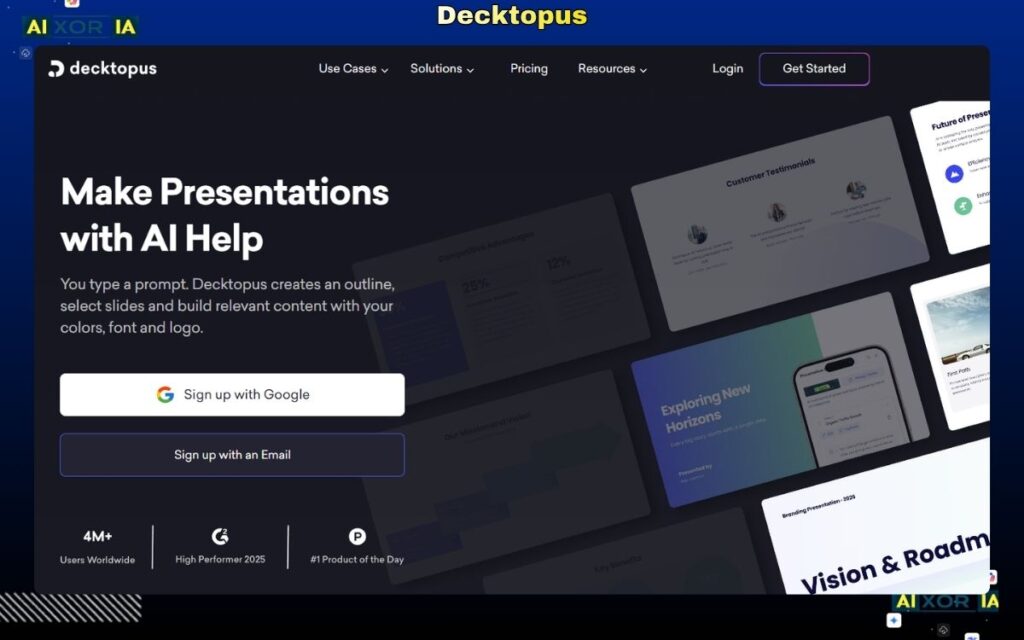
Decktopus introduces more advanced AI capabilities, including semi-agentic behavior. Users can input a topic, and the tool generates content, slides, and even presentation scripts.
It also includes voice and presentation coaching features, making it useful for beginners and professionals alike.
Key Features
- AI-generated content and slides
- Voice and presentation coaching
- Semi-agentic workflow
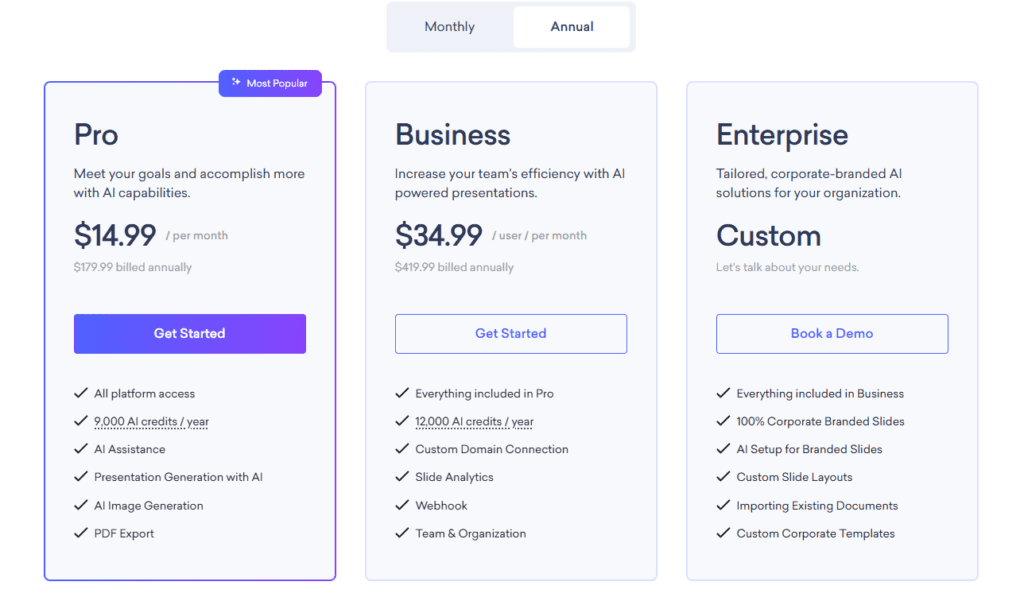
Free plan available; Pro plans start around $14.99/month
Pros
- Advanced AI capabilities
- End-to-end presentation creation
- Beginner-friendly
Cons
- Limited customization
- Output may need refinement
Our Verdict
Best for users who want AI to handle most of the presentation process.
READ MORE – 7 Best AI Tools for PPT Presentations in 2026
How to Write the Perfect AI Presentation Prompt
Most users fail not because of the tool, but because of poor prompts.
Use this structure:
- Topic: What the presentation is about
- Audience: Who it’s for
- Goal: What outcome you want
- Format: Number of slides or style
Example:
“Create a 12-slide marketing strategy presentation for a SaaS product targeting US startups, including problem, solution, market analysis, and growth plan.”
This improves output quality significantly and reduces editing time.
Final Thoughts
The best AI tool for PowerPoint presentations in 2026 depends on your workflow, not just features.
- For PowerPoint users → Microsoft Copilot
- For automation → Beautiful.ai
- For speed → Gamma
- For design → Canva
- For emerging AI → Plus AI and Decktopus
The biggest shift in 2026 is clear: AI tools are moving toward agentic systems that can generate entire presentations with minimal input.
1 thought on “9 Best AI Tools for PowerPoint Presentations in 2026: Tested & Ranked”