What Are AI Interior Design Tools and Which Ones Are Worth Using?
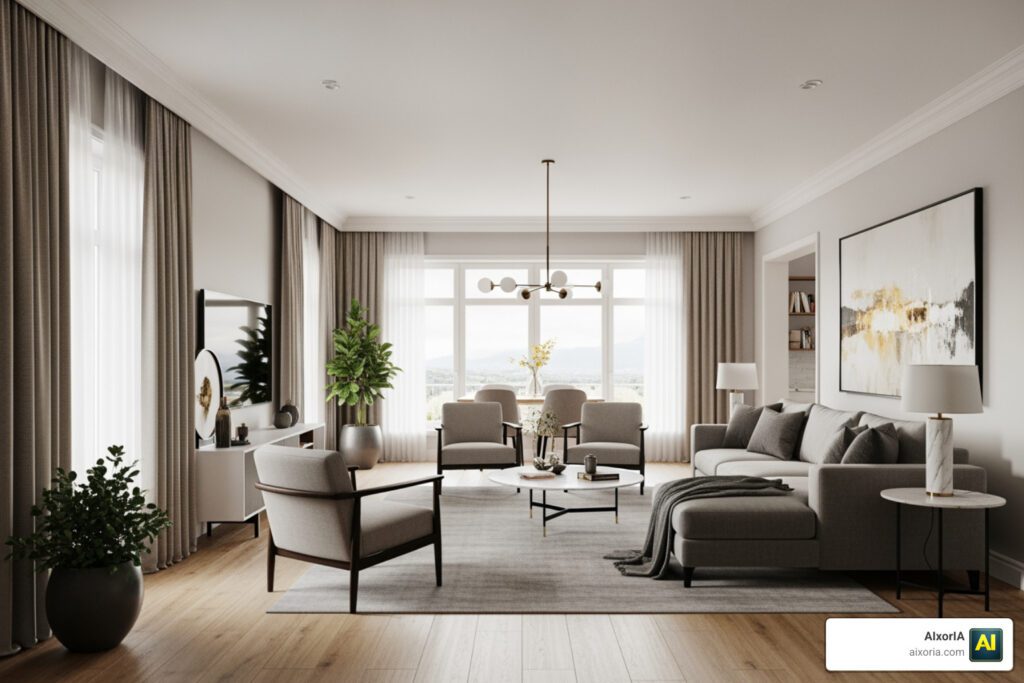
AI interior design tools let you upload a photo of any room and get a photorealistic redesign in seconds — no design degree, no expensive software, no waiting weeks for a contractor quote.
Here are the top options worth knowing about in 2026:
| Tool | Best For | Free Tier | Speed |
|---|---|---|---|
| HouseGPTs | Real renovations, photorealistic output | 2 free designs | ~25 seconds |
| RoomGPT | Quick inspiration, brainstorming | Unlimited (basic) | ~30 seconds |
| InteriorGPT | Designers, moodboards, AR | Yes | ~4 seconds |
| Spacely AI | Architects, client presentations | Yes | ~45 seconds |
| DecorAI | Homeowners, renters, DIY renovators | Yes | ~4 seconds |
| GenRoom AI | Geometry-accurate redesigns, facades | 6 free credits | ~30 seconds |
| CasaGPT | CAD conversion, professional workflows | Yes | Seconds |
| Decor8 AI | Paint color matching, virtual staging | Yes | Seconds |
| Vizualize AI | Style blending + planning calculators | Yes | Under 60 seconds |
The core workflow is the same across almost all of them: upload a photo → pick a style → get a render. Most deliver results in under a minute.
So why does this matter right now?
The AI interior design market was worth around $829 million in 2023. By 2033, it’s projected to hit $7.3 billion — a growth rate of 24.3% per year. Nearly half of interior design professionals are already using AI for modeling, and virtually staged listings attract 30–50% more inquiries than empty ones.
In short: this technology has moved fast, and it’s no longer just for designers or tech-savvy early adopters. Today, a small business owner, a busy homeowner, or a real estate agent can get professional-looking design visuals with zero prior experience and often at zero cost to start.
This guide breaks down exactly how these tools work, which ones are worth your time, and where their real limits are.
The Evolution of AI Interior Design Tools in 2026
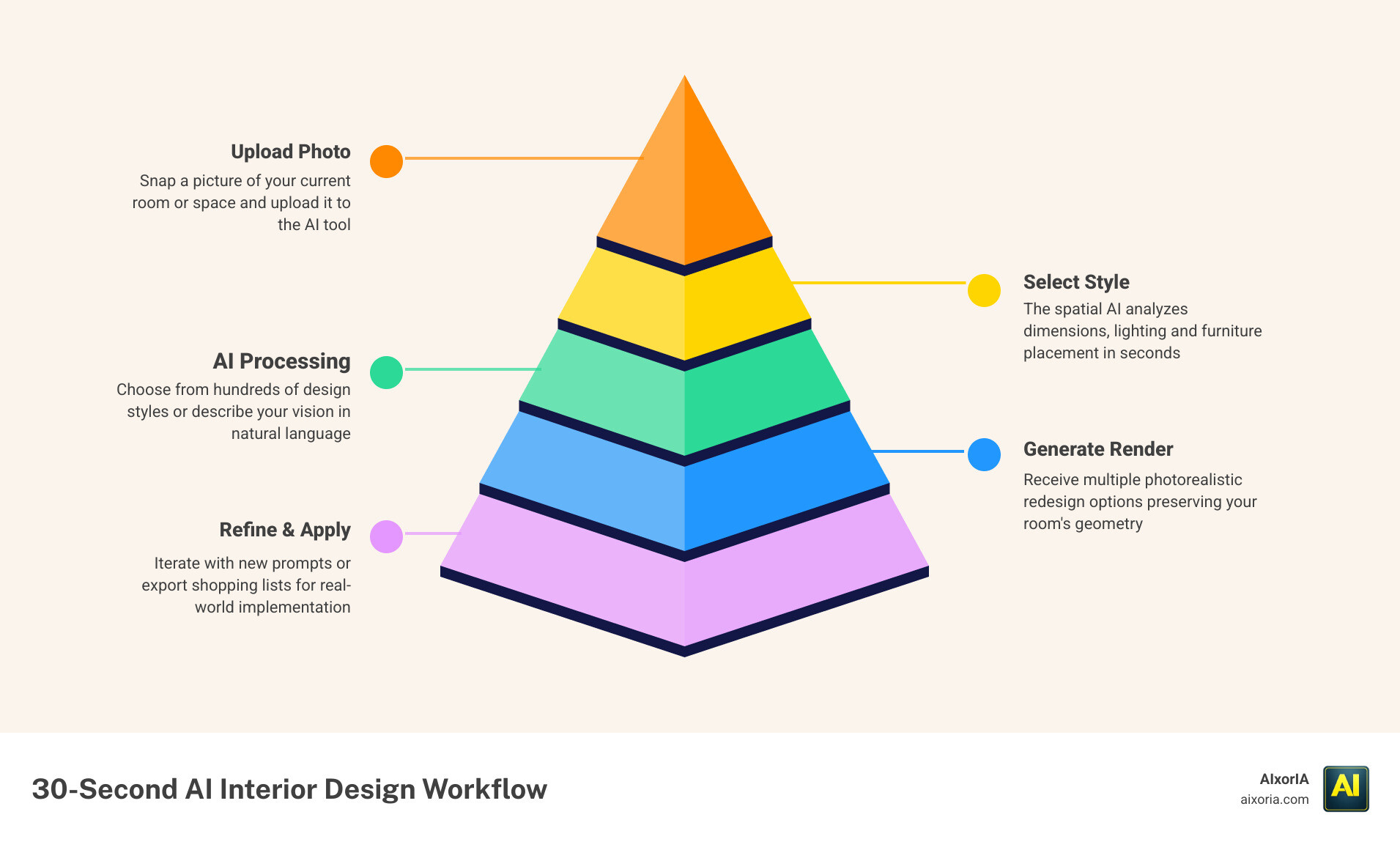
By May 2026, the landscape of interior design has shifted from manual 3D modeling to instantaneous spatial intelligence. The market growth we’re seeing isn’t just hype; it’s backed by a staggering $7.3 billion valuation and a 24.3% compound annual growth rate. Residential users are driving a massive portion of this change, currently holding over 40% of the market share. What used to be a luxury service is now a household utility.
We’ve seen a massive leap in what these tools can actually do. If you look at 9 Best AI Interior Design Tools in 2026 Tested, you’ll notice that the “uncanny valley” of AI—where furniture looked like melting plastic—is a thing of the past.
Choosing the Best AI Interior Design Tools for Homeowners
For those of us looking to refresh a living room without hiring a full design firm, ease of use is everything. The best AI Interior Design Tools for homeowners offer “one-click” transformations. You don’t need to know what “Japandi” or “Mid-century Modern” technically entails; you just select the thumbnail that looks pretty.
If you are looking for pure inspiration without a price tag, check out our list of Free 6 AI Tools for Interior Design Ideas in 2026. Tools like DecorAI – AI Interior Design App | Redesign Any Room are perfect for this because they handle the “clutter” for you. You can take a photo of a messy room, and the AI will virtually clear the laundry off the sofa before applying a new style.
Professional Grade AI Interior Design Tools for Real Estate
In the real estate world, time is literally money. AI virtual staging has become the gold standard for property marketing. Research shows that virtually staged listings get up to 22% more views and 30-50% more inquiries. Instead of renting physical furniture for thousands of dollars, agents use tools like Versee – AI Interior Designer | Design Your Apartment in 3D to show potential buyers what an empty concrete shell could look like as a luxury penthouse.
For professionals who need more than just a pretty picture, the Best AI Room Design Free 2026 Advanced Guide explores tools that maintain exact spatial measurements, which is crucial for commercial listings.
Core Features of Modern AI Design Software
What makes a tool “pro-grade” in 2026? It comes down to three things: photorealism, lighting analysis, and geometry preservation. Modern AI doesn’t just “paint” over your photo; it understands that a window on the left should cast a shadow toward the right.
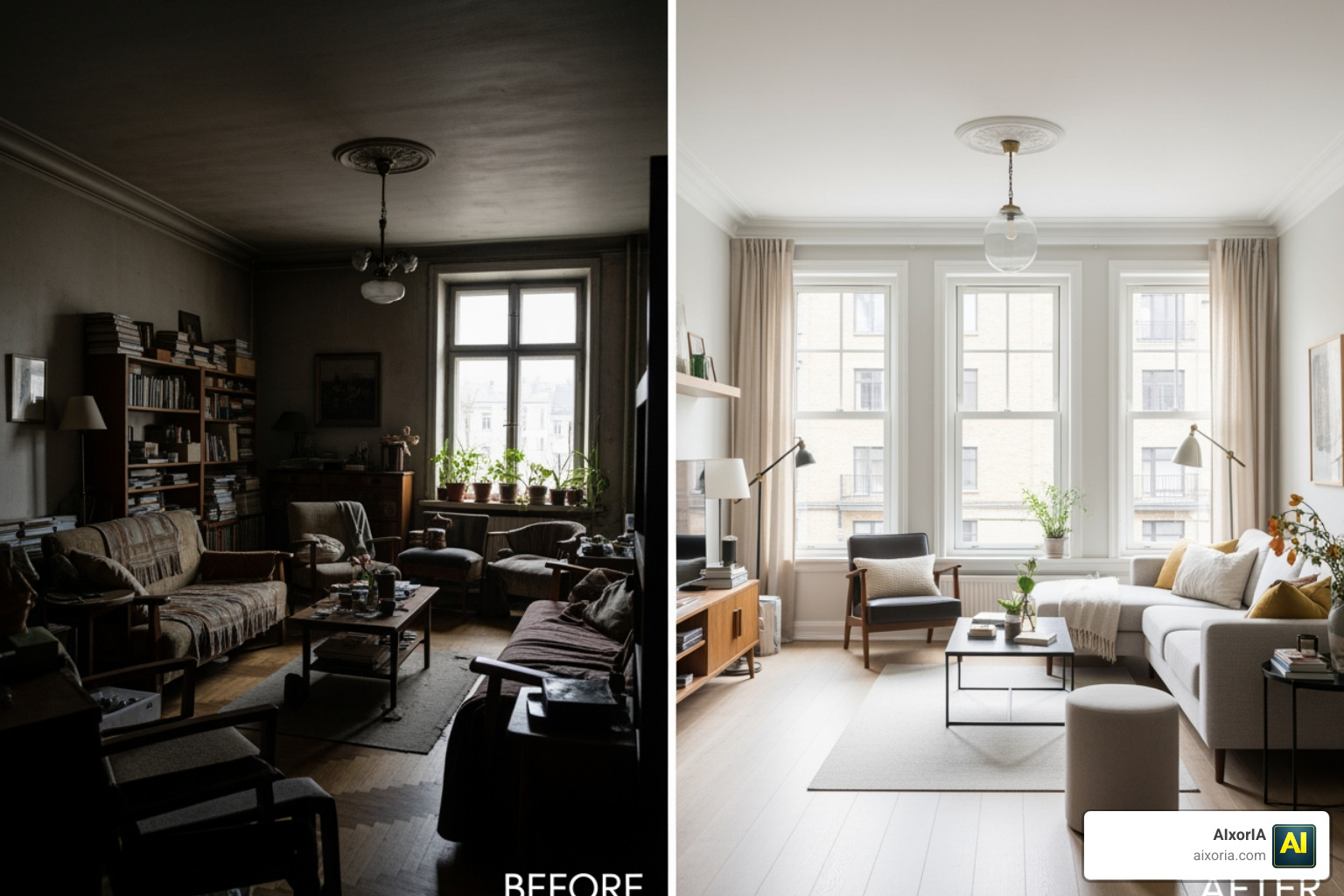
Understanding What is the Best Way to Use AI for Interior Design in 2026 involves leveraging these features to avoid “beige mistakes.” You can test a bold navy wall in a digital render before you ever touch a paintbrush.
Accuracy in Architectural Details
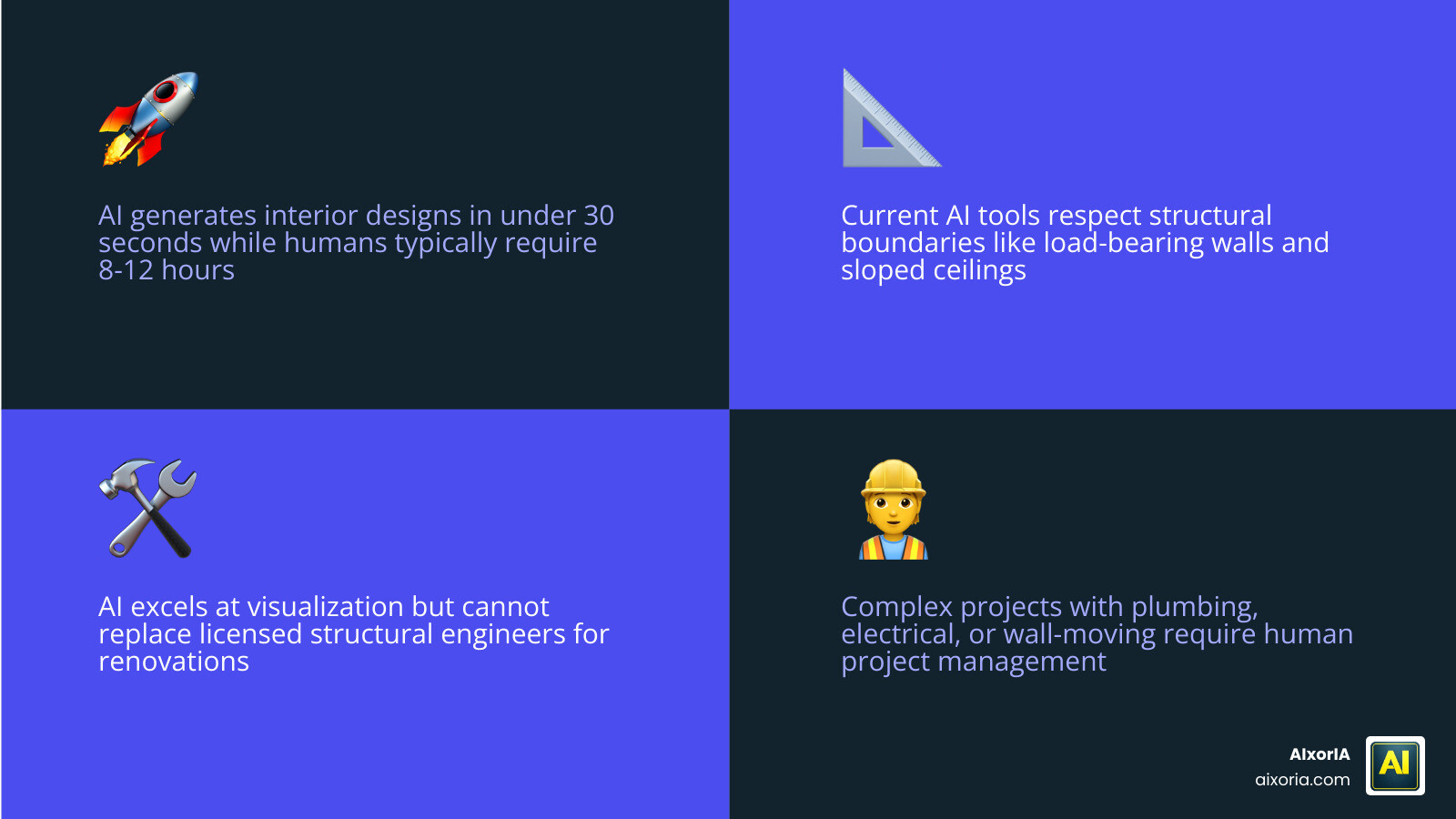
A common fear with early AI was that it would put a door where a window should be. In 2026, tools like AI Interior Design — Transform Any Room in 30 Seconds | GenRoom use advanced computer vision to lock in your room’s dimensions. If you have a sloped ceiling or a specific structural column, the AI respects those boundaries, ensuring the design is actually buildable.
Integration with Real-World Products
We’ve moved past generic “AI furniture.” The top-tier AI Interior Design Tools now integrate with real brand catalogs. You can select Sherwin-Williams “Pure White” for your walls or a specific IKEA sofa, and the AI will render that exact product. This turns a “dream board” into a practical shopping list. This level of detail is a hallmark of Top Tools for Effortless Luxury Interior Design in Modern Homes.
Step-by-Step: Transforming Spaces with AI
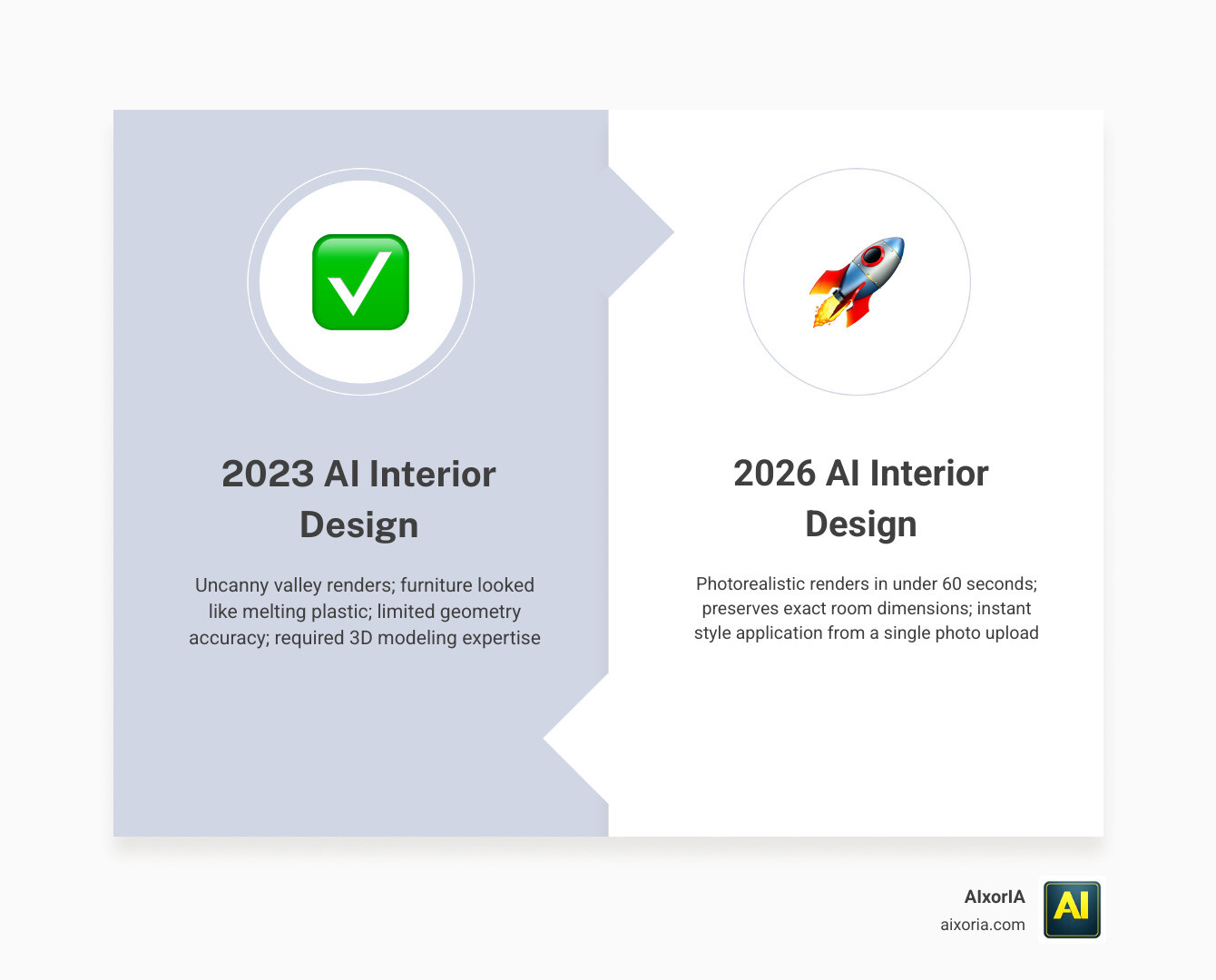
If you’re ready to start, the process is surprisingly simple. We recommend following this workflow:
- The Capture: Take a well-lit photo of your room during the day.
- The Upload: Feed the photo into your chosen AI tool.
- The Prompt: Either select a preset style or type a text prompt like “Modern Farmhouse with emerald green accents.”
- The Refine: Use “brush” tools to change specific items, like just the flooring or just the light fixtures.
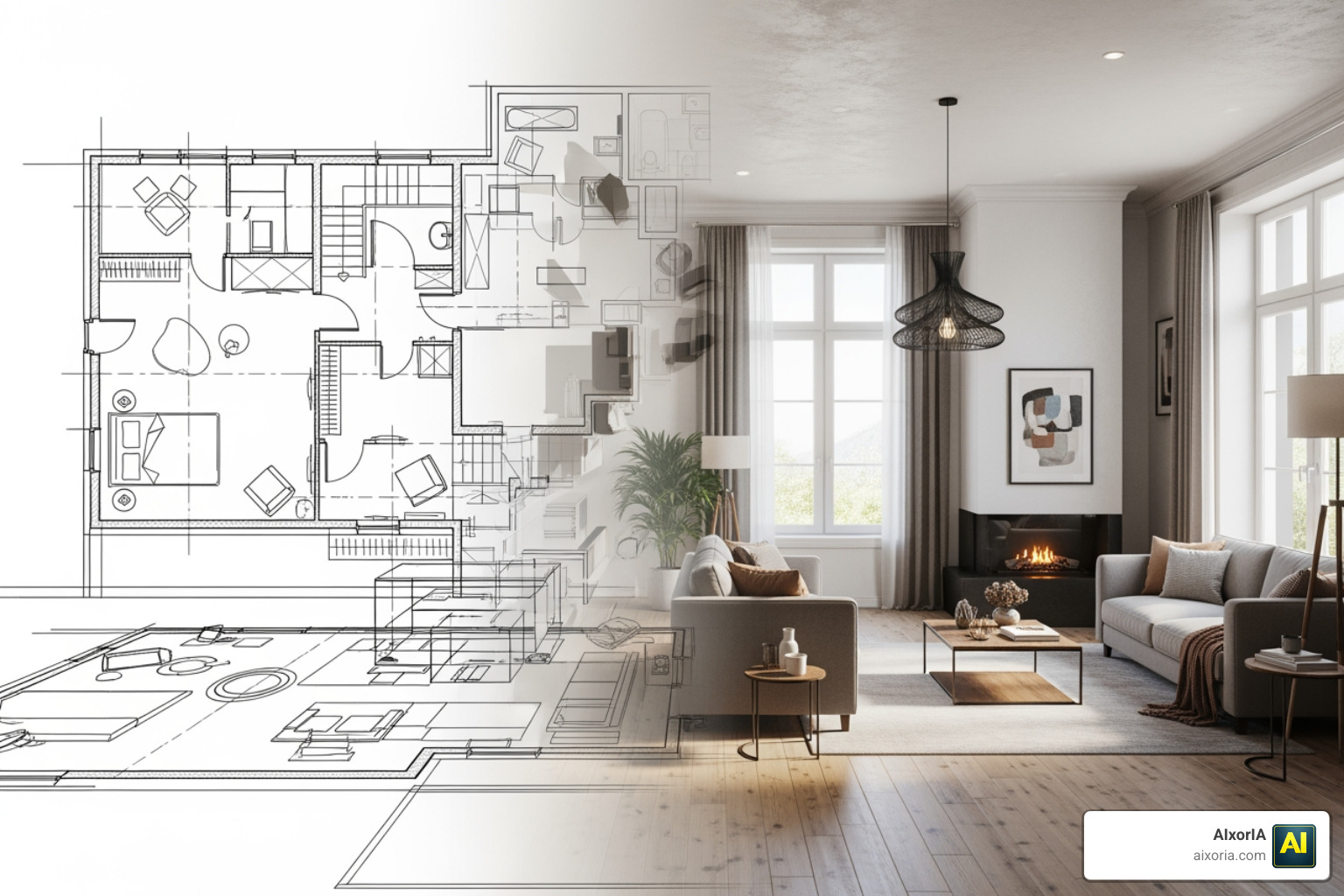
For those starting from scratch, you can even go from AI Tools for Interior Design from Floor Plans Real 2D Blueprint → 3D Room Workflow, turning a flat drawing into a walkable 3D environment.
Kitchen and Bathroom Specializations
Kitchens and bathrooms are the most expensive rooms to renovate, which makes AI visualization even more critical. AI can now map tiles over existing surfaces and show you how different cabinetry finishes look against your current appliances. If you’re tackling a wet room, the AI Bathroom Design Tool 2026 Spatial AI AR Walkthrough Smart Plumbing Explained guide is an essential resource for understanding how AI handles plumbing constraints.
Limitations: When to Move Beyond AI Tools
As much as we love these tools, they aren’t magic. AI is an incredible assistant, but it isn’t a licensed structural engineer.
While AI can tell you that a wall would look great in sage green, it can’t tell you if that wall is load-bearing. It can’t feel the texture of a fabric or manage the “human” element of coordinating with a grumpy contractor. For complex renovations involving moving walls or electrical overhauls, the human designer’s expertise is still irreplaceable.
Frequently Asked Questions about AI Design
Can AI tools accurately measure my room from a photo?
Most tools provide a very close estimate by analyzing the perspective of floors and ceilings. However, for actual construction, you should always use a physical tape measure or a dedicated LiDAR scanning app. AI is for visualization, not for final architectural blueprints.
Are AI-generated designs buildable by contractors?
Yes, provided you use a tool that preserves room geometry. If the AI suggests a layout that fits within your existing walls and respects window placements, a contractor can use that render as a “visual brief” to understand exactly what you want.
What is the difference between free and paid AI design tiers?
Free tiers are usually great for brainstorming—they might have watermarks, lower resolution, or a limited number of “renders” per day. Paid tiers (typically $14–$30/month) offer 4K upscaling, commercial usage rights for real estate, and access to more realistic AI models like “Pro” or “Ultra” modes.
Conclusion
At AIxorIA, we believe that technology should empower your creativity, not complicate it. Whether you are a homeowner trying to escape “design paralysis” or a real estate professional looking to close deals faster, AI Interior Design Tools are the ultimate shortcut to professional results.
Our mission is to provide simple language help and affordable AI solutions to help you navigate this fast-moving industry. The future of design isn’t about replacing the human eye; it’s about giving that eye a 30-second superpower.
Ready to level up your workflow? Explore more AI productivity solutions and see how we can help you integrate these tools into your daily life.
2 thoughts on “Best AI Interior Design Tools in 2026: Top Free & Paid Picks”