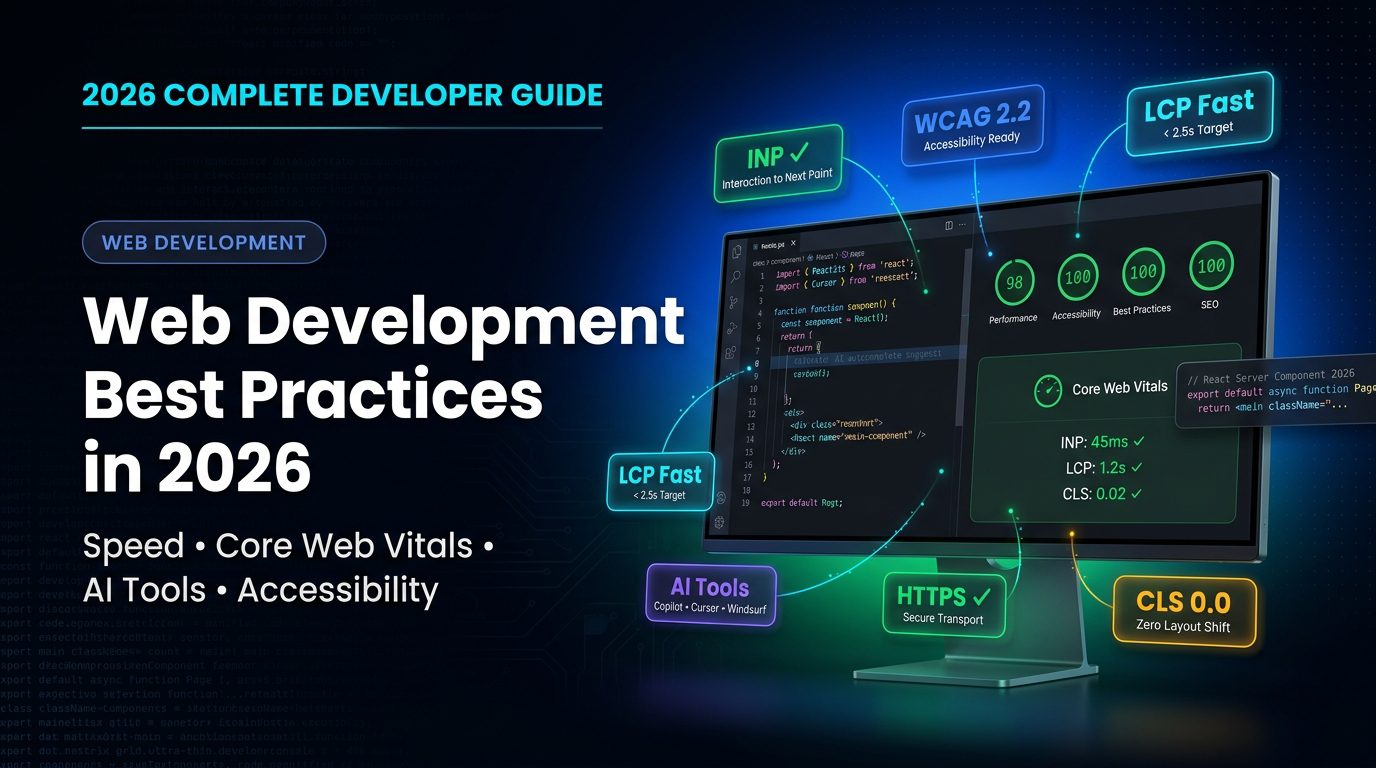
Web development in 2026 is no longer just about making a site “work.” It is about building experiences that are fast, stable, accessible, secure, and easy to maintain as traffic grows. Google’s own guidance says Core Web Vitals are part of the signals it uses for page experience, and the current metrics are INP, LCP, and CLS. Google also notes that strong Core Web Vitals help, but they do not guarantee top rankings by themselves.
That matters because users now expect websites to feel instant, not merely functional. If a page loads slowly, shifts while rendering, or reacts late to clicks, visitors leave before they ever see the value of the content. The best developers do not optimize for search engines first and humans second. They build for humans first, then make the site easy for search engines to understand.
Table of Contents
What changed for web development in 2026
One of the most important updates is that First Input Delay is no longer the responsiveness metric you should be writing about in a modern guide. Google promoted Interaction to Next Paint as the new Core Web Vitals responsiveness metric and replaced FID in March 2024. INP measures the latency of page interactions more broadly, including taps, clicks, and keyboard input, which makes it a better reflection of real user responsiveness.
Accessibility standards also moved forward. WCAG 2.2 is now the W3C Recommendation, and the WAI recommends adopting it as the new conformance target. In the United States, the Department of Justice has also issued guidance and a final rule strengthening web and mobile accessibility expectations under the ADA framework. For a 2026 article, that context is not optional; it is part of what makes the content current and trustworthy.
The core web development best practices that matter most
The first best practice is to treat performance as a product feature, not a technical afterthought. In practical terms, that means designing for LCP, INP, and CLS from the start, then validating the site with tools like Search Console and Lighthouse. Lighthouse is an automated auditing tool that checks performance, accessibility, SEO, and more, which makes it useful both during development and before launch.
The second best practice is to use a component-driven architecture that stays maintainable as the project grows. React’s current documentation describes components as the core building blocks of the interface, and React Server Components render ahead of time in a server environment before bundling. For modern web apps, that can reduce client-side burden and make large interfaces easier to structure. Tailwind CSS fits well here because it is a utility-first framework that lets you compose styles directly in markup, which helps teams keep design decisions consistent across a large codebase.
The third best practice is to make accessibility part of the definition of done. WCAG 2.2 organizes accessibility around the familiar principles of perceivable, operable, understandable, and robust content, and the WAI provides quick-reference implementation guidance for developers. In the US market, that matters for both user reach and legal risk. A site that is difficult to navigate with a keyboard, screen reader, or mobile assistive tools is not fully production-ready, even if it looks polished on a designer’s screen.
The fourth best practice is to keep your code clear enough that another developer can safely extend it. That means predictable naming, reusable components, small modules, and versioned changes that are easy to review. In real projects, this is what separates a site that scales from a site that becomes fragile every time someone adds a new feature. React’s component model supports this approach well, and utility-first styling helps keep the visual layer equally predictable.
The fifth best practice is to build security into the workflow from the beginning. Google’s page experience guidance includes HTTPS among the signals associated with page experience, so secure transport is not just a trust issue; it is part of modern web quality. Beyond HTTPS, developers should validate input, limit exposure in forms and APIs, and review dependencies regularly so the site does not slowly drift into risk.
The sixth best practice is to measure what you ship and ship what you measure. A good stack should give you performance audits, accessibility checks, and SEO checks before the code reaches production. Lighthouse is useful here because it surfaces failing audits and explains what to fix, which turns vague “site feels slow” complaints into actionable work.
READ MORE – 20 Best SEO Tools I’m Using in 2026
Best AI tools for web developers in 2026
AI tools are now part of the web development workflow, but the best teams use them to accelerate engineering, not replace it. The right tool can help with boilerplate, code review, refactoring, debugging, and building AI-powered features into the product itself. The wrong approach is to let the tool make architecture decisions, accessibility decisions, or performance trade-offs without review.
GitHub Copilot
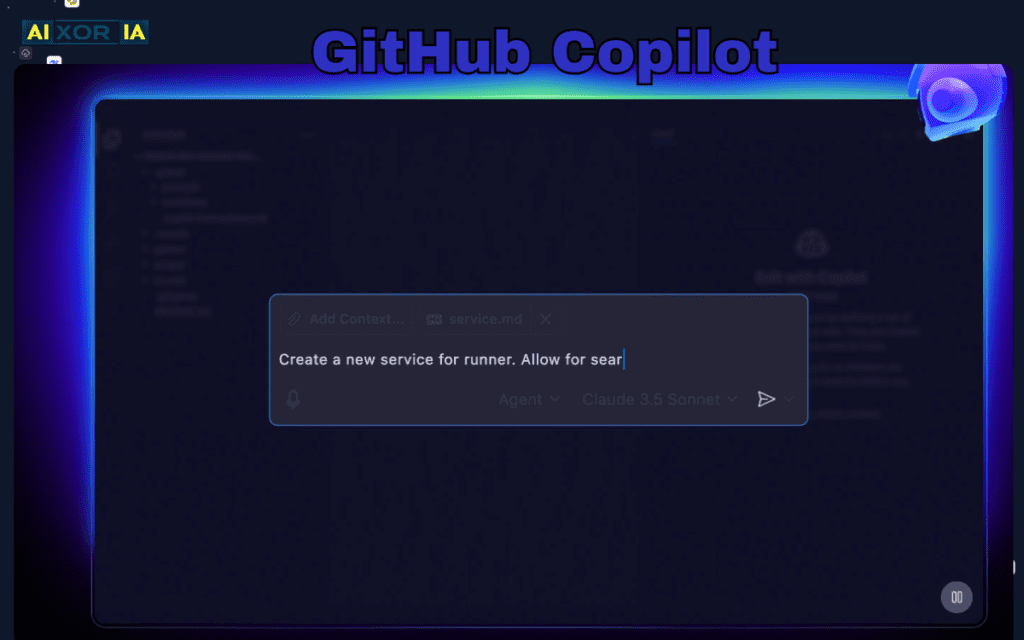
GitHub Copilot remains one of the most useful general-purpose AI coding assistants because it works directly alongside the developer in the editor. GitHub says Copilot uses the surrounding code, open files, repository paths, and even URLs to produce context-aware suggestions. It supports code completion and chat assistance, which makes it useful both for fast drafting and for getting unstuck while working inside an existing codebase.
For web development, Copilot is especially strong when the task is repetitive but still needs precision: writing form handlers, scaffolding components, wiring APIs, or filling in predictable patterns across a front-end and back-end stack. It is not a substitute for code review, because suggestions still need to be checked against the project’s design system, security rules, and accessibility requirements. In enterprise settings, its value grows because it stays close to the GitHub ecosystem many teams already use.
Pricing: Copilot Free is available with limited usage. GitHub Copilot Pro is $10 per month, and Copilot Pro+ is $39 per month.
Pros: strong editor integration, fast boilerplate generation, chat plus inline assistance.
Cons: still requires human review, and output quality depends heavily on project context.
Practical fit: best for teams that want a familiar, reliable assistant inside the existing coding workflow rather than a new editor or platform.
Cursor
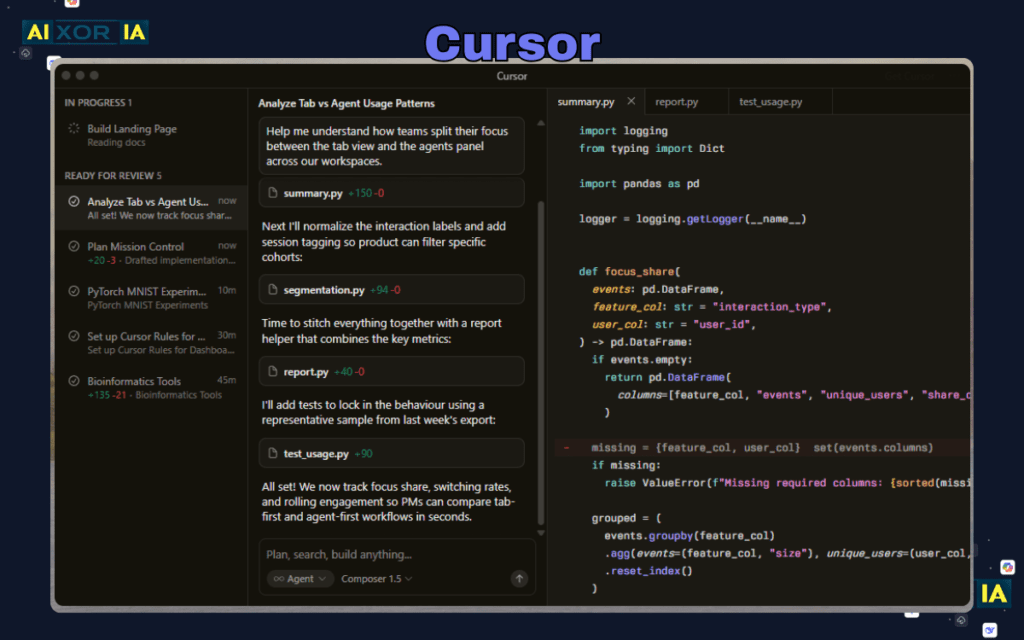
Cursor is an AI-first code editor built around productivity, codebase understanding, and agent-style workflows. The product describes itself as “the best way to code with AI,” and it emphasizes complete codebase understanding, meaning the editor is designed to learn how the project works even when it is large or complex. Cursor also highlights a specialized Tab model for fast autocomplete and lets users choose among frontier models for different tasks.
For web developers, that matters because the real pain point is rarely a single line of code. It is understanding a whole feature, tracing state across files, and changing the right pieces without breaking the rest of the app. Cursor is strongest when you are working on multi-file changes, debugging unfamiliar code, or building something where a normal autocomplete tool would only see the current file. Its model selection and agent features make it a better fit for larger refactors than a simple suggestion engine.
Pricing: Cursor offers a Hobby plan with limited requests and completions, Pro at $20 per month, Pro+ at $60 per month, Ultra at $200 per month, Teams at $40 per user per month, and custom Enterprise pricing.
Pros: strong codebase awareness, fast autocomplete, useful for large edits and multi-file work.
Cons: it is most valuable when the developer already knows how to guide the agent and verify the result.
Practical fit: best for developers who want the editor itself to help reason across the whole project instead of treating AI as a side panel.
Windsurf by Codeium
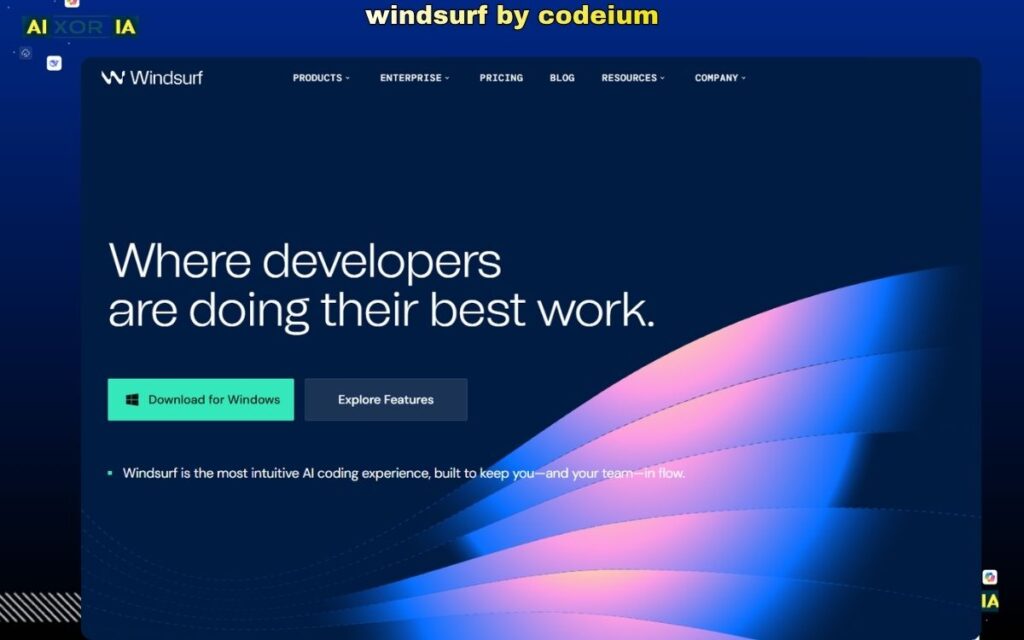
Windsurf, previously associated with Codeium, is positioned as an intuitive AI coding experience designed to keep developers in flow. The product highlights its Cascade agent, support for multiple major model providers, and an editor experience built around fast, collaborative coding rather than constant tool switching. The pricing page also shows a clearly structured plan lineup, which makes it easier to understand how the tool scales from individual use to team deployment.
For web development, Windsurf is attractive when the goal is to move quickly from idea to working code. The platform is especially useful for autocomplete, agent-driven edits, and keeping coding sessions in motion without bouncing between too many tools. That flow-oriented design matters on front-end work, where small visual changes, repeated UI patterns, and quick fixes can add up across many components. It is a better fit for developers who like a more guided, all-in-one experience than a minimal editor.
Pricing: Windsurf lists a Free plan at $0 per month, Pro at $20 per month, Max at $200 per month, Teams at $40 per user per month, and Enterprise as a contact-sales plan.
Pros: flow-focused UX, agentic coding help, flexible plan structure for individuals and teams.
Cons: like any AI editor, it still needs human oversight for architecture, accessibility, and code quality.
Practical fit: best when you want fast iteration and a tool that feels closer to a coding partner than a plain text editor.
Vercel AI SDK and AI Gateway
Vercel’s AI SDK is a TypeScript toolkit for building AI-powered applications with Next.js, Vue, Svelte, Node.js, and more. Vercel also describes its AI Gateway as a pay-as-you-go product with no markup, and the platform’s pricing page shows a Hobby plan that is free forever. That combination makes Vercel especially relevant for developers who are not just using AI to write code, but are also shipping AI into the product itself.
For web development best practices, this matters because AI features are increasingly part of the user experience. Teams need streaming UI, structured prompts, model routing, and deployment patterns that fit a modern front-end stack. Vercel’s AI tooling is strongest when you are already building with modern JavaScript frameworks and want a deployment path that keeps AI infrastructure close to the app. It is not a coding autocomplete tool like Copilot or Cursor; it is a build-time and runtime toolkit for AI features in web products.
Pricing: the AI Gateway uses pay-as-you-go pricing, Vercel’s Hobby plan is free forever, and the platform charges according to usage-based pricing for billable resources.
Pros: excellent for AI-powered product features, modern framework support, clean deployment story.
Cons: best when you are already committed to a modern JavaScript stack and willing to manage usage-based costs.
Practical fit: best for teams building AI-native front ends, not just teams looking for faster code completion.
READ MORE – 20 Best SEO Tools I’m Using in 2026
How to turn these best practices into a publishable workflow
A strong 2026 workflow starts with measurement, not guesswork. Use Lighthouse to audit performance, accessibility, and SEO before launch, then recheck after major changes. Keep a close eye on INP, LCP, and CLS in Search Console so the site does not slowly drift out of range after new features are added.
Next, design your stack so that content, components, and styling stay easy to maintain. React Server Components and utility-first styling work well when the site needs to scale without turning into a brittle bundle of one-off layouts. When accessibility is baked into the process, you avoid the expensive pattern of fixing it later under pressure.
Finally, use AI tools as accelerators, not authorities. Copilot is excellent for predictable coding inside GitHub-based workflows, Cursor is powerful for codebase-wide reasoning, Windsurf is strong for flow-oriented coding, and Vercel’s AI tooling is useful when the product itself needs AI features. The winning pattern is to let AI reduce friction while the human developer owns correctness, accessibility, security, and architecture.
Final takeaway
If you want a web development article to rank in 2026, it should do three things well: reflect the current technical reality, answer the user’s intent clearly, and prove that the writer understands how modern web stacks actually work. That means using INP instead of FID, treating WCAG 2.2 as the current accessibility baseline, and discussing AI tools in a way that is practical rather than hype-driven. Google’s own guidance on Core Web Vitals and page experience supports that direction.