Why Simple CRM Software Matters for Small Businesses
Scr0ll d0wn to D0VVNL0AD

The best crm software for small business focusing on simplicity is the one your team can start using today to track contacts, deals, and follow-ups without training, consultants, or a crowded dashboard.
For most solo founders and teams of 2-5 people, the practical shortlist is:
- Pipedrive for a clear visual sales pipeline and activity-based selling.
- OnePageCRM for an action-first daily follow-up system and very fast setup.
- Less Annoying CRM for straightforward contact management, tasks, and predictable flat pricing.
- Bigin by Zoho for small teams that want simple pipelines plus multi-channel customer communication.
- HubSpot CRM for businesses that need a free starting point and can accept more features as they grow.
“Simple” does not mean stripped down. It means the CRM handles the three jobs small businesses do every day: keep customer details in one place, show where every deal stands, and remind people to follow up.
That matters because a CRM full of advanced tools can look impressive in a demo, then sit unused a few months later. The best choice is not the platform with the longest feature list. It is the one your team opens every day instead of returning to spreadsheets, inboxes, and memory.
This guide compares 10 simple CRM tools based on setup effort, daily usability, essential features, pricing clarity, and the risk of feature bloat.
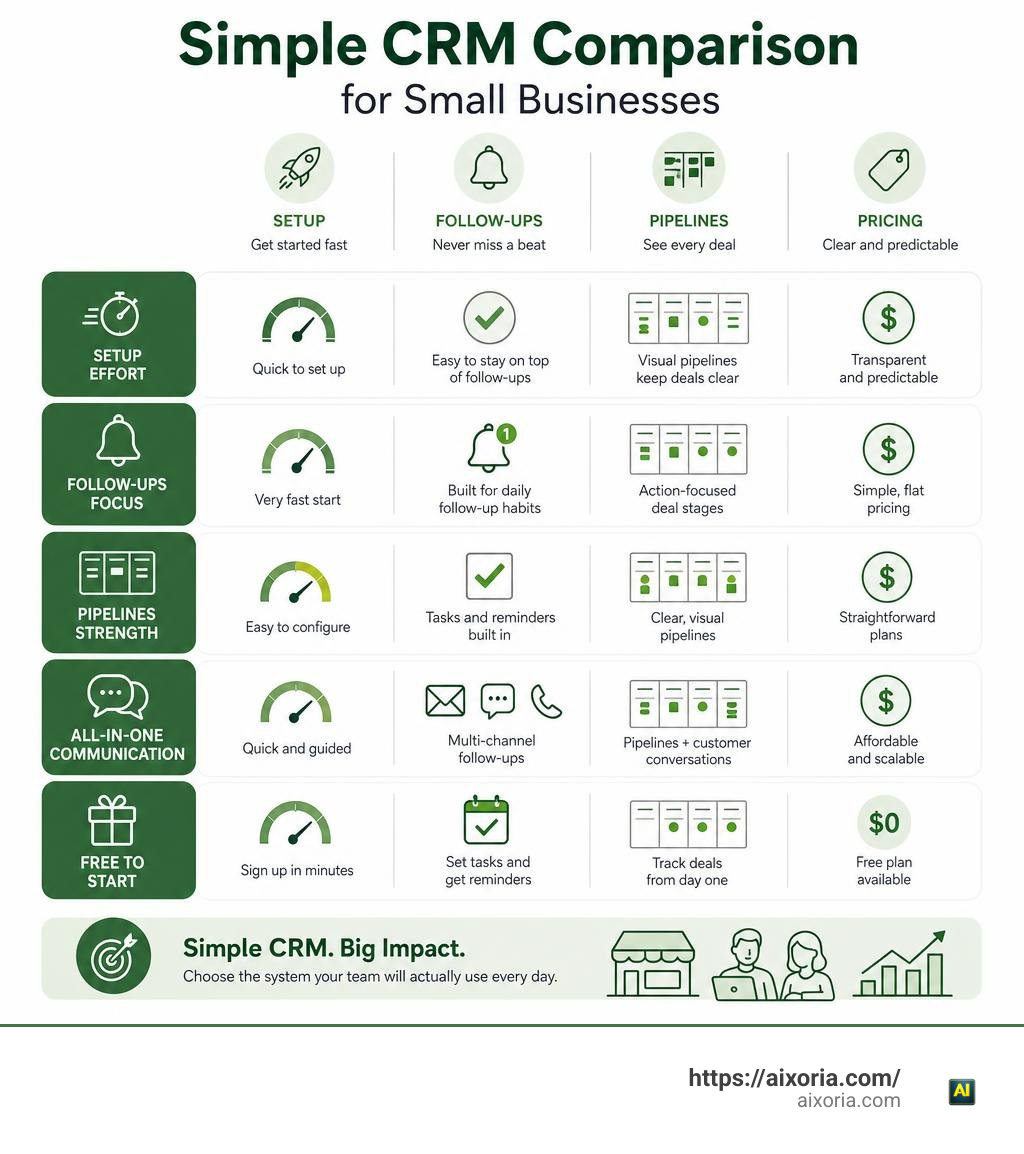
Evaluating the Best CRM Software for Small Business Focusing on Simplicity
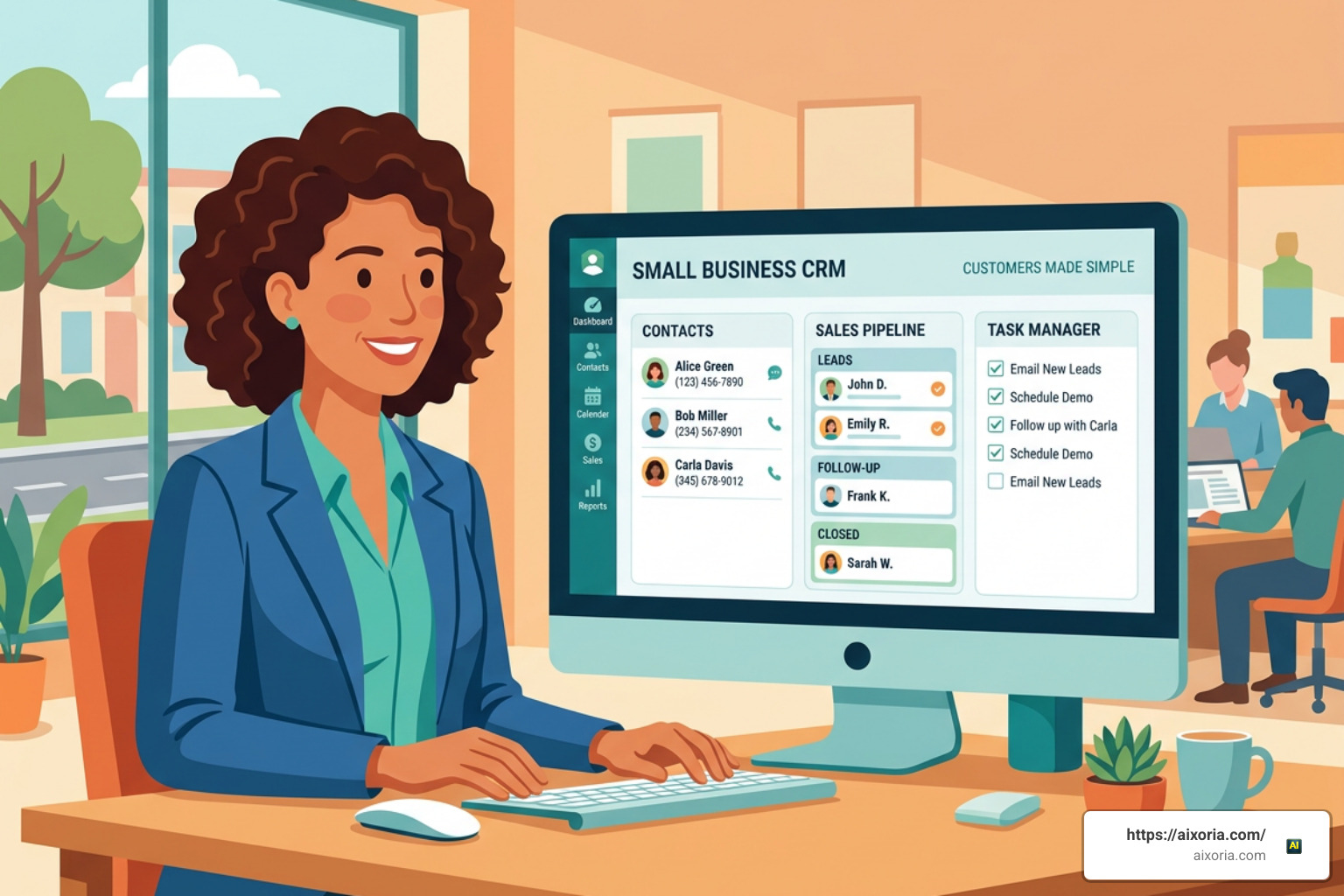
When we evaluate software for small operations, we measure simplicity by how quickly a non-technical person can achieve real business value. In our experience testing sales tools, a system is truly simple when a new user can log in, add a contact, move a deal through a pipeline, and schedule a follow-up task within minutes—without reading a manual or watching a multi-part video series.
Gartner reports that customer relationship management continues to be one of the fastest-growing software sectors globally as small businesses prioritize customer retention and sales automation. However, high growth in software features often leads to interface clutter. When searching for the best crm software for small business focusing on simplicity, we must look past marketing promises and assess how the platform behaves in daily use.
Core Criteria for the Best CRM Software for Small Business Focusing on Simplicity
To separate genuinely practical platforms from overly complex enterprise tools, we focus on five core requirements:
- Time-to-Value: The platform should require under 30 minutes of total initial setup. Solutions like OnePageCRM boast a time-to-value of just 4 minutes, while platforms like Bigin and SoloCRM take between 5 to 30 minutes.
- Intuitive Pipeline Management: A visual drag-and-drop Kanban board or action list that clearly indicates deal stages so no prospect slips through the cracks.
- Seamless Email and Calendar Sync: Automatic two-way sync with Google Workspace or Microsoft Outlook so customer interaction histories, notes, and appointments remain centralized chronologically.
- Zero Required Admin or Onboarding Consultants: The software must be simple enough that a team of 1 to 10 people can operate it natively without hiring third-party administrators.
- Mobile Accessibility: A clean mobile app that enables team members to update interaction logs, scan business cards, or view task lists on the move.
Hidden Costs and Pitfalls of Over-Engineered Sales Tools
The primary reason small teams abandon new CRM platforms after a few months is feature bloat. When software providers bundle enterprise-grade tools—like complex predictive scoring, multi-tiered permission rules, and intricate workflow engines—into base tiers, user adoption drops dramatically.

Additionally, over-engineered software frequently carries hidden financial burdens:
- Mandatory Onboarding Fees: Many legacy platforms mandate setup or training packages that add thousands to your initial bill.
- Contact Tier Upgrades: A tool might start at an attractive monthly rate, but costs escalate sharply once your contact list passes 500 or 1,000 records.
- Feature Locking: Basic plans often lock critical day-to-day functionality, such as automated email follow-ups or custom fields, forcing small teams into high-tier enterprise subscriptions.
- Data Extraction Friction: Locked-in annual contracts and complex export procedures make moving customer data away from bloated platforms frustrating and expensive.
Top Simple CRM Platforms for Small Teams and Solopreneurs

Finding the right tool means matching your specific operational workflow—whether that is an action agenda, a minimalist relationship tracker, a visual deal pipeline, or an integrated project board—with a transparent cost structure.
| CRM Platform | Target Team Size | Core Focus | Setup Time | Entry Pricing |
|---|---|---|---|---|
| Pipedrive | 1–20 users | Activity-based visual pipelines | ~15 mins | $12.50/user/mo (billed annually) |
| OnePageCRM | Solopreneurs & SMBs | Daily action agenda & follow-ups | 4 mins | Flexible paid plans (21-day free trial) |
| Less Annoying CRM | 1–10 users | Uncluttered contact management | < 5 mins | $15/user/mo (flat monthly rate) |
| Bigin by Zoho | 1–20 users | Multi-channel visual pipelines | ~30 mins | Entry-level low-cost tier |
| SoloCRM | Solo service pros | Leads to projects & invoicing | 5 mins | Free tier / £14.99/mo Pro plan |
| MiniCRM | Service & trades | AI-assisted business workflows | 10 mins | Competitive monthly subscriptions |
| HubSpot CRM | Early-stage startups | Free starter contact management | ~20 mins | Free plan available |
| monday sales CRM | 2–15 users | Flexible custom workflow boards | ~25 mins | Entry-level user pricing |
| Copper | Google Workspace users | Automatic inbox integration | ~10 mins | Standard per-user monthly tiers |
| HoneyBook | Independent service providers | Client onboarding & proposals | ~15 mins | Flat starter packages |
Evaluating Action-Oriented Tools as the Best CRM Software for Small Business Focusing on Simplicity
For teams that prioritize fast outreach and daily habits over complex reporting dashboards, action-oriented platforms convert contact records into clear daily tasks.
A prime example in this category is OnePageCRM | Simple & Easy-to-Use CRM for Small Business. Holding a 4.7 out of 5 rating on G2 and used in over 80 countries, it converts a standard contact database into a practical daily follow-up agenda. Instead of digging through multiple sub-menus, users see a next-action task alongside every contact record. Key highlights include:
- Action Agenda System: Focuses on converting sales leads into active daily items so deals never stall.
- Lead Clipper Extension: Captures leads directly from social networks and web browser tabs in one click.
- Rapid Setup: Users achieve complete setup in about 4 minutes without enterprise overhead.
- Built-in Sales Utilities: Includes web forms, quote generation in under 30 seconds, and a mobile app featuring an AI sales route planner for field visits.
Minimalist Contact Management Without Enterprise Bloat
When your primary goal is migrating off spreadsheets without getting bogged down by complicated features, dedicated contact management tools keep your daily process clear and straightforward.
Less Annoying CRM | Simple Contact Management for Small Businesses is engineered specifically for this use case. Founded in 2009 and serving over 10,000 small businesses, it operates on a self-funded model that avoids corporate pressure to inflate features or raise prices. Key features include:
- Flat-Rate Pricing: A predictable $15 per user/month flat rate with no contract lock-ins, onboarding fees, or feature gating.
- Unified Relationship Timeline: Consolidates chronologically logged emails, meeting notes, background details, and custom fields on a single screen.
- Google & Outlook Integration: Syncs calendars and email threads natively.
- Free Human Support: Includes direct phone and email support from dedicated coaches, even during the 30-day free trial.
Pipeline-Focused and Multi-Channel Solutions for Micro-Teams
For businesses that manage sales through clear pipeline stages or interact with prospects across multiple channels, visual management platforms streamline daily operations.
Pipedrive is widely recognized for its visual, activity-based sales philosophy, with entry-level plans starting at $12.50 per user/month billed annually. Because pricing is tied to user seats rather than contact database limits, costs remain predictable as your lead volume expands.
If your micro-team needs lightweight pipeline management combined with messaging channels, AI-Powered simple CRM for small businesses | Bigin by Zoho CRM offers a focused, non-intrusive workspace tailored for 1 to 20 employees. Used by more than 50,000 small companies, Bigin provides:
- Multi-Role Pipelines: Dedicated visual boards for sales, onboarding, operations, and customer support.
- Multi-Channel Communications: Built-in tracking for incoming calls, emails, and direct WhatsApp customer conversations.
- Native Zia AI Layer: Generates quick email summaries, reply drafts, and deal updates without requiring separate AI subscriptions.
- 30-Minute Setup: Allows rapid migration from spreadsheets, HubSpot, Salesforce, or Pipedrive.
Instant Setup and Service-Centric Tracking Platforms
Small service providers, freelancers, and field contractors often require a pipeline tool that links sales leads directly to active client projects and invoicing.
For solo professionals, Simple CRM Software | SoloCRM – Easy to Use CRM eliminates enterprise complexity by creating a linear workflow: incoming leads convert into active projects, billable time is tracked on those projects, and final invoices are issued automatically. Setup takes under 5 minutes, and no formal software training is needed.
Similarly, service and field businesses benefit from Grow your business with a CRM that’s actually easy to use • MiniCRM. Built specifically for practical business operations rather than IT departments, MiniCRM provides:
- 10-Minute AI Onboarding: Configures initial system settings and pipelines automatically by analyzing your business website URL.
- Integrated Project Control: Tracks client requests, job site milestones, and team time in one central location.
- Zapier Ecosystem: Connects with over 8,000 external applications, alongside native integrations for WhatsApp, Google Calendar, and Meta ads.
How Small Businesses Can Avoid Software Fatigue and Boost Adoption
A major hurdle in adopting sales software is team fatigue. When a platform feels like an administrative burden rather than a helpful tool, team members stop logging interactions. Data becomes stale, visibility drops, and the business reverts to disorganized spreadsheets.
To build sustainable habits across your team, software implementation should feel like a minor upgrade to your existing daily routine, not a disruptive overhaul.
Step-by-Step Guide to Migrating from Spreadsheets to a Simple CRM
Transitioning customer data off a manual spreadsheet is quick and easy when you follow a structured approach:
- Clean Spreadsheet Data: Remove duplicate rows, standardize phone numbers, and ensure contact names and company details reside in individual columns.
- Define 4 to 5 Pipeline Stages: Keep your initial sales process straightforward (e.g., New Lead, Contact Made, Proposal Sent, Under Negotiation, Closed-Won).
- Perform CSV Import & Field Mapping: Match spreadsheet headers directly to your CRM’s standard fields (First Name, Email, Phone, Deal Value).
- Set Up Two-Way Email & Calendar Sync: Connect your Google Workspace or Microsoft Outlook account to ensure outreach logs chronologically without manual entry.
- Establish a Daily Next-Action Habit: Mandate that no contact or deal remains in the system without an assigned follow-up task and date.
Budgeting for Small Business CRM Software Without Hidden Fees
Industry standards indicate that small businesses should budget between £0–50 ($0–65) per user per month for software, with most simple tools landing between £20–40 ($25–50) monthly.
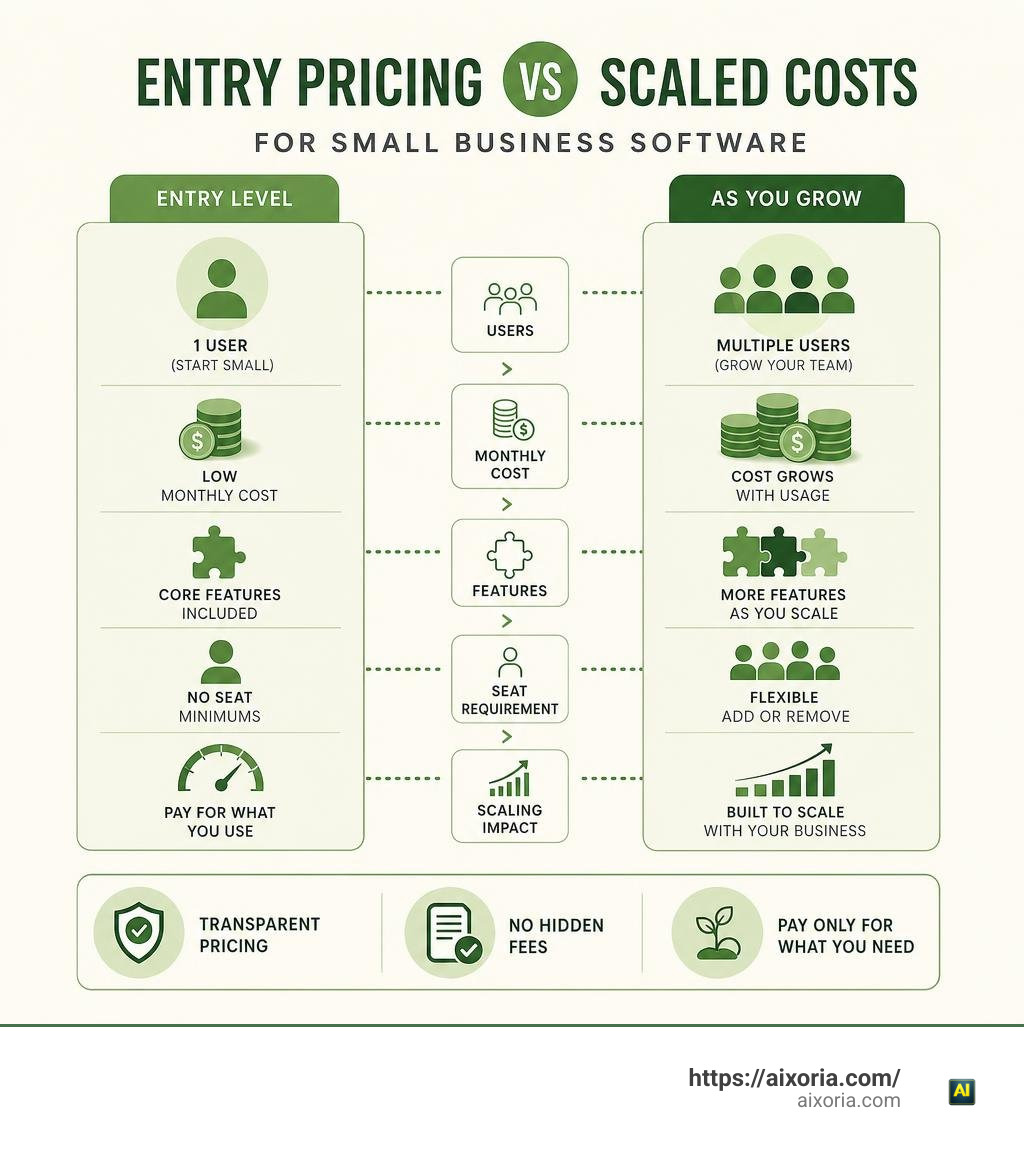
When calculating long-term costs, ensure you check for:
- Unbundled Add-Ons: Check if standard features like email sync, custom web forms, or automated reminders require purchasing higher-tier packages.
- Per-User Seat Minimums: Confirm that the platform allows you to purchase single seat licenses rather than forcing 5-user or 10-user minimum commitments.
- Contact Tier Penalties: Verify whether costs jump automatically when your contact database grows beyond set limits.
Frequently Asked Questions About Simple Small Business CRMs
How quickly can a small business set up a simple CRM software?
Most dedicated simple CRMs take between 4 to 30 minutes to set up fully. Tools like OnePageCRM (4-minute target setup), SoloCRM (5 minutes), MiniCRM (10 minutes with AI setup), and Less Annoying CRM (under 5 minutes) require zero IT assistance or technical background. You can import contacts via CSV and start tracking deals immediately.
What is the average monthly budget for a small business CRM?
Small businesses typically spend between $12.50 and $30 per user per month for quality entry-level software. Flat-rate platforms like Less Annoying CRM ($15/user/month) or affordable visual tools like Pipedrive Essentials ($12.50/user/month billed annually) provide full pipeline management without surprise fees.
Why do small teams stop using complex enterprise CRMs?
Small teams usually stop using enterprise platforms due to interface clutter, forced administrative overhead, and irrelevant features. When entering a simple lead requires filling out dozens of non-essential fields or navigating confusing menus, user adoption plummets, and employees return to managing contacts via email or spreadsheets.
Conclusion
Choosing the best crm software for small business focusing on simplicity is not about finding the tool with the most features. It is about choosing a platform that fits seamlessly into your daily routine, keeps customer interaction histories clear, and ensures no follow-up is forgotten.”https://www.mediafire.com/file/fp5j2p3hu1dajkf/VAXS_VISUALS%2521_BY_MCMPDL%25E2%2580%25A2COM.mcpack/file“
Whether you choose an action-driven daily agenda like OnePageCRM, a flat-rate contact management system like Less Annoying CRM, or a visual multi-channel pipeline like Bigin, prioritizing ease of use will deliver better sales visibility and higher customer retention over time.
By keeping your sales tools simple and transparent, your team can spend less time managing software and more time building strong customer relationships. To explore how intelligent tools can further streamline your operations and daily workflows, read our complete AI productivity software guide by Aixoria.