Why Most ML Projects Fail — and How the Right AI Tools Change That

The good news: AI tools for ML projects have never been more powerful or accessible. The bad news: according to Gartner research, 85% of machine learning projects still fail in 2026.
That gap tells you something important. The problem usually isn’t talent or data — it’s tooling.
Here’s a quick look at the top AI tools for ML projects right now:
| Tool | Best For | Type |
|---|---|---|
| Augment Code | Large codebases, multi-service ML pipelines | AI coding assistant |
| GitHub Copilot | General code completion, wide IDE support | AI coding assistant |
| Amazon SageMaker | End-to-end cloud ML workflows on AWS | Cloud ML platform |
| Google Vertex AI | Integrated GCP data-to-deployment pipelines | Cloud ML platform |
| MLflow | Experiment tracking, agent monitoring | Open-source MLOps |
| Weights & Biases | Training tracking, model registry | MLOps platform |
| PyTorch / TensorFlow | Custom model building and research | Open-source frameworks |
| Ray | Distributed training and batch inference | Compute engine |
| Ludwig | Declarative training with YAML configs | Deep learning framework |
| Kubeflow | Kubernetes-based ML pipeline orchestration | MLOps / workflow tool |
| Comet ML | Experiment management and drift detection | MLOps platform |
Gartner also predicts that 90% of enterprise software engineers will use AI code assistants by 2028. The shift is already underway.
But picking the wrong tool — or combining tools that don’t work well together — is one of the biggest reasons projects stall before they ever reach production.
This guide covers the full picture: from AI coding assistants and cloud ML platforms to open-source frameworks and MLOps tools. Whether you’re prototyping your first model or managing a complex pipeline across multiple services, you’ll find a clear path forward.
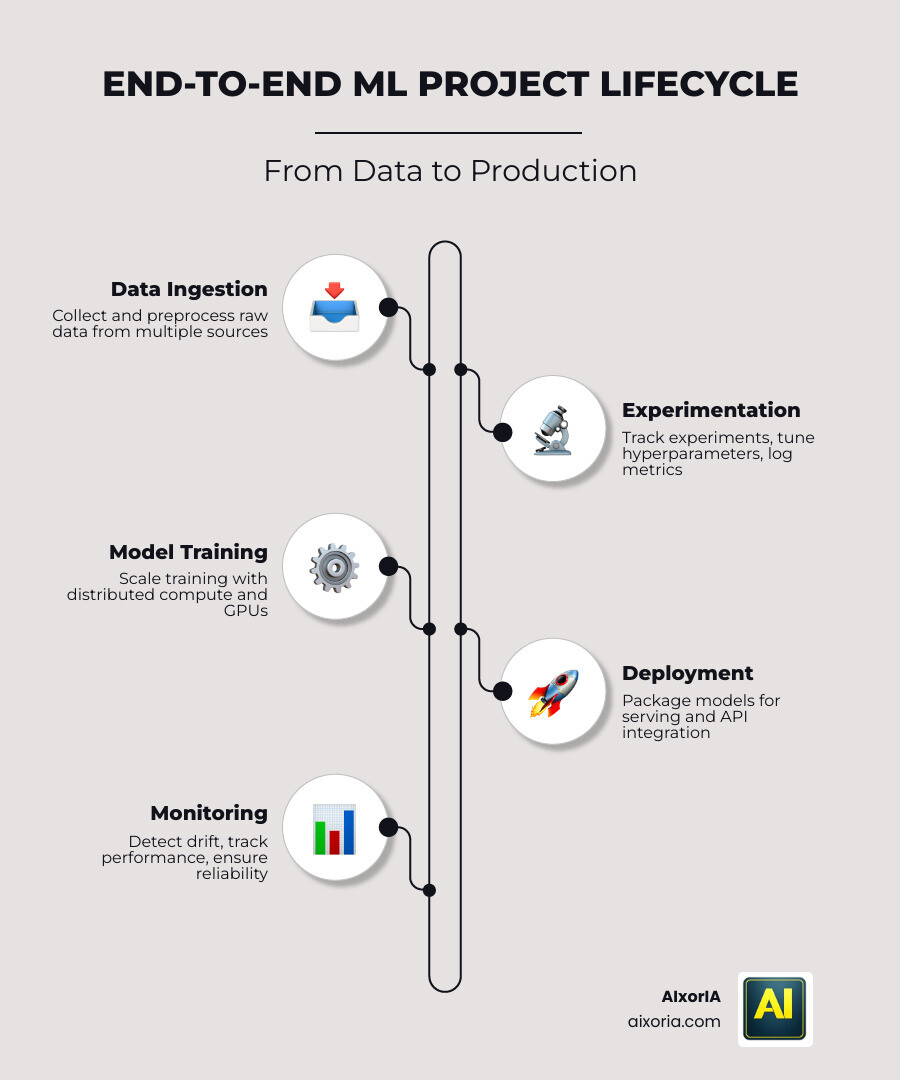
Top AI Tools for ML Projects in 2026
When we look at the landscape of AI tools for ML projects in 2026, we see a clear divide between tools that just “autocomplete” and tools that “understand.”
For complex machine learning work, you need more than a snippet generator. You need a partner that understands your data schemas, your feature engineering logic, and how your model serving layer interacts with your frontend.
Leading AI Coding Assistants and Enterprise Suites
The “Big Three” in the coding assistant space — Augment Code, GitHub Copilot, and Amazon Q Developer — are currently battling for the hearts of data scientists.
- Augment Code: This is currently a favorite for heavy-duty ML pipelines. Why? It focuses on “architectural awareness.” While some tools look at one file at a time, Augment indexes your entire codebase (up to 400,000+ files). It currently holds a 70.6% SWE-bench score, significantly higher than the 54% competitor average.
- GitHub Copilot: With 62% adoption among developers, it’s the most familiar tool. It’s excellent for general tasks and has seen enterprise deployments increase task completion by 25%. However, its 128K token limit can sometimes be a bottleneck for multi-service ML debugging.
- Amazon Q Developer: Now seeing 31.1% adoption, it is the go-to for teams heavily invested in the AWS ecosystem, offering deep integration with SageMaker.
If you want to see how these stack up in a real-world test, check out our deep dive on the Best Ai Tools For Ml Projects 2026 Tested Ranked By Workflow/.
Context Depth and Architectural Awareness
In 2026, we’ve learned that raw “context window” size isn’t everything. Google Gemini offers a massive 1M token window, but MIT CSAIL research shows that AI still struggles with real-world software tasks if it lacks semantic reasoning.
For ML projects, this is critical. If you are debugging a data quality issue that starts in a notebook, flows through a Spark job, and ends in a vector database, your AI tool needs to see the whole chain. Tools using semantic dependency analysis outperform those that simply rely on large token limits. They don’t just “read” the code; they understand the relationships between your legacy auth code and your new ML pipeline.
Integration with Data Science IDEs
Most of us live in Jupyter notebooks or VS Code. The best AI tools for ML projects now offer “persistent cell context.” This means the AI remembers what happened in cell 5 when you’re writing code in cell 50.
Next-gen editors like Cursor and specialized extensions for JetBrains (which has 37.2% adoption) are making it easier to trace “pandas nulls” from a data ingestion script all the way through to three downstream services.
Specialized Platforms for Machine Learning Workflows
Moving beyond the code editor, we enter MLOps and cloud platforms. These are the heavy lifters that manage your data-to-deployment lifecycle.
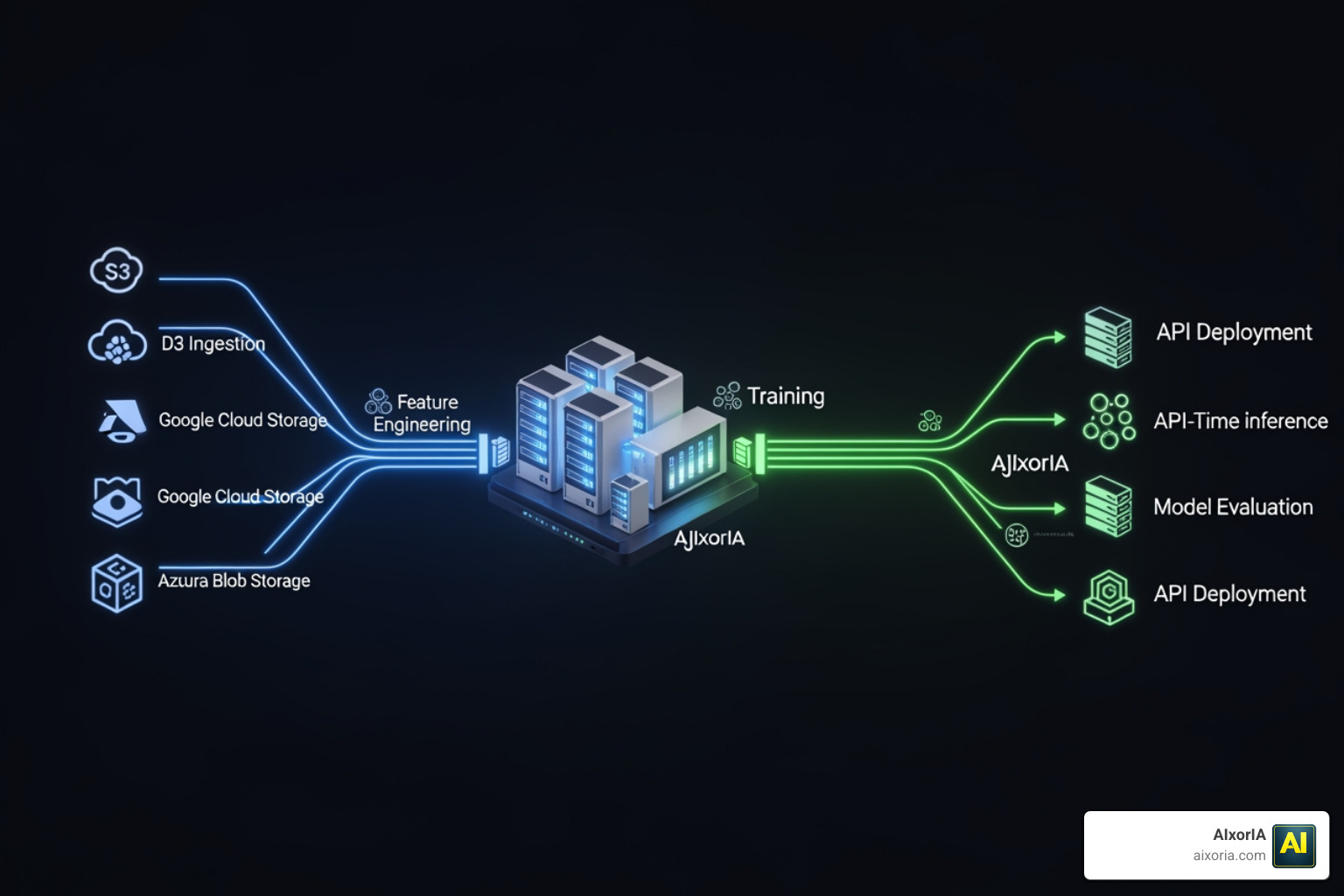
Essential AI Tools for ML Projects: Experiment Tracking
Have you ever trained a model, got great results, and then realized you forgot which hyperparameters you used? We’ve all been there.
- Weights & Biases: This is the “AI developer platform” that provides a unified registry for datasets, models, and prompts. It’s highly compliant (ISO, SOC 2, HIPAA) and allows you to watch gradients and parameters in real-time via a mobile app.
- Comet ML: Known for its “minimal friction” approach. You can integrate it with just two lines of code to start tracking metrics, code, and hyperparameters. It’s particularly good at detecting model drift in production.
- MLflow: The giant of the open-source world. With over 30 million downloads a month, it’s the standard for teams that want to avoid vendor lock-in. It now includes “Agent Server” for one-command deployment of AI agents.
Scaling AI Tools for ML Projects with Distributed Compute
When your data hits the terabyte scale, your laptop won’t cut it.
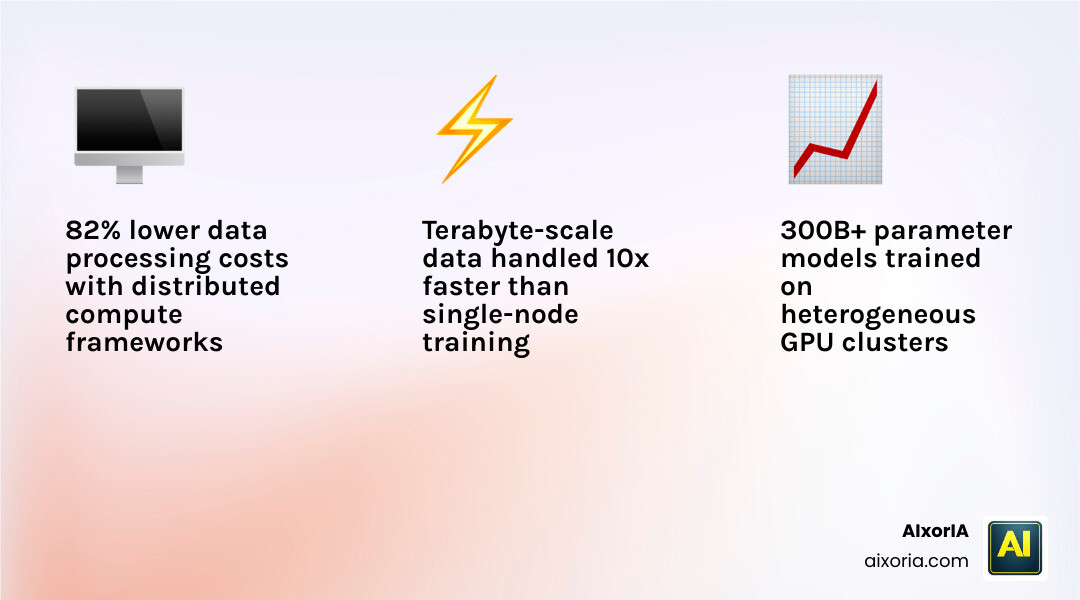
- Ray by Anyscale: Ray has become the “AI Compute Engine” of choice. It handles everything from multi-modal data processing to foundation model training with 300B+ parameters. Some teams report 82% lower data processing costs after switching to Ray.
- Apache Spark: Still the king for large-scale data operations, often orchestrated alongside ML tools via platforms like Kubeflow.
Declarative Deep Learning Frameworks
One of the coolest trends in 2026 is the rise of declarative ML. Ludwig allows you to train models using just a YAML configuration file. Instead of writing 500 lines of boilerplate PyTorch code for data loaders and training loops, you describe your inputs and outputs in a simple text file. This “inverts” the workflow, letting you spend 80% of your time on model innovation rather than infrastructure.
Open-Source vs. Enterprise AI Solutions
The debate between open-source and commercial platforms is no longer about “which is better,” but “which fits your constraints.”
- Open-Source (TensorFlow, PyTorch, Scikit-learn): These offer ultimate customization and transparency. PyTorch remains a favorite for research and flexibility, while TensorFlow excels in mobile and web deployment. The risk? You have to manage the “resource demands” and security yourself.
- Commercial Platforms (SageMaker, Vertex AI, Azure ML): These offer “one-click” scalability and built-in security. They are ideal for enterprises that need region-specific cloud offerings (prioritized by 65% of enterprises) and robust SLAs.
Security and Compliance for Enterprise Teams
In 2026, “it works” isn’t enough. It must be secure. Enterprise teams are now prioritizing:
- ISO 42001 Certification: Specifically for AI management systems.
- SOC 2 & HIPAA: Essential for healthcare and finance.
- On-premises deployment: For teams dealing with sensitive IP that cannot leave their own servers.
The Evolution of Agentic AI in Data Science
We are seeing the birth of the “Autonomous AI Data Scientist.” Tools like OctOpus represent a shift from “AI that helps you code” to “AI that owns the research loop.” You upload your data, describe your business goal in plain language, and the agent handles the hypothesis, experimentation, and even the deployment of the API. It uses “meta-learning” to remember what worked in previous projects to speed up new ones.
Selecting the Right Tooling Strategy
Choosing the right AI tools for ML projects can feel like being a kid in a candy store — everything looks good, but too much will give you a headache.
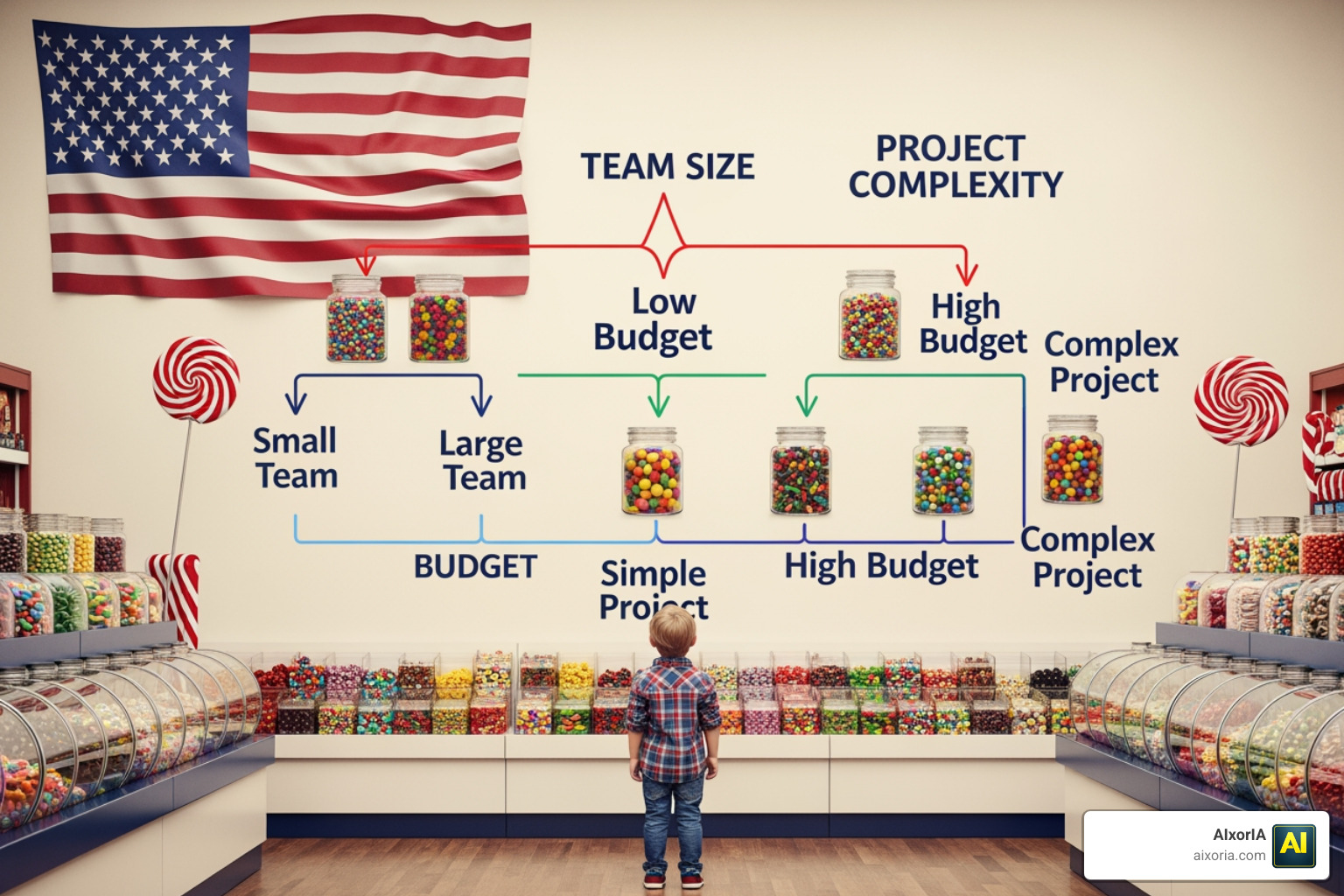
We recommend using this simple decision framework:
- Assess your team’s expertise: If you have PyTorch experts, Ludwig or open-source frameworks are great. If you have business analysts, look at Vertex AI or agentic tools.
- Consider the “Complexity Wall”: If your project involves cross-service debugging and legacy code, prioritize tools like Augment Code with whole-codebase indexing.
- Scale and Cost: For small teams, Google Colab or free tiers of MLOps tools are perfect. For enterprise scale, Ray and cloud-native platforms are necessary to avoid exploding costs.
Frequently Asked Questions about AI/ML Tools
Why do 85% of machine learning projects fail in 2026?
The failure usually stems from “the gap between research and production.” Many teams build great models in isolated notebooks but fail to integrate them into scalable pipelines, ignore data drift, or use tools that don’t allow for multi-service debugging.
How do AI coding assistants improve data science productivity?
Deploying tools like GitHub Copilot can increase completed tasks by 25% on average. They excel at generating unit tests for legacy code, optimizing Spark jobs, and helping less-experienced engineers bridge the gap to senior-level coding.
What is the difference between AutoML and agentic AI workflows?
AutoML (like early versions of SageMaker) focuses on picking the best model for a fixed dataset. Agentic AI (like OctOpus) owns the entire research loop — it can diagnose why a model failed, revise the feature engineering strategy, and try again autonomously.
Conclusion: Let’s Build Something Great Together
Navigating AI tools for ML projects doesn’t have to be overwhelming. At AIxorIA, we specialize in cutting through the noise. We provide custom AI solutions, tool training workshops, and performance audits designed to help your business move from “experimental” to “production-ready” without the 85% failure rate.
Whether you need a tutorial on scaling with Ray or a full audit of your MLOps pipeline, our team is here to provide simple language help and affordable services. We believe that with the right tools and a bit of guidance, any team can master the machine learning lifecycle.
Ready to boost your team’s output? Check out More info about AI productivity services and let’s get your project into that successful 15%!
1 thought on “Best AI Tools for ML Projects in 2026: Top MLOps & Coding Picks”