AI has moved far beyond autocomplete. In 2026, developers are no longer just using AI to assist with code—they are collaborating with AI systems that can plan, write, debug, and even refactor entire codebases autonomously.
For modern development teams in the US, the focus is no longer just speed. It’s about accuracy, context-awareness, security, and workflow orchestration. The best AI productivity tools now operate across the entire software lifecycle—from ideation to deployment.
This guide goes beyond generic features. It is based on practical evaluation, real workflows, and 2026-level capabilities, including agentic AI systems.
Table of Contents
Testing Methodology
We evaluated these tools across three real-world environments:
- React + Node.js production app
- Python data processing pipeline
- Legacy C++ refactoring project
We measured:
- Context accuracy (how well AI understands large codebases)
- Latency (response speed)
- Debugging effectiveness
- Multi-file editing capability
- Integration with real developer workflows
What Makes the Best AI Productivity Tool for Developers?
The best tools in 2026 share these characteristics:
- Deep context awareness (entire repo understanding)
- Multi-file editing and refactoring
- Agentic capabilities (autonomous execution)
- IDE + CLI + cloud integration
- Security compliance (SOC2, GDPR, enterprise readiness)
The Best AI Productivity Tools for Developers at a Glance
| Tool | Best For | Context Awareness | IDE Support | Security |
|---|---|---|---|---|
| GitHub Copilot | Code generation | Medium-High | VS Code, JetBrains | SOC2, Enterprise-ready |
| ChatGPT | General AI workflows | Very High | Web + API | Enterprise-grade |
| Cursor | AI-native IDE | Very High | Built-in IDE | Growing enterprise support |
| Devin | Autonomous AI agent | Extremely High | API-based | Enterprise-focused |
| Aider | CLI-based AI coding | High | Terminal | Local-first security |
| Phind | Developer search | Medium | Web | Standard |
| Codeium | Free coding assistant | Medium | Many IDEs | Basic |
| Tabnine | Enterprise AI | High | IDEs | Strong privacy focus |
Best AI Productivity Tool for Code Generation
GitHub Copilot
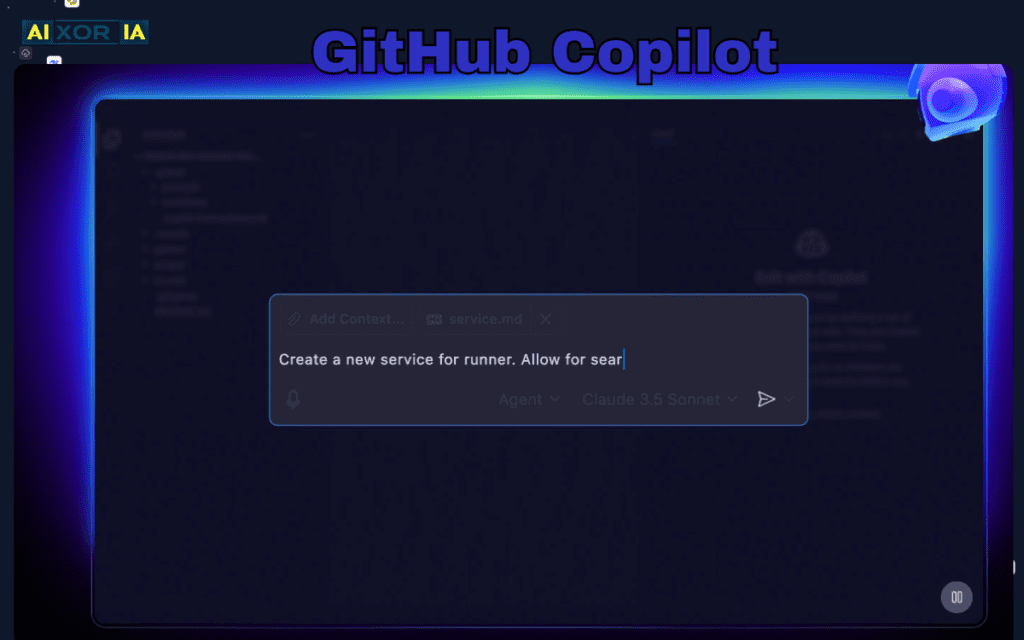
GitHub Copilot remains a foundational tool in developer workflows, but its 2026 evolution is where it truly stands out.
Copilot is no longer limited to inline suggestions. It now includes workspace-wide refactoring capabilities, meaning it can analyze and modify multiple files simultaneously. This is particularly useful when updating large systems, migrating frameworks, or improving code consistency across repositories.
Another major upgrade is its deeper integration with GitHub repositories. Copilot can now understand full project context, suggest architecture improvements, and generate tests based on existing logic.
Pros:
- Strong ecosystem integration
- Multi-file refactoring improvements
- Reliable for daily development
Cons:
- Still requires human validation
- Limited autonomy compared to AI agents
Pricing: From $10/month
Best AI Assistant for Full Development Lifecycle
ChatGPT
ChatGPT has evolved into a full-stack development assistant, capable of handling everything from debugging to architecture planning.
In 2026, one of its biggest advancements is direct repository interaction. Developers can now connect repositories and ask ChatGPT to analyze, refactor, or explain codebases in context. This eliminates the need to manually copy-paste code.
It also excels in:
- Debugging complex errors
- Writing documentation
- Generating API logic
- Explaining legacy systems
Pros:
- Extremely versatile
- High reasoning capability
- Handles large context windows
Cons:
- Not always IDE-native
- Requires structured prompts for best results
Pricing: Free + paid plans
The Current King of AI IDEs
Cursor
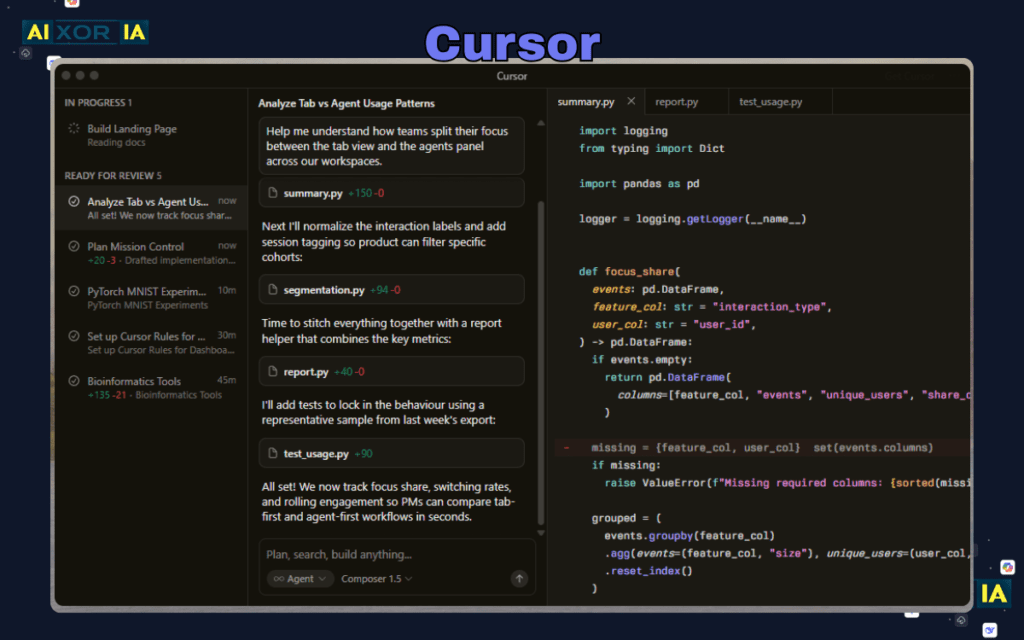
Cursor has emerged as one of the most powerful AI-first IDEs in 2026.
Its standout feature is Composer, which allows developers to edit and generate code across multiple files simultaneously using natural language. Instead of writing code line-by-line, developers can instruct Cursor to implement features, refactor modules, or fix bugs across the entire project.
Cursor’s deep context awareness makes it especially effective for large-scale applications.
Pros:
- Advanced multi-file editing (Composer)
- Deep codebase understanding
- AI-native workflow
Cons:
- Learning curve
- Still evolving ecosystem
Pricing: Free + paid plans
Best Autonomous AI Agent for Developers
Devin
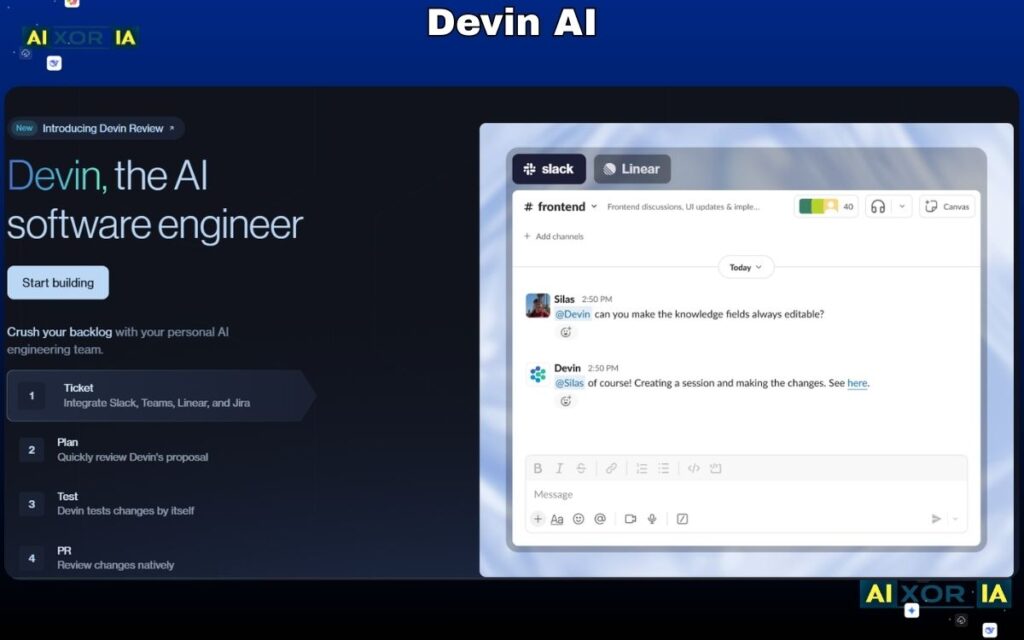
Devin represents a major shift in development: AI as an autonomous software engineer.
Unlike traditional tools, Devin can:
- Plan tasks
- Write code
- Debug errors
- Execute commands
- Iterate until completion
This makes it ideal for handling repetitive or well-defined development tasks without constant human input.
However, it is not a replacement for developers. Instead, it acts as a high-level assistant capable of executing complex workflows independently.
Pros:
- Autonomous execution
- End-to-end task handling
- High context awareness
Cons:
- Expensive
- Requires supervision
- Not suitable for all tasks
Pricing: Enterprise-level
Best AI Tool for CLI-Based Development
Aider
Aider is gaining popularity among developers who prefer working in the terminal.
It integrates directly with Git and allows developers to:
- Edit code using natural language
- Commit changes automatically
- Work locally without exposing code externally
This makes it particularly useful for privacy-conscious developers and teams working on sensitive codebases.
Pros:
- CLI-native workflow
- Local-first approach
- Git integration
Cons:
- Not beginner-friendly
- Limited UI
Pricing: Free / open-source
Best AI Developer Search Engine
Phind
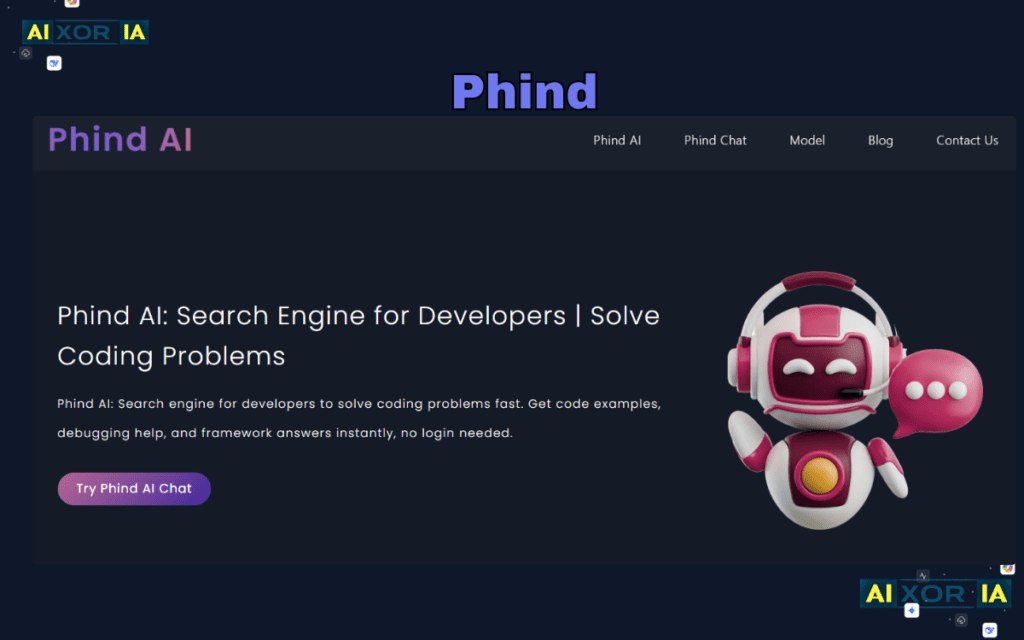
Phind has effectively become a modern alternative to Stack Overflow.
Instead of browsing multiple threads, developers get direct, structured answers with explanations and code examples. It significantly reduces research time and helps solve problems faster.
Pros:
- Fast answers
- Developer-focused results
- Reduces context switching
Cons:
- Limited beyond search
- Not a coding environment
Pricing: Free + Pro
Best Free AI Coding Assistant
Codeium
Codeium offers a strong free alternative to premium tools. It supports multiple IDEs and provides solid autocomplete and chat-based coding assistance.
It’s particularly useful for developers who want AI support without subscription costs.
Pros:
- Completely free
- Wide language support
- Easy integration
Cons:
- Fewer advanced features
- Limited enterprise capabilities
Best AI Tool for Enterprise Security
Tabnine
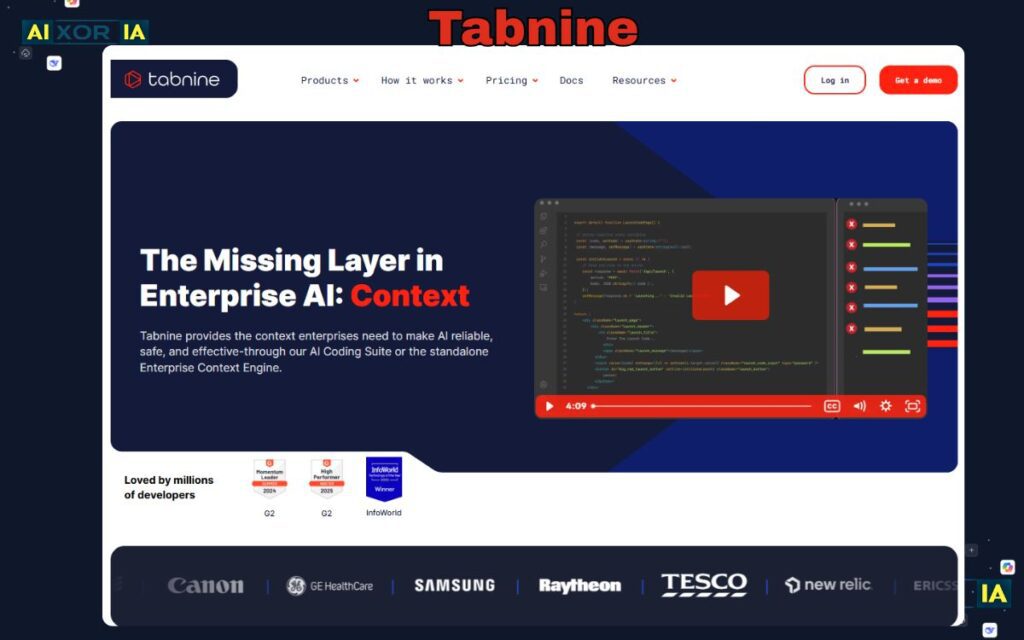
Tabnine focuses on privacy and enterprise-grade security.
It allows teams to run AI models locally or in secure environments, ensuring sensitive code is not exposed. This makes it ideal for regulated industries.
Pros:
- Strong security
- Custom deployment
- Enterprise-ready
Cons:
- Less powerful than top competitors
- Higher cost
READ MORE – The 7 Best AI Coding Tools for Developers in 2026
How AI Refactors Code (Example)
Before AI:
function getUserData(user) {
  if (user) {
    return user.name + " - " + user.email;
  }
}
After AI Optimization:
const getUserData = ({ name, email } = {}) =>
  name && email ? `${name} - ${email}` : null;
AI improves:
- Readability
- Conciseness
- Maintainability
How to Choose the Right Tool
- Daily coding → GitHub Copilot
- Full workflow assistance → ChatGPT
- AI-native IDE → Cursor
- Autonomous execution → Devin
- CLI workflows → Aider
- Research → Phind
Most developers combine tools for maximum productivity.
FAQ (For Featured Snippets)
Is AI replacing developers in 2026?
No. AI is augmenting developers, not replacing them. It handles repetitive tasks, but human expertise is still required for architecture, decision-making, and validation.
Which AI tool is best for legacy code refactoring?
Cursor and ChatGPT are strong choices due to their deep context understanding and multi-file editing capabilities.
Can GitHub Copilot be used securely with private repositories?
Yes. GitHub Copilot offers enterprise-grade security, including support for private repositories and compliance standards like SOC2.
Final Thoughts
The best AI productivity tools for developers in 2026 are those that move beyond assistance into collaboration and autonomy.
- Traditional tools like Copilot improve speed
- AI-native IDEs like Cursor improve workflow
- Agentic tools like Devin redefine execution
The future of development is not AI vs developers—it’s developers working alongside increasingly capable AI systems.
2 thoughts on “Best AI Productivity Tools for Developers in 2026”