Why the Best Team Communication Tools Matter in 2026

The best team communication tools can be the difference between a team that thrives and one that constantly drops the ball.
Here’s a quick look at the top options to help you decide fast:
| Tool | Best For | Starting Price |
|---|---|---|
| Slack | Most teams with budget | $8.75/user/month |
| Microsoft Teams | Microsoft 365 users | $4/user/month |
| Google Chat | Google Workspace users | $7/user/month |
| Discord | Always-on voice needs | $2.99/month |
| Element | Self-hosted, encrypted chat | €5/user/month |
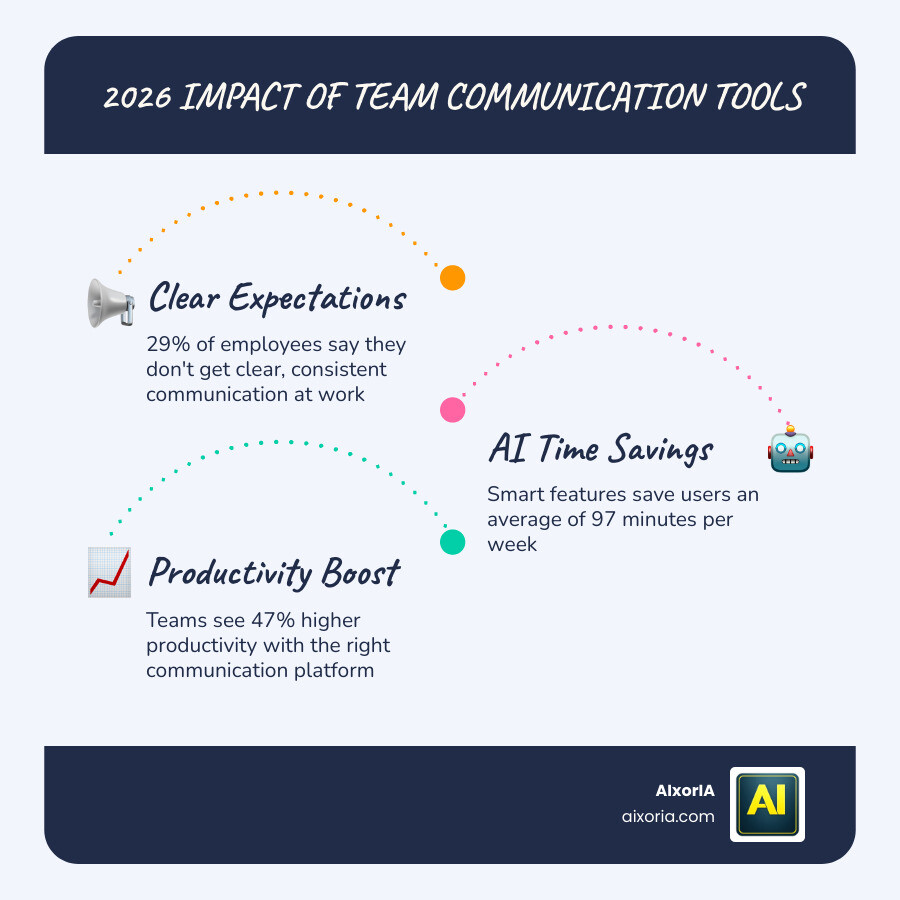
Think about this: 29% of employees say they don’t get clear, consistent communication at work. And only 47% strongly agree they know what’s expected of them.
That’s not a people problem. That’s a tools problem.
Whether your team is remote, hybrid, or in-office, the right communication platform keeps everyone aligned, reduces confusion, and saves real time. AI features in tools like Slack now save users an average of 97 minutes per week — that adds up fast for a small team.
The challenge? There are dozens of options, and picking the wrong one wastes money and frustrates your team.
This guide breaks it all down simply — features, pricing, and which tool fits your situation.
Essential Features of Modern Communication Platforms
When we look for the Best Team Communication Tools, we aren’t just looking for a basic chat box. In 2026, a communication platform acts as the central nervous system of your business. If it’s clunky, the whole body suffers.
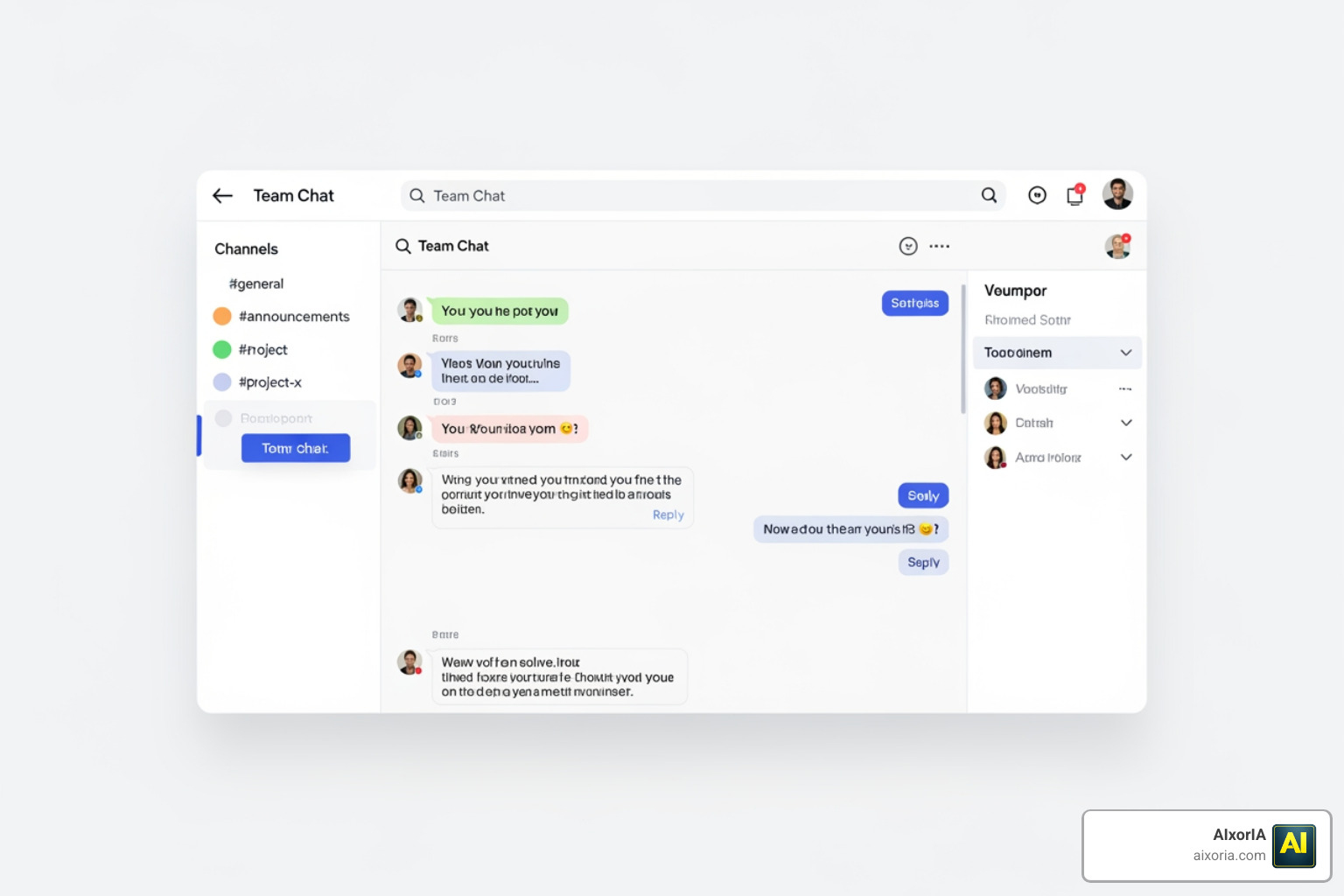
To keep your workflows smooth, here are the non-negotiable features you should look for:
- Real-time Messaging and Asynchronous Threads: Real-time chat is great for quick “yes/no” answers, but threads are where the real work happens. Threads keep specific discussions organized so they don’t clutter the main channel. This is vital for remote team tools where team members might be in different time zones.
- Universal Search: You shouldn’t have to scroll for twenty minutes to find a PDF sent last Tuesday. The best tools offer powerful search filters that scan messages, files, and even integrated app data.
- File Sharing: Modern tools allow you to drop files directly into the conversation. Many platforms now integrate with cloud storage so you’re always looking at the latest version of a document.
- Security and Encryption: With 90% of data breaches caused by phishing and spam, security is a top priority. Look for enterprise-grade security certifications like SOC 2, ISO 27001, and GDPR compliance.
- Mobile Accessibility: Your team isn’t always at their desks. A seamless mobile app ensures that field workers or commuting employees stay in the loop without a drop in functionality.
- Notification Management: To avoid burnout, the tool must allow users to set “Do Not Disturb” hours or customize alerts so they only see what is truly urgent.
For a deeper dive into how these features function in a live environment, check out these Slack Features: Team Collaboration Tools.
Comparing the Best Team Communication Tools for 2026
Choosing the right tool often depends on what software you already use. If you are deep into the Microsoft ecosystem, Teams is a natural fit. If you live in Google Docs, Google Chat is the path of least resistance.
Slack: The All-Rounder
Slack remains a leader because it’s incredibly easy to use and integrates with over 2,600 other apps. It’s more than just a chat app; it’s a “work operating system.” We love it for its “Huddles” feature, which allows for informal audio drop-ins without the stress of a formal meeting invite. You can learn more about Slack messaging: Team chat and messaging app to see if it fits your culture.
Microsoft Teams: The Enterprise Giant
For large organizations already paying for Microsoft 365, Teams is often “free” (included in the subscription). It excels at deep integration with Excel, Word, and PowerPoint, making it a powerhouse for document-heavy collaboration.
Google Chat: The Workspace Native
Google Chat is perfect for teams that want a simple, no-fuss experience directly inside their Gmail window. It’s streamlined and works perfectly with Google Drive.
Discord: The Voice Specialist
Originally for gamers, Discord has found a home in the professional world for teams that need “always-on” audio channels. It’s excellent for creative studios or developers who want to feel like they are sitting in the same room.
Element: The Privacy Fortress
If your organization handles highly sensitive data, Element is a top contender. It uses the Matrix protocol, allowing for fully encrypted, self-hosted communication. This means you own your data entirely.
For more detailed comparisons, see our list of The 7 Best Team Collaboration Tools in 2026.
The Role of AI in Streamlining Team Workflows
AI has officially moved from a “cool extra” to a “must-have” in the Best Team Communication Tools. We are seeing a massive shift in how teams handle information overload thanks to these smart features.
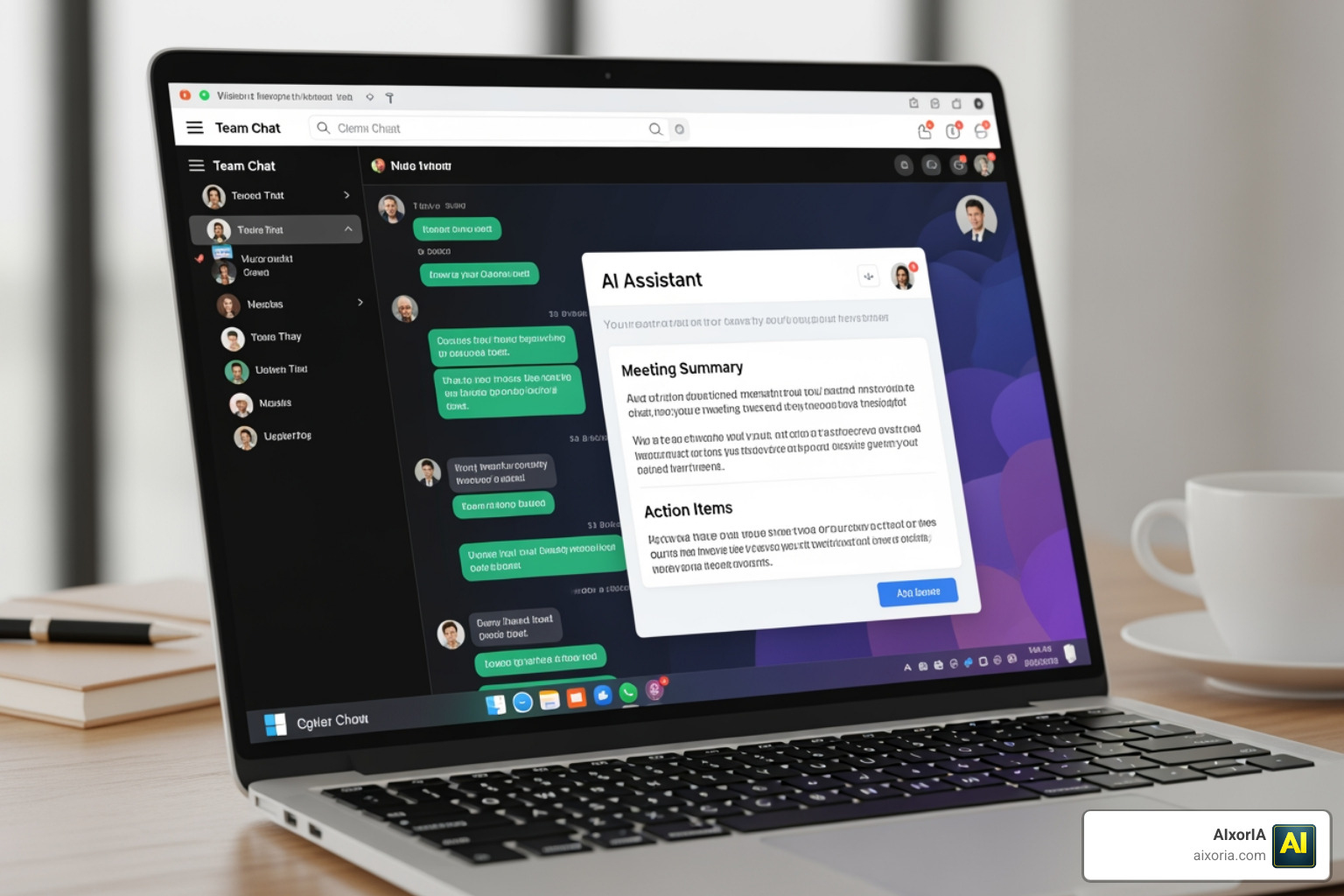
- Automated Recaps: Missed a long thread while you were in a meeting? AI can now summarize the entire conversation into three bullet points.
- Slackbot and AI Agents: Tools like Slackbot are evolving into personal assistants. They can now update CRM records, summarize missed huddles, and even draft responses based on your previous writing style.
- Workflow Builder: You don’t need to be a coder to automate your work. You can set up “if-this-then-that” rules, like automatically welcoming new hires or sending a weekly stand-up reminder.
- 97 Minutes Saved: On average, AI features are saving users over an hour and a half every week. That is time that can be spent on high-level strategy rather than digging through messages.
Integrating AI into your daily chat doesn’t just save time; it can lead to a 47% increase in productivity by ensuring no one misses critical updates. You can explore more about these advancements in our guide on Best Team Communication Tools in 2026.
Specialized Solutions for Field and Enterprise Teams
Not every team works behind a desk. For businesses with “deskless” workers—like construction, retail, or healthcare—generic chat apps often fall short.

Connecteam and Staffbase
These tools are built specifically for frontline employees. They often include:
- GPS Time Clocks: Let employees clock in and out directly from the app.
- Job Scheduling: Send shift assignments with attached checklists and client notes.
- Multi-channel Delivery: Ensure urgent messages reach employees via SMS, push notification, and email simultaneously.
Enterprise and Security-Sensitive Needs
Large organizations often face “communication silos” where departments stop talking to each other. Tools like Workshop or Staffbase focus on internal comms, allowing HR to send beautiful, trackable newsletters and company-wide updates.
For those who need total control, self-hosted options like Element or Troop Messenger provide the security of keeping all data on your own servers, which is a major requirement for government or legal sectors.
Frequently Asked Questions about Best Team Communication Tools
What features define the Best Team Communication Tools?
The Best Team Communication Tools are defined by their ability to organize chaos. They should offer structured channels (to keep topics separate), a powerful search engine (to find old decisions), and seamless video/audio integration for when text isn’t enough. Ease of navigation is also key; if it takes five clicks to send a file, the tool is slowing you down.
Which are the Best Team Communication Tools for small businesses?
Small businesses should prioritize value and scalability. Google Workspace is often the best start because it combines email, storage, and chat. If you have a slightly higher budget and want better culture-building features, Slack Pro is the gold standard. For very small, tech-savvy teams, Discord Nitro offers a very affordable way to stay connected via high-quality voice and video.
How do internal communication tools improve employee engagement?
They bridge the “communication gap” that affects 29% of workers. By providing a transparent space where leadership can share updates and employees can give real-time feedback, these tools build a sense of community. Features like “#wins” channels or “shoutouts” help celebrate successes instantly, which keeps morale high and ensures everyone knows exactly what is expected of them.
Conclusion
Finding the Best Team Communication Tools for your business in 2026 isn’t just about picking the most popular app—it’s about finding the one that fits your team’s unique rhythm. Whether you need the AI-powered efficiency of Slack, the security of Element, or the mobile-first focus of Connecteam, the right choice will pay for itself in saved time and happier employees.
At AIxorIA, we know that technology can sometimes feel overwhelming. That’s why we specialize in providing custom AI solutions and tool training workshops designed to empower your business. We offer tutorials and performance audits to ensure your team is using these platforms to their full potential.
Our mission is to provide simple language help, affordable services, and fast customer support to help you navigate the digital landscape. Ready to take your team’s efficiency to the next level? Boost your productivity with AI solutions and let us help you build your dream collaboration stack today.
2 thoughts on “Best Team Communication Tools in 2026: Top Picks, Features & Pricing”