Why the Best AI Animation Tools Are Changing Content Creation in 2026
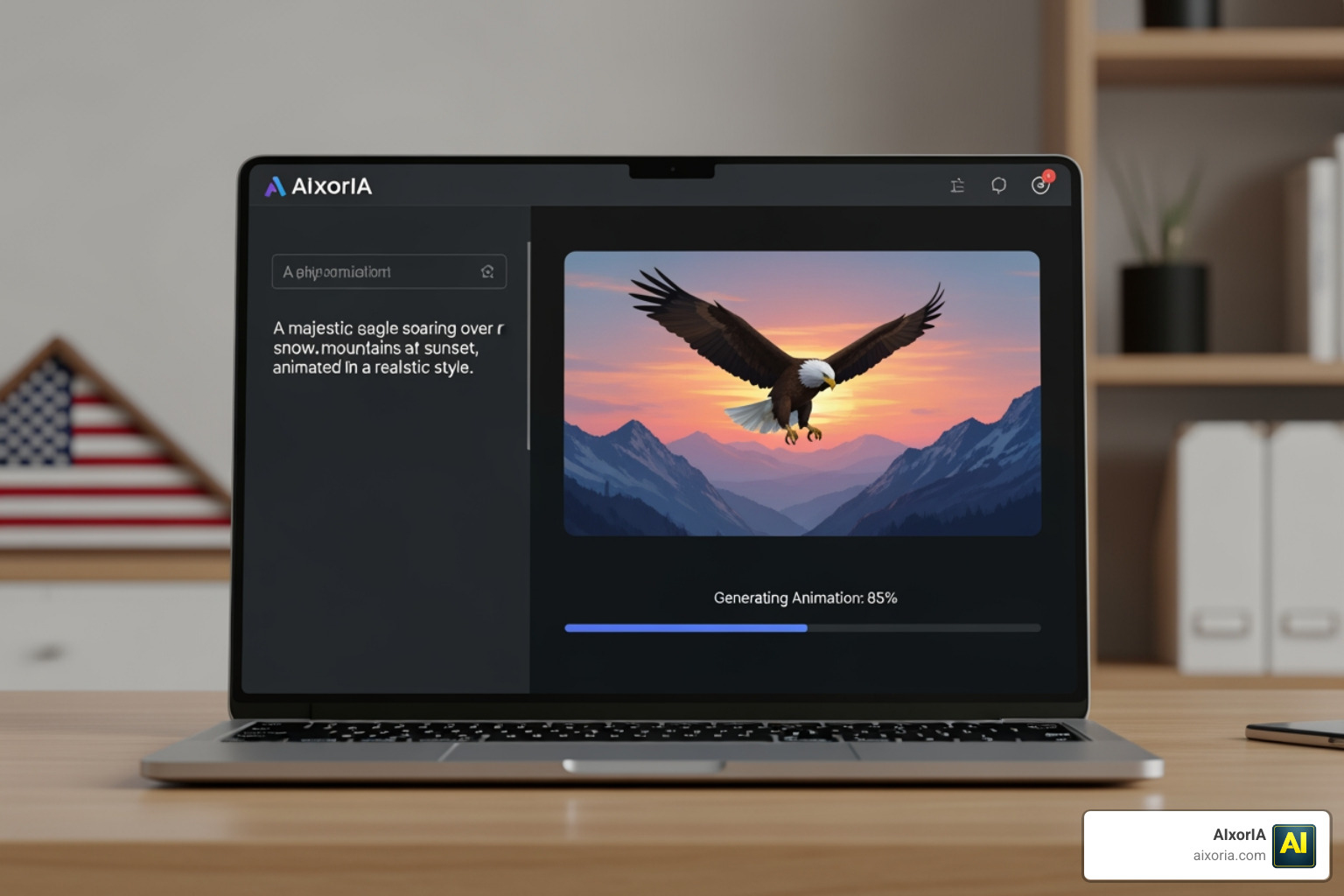
The best AI animation tools available right now let anyone — with zero drawing skills — turn a simple text prompt into a polished, shareable animated video in minutes.
If you’re in a hurry, here’s a quick look at the top options:
| Tool | Best For | Starting Price | Free Plan |
|---|---|---|---|
| Runway ML | All-around creative studio | $12/month | Yes (125 credits) |
| Adobe Firefly | Commercial-safe 2D/3D animation | $9.99/month | Yes |
| Animaker | 2D explainer & cartoon videos | $15/month | Yes (watermark) |
| Synthesia | Corporate & multilingual videos | $18/month | Yes (limited) |
| Pika Labs | Stylized & experimental animation | $8/month | Yes (80 credits/mo) |
| AnimateAI | Animated series with consistent characters | Free tier available | Yes |
| Krikey AI | 3D avatars & social media clips | Free tier available | Yes |
Animation used to require a full studio, a big budget, and months of work. That’s no longer true.
AI has fundamentally shifted what’s possible for small businesses, solo creators, and marketing teams. According to industry data, AI animation tools can cut production time by up to 40% — while keeping output at a professional quality level.
The market reflects this shift. The AI animation industry was valued at just over $2 billion in 2024 and is projected to reach nearly $16 billion by 2030.
But with dozens of tools launching every few months, choosing the right one is genuinely confusing. Some tools are great for YouTube cartoon series. Others shine for corporate training videos. A few are built for social media clips. Most have different pricing models, quality levels, and commercial rights.
This guide cuts through the noise. We’ll compare the top tools, explain what features actually matter, and help you find the right fit — even if you’ve never made an animation before.
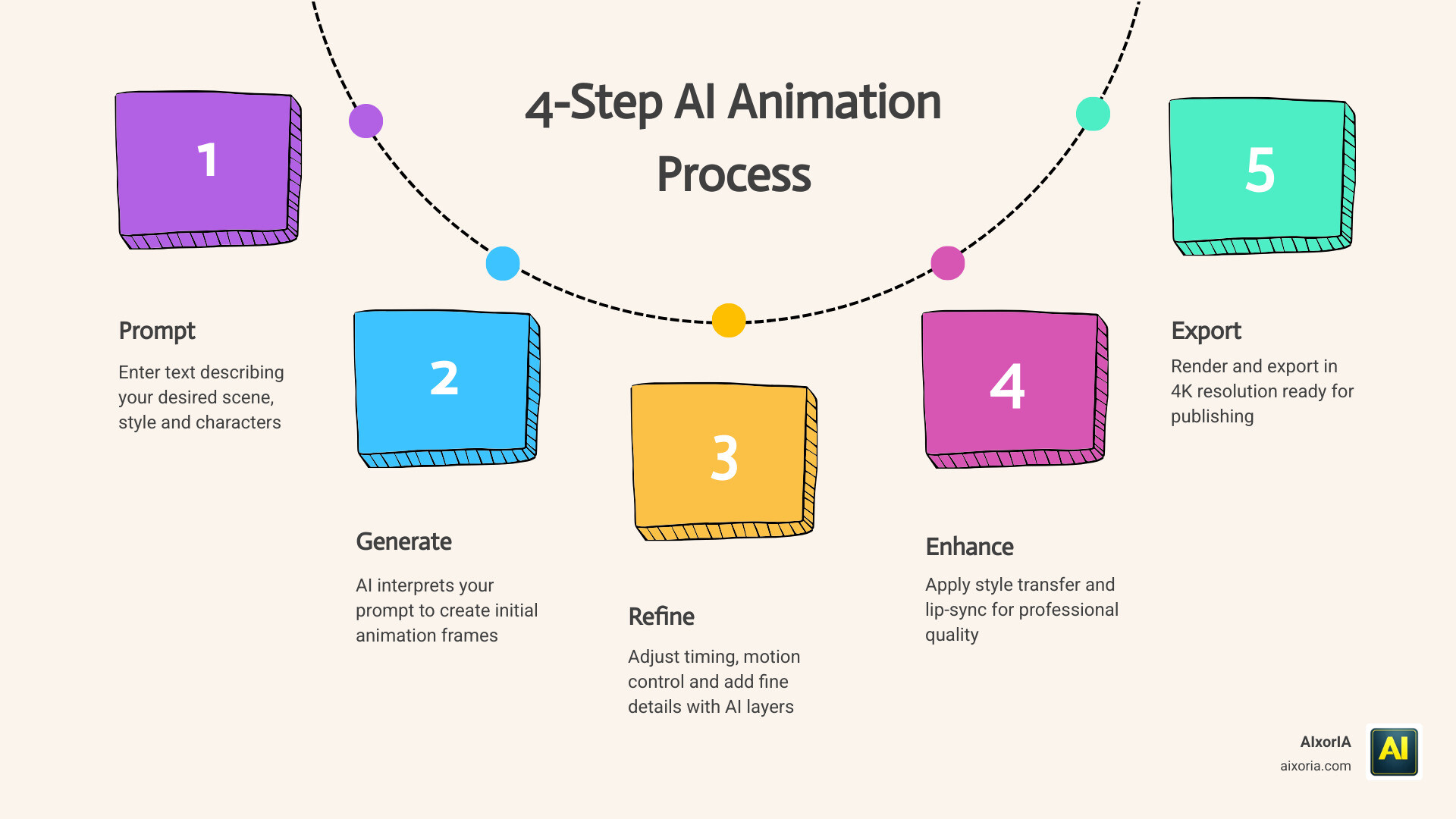
Essential Features of the Best AI Animation Tools
When we evaluate the best AI animation tools in 2026, we look for more than just a “cool factor.” For a tool to be useful in a professional or business setting, it needs to bridge the gap between a random generation and a controlled creative vision.
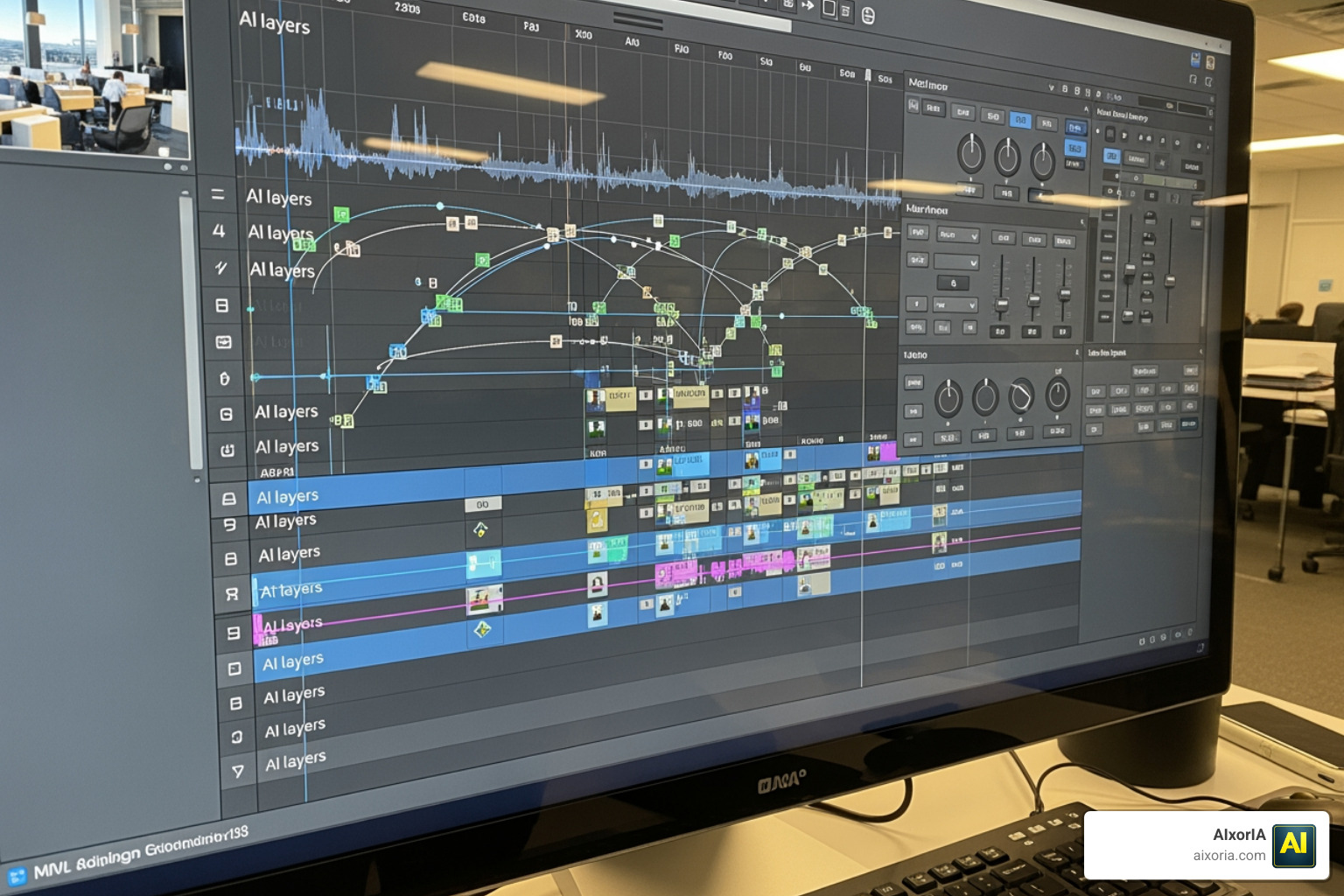
The most critical features to look for include:
- Text-to-Video and Image-to-Video: The ability to generate motion from a simple description or a static image. High-end tools now allow “Tail Frame Control,” where you can specify exactly how a shot ends to ensure smooth transitions.
- Lip-Sync and Voice Integration: Leading platforms now offer over 95% transcription accuracy and natural-sounding AI voices in over 140 languages. Tools like Synthesia and Animaker lead the pack here, allowing characters to speak with perfect mouth-matching.
- Character Consistency: This is the “Holy Grail” of AI animation. The best tools allow you to save a character’s “seed” or profile, so they look exactly the same in scene one as they do in scene ten.
- Style Transfer and Motion Control: Features like Adobe Firefly’s style matching or Pika Labs’ “Melt” and “Explode” effects give you creative autonomy. You can also use “skeletal rigging” or “smart moves” to control how characters walk and gesture.
- Output Quality: In 2026, 4K resolution and high-bitrate exports are the standard for YouTube and client work.
| Capability | Text-to-Video | Image-to-Video |
|---|---|---|
| Best For | Conceptualizing new scenes from scratch | Animating existing brand assets or sketches |
| Control | High (via descriptive prompts) | Very High (visual reference provided) |
| Consistency | Moderate (requires seed locking) | High (uses the source image’s features) |
Best AI Animation Tools for 2D and 3D Content
The divide between 2D and 3D animation is shrinking thanks to generative design suites. For classic 2D storytelling, Animaker remains a powerhouse. It offers a massive character builder that can create billions of unique combinations, alongside whiteboard and infographic styles that are perfect for “explainer” content.
Adobe Firefly has also emerged as a leader for 2D and 3D styles. It is particularly valued because it integrates seamlessly with the Adobe Creative Cloud, allowing you to refine your AI-generated clips in Premiere Pro or After Effects. For those looking for a ranked breakdown of the top performers this year, check out the 9 Best Ai Animation Tools In 2026 Tested Ranked.
If you are leaning toward 3D, Krikey AI specializes in text-to-3D animation. It allows you to create talking avatars and 3D assets that can be exported into platforms like Canva or Adobe Express, making it a favorite for designers who need a 3D edge without the steep learning curve of traditional modeling software.
Best AI Animation Tools for YouTube Creators
For creators targeting YouTube Shorts, TikTok, or even long-form cartoon series, the workflow has changed completely. Success on these platforms requires high-fidelity video and frequent uploads.
Diffusion-based models like Runway ML and Kling O3 now support “Multi-Shot” generation. This means you can describe a sequence of shots, and the AI maintains visual coherence across all of them. This is vital for maintaining engagement metrics—if your character’s hair color changes every five seconds, your audience will tune out.
Tools like AnimateAI are specifically designed for this “series” workflow. They offer an “Autopilot” mode that can transform a full script into a multi-scene storyboard, complete with narration and background music. This allows a solo creator to act as a director rather than a manual animator.
Commercial Safety and Monetization Standards in 2026
One of the biggest questions we get at AIxorIA is: “Can I actually make money with these videos?” In 2026, the answer depends entirely on the data used to train the AI model.

The best AI animation tools prioritize commercial safety. Adobe Firefly, for instance, is trained exclusively on licensed content and public domain data. This makes it “enterprise-grade,” meaning you can use it for client projects, branded content, and monetized YouTube channels without worrying about copyright strikes.
When choosing a tool, look for:
- Licensed Training Data: Ensure the company uses ethically sourced datasets.
- Commercial Rights: Most platforms grant full commercial rights only on their paid tiers. Free versions often include watermarks and restrict usage to personal projects.
- Data Transparency: High-end studios now provide audit-ready workflows to prove that the AI-generated content doesn’t infringe on existing IP.
Maximizing ROI: Time and Budget Savings for Businesses
The financial impact of AI animation is staggering. We’ve seen reports of major pharmaceutical companies like GSK saving over $1.4 million by bringing animation in-house using tools like Animaker. Instead of waiting weeks for an agency to return a draft, marketing teams can now produce 2,000+ videos in a fraction of the time.
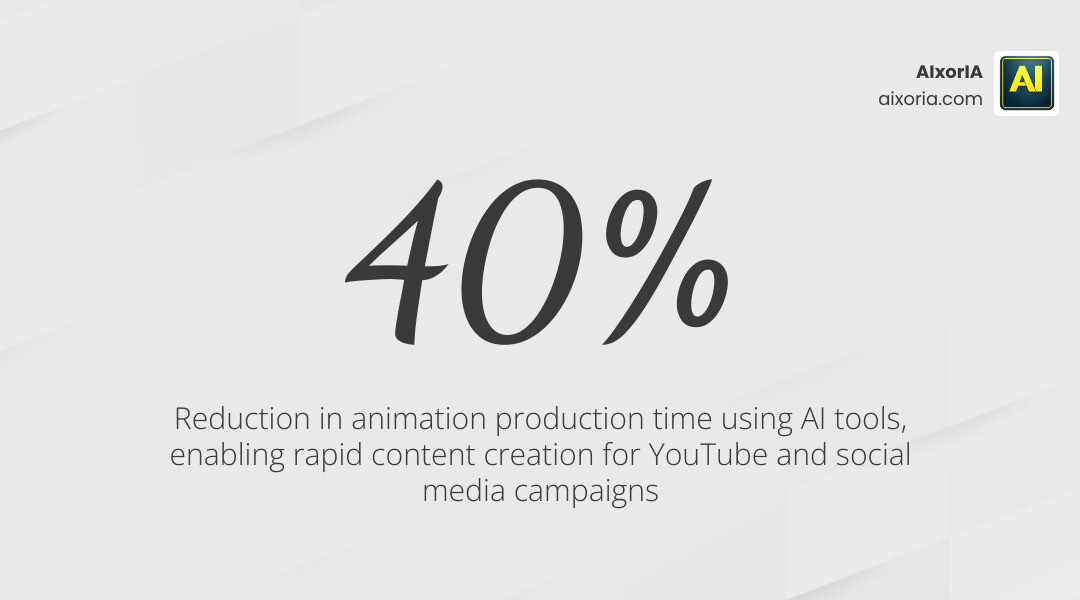
By reducing production time by up to 40%, businesses can pivot their strategies in real-time. If a new social media trend emerges, you can have an animated response ready in hours, not days. Furthermore, multilingual support—offered by tools like Synthesia in over 140 languages—increases engagement by up to 40% in non-English speaking markets. This global reach is now accessible to small businesses that previously couldn’t afford professional translation and re-dubbing.
Practical Strategies for Building an AI Cartoon Series
Building a successful YouTube cartoon series in 2026 requires a mix of AI efficiency and human storytelling. Here is a strategy we recommend for getting started:
- Script-to-Storyboard: Use a tool like AnimateAI to turn your script into a 9-panel cinematic storyboard. This helps you visualize the pacing before you spend any credits on video generation.
- Character Persistence: Design your main characters once and save them. Use “Photo to Character” features to turn sketches or photos into consistent animated puppets.
- Neural Voice Generation: Don’t settle for robotic voices. Use ElevenLabs or built-in voice generators to find a “persona” for your characters. Many tools now offer 800+ voices and 170+ accents.
- Scene Coherence: Use “start and end frame” guidance. By providing the AI with the last frame of the previous scene, you ensure the movement remains fluid.
Frequently Asked Questions about AI Animation
Are AI-generated animations commercially safe for YouTube?
Yes, provided you use professional-grade tools like Adobe Firefly or paid tiers of Runway and Animaker. These platforms are designed for commercial use and provide the necessary rights for monetization. Always check the terms of service for the specific “model” you are using, as some experimental models may have different restrictions.
Can beginners create professional animations without drawing skills?
Absolutely. The current generation of tools is “no-code” and “no-art.” If you can describe a scene in text or drag-and-drop elements on a screen, you can create a professional-grade animation. Template libraries and AI avatars handle the “heavy lifting” of movement and anatomy.
What are the current limitations of AI animation tools?
While AI has come a long way, it isn’t perfect. You may still encounter “motion glitches” (like a character having six fingers for a split second) or struggles with complex physics. Human oversight is still required for creative refinement. We recommend using AI to generate 80-90% of the work and then using traditional video editors to “polish” the final product.
Conclusion
The future of storytelling is being written by those who embrace these new tools. Whether you’re a business looking to save on marketing costs or a creator dreaming of launching the next big YouTube cartoon series, the best AI animation tools of 2026 have made professional production accessible to everyone.
At AIxorIA, we believe that technology should empower creativity, not replace it. We specialize in providing custom AI solutions, tool training workshops, and performance audits to help you navigate this fast-moving landscape. Our mission is to provide simple language help and affordable services to ensure your business stays ahead of the curve.
Ready to transform your creative workflow? Explore our AI Animation | AI Video Production & Creative Studio resources or learn more about our custom AI services today. Together, we can turn your vision into motion.
1 thought on “7 Best AI Animation Tools in 2026 (Tested): Create Pro Videos Fast”