TL;DR
👉 Best free AI tools for data analysis:
- Best overall → ChatGPT
- Best dashboards → Microsoft Power BI
- Best no-code → KNIME
- Best research → Google Gemini
- Best automation → Coupler.io
The 2026 Shift: From Data Analysis → AI-Augmented Intelligence
Data analysis is no longer about writing queries manually.
Earlier:
- Clean data → Write SQL → Build charts
Now:
👉 AI tools:
- Understand natural language
- Generate insights automatically
- Predict trends
This is called Augmented Analytics
👉 The real upgrade in 2026:
AI doesn’t just analyze data
👉 It explains why things are happening
Table of Contents
Comparison Table (2026 Updated)
| Tool | Best For | Key AI Feature | Skill Gap |
|---|---|---|---|
| ChatGPT | Full analysis | Python-based analysis | Coding → Prompting |
| Power BI | Dashboards | AI visuals + simulation | DAX → NLQ |
| KNIME | No-code workflows | Visual pipelines | Coding → Drag-drop |
| Gemini | Research data | Context analysis | Manual → AI |
| Coupler.io | Data pipelines | Automation | Manual → No-code |
Best Free AI Tools for Data Analysis
1. ChatGPT
Best for: Advanced data analysis + automation
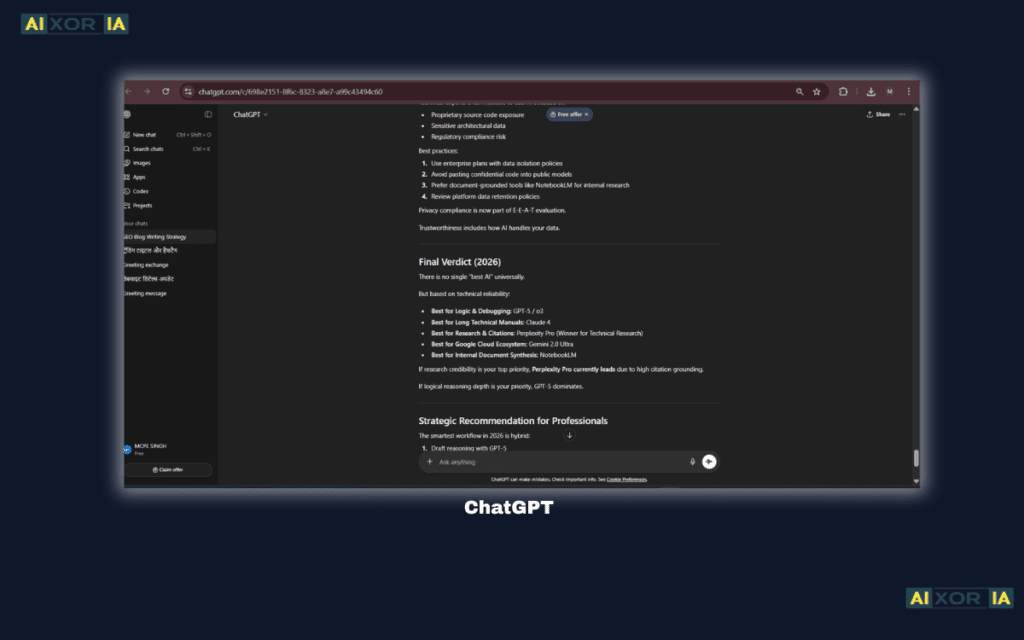
ChatGPT in 2026 is no longer just a chatbot — it acts as a full data analysis engine.
🔥 Advanced Data Analysis (Key Ranking Edge)
ChatGPT can now:
- Upload CSV/Excel files
- Run Python code automatically
- Use libraries like:
- Pandas (data cleaning)
- Matplotlib (visualization)
- NumPy (calculations)
👉 This happens in the background — no coding required.
Example:
You upload a dataset and ask:
“Find trends and visualize sales performance”
ChatGPT will:
- Clean the data
- Analyze patterns
- Create graphs
- Explain insights
👉 This replaces:
- Excel formulas
- Manual coding
- Complex tools
Why it’s powerful:
It combines:
- Analysis
- Visualization
- Explanation
In one place.
Use Cases:
- Exploratory data analysis
- Business insights
- Academic projects
💡 Limitation:
Always verify results.
Real Experience:
While analyzing a dataset, ChatGPT generated charts and insights instantly, saving hours of manual Excel work and helping identify patterns that were not obvious initially.
READ MORE – What Is the Alternative to ChatGPT Data Analysis?
2. Microsoft Power BI
Best for: Dashboards + decision intelligence
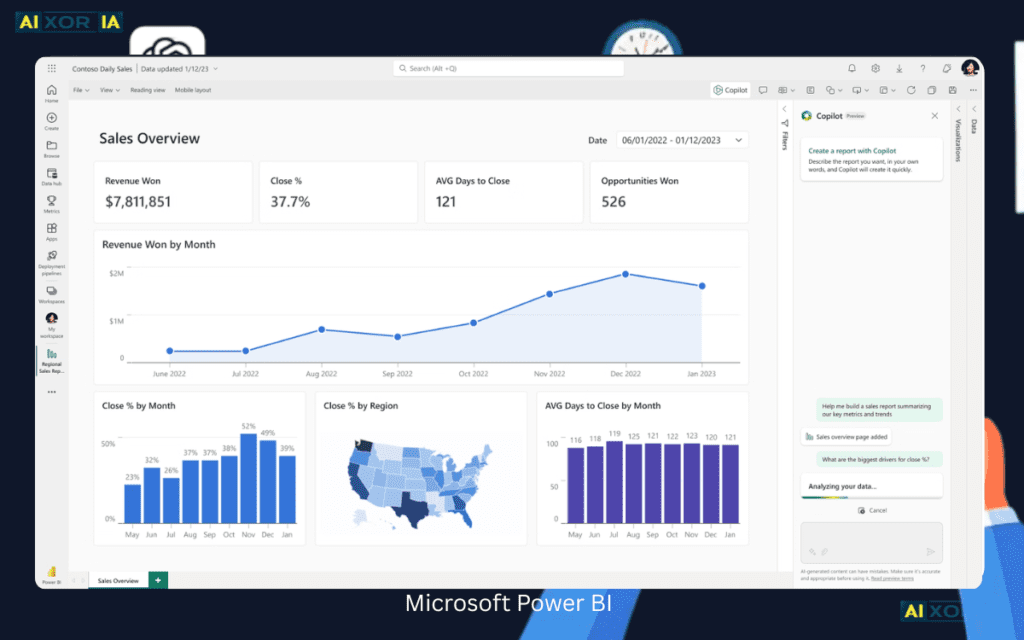
Power BI (free desktop version) is one of the most powerful tools for building interactive dashboards with AI insights.
2026 AI Features:
- Natural Language Query (ask questions)
- AI-generated insights
- Anomaly detection
- What-if simulations
👉 This means:
You can simulate decisions like:
- “What if sales increase by 10%?”
Power BI predicts outcomes using historical data.
Why it matters:
Data is not useful without decisions.
Power BI helps:
👉 Turn data into action
Best for:
- Business analysts
- Financial dashboards
- KPI tracking
Real Experience:
While building dashboards, Power BI automatically highlighted hidden trends, reducing manual analysis and helping identify performance issues much faster than traditional Excel methods.
READ MORE – 7 Best AI Tools for Business Analysts in 2026
3. KNIME
Best for: No-code data science

KNIME is a free, open-source tool that allows users to perform data analysis using visual workflows.
Key Features:
- Drag-and-drop interface
- Data cleaning modules
- Machine learning integration
Why it stands out:
You can:
👉 Build complete data pipelines without coding
2026 Advantage:
- AI-assisted workflows
- Automation
- Scalable analytics
Use Cases:
- Data preprocessing
- Predictive modeling
- ETL pipelines
💡 Ideal for:
- Beginners
- Students
- Non-coders
Real Experience:
Using KNIME workflows made data transformation easier, especially without coding, allowing clear visualization of each step in the data analysis process.
4. Google Gemini
Best for: Google Sheets + research analysis
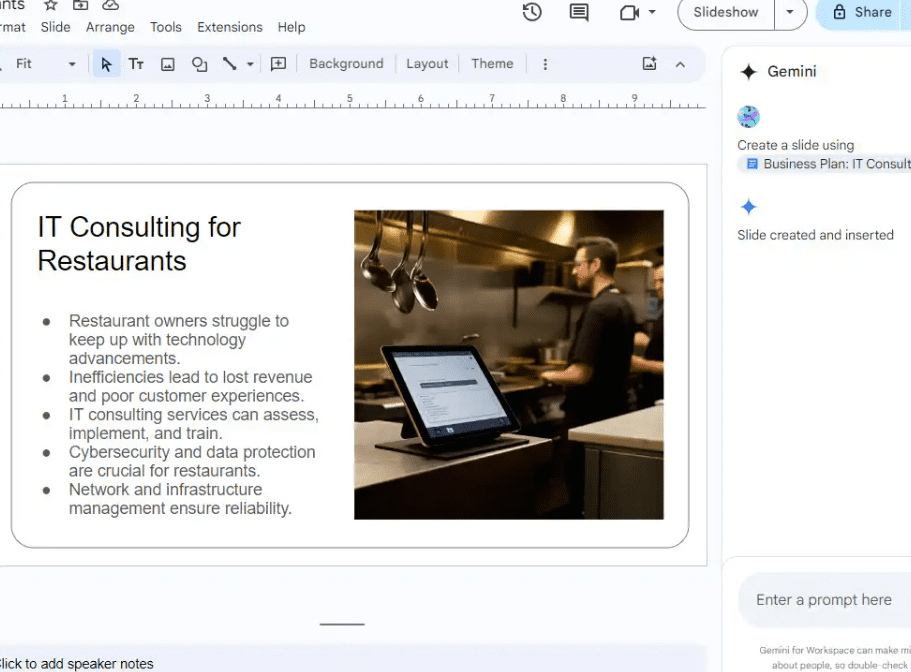
Gemini integrates directly with:
- Google Sheets
- Docs
- Drive
2026 Features:
- Data analysis inside Sheets
- Insight generation
- Research-based answers
👉 This makes it powerful for:
- Students
- Researchers
Why important:
Most beginners use:
👉 Google Sheets
Gemini makes it:
👉 Smarter
Real Experience
While working in Google Sheets, Gemini helped generate insights directly from the data, reducing the need for manual formulas and speeding up analysis.
5. Coupler.io
Best for: Data automation
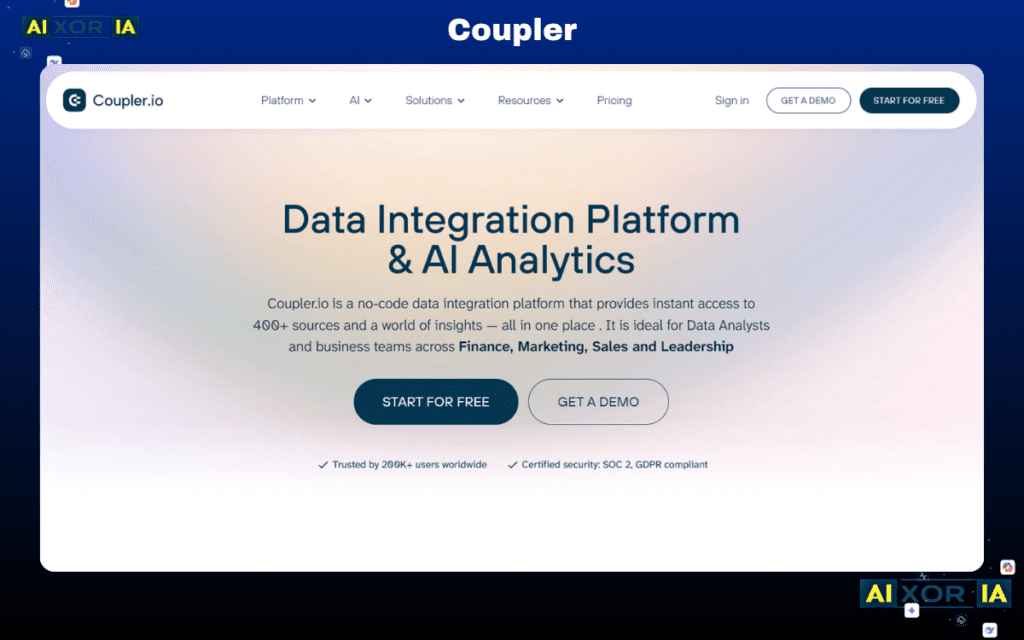
Coupler.io helps automate:
- Data collection
- Data pipelines
- Data syncing
Why critical:
Analysts spend:
👉 60% time on data collection
This tool reduces that.
2026 Edge:
- No-code automation
- Real-time sync
- Multi-source integration
Real Experience:
After automating data imports, reporting became faster and more reliable, eliminating repetitive manual work across multiple tools and improving overall workflow efficiency.
Accuracy Check: How to Verify AI Insights
AI tools can sometimes:
👉 Give incorrect or misleading results
This is called:
👉 AI Hallucination
How to verify:
✔ Cross-check summary stats in Excel
✔ Use formulas manually (SUM, AVG)
✔ Compare with original dataset
✔ Validate key metrics
💡 Pro Tip:
👉 Never trust AI blindly in data analysis
Best Free AI Workflow (2026)
- Data collection → Coupler.io
- Analysis → ChatGPT / KNIME
- Visualization → Power BI
- Research → Gemini
👉 This creates a complete free AI data system
Data Privacy
Always:
- Avoid uploading sensitive data
- Use trusted platforms
- Check privacy settings
👉 Especially for:
- Business data
- Financial data
Final Verdict
👉 Best free AI tools:
- ChatGPT → all-in-one analysis
- Power BI → dashboards
- KNIME → no-code workflows
- Gemini → research
👉 Real power = combination
Author Bio
Written for students, analysts, and professionals who want to use AI tools for fast, accurate, and smart data analysis without coding.
4 thoughts on “5 Best Free AI Tools for Data Analysis (2026 Guide)”