जय भरोजी बाबा
If you’re searching for the best Zapier alternatives in 2026, you’re not alone.
Automation has changed.
It’s no longer just about connecting apps like Gmail → Slack.
Now it’s about:
- AI agents
- autonomous workflows
- API orchestration
- cost efficiency at scale
And that’s exactly where many users outgrow Zapier.
Quick Answer
The 3 best Zapier alternatives in 2026 are:
- Make → Best for complex visual workflows
- n8n → Best for self-hosted, AI-powered automation
- Pabbly Connect → Best for budget-friendly automation
For enterprise users, Microsoft Power Automate is the strongest alternative due to deep business integrations.
Table of Contents
The 2026 Shift: From Automation → Agentic Workflows
In 2026, automation tools are evolving into AI workflow engines.
Instead of:
“If X happens → do Y”
We now have:
“AI analyzes → decides → executes → improves”
Tools like:
- n8n
- Activepieces
are already integrating with:
- vector databases
- AI APIs
- autonomous agents
This is called Agentic Automation.
And choosing the wrong tool today means rebuilding everything tomorrow.
READ MORE – What Is the Best Workflow Automation Software in 2026?
Automation Selection Matrix (2026)
| Tool | Pricing Model | Charges Logic | Best Feature | AI/Agent Fit | Price |
|---|---|---|---|---|---|
| Make | Per Operation | Only successful ops | Visual workflows | High-scale AI flows | $9/mo |
| n8n | Self-host / Cloud | No per task cost | Full control + AI | Developers + AI agents | Free / $20 |
| Pabbly | Per Task (no multi count) | Flat task count | Lifetime deals | SMB automation | $19/mo |
| Integrately | Per Task | Simple execution | 1-click automation | Beginners | $19/mo |
| Activepieces | Open Source | No hidden cost | No-code AI builder | Modern startups | Free |
| Power Automate | Per Flow/User | Enterprise model | Microsoft ecosystem | Enterprise AI | $15/mo |
9 Best Zapier Alternatives in 2026
Make (formerly Integromat)
Make is one of the most powerful Zapier alternatives in 2026, especially for users who want advanced workflow automation with full visual control.
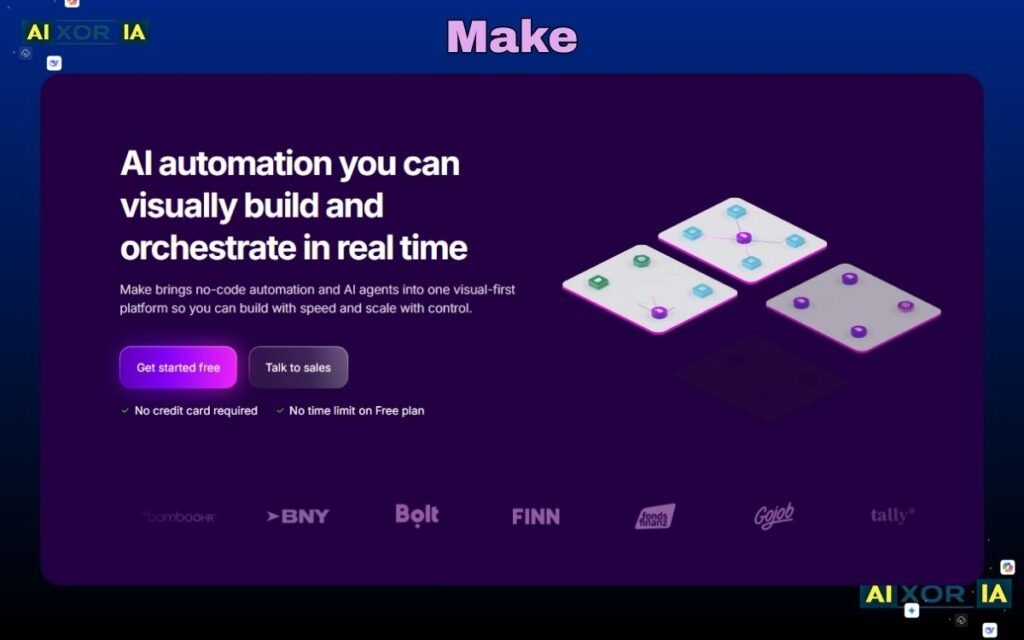
Unlike Zapier, which follows a simple step-by-step structure, Make uses a visual flowchart builder. This allows you to create complex automations with branching logic, filters, routers, and error handling—all inside a single workflow.
In 2026, Make is also becoming popular for AI-powered and agentic workflows, because it connects easily with APIs, webhooks, and external AI tools. This makes it a strong choice for businesses that want scalable automation systems.
Another major advantage is its operation-based pricing model, where you are charged only when an action actually runs. Unlike Zapier’s task-based model (which charges for every step), Make is much more cost-efficient at scale.
Key Features
- Visual drag-and-drop workflow builder
- Multi-step automation with branching logic
- Advanced filters and routers
- API and webhook support
- Real-time execution tracking
- Strong AI and data processing compatibility
Pros
- More powerful than most Zapier alternatives
- Visual interface makes complex workflows easier
- Cost-efficient (operation-based pricing)
- Great for scaling automation
Cons
- Learning curve for beginners
- Interface can feel complex at first
Best For
- Advanced users
- Agencies and developers
- AI workflow automation
- Businesses handling large-scale processes
Pricing
- Free plan available
- Paid plans start around $9/month
👉 Pricing Logic: Make charges per operation (successful execution), not per internal step. This makes it significantly cheaper than Zapier for multi-step workflows.
Real Experience
Make feels like building a real system, not just automation. After the learning curve, it becomes one of the most powerful and cost-efficient Zapier alternatives available today.
n8n
n8n is one of the most powerful Zapier alternatives in 2026, especially for users who want full control, flexibility, and AI-ready automation.
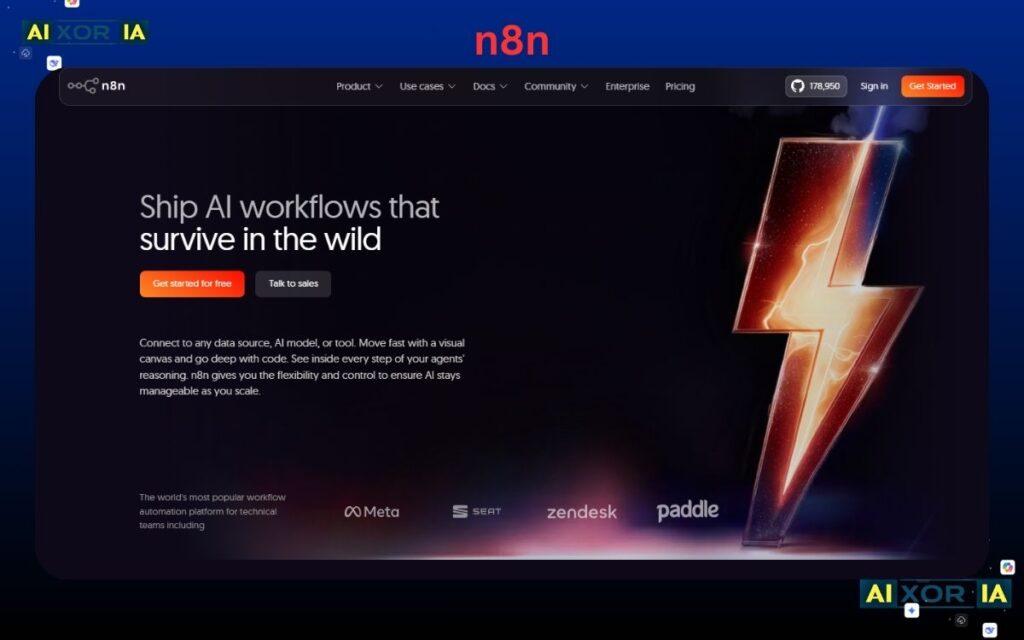
Unlike Zapier, n8n is open-source and self-hostable, which means you are not locked into per-task pricing. You can run unlimited workflows on your own server, making it extremely cost-efficient at scale.
What makes n8n stand out in 2026 is its strong support for AI and agentic workflows. It integrates easily with APIs, custom scripts, vector databases, and AI tools, making it ideal for building advanced automation systems.
For developers and startups, n8n is often considered a future-proof alternative to Zapier.
Key Features
- Open-source workflow automation
- Self-hosting option
- Visual workflow builder
- JavaScript-based custom logic
- API, webhook, and AI integrations
- Full control over workflows and data
Pros
- No per-task cost (self-hosted)
- Extremely flexible and customizable
- Perfect for AI and advanced automation
- Full data ownership
Cons
- Requires technical setup
- Not beginner-friendly
- Maintenance needed for self-hosting
Best For
- Developers
- Startups
- AI automation builders
- Privacy-focused users
Pricing
- Free (self-hosted)
- Cloud plans start around $20/month
👉 Pricing Logic: n8n does not charge per task or operation when self-hosted. This makes it one of the most cost-effective Zapier alternatives for high-volume automation.
Real Experience
n8n feels technical at first, but once set up, it gives complete freedom. For advanced users, it can fully replace Zapier while saving a significant amount of money.
READ MORE –What are the 5 Most Commonly used Productivity Tools in June 2026
Pabbly Connect
Pabbly Connect is one of the most budget-friendly Zapier alternatives in 2026, especially for small businesses and beginners who want simple automation without high monthly costs.
Unlike Zapier, which charges for every internal step, Pabbly Connect uses a more optimized task-counting system. This means it avoids double-counting internal actions in many cases, making it significantly cheaper for multi-step workflows.
It also supports multi-step automation, webhooks, and popular app integrations, making it a solid choice for everyday business automation. While it may not be as advanced as tools like Make or n8n, it delivers strong value for its price.
Key Features
- Multi-step workflow automation
- No repeated internal task counting (in most cases)
- Webhook and API support
- Built-in email marketing tools
- Simple and beginner-friendly interface
- Wide range of app integrations
Pros
- Very affordable compared to other Zapier alternatives
- Easy to use for beginners
- Predictable pricing model
- Good for small business automation
Cons
- Smaller integration library than Zapier
- Limited advanced workflow logic
- UI is less modern
Best For
- Small businesses
- Beginners
- Budget-conscious users
- Simple automation workflows
Pricing
- Starts around $19/month
- Lifetime deals sometimes available
👉 Pricing Logic: Pabbly uses task-based pricing, but it reduces cost by avoiding repeated counting of internal workflow steps, making it cheaper than Zapier in most cases.
Real Experience
Pabbly Connect feels simple and cost-effective. It may not have advanced features, but for basic automation, it saves money and gets the job done reliably.
Integrately
Integrately is one of the easiest Zapier alternatives in 2026, designed for users who want fast automation without complexity.
Unlike Zapier, Integrately focuses on 1-click automation setup. Instead of building workflows from scratch, you can choose from thousands of ready-made automations and activate them instantly.
This makes it ideal for beginners or non-technical users. However, it uses a task-based pricing model, where each step in a workflow is counted, similar to Zapier—so costs can increase as your automation grows.
Key Features
- 1-click automation setup
- Pre-built workflow templates
- Multi-step automation support
- Simple and clean interface
- Popular app integrations
- Quick setup without coding
Pros
- Extremely beginner-friendly
- Fast setup compared to other Zapier alternatives
- No technical knowledge required
- Good for simple workflows
Cons
- Limited customization options
- Task-based pricing can become expensive
- Not suitable for complex automation
Best For
- Beginners
- Non-technical users
- Small workflow automation
- Quick setup needs
Pricing
- Free plan available
- Paid plans start around $19/month
👉 Pricing Logic: Integrately uses task-based pricing, meaning every step counts as a task, including internal actions—similar to Zapier.
Real Experience
Integrately feels fast and simple. It’s perfect for quick automation setups, but for advanced workflows or scaling, it can feel limited compared to other Zapier alternatives.
Activepieces
Activepieces is a modern, open-source platform and one of the fastest-growing Zapier alternatives in 2026, especially for users who want AI-ready automation with full flexibility.
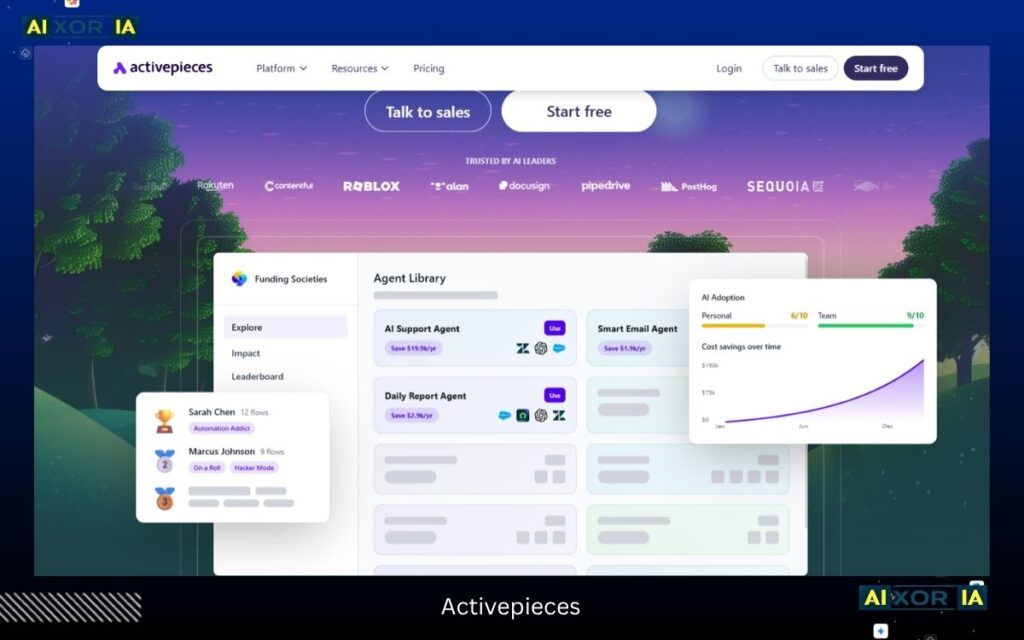
Unlike Zapier, Activepieces offers a no-code + developer-friendly approach, meaning beginners can build workflows easily while developers can extend them with custom logic.
What makes it stand out in 2026 is its strong focus on AI and agentic workflows. It integrates well with APIs, webhooks, and AI tools, making it ideal for startups building smart automation systems.
It also supports self-hosting, so you can run automations without paying per task—giving you full control over cost and data.
Key Features
- Open-source automation platform
- No-code workflow builder
- AI and API integrations
- Self-hosting option
- Clean and modern interface
- Webhook and custom logic support
Pros
- Free and open-source
- AI-ready automation workflows
- Beginner-friendly UI
- No per-task cost (self-hosted)
Cons
- Smaller integration ecosystem
- Still evolving compared to older tools
- Limited advanced templates
Best For
- Startups
- AI automation users
- Developers and no-code users
- Privacy-focused businesses
Pricing
- Free (self-hosted)
- Cloud pricing varies
👉 Pricing Logic: Activepieces does not charge per task when self-hosted, making it one of the most cost-efficient Zapier alternatives for long-term scaling.
Real Experience
Activepieces feels modern and simple. It’s easier than n8n but still powerful enough for AI workflows, making it a great future-ready alternative to Zapier.
IFTTT
IFTTT is one of the simplest and oldest Zapier alternatives, built for basic automation and everyday use.
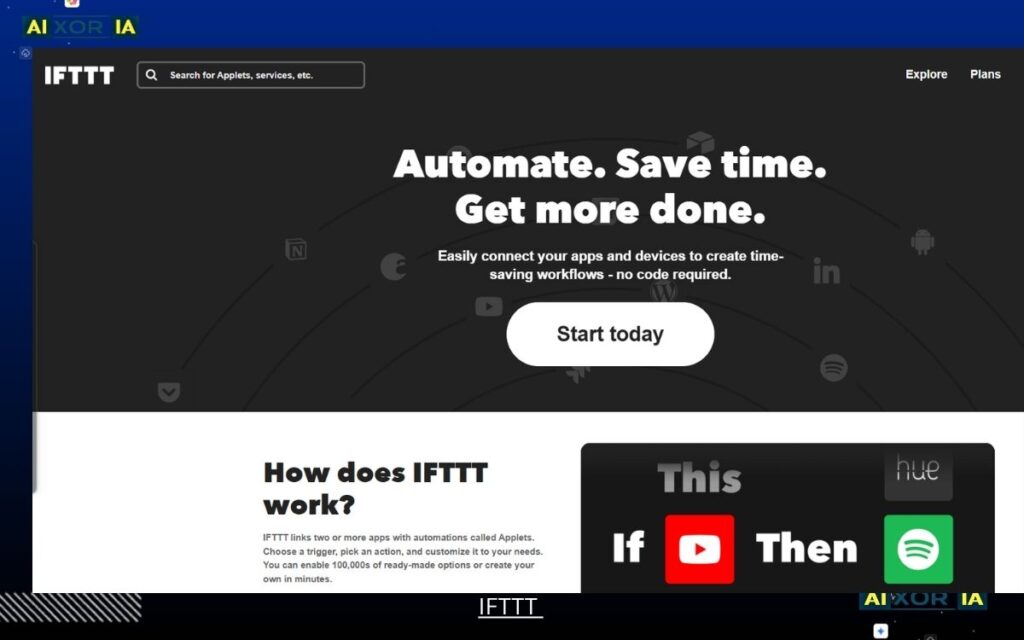
Unlike Zapier, which supports complex multi-step workflows, IFTTT follows a very simple rule:
👉 If This → Then That
This makes it perfect for small automations like:
- turning on smart lights
- saving social media posts
- triggering notifications
However, it is not designed for advanced workflows or business-level automation. Its pricing model is also different—it focuses on simple trigger-based execution, not deep multi-step task counting.
Key Features
- Simple trigger-action automation
- Smart home integrations (Alexa, Google Assistant)
- Mobile automation
- Pre-built applets
- Easy setup without coding
Pros
- Very easy to use
- Great for personal automation
- Works well with smart devices
- Free plan available
Cons
- Very limited compared to advanced Zapier alternatives
- No complex workflow logic
- Not suitable for business automation
Best For
- Personal use
- Smart home automation
- Beginners
- Simple task automation
Pricing
- Free plan available
- Paid plans start around $2.99/month
👉 Pricing Logic: IFTTT uses a trigger-based model, not full task counting like Zapier. It does not charge for complex internal steps because it doesn’t support them.
Real Experience
IFTTT feels extremely simple and lightweight. It’s perfect for small daily automations, but for business or advanced workflows, it feels very limited compared to other Zapier alternatives.
Microsoft Power Automate
Microsoft Power Automate is one of the most powerful enterprise-level Zapier alternatives in 2026, especially for businesses already using Microsoft tools.
Unlike Zapier, Power Automate is deeply integrated with the Microsoft ecosystem, including Office 365, Teams, SharePoint, and Azure. This makes it ideal for building secure, large-scale workflows across business environments.
In 2026, it also supports AI-powered automation and RPA (Robotic Process Automation), allowing users to automate both cloud-based and desktop-level tasks.
Its pricing model is different from Zapier—it follows a per-user or per-flow structure, not simple task counting, making it more predictable for enterprise use.
Key Features
- Deep integration with Microsoft 365 ecosystem
- Cloud flows and desktop automation (RPA)
- AI-powered automation tools
- Pre-built business templates
- Secure enterprise-level workflows
- API and connector support
Pros
- Extremely powerful for business automation
- Strong security and compliance
- Perfect for Microsoft users
- Supports advanced automation (RPA + AI)
Cons
- Complex for beginners
- Requires Microsoft ecosystem for full value
- Setup can be technical
Best For
- Businesses and enterprises
- Microsoft 365 users
- Corporate automation workflows
- IT teams
Pricing
- Free plan available (limited)
- Paid plans start around $15/month
👉 Pricing Logic: Power Automate uses a per-user or per-flow model, not per-task like Zapier. This makes costs more stable for large organizations.
Real Experience
Power Automate feels powerful but complex. If you already use Microsoft tools, it becomes extremely valuable, but beginners may find it difficult at first.
Workato
Workato is a premium, enterprise-grade platform and one of the most advanced Zapier alternatives in 2026.
Unlike Zapier, Workato is built for large-scale business automation, where workflows are not just simple triggers but full business processes involving data, APIs, and AI-driven decisions.
In 2026, Workato is heavily focused on AI orchestration and agentic workflows, allowing companies to connect apps, automate backend systems, and even integrate AI decision-making into workflows.
Its pricing is not task-based like Zapier. Instead, it uses a custom enterprise pricing model, often based on workflow volume, integrations, and business requirements—making it more scalable but also more expensive.
Key Features
- Enterprise-grade workflow automation
- Advanced API and data orchestration
- AI-powered automation and decision flows
- Pre-built enterprise integrations
- High-level security and compliance
- Scalable infrastructure
Pros
- Extremely powerful and scalable
- Supports complex business workflows
- Strong AI and enterprise automation capabilities
- Reliable for large organizations
Cons
- Expensive compared to other Zapier alternatives
- Not suitable for beginners
- Requires technical setup and onboarding
Best For
- Enterprises
- Large organizations
- IT and automation teams
- Complex backend workflows
Pricing
- Custom pricing (enterprise level)
👉 Pricing Logic: Workato does not use simple per-task pricing like Zapier. It follows a custom enterprise model, often based on workflow complexity and usage, making it more scalable but higher cost.
Real Experience
Workato feels like a complete automation system, not just a tool. It’s extremely powerful for businesses, but too complex and expensive for small users.
Albato
Albato is a lightweight and affordable tool among modern Zapier alternatives, designed for users who want simple automation without the complexity of advanced platforms.
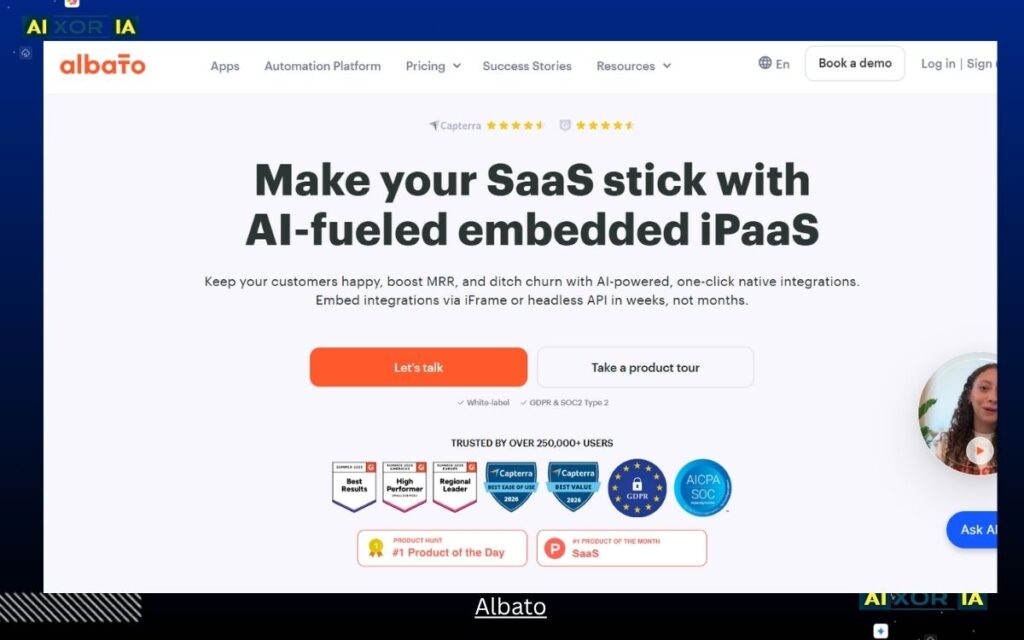
Unlike Zapier, Albato offers a balanced pricing model, where workflows are easier to manage and costs remain predictable for small teams and agencies.
It supports multi-step automation, API connections, and webhook triggers, making it suitable for everyday business use. While it may not be as powerful as Make or Workato, it provides a clean interface and enough flexibility for most small-to-medium automation needs.
In 2026, Albato is gaining attention for being a budget-friendly and easy-to-use automation tool, especially for users switching from Zapier due to rising costs.
Key Features
- Multi-step workflow automation
- API and webhook support
- App integrations across business tools
- Clean and simple interface
- White-label options for agencies
- Custom automation builder
Pros
- Affordable pricing compared to Zapier
- Easy to use for beginners
- Good for small business workflows
- Clean UI and setup
Cons
- Smaller integration library
- Limited advanced workflow logic
- Not ideal for large-scale automation
Best For
- Small businesses
- Agencies
- Beginners
- Budget-conscious users
Pricing
- Free plan available
- Paid plans start around $19/month
👉 Pricing Logic: Albato uses a subscription-based model with task limits, but it is more balanced than Zapier, reducing unnecessary internal task charges.
Real Experience
Albato feels simple and practical. It’s not built for complex systems, but for everyday automation, it works smoothly and keeps costs under control.
Final Verdict: Which Zapier Alternative Should You Choose in 2026?
Choosing the right tool from these Zapier alternatives is no longer about features alone—it’s about cost efficiency, AI readiness, and workflow scalability.
In 2026, automation tools are evolving fast, and picking the wrong one can cost you both time and money.
Quick Decision Guide
- Best overall → Make (power + cost efficiency balance)
- Best for AI & developers → n8n (full control, no task cost)
- Best budget option → Pabbly Connect (low-cost automation)
- Best for beginners → Integrately (simple setup)
- Best for personal use → IFTTT (basic automation)
- Best for enterprises → Power Automate / Workato (secure + scalable)
- Best lightweight tool → Albato (simple + affordable)
Real Insight Most Blogs Miss
The biggest difference between these tools AI Toolsis:
👉 Task vs Operation vs Subscription pricing
- Zapier → charges for every step (expensive at scale)
- Make → charges per operation (executed action)
- n8n → no cost when self-hosted
- Pabbly → reduces repeated task counting
- Enterprise tools → custom or per-user pricing
👉 This directly impacts your long-term automation cost.
Final Expert Insight
Use this simple formula before choosing:
Eₐᵤₜₒ = ((T_saved × W_hourly) − (C_sub + C_maintenance)) / T_complexity
👉 If you want:
- Low effort → Integrately / Zapier
- Low cost → n8n / Pabbly
- High scalability → Make / Workato
2026 Reality
Automation is no longer about:
“Connecting apps”
It’s about:
👉 Building intelligent systems
👉 Connecting AI + APIs + logic
👉 Reducing manual decision-making
Final Recommendation
If you are switching today:
- Start with Make if you want power + flexibility
- Choose n8n if you want full control + AI workflows
- Go with Pabbly if budget matters most
Because in 2026…
👉 The best automation tool is not the most popular one.
👉 It’s the one that saves you the most time and money.
जय भरोजी बाबा