In 2026, presentation creation has fundamentally changed. Design is no longer the hard part—AI can generate polished slides in seconds. The real challenge now is accuracy, storytelling, and control.
Modern AI tools don’t just turn text into slides. They research, structure, design, and iterate presentations automatically. The best tools combine three layers:
- Context (understanding your topic)
- Research (pulling accurate, relevant data)
- Design (applying visual systems and layouts)
This guide covers the best AI tools for PPT in 2026, including new market leaders, with a focus on accuracy, agent-based editing, and real-world usability.
Table of Contents
What Makes the Best AI Tool for PPT in 2026?
The evaluation criteria have evolved beyond simple automation. The best tools now excel in:
AI-powered content + research
Tools should not just generate text—they should verify it, structure it, and support it with real data.
Agentic editing (next-gen UX)
Instead of manual editing, users can instruct AI in natural language to modify slides dynamically.
Multi-variant generation
Top tools generate multiple presentation versions from a single prompt, enabling faster iteration.
Native PPT compatibility
Slides should export cleanly into PowerPoint without breaking layouts or formatting.
Design intelligence
Consistent layouts, spacing, and visual hierarchy should be handled automatically.
READ MORE – Best Business Presentations in 2026
Best AI Tools for PPT (2026) at a Glance
| Tool | Best For | Research / Citations | Agentic Editing | Native PPT Export | Pricing |
|---|---|---|---|---|---|
| NextDocs | Accuracy & research-heavy decks | Yes | Limited | Yes | Paid |
| Alai | Speed & agent-based editing | No | Yes | Yes | Paid |
| Microsoft Copilot | Enterprise workflows | Partial | Yes | Yes | Paid |
| Gamma | Interactive presentations | No | Partial | Yes | Free + Paid |
| Plus AI | Google Slides users | No | Partial | Yes | Paid |
| Beautiful.ai | Automated design | No | No | Yes | Free + Paid |
| Canva | Design flexibility | No | Partial | Yes | Free + Paid |
Best AI Tool for Accuracy and Research-Driven Presentations
NextDocs
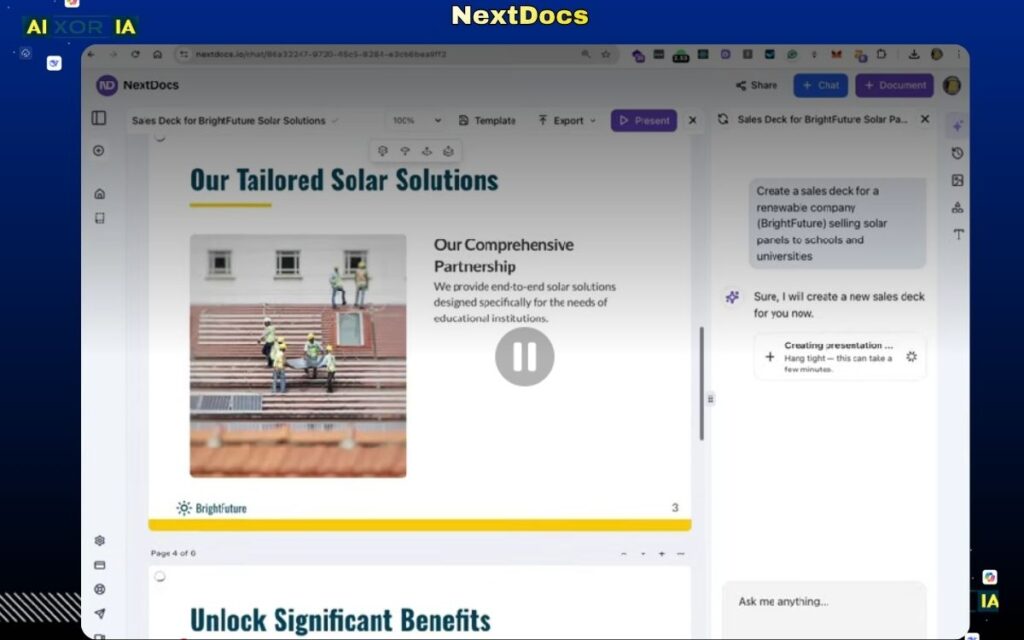
NextDocs has emerged as one of the most important AI presentation tools in 2026, particularly for professionals who prioritize accuracy, data integrity, and research-backed storytelling.
Unlike traditional AI tools that rely heavily on pre-trained models, NextDocs integrates real-time research and citation systems directly into the presentation workflow. This means the slides it generates are not just visually structured—they are supported by verifiable information. For industries like consulting, healthcare, finance, and enterprise strategy, this significantly reduces the risk of AI hallucinations.
The platform works by first understanding the topic context, then performing research, and finally generating structured slides with referenced insights. This layered approach makes it more reliable than generic text-to-slide tools.
While its design capabilities are solid, the real strength of NextDocs lies in its credibility layer—a feature that is quickly becoming essential in 2026.
Pricing:
Custom pricing (enterprise-focused)
Pros:
- Real-time research with citations
- High accuracy and reduced hallucination risk
- Ideal for technical and business presentations
Cons:
- Less focus on creative design flexibility
- May require refinement for visual storytelling
Best AI Tool for Agent-Based Editing and Speed
Alai
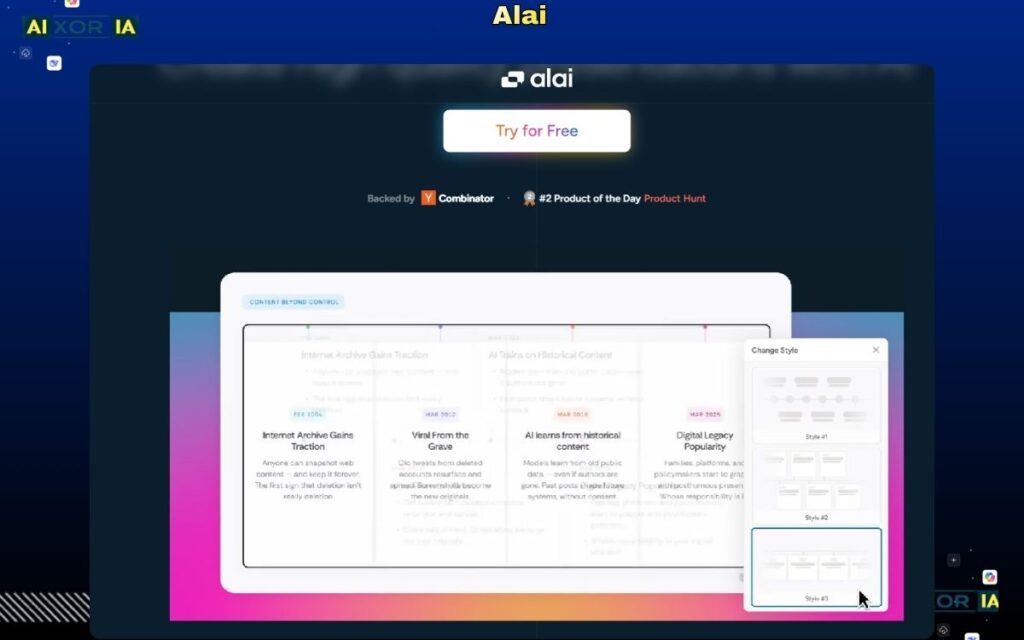
Alai represents a shift toward agent-based presentation editing, where users no longer manually adjust slides. Instead, they interact with the AI using natural language commands.
For example, instead of navigating menus, users can simply type:
“Make the font larger, adjust spacing, and replace the image with a modern office scene.”
The AI executes these changes instantly. This approach eliminates traditional UI friction and significantly speeds up workflow.
Alai also supports rapid presentation generation and editing, making it ideal for professionals who need to create and iterate presentations quickly. Its strength lies in execution speed and ease of use, rather than deep research or data validation.
Pricing:
Paid plans (varies by usage)
Pros:
- Advanced agent-based editing
- Extremely fast workflow
- Minimal learning curve
Cons:
- Limited research capabilities
- Less control for detailed customization
Best AI Tool for Enterprise Presentation Workflows
Microsoft PowerPoint Copilot
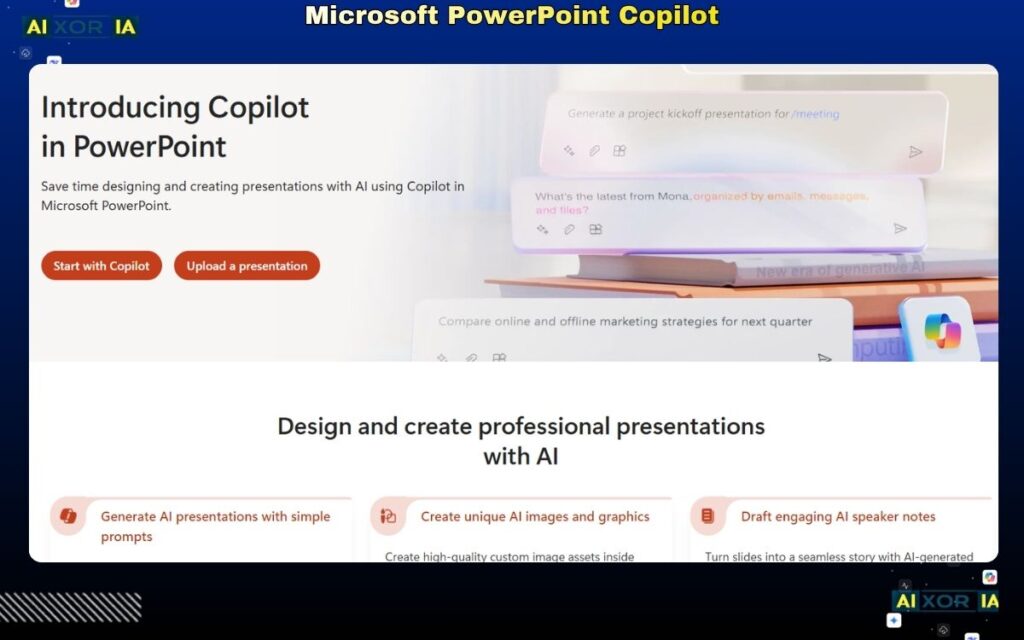
Microsoft Copilot remains one of the most practical AI tools for enterprises, especially for teams already using Microsoft 365.
It integrates directly into PowerPoint, allowing users to generate slides from documents, summarize reports, and refine content without leaving the platform. Its biggest advantage is workflow integration—it fits seamlessly into existing enterprise systems.
Copilot also supports agent-like editing and content suggestions, although its research capabilities are more limited compared to tools like NextDocs.
For organizations that prioritize security, scalability, and standardization, Copilot is often the default choice.
Pricing:
Included in Microsoft 365 Copilot plans
Pros:
- Native PowerPoint integration
- Enterprise-grade security and scalability
- Strong content generation
Cons:
- Limited real-time research capabilities
- Requires Microsoft ecosystem
READ MORE – 7 Best Tool for Animated Presentations in 2026
Hidden Gems Worth Considering
Gamma
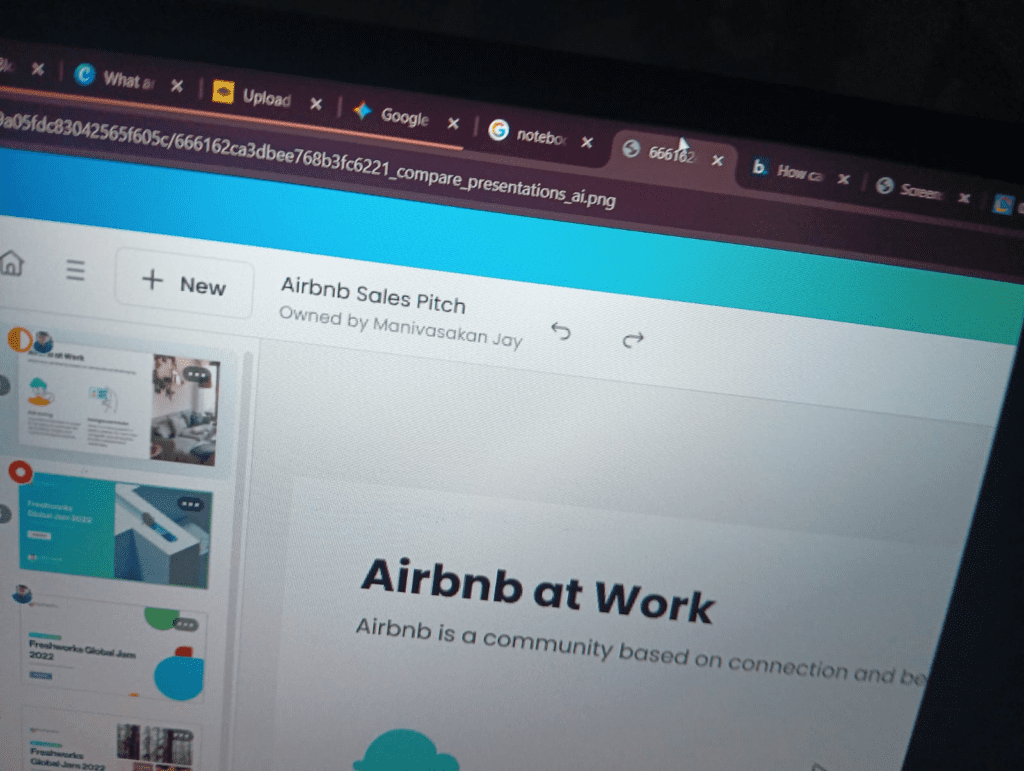
Gamma continues to stand out for its ability to create interactive, web-style presentations. Instead of traditional slides, it offers a more dynamic format that feels closer to a modern webpage.
Its AI can generate structured presentations quickly, making it a strong option for internal reports, client presentations, and knowledge sharing. While it lacks research depth, it excels in speed and usability.
Pricing:
Free plan available; paid plans start around $10/month
Pros:
- Fast generation
- Interactive presentation format
- Clean design
Cons:
- Limited research capabilities
- Less suitable for formal PPT environments
Plus AI
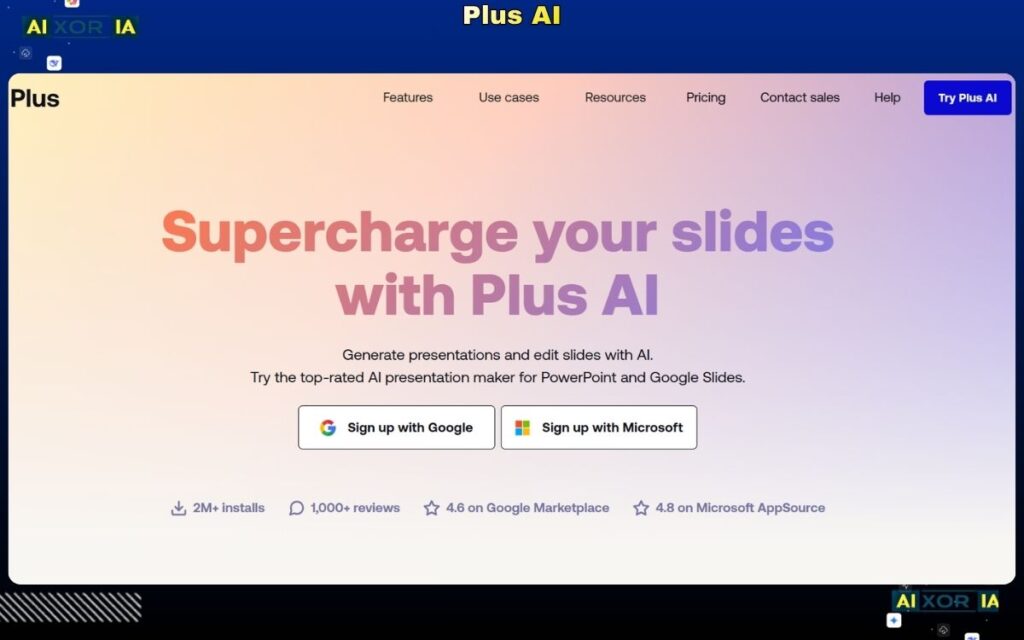
Plus AI works as a native add-on for Google Slides, making it highly practical for users who rely on Google Workspace.
It allows users to generate slides directly within Google Slides, maintaining compatibility and ease of use. While it doesn’t offer advanced research or agent-based editing, it provides a smooth, integrated experience.
Pricing:
Paid plans (starting around $10/month)
Pros:
- Native Google Slides integration
- Simple workflow
- Reliable PPT export
Cons:
- Limited advanced AI features
- No research/citation system
Best AI Tools for Design and Visual Control
Beautiful.ai
Beautiful.ai focuses on automated design, ensuring that slides remain visually consistent without manual effort. It is ideal for users who want professional-looking presentations quickly.
Pricing: Free + paid plans
Pros: Automated layouts, easy to use
Cons: Limited flexibility
Canva
Canva combines AI generation with full design control. It is widely used for creating visually rich presentations with branding flexibility.
Pricing: Free + paid plans
Pros: Design freedom, large template library
Cons: AI depth is moderate
READ MORE – Best AI Presentation Makers in 2026
Why Accuracy is the New Design in 2026
One of the biggest concerns with AI-generated presentations is hallucination—incorrect or fabricated information.
In 2026, accuracy has become more important than design.
Tools like NextDocs address this by:
- Performing real-time research
- Adding citations to slides
- Reducing reliance on static AI models
For professionals in business, healthcare, or technical fields, this shift is critical. A visually perfect presentation is useless if the data is wrong.
How Modern AI Presentation Workflows Actually Work
Today’s AI toolsAI Tools follow a multi-step process:
- Context Understanding
The AI interprets your topic, audience, and intent - Research Layer (if supported)
The system gathers relevant data and insights - Narrative Structuring
Content is organized into a logical flow - Design Application
Visual layouts, typography, and hierarchy are applied - Multi-Variant Generation
Some tools generate multiple versions for comparison
This “agentic workflow” is what separates modern tools from basic text-to-slide generators.
How to Choose the Best AI Tool for PPT
- For accuracy and research → NextDocs
- For speed and editing → Alai
- For enterprise workflows → Microsoft Copilot
- For interactive presentations → Gamma
- For Google Slides → Plus AI
- For design → Canva or Beautiful.ai
Final Thoughts
The best AI tool for PPT in 2026 is no longer just about automation—it’s about accuracy, control, and adaptability.
Some tools focus on research and credibility, while others prioritize speed or design. The most effective approach is to choose a tool that aligns with your workflow and the type of presentations you create.
2 thoughts on “7 Best AI Tool for PPT in 2026 (Tested & Ranked)”