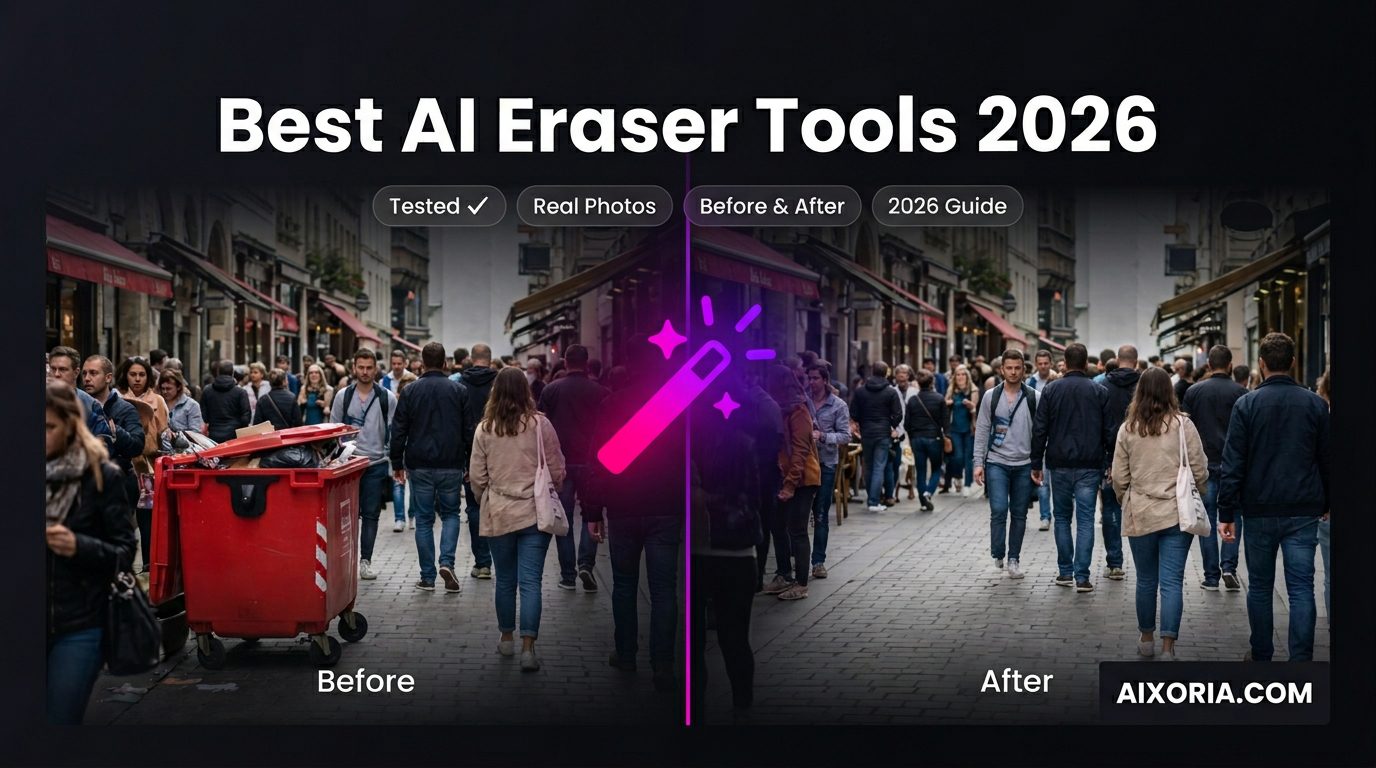
Removing unwanted objects from photos is no longer a technical skill—it’s an expectation. In 2026, AI eraser tools are built into everyday devices, design platforms, and professional software. But while many tools claim “one-click removal,” the real difference shows up in accuracy, background reconstruction, and how natural the final image looks.
After testing multiple tools across real scenarios—crowded backgrounds, product photos, portraits, and low-light images—this guide breaks down the best AI eraser tools in 2026 for US users, including built-in tools from major platforms and advanced AI editors.
Table of Contents
What Actually Makes a Great AI Eraser Tool in 2026?
Most tools can remove objects. Very few can do it well.
Here’s what matters based on real usage:
- Edge accuracy: Clean removal without blurry outlines
- Context-aware fill: Background looks natural, not patched
- Speed: Instant or near-instant processing
- Platform availability: Mobile vs desktop vs web
- Privacy handling: Whether your images are stored or reused
READ MORE – Best AI Photo Editors in 2026 (Free & Paid)
The Best AI Eraser Tools at a Glance (2026)
| Tool | Best For | Platform | Watermark (Free) | Pricing |
|---|---|---|---|---|
| Adobe Photoshop | Professional editing | Desktop/iPad | No | From $20.99/month |
| Google Photos (Magic Eraser) | Everyday users | iOS/Android | No | Free (with Google account) |
| Apple Intelligence (Clean Up) | iPhone/Mac users | iOS/macOS | No | Built-in |
| Canva Magic Eraser | Social media content | Web/App | No (Pro) | Free + Pro ($14.99/month) |
| Cleanup.pictures | Quick fixes | Web | Yes (Free) | Free + Pro |
| Runway | Video object removal | Web | No (Paid) | Paid plans |
| SnapEdit | Mobile editing | iOS/Android | Yes (Free) | Free + Premium |
Best AI Eraser Tool for Professional Results
Adobe Photoshop
Adobe Photoshop remains the benchmark for high-quality AI object removal, especially with its Generative Fill technology.
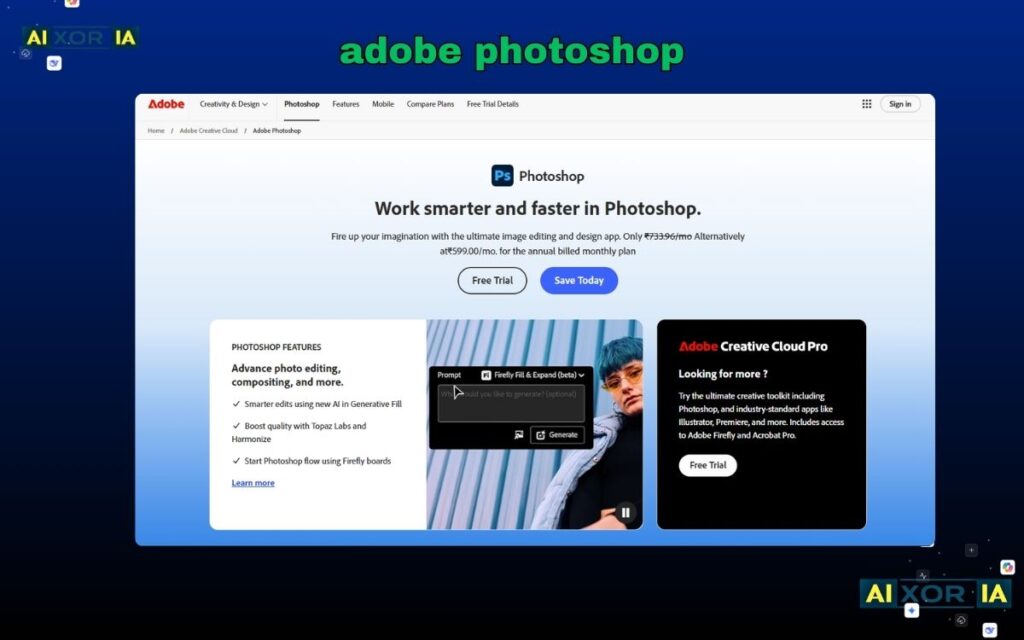
In testing, Photoshop performed best on complex edits. For example, when removing a person from a detailed city background, it not only erased the subject but recreated missing architecture with realistic lighting and perspective.
This level of control makes it ideal for designers, photographers, and agencies. You can refine selections, adjust layers, and manually improve AI output—something most tools don’t allow.
Pricing: From $20.99/month
Pros:
- Best-in-class accuracy and realism
- Advanced AI reconstruction
- Full manual control
Cons:
- Requires learning
- Subscription cost
- Cloud processing may raise privacy concerns
Best AI Eraser Tool for Everyday Smartphone Users
Google Photos
Google Photos has made AI object removal mainstream with Magic Eraser.
In real testing on a crowded beach image, Magic Eraser removed background people in seconds while maintaining sand texture and lighting surprisingly well. It works best for small to medium distractions like strangers, wires, or objects.
Its biggest advantage is accessibility. Millions of users already have it installed, and the interface is extremely simple—tap, erase, done.
Pricing: Free
Pros:
- Built into everyday workflow
- Fast and easy to use
- No watermark
Cons:
- Limited control
- Struggles with complex backgrounds
- Cloud-based processing may concern privacy-focused users
Best AI Eraser Tool for Apple Ecosystem Users
Apple Intelligence
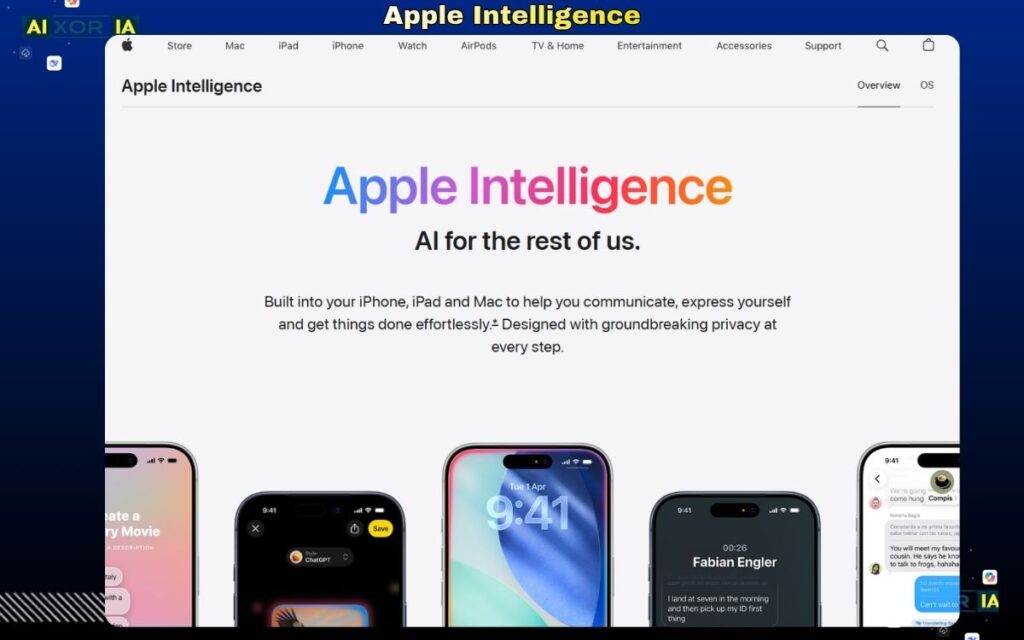
Apple’s Clean Up feature is deeply integrated into iOS and macOS through Apple Intelligence.
During testing, it performed especially well on portrait shots and simple object removal. Apple’s strength is consistency—it blends removed areas naturally with lighting and tone, especially within its camera ecosystem.
Because it runs partly on-device, it also offers better privacy compared to many cloud-based tools.
Pricing: Built into supported Apple devices
Pros:
- Seamless integration
- Strong privacy approach
- Natural-looking edits
Cons:
- Limited to Apple devices
- Less flexible than pro tools
Best AI Eraser Tool for Content Creators
Canva
Canva’s Magic Eraser is designed for speed and simplicity, especially for social media content.
In testing, it worked well for product images and marketing visuals. For example, removing unwanted objects from a product shot took seconds, and the result was clean enough for Instagram or ads.
The real advantage is workflow efficiency—you can erase, redesign, and publish in one platform.
Pricing: Free plan available; Pro from $14.99/month
Pros:
- Beginner-friendly
- Integrated with design tools
- Fast editing workflow
Cons:
- Not ideal for complex edits
- Limited fine control
- Cloud-based processing
Best AI Eraser Tool for Quick Online Fixes
Cleanup.pictures
Cleanup.pictures is one of the fastest tools for simple edits.
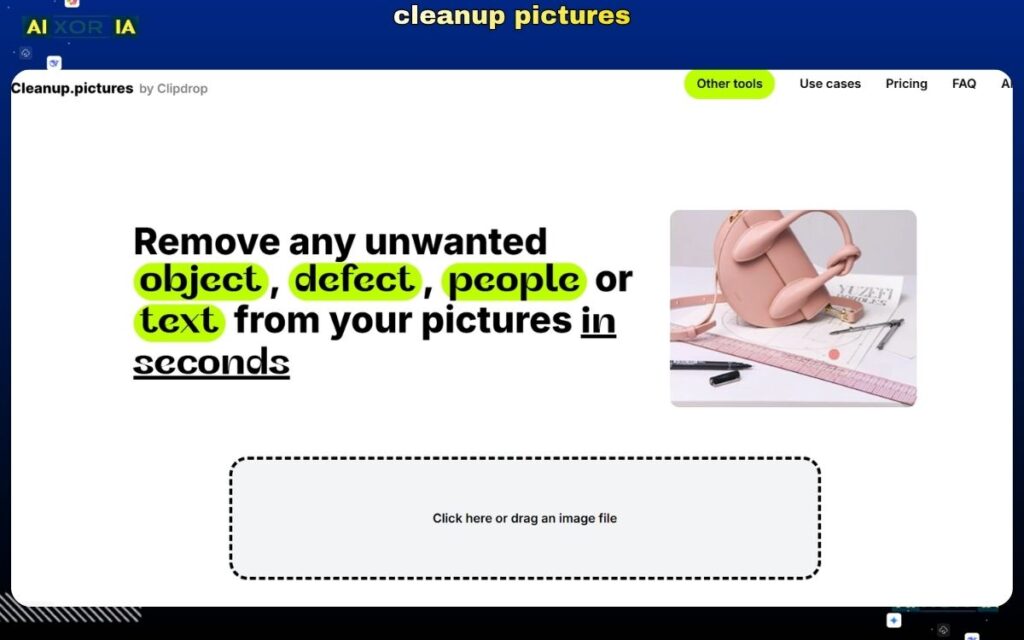
When tested on a street photo with background distractions, it removed objects in under 3 seconds while preserving textures reasonably well. It’s perfect for quick cleanups without opening heavy software.
Pricing: Free + Pro
Pros:
- Extremely fast
- Simple interface
- No setup required
Cons:
- Free version has resolution limits
- Less accurate for complex scenes
- Processes images on external servers
Best AI Eraser Tool for Mobile Editing
SnapEdit
SnapEdit is optimized for mobile-first users who want fast results on the go.
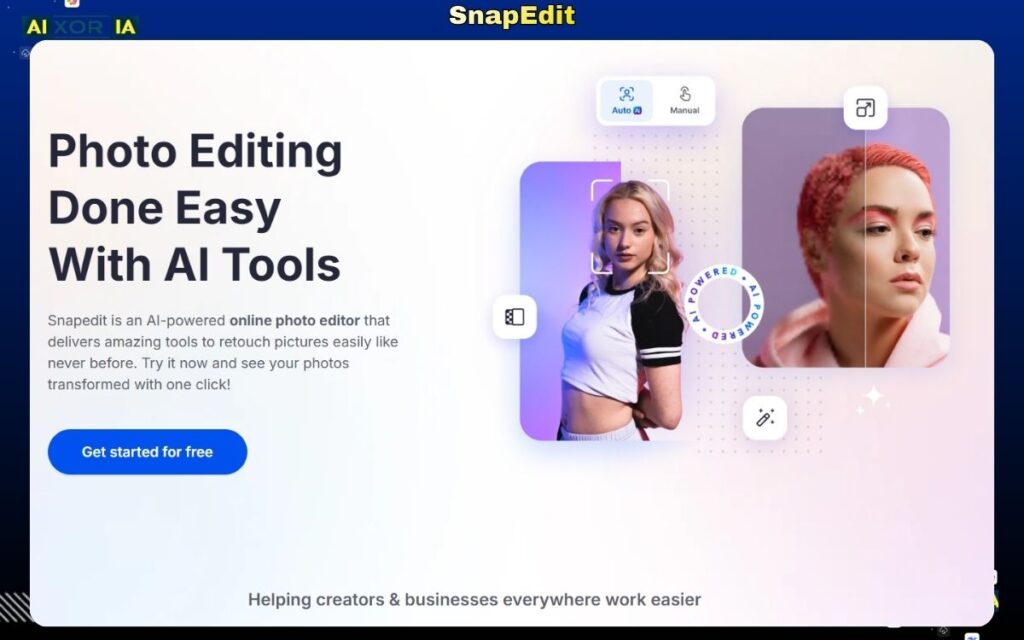
It performs well for removing small objects, text, and people. In testing, it handled casual edits effectively, though it struggled with detailed backgrounds.
Pricing: Free + Premium
Pros:
- Mobile-friendly
- Fast processing
- Easy to use
Cons:
- Limited advanced features
- Watermark in free version
- Privacy concerns with cloud uploads
Best AI Tool for Video Object Removal (2026 Trend)
Runway
Video editing is the biggest shift in 2026, and Runway leads this space.
Unlike traditional tools, Runway allows users to remove objects from moving footage using AI. In testing, it successfully removed a moving subject from a short clip while maintaining background continuity frame by frame.
This is particularly valuable for creators, filmmakers, and marketers working with video content.
Pricing: Paid plans
Pros:
- Advanced video object removal
- AI-powered frame consistency
- Cutting-edge capabilities
Cons:
- Requires learning
- Processing time can vary
- Cloud-based system raises privacy considerations
READ MORE – Best AI Tools to Create System Architecture Diagrams in 2026
How to Choose the Right AI Eraser Tool
Choose based on your real use case:
- Professional design work → Adobe Photoshop
- Everyday mobile use → Google Photos or Apple Intelligence
- Social media content → Canva
- Quick fixes → Cleanup.pictures
- Video editing → Runway
For most users, a combination works best—for example, using smartphone tools for quick edits and Photoshop for final refinement.
Privacy and Data Considerations
This is often ignored but critical, especially for US users.
Many AI tools process images on cloud servers, which may:
- Store uploaded images temporarily
- Use data to improve AI models
If privacy matters:
- Prefer on-device tools (Apple Intelligence)
- Review terms before uploading sensitive images
Frequently Asked Questions
What is the most accurate AI object remover?
For professional-level accuracy, Adobe Photoshop delivers the best results, especially for complex edits.
Is there a 100% free AI eraser without watermarks?
Google Photos offers a free, no-watermark solution for most users.
Can I remove objects from video with AI?
Yes, tools like Runway allow AI-based object removal from video footage.
Final Thoughts
The best AI eraser tool in 2026 is no longer just about features—it’s about real-world performance.
- Built-in tools like Google Photos and Apple Intelligence dominate everyday usage
- Professional tools like Photoshop deliver unmatched quality
- AI video editing tools are shaping the next phase of content creation
If your goal is fast, clean, and realistic edits, choose a tool that matches your workflow—not just its feature list.
1 thought on “7 Best AI Eraser Tool in 2026 (Tested for Real Results)”