What Is Microsoft Money Software — and Can You Still Use It?
Scr0ll d0wn to D0VVNL0AD
Microsoft Money software is a discontinued personal finance program that helped millions of users track expenses, manage budgets, and monitor investments — all from their desktop.
Here’s a quick summary for anyone who needs a fast answer:
| Question | Quick Answer |
|---|---|
| What is it? | A personal finance app by Microsoft, first released in 1991 |
| Is it still sold? | No — sales ended in 2009 |
| Can I still get it? | Yes — the free Sunset Edition is available via trusted third-party sites |
| Does it work on Windows 11? | Yes, with compatibility settings and a DLL patch |
| Are online features available? | No — but third-party tools can restore some functionality |
| Best modern alternative? | MSN Money app, Excel templates, or AI-powered finance tools |
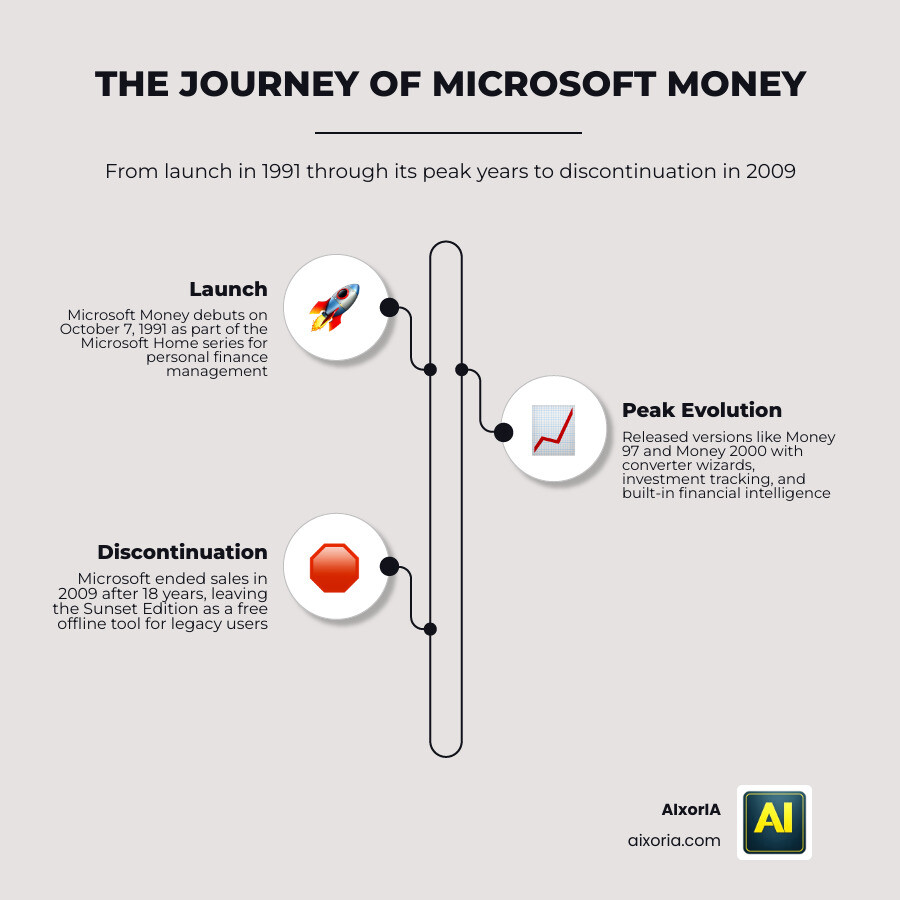
Microsoft Money launched on October 7, 1991 and ran for 18 years before Microsoft pulled the plug in 2009. For many users, it was the go-to tool for managing their financial life — long before apps like Mint or YNAB existed.
Even today, in May 2026, a dedicated community of loyal users still runs the software on modern Windows machines. Some even run it on Linux and macOS.
Why? Because the core features — budgeting, investment tracking, lifetime financial planning — were genuinely powerful. And the free Sunset Edition means you can still access those tools without paying a cent.
This guide covers everything: the full history, how to download and install it safely today, what still works, what doesn’t, and what modern tools have taken its place.
The History and Evolution of Microsoft Money Software
The journey of microsoft money software began in the early 90s as part of the “Microsoft Home” series. It was designed to compete directly with other personal finance titans of the era. Over its 18-year development cycle, it evolved from a simple ledger into a massive financial suite.
According to the Microsoft Money history, the software saw localized versions for the UK, France, Japan, Canada, and an International English edition. Each version brought more “intelligence” to the table. For instance, Microsoft Announces Money 97 introduced the “Converter Wizard,” making it easier for users to migrate their data from other platforms.
By the time the Microsoft Money 98 Financial Suite arrived, the software included a “Goal Planner” with 21 wizards and “Advisor FYI,” which provided personalized guidance based on internet data. When Microsoft Releases Money 2000 Deluxe, the focus shifted to “anytime, anywhere” access through web synchronization—a precursor to the cloud-based world we live in today.
Sadly, Microsoft stopped developing the software in 2009 and ended sales by March 2010. Support for online services officially vanished in January 2011, leaving a void for millions of users.
Understanding Microsoft Money Plus Sunset Edition
When Microsoft decided to pull the plug, they didn’t want to leave their existing users high and dry. They released the Microsoft Money Plus Sunset Edition in 2010. This is a free, standalone version that allows you to open and edit your existing .mny files without needing to contact an activation server.
As noted in the Microsoft Money Home Archive, the Sunset Edition was intended as a replacement for the Deluxe and Home & Business versions. While it is incredibly stable for local data management, it has significant differences from the original commercial releases.
| Feature | Original Plus Versions | Sunset Edition |
|---|---|---|
| Price | Paid Subscription/Retail | Free |
| Online Activation | Required | None Required |
| Direct Bank Downloads | Yes | No (Manual Only) |
| Online Stock Quotes | Yes | No (Manual Only) |
| Data File Compatibility | Restricted by Version | Opens most .mny files |
| Support | Official Microsoft Support | Community Support Only |
The biggest draw of the Sunset Edition is data sovereignty. Your financial data stays on your hard drive, not in a cloud server. For those of us who value privacy, this “offline” approach is a major benefit.
How to Safely Use Microsoft Money Software Today
It might seem strange to use software from 2010 in 2026, but it is entirely possible. However, because Microsoft has removed the official download links from their primary site, you have to be a bit of a digital detective.
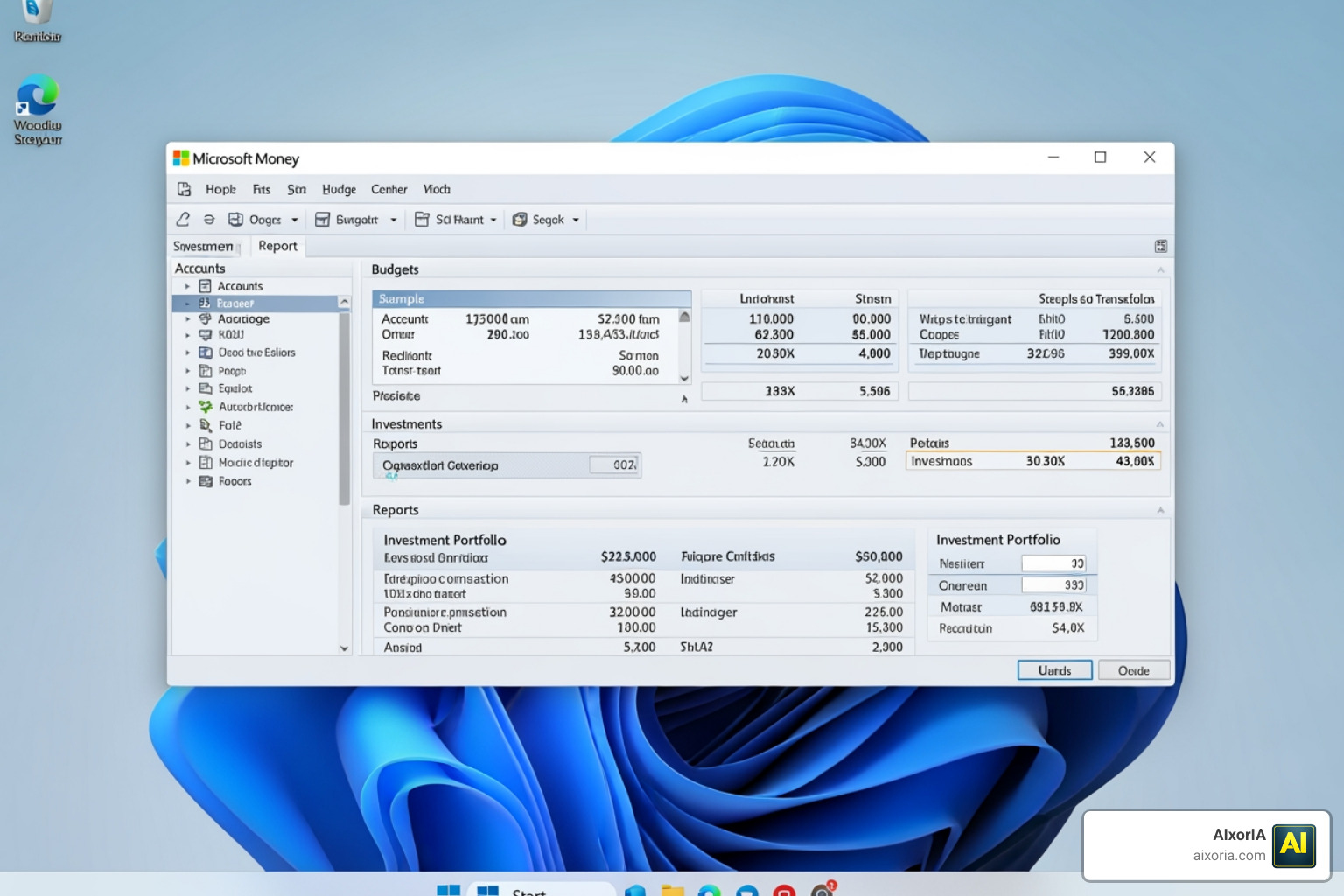
To find resources, you can still Search Microsoft.com for legacy support articles, but the software itself is usually hosted on reputable third-party archives like CNET or the Internet Archive.
Safety First: Always scan any downloaded .exe file with updated antivirus software. Since this is legacy software, you should also run it with Administrator rights to ensure it can create the necessary local database files.
Installing Microsoft Money Software on Windows 11
Installing microsoft money software on Windows 11 is surprisingly straightforward, though it requires a few tweaks.
- Compatibility Mode: Right-click the installer and set it to run in compatibility mode for Windows 7.
- The DLL Patch: Many users encounter an error regarding “mnyob99.dll.” There are community-provided patches that involve a simple registry edit or replacing a specific DLL file to get the software running smoothly on 64-bit systems.
- Data Analysis: Once installed, you can use the built-in reporting tools to visualize your spending. If you’re looking for even more advanced ways to handle your numbers, check out the Best Ai Tools For Data Analysis And Visualization In 2026.
Restoring Online Features in Microsoft Money Software
The “Sunset” in the name means the sun has set on automatic bank downloads. However, you aren’t stuck with manual typing.
- Manual OFX/QIF Imports: Most banks still allow you to download your statement in OFX (Open Financial Exchange) or QIF (Quicken Interchange Format). You can “Import” these files directly into Microsoft Money.
- Third-Party Tools: A dedicated community has built tools like PocketSense and MSMoneyQuotes. These scripts can scrape stock prices and even automate the download of bank statements, effectively “hacking” the online features back into the software.
- Investment Tracking: While the Portfolio Manager won’t update automatically, these community tools can pull 15-minute delayed quotes to keep your net worth updated.
Modern Alternatives and the Future of Financial Tracking
While some of us love the nostalgia and control of local software, the world has moved on to more automated systems. Microsoft briefly tried to fill the gap with a “Money in Excel” template for Microsoft 365 subscribers between 2020 and 2023, but even that has been withdrawn.
Today, the MSN Money app serves as a great companion for market news and stock watching, but it lacks the deep ledger capabilities of the original software. For businesses looking to stay ahead of the curve, we recommend exploring the Best Ai Tools For Business Productivity to handle modern workflows.
If you are looking to build a long-term financial plan, integrating AI can be a game-changer. We’ve seen how the Best Ai Tools For Business Strategy In 2026 can help entrepreneurs forecast their growth far more accurately than a traditional spreadsheet ever could.
Frequently Asked Questions about Microsoft Money
Is Microsoft Money still available for download?
Microsoft no longer hosts the official download for the Sunset Edition on their main landing pages. However, it is legally available for free on various software archive sites. It is no longer a commercial product, so downloading the Sunset version is generally considered safe and legal for personal use.
Can I open .mny files on a modern computer?
Yes! The Sunset Edition was specifically designed to open files created in previous versions of Microsoft Money (2006-2008). If you have a very old file (from the 90s), you might need to install an intermediate version like Money 2004 first to “step up” the database format.
Does Microsoft Money Sunset Edition require a product key?
No. One of the best things about the Sunset Edition is that it comes pre-activated. You do not need a product key, and you don’t need to connect to a Microsoft server to start using it.
Conclusion
The legacy of microsoft money software is a testament to how much we value control over our own financial data. While the software is technically “retired,” its powerful Lifetime Planner and Portfolio Manager remain unmatched by many modern, subscription-based apps.
At AIxorIA, we believe in using the best tools for the job—whether that’s a classic piece of software that still works or the latest cutting-edge AI. If you’re an entrepreneur trying to navigate the complex world of modern finance, staying productive is key. We invite you to explore the Best Ai Tools For Entrepreneurs In 2026 and the Best Ai Productivity Tools For Entrepreneurs 2026 to see how you can streamline your business.
Whether you choose to stick with the classic reliability of Microsoft Money or move toward an AI-driven future, the goal remains the same: total clarity over your financial health. If you need help modernizing your business systems or implementing custom AI solutions, reach out to us at https://aixoria.com/. We’re here to make technology simple, affordable, and fast.
1 thought on “Microsoft Money Software in 2026: Free Download, Windows 11 Fix & Best Alternatives”