Most freelancers still set their rates by copying competitors or following “average market prices.” That approach breaks down quickly in 2026. Rising living costs in the US, self-employment taxes, irregular workloads, and the growing impact of AI on productivity have fundamentally changed how pricing should work.
If you can complete work faster because of AI, your income should not shrink—it should increase. That only happens when your pricing is built on a clear, strategic foundation.
toolAI ToolA freelance hourly rate calculator is no longer just a math tool. The best ones help you understand your real costs, evaluate your time, and position your pricing based on value—not guesswork.
This guide covers the best freelance hourly rate calculators for designers, developers, writers, and consultants in the US, with a focus on accuracy, strategic depth, and real-world usability.
Table of Contents
What Makes the Best Freelance Hourly Rate Calculator in 2026?
A high-quality calculator should do more than divide income by hours. It should help you build a sustainable business model.
Income + expense modeling
Your rate must include taxes, tools, subscriptions, insurance, and savings—not just your desired salary.
Billable vs non-billable clarity
Freelancers often overestimate how many hours they can charge. The best tools correct this.
Market alignment
Advanced tools (especially AI-based) compare your rate with real market demand.
Scenario planning
You should be able to test different workloads, pricing levels, and income goals.
Simplicity with depth
The tool should be easy to use but still provide accurate outputs.
The 2026 Rate Strategy Leaderboard
| Tool | Best For | Standout Feature | Pricing |
|---|---|---|---|
| YourRate | AI-driven pricing | Market demand analysis | Free / Paid |
| Bonsai | Business planning | Expense-based modeling | Free / Paid |
| Clockify | Time tracking | Real hourly rate insights | Free |
| Indie Hackers | Lifestyle design | Freedom-based pricing | Free |
| Wethos | Market benchmarking | Real contract data | Free / Paid |
| Millo | Quick estimates | Fast calculation | Free |
| Upwork Calculator | Platform freelancers | Fee-adjusted pricing | Free |
| Omni Calculator | Deep customization | Tax-level precision | Free |
| Calculator.net | Basic math | Simple calculations | Free |
Best AI-Powered Freelance Hourly Rate Calculator
YourRate
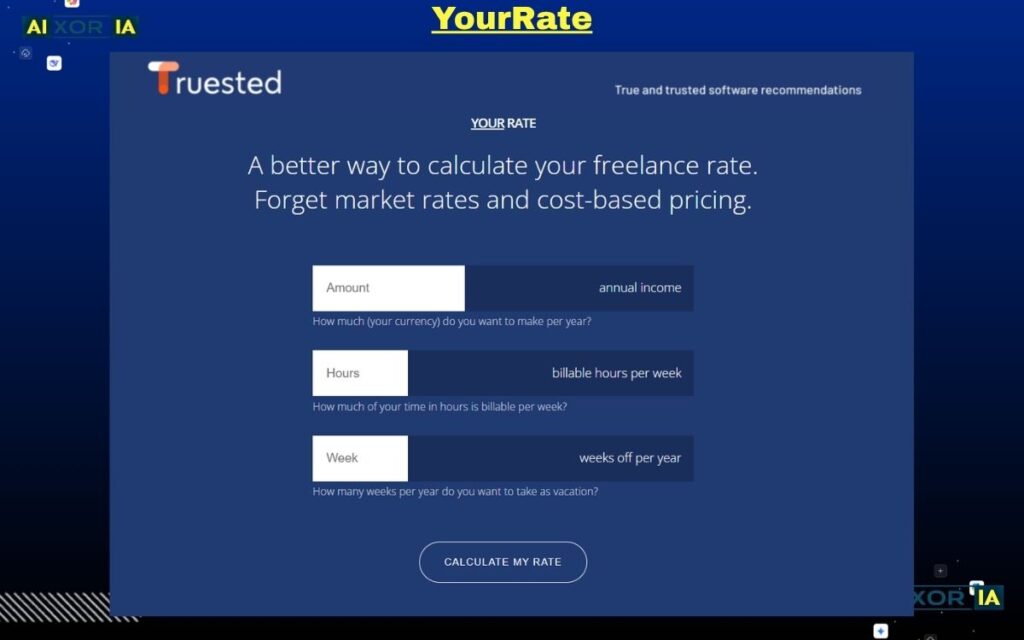
YourRate stands out as one of the most advanced tools because it shifts pricing from static calculation to dynamic strategy. Instead of relying only on your inputs, it analyzes external signals like demand trends, competition, and niche positioning to recommend optimized rates.
Its AI engine evaluates your profile and suggests multiple pricing tiers, such as a baseline survival rate and a higher strategic rate aligned with your market value. This makes it particularly useful in competitive industries where underpricing is common.
A major advantage in 2026 is its ability to adjust for productivity gains driven by AI tools. If your workflow becomes faster, YourRate helps ensure your pricing reflects value delivered, not time spent.
Pricing: Free version available; advanced features may require subscription
Pros:
- AI-driven insights
- Market benchmarking
- Scenario-based recommendations
Cons: - Requires interpretation of results
- Some features behind paywall
Real experience: I tested YourRate for a niche content project, and its suggested rate was significantly higher than my initial estimate—but still aligned with market demand, which improved negotiation confidence.
Best Calculator for Full Freelance Business Planning
Bonsai
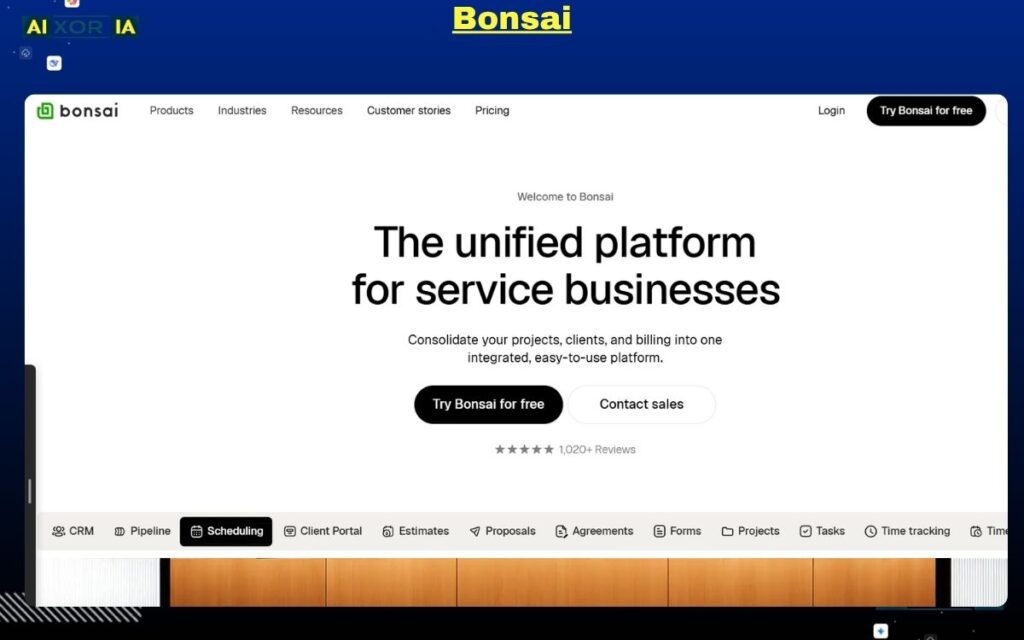
Bonsai’s calculator is designed for freelancers who treat their work as a business rather than a side income. It calculates your hourly rate based on income goals, expenses, taxes, and actual working capacity.
What makes it effective is its emphasis on hidden costs—especially non-billable hours. Many freelancers overlook time spent on emails, proposals, and revisions, which directly reduces effective income.
Bonsai integrates this calculation into a broader system that includes contracts, invoicing, and financial tracking, making it a long-term solution rather than a one-time tool.
Pricing: Free calculator; paid plans available for full suite
Pros:
- Business-focused approach
- Realistic income modeling
- Integrated workflow tools
Cons: - Limited AI features
- Advanced tools require subscription
Real experience: Using Bonsai highlighted how much time was lost to admin work, which directly changed how I calculated my billable hours and pricing.
Best Tool for Data-Backed Hourly Analysis
Clockify
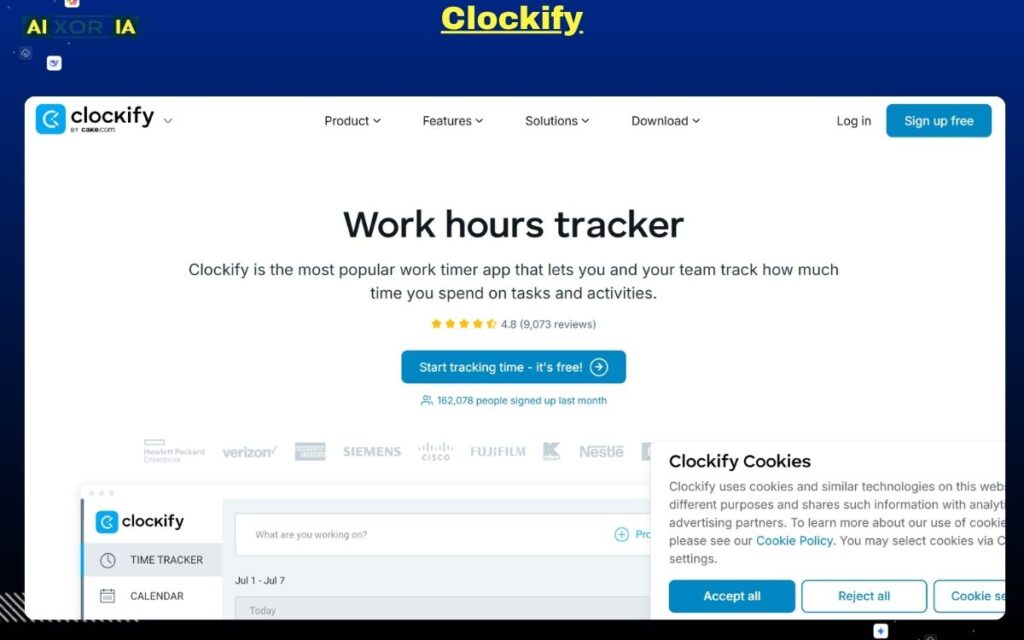
Clockify approaches pricing from a different angle—by focusing on real work data instead of assumptions. It calculates your effective hourly rate based on actual tracked time across projects.
This is particularly useful for identifying inefficiencies. For example, if a project appears profitable but consumes excessive revision time, Clockify reveals the true hourly return.
In 2026, where productivity tools can distort time perception, having accurate data is critical for maintaining profitability.
Pricing: Free with optional paid upgrades
Pros:
- Data-driven insights
- Tracks real productivity
- Identifies profit leaks
Cons: - No market-based recommendations
- Requires consistent tracking
Real experience: After tracking multiple projects, it became clear that some clients reduced overall hourly earnings due to repeated revisions.
Best Calculator for Lifestyle-Based Pricing
Indie Hackers Revenue Calculator
This tool is designed for freelancers who prioritize flexibility and long-term sustainability. Instead of focusing only on hourly rates, it helps calculate how much you need to earn to maintain a specific lifestyle.
It encourages freelancers to think beyond time-based pricing and move toward value-based or productized services. This makes it particularly relevant for those transitioning into higher-level consulting or digital product models.
Pricing: Free
Pros:
- Long-term financial perspective
- Encourages strategic pricing
- Simple interface
Cons: - Not purely hourly-focused
- Limited detailed inputs
Real experience: It helped reframe pricing decisions by focusing on outcomes rather than time spent on tasks.
Best Calculator for Market-Based Pricing Data
Wethos
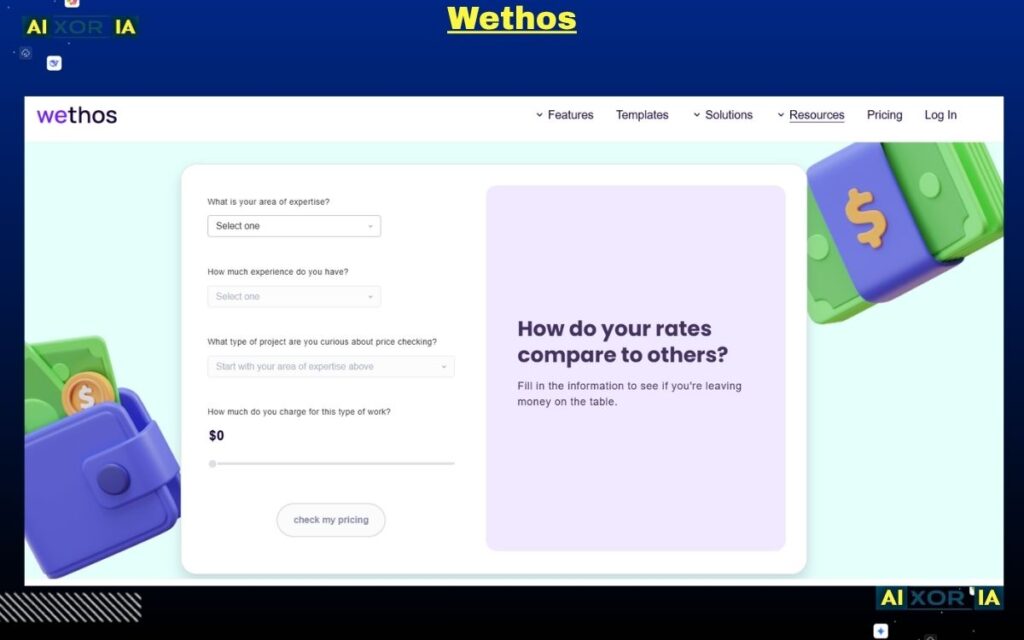
Wethos provides access to real-world pricing data collected from freelance contracts. This makes it one of the most practical tools for benchmarking rates.
Instead of guessing what others charge, you can see actual pricing for specific services in the US market. This is particularly useful for agencies or freelancers working on high-value projects.
Pricing: Free with optional paid features
Pros:
- Real pricing data
- Market transparency
- Useful for agencies
Cons: - Not a traditional calculator
- Limited customization
Real experience: Reviewing real project pricing helped validate higher rates for specialized services.
Best Calculator for Quick Estimates
Millo Freelance Calculator
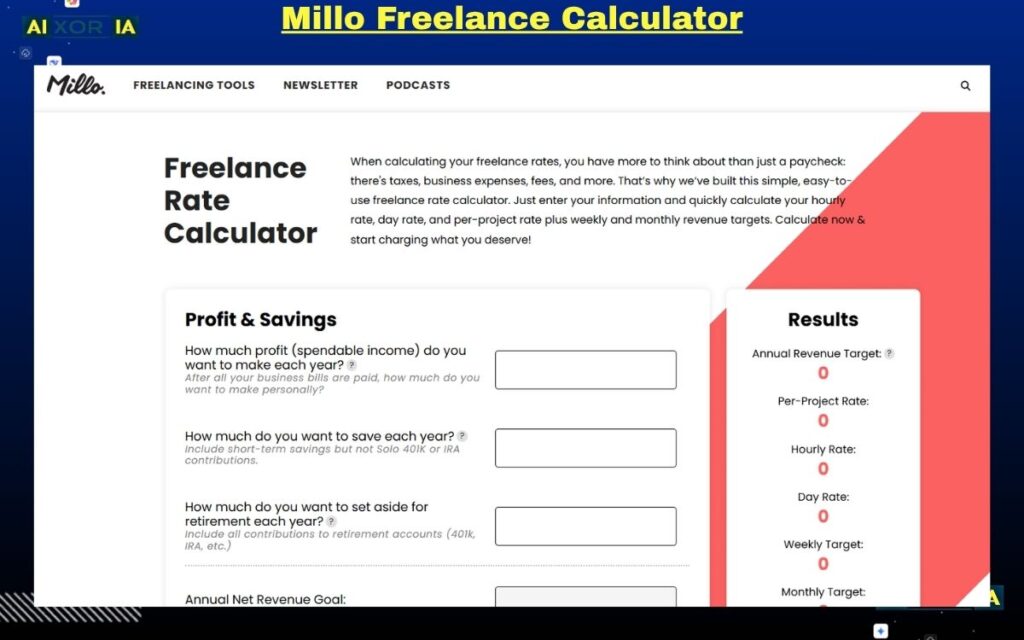
Millo is built for speed and simplicity. It allows freelancers to calculate a rough hourly rate within minutes using basic inputs.
While it lacks advanced features, it serves as a strong starting point for beginners or quick decisions during client discussions.
Pricing: Free
Pros:
- Fast and simple
- Beginner-friendly
- No learning curve
Cons: - Limited depth
- No advanced modeling
Real experience: Useful for quick checks during early-stage client conversations when detailed planning isn’t possible.
Best Calculator for Platform-Based Freelancers
Upwork Rate Calculator
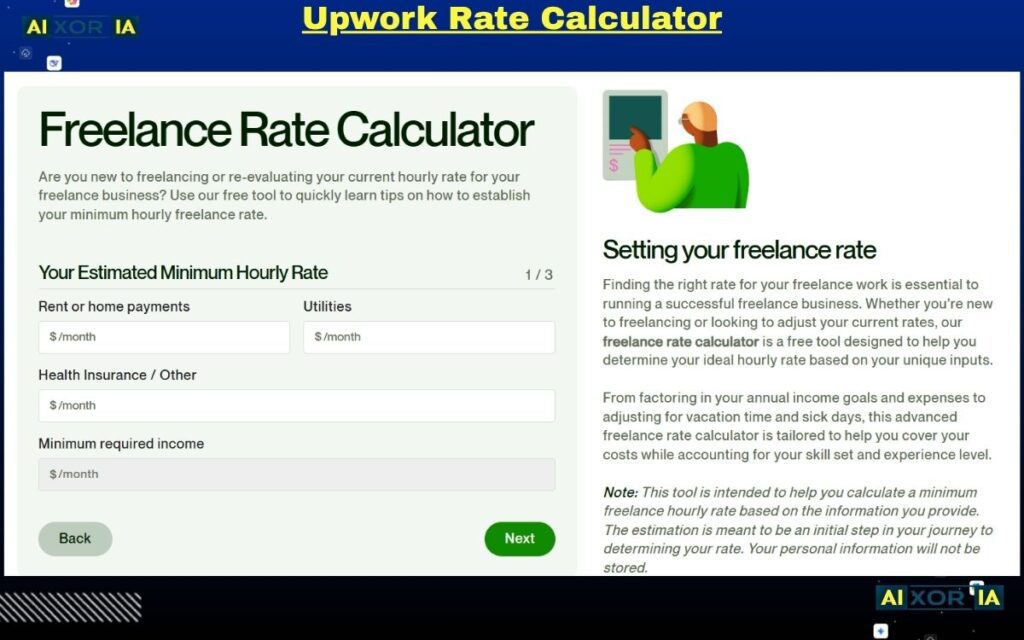
Freelancers working on platforms often overlook the impact of fees. This calculator adjusts your hourly rate to ensure your net income remains consistent after deductions.
It helps align your pricing with real earnings, especially in competitive marketplaces.
Pricing: Free
Pros:
- Accounts for platform fees
- Practical for marketplace work
- Easy to use
Cons: - Limited outside platform use
- No advanced insights
Real experience: Adjusting for fees improved overall earnings without reducing competitiveness.
Best Calculator for Advanced Customization
Omni Calculator
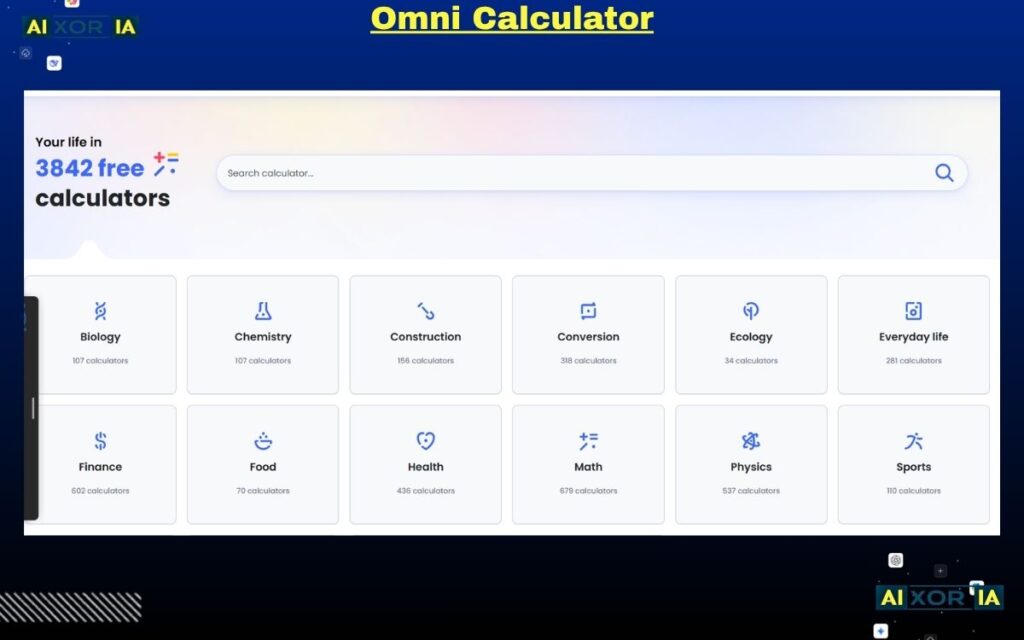
Omni Calculator offers a detailed and flexible approach, allowing freelancers to customize variables such as taxes, expenses, and working hours.
It is particularly useful for those who want precise financial modeling, especially when dealing with different tax scenarios in the US.
Pricing: Free
Pros:
- Highly customizable
- Accurate calculations
- Wide range of tools
Cons: - No AI features
- Requires manual input
Real experience: Useful for detailed planning when adjusting pricing across different income scenarios.
Best No-Frills Calculator for Basic Math
Calculator.net
Calculator.net focuses purely on fundamental calculations. It strips away complexity and provides straightforward results.
This makes it ideal for quick checks or verifying calculations from more advanced tools.
Pricing: Free
Pros:
- Simple and reliable
- No distractions
- Fast results
Cons: - No advanced features
- No strategic insights
Real experience: Helpful for validating basic numbers without overcomplicating the process.
The AI Efficiency Challenge in 2026
AI has changed how freelancers work. Tasks that once took hours can now be completed much faster. While this improves productivity, it also creates a pricing challenge.
Clients may expect lower rates because work takes less time. However, faster delivery does not reduce the value of the outcome.
Freelancers must adjust their pricing to reflect:
- Expertise
- Results delivered
- Strategic thinking
Using advanced calculators—especially AI-driven ones—helps ensure your rate aligns with value rather than effort.
Final Thoughts
The best freelance hourly rate calculator is not just the one that gives you a number—it’s the one that helps you understand your business.
In 2026, successful freelancers:
- Base pricing on real costs and data
- Adjust rates based on demand and expertise
- Use tools to refine—not replace—their judgment
A strong pricing strategy protects your income, supports growth, and ensures long-term sustainability.
2 thoughts on “Best Freelance Hourly Rate Calculator in 2026”