The Best Creative Project Management Software at a Glance (May 2026)
Scr0ll d0wn to D0VVNL0AD
The best creative project management software tools available right now are:
- Wrike – Best overall for creative teams; proofing, approvals, Adobe CC integration, 400+ integrations
- monday.com – Best for visual workflows and ease of use; from $9/user/month
- RoboHead – Best for in-house teams managing high volumes of creative requests
- Screendragon – Best for agencies needing budget tracking and resource planning
- Asana – Best for mid-size teams needing structured task management
- ClickUp – Best for larger agencies handling complex, multi-layered projects
- ProofHub – Best built-in proofing tools with color-coded markup
- Paymo – Best for time tracking and invoicing on fast-turnaround projects
- Trello – Best simple Kanban tool for small creative teams
- Milanote – Best for visual, non-linear idea organization and mood boarding
Creative work is messy. Files are scattered across tools. Feedback arrives in email threads. Approvals get lost in Slack. Deadlines slip — not because the team isn’t talented, but because the system is broken.
Here’s a telling number: only 1 in 4 companies actually use dedicated project management software, even when they know it would help. For creative teams in particular, that gap is costly.
Traditional project management tools were built for linear tasks with clear start and end points. But creative projects don’t work that way. A design brief loops back for revisions. A campaign asset needs three rounds of client feedback. A video edit sits waiting for approval while the whole project stalls.
That’s exactly where specialized creative project management software changes the game.
Teams that make the switch report real results — like cutting project delivery time by up to 40%, slashing email volume by as much as 90%, and reducing time spent per project by 30%.
This guide covers everything you need to choose the right tool: what to look for, how the top platforms compare, and which one fits your team’s size, budget, and workflow.
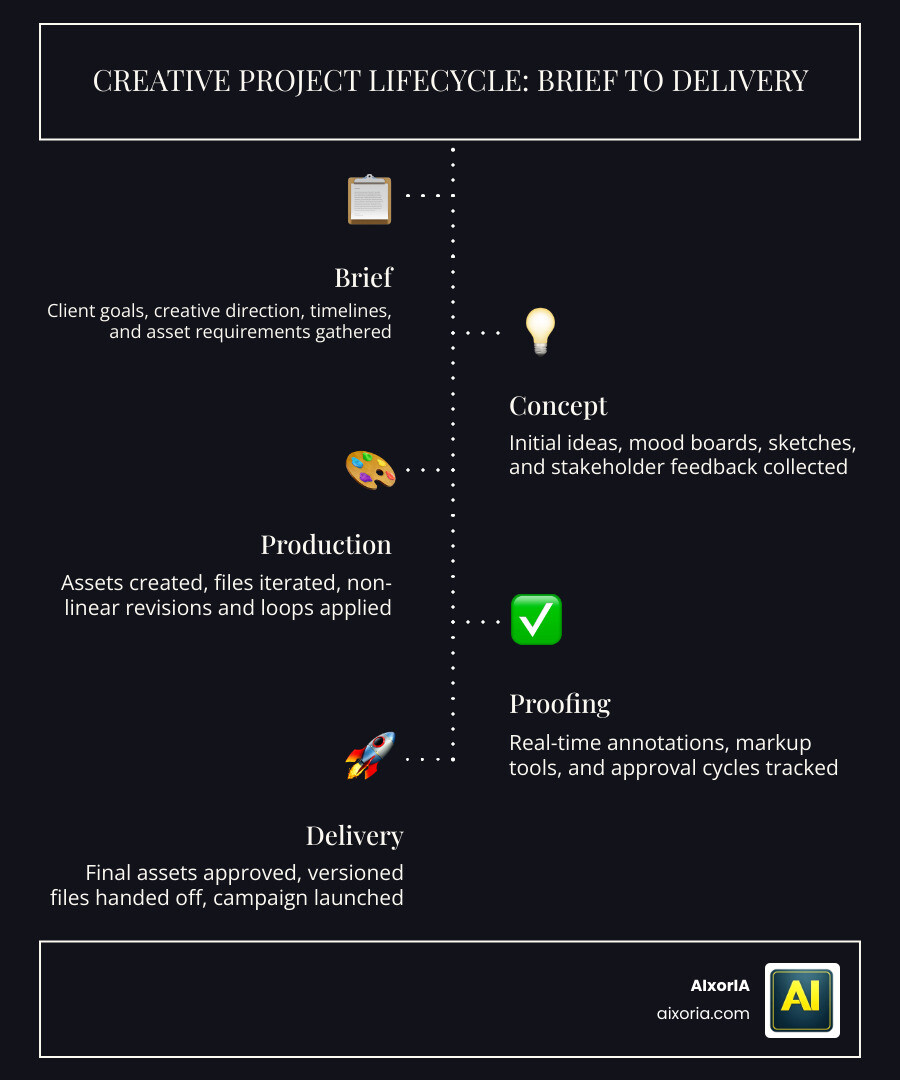
What is Creative Project Management Software?
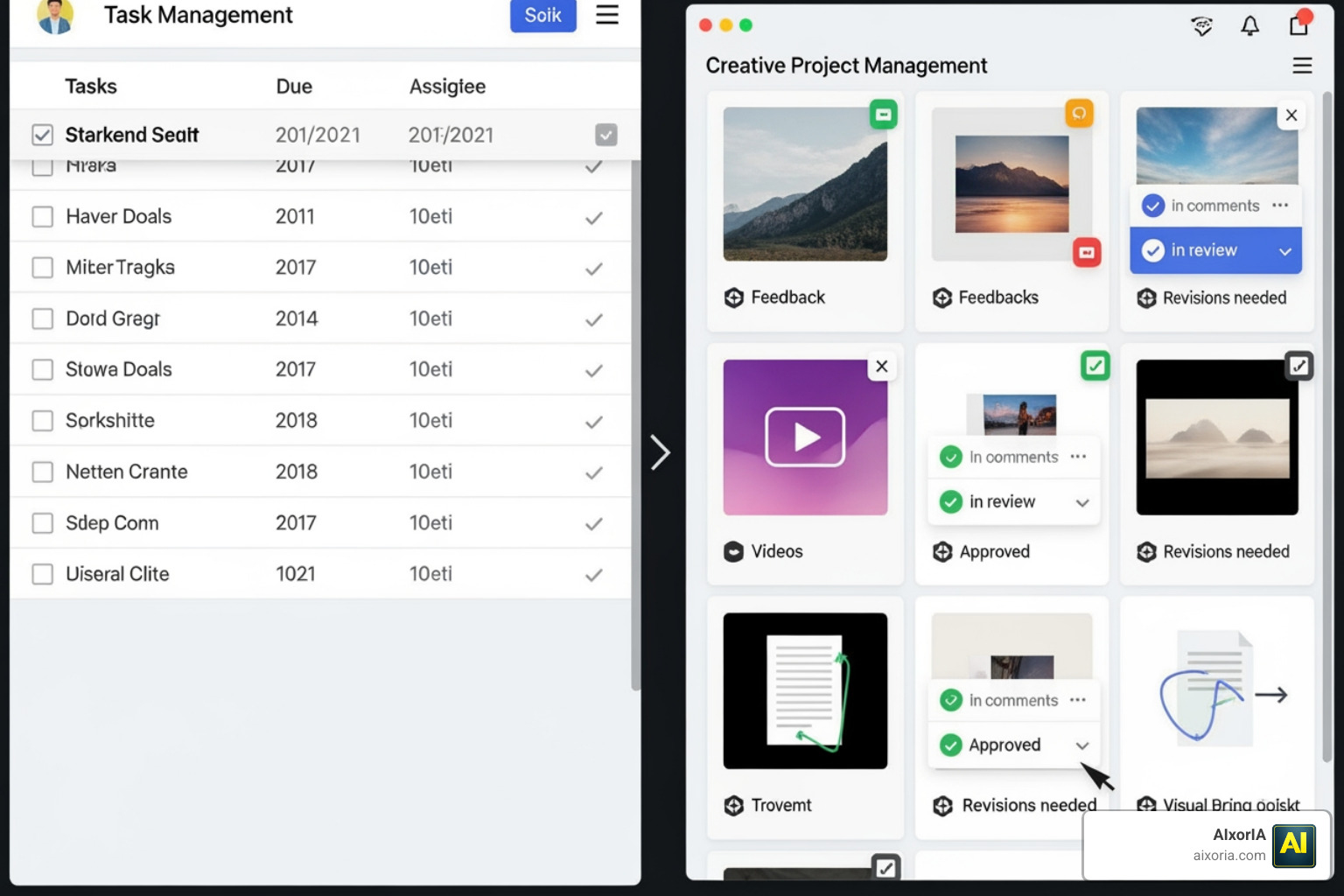
At its core, creative project management software is built to handle the unique, often non-linear nature of creative production. While traditional tools focus on “who does what by when,” creative-specific tools focus on “how do we get this asset from a concept to a final approved file.”
Traditional project management often treats tasks as checkboxes. In the creative world, a single task like “Design Social Media Graphic” might involve five different versions, three stakeholders, and dozens of comments. If you are wondering what tools to use for project management, the answer for creatives lies in platforms that prioritize asset-driven coordination.
These specialized tools differ from generic ones in three main ways:
- Request Intake: They use custom forms with conditional logic to ensure designers get all the info they need (specs, target audience, dimensions) before work begins.
- Feedback Loops: Instead of typing “move the logo left” in an email, you can pin a comment directly onto a PDF or video frame.
- Context Switching: By integrating directly with tools like Adobe Creative Cloud or Figma, creatives can see their tasks and feedback without ever leaving their design environment.
As highlighted by Creative Project Management Software for Asset-Driven Teams, the goal is to keep the creative work itself at the center of the workflow, rather than just the administrative data surrounding it.
Key Features of the Best Creative Project Management Software
When we evaluate the best creative project management software, we look for features that specifically solve the “creative bottleneck.” It isn’t just about Gantt charts (though those are helpful for seeing overlapping timelines); it’s about how the software handles the life of an asset.
Key features to prioritize include:
- Visual Timelines and Boards: Creative teams often prefer Kanban boards that resemble a mood board. Tools like Milanote allow for non-linear organization, while others offer flowchart software for designers to map out complex campaign journeys.
- Custom Request Forms: These auto-route tasks to the right person based on the type of request (e.g., video vs. copy).
- Digital Asset Management (DAM): A central library where the latest versions are stored, preventing the dreaded “Finalv2REAL_FINAL.jpg” file naming nightmare.
- Stakeholder Alignment: Portals that allow clients or external partners to view progress and provide feedback without needing a full license.
| Feature | Task-Based (Traditional) | Asset-Centric (Creative) |
|---|---|---|
| Primary Unit | Task/Checkbox | File/Asset/Concept |
| Feedback | General comments | In-file annotations/markup |
| Integrations | Spreadsheets, Email | Adobe CC, Figma, Canva |
| Approvals | Status change | Formal sign-off on versions |
Proofing and Approvals in Best Creative Project Management Software
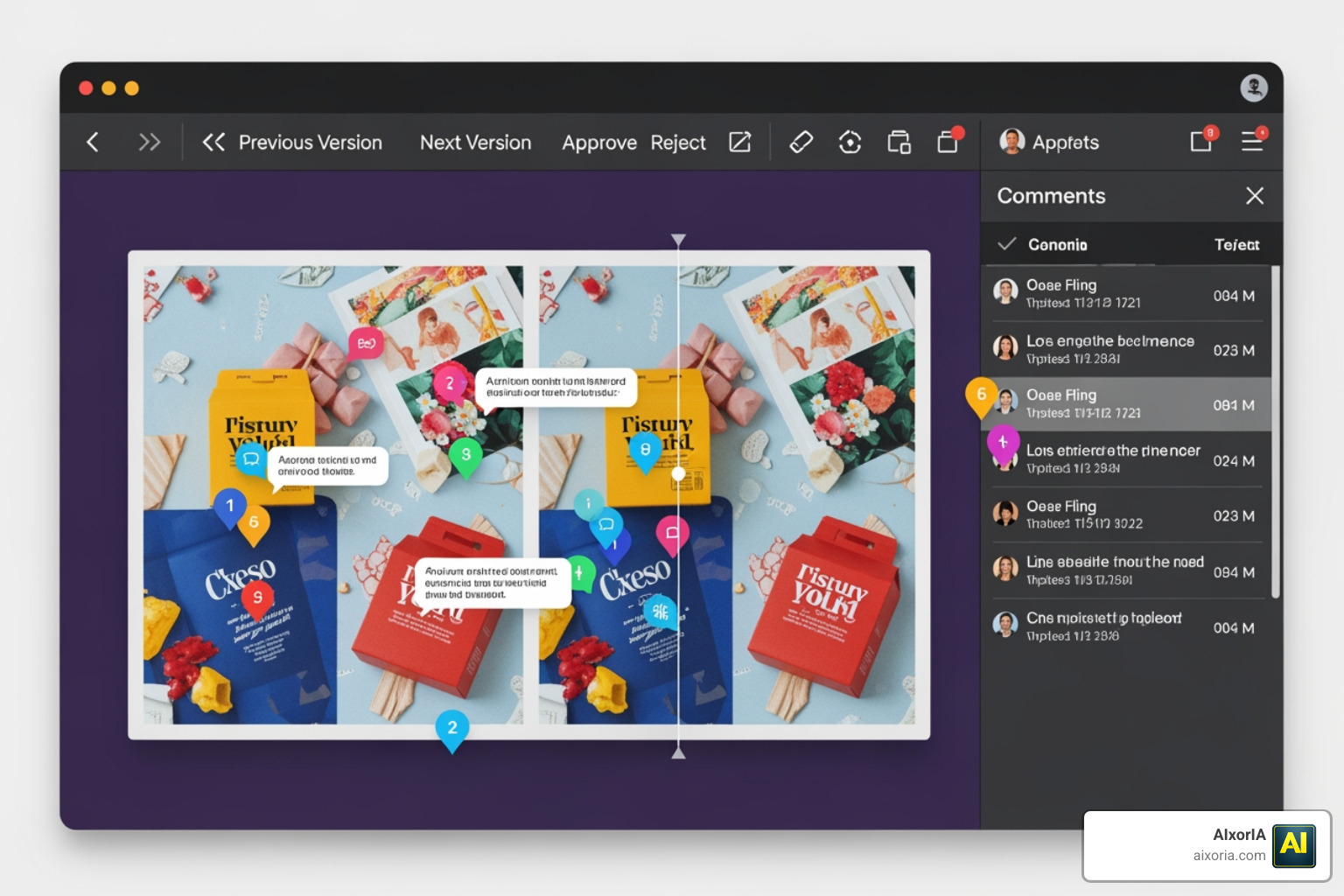
The review process is where projects usually go to die. The best creative project management software includes online proofing tools that allow for real-time, frame-accurate feedback.
Platforms like Wonderful – Creative Workflow Platform emphasize a “brief to launch” pipeline where version comparison is built-in. This allows you to see Version 1 and Version 2 side-by-side to ensure all requested changes were made. Automated approval triggers can then notify the next person in line—like a copywriter or a legal reviewer—the moment a designer hits “submit.”
Resource Management for Best Creative Project Management Software
Creative burnout is real. Managing a team of designers and writers requires a clear view of who is over-allocated. Specialized software provides workload visualization, allowing managers to see capacity based on hours or task weight.
With the 7 best team collaboration tools in 2026, resource management extends to skill-based routing. This ensures the high-end video editor isn’t stuck doing basic photo crops just because they were “available” in the system. Time tracking is also essential for agencies to ensure project profitability and accurate client invoicing.
Top Creative Workflow Platforms to Use in 2026
The landscape of the best creative project management software has evolved significantly. In 2026, we are seeing a shift toward “project orchestration”—tools that don’t just track work but actually help produce it.
- Helium: This is a modern workspace that weaves together project files, links, and docs on a visual timeline. It’s perfect for those who find traditional grids too restrictive.
- Strands: Focused on the “concept-to-delivery” journey, Strands uses a block-based editor and custom properties that make it feel like a hybrid of a notebook and a powerful database.
- Kreatli: A powerhouse for video and media collaboration. It links tasks directly to media assets, allowing for frame-accurate feedback that bridges the gap between review and execution.
- Ophis: Designed as an “operating system” for agencies, Ophis includes built-in client portals and a “Feedback Studio” to reduce the administrative burden on creatives.
For a broader look at the market, check out our analysis of the most popular project management software in 2026.
Benefits of Using Specialized Tools for Creative Teams
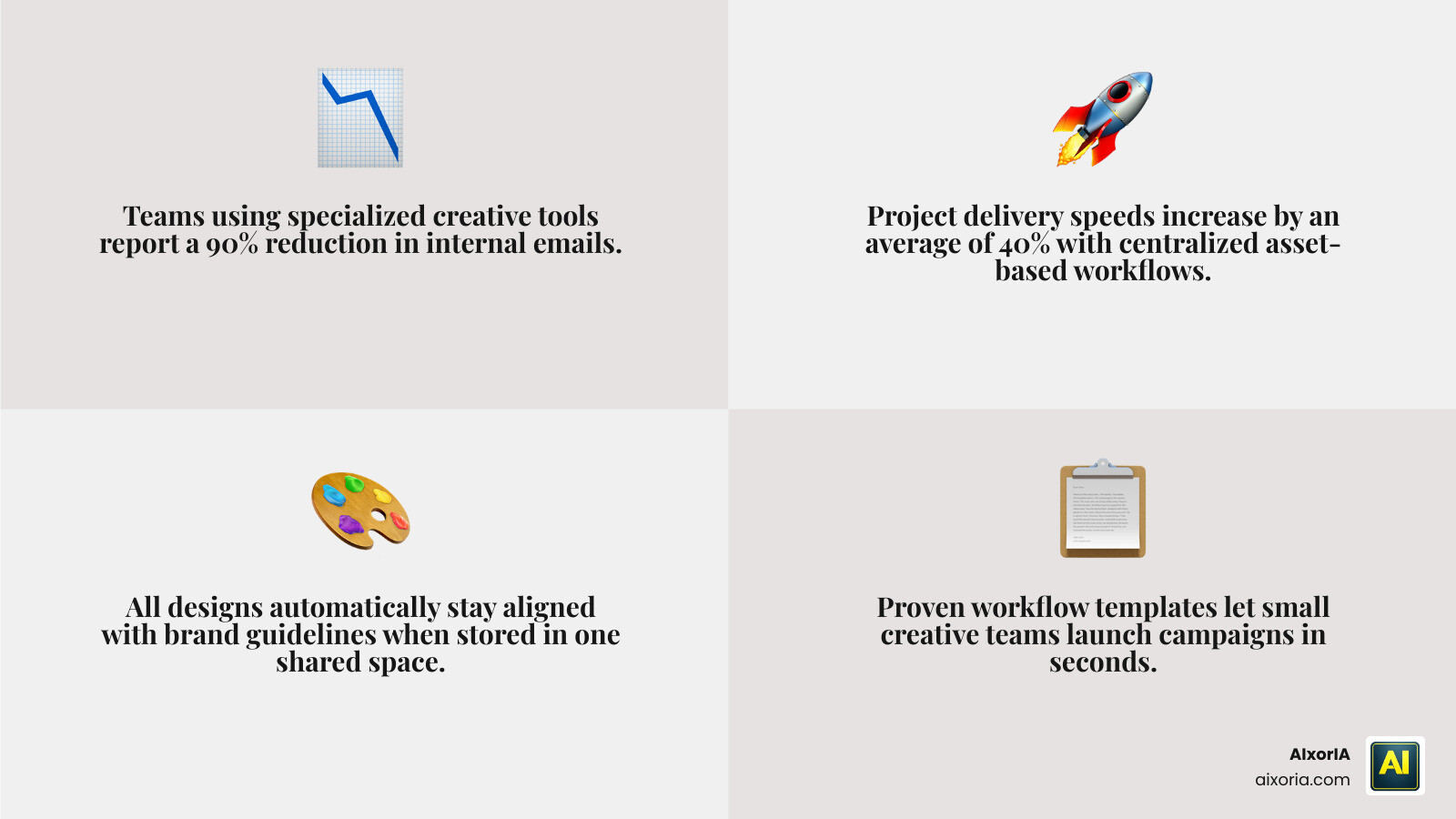
Why bother with specialized software instead of a free spreadsheet? The data is clear: the best creative project management software pays for itself through efficiency.
- Massive Email Reduction: By centralizing communication in task comments and proofing tools, teams have seen up to a 90% reduction in internal emails.
- Brand Consistency: With all briefs and assets in one place, “rogue” designs that ignore brand guidelines become a thing of the past.
- Scalable Production: Templates allow you to spin up a new campaign in seconds, ensuring every project follows the same proven workflow. This is especially vital for small businesses looking to compete with larger agencies.
- Operational Metrics: You can finally answer questions like, “How many rounds of revisions does our average logo project take?” and “Which client is our most profitable?”
2026 Trends: AI Agents and Predictive Analytics
As we move through 2026, AI is no longer just a buzzword; it’s a core component of the best creative project management software.
AI Agents are now being used to automate the “boring” parts of creative work. For example, an AI agent can take a messy client email and automatically turn it into a structured creative brief. Tools are also using predictive analytics to flag projects at risk of missing a deadline before it happens, based on past team performance and revision speeds.
Automation triggers are also getting smarter. Instead of just moving a task to “Done,” the software can automatically resize an approved image for five different social media platforms and upload them to a DAM. This shift is reflected in the top 10 project management tools in 2026, where AI is the primary differentiator.
Frequently Asked Questions about Creative Project Management
How does creative project management differ from traditional project management?
Traditional project management focuses on task completion and linear timelines (Waterfalling). Creative project management focuses on the iteration cycle. It prioritizes the feedback, versioning, and approval of assets, recognizing that a project might move backward and forward multiple times before it is finished.
What are the must-have integrations for creative teams in 2026?
The best creative project management software must integrate with:
- Creation Tools: Adobe Creative Cloud (Photoshop, Premiere, Illustrator), Figma, and Canva.
- Communication Tools: Slack or Microsoft Teams for instant notifications.
- Storage: Google Drive, Dropbox, or specialized Digital Asset Management (DAM) systems.
Can small creative agencies benefit from high-end orchestration tools?
Absolutely. In fact, small agencies often benefit the most because they have less “admin” staff. Tools that automate intake and approvals allow small teams to punch above their weight class and handle higher volumes of work without increasing headcount.
Conclusion
Choosing the best creative project management software isn’t just about picking the tool with the most buttons; it’s about finding the one that matches how your team actually thinks and creates. Whether you need the visual freedom of Milanote or the high-octane orchestration of Wrike, the right system will protect your team’s creative momentum and keep your clients happy.
ize in helping businesses navigate this transition through custom AI solutions, tool training workshops, and performance audits. Our goal is to simplify the complex, providing affordable services and fast support to ensure your creative workflows are as efficient as possible.
Ready to reclaim your time and focus on what you do best? Explore our AI productivity services to see how we can help you implement the perfect project management stack for your team.
Utile. Cabine orange en 9:16 : AI Hotel Lobby sur /. AI Hotel Lobby