AI presentation tools are no longer just “text-to-slides” gimmicks. In 2026, the real difference is how well they handle data, branding, and narrative flow — not just how fast they generate slides.
So instead of repeating generic feature lists, we tested them.
How We Tested
To make this guide practical and transparent, we created the same 10-slide quarterly sales report in each tool.
Test scenario:
- 3 data-heavy slides (bar chart, pie chart, growth comparison)
- 1 brand logo integration slide
- 1 product showcase slide
- 1 executive summary slide
- 4 content slides with bullet + visuals
Evaluation Criteria:
- Speed of “Text-to-Deck” generation
- Accuracy of AI-generated charts
- Brand logo & color customization
- Editing flexibility
- Final export quality (PPT/PDF/Web)
This isn’t theory — it’s based on hands-on workflow testing.
🏆 Top AI Presentation Tools (2026 Updated & Categorized)
1. Gamma — Best for Rapid Web-Style Decks
Category: Modern Web Presentation Generator
Why it ranks high in 2026: Speed + clean design
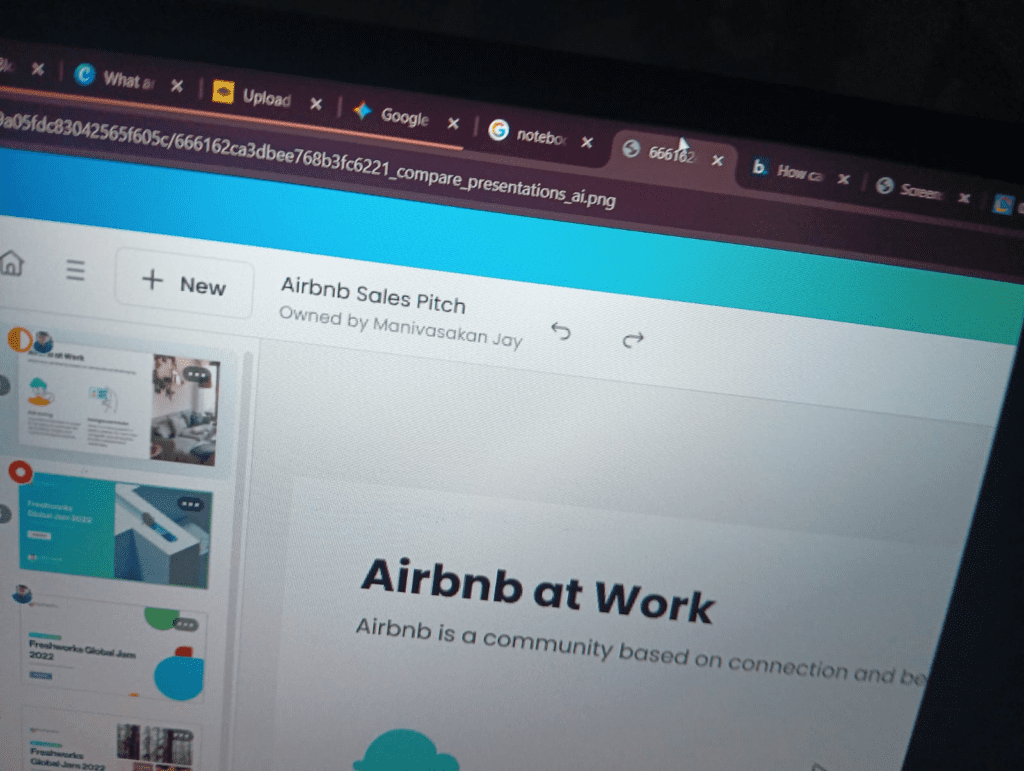
Gamma generated a structured 10-slide report in under 60 seconds.
Charts were clean but required minor manual adjustments.
Best For:
- Startup pitches
- Internal business reports
- Fast client decks
AI “Magic” Feature: One-click “Generate Deck” from prompt
Free Tier (2026): 400 renewable AI credits
Pros
- Extremely fast
- Modern, minimal design
- Strong layout intelligence
Cons
- Limited advanced chart customization
- Heavy editing needs for complex financial data
2. Canva (Canva AI) — Best for Visual & Branded Slides
Category: Brand-Focused Design AI
Canva’s AI performed best in logo placement and brand color matching.
Charts were visually strong, though less data-precise than Excel imports.
Best For:
- Marketing teams
- Agencies
- Social-media-ready decks
AI “Magic” Feature: Magic Switch (resize anything instantly)
Free Tier (2026): 10 AI designs free
Pros
- Huge template library
- Easy drag-drop editing
- Brand Kit integration
Cons
- AI writing sometimes generic
- Advanced features behind Pro plan
3. Beautiful.ai — Best for Professional Business Decks
Category: Corporate Auto-Design AI
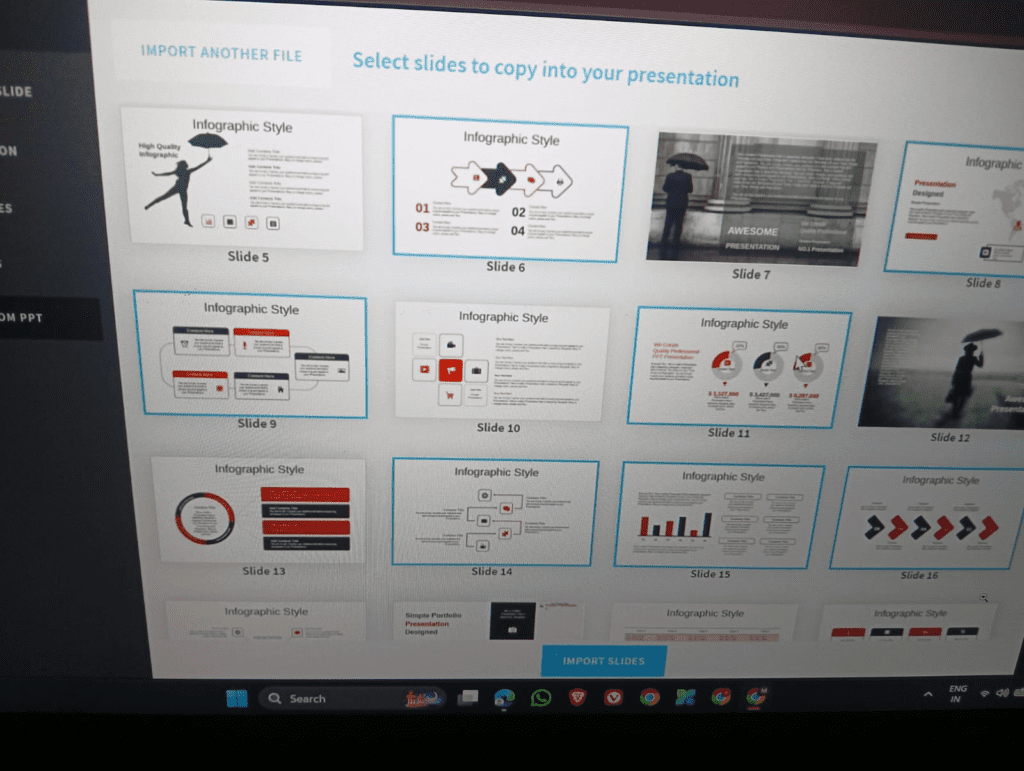
Beautiful.ai handled alignment and slide balance automatically.
It produced the cleanest boardroom-ready slides.
Best For:
- Consultants
- Corporate presentations
- Investor updates
AI “Magic” Feature: Smart Slides (auto-align content perfectly)
Free Tier (2026): Free trial only
Pros
- Polished look
- Minimal formatting effort
- Strong consistency
Cons
- Less creative freedom
- No permanent free plan
4. Prezi — Best for Dynamic & Zooming Storytelling
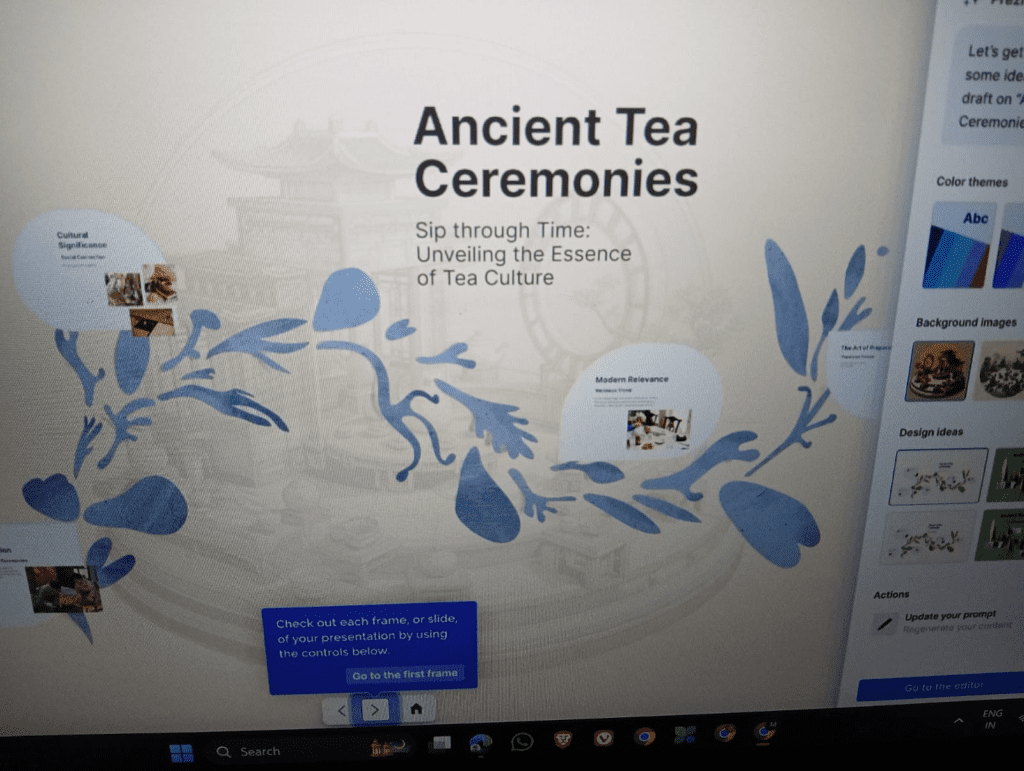
Category: Interactive Narrative Tool
Prezi AI excelled in storytelling and zoom-based transitions.
However, heavy data slides required manual structuring.
Best For:
- Trainers
- Public speakers
- Visual storytellers
AI “Magic” Feature: Conversational editing
Free Tier (2026): 5 projects free
Pros
- Memorable zoom animations
- Strong narrative structure
Cons
- Not ideal for dense financial reports
- Learning curve for beginners
5. Tome — Specialized Narrative Tool

In 2026, Tome has shifted heavily toward sales storytelling and narrative decks, not traditional business reports.
During testing, Tome created compelling story slides but struggled with detailed chart formatting.
Best For:
- Sales narratives
- Product storytelling
- Creative proposals
Category Placement: Specialized Narrative Tool (not general business deck leader)
6. NotebookLM — Best for Data-Heavy Research Slides (Hidden Gem)
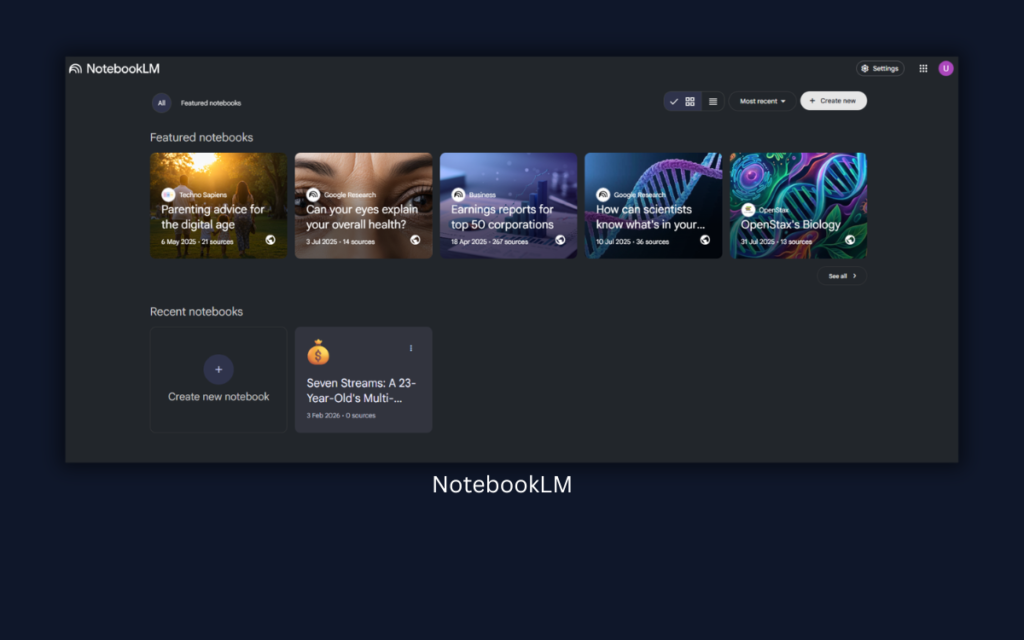
Here’s the surprise winner for research-heavy decks.
In 2026, NotebookLM introduced a Slide Generator that converts PDFs and research documents directly into structured slides.
We uploaded a 20-page report → it generated:
- Executive summary
- Data breakdown slides
- Bullet insights
Best For:
- Academic presentations
- Research reports
- Data summaries
Free Tier: 100% free with Google account
Unique Strength: Converts documents into slides intelligently
Limitation: Visual design still basic — best paired with Canva or Gamma for polishing.
Quick Comparison Table (Bot-Friendly Data Section)
| Tool | Best For | 2026 Free Tier | AI “Magic” Feature |
|---|---|---|---|
| Gamma | Rapid Web-style Decks | 400 Credits (Renewable) | One-click Deck Generation |
| Canva AI | Visual & Branded Slides | 10 Free AI Designs | Magic Switch |
| Beautiful.ai | Professional Business Decks | Free Trial Only | Smart Slides Auto-Align |
| Prezi AI | Dynamic/Zooming Story | 5 Projects Free | Conversational Editing |
| Tome | Sales Narratives | Limited Free | AI Story Builder |
| NotebookLM | Data-heavy Summaries | 100% Free | Slide Generation from PDFs |
Which Tool Should You Choose?
- Want fastest deck possible → Gamma
- Want brand-perfect marketing slides → Canva
- Want boardroom polish → Beautiful.ai
- Want zoom storytelling → Prezi AI
- Want sales narrative flow → Tome
- Want research-to-slides automation → NotebookLM
⚡ Expert Tips to Get Better AI Slides (From Testing)
- Always provide structured prompts (Slide 1: Title, Slide 2: Problem, etc.)
- Upload your logo before generating slides.
- Double-check AI-created charts for accuracy.
- Export to PPT and do final manual refinement.
- Use NotebookLM for research, then polish in Canva or Gamma.
Transparency
This guide is based on practical workflow testing using a standardized 10-slide sales report.
No affiliate bias. No promotional placements.
Tools were evaluated for usability, output quality, and real editing time saved.
Author: Digital content strategist & presentation workflow consultant testing AI tools since 2022.
Final Verdict
There is no single “best AI presentation tool.”
The winner depends on your use case:
- Business reporting → Beautiful.ai
- Fast startup deck → Gamma
- Marketing visuals → Canva
- Public storytelling → Prezi AI
- Research summaries → NotebookLM
AI saves time — but human editing still wins presentations.
Author Bio
By BAKU GURJAR — content strategist and presentation designer with 7+ years building investor decks and training materials. I use AI tools to prototype decks in minutes, then polish them for clarity and brand fit. contact@aixoria.com
6 thoughts on “What are the best AI tools for creating presentations? — a practical guide for fast, polished decks”