Artificial intelligence has reached a stage where the limiting factor is no longer raw model capability. The bigger problem is how much of that capability people can actually use.
That is the heart of Andrej Karpathy’s AI User Gap.
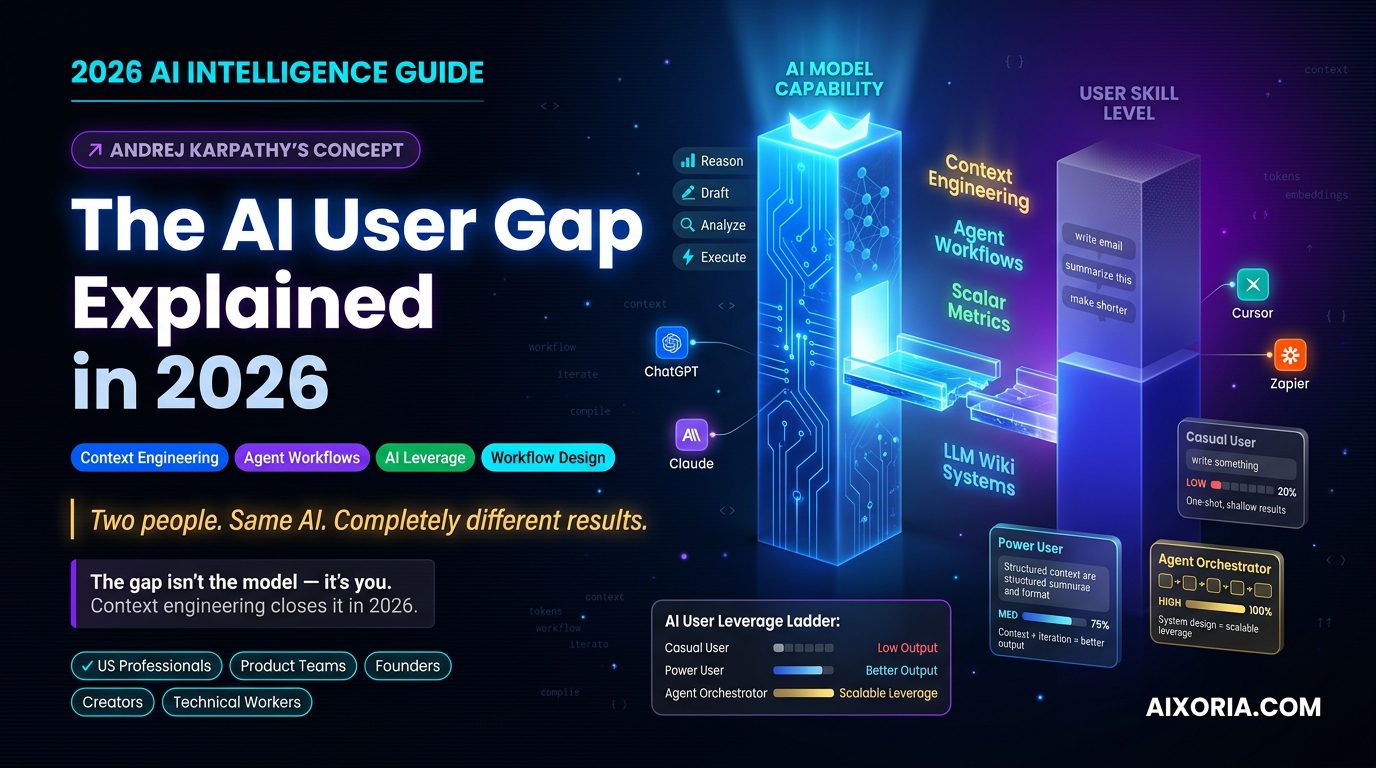
Karpathy, the former Director of AI at Tesla and a well-known researcher and educator in the AI space, has helped popularize a simple but powerful idea: modern AI is often far more capable than the average user’s ability to direct it well. In 2026, that gap is no longer a side issue. It is becoming the main divide between people who get real leverage from AI and people who merely experiment with it.
For US professionals, product teams, founders, creators, and technical workers, this matters because the winners are no longer just the people who “use AI.” The winners are the people who know how to build systems around AI.
This article explains the AI User Gap in plain English, shows why it widened in 2026, and breaks down the practical tools and workflows that help close it.
Table of Contents
What the AI User Gap Actually Means
The AI User Gap is the distance between what an AI model can theoretically do and what a real user can extract from it in practice.
That may sound simple, but the difference is huge.
A strong model can summarize, reason, draft, classify, transform, compare, and automate. But if a user gives it weak context, vague prompts, messy inputs, and no feedback loop, the output will be shallow. In that case, the problem is not the model. The problem is the interface between human intention and machine execution.
Karpathy’s larger point is that many people still use AI like a search box or a basic chatbot. Power users treat AI like an engine that needs proper inputs, structure, constraints, and iteration. That difference creates a measurable productivity gap.
In business terms, the AI User Gap shows up as:
- teams buying AI tools but not getting meaningful ROI
- employees using only the simplest features
- leaders misunderstanding why “AI adoption” is not the same as “AI impact”
- technical workers moving faster than non-technical teams
- a widening divide between casual users and AI orchestrators
The more capable models become, the more visible this gap becomes.
READ MORE – Bank of England AI Risk & UK Financial Stability 2026
Why the Gap Matters More in 2026
The AI User Gap used to be about prompt quality. In 2026, it is about system design.
From prompting to context engineering
Prompting is still useful, but it is no longer enough. The real skill is context engineering: shaping the surrounding information so the model can do useful work.
That means deciding:
- what background material the model should see
- what format the output should take
- what constraints matter
- what counts as a good answer
- when the model should stop and when it should continue
This is a much more mature skill than writing a clever prompt. It requires thinking like an editor, analyst, and systems designer at the same time.
From tasks to agent orchestration
A casual user asks AI to finish a task.
A skilled user designs a workflow where AI can complete multiple steps, hand off output, and continue under rules. That is agent orchestration.
In 2026, this is the real difference between low-value and high-value AI usage. The low end is “write me a paragraph.” The high end is “ingest this knowledge, extract the decision points, compare the options, score them against a metric, and trigger the next action.”
From output to feedback loops
One-off responses are easy. Repeatable systems are hard.
The people who win with AI in 2026 are not just asking for answers. They are creating loops:
- input
- evaluation
- correction
- re-run
- compare
- improve
That is how AI becomes operational, not decorative.
The Compiler Analogy, Cleaned Up
One of the most useful ways to understand the AI User Gap is through the compiler analogy.
Think of your messy notes, PDFs, transcripts, spreadsheets, and research docs as raw source material. The LLM acts like a compiler: it can process messy human input and transform it into something structured. The output is only valuable, however, if the source material is organized well enough and the instructions are clear enough.
A weak user feeds the model scattered fragments and expects magic.
A strong user feeds the model structured source data, asks for a specific output format, and then turns the result into something reusable, like a wiki, knowledge base, SOP, or decision system.
That is the real shift. The AI User Gap is not about whether AI is smart enough. It is about whether you are handing it source code it can actually compile.
Why Most Users Stay Stuck
The gap widens for a few predictable reasons.
First, many people still treat AI as a one-shot answer machine. They ask a vague question, skim the result, and move on. That habit never builds leverage.
Second, many users do not know how to create context. They do not organize the files, notes, examples, and constraints that make the model more accurate.
Third, they lack a feedback system. They do not measure whether the AI output is good, better, or worse. Without a metric, improvement becomes guesswork.
Fourth, they do not build workflows. Real value comes when AI is embedded into the process, not used as a side tool.
Finally, many users underestimate the importance of taste. Once AI can produce large volumes of usable content, the advantage shifts toward curation, judgment, and editing. The people who know what to keep, what to reject, and what to refine will outperform the people who simply generate more.
The New Skill Stack: What Power Users Actually Do
Power users in 2026 are not just prompt writers. They are operators.
They know how to:
- build context from raw input
- define a clear output structure
- measure quality with a scalar metric
- use AI to iterate, not just answer
- connect tools into a workflow
- store knowledge in a reusable format
- separate signal from noise
That is why the AI User Gap is not really a technology gap. It is a workflow gap.
How to Close the AI User Gap
If you want to move from casual AI usage to real leverage, the solution is not more random prompting. It is a better system.
1. Build an LLM wiki workflow
Stop asking AI to summarize one article at a time. Instead, gather a cluster of relevant sources, documents, or notes, then compile them into a structured knowledge base.
This is where the model becomes far more useful. Instead of answering isolated questions, it can help you build a living knowledge system. Once that system exists, new questions become easier, because the model is working against a coherent structure instead of a pile of loose text.
2. Define a scalar metric
Good AI workflows need a score.
If you are using AI for writing, ask whether the draft is publishable. If you are using AI for code, measure whether it runs correctly. If you are using AI for sales or operations, measure conversion, speed, accuracy, or completion rate.
Without a scalar metric, the model has no clear target. With one, improvement becomes visible.
3. Write with Markdown and structure
In 2026, Markdown is more than formatting. It is a way to encode intent.
A well-structured Markdown document tells the AI:
- what matters
- what comes first
- what the constraints are
- where the boundaries are
- how the answer should be organized
The better your structure, the better your output.
4. Think in workflows, not prompts
The most useful AI systems do not start and end with one request. They move through stages.
For example:
- collect raw notes
- summarize and cluster them
- extract decisions
- compare options
- draft a final output
- review against a metric
- store the result for reuse
That is how AI turns into leverage.
Practical AI Tools That Help Close the Gap
The tools below are not the point of the article, but they are useful examples of how the AI User Gap gets narrower when the workflow improves.
ChatGPT
ChatGPT remains one of the clearest examples of the AI User Gap in action. A casual user may ask it to draft a quick email or summarize a topic. A skilled user turns it into a research partner, drafting engine, planning assistant, and workflow brain.
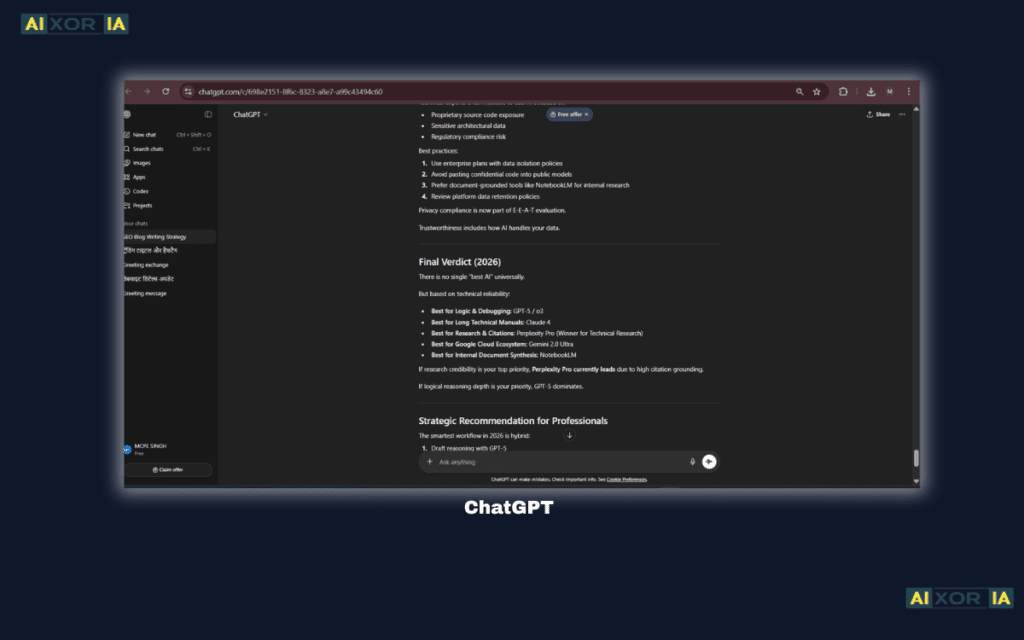
The difference is not the tool. It is the way the tool is used. ChatGPT works best when you give it context, a role, a format, and a standard for success. That is why it is so effective for analysis, drafting, brainstorming, coding help, and multi-step reasoning. Users who treat it like a generic chatbot get generic results. Users who treat it like an operating layer get much more.
For teams, this makes ChatGPT valuable not just for content generation but for synthesis. It can compare sources, propose structures, rewrite dense material, and help convert raw input into polished output. The main risk is overreliance on shallow prompting. If the request is vague, the output will usually be vague too.
Pricing: Free tier available; paid plans vary by features and usage.
Pros: versatile, strong general reasoning, useful for many workflows.
Cons: output quality depends heavily on input quality; can feel generic without strong context.
Hands-on experience note: When users give ChatGPT a clear format, it often becomes less of a chatbot and more of a dependable drafting partner.
Claude
Claude is especially strong when the task involves long documents, careful synthesis, and nuanced writing. That makes it a strong fit for the AI User Gap conversation because many users do not realize how much value comes from feeding a model richer context rather than shorter prompts.
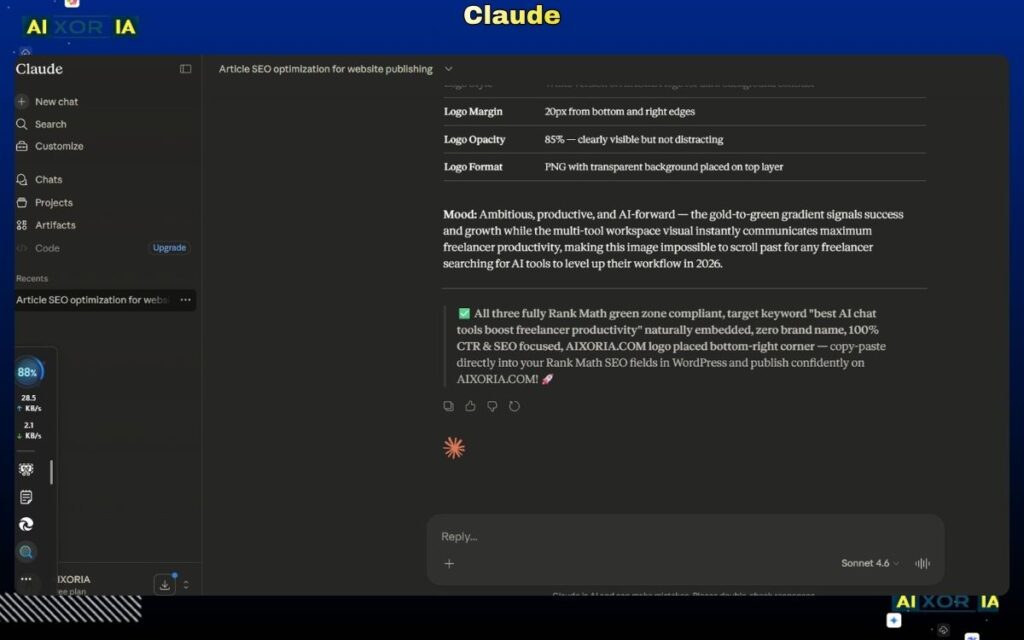
Claude shines when you need it to read a lot, think carefully, and preserve tone. For researchers, strategists, marketers, and product teams, that can be a major advantage. It is often used for document analysis, policy drafts, long-form writing, and multi-source comparison. In a world where the gap is increasingly about context engineering, Claude rewards users who can organize information well.
Its strength is not flashy automation. Its strength is clarity, composure, and long-context work. That makes it especially useful for people building knowledge systems or working through complex decision problems. The main limitation is that, like every model, it still depends on the structure and quality of what you provide.
Pricing: Free tier available; paid plans vary by usage and features.
Pros: strong long-context handling, good writing quality, useful for careful analysis.
Cons: not always the best choice for highly technical workflows or deeply integrated automation.
Hands-on experience note: Claude tends to feel most powerful when you bring it a dense brief and ask it to organize the mess into something useful.
Cursor
Cursor is a strong example of the shift from simple prompting to AI-assisted work environments. It is built for coding, but its real importance is bigger than code. It shows how the AI User Gap closes when the model is placed directly inside the workflow.
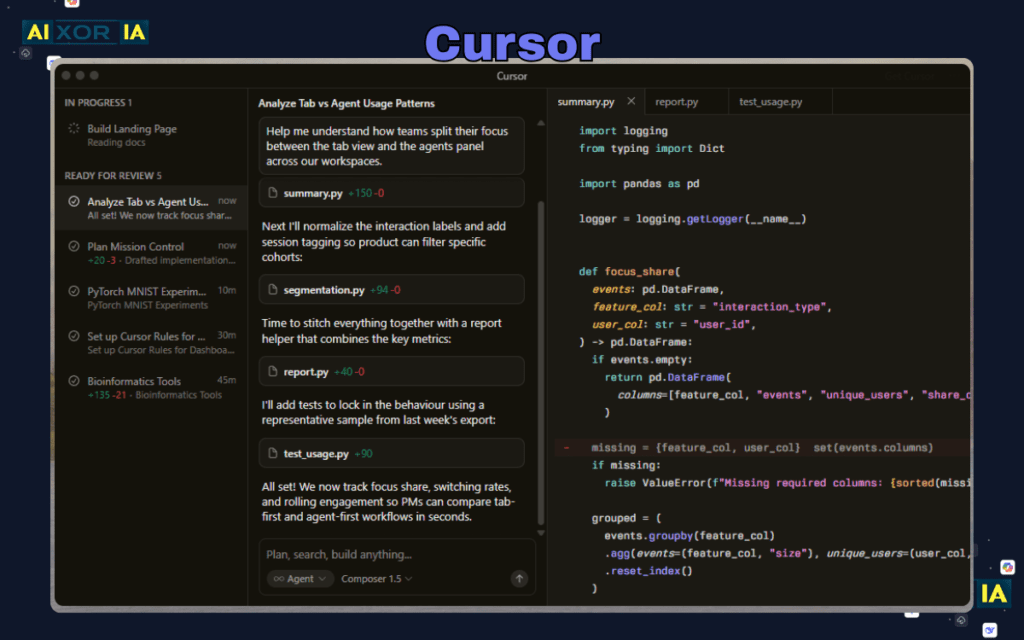
Instead of asking for isolated snippets, users can work inside an environment where the AI sees the project context and helps move the work forward. That changes behavior. Developers stop treating AI as a side tab and start treating it as a collaborator embedded in the task.
For technical teams, Cursor can accelerate debugging, refactoring, code generation, and project navigation. It reduces the friction between intent and action. That is the key. The smaller the gap between what you mean and what the system can act on, the more value you get.
Cursor is especially useful for people who already understand code structure and want to move faster. It is less useful for users who expect the model to replace judgment. Like all strong AI tools, it rewards clarity, structure, and follow-through.
Pricing: Free tier available; paid plans vary by individual and team use.
Pros: tightly integrated with coding workflows, strong for developer productivity, good for iterative work.
Cons: most valuable to technical users; not a general-purpose solution for non-technical teams.
Hands-on experience note: Cursor becomes most impressive when a developer already knows the destination and uses the model to shorten the route.
Zapier
Zapier matters because the AI User Gap is not only about thinking. It is about connecting thinking to action.
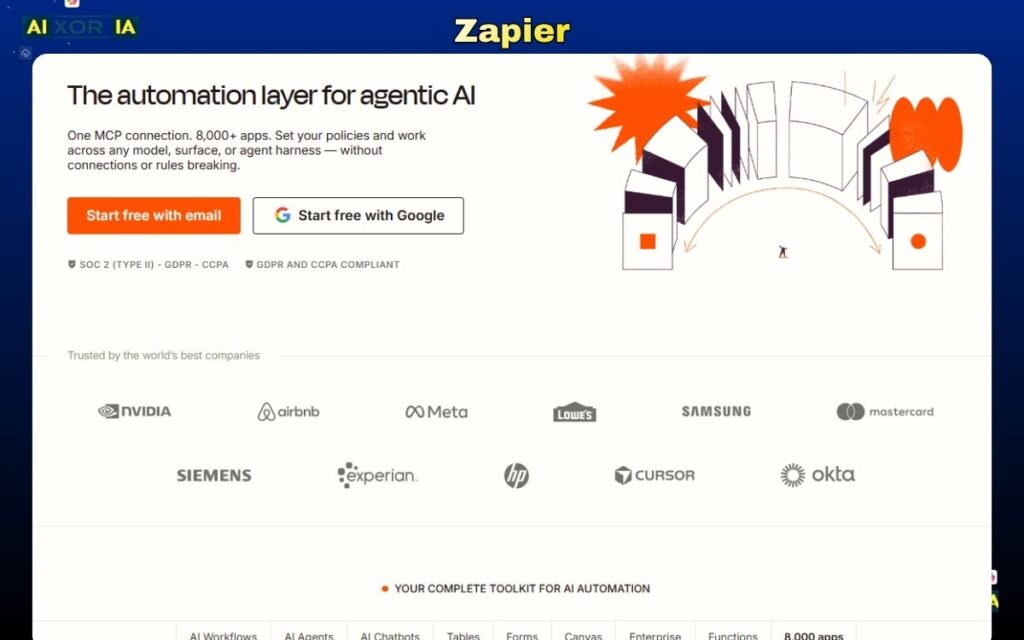
Many users can ask AI to produce a useful answer. Far fewer can turn that answer into a repeatable workflow. Zapier helps bridge that gap by connecting apps, routing data, and triggering actions across systems. That is where AI becomes operational.
In practice, a user can draft with AI, then route the output into a CRM, spreadsheet, document, inbox, or task system. That creates a loop. Instead of stopping at the answer, the workflow continues into execution. For marketing, operations, support, and internal systems, that can save enormous time.
Zapier is especially valuable when paired with AI tools because it turns output into motion. A model can summarize, classify, or generate. Zapier can then move that information somewhere useful. This is the shift from isolated intelligence to embedded intelligence. That is also why technical and non-technical teams both benefit from it.
Pricing: Free tier available; paid plans vary by volume and automation needs.
Pros: broad app integrations, excellent for automation, useful for turning AI output into action.
Cons: complex workflows require planning; not every process is suitable for automation.
Hands-on experience note: Zapier usually pays off when users stop building one-off actions and start designing connected systems.
A Simple Framework for Teams
If you are building for a US audience or a US-based company, this is the simplest way to think about the gap:
| User Type | What They Do | Result |
|---|---|---|
| Casual User | Asks isolated prompts | Short-term utility |
| AI Power User | Builds context and iterates | Better output quality |
| Agent Orchestrator | Designs workflows and metrics | Scalable leverage |
That is the real ladder.
What Businesses Should Do Next
Companies should stop measuring AI adoption by how many people have access to a tool. Access is not adoption. Adoption is not competence. Competence is not leverage.
To close the AI User Gap across a team, businesses should:
- train employees on context engineering
- create internal templates and playbooks
- define success metrics for AI-assisted work
- standardize document and workflow formats
- connect AI outputs to real systems
- review quality instead of assuming speed equals value
This is where the real return comes from.
Frequently Asked Questions
Is the AI User Gap just another name for prompt engineering?
No. Prompt engineering is only one piece. The broader issue is how users structure context, workflows, feedback, and outputs.
Why does the gap matter more in 2026?
Because models are strong enough that the main bottleneck is no longer capability. It is user skill, system design, and workflow quality.
Do non-technical users still benefit from AI?
Absolutely. They often benefit the most when AI is embedded into clear workflows and templates rather than used ad hoc.
What is the fastest way to improve?
Start by using better context, clearer formats, and repeatable workflows. Then add a metric so you can judge quality.
Final Thoughts
The AI User Gap is one of the most important ideas in modern AI because it explains why two people can use the same model and get completely different results.
One person gets a rough answer.
The other builds a system.
That is why Karpathy’s idea matters so much in 2026. The future belongs to people who can think in workflows, organize context, measure quality, and orchestrate AI into repeatable systems. The advantage is no longer simply having access to AI. The advantage is knowing how to make AI work for you.