Why the Best Kanban Tools for Workflows Can Transform How Your Team Works
The best Kanban tools for workflows help teams cut through the chaos of scattered tasks, endless email threads, and missed deadlines — without needing a complex system or technical background.
Quick answer — here are the top Kanban tools for workflows in 2026:
- Trello — Best for beginners and small teams
- Asana — Best overall for versatility and reporting
- ClickUp — Best value with built-in AI and multiple views
- Jira — Best for software development teams
- Miro — Best for visual collaboration and brainstorming
- Businessmap — Best for enterprise portfolio management
Think of a Kanban board as a digital whiteboard. Tasks live on cards. Cards move through columns — left to right — until they’re done. That’s it.
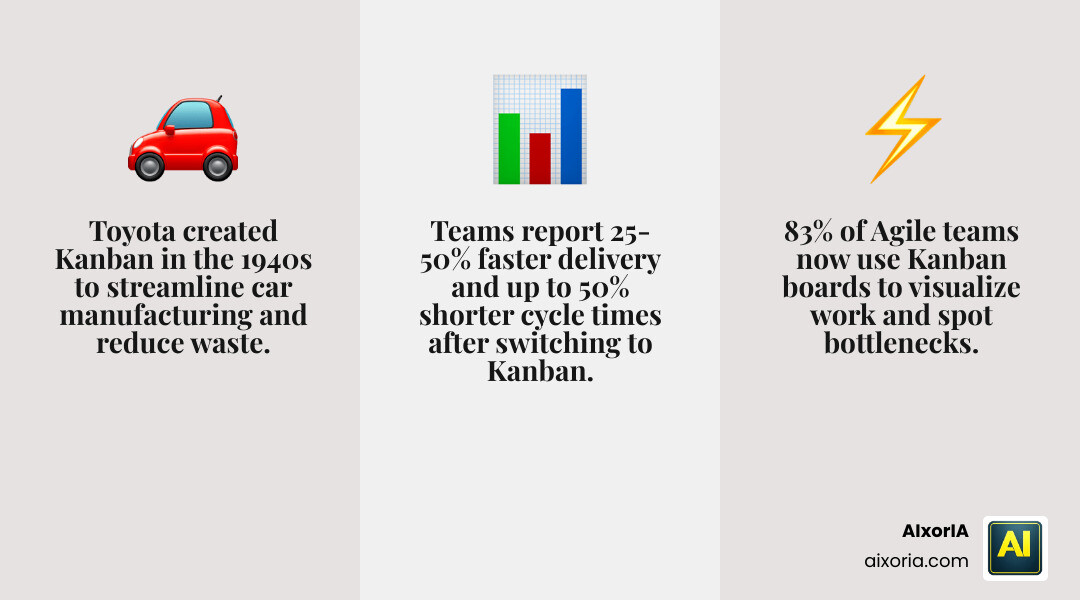
The method itself goes back to 1940s Toyota, where it was used to streamline car manufacturing. Today, 83% of Agile teams use Kanban boards for exactly the same reason: to see what’s happening, who’s doing what, and where work is getting stuck.
Teams that adopt Kanban report a 25-50% improvement in delivery speed and up to a 50% reduction in cycle time. For a small business owner juggling a dozen priorities, that kind of clarity is worth a lot.
The good news? You don’t need to be a project manager or a tech expert to get started. Modern Kanban tools are designed to be picked up in minutes — and many are either free or very affordable.
Essential Features of the Best Kanban Tools for Workflows
When we search for the Best Kanban Tools for Workflows, we aren’t just looking for digital sticky notes. We are looking for a system that provides total transparency. While every tool looks a bit different, the high-performers share five essential components that make them effective.
First, you need visual signals. These are the cards that represent individual tasks. In a great tool, these cards aren’t just text; they should support attachments, labels, and due dates. Second are the columns, which represent the stages of your process. While many start with “To-Do,” “Doing,” and “Done,” we recommend customizing these to reflect your actual production stages.
One of the most critical features is the ability to set Work-in-Progress (WIP) limits. This prevents team burnout by capping how many tasks can be in a specific column at once. If your “In Progress” column is full, the team must clear a task before adding a new one. This exposes bottlenecks immediately.
Finally, look for commitment points (where a task is officially picked up) and delivery points (where it’s handed off to the customer). Tools like Smartsheet allow you to track these metrics seamlessly, while workflow automation ensures that as soon as a card hits the delivery point, the next person in line is notified automatically.

Best Kanban Tools for Workflows: Beginner-Friendly Options
If you are new to visual project management, you want a tool that feels intuitive from day one. In our experience, Trello remains the gold standard for accessibility. It is almost synonymous with Kanban because it focuses on a simple drag-and-drop interface that anyone can understand.
Trello’s strength lies in its “Power-Ups,” which allow you to add extra functionality like calendar views or map integrations without cluttering the base experience. It offers a robust free plan with unlimited storage, making it accessible to 100% of users regardless of their budget. This is why it consistently ranks among the most popular project management software in 2026.
Other beginner options include Asana, which is slightly more structured, and Kanban Tool, which focuses on a “no-frills” approach that is perfect for those who find complex software overwhelming.
Best Kanban Tools for Workflows: Enterprise and Technical Solutions
For larger organizations or those managing high-stakes technical projects, basic boards might not cut it. This is where Businessmap and Jira come into play. These platforms are designed for scalability and deep data analysis.
Jira is the heavy hitter for software development. It allows for complex issue tracking, bug reports, and integration with developer tools like GitHub. Meanwhile, Businessmap (formerly Kanbanize) excels at portfolio management. It allows you to link boards together, so a manager can see a high-level view of ten different teams at once.
These tools provide advanced reporting like Cycle Time reports and Cumulative Flow Diagrams. These aren’t just fancy charts; they help you predict exactly when a project will be finished based on historical data. In fact, data-driven organizations are 23 times more likely to acquire customers when using these types of Kanban-based solutions.
How AI and Automation Enhance Modern Kanban Boards
By May 2026, AI has moved from a “cool extra” to a core component of the Best Kanban Tools for Workflows. We are seeing a massive shift in how teams interact with their boards. Instead of manually typing every subtask, AI now does the heavy lifting.
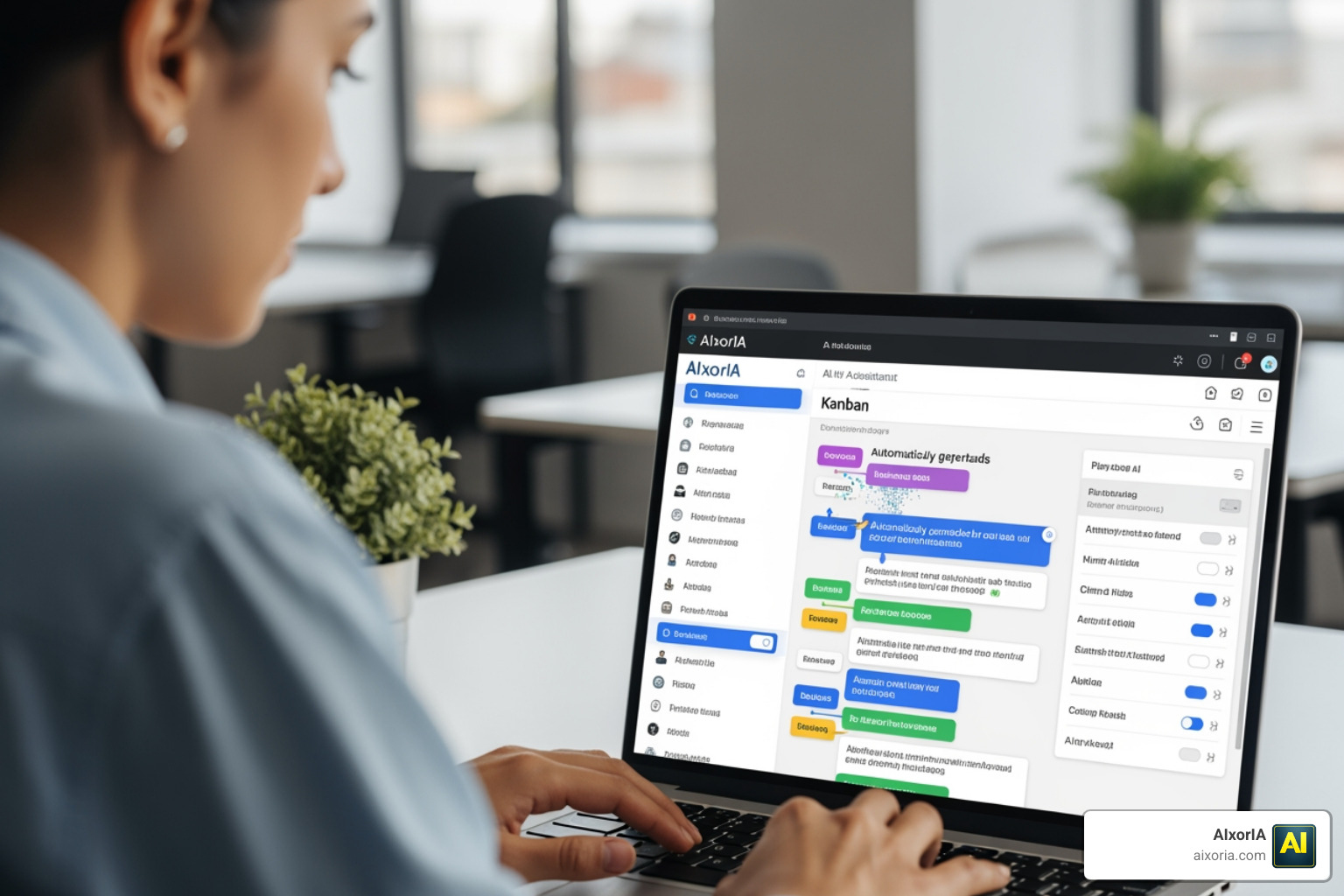
For example, Hive uses its “Buzz AI” to turn emails and chat messages directly into action items on your board. Other tools like Miro AI can take a messy brainstorming session on a digital whiteboard and instantly organize those sticky notes into a structured Kanban framework.
Key AI features to look for in 2026 include:
- Predictive Analytics: AI that warns you a project will be late two weeks before it happens.
- Automated Card Routing: Moving a card to the “Legal Review” column automatically tags the legal team and sets a 48-hour deadline.
- Natural Language Processing: Creating a card just by saying, “Hey, add a task to research new vendors for the July event.”
Using AI productivity tools alongside your Kanban board can save the average company over 30,000 hours per year by eliminating manual data entry and status updates.
Real-World Use Cases and Industry Applications
Kanban is incredibly flexible. While it started in car factories, we use it for everything from bachelorette party planning to managing multi-million dollar construction jobs. Here is how different industries structure their Best Kanban Tools for Workflows:
| Industry | Column 1 | Column 2 | Column 3 | Column 4 |
|---|---|---|---|---|
| Marketing | Content Ideas | Writing | Design/Review | Scheduled |
| Software Dev | Backlog | In Progress | QA/Testing | Deployed |
| Sales | New Leads | Qualified | Proposal Sent | Closed/Won |
| Event Planning | Vendors to Call | Booked | Payments Due | Day-of Logistics |
For marketing teams, Kanban Tool and Asana are favorites because they allow you to attach images directly to cards, making creative reviews a breeze. For those managing a massive list of projects, the visual nature of Kanban ensures that no single task falls through the cracks, even in a remote or distributed team environment.
Frequently Asked Questions about Kanban Software
What is the primary difference between Kanban and Scrum?
The biggest difference is how work is timed. Scrum uses “Sprints”—fixed periods (usually 2 weeks) where a team commits to finishing a specific set of tasks. It has formal roles like a Scrum Master. Kanban is a continuous flow. There are no fixed start or end dates; you just keep pulling the next most important task from the backlog as soon as you have the capacity. Kanban is often seen as more flexible for teams with changing priorities.
How do Kanban tools integrate with existing productivity apps?
Modern tools don’t live in a vacuum. Most of the Best Kanban Tools for Workflows integrate with:
- Slack/Teams: Get a notification when a task is completed.
- Gmail/Outlook: Turn an email into a Kanban card with one click.
- Zapier: Connect your board to over 5,000 other apps to automate almost any workflow.
- Google Workspace: Attach Docs and Sheets directly to your cards so everything stays in context.
Which Kanban tool offers the best free plan in 2026?
Trello is widely considered to have the best free plan because it offers unlimited cards and power-ups. However, ClickUp is a strong runner-up, offering “Free Forever” plans that include many features (like Gantt charts and Docs) that other companies charge for. Jira also offers a generous free tier for teams of up to 10 users, which is perfect for small startups.
Conclusion
Choosing the right system from the many Best Kanban Tools for Workflows available today can feel overwhelming, but it doesn’t have to be. Whether you choose the simplicity of Trello or the AI-powered depth of ClickUp, the goal remains the same: making work visible so your team can move faster and with less stress.
At AIxorIA, we specialize in helping businesses bridge the gap between complex technology and daily productivity. We provide custom AI solutions and tool training workshops to ensure your team isn’t just using a tool, but mastering it. If you’re ready to stop juggling spreadsheets and start flowing through your work, we can help with a performance audit or a tailored tutorial for your specific industry.
Check out our 2026 guide to the best Kanban tools or explore our AI productivity solutions to see how we can help you automate the boring stuff and get back to what you love. Let’s build a workflow that actually works for you.
1 thought on “7 Best Kanban Tools for Workflows in 2026 (Free + Paid)”