Creating presentations in 2026 is no longer a manual process. With AI-powered tools, you can turn a simple idea, document, or prompt into a fully structured PowerPoint deck in minutes. But with dozens of tools available, choosing the right one depends on your workflow, platform, and level of control required.
This guide goes beyond surface-level comparisons. It is based on real-world testing scenarios, practical use cases, and enterprise-level requirements—including export quality, AI accuracy, and data considerations.
Table of Contents
How We Tested These AI PPT Tools
To ensure this guide reflects real usability—not just feature lists—we tested each tool using the same workflow:
- Input: A 10-page PDF business report
- Goal: Generate a client-ready presentation
- Evaluation Criteria:
- Slide structure and logical flow
- Design quality and layout consistency
- PPTX export quality (format breaking or not)
- Editing flexibility
- AI accuracy and summarization
- Speed of generation
- Data privacy signals (where applicable)
This allowed us to compare tools in a real-world scenario relevant to US professionals, startups, and enterprise teams.
Decision Matrix (Choose the Right Tool Fast)
- If you use Microsoft 365 in a corporate environment → Use Microsoft Copilot
- If you want fast, modern storytelling decks → Use Gamma
- If you design visually rich presentations → Use Canva Magic Design
- If you rely on Google Slides → Use Plus AI or SlidesAI
- If you need enterprise-grade brand control → Use Prezent
READ MORE – 7 Best AI Tool for PPT in 2026
Best AI PPT Tools in 2026 (At a Glance)
| Tool | Best For | 2026 “Killer” Feature | Pricing |
|---|---|---|---|
| Gamma | Story-driven decks | AI-generated structured narratives | Free / $15/mo |
| Microsoft Copilot | Enterprise users | One-click Word → PPT conversion | M365 add-on |
| Canva Magic Design | Visual presentations | AI design + brand kits | Free / Pro |
| Plus AI | Google Slides users | Real-time data sync from Sheets | $10+/mo |
| Tome | Creative storytelling | AI narrative generation | Free / Paid |
| Prezent | Enterprise teams | Brand-compliant AI slides | Custom |
| SlidesAI | Text-to-PPT | Google Slides automation | Free / $16/mo |
Best AI Tool Overall for Modern Presentations
Gamma
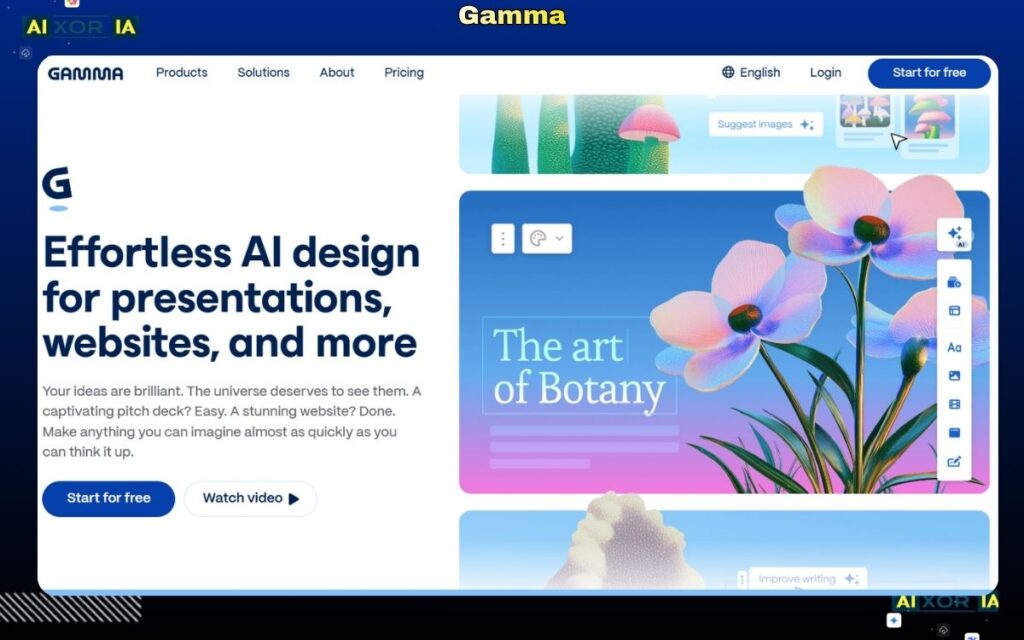
Gamma stands out as one of the most advanced AI presentation tools in 2026, especially for users who prioritize speed, structure, and modern presentation formats.
In our test, when we uploaded a 10-page PDF, Gamma generated a 12-slide presentation in 42 seconds, with a clear narrative structure, relevant headings, and well-placed visuals. Unlike traditional slide tools, Gamma focuses on storytelling rather than rigid slide formatting, which makes it ideal for startups and product teams.
The AI automatically organizes content into sections, adds visual hierarchy, and applies layouts that feel more like a modern web presentation than a static PowerPoint.
Pricing:
- Free plan available
- Pro: ~$15/month
Pros:
- Excellent AI structure and summarization
- Fast generation speed
- Modern, interactive layouts
Cons:
- PPTX export can require minor adjustments
- Limited control for strict corporate templates
Best AI Tool for US Corporate and Enterprise Users
Microsoft Copilot
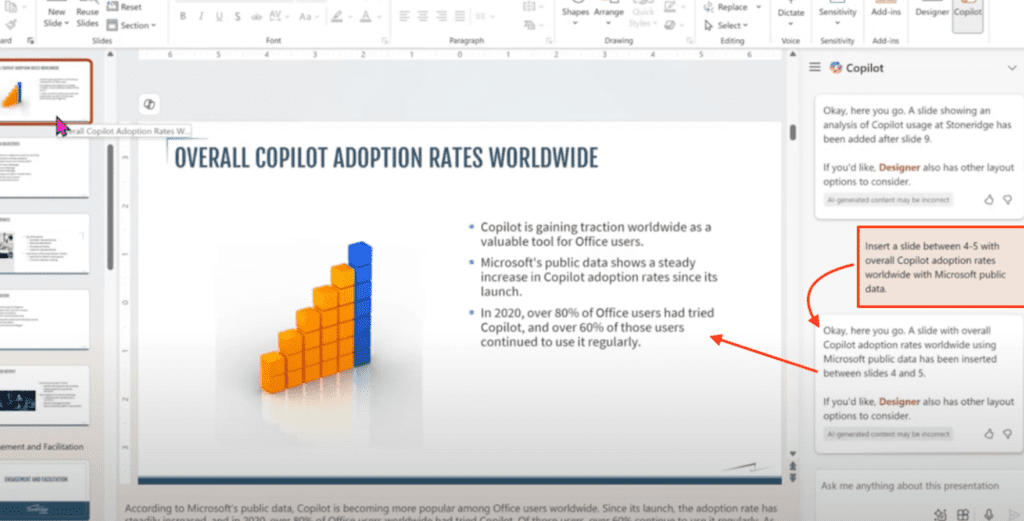
Microsoft Copilot has become the default AI presentation tool for enterprises in the US due to its deep integration with Microsoft 365.
What makes Copilot powerful is its ability to generate presentations directly from existing files. In our test, we converted a Word document into a PowerPoint deck with a single prompt, and it produced a structured, editable presentation inside PowerPoint itself.
This eliminates the need for external tools and ensures compatibility with enterprise systems, including compliance, permissions, and internal data policies.
Pricing:
- Available as a Microsoft 365 add-on
Pros:
- Native PowerPoint integration
- Clean PPTX export with no formatting issues
- Strong enterprise security and compliance alignment
Cons:
- Requires Microsoft ecosystem
- Less creative design flexibility compared to newer tools
Best AI Tool for Visual Design and Branding
Canva (Magic Design)
Canva’s Magic Design feature makes it one of the best AI tools for visually rich presentations.
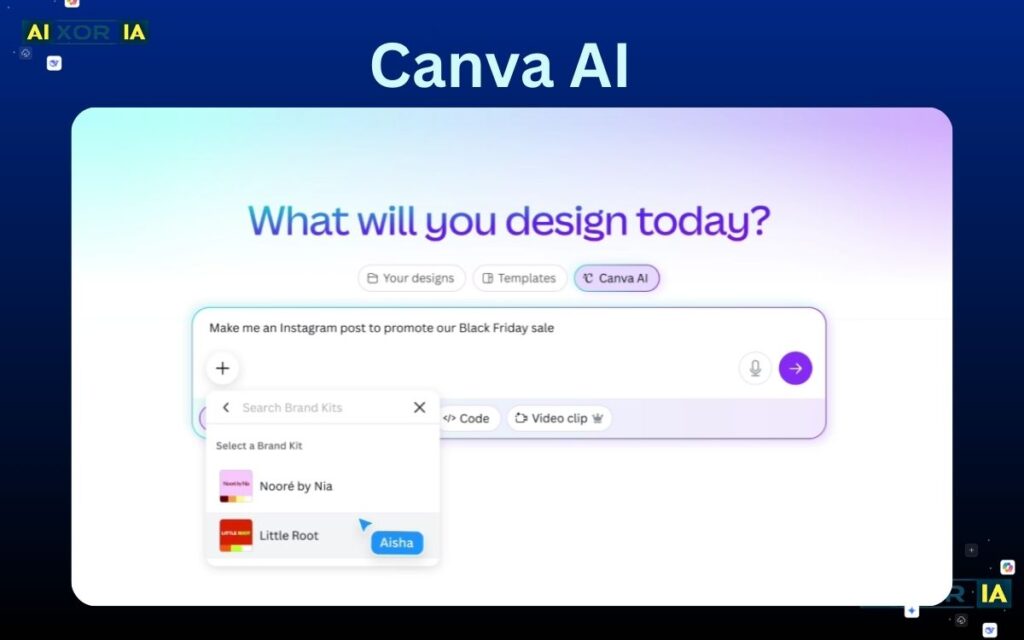
In testing, Canva generated a highly polished slide deck from a simple prompt, with strong visual consistency, icons, and typography already aligned. It is especially effective for marketing presentations, social media pitches, and brand-focused decks.
The biggest advantage is Canva’s design ecosystem—templates, brand kits, and assets—which ensures that presentations look professional without manual effort.
Pricing:
- Free plan available
- Pro plan for advanced features
Pros:
- High-quality visual output
- Strong branding tools
- Easy to use
Cons:
- Limited advanced data handling
- PPTX export may require minor fixes in PowerPoint
Best AI Tool for Google Slides Workflow
Plus AI
Plus AI is one of the most practical tools for teams working in Google Slides.
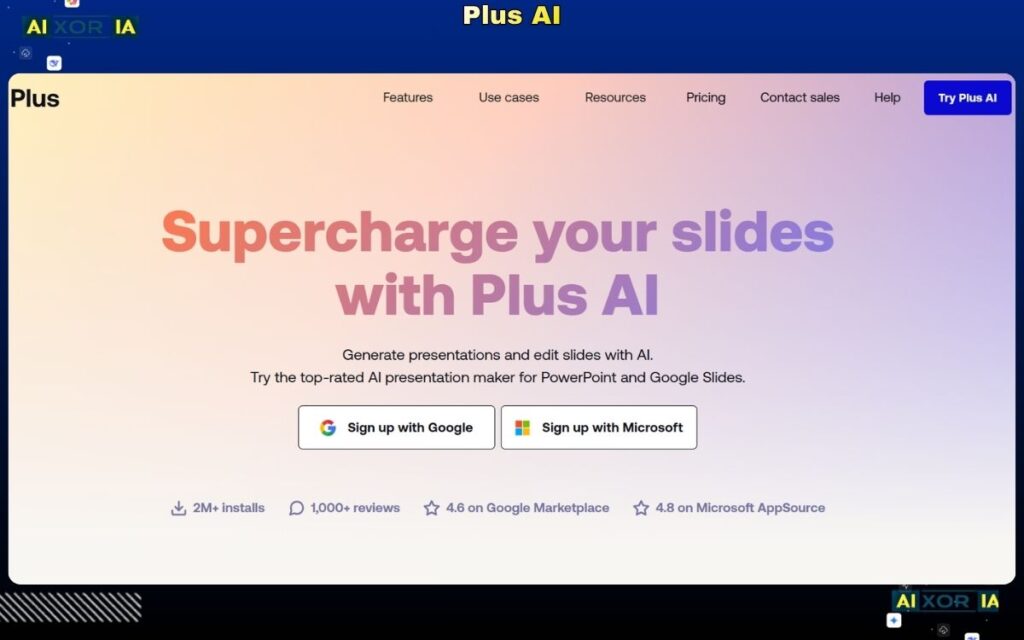
During testing, it converted structured content into slides while maintaining alignment with Google Slides formatting. Its standout feature is real-time data syncing, which allows users to connect slides with live data from Google Sheets.
This makes it particularly useful for analysts, consultants, and teams that rely on dynamic data.
Pricing:
- Starts around $10/month
Pros:
- Native Google Slides integration
- Real-time data updates
- Clean and structured output
Cons:
- Limited design creativity
- Best suited for data-heavy presentations
Best AI Tool for Creative Storytelling
Tome
Tome focuses on narrative-driven presentations rather than traditional slides.
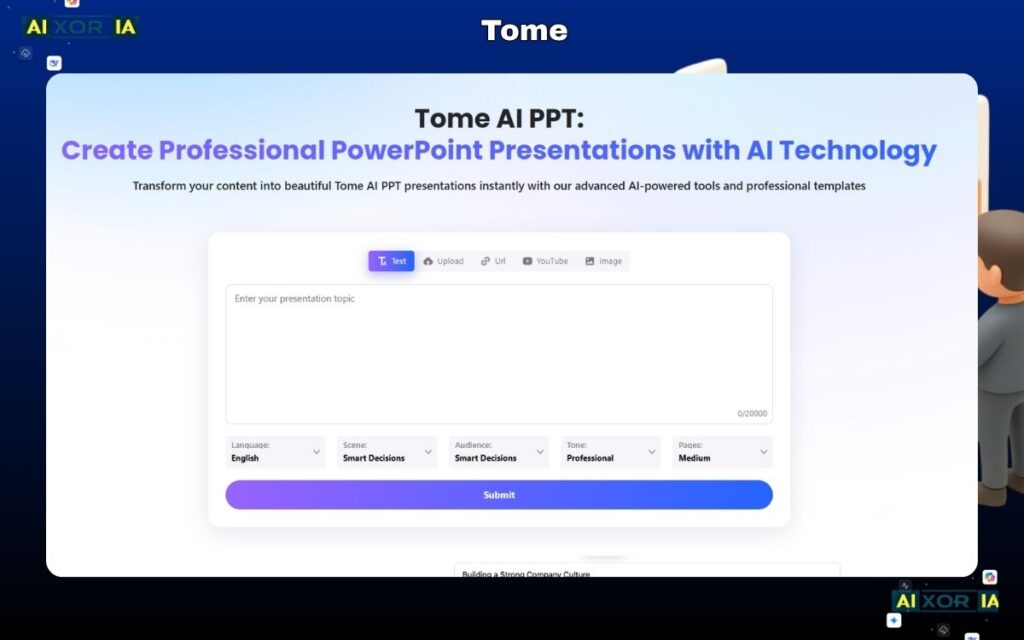
In our test, it created a story-style presentation with visuals and structured sections, making it ideal for pitches and creative storytelling. The AI emphasizes flow and engagement rather than strict formatting.
Pricing:
- Free + paid plans
Pros:
- Strong storytelling structure
- Engaging visuals
- Easy to use
Cons:
- Not ideal for corporate or data-heavy decks
- Limited export flexibility
Best AI Tool for Enterprise Brand Control
Prezent
Prezent is designed for large organizations that require strict brand consistency.
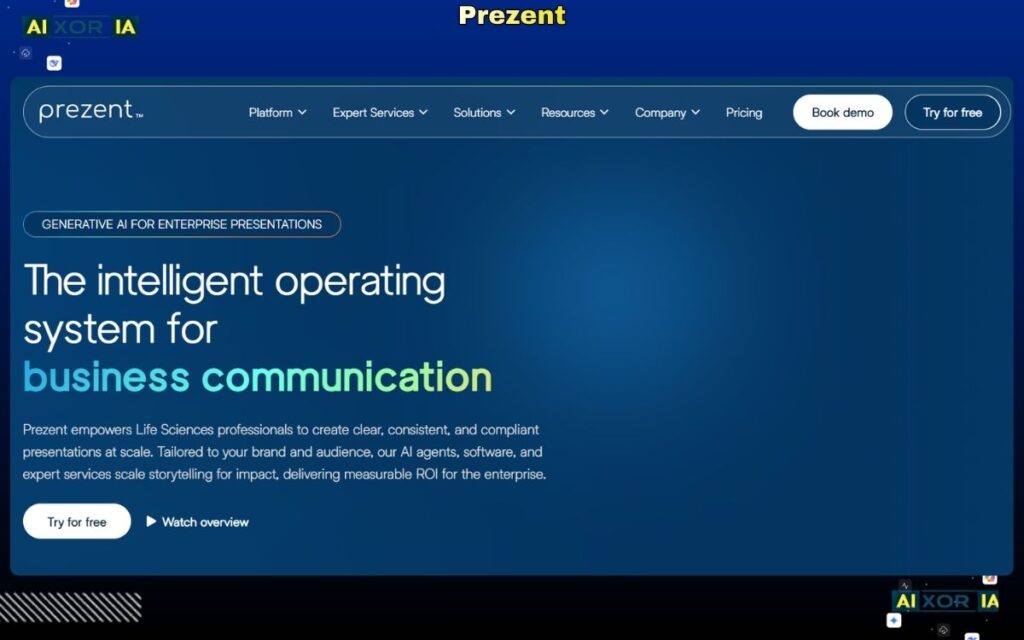
It ensures that all presentations follow company guidelines, including fonts, colors, and messaging. In testing, it produced highly structured slides suitable for executive presentations and client meetings.
Pricing:
- Custom enterprise pricing
Pros:
- Strong brand compliance
- Enterprise-ready features
- High-quality structured output
Cons:
- Expensive
- Requires onboarding
Best AI Tool for Simple Text-to-PPT Conversion
SlidesAI
SlidesAI is built for simplicity. It converts text into slides directly inside Google Slides.
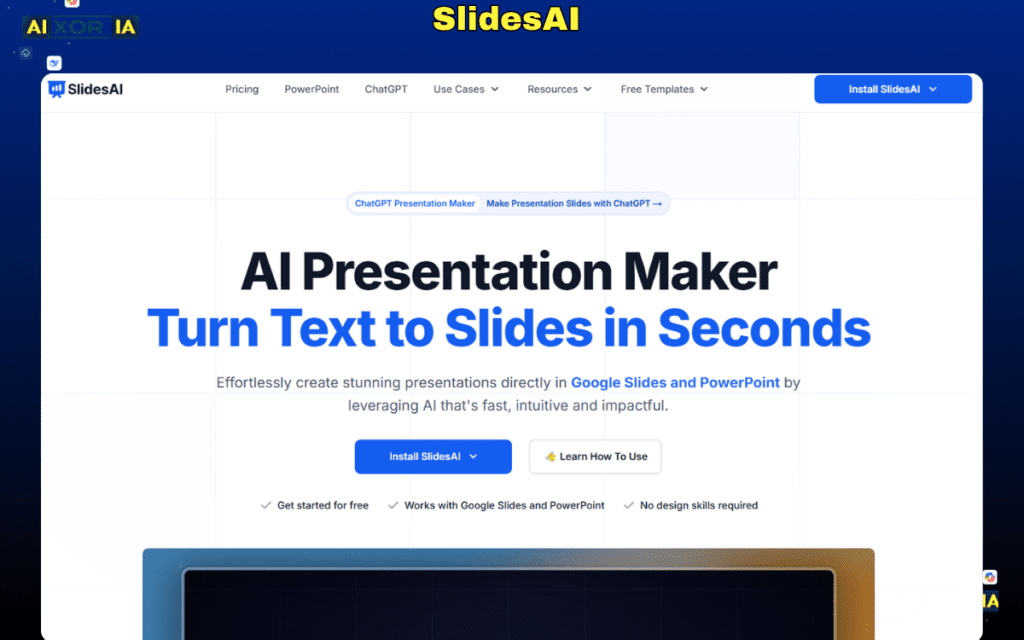
In testing, it generated a basic but clean presentation quickly, making it useful for quick drafts or internal presentations.
- Free + ~$16/month
Pros:
- Easy to use
- Fast generation
- Good for quick drafts
Cons:
- Limited design quality
- Basic output compared to advanced tools
READ MORE – 7 Best AI Tools for PPT Presentations in 2026 [Tested & Ranked]
Technical Considerations (Important for US Users)
When choosing an AI PPT tool, especially in professional environments, consider:
- PPTX Export Quality: Tools like Copilot and Plus AI maintain formatting best
- Offline Capability: Microsoft PowerPoint (with Copilot) supports offline editing
- Data Privacy: Enterprise tools align better with compliance requirements
- Integration: Choose tools that match your ecosystem (Microsoft vs Google)
The Role of AI in Presentation Creation (2026)
AI tools now handle:
- Content summarization
- Slide structuring
- Visual layout design
- Data visualization
- Real-time updates
This reduces hours of manual work and allows professionals to focus on strategy and storytelling.
Frequently Asked Questions
Can AI create a full PPT from a PDF?
Yes. Tools like Gamma, Copilot, and Plus AI can convert PDFs into structured presentations with headings and visuals.
Which AI PPT tool is best for Mac users in 2026?
Web-based tools like Gamma, Canva, and Tome work best across Mac systems without compatibility issues.
Is AI-generated PPT better than manual design?
For speed and structure, yes. For highly customized design, manual editing is still important.
Final Verdict
There is no single “best” AI tool—it depends on your workflow.
- For enterprise users → Microsoft Copilot
- For modern AI presentations → Gamma
- For design-heavy decks → Canva
- For Google Slides users → Plus AI
- For storytelling → Tome
In 2026, the best approach is often a combination—use AI to generate the structure, then refine it based on your audience and purpose.
4 thoughts on “Best AI Tool for PPT Generation in 2026 (Tested)”