The Best AI Eraser Tool Can Save Your Photos (and Your Time)
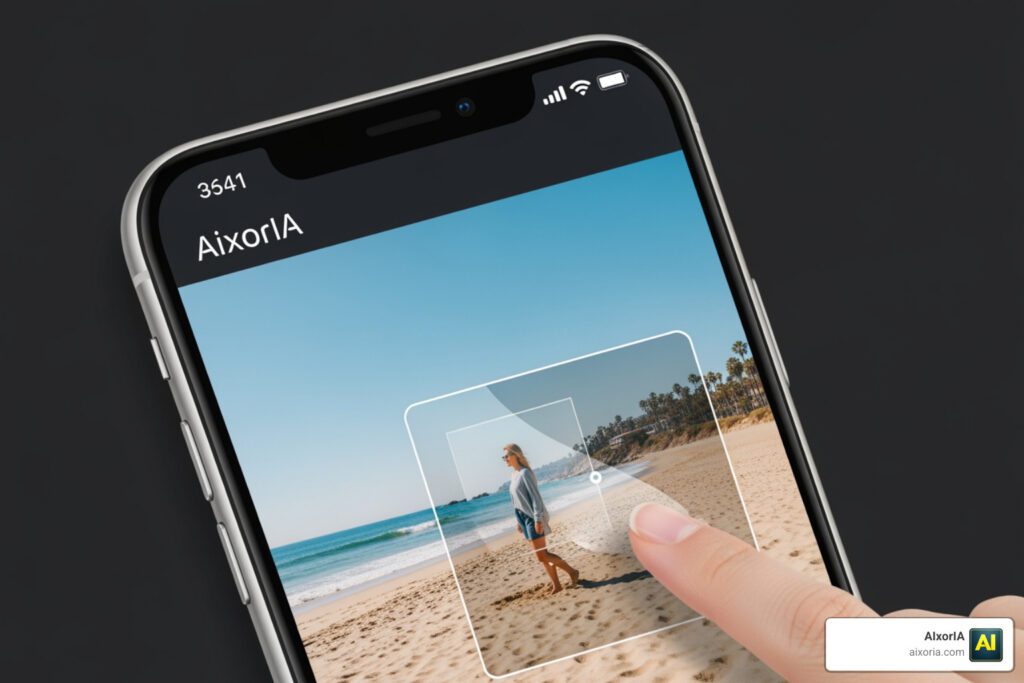
Finding the best AI eraser tool doesn’t have to be complicated. Here’s a quick snapshot of the top options to help you decide fast:
| Tool | Best For | Free Option | No Sign-Up |
|---|---|---|---|
| Adobe Photoshop | Professional desktop editing | No | No |
| Canva Magic Eraser | Design-integrated cleanup | Limited | No |
| Magic Studio | Quick online removal | Yes | Yes |
| Pixelcut | Product & e-commerce photos | Yes | Yes |
| Airbrush | Mobile creators | Yes | No |
| Allplix Smart Eraser | Privacy-first browser editing | Yes | Yes |
| Claid.ai | Product photography | Limited | No |
You’ve got the perfect shot — except for that stranger in the background, the power line cutting across the sky, or a watermark stamped right in the middle.
Sound familiar?
For small business owners, fixing these problems used to mean hiring a designer or spending hours in Photoshop. Not anymore.
AI eraser tools now let anyone — with zero editing skills — remove unwanted objects, people, text, and watermarks from photos in seconds. You just brush over what you don’t want, and the AI fills in the gap so naturally it looks like the object was never there.
These tools run on your phone, in your browser, or on your desktop. Many are free. Some require no account at all.
But not all AI erasers perform equally. Some struggle with complex backgrounds. Others are slow, expensive, or leave blurry patches behind. This guide cuts through the noise so you can pick the right tool for your needs.
How AI Eraser Tools Work to Clean Your Photos
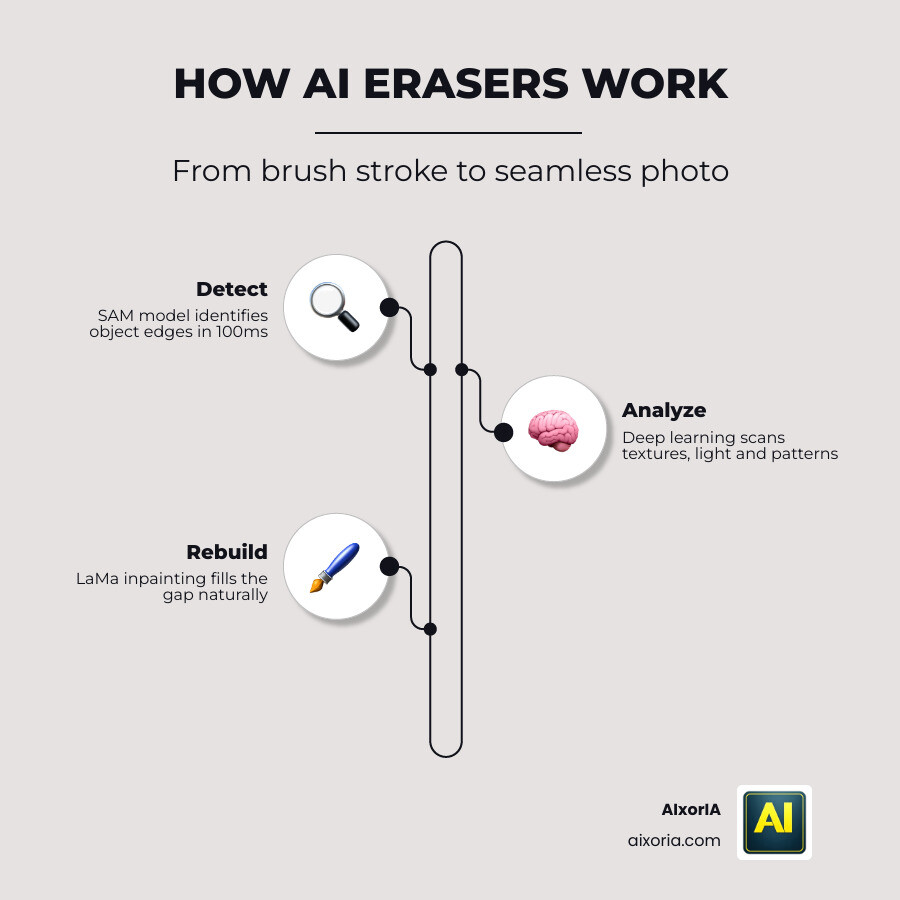
At its core, an AI eraser tool is a sophisticated piece of software that uses “deep learning” to understand the context of an image. When you highlight an object to be removed, the AI doesn’t just cut it out; it performs a process called inpainting. This means it analyzes the surrounding pixels—looking at textures, lighting, colors, and patterns—to “re-imagine” what should be behind the object.
Modern tools often rely on the SAM (Segment Anything Model) developed by Meta AI to detect the outlines of objects with incredible speed (sometimes in as little as 100ms). Once the object is identified, technology like LaMa (Large Mask Inpainting) reconstructs the area. This combination ensures that even complex removals, like power lines or shadows, blend seamlessly into the background.
For those interested in how these tools perform under pressure, we’ve compiled a list of the 7 Best AI Eraser Tool in 2026 Tested for Real Results to see which ones maintain the highest image quality. Whether it is generative fill or simple pixel reconstruction, the goal is always realism. The best tools ensure that the final result is free of the “smudges” or blurry patches that plagued older, non-AI editing software.
Comparing the Best AI Eraser Tool Options for 2026
Choosing the Best AI Eraser Tool often depends on your specific workflow. Are you editing 50 pictures at once for a real estate listing, or just touching up a single selfie for Instagram?
Industry data shows that the most popular tools are now trusted by over 70 million users, with top-tier apps maintaining a 4.8 out of 5-star rating across hundreds of thousands of reviews.
| Feature | Online/Browser Tools | Desktop Software | Mobile Apps |
|---|---|---|---|
| Best Use Case | Quick, one-off edits | Professional, high-res work | Social media & on-the-go |
| Bulk Editing | Supported by some (e.g., Magic Studio) | Highly advanced | Limited |
| Accuracy | High for simple objects | Highest (Generative AI) | Good for blemishes |
| Ease of Use | Extremely Simple | Moderate to Difficult | Very Simple |
Best AI Eraser Tool for Professional Desktop Editing
For professionals who need maximum control, desktop suites remain the gold standard. In 2026, the leading software has introduced “Distraction Removal” features that can automatically detect and erase common eyesores like wires, cables, and power lines without the user even having to click on them.
These tools use non-destructive editing, meaning you can always go back and adjust your changes. Advanced masking techniques allow you to handle tricky areas where an object might be partially transparent or overlapping a complex pattern. If you are a professional photographer or a high-end content creator, the investment in a desktop subscription is often justified by the sheer accuracy and versatility of the generative AI models used.
Best AI Eraser Tool for Quick Online Cleanup
If you don’t want to install software, web-based editors are your best friend. Many of these tools offer “Magic Eraser” features that work directly in your browser. These are ideal for removing text overlays, date stamps, or shadows from a travel photo.
Some of the most impressive online tools, like Allplix or Magic Studio, allow for unlimited use on low-resolution images without even requiring a sign-up. This “click and erase” simplicity is perfect for small business owners who need a clean image for a blog post or a presentation in a hurry. For a deeper dive into which browser tools made the cut this year, check out our review of the 7 Best AI Eraser Tool in 2026 Tested for Real Results.
Best AI Eraser Tool for Mobile Creators
For those who live on social media, mobile apps provide the most convenience. These apps have evolved to include prompt-based removal—you can literally type “remove the trash can” and the AI handles the rest.
With over 127K reviews for leading apps in the App Store, it’s clear that mobile users value speed. These tools are specifically optimized for blemish removal and “cleaning” travel shots before they hit your feed. They often include “AI Expand” features as well, allowing you to not only remove objects but also grow the boundaries of your photo to fit different social media aspect ratios.
Professional Use Cases for AI Object Removal
The Best AI Eraser Tool isn’t just for fun; it’s a vital business asset. We see these tools being used across various industries to create distraction-free, professional imagery:
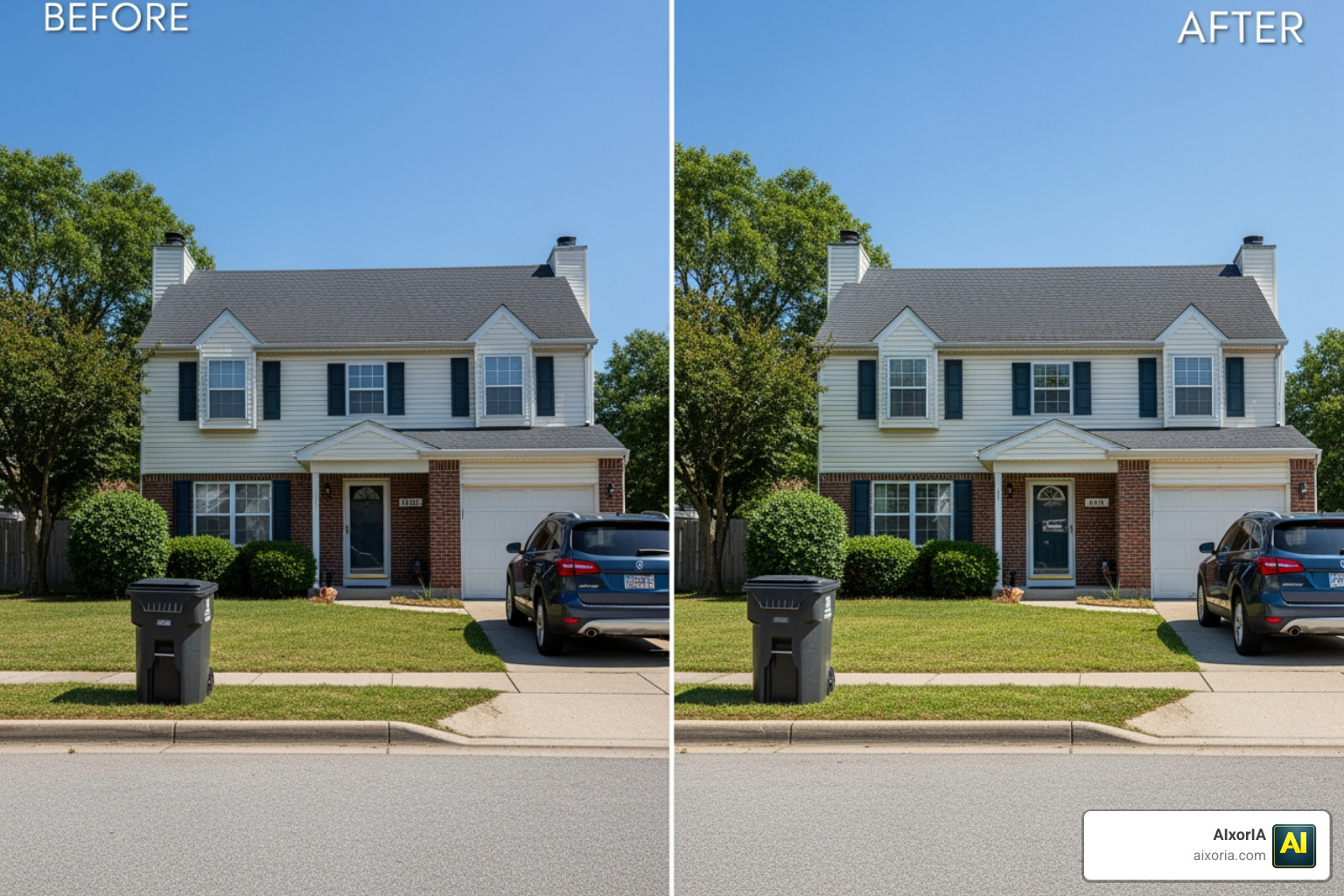
- Real Estate: Removing “For Sale” signs, trash bins, or parked cars from the front of a house to make the property look more inviting.
- E-commerce: Cleaning up product photos by erasing dust, scratches, or unwanted reflections. Features like “Preserve Product” ensure the main item remains untouched while the background is perfected.
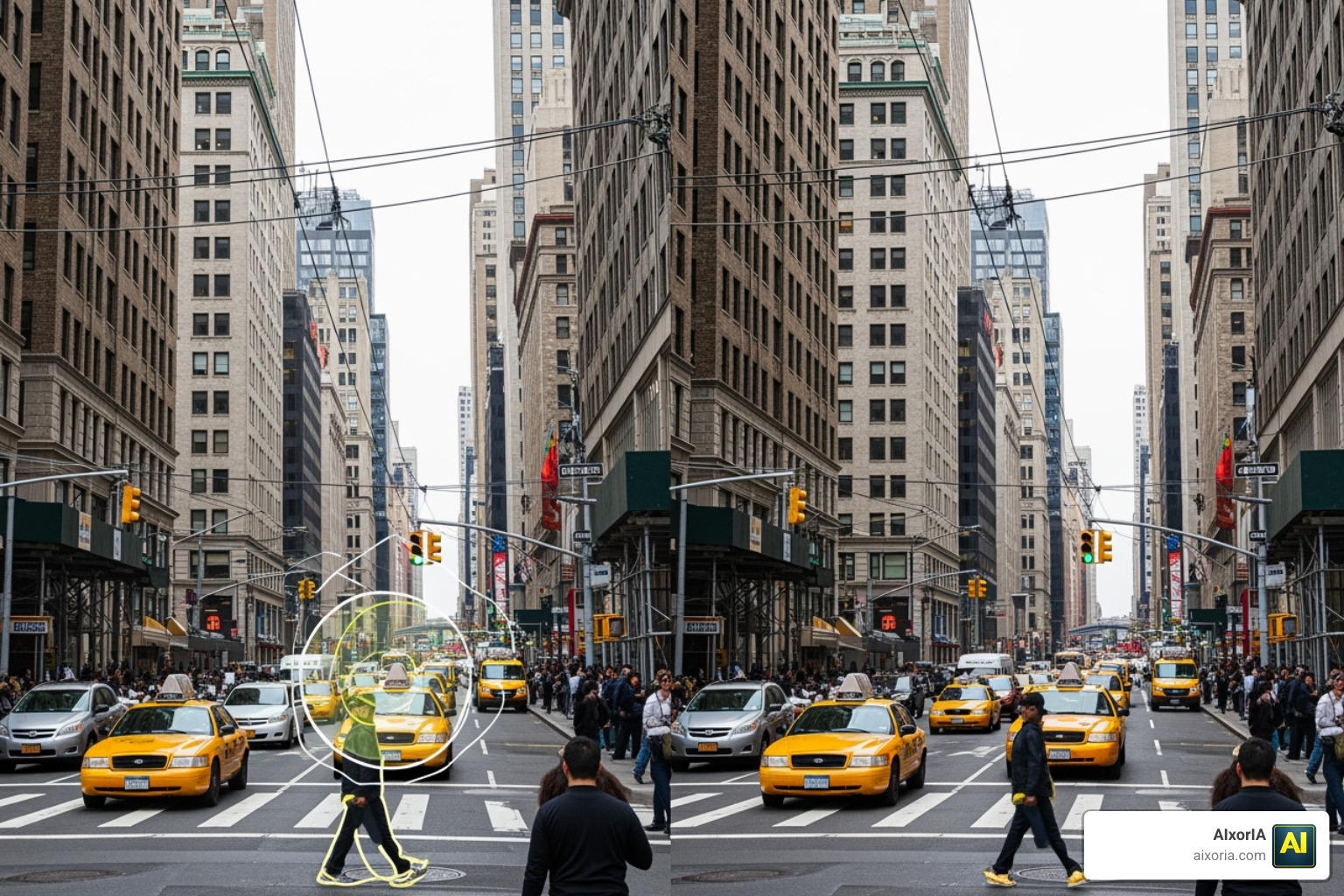
- Travel & Photography: Removing crowds of tourists from iconic landmarks to create a serene, “empty” landscape.
- Social Media: Erasing watermarks, logos, or distracting text from memes and promotional assets.
With over 32,000 photos retouched daily by some of the most popular AI tools, the impact on productivity is massive. And it’s not just for photos—if you’re working with motion, you’ll want to explore the Best AI Eraser Tools for Video in 2026 Top Picks for Clean Edits to keep your video content just as polished.
Frequently Asked Questions about AI Erasers
Are there free AI eraser tools that don’t require a sign-up?
Yes! Several browser-based tools offer a “no login” experience. Tools like Magic Studio and Allplix allow you to upload, erase, and download without ever creating an account. While the editing is free and unlimited, some tools may limit your free downloads to standard definition (SD) rather than high-definition (HD) unless you upgrade.
How effective are AI erasers at handling complex objects like watermarks?
AI erasers have become surgical in their precision. Because they use deep learning to understand the underlying texture, they can often reconstruct the patterns of clothing or skin beneath a watermark or text overlay. However, for the best results, it is often better to brush over the object in small, multiple steps rather than trying to erase a massive, complex watermark all at once.
Is my data safe when using online AI eraser tools?
Privacy is a growing concern. While many cloud-based tools process your images on their servers, a new wave of “privacy-first” tools like Smart Eraser AI use WebAssembly to process images locally in your browser. This means your photo never actually leaves your computer, providing a much higher level of data security for sensitive documents or private photos.
Conclusion
The evolution of AI has turned a once-tedious task into a “one-click” wonder. Whether you are using a professional desktop suite for high-end client work or a quick mobile app to polish your vacation photos, the Best AI Eraser Tool for you is the one that fits your specific needs for speed, accuracy, and privacy.
At AIxorIA, we know that staying ahead of these technological shifts can be overwhelming. We specialize in providing custom AI solutions, tool training workshops, and performance audits to help businesses harness the power of AI without the headache. Our mission is to provide simple language help and affordable services to ensure your business stays productive and professional.
Ready to take your digital workflow to the next level? More info about AI productivity services can be found on our main hub, where we help you navigate the ever-changing world of artificial intelligence.
1 thought on “Best AI Eraser Tool in 2026: Remove Objects Fast, Free & No Sign-Up”