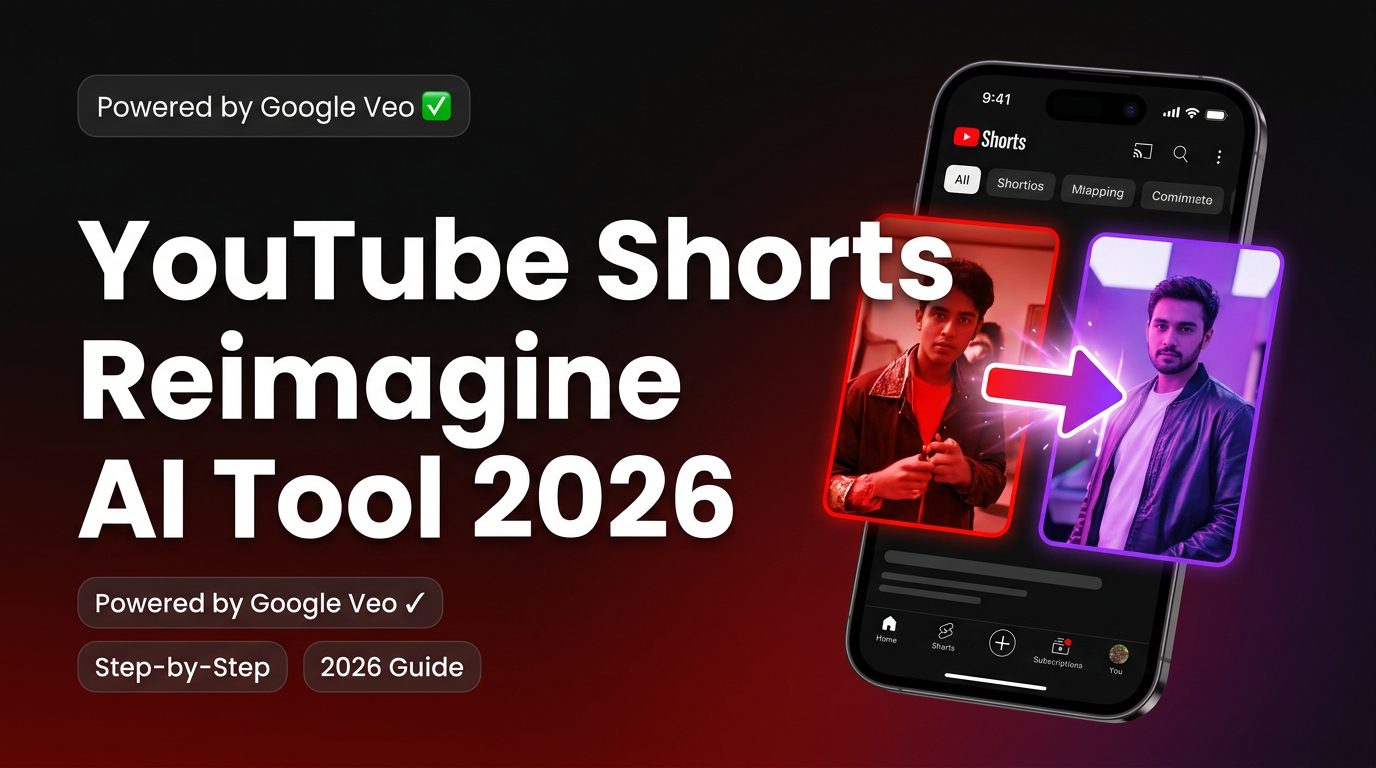
Creating short-form video content is no longer just about editing clips—it’s about transforming ideas into multiple engaging formats quickly. In 2026, YouTube has taken a major step in this direction with its official “Reimagine” AI tool inside Shorts.
Unlike earlier workflows that relied on external tools, Reimagine is now a built-in AI remix feature that allows creators to generate entirely new video variations from existing Shorts using advanced AI models.
This guide explains how the Reimagine AI tool works in YouTube Shorts, how to use it step by step, what powers it, and how it compares to third-party AI tools.
Table of Contents
What Is the YouTube Shorts Reimagine AI Tool?
The Reimagine feature is an official AI-powered remix tool inside YouTube Shorts, available under the Remix option.
It allows you to:
- Select a frame from an existing Short
- Use AI to transform it into a new video clip
- Generate an entirely reimagined 8-second sequence
This is not just editing—it’s AI-driven video generation.
Powered by Advanced AI Models
The Reimagine tool is built on Google’s latest AI technologies:
- Google Veo – Generates high-quality video sequences from prompts
- Google Gemini – Interprets prompts and helps guide transformations
Together, these models enable:
- Frame-to-video generation
- Scene transformation
- Prompt-based creativity
This is what makes Reimagine fundamentally different from traditional editing tools.
How the Reimagine AI Tool Works (Step-by-Step)
1. Open a YouTube Short
Start by selecting any Short you want to remix.
2. Tap the Remix Button
Inside the Shorts interface, tap Remix to access available options.
3. Select “Reimagine”
Choose the Reimagine option from the menu.
4. Choose a Frame
Pick a specific frame from the video that you want to transform.
5. Add or Edit Prompt
You can:
- Use AI-suggested prompts (powered by Gemini)
- Write your own custom prompt
This prompt defines how the new video will look.
6. Generate the AI Video
The system creates a new 8-second AI-generated clip based on your input.
7. Review and Publish
You can refine or regenerate before publishing the Short.
Key Features of the Reimagine Tool
Frame-to-Video Transformation
Turn a single frame into a dynamic video sequence.
AI Prompt Control
Use natural language to define how the video changes.
Reference Photo Support
Upload up to two reference images to:
- Insert yourself into the video
- Modify objects or scenes
- Personalize the output
Built-in Attribution
Every Reimagined video automatically links back to the original creator’s Short, ensuring proper credit and content traceability.
Reimagine vs Third-Party AI Tools
| Feature | Official Reimagine Tool | Third-Party Tools |
|---|---|---|
| Availability | Built into Shorts (Remix menu) | External platforms |
| Core Function | Frame-to-video generation | Clipping, editing, repurposing |
| AI Models | Google Veo + Gemini | Proprietary / mixed models |
| Best Use Case | Creative remixing | Content scaling |
| Attribution | Automatic | Manual |
Best AI Tools for YouTube Shorts Workflows (Beyond Reimagine)
While Reimagine is powerful, many creators combine it with external tools for a complete workflow.
AI Tool for Long-to-Short Conversion
Opus Clip
Opus Clip focuses on converting long-form videos into short-form content automatically. It identifies engaging segments, restructures them, and optimizes them for platforms like YouTube Shorts.
This tool is especially useful for creators who publish long YouTube videos and want to extract multiple Shorts without manual editing. It includes features like auto-captioning, highlight detection, and engagement scoring.
Pricing: Free plan available; paid plans start around $15–$29/month
Pros:
- Fast content repurposing
- AI-based highlight detection
- Multiple clip generation
Cons:
- Limited creative transformation
- Less control over final output
AI Tool for Script-to-Video Creation
Pictory
Pictory enables creators to turn written scripts or blog content into fully edited videos. It automatically selects visuals, adds voiceovers, and structures content for engagement.
This makes it ideal for faceless YouTube Shorts channels and informational content. It complements Reimagine by creating original content rather than remixing existing videos.
Pricing: Starts around $19/month
Pros:
- No filming required
- Easy content transformation
- Built-in voiceover
Cons:
- Generic visuals in some cases
- Limited customization
AI Tool for Avatar-Based Shorts
Synthesia
Synthesia allows creators to generate videos using AI avatars. You can create Shorts without recording yourself by using virtual presenters.
It is commonly used for educational and business content where clarity and presentation matter more than entertainment.
Pricing: Starts around $22/month
Pros:
- Professional avatars
- Multilingual support
- No camera needed
Cons:
- Less dynamic visuals
- Limited emotional range
AI Tool for Advanced Visual Editing
Runway ML

Runway ML offers advanced AI-powered editing features, including video generation, background removal, and visual effects.
It’s ideal for creators who want unique, high-quality visuals that stand out on Shorts.
Pricing: Free plan available; paid plans from $12/month
Pros:
- High creative control
- Advanced AI features
- Unique outputs
Cons:
- Learning curve
- Requires experimentation
AI Tool for Voice and Editing Workflow
Descript
Descript simplifies editing by allowing users to edit video through text. It also includes voice cloning and transcription features.
This is useful for refining Shorts, improving narration, and maintaining consistency.
Pricing: Free plan available; paid plans from $12/month
Pros:
- Easy editing workflow
- High-quality voice tools
- Accurate transcription
Cons:
- Limited visual capabilities
- Best used with other tools
Availability and Limitations
The Reimagine feature is still expanding and may have limitations:
- May not be available in all regions (including parts of Europe/UK)
- Limited to short 8-second outputs
- Requires experimentation for best results
- AI outputs may vary in quality
Frequently Asked Questions
Is the Reimagine AI tool free?
Currently, it is included within YouTube Shorts, but availability may depend on region and account access.
Can I use it in the US?
Yes, the feature is primarily rolling out in supported regions like the United States.
Does it replace editing tools?
No. It complements them by adding AI-powered creativity, but full workflows still require additional tools.
Can I monetize Reimagined Shorts?
Yes, but attribution rules apply since the content is linked to the original video.
Final Thoughts
The YouTube Shorts Reimagine AI tool represents a shift from traditional editing to AI-driven content creation.
It allows creators to:
- Transform existing content instantly
- Experiment with new ideas
- Increase content output without starting from scratch
However, the most effective strategy is not to rely on a single tool. Combining Reimagine with external AI platforms gives you both creative flexibility and production scalability.
1 thought on “How does the reimagine ai tool work in youtube shorts?”