Project management software has evolved far beyond task tracking. In 2026, the best tools combine workflow automation, real-time collaboration, AI assistance, and deep integrations to help teams plan, execute, and optimize work at scale.
For US-based teams and enterprises, choosing the right platform is no longer about features alone—it’s about how well the tool fits your workflow, supports cross-functional collaboration, and leverages AI to reduce manual effort.
This guide breaks down the top 10 project management tools in 2026, with detailed insights into their strengths, limitations, pricing, and AI capabilities.
Table of Contents
What Makes the Best Project Management Tool in 2026?
Before choosing a tool, it’s important to understand what actually matters today:
Scalability and flexibility
The tool should support small teams and scale to enterprise-level workflows without breaking structure.
Ease of use
If a tool is too complex, teams won’t adopt it. Simplicity with depth is key.
AI-powered automation
Modern tools now include AI to automate tasks, generate plans, summarize updates, and improve decision-making.
Integrations
Your project management tool should connect with communication, CRM, development, and file-sharing platforms.
Real-time collaboration
Live editing, comments, notifications, and dashboards are essential for modern teams.
READ MORE – the Best Software for Project Management? (2026 Guide)
The Top 10 Project Management Tools at a Glance
| Tool | Best For | Key Strength |
|---|---|---|
| Asana | Workflow management | Structured task and project tracking |
| Monday.com | Visual project management | Custom workflows and dashboards |
| ClickUp | All-in-one productivity | Deep customization + AI |
| Trello | Simplicity | Kanban-based task tracking |
| Wrike | Enterprise teams | Advanced reporting and workflows |
| Notion | Flexible workspace | Docs + tasks + databases |
| Jira | Agile teams | Dev-focused workflows |
| Smartsheet | Data-driven projects | Spreadsheet-style management |
| Teamwork | Client work | Time tracking and billing |
| Basecamp | Simple collaboration | Minimalist project management |
Best Project Management Tool for Structured Workflows
Asana
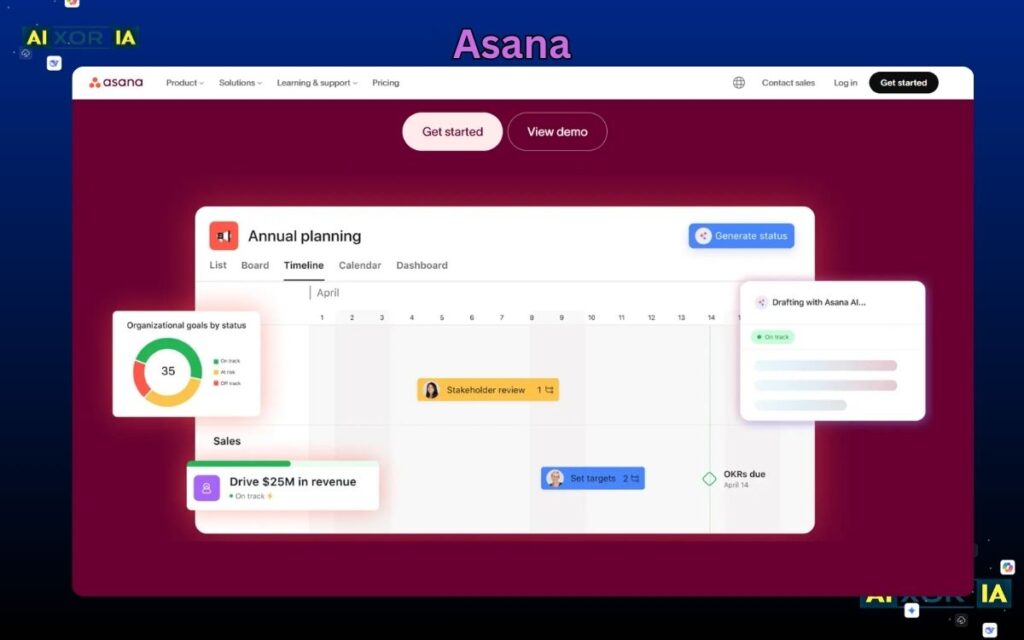
Asana remains one of the most widely used project management platforms, particularly for teams that need structured workflows and clear task ownership.
It allows teams to break projects into tasks, subtasks, dependencies, and timelines. Its interface is clean and intuitive, making it easy to manage both simple and complex projects.
AI plays a growing role in Asana. It can generate task descriptions, suggest deadlines, summarize project updates, and automate repetitive workflows. This reduces manual coordination and helps teams stay aligned without constant check-ins.
Asana also integrates with hundreds of tools, including Slack, Google Workspace, and Microsoft Teams, making it a strong fit for modern work environments.
Pricing: Free plan available; paid plans start around $10.99/user/month
Pros:
- Clean and intuitive UI
- Strong task management features
- Good automation and AI support
Cons: - Limited customization compared to competitors
- Advanced features require higher-tier plans
Best Visual Project Management Tool
Monday.com
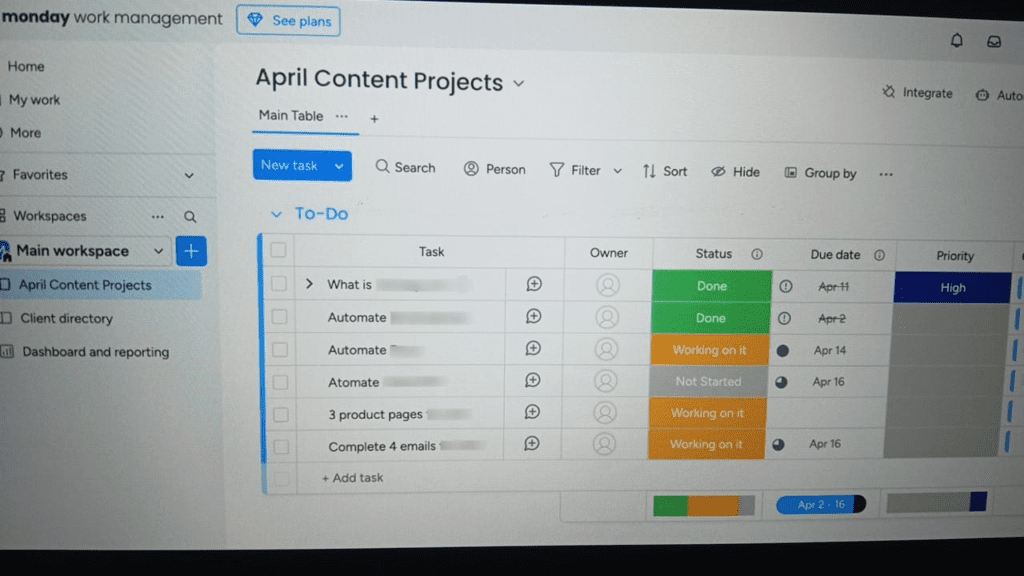
Monday.com is designed for teams that prefer a visual and customizable approach to project management. It uses boards, timelines, and dashboards to make workflows easy to understand at a glance.
Its automation system allows users to create workflows without coding, and its AI features can generate summaries, suggest task structures, and optimize workflows based on usage patterns.
Monday.com is especially useful for marketing, operations, and cross-functional teams that need flexibility without technical complexity.
Pricing: Free plan available; paid plans from $9/user/month
Pros:
- Highly visual interface
- Flexible workflows
- Strong automation features
Cons: - Automation limits on lower plans
- Can become expensive at scale
Best All-in-One Project Management Platform
ClickUp
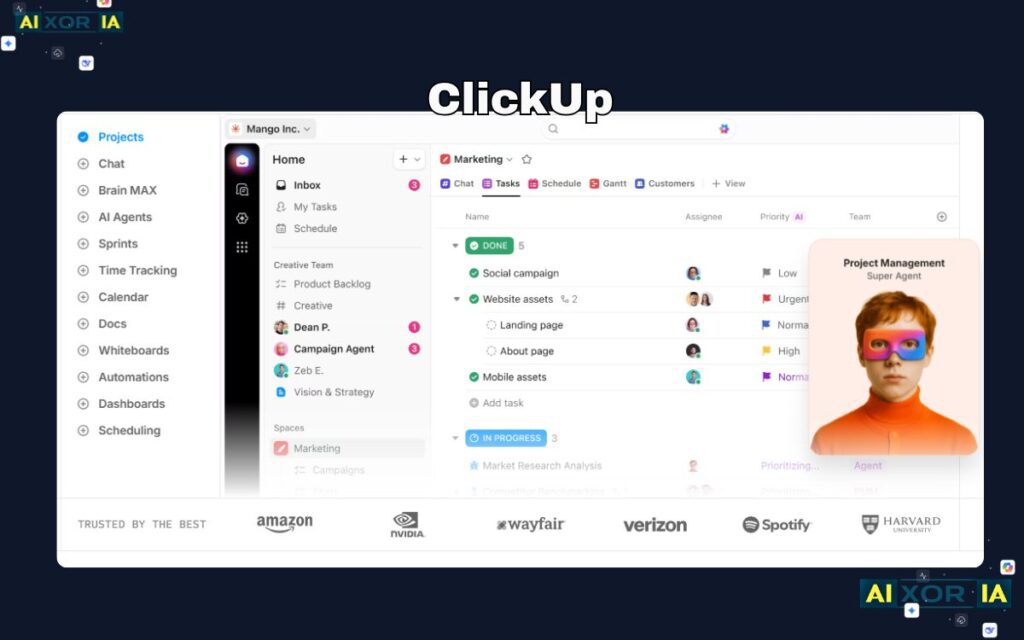
ClickUp positions itself as an all-in-one productivity solution, combining tasks, docs, goals, chat, and dashboards in a single platform.
Its biggest strength is customization. Teams can create workflows tailored to their exact needs, from simple task tracking to complex project systems.
ClickUp’s AI assistant is deeply integrated into the platform. It can write task descriptions, generate summaries, create documents, and even assist in planning workflows. This makes it one of the most AI-focused project management tools available.
Pricing: Free plan available; paid plans from $7/user/month
Pros:
- Extremely customizable
- Built-in docs and collaboration tools
- Strong AI capabilities
Cons: - Steep learning curve
- Interface can feel overwhelming
Best Simple Kanban Tool
Trello
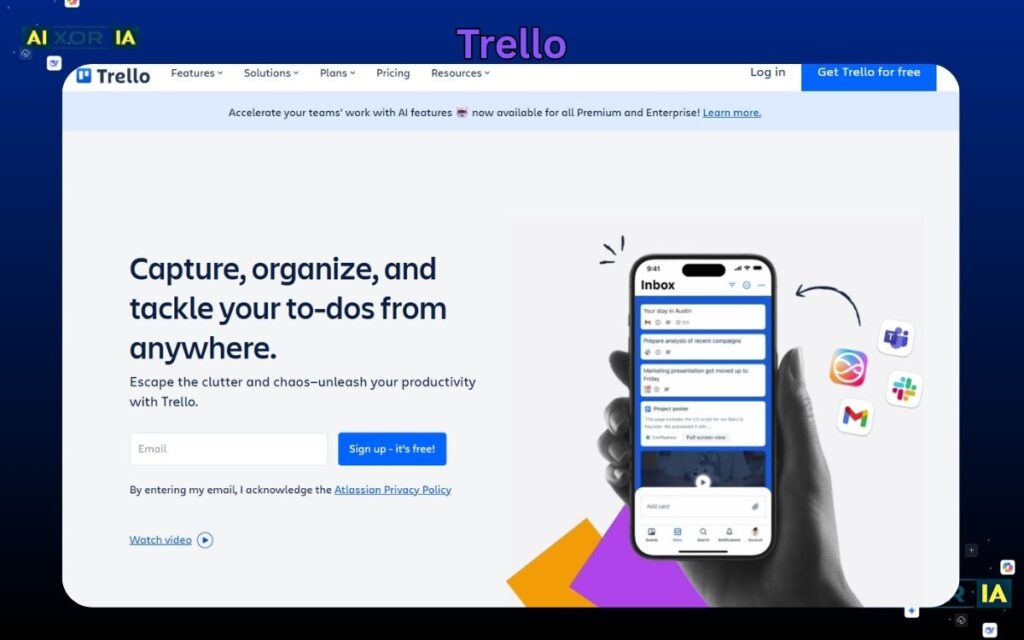
Trello is known for its simplicity and ease of use. It uses a Kanban-style board system, where tasks are represented as cards that move across columns.
While simple on the surface, Trello has evolved with automation and AI features. It now includes AI-powered suggestions, automation rules, and integrations that extend its functionality.
Trello is ideal for small teams or individuals who want a straightforward way to manage tasks without complexity.
Pricing: Free plan available; paid plans from $5/user/month
Pros:
- Very easy to use
- Clean interface
- Great for small teams
Cons: - Limited scalability
- Not ideal for complex projects
Best Enterprise Project Management Tool
Wrike
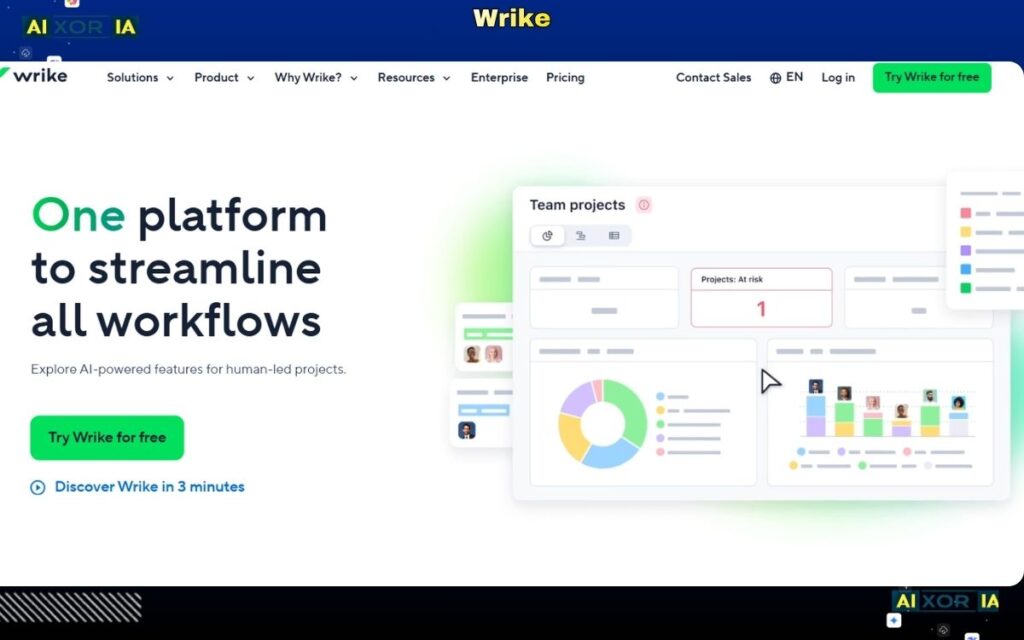
Wrike is built for enterprise teams that need advanced reporting, workflow automation, and scalability.
It offers detailed analytics, custom dashboards, and workload management tools. Its AI capabilities include risk prediction, workload balancing, and automated reporting, helping teams make data-driven decisions.
Wrike is particularly useful for large organizations with complex project structures.
Pricing: Free plan available; paid plans from $9.80/user/month
Pros:
- Advanced reporting
- Scalable for large teams
- Strong automation
Cons: - Complex setup
- Higher cost for advanced features
Best Flexible Workspace Tool
Notion
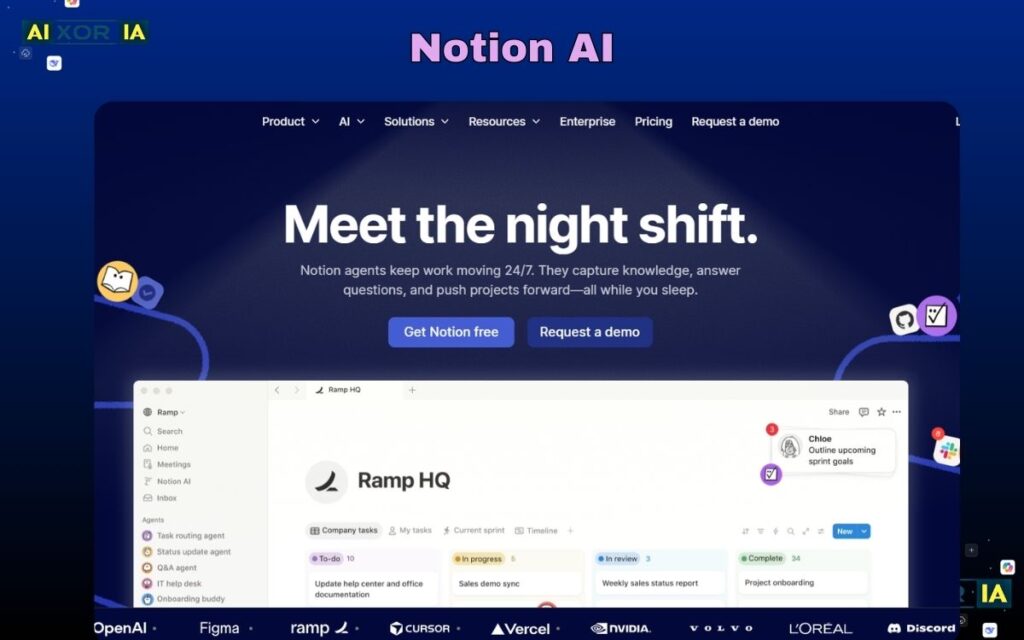
Notion combines notes, databases, and project management into a single flexible workspace.
Teams can create custom dashboards, manage tasks, and document processes in one place. Its AI features allow users to generate content, summarize notes, and organize information efficiently.
Notion is ideal for teams that want flexibility and customization without being locked into rigid structures.
Pricing: Free plan available; paid plans from $8/user/month
Pros:
- Highly flexible
- Combines docs and tasks
- Strong AI writing assistant
Cons: - Requires setup time
- Not ideal for large-scale project tracking
Best Tool for Agile and Development Teams
Jira
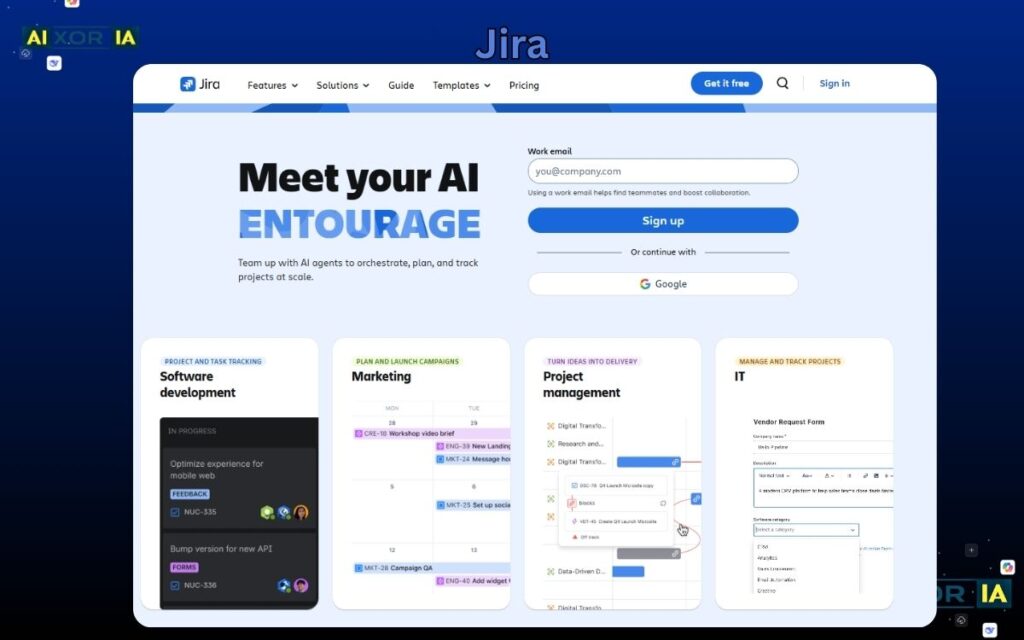
Jira is the standard for Agile and software development teams. It supports sprint planning, backlog management, and issue tracking.
Its automation engine allows teams to create complex workflows, and its AI features help with planning, reporting, and issue analysis.
Jira integrates deeply with development tools, making it essential for engineering teams.
Pricing: Free plan available; paid plans from $7.75/user/month
Pros:
- Ideal for Agile workflows
- Powerful automation
- Deep integrations
Cons: - Complex for beginners
- Not suitable for non-technical teams
Best Spreadsheet-Style Project Tool
Smartsheet
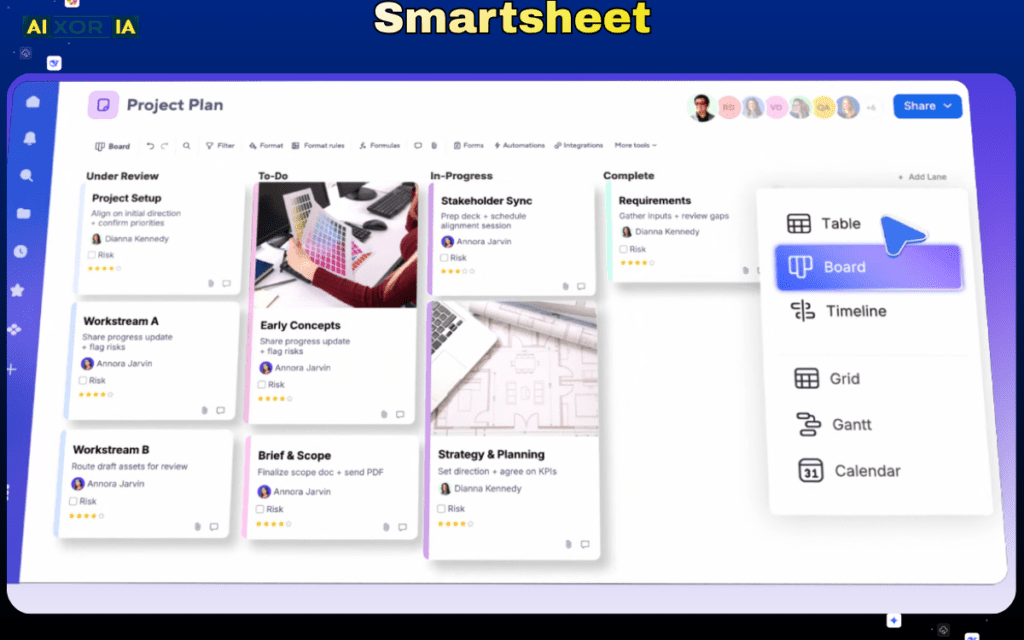
Smartsheet combines the familiarity of spreadsheets with project management capabilities.
It allows teams to track projects, manage resources, and automate workflows using a grid-based interface. Its AI features help analyze data, generate insights, and automate reporting.
Smartsheet is ideal for teams that prefer structured, data-driven project management.
Pricing: Paid plans start around $9/user/month
Pros:
- Familiar interface
- Strong reporting
- Good for data-heavy projects
Cons: - Less intuitive for design workflows
- Limited visual flexibility
Best Project Management Tool for Client Work
Teamwork
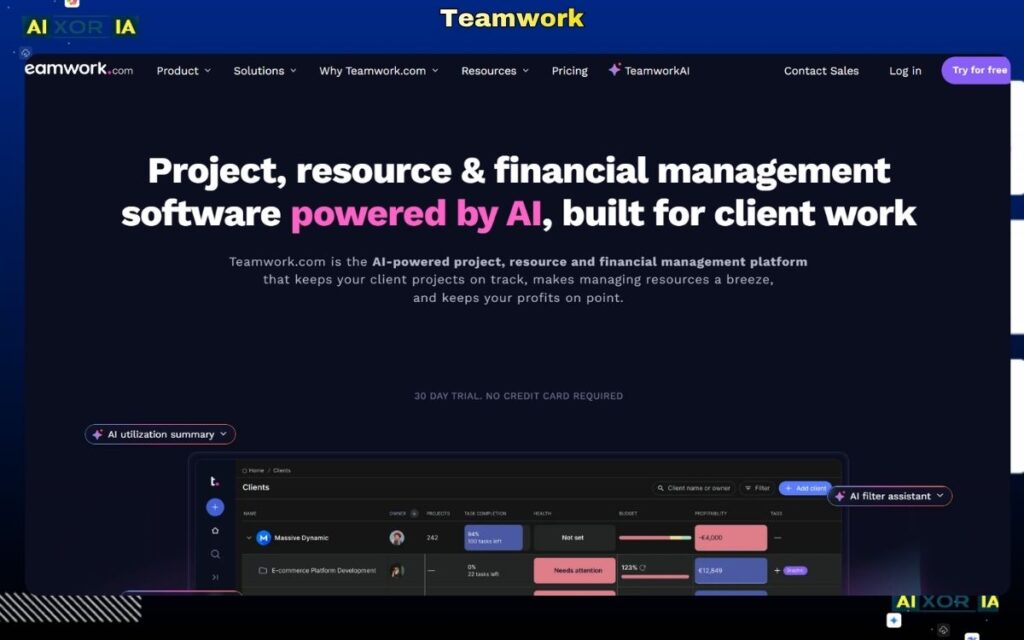
Teamwork is designed for agencies and service-based businesses that manage client projects.
It includes time tracking, billing, and resource management features. Its AI tools help optimize scheduling, track performance, and automate reporting.
Teamwork is particularly useful for teams that need to manage deadlines, budgets, and client communication in one place.
Pricing: Paid plans from $10.99/user/month
Pros:
- Built for client work
- Time tracking and billing
- Strong reporting
Cons: - Limited customization
- Interface can feel dated
Best Simple Collaboration Tool
Basecamp
Basecamp focuses on simplicity and team communication. It combines to-do lists, message boards, file sharing, and scheduling in one platform.
While it doesn’t have as many advanced features as other tools, it offers AI-powered summaries and automation to streamline communication.
Basecamp is ideal for teams that want a straightforward, no-friction solution.
Pricing: Flat pricing model (around $15/user/month or team pricing options)
Pros:
- Simple and easy to use
- Great for communication
- Minimal setup required
Cons: - Limited advanced features
- Not suitable for complex workflows
The Role of AI in Project Management Tools (2026)
AI is now a core component of project management software. Instead of manually managing tasks and updates, teams can rely on AI to:
- Generate project plans
- Summarize meetings and updates
- Predict risks and delays
- Automate repetitive workflows
- Optimize resource allocation
Tools like ClickUp, Asana, Monday.com, and Notion are leading this shift by integrating AI directly into daily workflows.
For teams in the US and globally, this means faster execution, better decision-making, and reduced manual effort.
How to Choose the Right Tool
The best tool depends on your specific needs:
- For structured workflows: Asana
- For visual management: Monday.com
- For all-in-one use: ClickUp
- For simplicity: Trello
- For enterprise: Wrike
- For flexibility: Notion
- For developers: Jira
- For data-driven teams: Smartsheet
- For client work: Teamwork
- For simple collaboration: Basecamp
Final Thoughts
There is no single “best” project management tool for every team. The right choice depends on your workflow, team size, and complexity.
In 2026, the most effective tools AI Toolsare those that combine usability, automation, and AI-powered intelligence. Teams that adopt these platforms effectively will not only manage projects better—but also execute faster and with greater clarity.
8 thoughts on “What Are the Top 10 Project Management Tools in 2026?”