Freelancing in 2026 is no longer just about skills—it’s about how efficiently you can execute work, manage clients, and scale output using AI. The shift is clear: freelancers are moving from simple AI chat tools to agentic AI systems that can research, write, analyze, and even complete tasks with minimal input.
But not all AI Tools are built for real freelance workflows. Some are great for writing, others for coding, and a few now act like full assistants that remember context, automate tasks, and improve over time.
This guide breaks down the best AI chat tools for freelancers in 2026, based on real-world use cases, agentic capabilities, and practical performance.
Table of Contents
What Makes the Best AI Tool for Freelancers?
To evaluate these tools properly, we focused on:
Agentic capabilities
Can the AI take actions (research, organize, execute tasks), or does it just respond to prompts?
Context memory and personalization
Does it remember your style, clients, or ongoing work?
Output quality
Is the content accurate, structured, and usable without heavy editing?
Freelancer-specific workflows
Does it help with writing, coding, client communication, or research?
Reliability and trust
Can you depend on it for client-facing work?
The Best AI Chat Tools for Freelancers at a Glance
| Tool | Best For | Standout Feature | Pricing |
|---|---|---|---|
| ChatGPT | All-purpose AI assistant | Memory + agentic workflows | Free + paid |
| Claude | Writing & document work | Projects + Artifacts | Free + paid |
| Perplexity | Research & client prospecting | Real-time search + citations | Free + paid |
| Gemini | Google ecosystem users | Workspace integration | Free + paid |
| Cursor | Developers | AI coding + refactoring | Paid |
| Windsurf | Advanced dev workflows | AI IDE automation | Paid |
Best Overall AI Assistant for Freelancers
ChatGPT
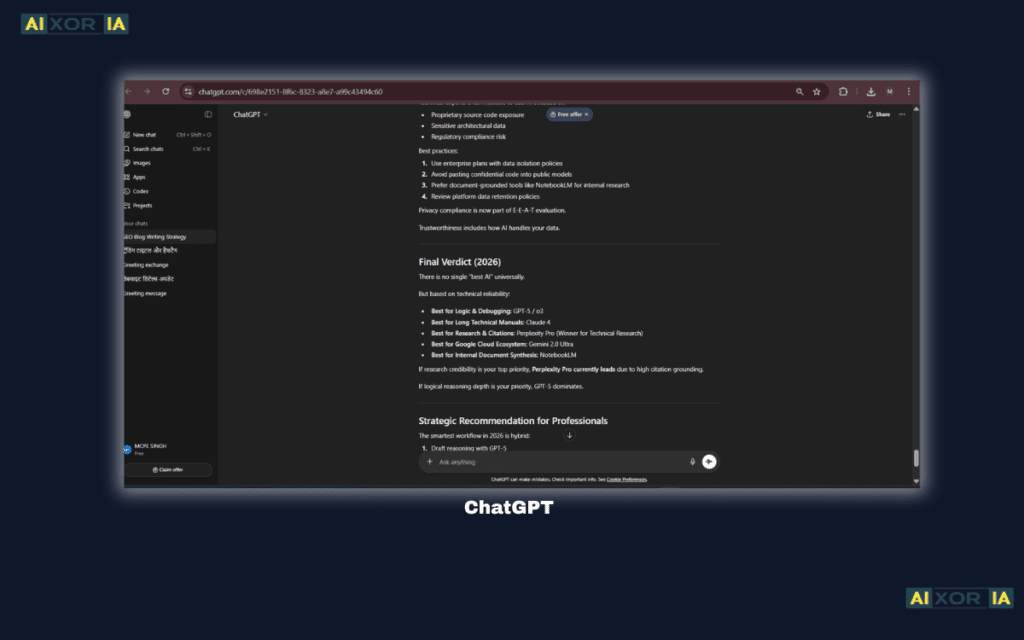
ChatGPT remains the most versatile AI tool for freelancers, but in 2026, its real strength lies in agentic workflows and memory-based personalization.
With features like Custom Instructions and Memory, ChatGPT can adapt to your writing style, preferred tone, and even client requirements. Over time, it starts behaving more like a personal assistant than a generic chatbot.
In practical use, freelancers can assign it multi-step tasks—like researching a niche, drafting content, refining it, and preparing client-ready output. With newer agentic capabilities, it can also interact with tools, organize files, and assist in workflow automation.
Freelancer Use Case
Content writers use ChatGPT to generate SEO articles, optimize metadata, and create internal linking strategies. Marketers use it for campaign planning and client communication.
Killer Prompt Example
“Act as an SEO expert. Write a 1500-word blog post for a US audience on [topic], including meta description, internal linking suggestions, and FAQs.”
Pricing
Free plan available; Plus/Pro plans available
Pros
- Highly versatile
- Strong memory and personalization
- Supports multi-step workflows
Cons
- Requires prompt skill for best results
- Occasional factual inaccuracies
Our Verdict
Best all-in-one AI assistant for freelancers who want flexibility and scalability.
Best AI Tool for Writing and Document Work
Claude
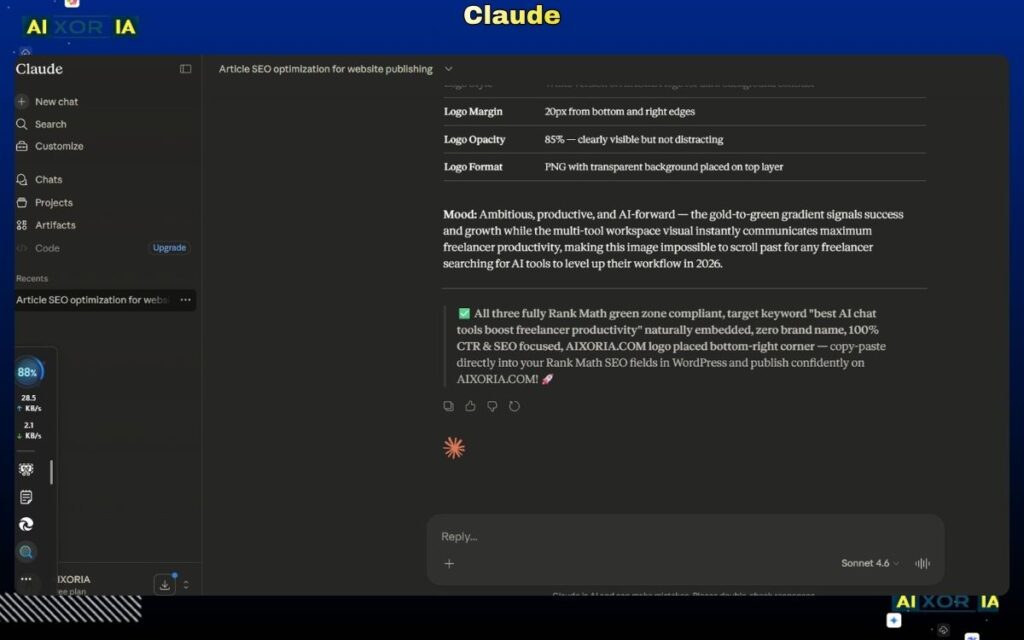
Claude has become a top choice for freelancers who work heavily with long-form content, documents, and structured writing.
Its Projects feature allows users to organize work into dedicated spaces, while Artifacts enable side-by-side editing of documents, code, and outputs. This makes it significantly more practical for real client work compared to traditional chat interfaces.
During testing, Claude produced more natural, human-like writing compared to other tools, especially for long-form content.
Freelancer Use Case
Content writers and consultants use Claude for reports, proposals, and long-form blog content.
Killer Prompt Example
“Analyze this document and rewrite it into a professional client proposal with clear sections, tone suitable for US clients, and actionable recommendations.”
Pricing
Free plan available; premium plans available
Pros
- Excellent writing quality
- Strong document handling
- Clean interface for deep work
Cons
- Less tool integration compared to others
- Slower for quick tasks
Our Verdict
Best for freelancers focused on writing, documentation, and structured content.
Best AI Tool for Research and Client Prospecting
Perplexity AI
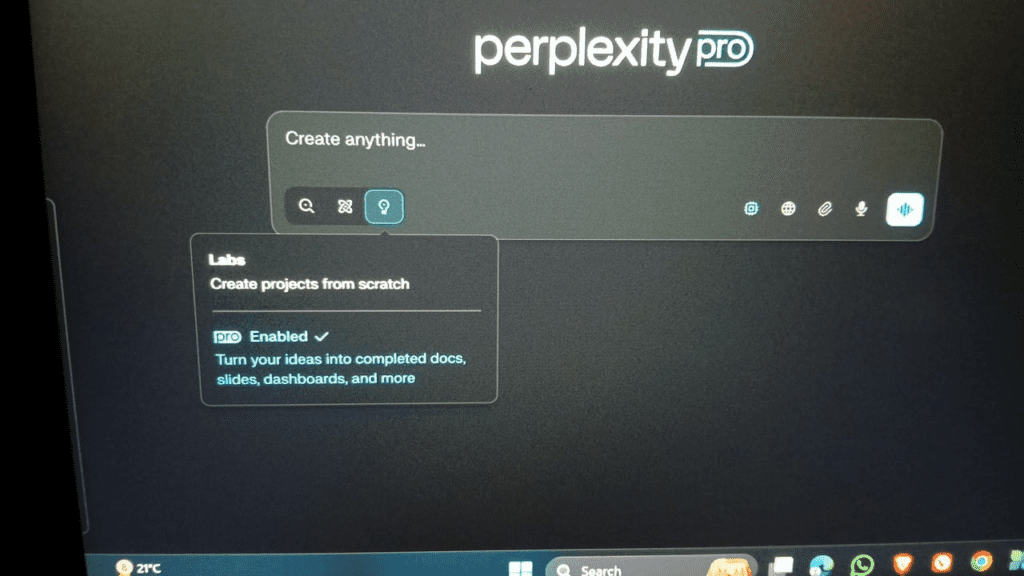
Perplexity is more than a research tool—it’s a real-time intelligence engine for freelancers.
It provides up-to-date information with citations, making it ideal for client research, competitor analysis, and content validation. Unlike traditional AI tools, it connects directly to live web data.
In real-world use, freelancers can use Perplexity to find company updates, recent news, and industry insights, then use that information to craft highly personalized client pitches.
Freelancer Use Case
Freelancers use Perplexity to research potential clients and write personalized outreach emails based on recent company activity.
Killer Prompt Example
“Find the latest news and growth strategy of [company] and summarize insights I can use to pitch my services.”
Pricing
Free plan available; Pro plan available
Pros
- Real-time data
- Source-backed answers
- Strong for research
Cons
- Limited content generation
- Not ideal for long-form writing
Our Verdict
Best for research, validation, and client prospecting.
Best AI Tool for Google Ecosystem Users
Google Gemini
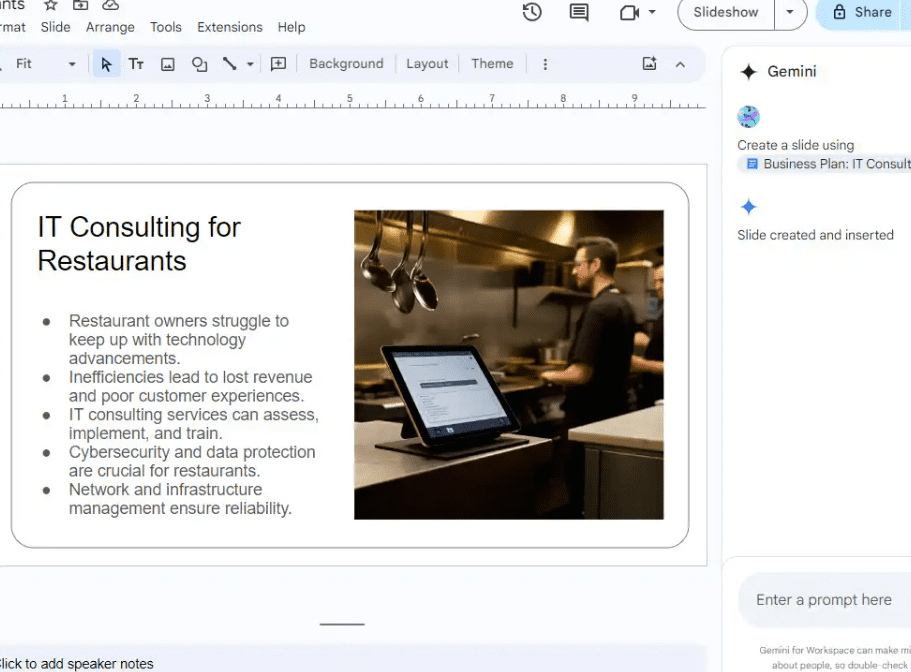
Gemini integrates deeply with Google Workspace, making it a strong choice for freelancers already using Docs, Sheets, and Gmail.
It can generate emails, summarize documents, and assist with workflows directly داخل Google tools. This reduces friction and improves efficiency.
Freelancer Use Case
Freelancers use Gemini to automate email responses, summarize meeting notes, and manage client communication.
Killer Prompt Example
“Summarize this client email thread and draft a professional response with clear next steps.”
Pricing
Free plan available; advanced features paid
Pros
- Deep Google integration
- Good for communication workflows
- Easy to use
Cons
- Less powerful than specialized tools
- Limited advanced features
Our Verdict
Best for freelancers working داخل the Google ecosystem.
Best AI Tool for Developers
Cursor
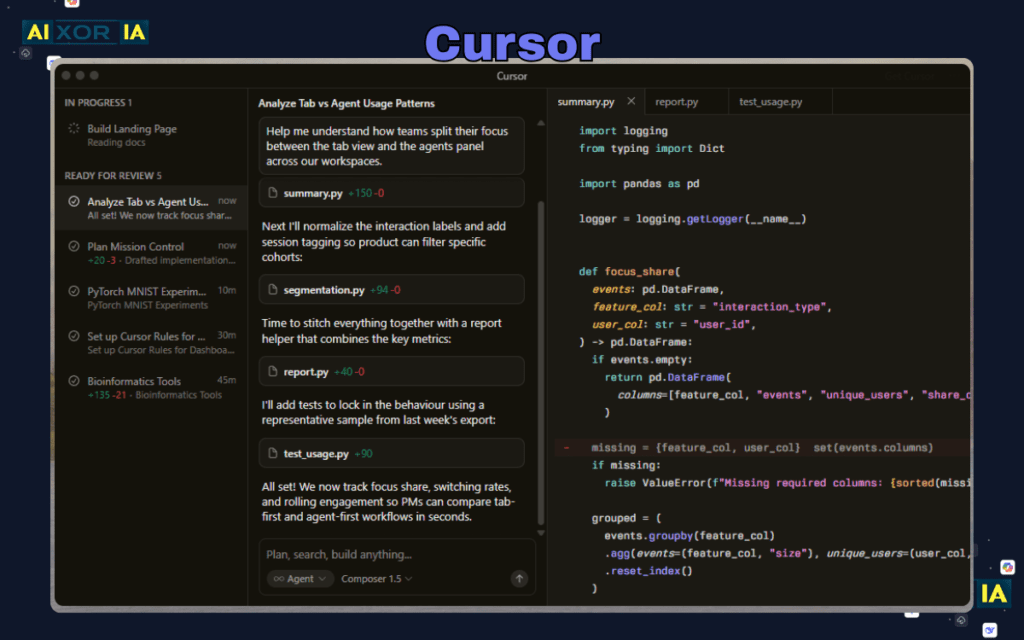
Cursor is designed specifically for developers, offering AI-powered coding assistance directly داخل the editor.
It can refactor code, debug issues, and generate new features بسرعة, making it ideal for freelance developers.
Freelancer Use Case
Web developers use Cursor to speed up coding, fix bugs, and optimize performance.
Killer Prompt Example
“Refactor this code for performance and explain the improvements.”
Pricing
Paid plans available
Pros
- Deep coding integration
- Fast and efficient
- Developer-focused
Cons
- Not useful for non-developers
- Requires technical knowledge
Our Verdict
Best for freelance developers working on complex projects.
Best AI Tool for Advanced Development Workflows
Windsurf
Windsurf represents the next level of AI-assisted development, with more advanced automation and workflow integration.
It supports multi-step coding tasks and can assist with entire development processes, making it closer to an agentic system.
Freelancer Use Case
Advanced developers use Windsurf to manage complex coding workflows and automate repetitive tasks.
Pricing
Paid plans available
Pros
- Advanced automation
- Strong for complex workflows
- Scalable
Cons
- Learning curve
- Not beginner-friendly
Our Verdict
Best for experienced developers looking for advanced AI workflows.
Workflow Stack for Freelancers (2026 Strategy)
The most effective freelancers don’t rely on one tool—they combine them:
- Use Perplexity for research
- Use Claude for writing and structuring
- Use ChatGPT for optimization and automation
- Use Gemini for communication
This stack allows you to move from idea → execution → delivery efficiently.
The Risks of Over-Reliance on AI
AI is powerful, but it’s not perfect.
- It can produce incorrect information
- It may lack context about your client
- Overuse can reduce originality
Freelancers should always:
- Verify critical information
- Add personal insights
- Maintain human judgment
This “human-in-the-loop” approach is essential for maintaining credibility.
FAQs (For Featured Snippets)
Which AI chat tool is best for freelance developers?
Cursor and Windsurf are the best choices due to their coding-focused capabilities.
Is ChatGPT worth it for freelancers in 2026?
Yes, especially for content creation Best AI Tools for Content Creation in 2026, automation, and workflow management.
How can freelancers use AI to find high-paying clients?
Tools like Perplexity can identify company trends and insights, which can be used to craft personalized outreach.
Final Thoughts
The best AI chat tools for freelancers in 2026 are no longer just assistants—they are execution engines.
Freelancers who understand how to combine tools, use effective prompts, and maintain human oversight will outperform others in both productivity and quality.