In 2026, students are not using AI to “write essays.”
They are using Agentic AI systems that:
- Think step-by-step
- Ask counter-questions
- Convert textbooks into podcasts
- Turn PDFs into interactive study maps
- Provide hints instead of final answers
The biggest shift?
AI is no longer a “content generator.”
It is now a thinking partner.
After testing modern academic AI systems across research, revision, STEM, and presentation workflows, here is the most updated, expert-level guide to the best AI tools for students in 2026.
read more – Best Team Communication Tools in 2026
1. NotebookLM – The 2026 King for Students
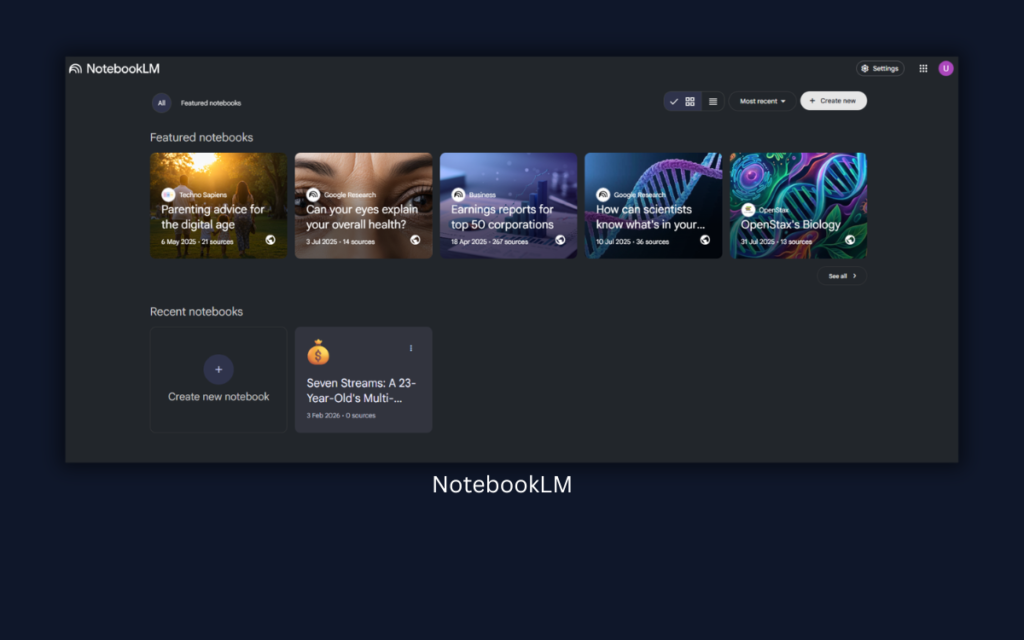
NotebookLM is currently the most powerful academic AI tool for serious students.
Why it dominates in 2026:
- Upload your PDFs, textbooks, research papers
- It builds structured study guides
- Generates AI audio podcast discussions
- Creates deep-dive summaries
- Allows interactive Q&A strictly from your uploaded material
- Reduces hallucination because it stays source-grounded
Why this matters
Instead of asking random AI questions, you build your own closed academic ecosystem.
For exams, this is a game changer.
It transforms:
PDF → Study Guide → Audio Revision → Concept Map → Practice Questions
No other student tool integrates this deeply yet.
Experience:
When I uploaded 5 chapters of a biology textbook into NotebookLM, I didn’t expect much. But what surprised me was the audio discussion feature. It created a conversational podcast-style explanation of my own syllabus.
Instead of reading 40 pages again, I listened to the AI discussion while walking. The best part? When I asked questions, it answered strictly from my uploaded content. No random internet guesses.
For exam revision, this felt like having a private subject tutor who only studies from my book.
2. Thinking Models (GPT-5.2 / o3) – Socratic AI, Not Answer Machines
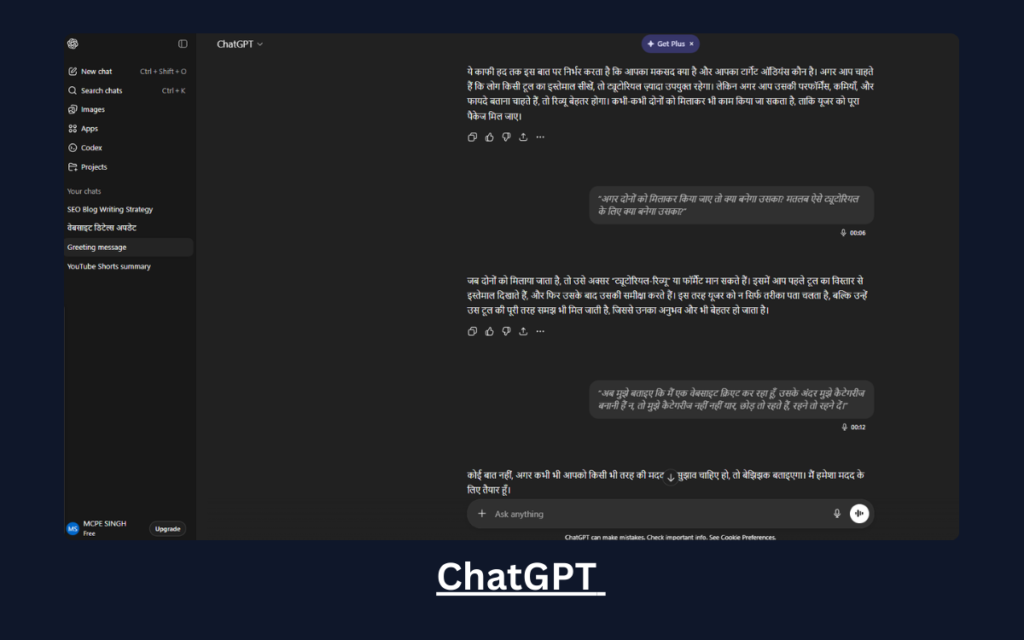
Modern “thinking models” like GPT-5.2 and o3 represent a major shift in AI learning systems.
These models do not just output answers.
They operate in a Thinking Mode:
- Break down calculus problems step-by-step
- Ask clarifying questions
- Explain why a formula applies
- Offer guided reasoning
- Simulate Socratic dialogue
Instead of:
“Here is the derivative.”
You get:
“Before differentiating, what rule applies here? Let’s identify the function type.”
That difference builds understanding, not dependency.
Used correctly, thinking models become:
- Concept clarifiers
- Doubt solvers
- Interactive tutors
Not shortcut engines.
Experience:
I tested a calculus problem involving implicit differentiation. Instead of directly giving the answer, the model asked:
“Which rule applies here? Chain rule or product rule?”
That changed everything.
It broke the solution into reasoning steps and asked me questions in between. It felt less like a chatbot and more like a Socratic tutor guiding my thinking process.
That interaction improved retention way more than just copying a solution.
3. Perplexity Pro – Research With Verifiable Citations
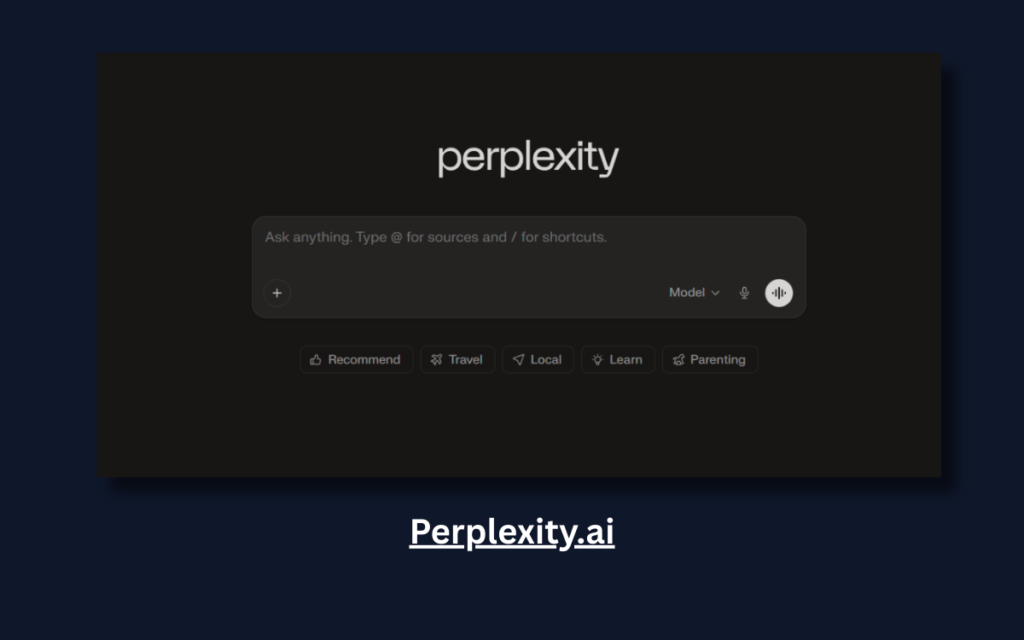
Perplexity AI has evolved into one of the strongest academic research tools.
Why it’s better in 2026:
- Gives source-linked answers
- Pulls from credible publications
- Allows follow-up deep research threads
- Minimizes hallucination
- Pro version provides advanced citation layering
For research papers, this tool replaces 30+ open browser tabs.
But remember:
Use it to explore and verify — not copy content.
Experience:
While researching a paper on climate policy, I used Perplexity Pro. What saved me hours was the inline citation system. Every claim had a source attached.
Instead of checking 20 browser tabs, I followed citation links directly. It didn’t just summarize — it structured the research thread logically.
For academic research, this reduced chaos massively.
4. Khanmigo – AI That Gives Hints, Not Solutions
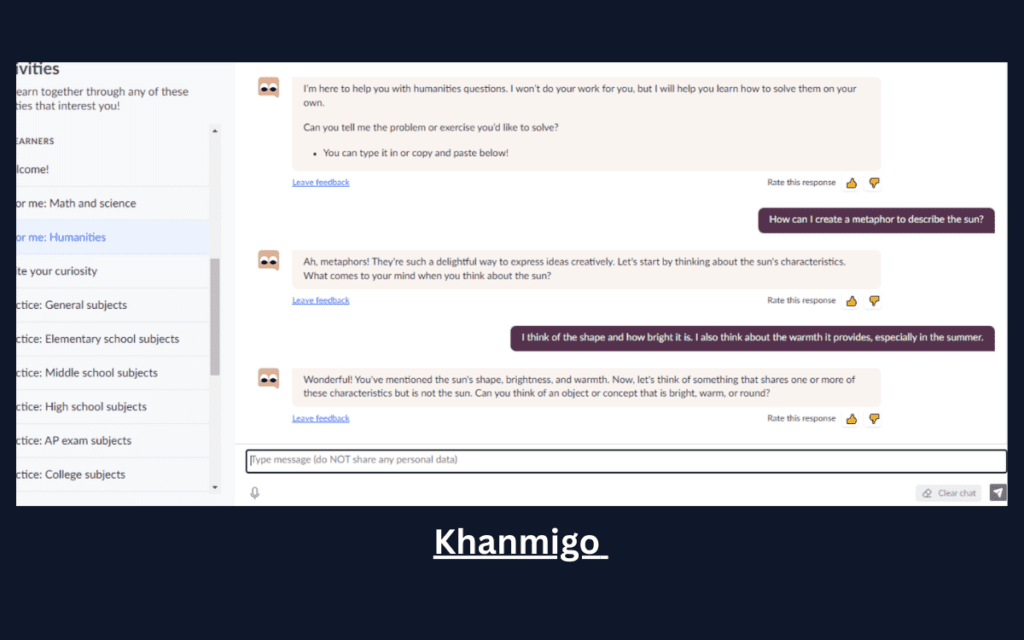
Khanmigo is built specifically for ethical learning.
What makes it different:
- It refuses to give full solutions directly
- Offers hints and reasoning steps
- Encourages active thinking
- Designed around curriculum alignment
This is what AI tutoring should look like.
Experience:
I deliberately tried to “force” it to give me the final answer in an algebra problem.
It refused.
Instead, it said:
“Let’s break this down. What happens if we isolate the variable first?”
That design makes it academically safe. It trains your thinking instead of replacing it.
This is the kind of AI schools will actually allow long-term.
5. Claude 4.5 – Human-Like Academic Writing Assistant
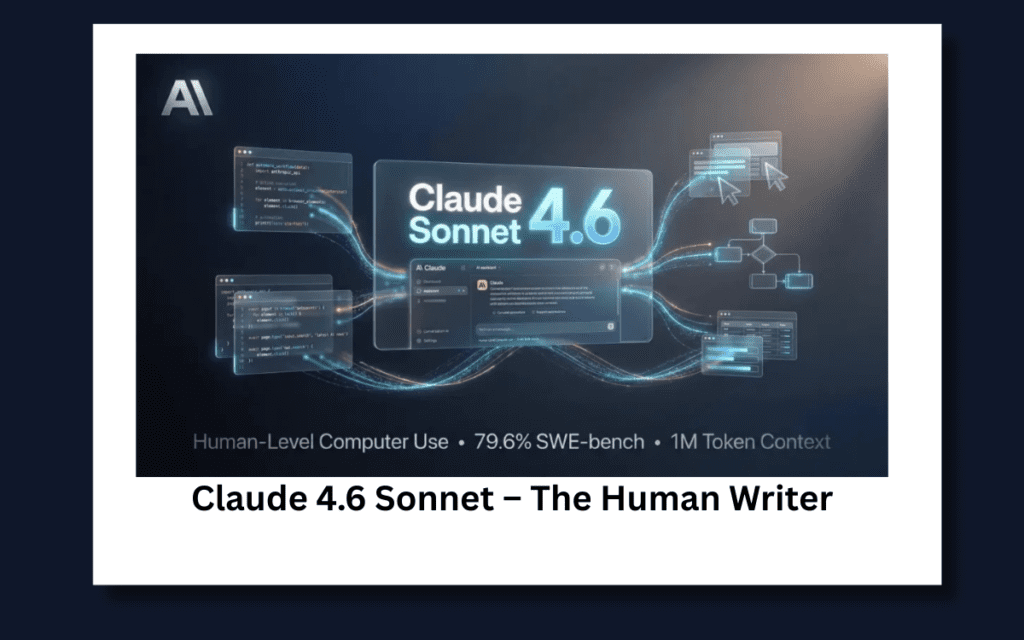
Claude is widely recognized for:
- Natural tone
- Context retention
- Structured academic style
- Less robotic phrasing
In 2026, many students use Claude for:
- Improving clarity
- Rewriting drafts
- Structuring arguments
- Refining thesis statements
The correct use case:
Write your own draft → Use Claude to polish clarity → Maintain your voice.
Experience:
I gave Claude a rough 800-word draft that felt robotic and repetitive.
What I liked:
- It improved transitions
- Reduced redundancy
- Made arguments more structured
But importantly, it didn’t overcomplicate language. The tone stayed human.
Compared to other models, the writing felt less “AI-polished” and more naturally academic.
6. Gamma – Prompt to Presentation AI
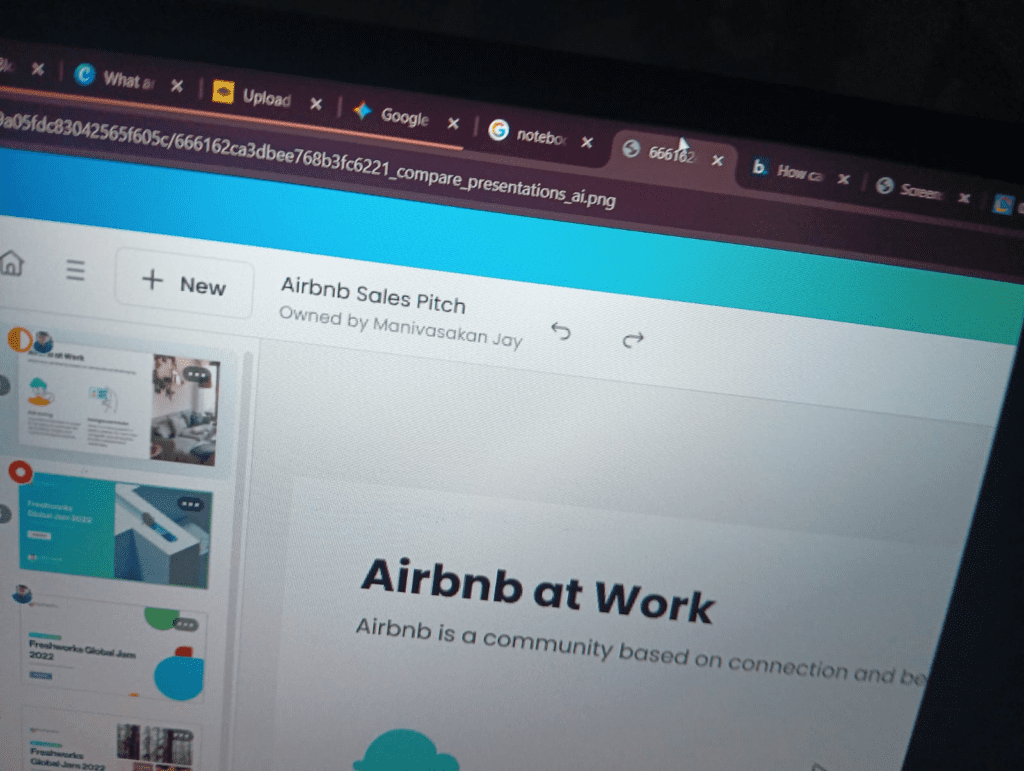
Gamma is now more advanced than traditional slide builders.
Why Gamma stands out:
- Prompt → Full structured presentation
- Smart visual hierarchy
- Auto-design intelligence
- Modern, minimal academic layouts
- Built-in AI content refinement
Compared to older slide tools, Gamma reduces presentation creation time by 70–80%.
It’s especially powerful for:
- Research summaries
- Project pitches
- Seminar decks
Experience:
I typed:
“Create a 10-slide presentation on renewable energy policy for undergraduate level.”
Within seconds, Gamma structured:
- Logical slide flow
- Minimal design
- Clean typography
- Smart visual hierarchy
I only had to tweak 15–20% manually.
For project deadlines, this saved serious time without making slides look generic.
The 2026 Smart Study Workflow (Structured AI Method)
Search engines favor structured clarity.
Here is a practical AI workflow students actually use:
| Phase | Tool (2026) | Why It’s Better Now |
|---|---|---|
| Research | Perplexity Pro | Source-backed factual citations |
| Synthesis | NotebookLM | Converts PDFs into deep audio discussions & interactive study guides |
| Practice | Khanmigo | Hint-based tutoring instead of direct answers |
| Concept Help | Thinking Models (GPT-5.2 / o3) | Step-by-step Socratic explanations |
| Writing | Claude 4.5 | Most human-like refinement tone |
| Presentation | Gamma | Prompt-to-presentation intelligence |
This structured flow prevents misuse and increases real comprehension.
Ethical Use of AI (AdSense Safe & Academic Safe)
AI should be used as:
- A research assistant
- A reasoning guide
- A clarity improver
- A study companion
Not as:
- A ghostwriter
- A cheating tool
- A shortcut to bypass learning
How to Use AI Without Academic Risk (Ethical Way)
- Draft ideas yourself first
- Use AI for feedback, not replacement
- Verify sources independently
- Rewrite explanations in your own understanding
- Cite properly when required
Academic integrity matters more than convenience.
FAQ
Can Turnitin detect GPT-5.2?
Turnitin does not officially “detect” specific AI models.
Detection systems analyze:
- Writing patterns
- Probability models
- Stylometric inconsistencies
However, AI detectors are not 100% reliable.
The safest strategy is simple:
Use AI for assistance, not substitution.
Are AI tools allowed in universities in 2026?
Most institutions now allow AI under “assisted research” guidelines, but policies vary. Always check institutional rules.
What is Agentic AI in student context?
Agentic AI refers to systems that:
- Plan multi-step reasoning
- Ask clarifying questions
- Work toward goals
- Provide structured learning pathways
It moves beyond simple text generation.
Final Verdict: The Future of Student AI
The best AI tools for students in 2026 are not the ones that write essays fastest.
They are the ones that:
- Improve thinking
- Strengthen reasoning
- Reduce hallucination
- Keep academic integrity intact
The winners right now:
NotebookLM, Perplexity Pro, Thinking Models, Khanmigo, Claude 4.5, and Gamma.
AI is no longer about automation.
It’s about augmentation.
1 thought on “What are the Best AI Tools for Students in 2026 | Study Smarter With AI”