If you are a blogger, YouTuber, or digital marketer, you’ve probably asked this question:
Can I turn one video into another video automatically using AI?
That’s exactly where a Video to Video Generator comes in.
Instead of starting from scratch every time, you can use AI to transform existing content into new formats. It saves time. It increases reach. And when used correctly, it can completely change your content workflow.
But here’s the important part…
Not every tool that claims to be an AI Video to Video Generator actually does what you think.
In this detailed guide, we’ll explore:
- What a Video to Video Generator really is
- How AI video transformation tools work
- What NotebookLM is
- What you can and cannot do at notebooklm.google.com
- Whether you can generate videos from YouTube links
- Use cases for bloggers and marketers
- Pros, cons, limitations, legality, and future trends
Let’s break it down in simple language.
What Is a Video to Video Generator?
A Video to Video Generator is an AI-based tool that takes an existing video and transforms it into a new version.
The transformation can include:
- Changing format (landscape to vertical)
- Changing style (real to animated)
- Adding subtitles automatically
- Translating language
- Rewriting narration
- Summarizing long videos into short clips
- Converting video content into scripts or structured content
Some advanced tools even:
- Change background scenes
- Replace voiceovers
- Add AI avatars
- Create highlight reels automatically
In simple words:
A Video Repurposing AI Tool helps you reuse one video in multiple ways.
What Is NotebookLM by Google?
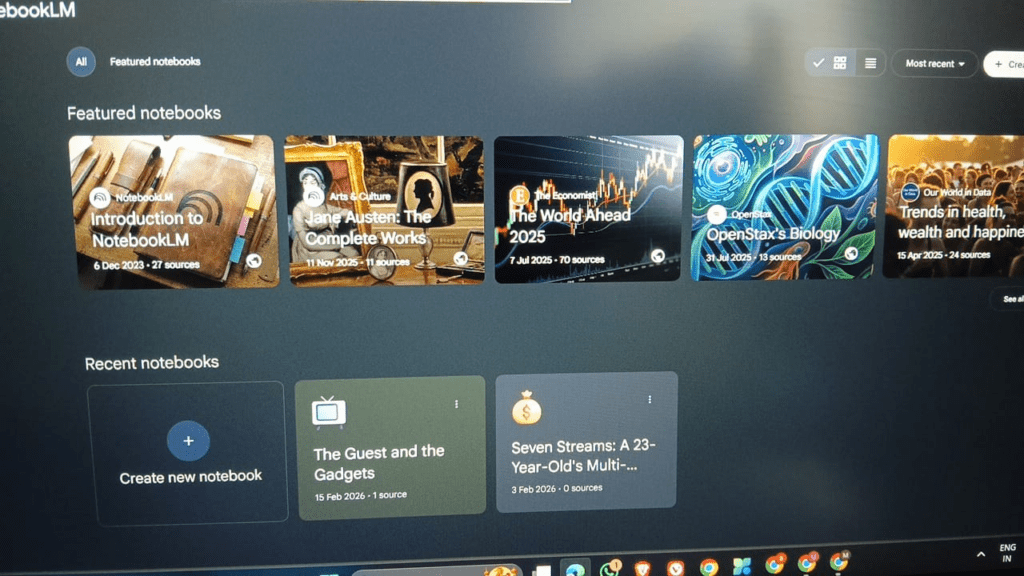
NotebookLM is an AI-powered research and note-taking tool developed by Google.
It is accessible at:
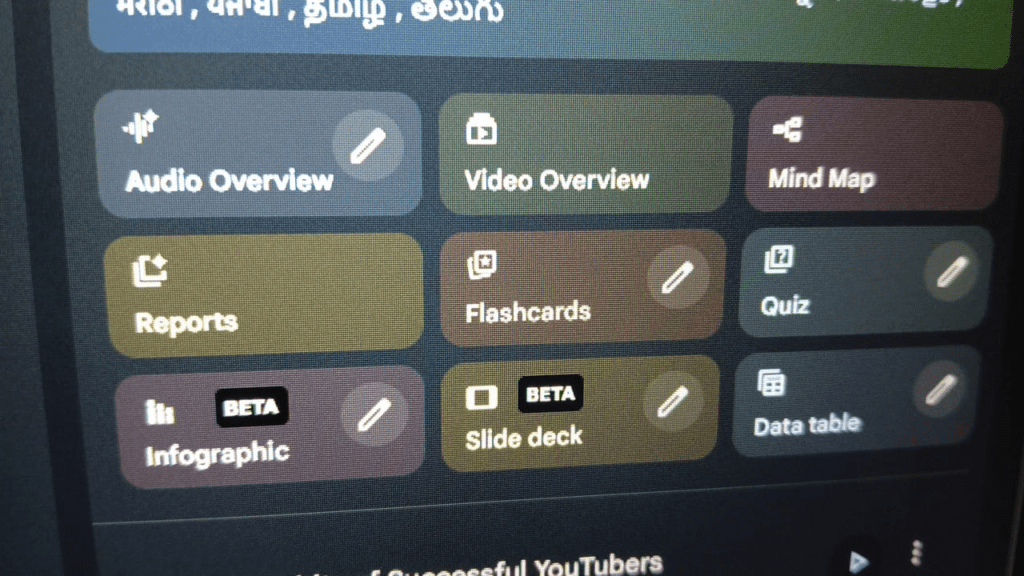
NotebookLM is NOT originally designed as a full AI Video to Video Generator. Instead, it is:
- A research assistant
- A document analyzer
- A summarization tool
- A structured content generator
However…
It can be part of a powerful video repurposing workflow.
Let’s understand how.
Can NotebookLM Generate Video from YouTube Links?
This is where many people get confused.
Short Answer:
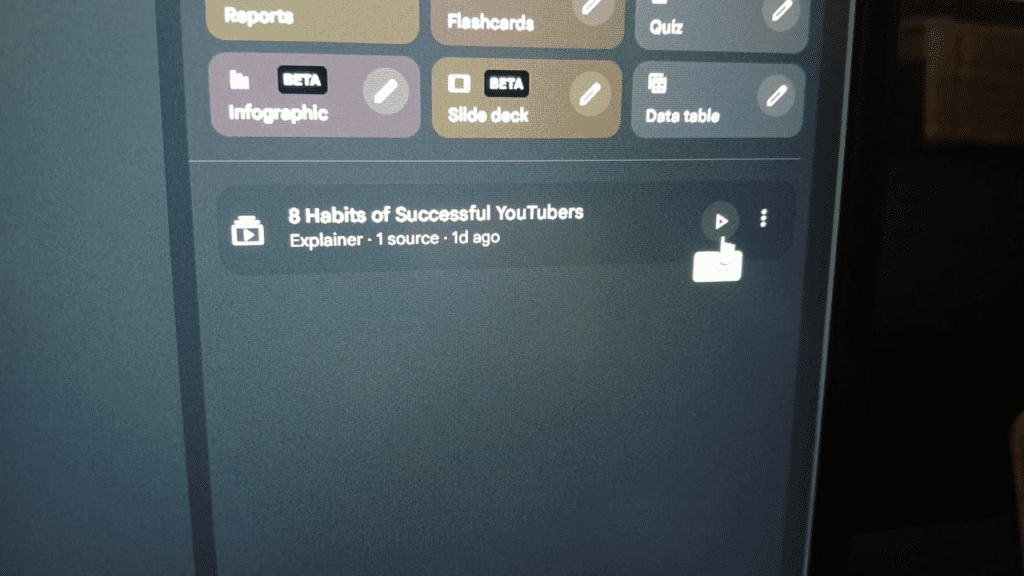
NotebookLM does not directly generate a new video file from a YouTube video.
What It CAN Do:
If you provide a transcript or supported content, NotebookLM can:
- Summarize YouTube transcripts
- Extract key points
- Create structured outlines
- Generate scripts
- Turn long content into short-form scripts
- Create blog articles from video content
So technically:
It is not a direct YouTube Video to Video Generator,
But it is a powerful content transformation assistant.
And when combined with other AI video tools, it becomes extremely useful.
How Does a Video to Video Generator Work?
Let’s break this into simple steps.
Step 1: Input Video
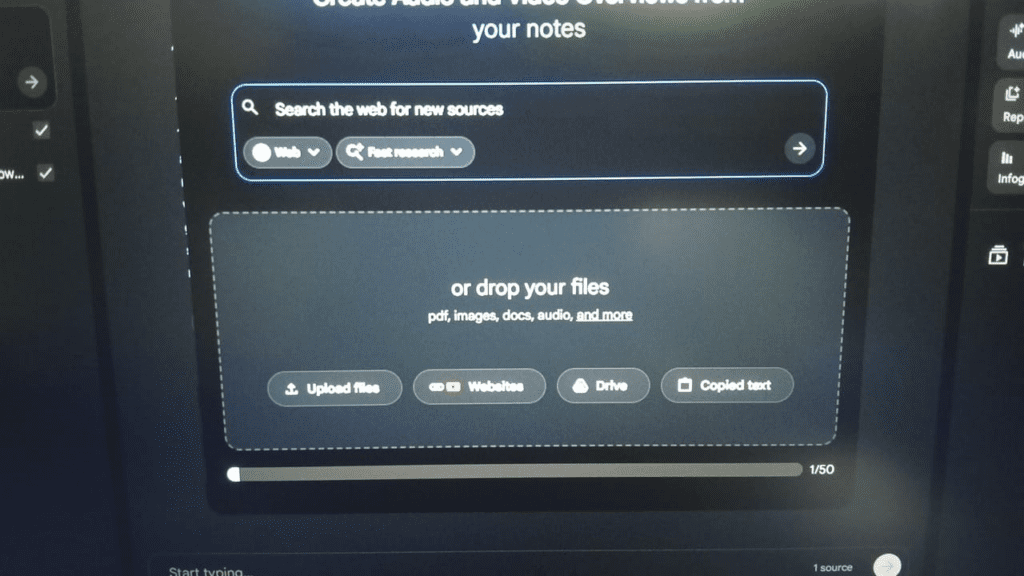
You upload:
- MP4 file
- YouTube link (if supported)
- Recorded video
Step 2: AI Processing
The AI:
- Extracts frames
- Converts speech to text
- Analyzes objects and scenes
- Understands context using machine learning
Step 3: Transformation
Depending on the tool, it can:
- Change aspect ratio
- Add effects
- Translate voice
- Replace background
- Rewrite script
- Generate AI voiceover
Step 4: Output
You receive:
- Edited video
- Short clips
- Script
- Subtitles
- New format video
NotebookLM focuses mainly on Step 2 and Step 3 (text-based transformation).
How to Use NotebookLM for Video Repurposing (Step-by-Step)
Even though NotebookLM is not a full AI Video Transformation Tool, you can use it strategically.
Step 1: Extract Transcript
- Use YouTube transcript feature
- Or use a speech-to-text tool
Step 2: Upload to NotebookLM
Go to:
👉 notebooklm.google.com
Upload:
- Transcript file
- Google Docs
- Notes
Step 3: Ask AI to Transform
You can prompt:
- “Summarize this into a 60-second short script.”
- “Turn this into a LinkedIn post.”
- “Create a blog article outline.”
- “Generate 5 YouTube Shorts scripts.”
Step 4: Use Output in Video Tool
Then use:
- AI avatar tools
- Video editing platforms
- Subtitle generators
To create the final video.
This creates a powerful hybrid workflow.
Comparison Table: NotebookLM vs AI Video to Video Generators
| Feature | NotebookLM Google | Typical AI Video to Video Generator |
|---|---|---|
| Direct video upload | No | Yes |
| YouTube link input | Limited | Often Yes |
| Script generation | Yes | Yes |
| Video editing | No | Yes |
| Subtitle creation | Indirect | Yes |
| AI avatar video | No | Yes |
| Best for | Research & script | Visual transformation |
Important: NotebookLM is more of a research brain than a video editing engine.
Use Cases for Bloggers, YouTubers & Marketers
1. Bloggers
- Convert YouTube content into SEO blog posts
- Create structured outlines
- Repurpose interviews into articles
2. YouTubers
- Turn long videos into Shorts scripts
- Extract highlight moments
- Create multi-platform captions
3. Digital Marketers
- Repurpose webinars
- Generate ad scripts
- Convert podcasts into short clips
- Localize content
Benefits of Using a Video Repurposing AI Tool
Here’s why creators love it:
✅ Saves Time
No need to manually rewrite scripts.
✅ Increases Content Volume
One video → 5 pieces of content.
✅ Improves SEO
Transcripts help Google understand content.
✅ Multi-Platform Reach
You can create:
- Instagram Reels
- YouTube Shorts
- Blog posts
- Email newsletters
✅ Better Consistency
AI maintains structure and tone.
Pros and Cons of Using NotebookLM for Video Transformation
Pros
- Free or low cost (depending on access)
- Developed by Google
- Strong contextual understanding
- Great for research-based videos
- Excellent for structured output
Cons
- Not a full AI Video to Video Generator
- Cannot directly render video
- Limited direct YouTube processing
- Requires external tools for final video creation
Is It Safe and Legal?
This is VERY important.
Using a Video to Video Generator is legal if:
- You own the original video
- You have permission
- You use public domain content
- You follow fair use guidelines
It becomes illegal if:
- You copy copyrighted videos
- You republish without permission
- You try to monetize stolen content
NotebookLM itself is safe to use as a research tool.
But YOU are responsible for the content you transform.
Always respect copyright laws.
My Experience Using a Video to Video Generator
When I first started using a Video to Video Generator, I thought it would just save me time. But I realized it did much more than that. It helped me organize my ideas better, turn long videos into short, engaging clips, and repurpose content without losing my original message.
Using tools like NotebookLM, I was able to quickly extract key points from my videos and convert them into structured scripts. Then, with a video editing tool, I turned those scripts into new content for different platforms.
It didn’t replace my creativity — it improved how I expressed it.
Can Users Upload YouTube Link and Generate a New AI Video?
Direct answer:
NotebookLM does not automatically generate a new video file from a YouTube link.
However:
If transcript is accessible and allowed, you can:
- Extract transcript
- Transform content
- Use AI video tool for final production
So it’s part of the workflow — not the complete solution.
Video Length Options in AI Tools
Depending on the platform:
- 15 sec Shorts
- 30 sec Reels
- 60 sec short videos
- 5–10 minute videos
- Full-length content
NotebookLM itself focuses on script and content length, not final video duration.
Future of Video to Video Generator AI
The future is very interesting.
We are moving toward:
- Fully automated video creation
- Real-time AI editing
- Personalized AI avatars
- Multi-language instant dubbing
- Context-aware storytelling
Google’s AI ecosystem (including tools like NotebookLM) may eventually integrate deeper multimedia generation.
Right now, it is evolving.
In the next 2–3 years, AI video transformation will become:
- Faster
- Cheaper
- More realistic
- More accessible
Alternatives to NotebookLM for Video to Video Generation
If you need full video transformation, you may explore:
- Dedicated AI video editing platforms
- AI avatar generators
- Subtitle automation tools
- Automated short clip generators
Choose based on:
- Budget
- Video quality needs
- Automation level
- Platform support
Frequently Asked Questions (FAQ)
1. What is a Video to Video Generator?
A Video to Video Generator is an AI tool that transforms an existing video into a new format, style, or version automatically.
2. Is NotebookLM an AI Video to Video Generator?
No. NotebookLM is primarily a research and content transformation tool, not a direct video rendering platform.
3. Can I paste a YouTube link into NotebookLM and get a new video?
Not directly. You may need transcripts and external tools to create the final video.
4. Is using AI video transformation legal?
Yes, if you own the content or have permission to use it.
5. Who should use AI Video Repurposing Tools?
Bloggers, YouTubers, educators, marketers, and agencies who want to scale content efficiently.
Final Thoughts
A Video to Video Generator is powerful — but only if used correctly.
NotebookLM by Google is not a traditional AI video transformation tool.
But it can become your secret weapon for:
- Script generation
- Video summarization
- Multi-platform repurposing
- SEO blog creation
If you combine:
NotebookLM + AI video editor
You create a high-efficiency content system.
And that’s how modern creators scale.
Call to Action
If you are serious about:
- Growing your YouTube channel
- Scaling blog traffic
- Repurposing content smarter
- Building AdSense-friendly content
Start by experimenting with:
Then integrate it into your AI video workflow.
And remember:
AI tools don’t replace creativity.
They multiply it.
If you want, I can also create:
- A content cluster strategy around this keyword
- Internal linking structure
- Or a monetization roadmap for this niche
Just tell me
Educational Disclaimer
Disclaimer: This guide reviews third-party AI tools for educational purposes. While these tools assist in memorization, the accuracy of AI-generated content can vary. Users are encouraged to cross-reference flashcards with their primary textbooks. We are not affiliated with the mentioned tools unless stated otherwise.
About the Author
BAKU GAMER is an educator and technology writer focused on leveraging AI for personalized learning. With over 8 years of experience in digital education, they help students master active recall techniques using modern AI tools.