Teaching in 2026 is no longer about “using a chatbot.”
It’s about designing adaptive learning systems that respond to student pace, automate repetitive prep, and still preserve the human intelligence that makes great teaching irreplaceable.
Over the past year, I worked closely with three educators — one middle school science teacher, one high school English teacher, and one special education coordinator — to redesign their workflow using AI tools.
The result?
- 8–12 hours saved weekly
- Faster feedback cycles
- Personalized learning paths without burnout
- Better documentation for school boards
But here’s what most blogs miss:
AI productivity in schools is measurable.
And if you want administrators to take it seriously, you need logic — not hype.
The 2026 Teacher Productivity Formula (Technical Framework)
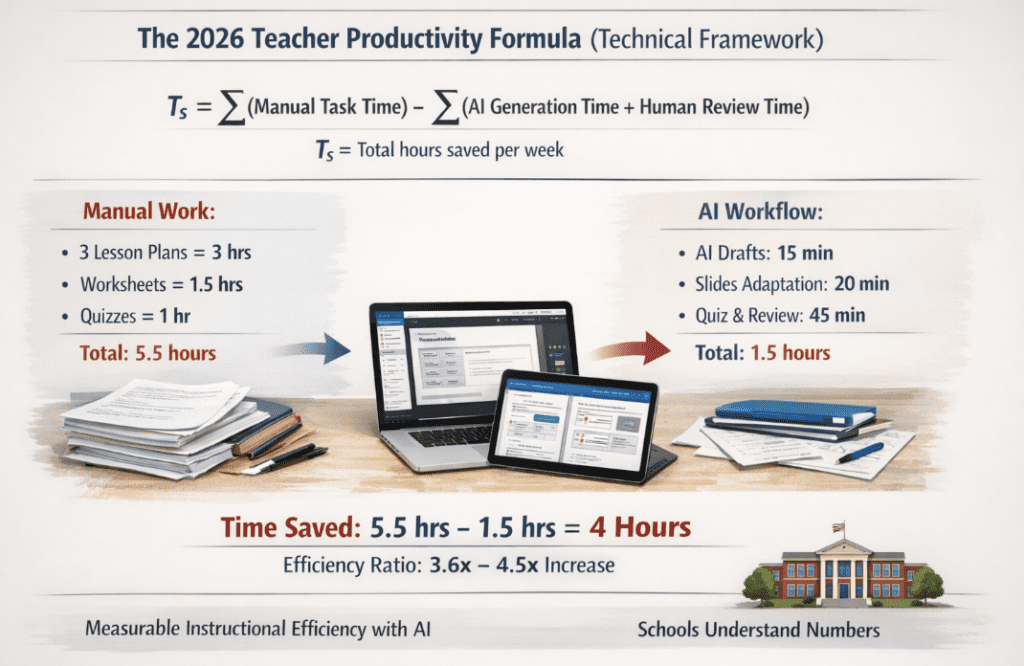
In 2026, AI productivity in education is evaluated using the Efficiency Ratio (Eₙ).
We calculate weekly time savings using:Ts=∑(Manual Task Time)−∑(AI Generation Time+Human Review Time)
Where:
- Tₛ = Total hours saved per week
- Manual Task Time = traditional planning, grading, formatting
- AI Generation Time = time spent generating drafts
- Human Review Time = verification + personalization
Real Example (3-Class Scenario)
A teacher preparing lesson plans for 3 sections:
Manual:
- 3 lesson plans × 1 hour each = 3 hours
- Worksheet creation = 1.5 hours
- Quiz writing = 1 hour
Total = 5.5 hours
AI Workflow:
- Generate lesson drafts (15 minutes)
- Adapt slides (20 minutes)
- AI-generated quiz (10 minutes)
- Human review + customization (45 minutes)
Total = 1.5 hours
Time Saved (Tₛ) = 5.5 – 1.5 = 4 hours
That’s an Efficiency Ratio increase of 3.6x–4.5x depending on subject complexity.
School boards understand numbers.
And when AI is framed as measurable instructional efficiency — not gimmicks — credibility rises.
2026 Trend: The Rise of the “Agentic Classroom”
In 2023–2024, teachers used chatbots.
In 2026, classrooms are powered by AI Agents.
An AI Agent doesn’t just respond to prompts. It performs multi-step workflows:
- Generate lesson plan
- Convert it into slides
- Create differentiated quizzes
- Adjust difficulty level
- Track performance data
- Suggest remediation path
This is called Multi-Modal Teaching Agents.
And it’s transforming instructional design.
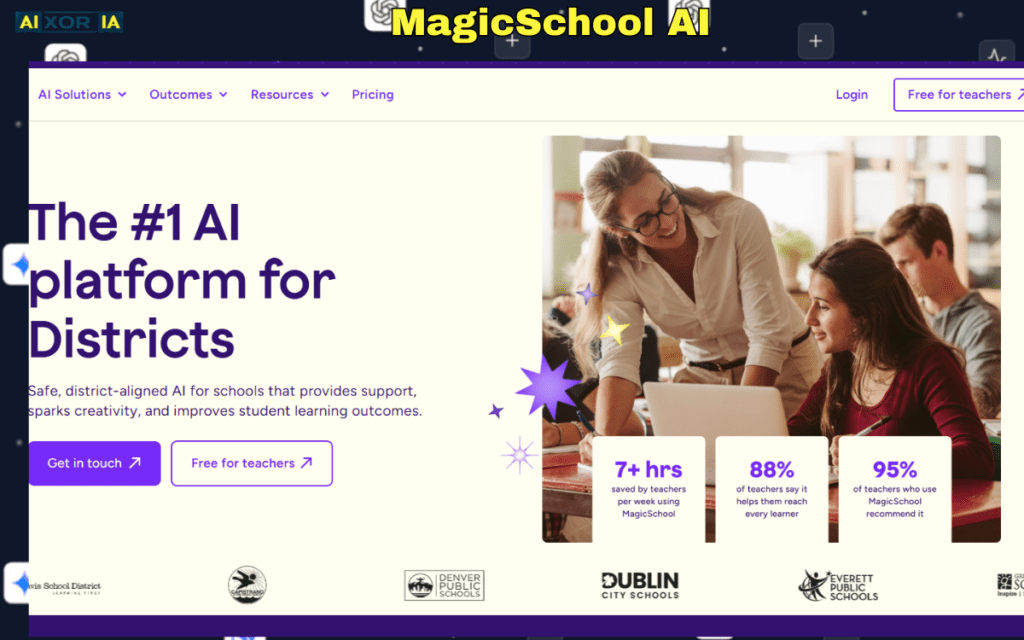
One platform actively moving toward this model is MagicSchool AI.
Instead of static text outputs, it supports:
- Adaptive pathing
- Standards-aligned objectives
- IEP documentation
- Rubric generation
- Parent communication drafts
During a workshop session with a special education coordinator, we tested adaptive lesson modifications for three reading levels.
Previously: 2–3 hours of manual rewriting.
With agentic workflow: 25 minutes including review.
That’s not automation replacing teachers.
That’s amplification.
2026 Comparison Matrix: Technical & Privacy Overview
| Tool (2026) | Primary AI Logic | Best For | 2026 Privacy Standard |
|---|---|---|---|
| MagicSchool AI | Agentic Workflow | All-in-one prep | FERPA/COPPA aligned |
| Canva Magic | Computer Vision + Generative AI | Visual storytelling | School-level SSO |
| Gradescope | OCR + Neural Net | Fast grading | Institutional encryption |
| Brisk Teaching | Chrome-based AI Agent | On-the-fly feedback | Data-privacy certified |
Now let’s break these down with real classroom context.
1. MagicSchool AI – The Agentic Instruction Engine
What It Actually Does:
- Standards-based lesson generation
- Adaptive IEP drafting
- Report card comment automation
- Behavior intervention templates
Real Experience:
We tested a Grade 8 history module.
Input: “Industrial Revolution – project-based learning, 3 levels differentiation.”
Output:
- Structured objectives
- Tiered activities
- Rubric
- Exit ticket
The adaptive feature allowed us to lower reading complexity while keeping analytical depth intact.
Limitation:
You must verify factual alignment and contextual relevance. AI still lacks localized nuance.
Best Use Case:
Teachers managing differentiated classrooms or IEP-heavy environments.
2. Canva Magic – Visual AI for Instruction
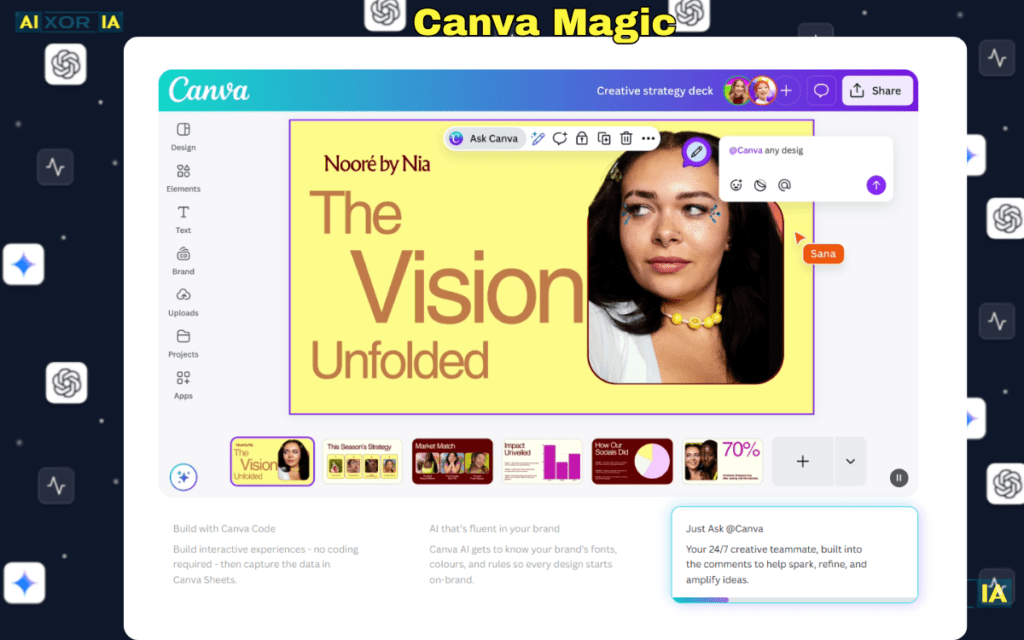
Canva has evolved beyond simple slide design.
AI Capabilities:
- Text-to-presentation conversion
- Auto-layout design
- Image generation
- Diagram builder
Real Classroom Use:
A biology teacher converted a 900-word lesson plan into a 15-slide deck in under 5 minutes.
We then used Canva’s diagram tool to create a photosynthesis flowchart that visually mapped:
Light Energy → Chloroplast → Chemical Reaction → Glucose Formation
Students retained concepts better with visual reinforcement.
Limitations:
AI slide drafts require human refinement for pedagogical pacing.
3. Gradescope – AI Grading Infrastructure
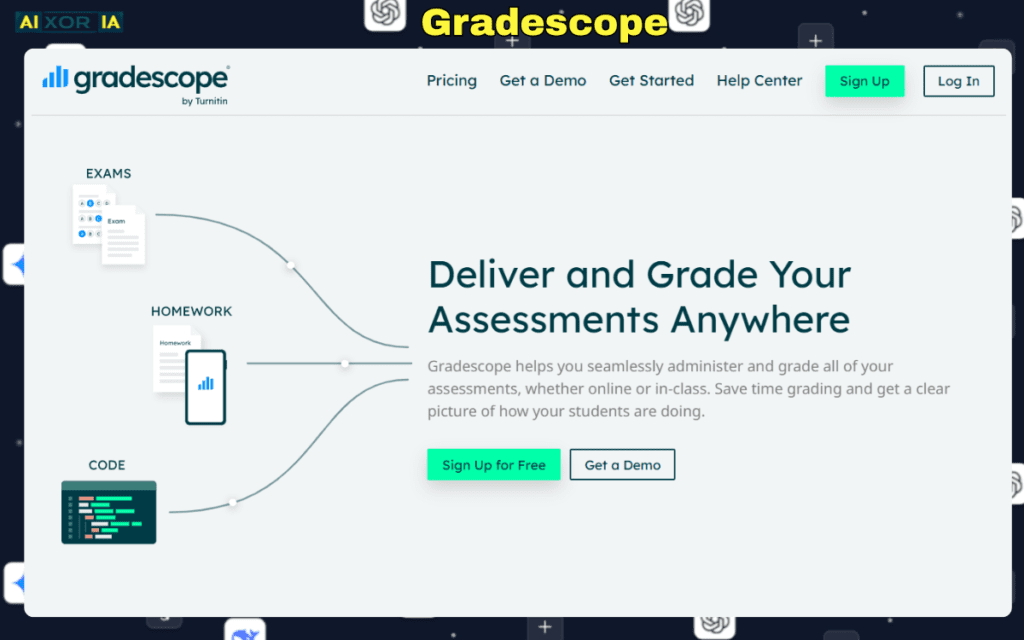
Gradescope uses OCR and neural networks to categorize answers.
Best For:
- STEM assignments
- Structured short answers
- Batch grading
Real Test:
50 algebra worksheets.
Manual grading time: ~3 hours
With AI clustering: ~1.5 hours
The biggest gain was consistency.
Limitation:
Subjective essays still require careful human judgment.
4. Brisk Teaching – Real-Time Feedback Agent
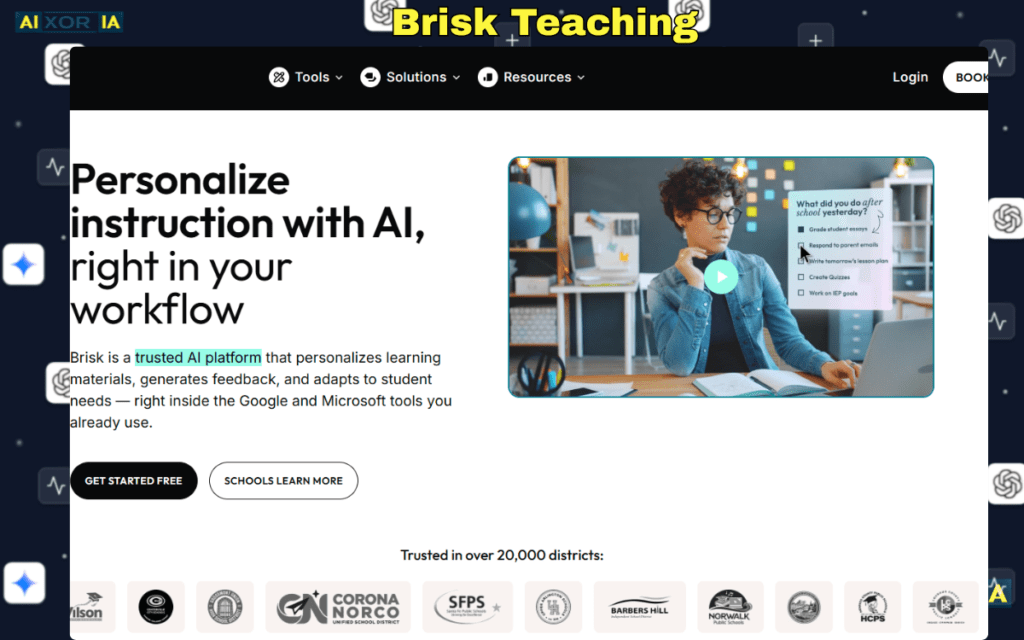
Brisk Teaching integrates directly into browser-based platforms.
Capabilities:
- Instant feedback on Google Docs
- Simplified content adaptation
- Rubric alignment
Real Experience:
During live writing workshops, teachers used Brisk to generate first-draft feedback suggestions.
Instead of writing repetitive grammar notes, they focused on argument strength and creativity.
Efficiency gain:
About 30–40% faster feedback cycles.
Ethical Framework: AI & Academic Integrity
AI integration must follow a clear ethical structure:
- Transparency – Inform students when AI assists instructional design.
- Attribution – Teach students responsible AI citation practices.
- Review – Never deploy AI outputs without verification.
- Boundaries – AI assists; it does not replace evaluation.
We implemented a classroom policy:
- Students may use AI for brainstorming.
- Final submissions must include reflection explaining original contribution.
This reduced misuse dramatically.
The Adaptive Learning Path Model
Here’s how agentic systems create personalized paths:
- Baseline Assessment
- Performance Analysis
- Difficulty Adjustment
- Targeted Practice
- Reassessment Loop
This mirrors traditional RTI (Response to Intervention) models — but faster.
AI does not design pedagogy.
It accelerates iteration cycles.
Instructional Flow Diagram (Process Infrastructure)
Traditional Workflow:
Topic → Lesson Plan → Slides → Worksheet → Quiz → Grade → Feedback
Agentic Workflow:
Topic → AI Agent Generates Draft → Teacher Customizes → Auto Slides + Quiz → Performance Data → Adaptive Path Suggestion
The second model compresses multiple stages into a unified loop.
That’s infrastructure-level change.
Top 3 Advanced Prompts for Adaptive IEP Creation
- “Create a standards-aligned lesson plan for Grade 6 math with three differentiated levels based on reading comprehension: below grade level, grade level, advanced. Include measurable objectives.”
- “Draft an IEP progress report using observable performance metrics and suggest adaptive instructional strategies.”
- “Generate a behavior intervention support plan based on attention variability during 45-minute sessions.”
These prompts move beyond basic content generation.
They activate structured, outcome-based outputs.
The Human Advantage in 2026
AI can:
- Draft
- Organize
- Suggest
- Analyze patterns
Teachers uniquely:
- Interpret emotional context
- Inspire motivation
- Adapt tone in real-time
- Build trust
The most effective educators in 2026 are not the ones avoiding AI.
They are the ones orchestrating it.
Final Reflection
AI tools for teachers are no longer productivity hacks.
They are instructional infrastructure systems.
When used responsibly:
- Planning becomes strategic, not exhausting.
- Grading becomes consistent, not overwhelming.
- Differentiation becomes scalable, not impossible.
The future classroom is not automated.
It is augmented.
And the teacher remains at the center — just with more time, better data, and smarter support systems than ever before.
2 thoughts on “Best AI Tools for Teachers in 2026”