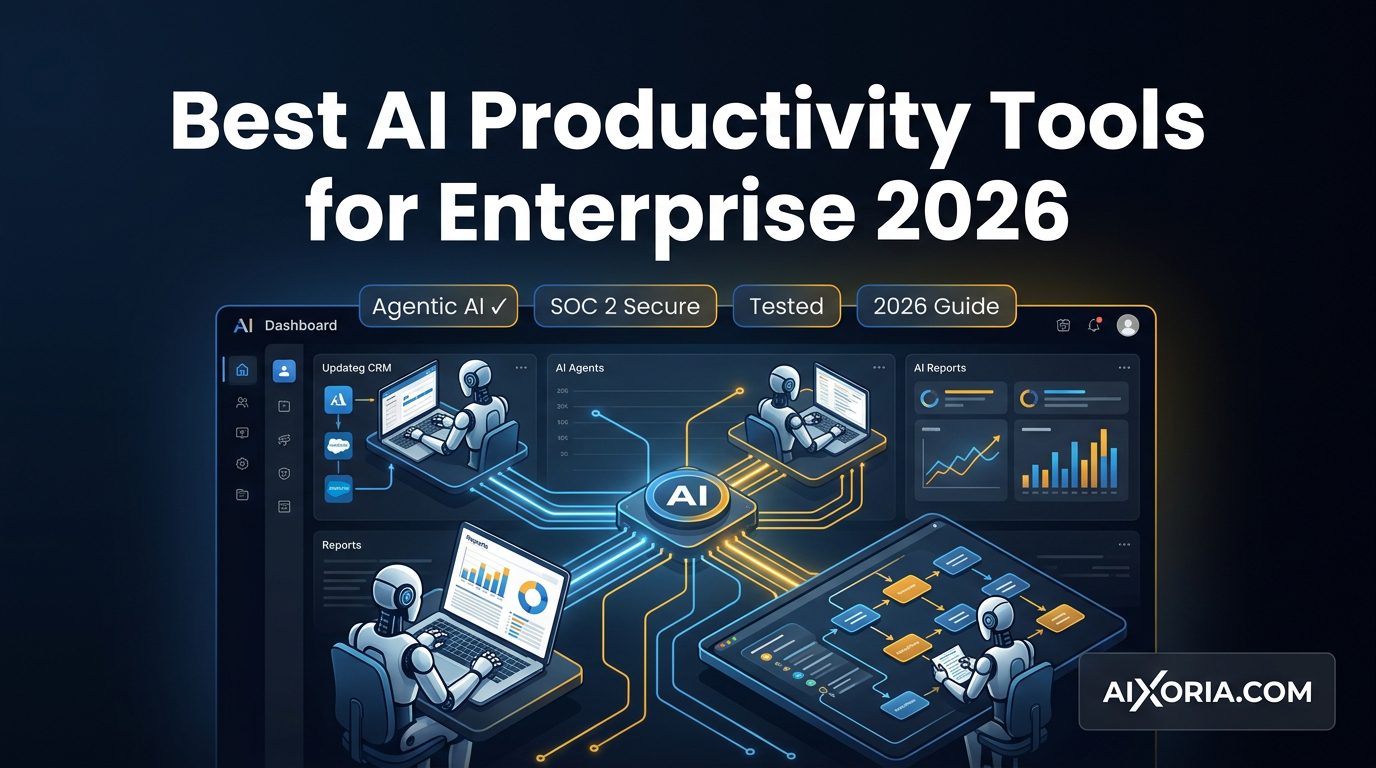
AI productivity in 2026 is no longer about simple chat assistants or isolated automations. Enterprises are now adopting agentic AI systems—tools that can plan, execute, and optimize workflows autonomously across multiple applications.
This shift from “AI assistance” to AI execution is redefining how organizations operate. Instead of helping employees complete tasks, modern AI tools can take action on their behalf—updating CRMs, generating reports, managing workflows, and coordinating across systems.
For enterprise teams, the challenge is no longer whether to adopt AI, but which tools can scale securely, integrate deeply, and operate reliably within complex environments.
This guide covers the best AI productivity tools for enterprise in 2026, with a focus on agentic capabilities, security, integrations, and real-world enterprise use cases.
Table of Contents
What Makes the Best AI Productivity Tool for Enterprise?
Enterprise AI tools in 2026 must go beyond surface-level productivity. The best platforms deliver:
Agentic AI capabilities
Tools should not just suggest actions—they should execute multi-step workflows autonomously using AI agents.
Enterprise-grade security and compliance
Look for SOC 2 Type II, GDPR compliance, SSO, data encryption, audit logs, and private AI environments where company data is not used for model training.
Deep system integrations
Enterprise productivity depends on how well AI connects CRMs, ERPs, communication tools, and internal systems.
Governance and control
Admins need visibility into how AI is used, who can deploy automations, and how data flows across systems.
Information gain and decision support
The best tools provide insights, summaries, and recommendations that improve decision-making—not just task execution.
READ MORE – 7 Best AI Productivity Tools for April 2026
The Best AI Productivity Tools for Enterprise at a Glance
| Tool | Best For | Agentic Ability | Enterprise Security |
|---|---|---|---|
| ChatGPT | Cross-functional productivity | High (Custom GPTs / Agents) | Tier 1 (Enterprise controls, private data options) |
| Microsoft Copilot | Microsoft ecosystem | Very High (Copilot Studio) | Tier 1 (Microsoft Cloud compliance) |
| Claude | Secure enterprise AI | High | Tier 1 (Strong privacy focus) |
| Perplexity | AI-powered research | Moderate | Tier 2 |
| Notion AI | Knowledge management | Moderate | Tier 2 |
| Zapier | Workflow automation | Very High (AI agents) | Tier 2 |
| Google Gemini | Google ecosystem | High | Tier 1 (Google Cloud) |
| Grammarly | Communication | Low | Tier 2 |
| GitHub Copilot | Development | High | Tier 1 |
Best AI Productivity Tool for Cross-Functional Enterprise Use
ChatGPT
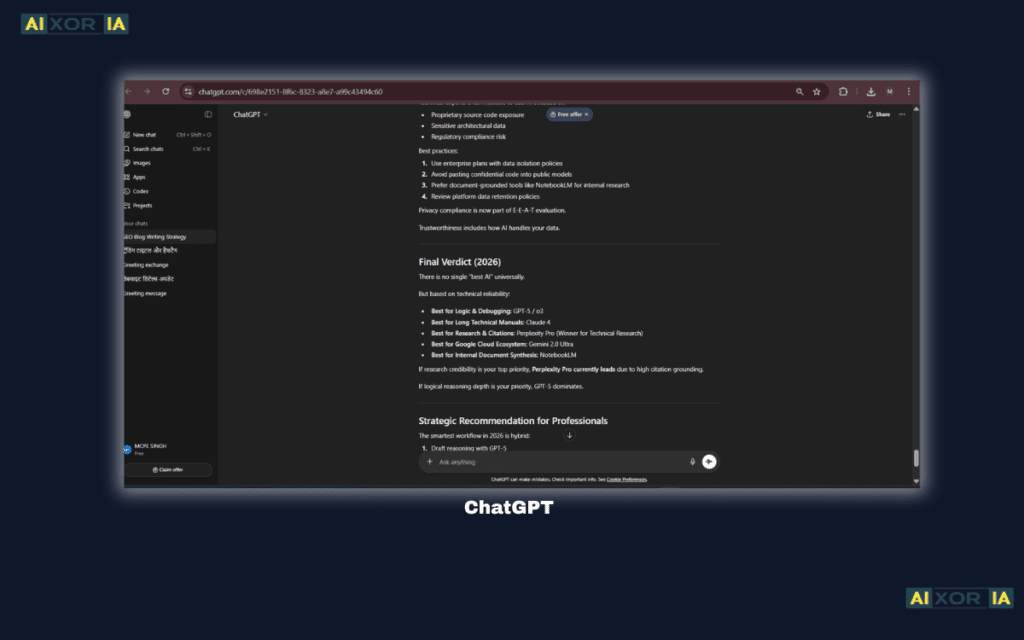
ChatGPT has evolved into a full enterprise productivity platform, especially with the introduction of custom GPTs and AI agents. These agents can be configured to perform specific tasks—such as handling customer queries, generating reports, or managing workflows across tools.
In enterprise environments, ChatGPT is used for document generation, internal knowledge retrieval, automation planning, and even executing multi-step processes through integrations. The ability to create role-specific agents (for HR, marketing, operations) makes it highly adaptable.
What makes ChatGPT particularly powerful in 2026 is its shift toward execution-based workflows. Instead of just generating outputs, it can now trigger actions through connected systems—reducing manual intervention.
Pro Enterprise Tip: Use custom GPT agents to automate internal reporting workflows—generate weekly reports and push them directly to dashboards or email systems.
Pricing: Free plan available; Team ~$25/user/month; Enterprise custom pricing
Pros:
- Highly flexible across departments
- Custom AI agents for task execution
- Natural language interface
Cons:
- Requires setup for advanced automation
- Outputs may require validation for critical workflows
Best AI Productivity Tool for Microsoft-Based Enterprises
Microsoft Copilot
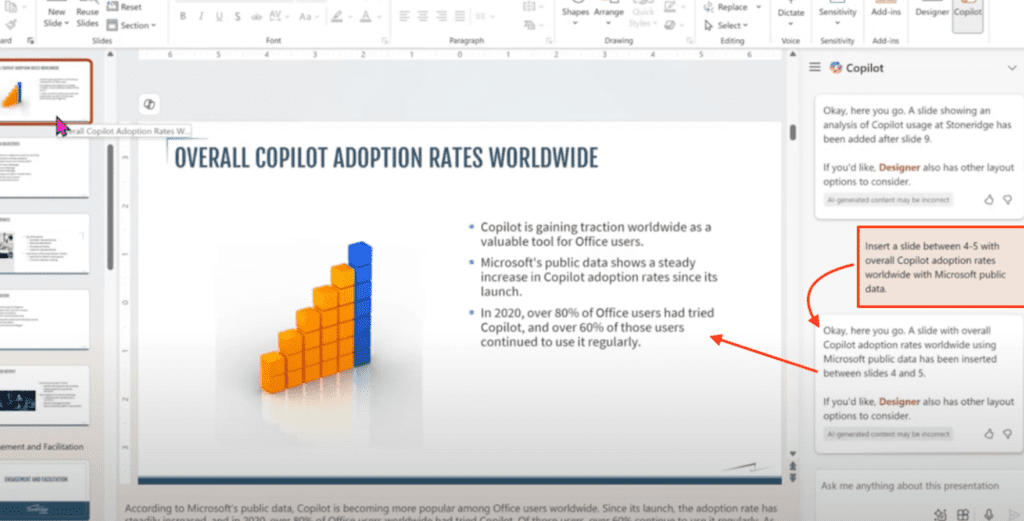
Microsoft Copilot is deeply integrated into the Microsoft ecosystem, making it one of the most powerful productivity tools for enterprises already using Microsoft 365.
With Copilot Studio, organizations can build custom AI agents that automate workflows across Teams, Outlook, Excel, and enterprise systems. These agents can handle tasks like processing requests, updating records, and generating insights automatically.
Copilot’s strength lies in its ability to operate within existing workflows. Employees don’t need to learn new systems—AI is embedded directly into the tools they already use.
Pro Enterprise Tip: Use Copilot in Teams to convert long meetings into structured action items and automatically assign tasks via Outlook or Planner.
Pricing: ~$30/user/month (requires Microsoft 365)
Pros:
- Deep integration with enterprise tools
- Advanced agentic automation via Copilot Studio
- Strong security and compliance
Cons:
- Best suited for Microsoft ecosystems
- Higher cost at scale
Best Secure AI Productivity Tool for Enterprises
Claude
Claude has become a preferred choice for enterprises that prioritize security, privacy, and large-context processing.
It is designed to handle long documents, complex analysis, and sensitive data workflows. Many organizations use Claude for legal reviews, compliance documentation, and research-heavy tasks.
Claude’s enterprise offering emphasizes data protection and safe AI usage, ensuring that company data is not used to train public models. This makes it particularly attractive for regulated industries.
Pro Enterprise Tip: Use Claude for analyzing large internal documents (contracts, reports) where context retention is critical.
Pricing: Custom enterprise pricing
Pros:
- Strong focus on security and privacy
- Handles large datasets and documents
- Reliable for sensitive workflows
Cons:
- Fewer integrations compared to competitors
- Limited workflow automation capabilities
Best AI Productivity Tool for Research and Search
Perplexity AI
Perplexity is emerging as a major enterprise tool for AI-driven research and real-time information retrieval.
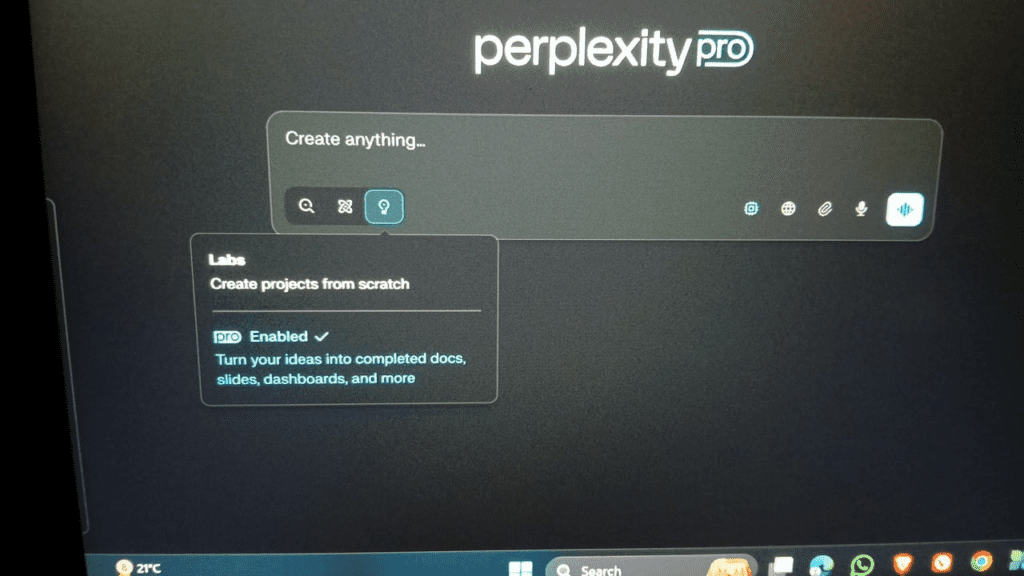
Unlike traditional search engines, it provides direct, cited answers, making it valuable for analysts, researchers, and decision-makers. Enterprises use it for market research, competitor analysis, and quick knowledge retrieval.
While it is not as workflow-focused as other tools, its ability to deliver accurate, contextual insights makes it a key productivity enhancer.
Pro Enterprise Tip: Use Perplexity for rapid competitive analysis by combining multiple queries into a single research workflow.
Pricing: Free + Pro plans (~$20/month); enterprise options available
Pros:
- Fast, accurate research capabilities
- Source-backed answers
- Easy to use
Cons:
- Limited automation features
- Not designed for workflow execution
Best AI Productivity Tool for Workflow Automation
Zapier
Zapier has evolved into a powerful AI orchestration platform for enterprises.
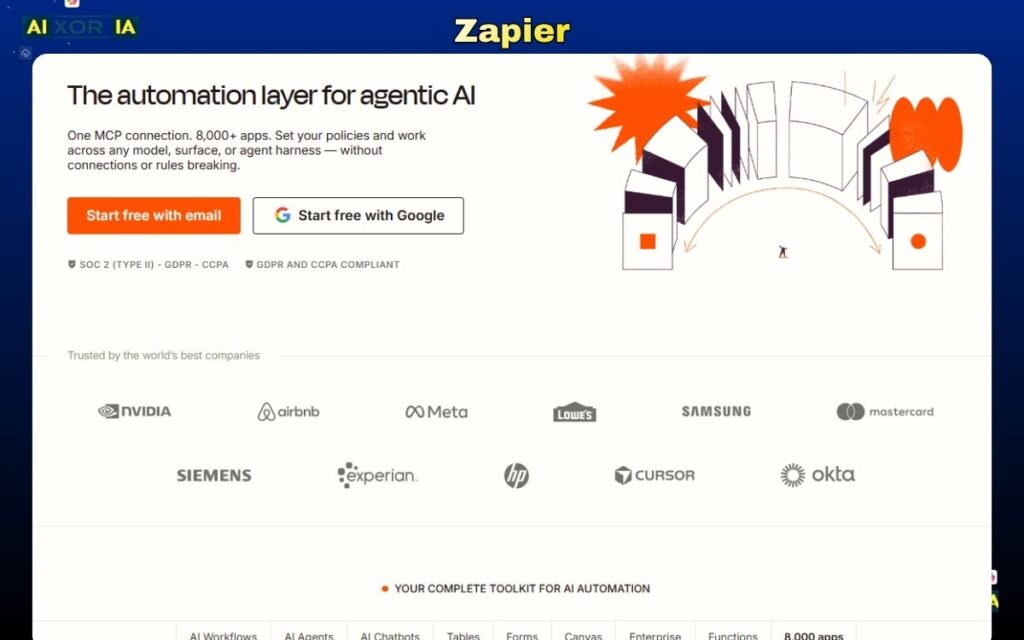
It enables teams to create automated workflows across thousands of applications without coding. With AI agents, Zapier can now handle decision-making within workflows—triggering actions, processing data, and managing tasks automatically.
For enterprises dealing with fragmented systems, Zapier acts as a central layer that connects everything and enables end-to-end automation.
Pro Enterprise Tip: Build AI-driven workflows that automatically qualify leads and update CRM systems without human intervention.
Pricing: Free plan available; paid plans start ~$19.99/month
Pros:
- Massive integration ecosystem
- Strong automation capabilities
- AI-driven workflows
Cons:
- Complex workflows require setup
- Costs scale with usage
Best AI Productivity Tool for Knowledge Management
Notion AI
Notion AI combines documentation, collaboration, and AI into a single workspace. It is widely used for managing internal knowledge, generating content, and organizing workflows.
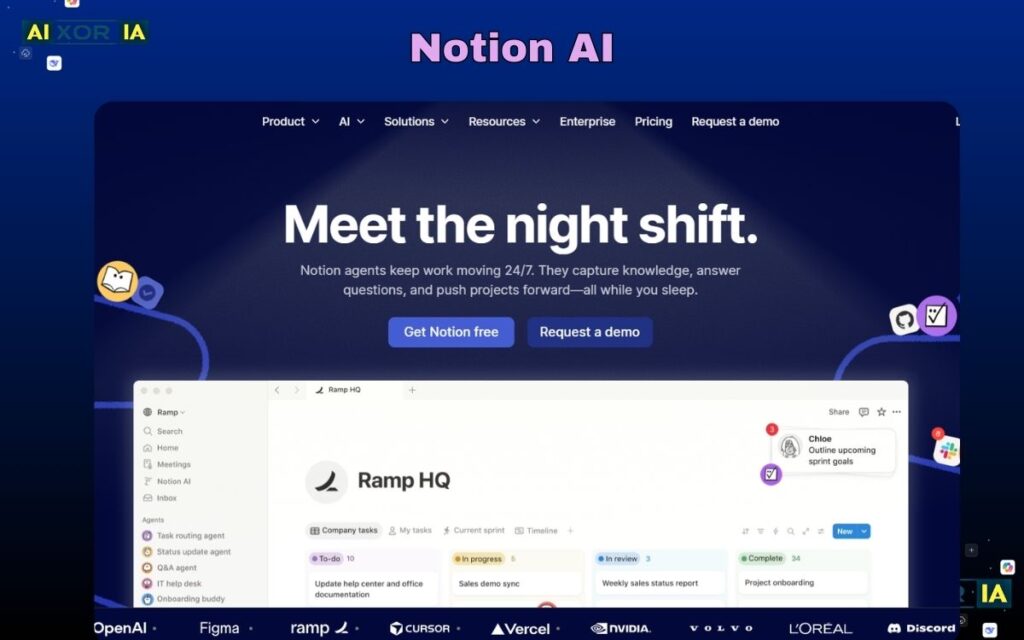
While its agentic capabilities are moderate, it excels in information structuring and team collaboration.
Pro Enterprise Tip: Use Notion AI to centralize company knowledge and reduce time spent searching for information.
Pricing: Free + AI add-on (~$10/user/month)
Pros:
- All-in-one workspace
- Strong documentation capabilities
- Easy collaboration
Cons:
- Limited automation compared to dedicated tools
- Can become complex at scale
Best AI Productivity Tool for Google-Based Enterprises
Google Gemini
Google Gemini integrates deeply with Google Workspace, enabling productivity across Docs, Sheets, Gmail, and Drive.
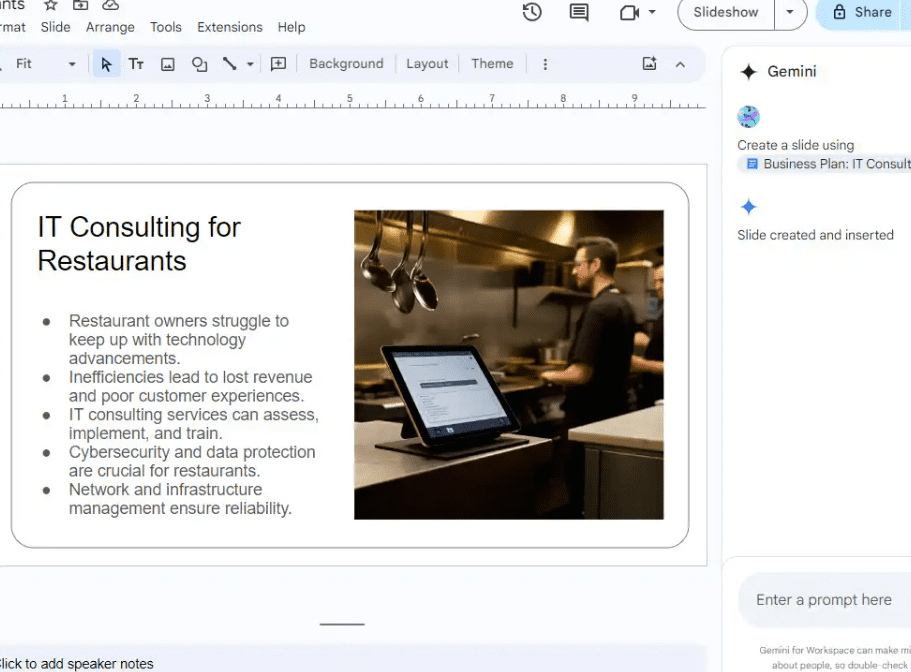
It supports real-time collaboration and AI-assisted workflows, making it ideal for teams already operating within Google’s ecosystem.
Pro Enterprise Tip: Use Gemini in Sheets for automated data analysis and reporting workflows.
Pricing: Included with Google Workspace (varies)
Pros:
- Strong collaboration features
- Deep Google integration
- Multimodal AI capabilities
Cons:
- Limited outside Google ecosystem
- Less flexible than standalone tools
Best AI Productivity Tool for Communication
Grammarly
Grammarly enhances enterprise communication by improving clarity, tone, and consistency.
It now includes AI-generated writing, making it useful for emails, reports, and internal communication.
Pro Enterprise Tip: Use Grammarly to maintain consistent brand voice across large teams.
Pricing: Free + Pro (~$12/month); enterprise pricing available
Pros:
- Improves communication quality
- Easy integration
- Lightweight and efficient
Cons:
- Limited beyond writing tasks
- Not workflow-focused
Best AI Productivity Tool for Development Teams
GitHub Copilot
GitHub Copilot is a leading AI tool for software development, helping teams write code faster and more efficiently.
It supports large-scale development workflows and improves productivity across engineering teams.
Pro Enterprise Tip: Use Copilot to automate repetitive coding patterns and reduce development time.
Pricing: ~$10–$39/user/month
Pros:
- Speeds up coding
- Reduces repetitive tasks
- Improves efficiency
Cons:
- Requires human review
- Limited outside development
READ MORE – Best AI Productivity Tools for Coders in 2026
Security and Compliance in Enterprise AI (2026)
Security is now a primary decision factor for enterprises adopting AI.
Key requirements include:
- SOC 2 Type II compliance
- GDPR readiness
- Data encryption and audit logs
- Role-based access control
- Private AI environments
Enterprises increasingly prefer tools that ensure data is not used for public model training, reducing risk and maintaining confidentiality.
Frequently Asked Questions
Is AI data secure for enterprise use in 2026?
Yes, most enterprise-grade AI tools offer strong security features such as encryption, compliance certifications, and private environments. However, organizations must configure these settings properly.
Which AI tool has the best ROI for large teams?
Tools like Microsoft Copilot and ChatGPT typically deliver high ROI due to their broad use cases and deep integration into workflows.
Can AI agents replace project managers?
AI agents can automate many operational tasks, but they cannot fully replace human decision-making, leadership, and strategic planning.
How to Choose the Right AI Productivity Tool
- Microsoft ecosystem → Microsoft Copilot
- High-security needs → Claude
- Research-heavy workflows → Perplexity
- Automation → Zapier
- Knowledge management → Notion AI
- General productivity → ChatGPT
Most enterprises use a combination of tools to maximize efficiency.
Final Thoughts
The best AI productivity tools for enterprise in 2026 are defined by their ability to act, not just assist.
Agentic AI, security, and integration depth are now the key differentiators. Organizations that adopt these tools strategically will gain a significant advantage in efficiency, scalability, and decision-making.
Choosing the right stack is not about picking a single tool—but building a system that aligns with your workflows, data requirements, and long-term goals.