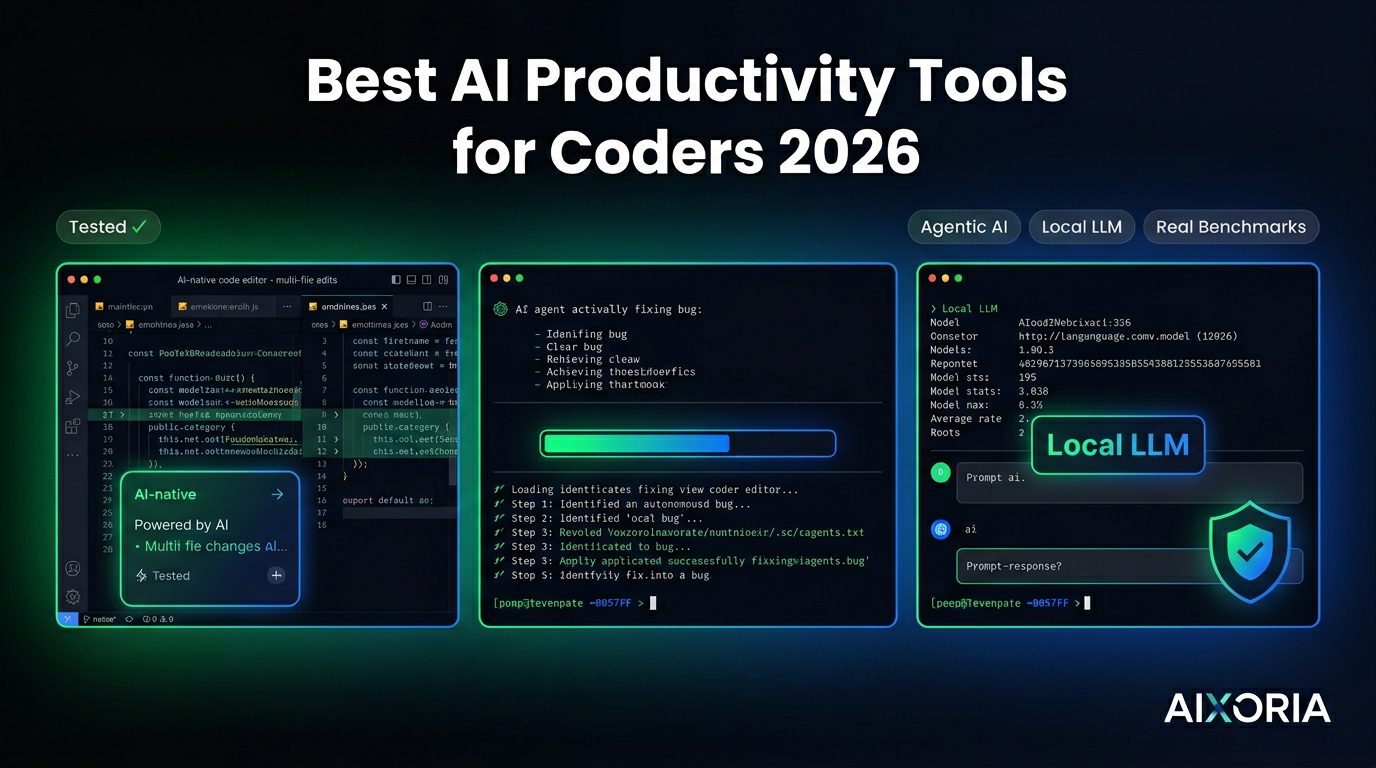
AI has moved far beyond autocomplete. In 2026, developer productivity is increasingly driven by AI agents that can understand entire codebases, execute tasks, and even ship pull requests. At the same time, privacy concerns and performance demands are pushing many developers toward local AI models and faster, AI-native editors.
The best AI productivity tools for coders today are not just assistants—they are collaborators. They help you write, debug, refactor, and even manage development workflows with minimal friction.
This guide covers the best AI productivity tools for coders, including the latest shift toward agentic coding, local LLM integration, and performance-first development environments.
Table of Contents
Our Testing Benchmark
To ensure this guide reflects real-world usage—not generic summaries—we evaluated each tool across three practical scenarios:
- Refactoring a legacy Node.js codebase
- Generating unit tests for a Python API
- Debugging a React race condition
We measured:
- Context accuracy (how well the AI understands the codebase)
- Latency (response speed)
- Hallucination rate (incorrect or misleading outputs)
What Makes the Best AI Productivity Tool for Coders?
Context awareness at scale
Modern tools must understand entire repositories, not just single files.
Agentic capabilities
The ability to take a task (e.g., “fix this bug”) and execute it end-to-end.
Local model support
Privacy-conscious developers need tools that can run models locally.
IDE and workflow integration
Seamless integration with editors, terminals, and CI/CD pipelines.
Multi-language and framework support
Essential for full-stack and cross-platform development.
READ MORE – Best AI Productivity Tools for Developers
The Best AI Productivity Tools for Coders at a Glance
| Tool | Best For | Context Window | Local Model Support | Pricing |
|---|---|---|---|---|
| GitHub Copilot | Real-time coding | Medium–High | No | From $10/month |
| Cursor | AI-first development | High | Yes | Free + paid |
| ChatGPT | Debugging & reasoning | Very High | Limited | Free + paid |
| Codeium (Windsurf) | Free AI IDE | High | Yes | Free |
| Tabnine | Privacy & enterprise | Medium | Yes | From $12/month |
| Replit Ghostwriter | Cloud development | Medium | No | From $10/month |
| Amazon CodeWhisperer | AWS workflows | Medium | No | Free + paid |
| Zed | Performance + AI | High | Yes | Free + paid |
| Devin / Agent tools | Autonomous coding | Very High | Limited | Enterprise |
Best AI Tool for Real-Time Code Completion
GitHub Copilot
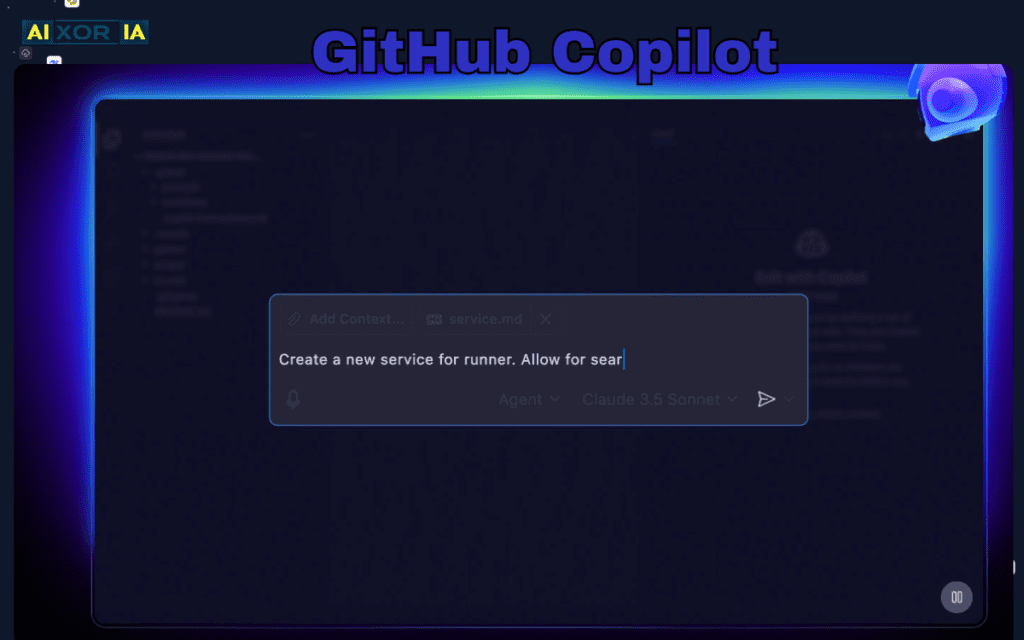
GitHub Copilot continues to be the default choice for developers who want fast, reliable code completion directly inside their editor.
It provides context-aware suggestions, generates boilerplate, and assists with repetitive coding tasks. In our testing, Copilot performed consistently well in generating unit tests and handling common patterns across multiple languages.
However, its biggest limitation in 2026 is that it still operates mostly at the line or function level, rather than handling entire tasks autonomously.
Pro Tip: Use Copilot Chat inside your IDE to refactor functions instead of writing prompts externally—it significantly improves context accuracy.
Pros:
- Strong IDE integration
- Fast and reliable suggestions
- Mature ecosystem
Cons:
- Limited agentic capabilities
- No local model support
Pricing: From $10/month
Best AI-First Coding Environment
Cursor
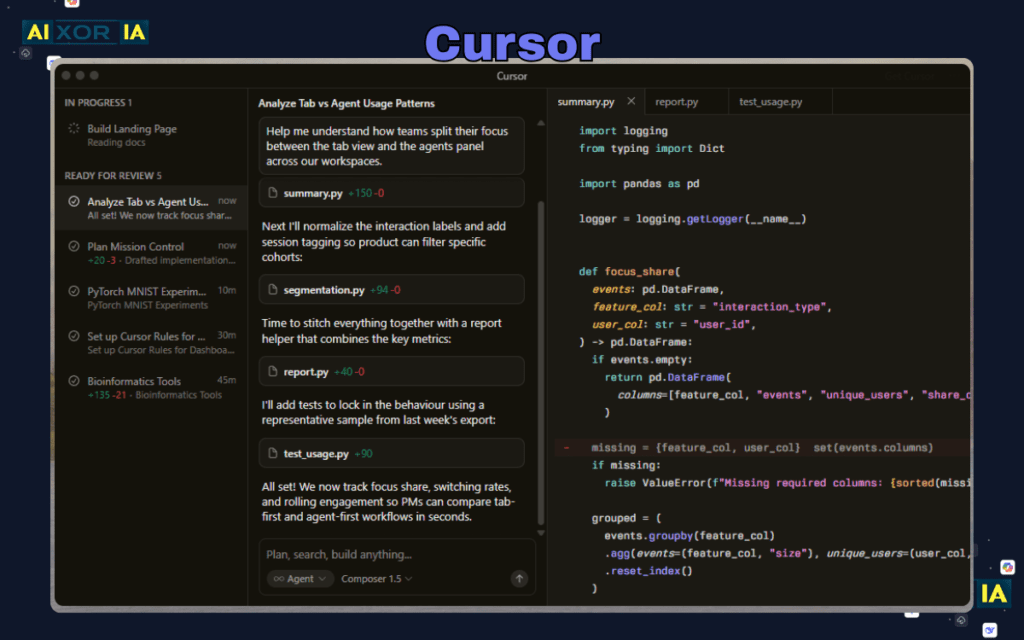
Cursor represents a major shift toward AI-native development environments. Instead of adding AI on top of an editor, Cursor integrates it into every layer of the experience.
It allows developers to interact with their codebase conversationally, generate multi-file edits, and refactor large systems with high context awareness. In our tests, Cursor performed particularly well when working with legacy Node.js code, significantly reducing manual effort.
Cursor also supports local model integration via tools like Ollama, allowing developers to run models such as Llama or Mistral locally for better privacy and control.
Pro Tip: Use @Codebase in Cursor to index your entire project before asking complex architectural questions.
Pros:
- Deep codebase understanding
- Multi-file editing
- Local LLM support
Cons:
- Learning curve
- Rapidly evolving feature set
Pricing: Free plan available; paid plans for advanced features
Best AI Tool for Debugging and Reasoning
ChatGPT
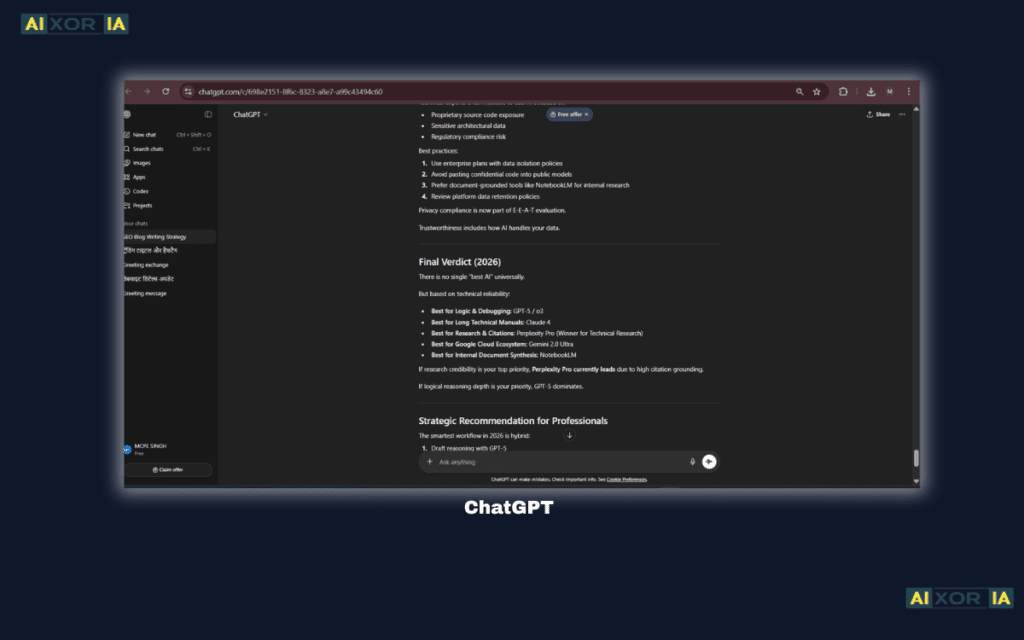
ChatGPT remains one of the most powerful tools for reasoning, debugging, and learning. While it’s not tied to a specific IDE, its strength lies in explaining complex issues and providing structured solutions.
In our testing, ChatGPT performed best in debugging React issues and explaining asynchronous bugs. It also excels at generating documentation and suggesting architectural improvements.
Pro Tip: Paste full error logs and relevant code blocks together—context dramatically improves output quality.
Pros:
- Strong reasoning capabilities
- Excellent for debugging
- Multi-language support
Cons:
- Not natively integrated into all IDEs
- Requires structured prompts
Pricing: Free + premium plans
Best Free AI Coding Tool (with IDE)
Codeium (Windsurf IDE)
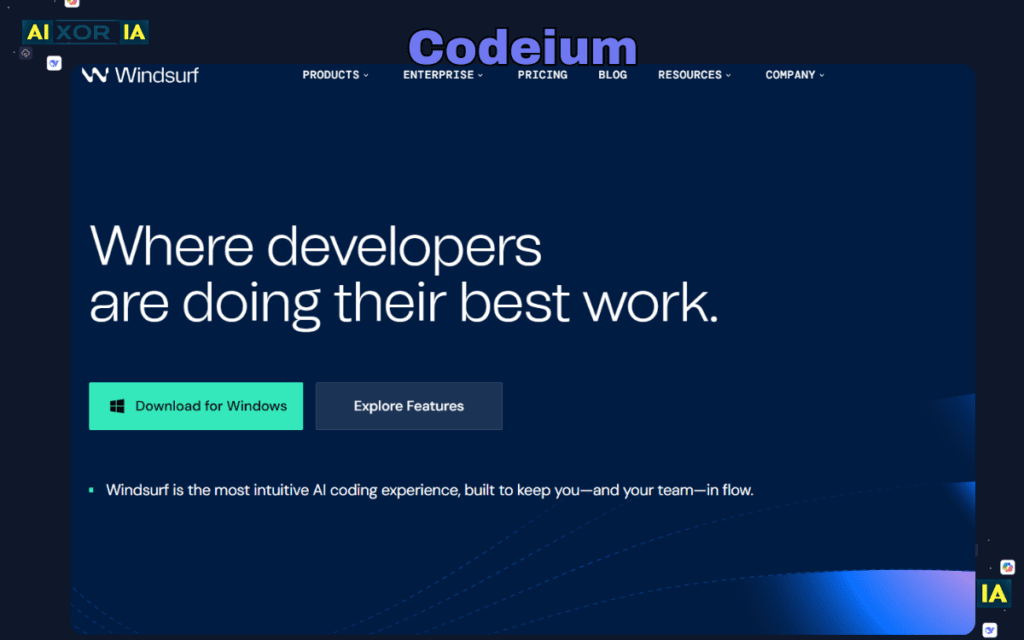
Codeium has evolved beyond a simple assistant into a full AI-powered development environment with its Windsurf IDE.
It offers real-time suggestions, chat-based coding, and strong multi-language support—all for free. Windsurf provides an integrated experience similar to Cursor, making it one of the most compelling free options available.
In our testing, Codeium performed well in generating Python unit tests and handling common workflows.
Pro Tip: Use Windsurf’s built-in chat to generate test cases directly from function definitions.
Pros:
- Completely free
- Integrated IDE experience
- Good performance across languages
Cons:
- Slightly less refined than premium tools
- Smaller ecosystem
Pricing: Free
Best Privacy-Focused AI Tool (Local LLM Support)
Tabnine
Tabnine is built for developers and enterprises that prioritize privacy and security.
It supports local model deployment, allowing teams to run AI on their own infrastructure. This ensures that sensitive code never leaves the environment. Tabnine integrates with multiple IDEs and provides reliable code completion.
While it may not match the reasoning power of newer tools, its privacy-first approach makes it essential for regulated industries.
Pro Tip: Combine Tabnine with local LLM tools like Ollama for a fully offline AI coding setup.
Pros:
- Strong privacy controls
- Local deployment
- Enterprise-ready
Cons:
- Limited advanced reasoning
- Less dynamic than newer tools
Pricing: From $12/month
Best AI Tool for Cloud Development
Replit Ghostwriter
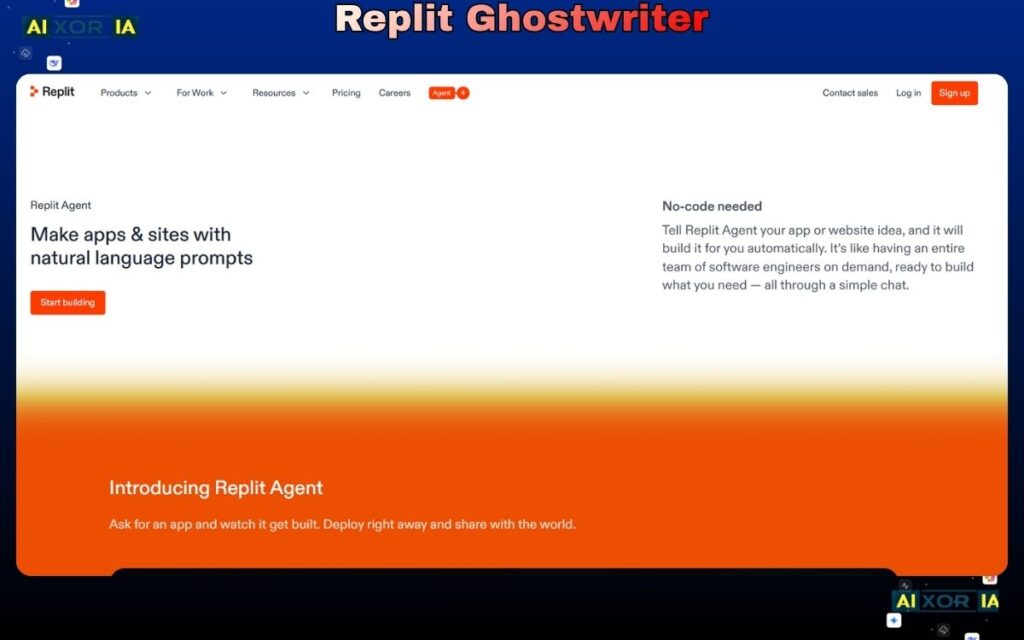
Replit Ghostwriter is designed for developers who prefer a browser-based environment.
It combines a cloud IDE with AI assistance, making it easy to write, test, and deploy code without local setup. It’s particularly useful for rapid prototyping and collaborative projects.
Pro Tip: Use Ghostwriter for quick prototypes before moving production code to a local IDE.
Pros:
- Accessible from anywhere
- Easy collaboration
- Integrated deployment
Cons:
- Limited for large-scale projects
- Internet dependency
Pricing: From $10/month
Best AI Tool for AWS Developers
Amazon CodeWhisperer
CodeWhisperer is optimized for AWS workflows and cloud-native development.
It provides intelligent suggestions aligned with AWS best practices and includes built-in security scanning. In our testing, it performed well in generating infrastructure-related code.
Pro Tip: Use CodeWhisperer when working with AWS SDKs—it significantly reduces configuration errors.
Pros:
- Strong AWS integration
- Security-focused
- Free tier available
Cons:
- Limited outside AWS ecosystem
- Less flexible for general coding
Pricing: Free + paid
Best AI Tool for Performance-Focused Development
Zed
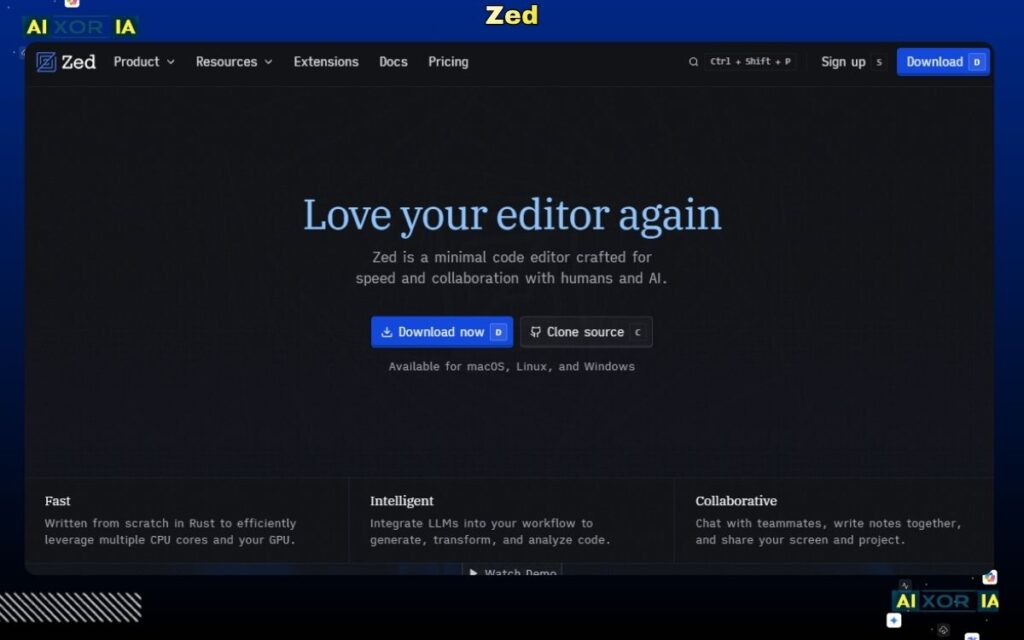
Zed is a high-performance code editor built in Rust, designed for speed and responsiveness. In 2026, it has added AI features that allow developers to combine fast editing with intelligent assistance.
Zed stands out for its low latency and smooth handling of large codebases. When paired with local LLMs, it becomes a powerful tool for developers who prioritize performance and control.
Pro Tip: Pair Zed with a local LLM setup for maximum speed and privacy.
Pros:
- Extremely fast
- Modern architecture
- Local AI compatibility
Cons:
- Smaller ecosystem
- Still growing feature set
Pricing: Free + paid
Best for Autonomous Task Handling (AI Agents)
Devin and GitHub Copilot Workspace
The biggest shift in 2026 is the rise of AI coding agents.
Tools like Devin and GitHub Copilot Workspace allow developers to assign complete tasks—such as fixing a bug, implementing a feature, or refactoring a module—and let the AI handle execution.
These tools can:
- Analyze codebases
- Write and modify code
- Run tests
- Create pull requests
In our testing, agentic tools showed strong potential in handling repetitive or well-defined tasks, though they still require human oversight for complex decisions.
Pro Tip: Use AI agents for well-scoped tasks, not ambiguous problems, to reduce errors.
Pros:
- End-to-end task execution
- Reduces manual effort
- Scales productivity
Cons:
- Still evolving
- Requires careful supervision
Pricing: Enterprise-focused (varies)
READ MORE – What Are the 8 Best AI Coding Assistant Tools?
Additional Productivity Layer: AI in the Terminal
Modern workflows are not limited to IDEs.
Developers are increasingly using AI-powered terminals such as Warp or enhanced shells with AI plugins to:
- Generate commands
- Debug CLI errors
- Automate repetitive terminal tasks
This adds another layer of productivity, especially for DevOps and backend developers.
How to Choose the Right AI Tool
- For real-time coding → GitHub Copilot
- For AI-native workflows → Cursor
- For debugging → ChatGPT
- For free usage → Codeium
- For privacy → Tabnine
- For performance → Zed
- For cloud workflows → Replit Ghostwriter
- For autonomous tasks → Devin / Copilot Workspace
FAQ
Is GitHub Copilot better than Cursor in 2026?
Copilot is better for quick, inline suggestions, while Cursor is more powerful for full codebase understanding and multi-file edits.
Which AI tool is best for refactoring legacy code?
Cursor and agentic tools like Devin perform best due to their ability to understand entire repositories.
Can I use AI coding tools offline?
Yes. Tools like Tabnine and Cursor (with local LLMs) support offline or private deployments.
Final Thoughts
AI coding tools in 2026 are no longer optional—they are foundational to modern development workflows.
The shift toward agentic AI, local models, and high-performance editors is redefining productivity. Developers who adapt to these tools will not just code faster, but also build more reliable and scalable systems.
The best approach is not to rely on a single tool, but to combine:
- An AI-powered editor
- A reasoning assistant
- Optional agentic tools
This layered setup delivers the highest productivity gains while maintaining control and code quality.
1 thought on “Best AI Productivity Tools for Coders in 2026 (Tested)”