A few years ago, I tried managing my work using sticky notes, WhatsApp messages, and random notebooks. It worked — until it didn’t.
Deadlines slipped. Files got lost. Team communication became messy.
That’s when I started testing modern productivity tools seriously.
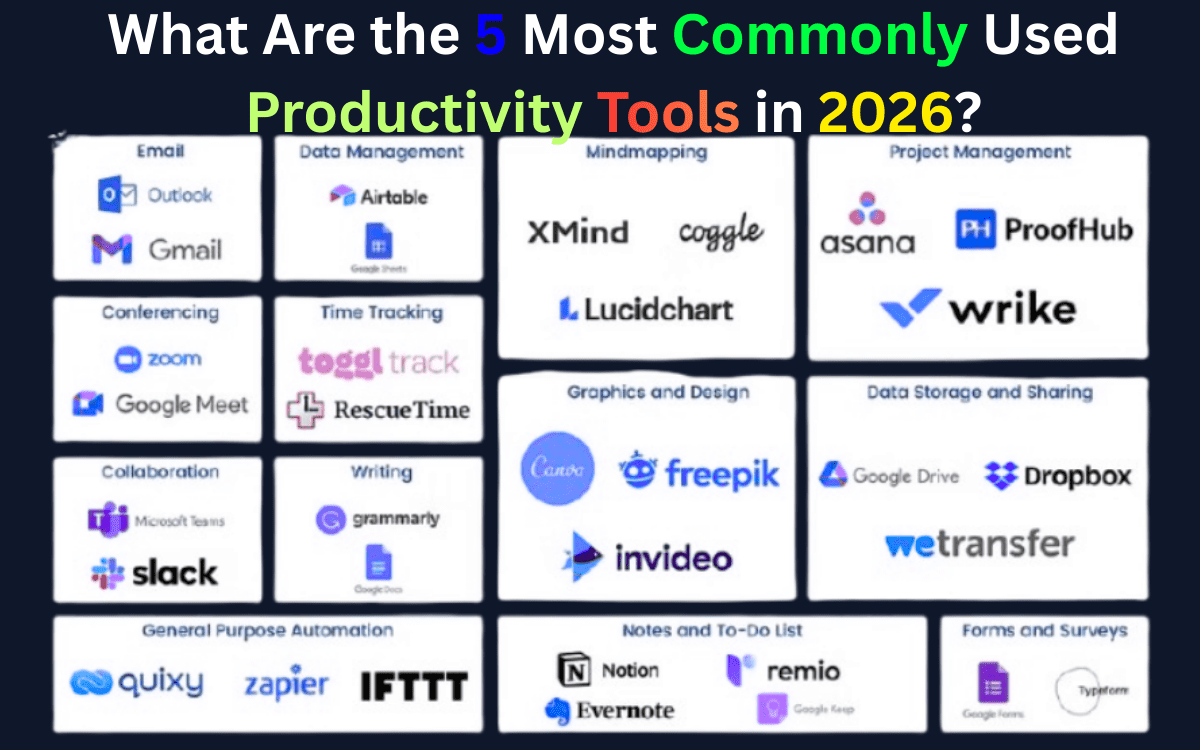
In this guide, I’m not just listing tools. I’m sharing the 5 most commonly used productivity tools in 2026, along with real-world insights, AI capabilities, and honest pros and cons.
If you’re a student, freelancer, or business owner, this will help you choose the right one — not all five.
Most Popular Productivity Tools in 2026
- Visual Task Management → Trello
- Team Communication → Slack
- All-in-One Workspace → Notion
- Document Collaboration → Google Docs
- Automation → Zapier
1. Trello – Best for Simple Visual Project Management
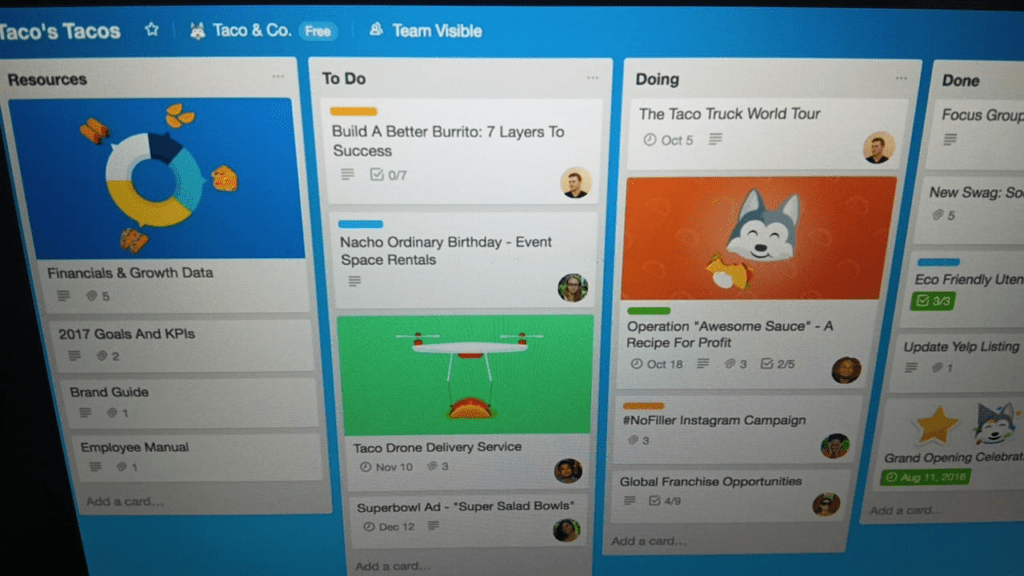
Trello remains one of the most widely used task management tools because of its simplicity.
It uses boards and cards based on the Kanban system.
My Experience Using Trello
I’ve personally used Trello for managing blog content calendars. For solo work, it’s incredibly clean and distraction-free.
However, once projects became more complex (multiple deadlines, dependencies), I felt its limitations compared to more advanced tools.
2026 AI Angle
Trello now includes automation features (Butler automation) that help reduce repetitive actions like moving cards or assigning tasks.
Best For:
- Freelancers
- Small teams
- Beginners in project management
Official website: trello.com
2. Slack – Best for Team Communication in 2026
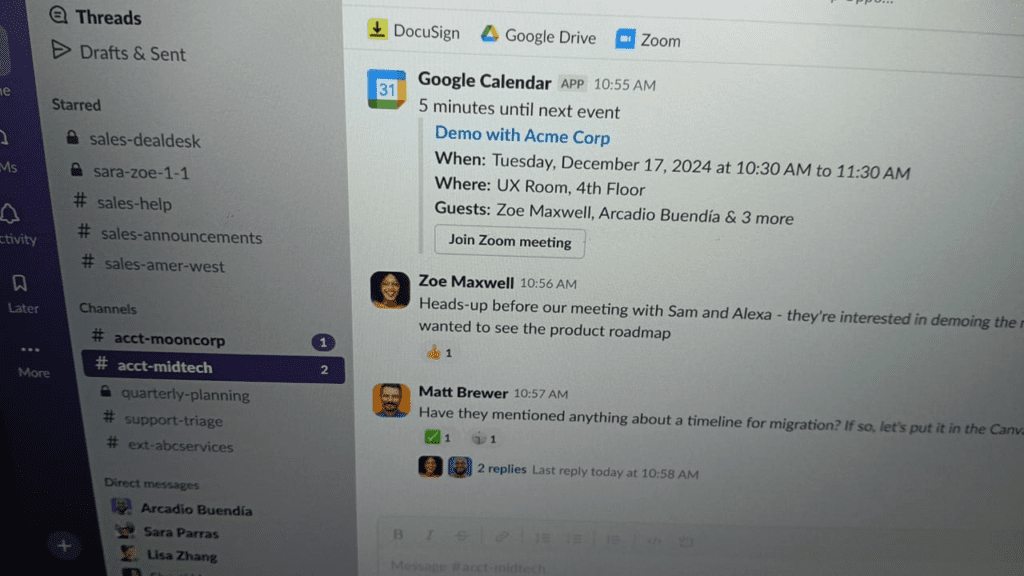
Slack has transformed workplace messaging.
Instead of cluttered emails, teams use channels organized by topic.
Real-World Insight
In remote teams, Slack significantly reduces email overload. However, without proper channel structure, it can become noisy.
2026 AI Features
Slack now integrates AI summaries that:
- Summarize long threads
- Suggest replies
- Highlight important messages
This makes it future-ready and aligned with modern AI workflows.
Best For:
- Remote teams
- Agencies
- Startups
Official website: slack.com
3. Notion – Most Flexible Productivity Tool
Notion is currently one of the most discussed productivity platforms.
It combines:
- Notes
- Databases
- Wikis
- Project management
- AI writing assistance
My Personal Workflow
I use Notion to:
- Plan content strategy
- Track article ideas
- Store research
- Build internal SOPs
It replaced 3–4 separate tools in my workflow.
2026 AI Justification
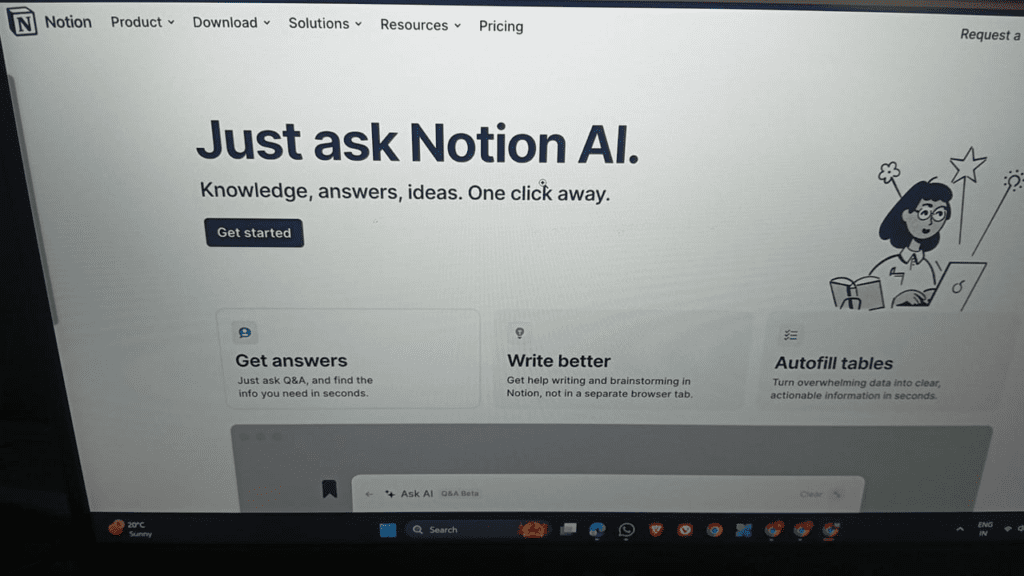
Notion AI can:
- Summarize notes
- Rewrite content
- Generate drafts
- Brainstorm ideas
This is why it remains highly relevant in 2026.
Limitation
There’s a learning curve. Beginners may feel overwhelmed initially.
Official website: notion.so
4. Google Docs – Still the Global Standard for Collaboration
Despite new tools, Google Docs remains one of the most used productivity platforms worldwide.
Why It’s Still Dominant
- Real-time editing
- Comment & suggestion mode
- Auto-save
- Cloud access
I still use Google Docs when collaborating with clients who don’t want to learn new software.
2026 Update
Google now integrates AI writing suggestions and document summaries inside Docs, making it smarter than ever.
Official website: docs.google.com
5. Zapier – Best for Automating Repetitive Tasks
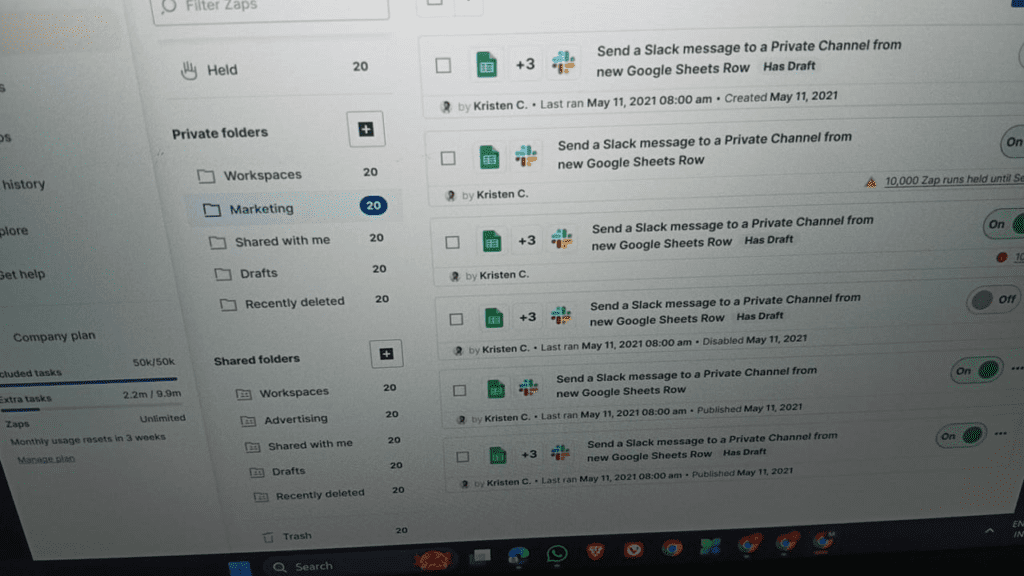
Zapier connects apps and automates workflows.
Real Example
I use Zapier to:
- Automatically collect form submissions
- Send Slack notifications
- Add leads to email software
This saves around 3–4 hours per week.
Why It Matters in 2026
Automation is no longer optional. Businesses that automate simple processes save time and reduce errors.
Official website: zapier.com
Which Productivity Tool Should You Choose?
If you:
- Want simple task tracking → Trello
- Need team messaging → Slack
- Prefer an all-in-one system → Notion
- Collaborate on documents → Google Docs
- Want automation → Zapier
Important: Don’t install all five at once. Start with one and build a system around it.
Tools don’t create productivity — structured workflows do.
FAQ
Is Notion better than Trello for project management?
Not necessarily. Trello is simpler and faster for task boards. Notion is better if you want databases, documentation, and customization.
Are these tools free?
All five offer free plans, but advanced AI and automation features usually require paid plans.
Which productivity tool is best for small businesses?
For small businesses:
- Slack + Google Docs for communication
- Trello or Notion for project tracking
- Zapier for automation
Do AI features really improve productivity?
Yes, especially for summarizing information, drafting content, and automating repetitive actions. However, AI should support — not replace — human decision-making.
Final Thoughts
The reason these five tools are the most commonly used in 2026 is simple:
They solve real problems.
But productivity doesn’t come from installing apps. It comes from clarity, focus, and consistent systems.
Start small. Master one tool. Then expand.
Author
Written by baku
Digital Productivity Researcher & Workflow Optimization Specialist. I test modern tools and share practical insights for professionals and creators.