When Spreadsheets Stop Working: The Case for Production Planning Software
Scr0ll d0wn to D0VVNL0AD
Production planning software is a digital tool that helps manufacturers organize, schedule, and track everything needed to make products — from raw materials to finished goods.
Quick answer: What does production planning software do?
- Schedules production — assigns jobs to machines and time slots in the right order
- Manages materials — calculates what you need and when to order it
- Tracks capacity — shows whether your team and equipment can handle the workload
- Monitors progress — gives real-time visibility into what’s running, what’s delayed, and where bottlenecks are forming
- Improves delivery — helps you hit deadlines by catching problems before they become crises
If you’re running production on whiteboards and spreadsheets, you already know the feeling. One rush order drops in, and suddenly you’re spending a full day reshuffling everything manually. As one common scenario in manufacturing goes: a single schedule change forces a cascade of updates across Excel files, whiteboards, and ERP screens.
That works fine at low volumes. It breaks fast when orders scale up.
Modern production planning software replaces that chaos with a single system. It connects your sales orders, inventory, capacity, and shop floor into one live view — so you always know what to make, when to make it, and whether you actually have the resources to do it.
The results speak for themselves. Advanced planning systems have been associated with productivity gains of around 25%, inventory reductions of up to 50%, and on-time delivery improvements of 50% or more.
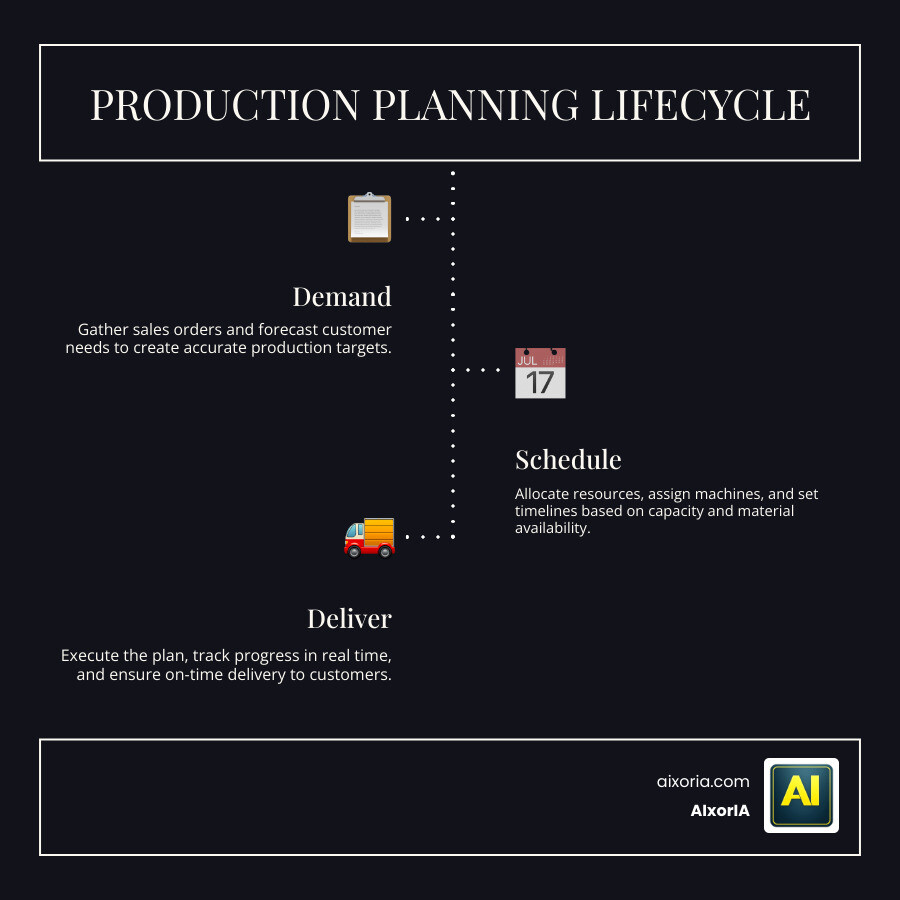
What is Production Planning Software?
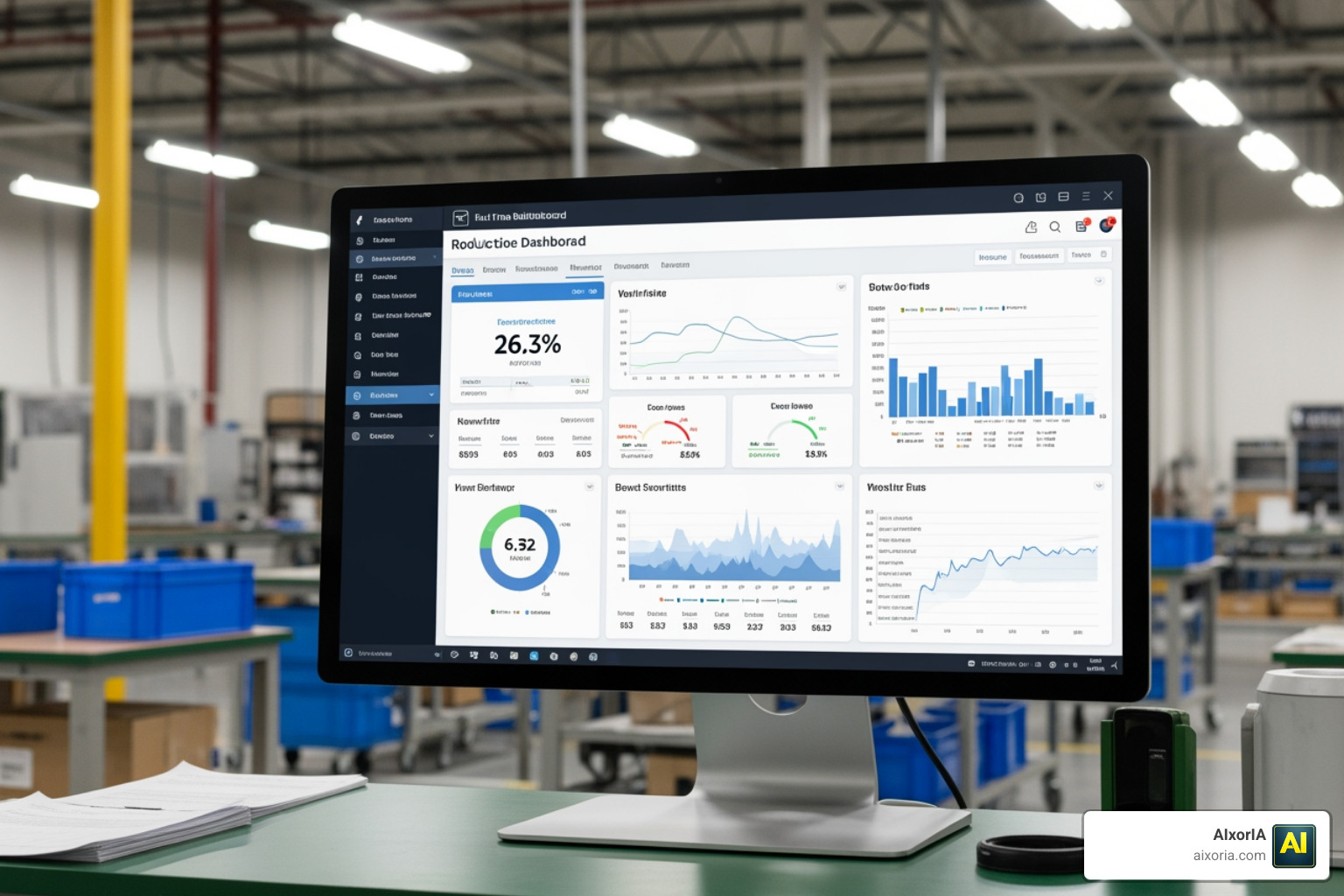
At its core, production planning software is the “brain” of a manufacturing operation. It is designed to organize and control the flow of resources, tasks, and timelines required to complete a manufacturing process. While many people use the terms “planning” and “scheduling” interchangeably, they represent two different levels of management.
Production Planning is the big-picture view. It asks: What do we need to make? How much of it? Do we have the materials and total capacity to do it over the next month? It’s about feasibility and long-term strategy.
Production Scheduling, on the other hand, is the tactical execution. It asks: Which specific machine is running this job at 10:00 AM today? Which operator with the right certifications is available?
Modern software bridges this gap by providing high-level capacity visibility and granular task organization. Instead of guessing if you can meet a deadline, the software analyzes resource availability and constraints to give you a “capable-to-promise” date. This streamlines operations by ensuring that the shop floor isn’t just busy, but is working on the right things in the right order.
Core Features of Modern Production Planning Software
To move beyond basic spreadsheets, modern systems include several heavy-hitting features that handle the heavy lifting of data processing:
- Interactive Gantt Charts: These provide a visual timeline of your production. The best tools offer drag-and-drop functionality, allowing you to move a job and instantly see how it impacts every other order in the queue.
- Material Requirements Planning (MRP): This engine calculates exactly what raw materials are needed, in what quantities, and when they must arrive to keep the line moving without overstocking the warehouse.
- Finite Capacity Scheduling: Unlike “infinite” planning (which assumes you have unlimited resources), finite scheduling recognizes that you only have so many machines and hours. It prevents overloads and identifies bottlenecks before they stop production.
- Real-time Dashboards: These replace those long, boring status meetings. Instead of asking for updates, managers can see live progress tracking and “plan vs. actual” comparisons at a glance.
- Resource Allocation: This ensures that tools, labor, and machinery are balanced. It can even track employee skills to ensure the right person is assigned to complex tasks.
In May 2026, the integration of smart tools is more critical than ever. To see how these digital capabilities fit into the broader landscape of efficiency, check out our guide on the Best Ai Tools For Business Productivity.
Maximizing Efficiency with Production Planning Software
Why bother making the switch? The move from manual to automated planning isn’t just about “going digital”—it’s about the bottom line.
| Feature | Manual (Spreadsheets/Whiteboards) | Automated Production Planning Software |
|---|---|---|
| Rescheduling | Takes hours or days; prone to errors | Done in seconds with a few clicks |
| Visibility | Siloed; data is often outdated | Real-time; single source of truth |
| Inventory | High “just in case” safety stocks | Lean; based on actual demand |
| Bottlenecks | Discovered only when production stops | Identified in advance via capacity alerts |
| Data Accuracy | High risk of manual entry errors | Automated sync with ERP/MES systems |
By using production planning software, manufacturers can significantly reduce cycle times. For example, some users of Visual Planning report that 96% of their teams save time compared to their previous manual strategies. When you reduce the time spent on administrative “firefighting,” you increase throughput—the actual amount of product leaving your facility.
Furthermore, these tools help minimize inventory costs. By aligning material arrivals with the actual production start time, you don’t have cash tied up in raw materials sitting on a shelf for weeks. This lean approach is a cornerstone of modern manufacturing excellence. You can learn more about optimizing workflows in our Best Ai Tools For Business Productivity discussion.
Implementation and Integration Strategies
Implementing production planning software isn’t just about installing an app; it’s about connecting your business. One of the biggest hurdles manufacturers face is “data silos”—where the sales team uses one system, the warehouse uses another, and the production floor uses a paper log.
To truly succeed, your planning software should integrate with:
- ERP (Enterprise Resource Planning): To sync sales orders, purchase orders, and financial data.
- MES (Manufacturing Execution System): To get real-time data directly from the machines on the shop floor.
- Inventory Systems: To ensure the planner knows exactly what is in stock before scheduling a job.
Modern cloud-based solutions, like those from Brahmin Solutions, often offer faster implementation timelines—sometimes going live in just 3 to 6 weeks—compared to the 6 to 18 months required for legacy enterprise systems. The key is to clean your data (like your Bill of Materials) before you start and to focus on training your team on daily workflows rather than just clicking buttons. For more insights on overcoming these technical hurdles, see our community notes on the Best Ai Tools For Business Productivity.
The Role of AI in Production Management
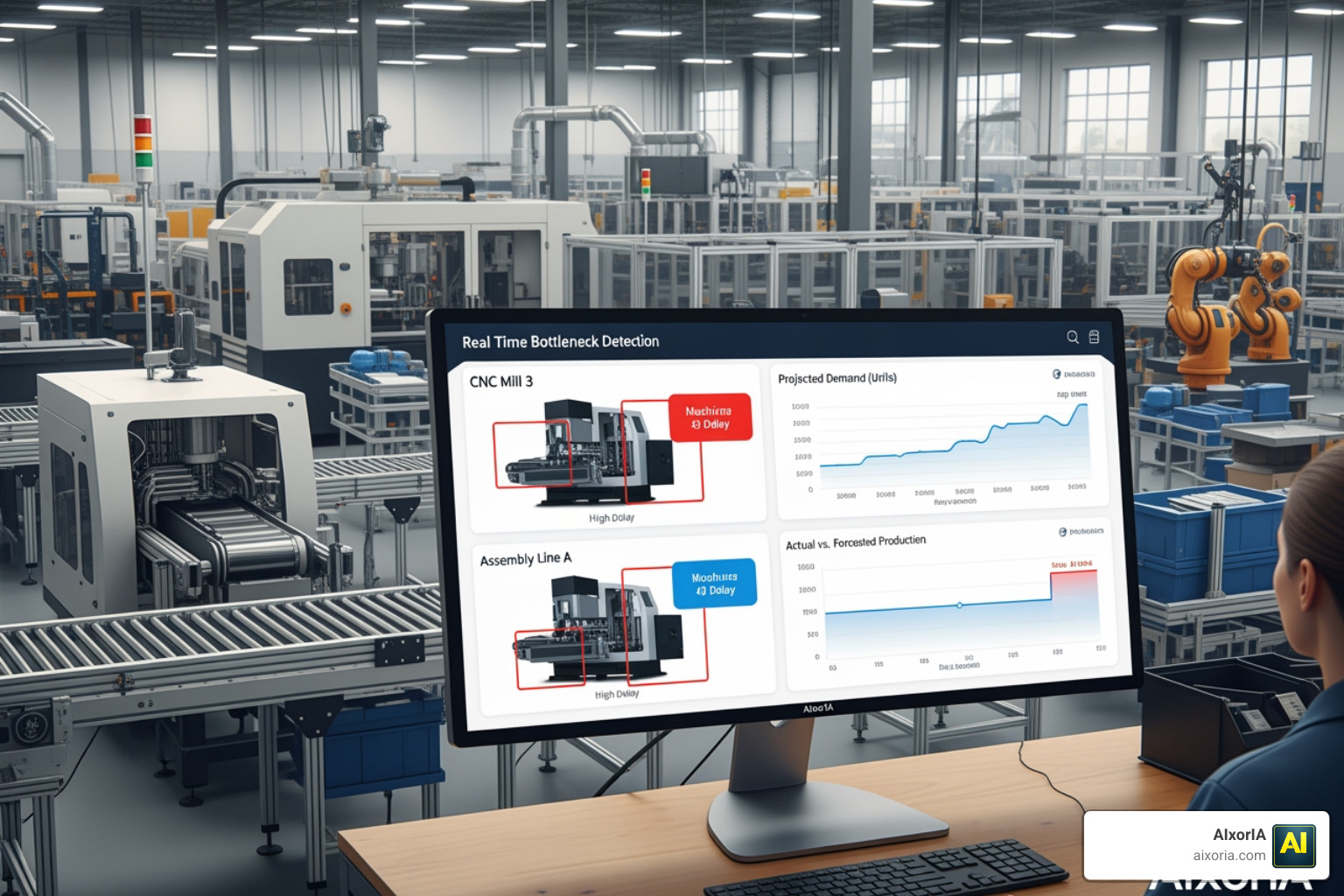
As of May 2026, Artificial Intelligence has moved from a “nice-to-have” to a core component of production management. AI doesn’t just display data; it interprets it.
AI-Powered Production Planning Software
AI-driven tools, such as Lucie, can evaluate thousands of possible production sequences in under 10 seconds. This allows for “one-click rescheduling” that accounts for delivery dates, material shortages, and machine maintenance simultaneously. Machine learning algorithms also improve over time; they learn that a specific machine actually runs 5% slower on Tuesdays or that a certain material takes longer to prep, leading to increasingly accurate schedules. Explore how AI is changing the game in our article on Best Ai Tools For Business Productivity and the specific applications for Best Ai Tools For Business Productivity.
Optimizing Resources with Production Planning Software
AI also excels at “load leveling.” If one work center is buried in tasks while another is idle, the software can suggest moving jobs to alternative machines or shifts. It can also handle complex “what-if” scenarios. What if our main supplier is two days late? What if we add a third shift next week? AI helps you see the outcome before you make the change. This intelligent resource allocation ensures you are maximizing your shop floor ROI by keeping your most expensive assets—machines and skilled labor—running at peak efficiency. For more on resource optimization, visit Best Ai Tools For Business Productivity.
Frequently Asked Questions about Production Management
What is the difference between production planning and scheduling?
Think of planning as the “What” and “How much” (e.g., “We need to make 5,000 units this month”). Scheduling is the “Who,” “Where,” and “When” (e.g., “Machine B will make 200 units starting at 8 AM Monday, operated by John”). Planning sets the goals; scheduling handles the minute-by-minute execution.
How does this software reduce inventory costs?
It uses Material Requirements Planning (MRP) to ensure you only order what you need, exactly when you need it. By providing visibility into actual production needs versus forecasted demand, it helps eliminate “safety stock” that just gathers dust and ties up capital. Systems like Plex are specifically noted for keeping inventory levels low while optimizing capacity.
Can small manufacturers afford advanced planning tools?
Absolutely. While enterprise systems like Siemens Opcenter or Acumatica offer deep power for large plants, there are now many cloud-based options designed specifically for small to mid-sized manufacturers. These often start at a much lower monthly price point and don’t require a massive IT team to maintain.
Conclusion
The transition to production planning software is a vital step for any manufacturer looking to scale in 2026. By moving away from manual, reactive methods and embracing proactive, data-driven tools, companies can achieve a state of continuous improvement and lean manufacturing. Whether you are looking to solve a specific bottleneck or undergo a total digital transformation, the right software provides the visibility needed to stay competitive.
At AIxorIA, we specialize in helping businesses navigate these complex technological shifts. From custom AI solutions to performance audits, we empower your team to work smarter, not harder. To stay ahead of the curve, explore our More info about AI tools for industrial engineering in 2026 and see how we can help you optimize your operations for the future.
1 thought on “Production Planning Software in 2026: Best Tools, AI Features & Benefits”